
Madden NFL 16 Guide Connected Franchise Mode
Choose Your Experience

CFM: Tips, Tricks, and Strategies to Build a Dynasty
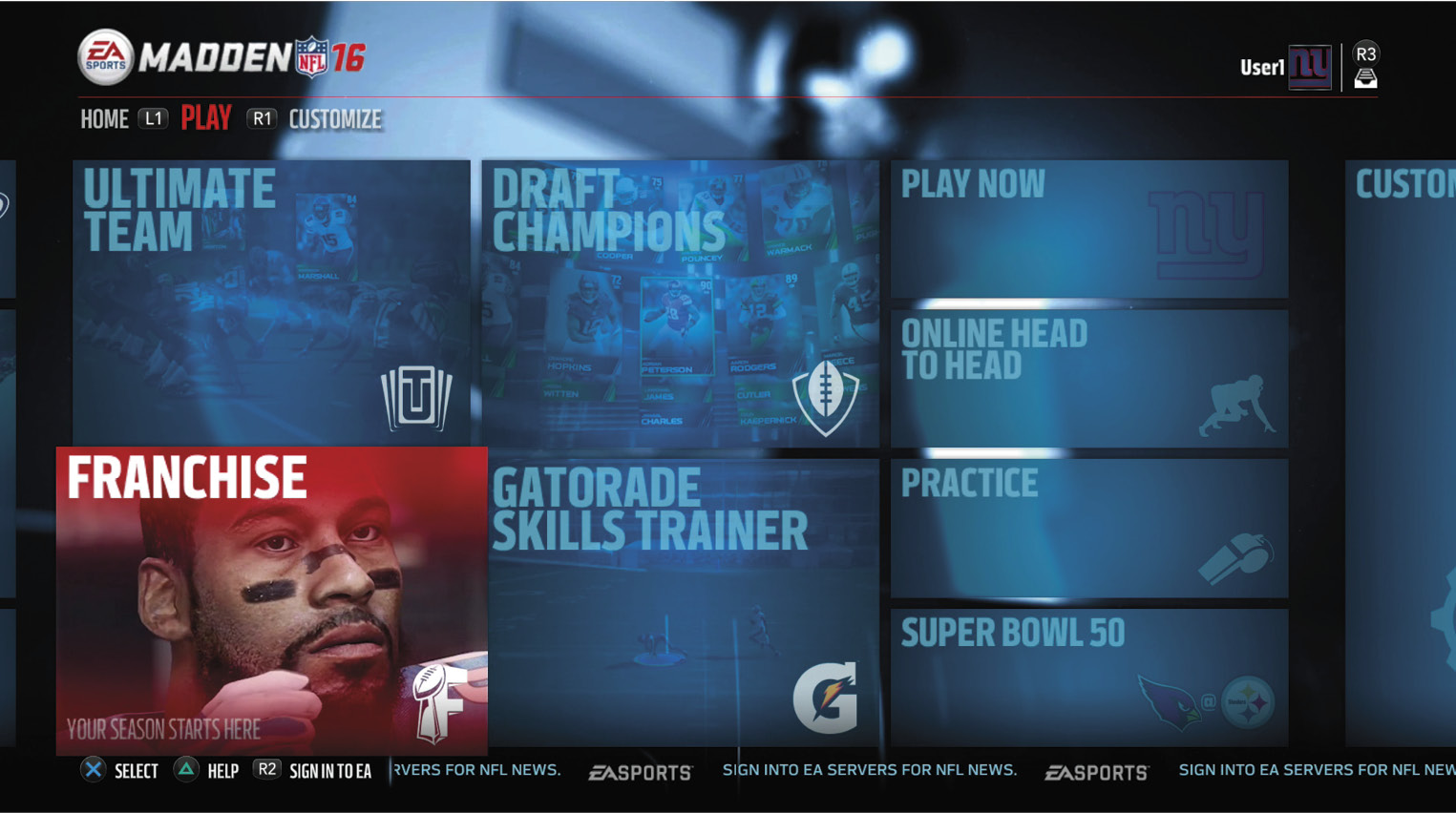
Connected Franchise Mode is the best way to follow the real experience of building an NFL franchise over multiple seasons while following the full calendar from preseason through the draft. This year, the experience is faster than ever before, but is also deeper for players who want to dive in and control every aspect.
If you have ever been too afraid to take the reins of your favorite team, this is the year to get involved with CFM! The CPU will help you get started quickly and will help manage all your day-to-day operations. While many players love playing with their friends in an online franchise with up to 32 total users, a good portion of players still like to play offline with CPU opponents. Why not give both a shot?
CFM Quick Start Guide
- Choose between Cloud and Offline
- Select a Team
- Start Regular Season as Current Coach
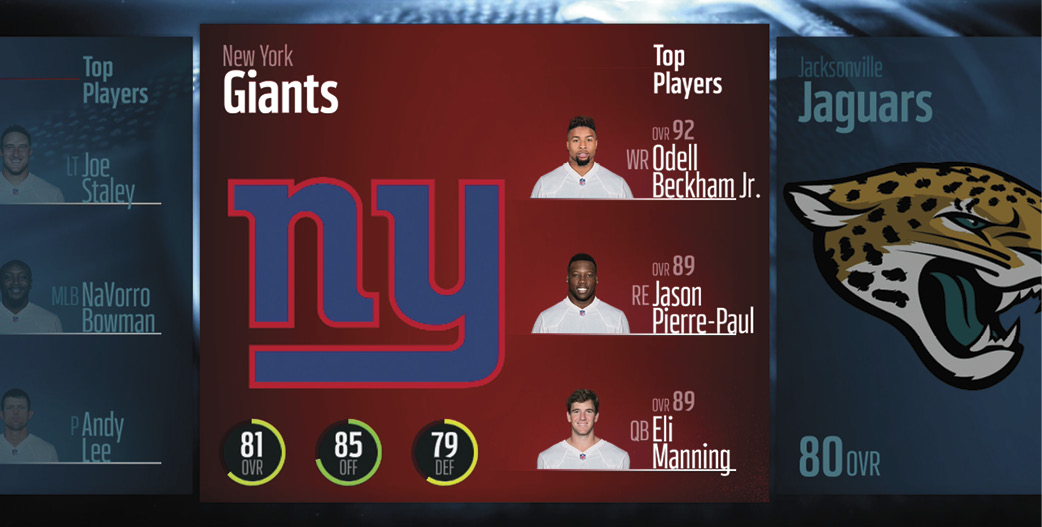
Full Start CFM Checklist
- Choose Cloud or Offline
- Create or Join a League (Optional)
- Choose Preseason or Active Roster
- Select Team
- Choose Starting Point (Preseason, Regular, Fantasy Draft)
- Choose Role (Player, Coach, Owner)
- Customize League Settings (Difficulty, Quarter Length, etc.)
- Start Season
CFM Season Responsibilities
- Set Depth Chart
- View Free Agents
- View Trade Block
- View Goals
- View News
- Cut Players (Preseason Start Only)
- Game Prep
- Talk to Media
- Free Practice Mode
- Start Regular Season
- Check Free-Agent Wire
- Upgrade Players
- Scout for NFL Draft
- Playoffs
- Free Agency
- NFL Draft
- Start Season 2!