
Lego Star Wars III: The Clone Wars Guide Essentials Padawan Training
Adventurous Actions
Fighting
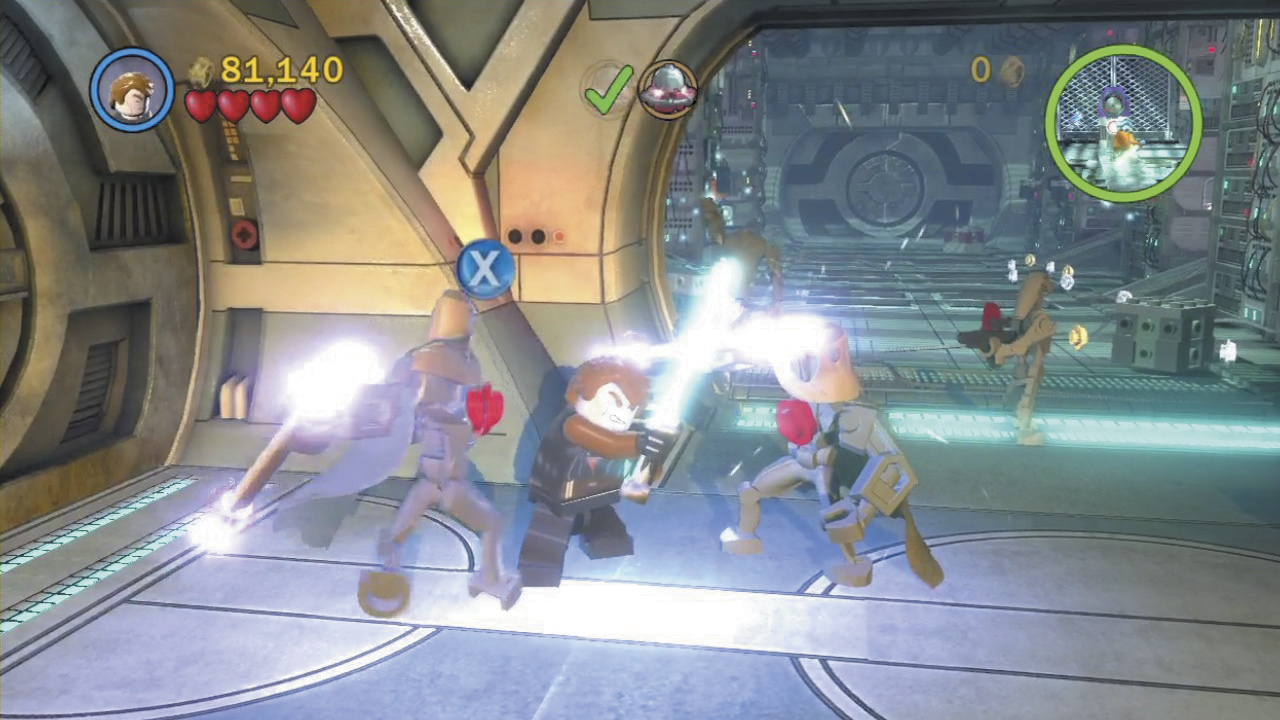
The Clone Wars saga takes place during a period of civil war, so expect to do a lot of fighting. Fortunately, combat couldn’t be easier in LEGO Star Wars III—just hammer the Attack button to whale away at whatever stands before you. Many characters carry some form of weapon—some are more useful than others!
- Melee weapons usually pack quite a punch, but they’re useless until you get close.
- Basic blasters will defeat the weak, but they lack firepower.
- Explosive weapons, such as grenades and rocket launchers, are devastating against most targets, and they’re the only weapons that can destroy silver objects.
- Rapid-fire weapons are better suited to mowing down crowds, and they’re the only weapons that can overheat and destroy gold objects.
- Sniper rifles are powerful blasters that let you pick off remote targets other weapons can’t reach.
- Lightsabers are lethal at close range, and they can be throw at distant targets. See the following “Lightsaber Play” section for details.
Breaking Stuff
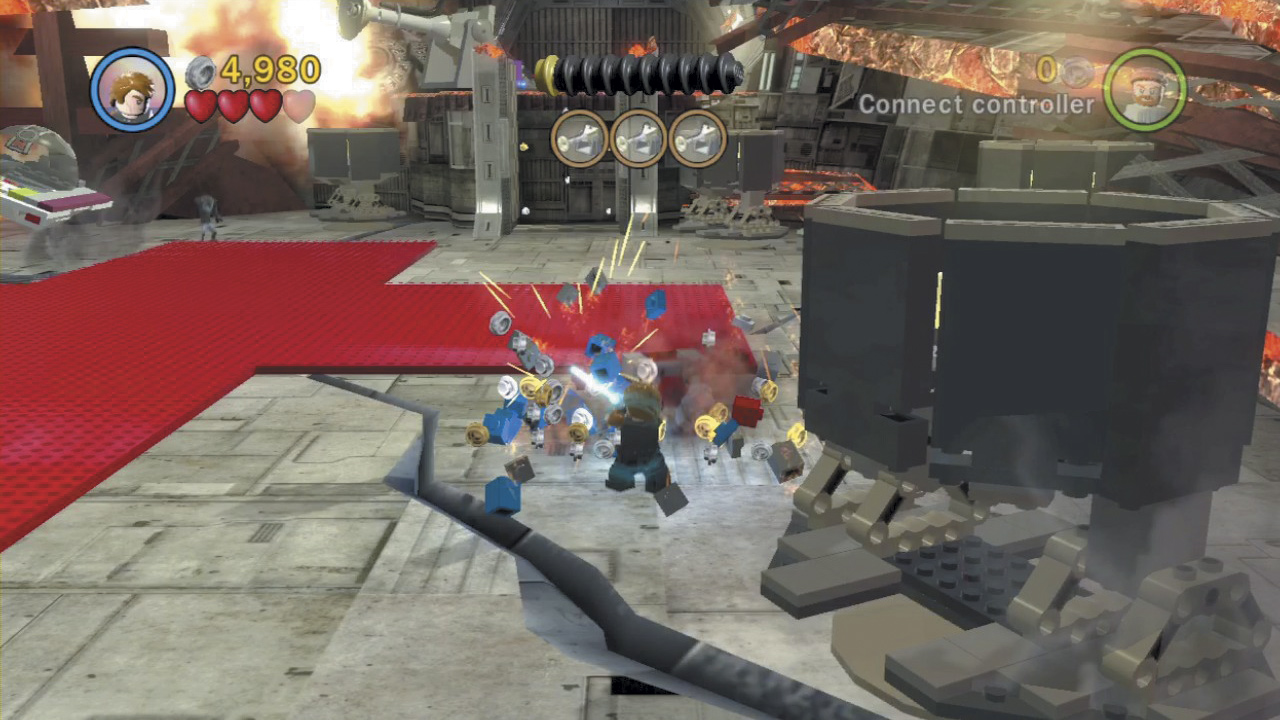
Tearing through enemy Droids is a big part of life in LEGO Star Wars III, but so is smashing stuff. Attack everything you see to find all sorts of goodies, from loose studs to jiggling LEGO pieces that can be built into useful objects.
Building Stuff
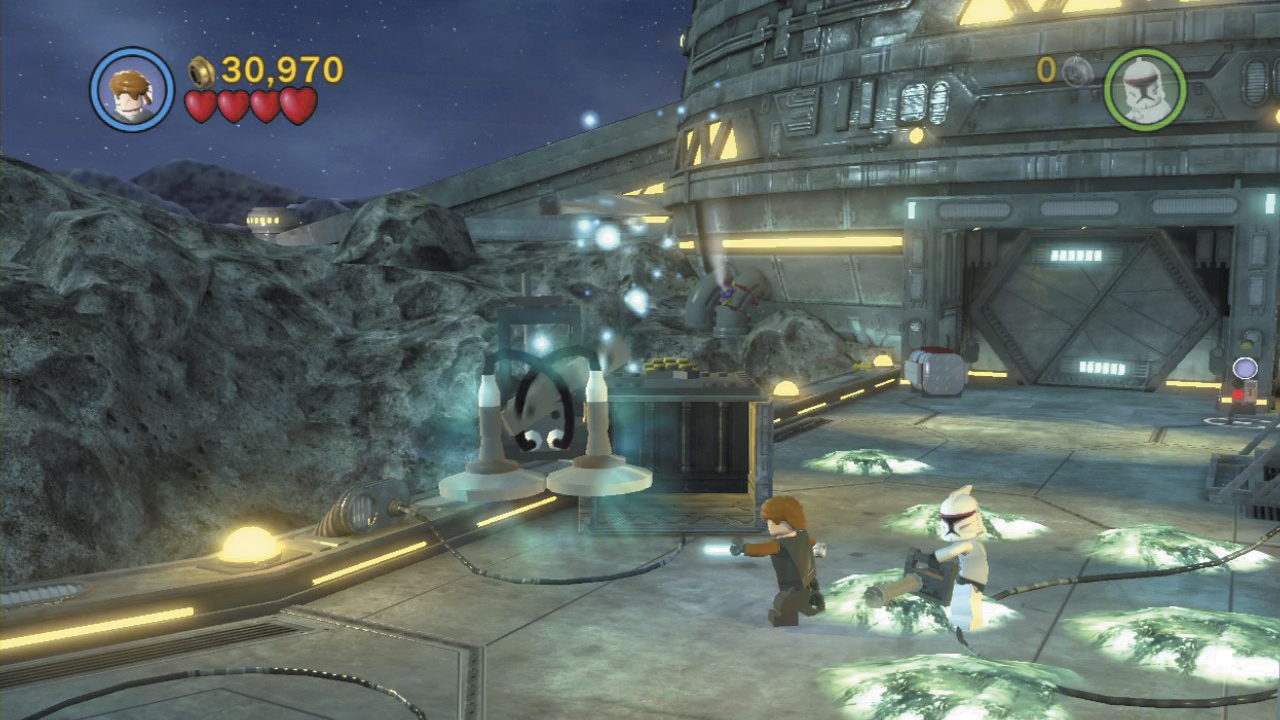
Building stuff helps you get ahead. Whenever you spy a pile of jiggling pieces, stand next to them, then press and hold the Action button. Whatever you end up building, it’s sure to help you!
Activating Panels
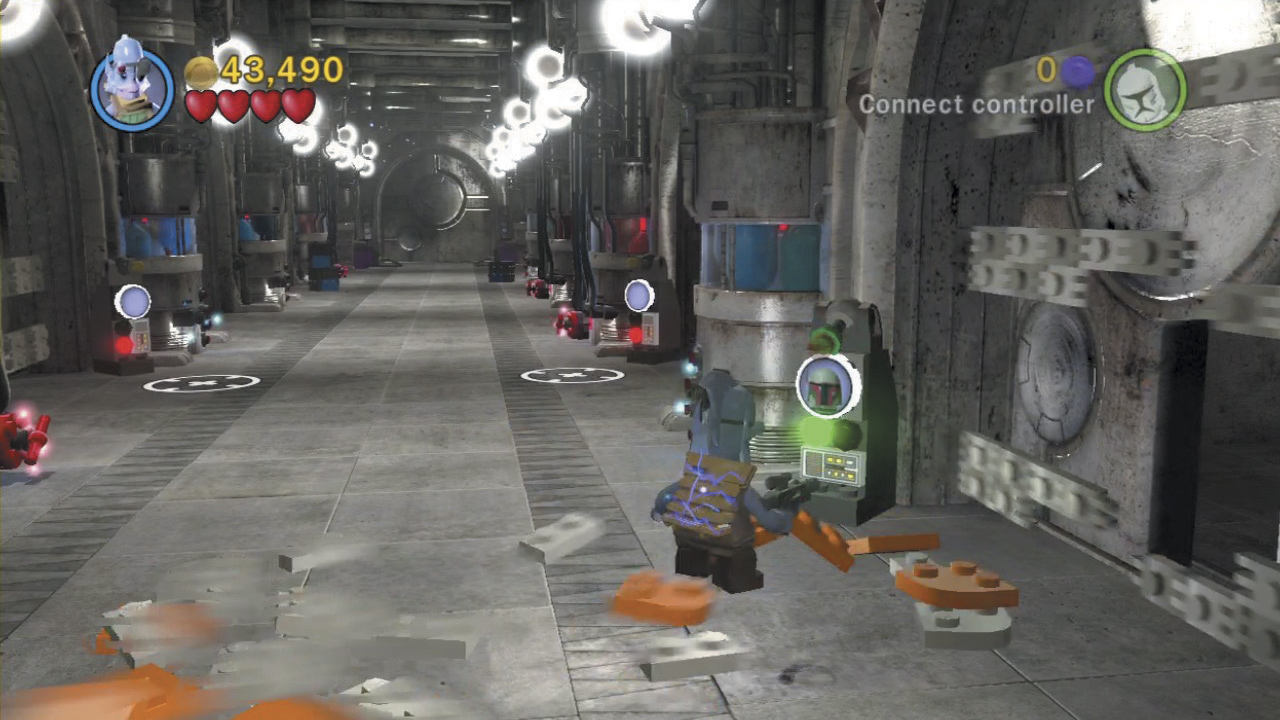
Many areas you’ll visit will feature one or more special panels. Stand close and these will light up with an image of a certain character class (clone trooper, bounty hunter, astromech Droid, etc.). Only characters whose class matches the one shown on the panel will be able to activate it! Activating panels often leads to beneficial changes in your nearby surroundings.
Using the Force
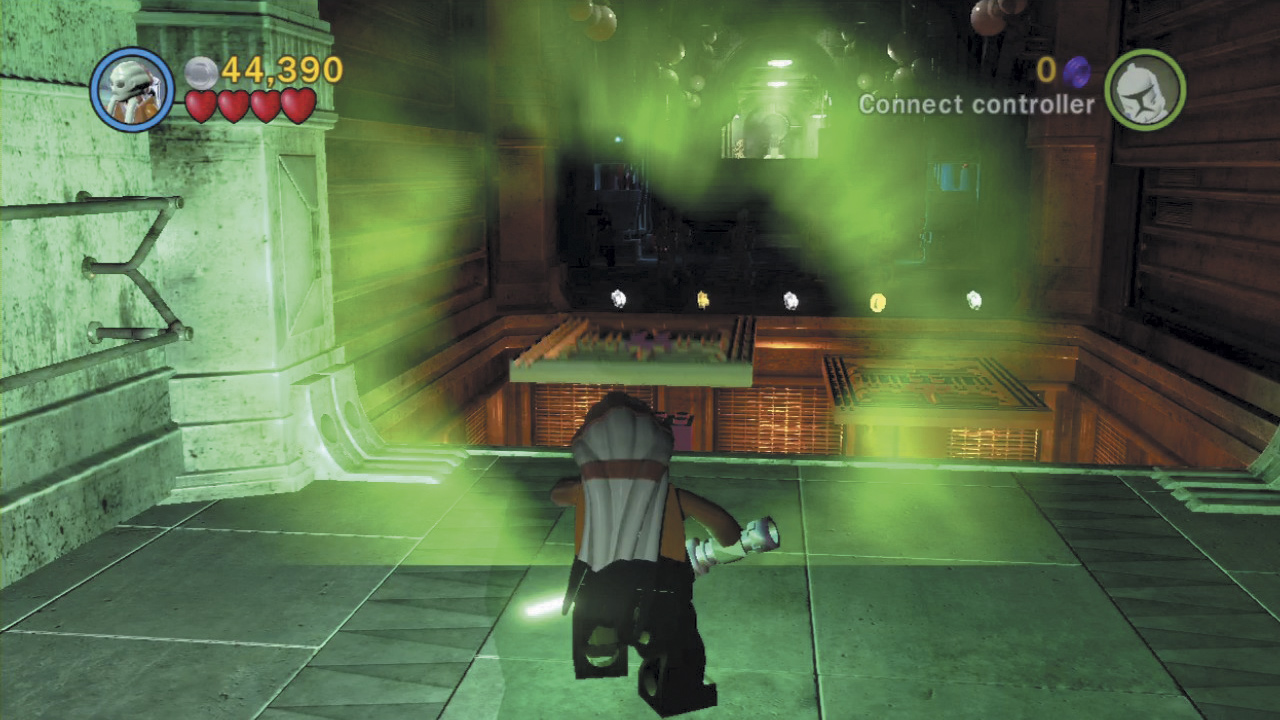
The Force is an unseen energy that unifies and binds together everything in existence. Jedi and Sith characters are able to “use the Force” to manipulate this unseen energy to create beneficial changes in their surroundings. Anything in the environment that glows with a mysterious aura can be manipulated in some fashion by using the Force—try it and see what happens! Press and hold the Attack button to take aim with a Lightsaber. Move your cursor about the screen and see what you can target, then release the Attack button to hurl your Lightsaber at everything you’ve highlighted. This is a great way to strike out-of-reach foes!
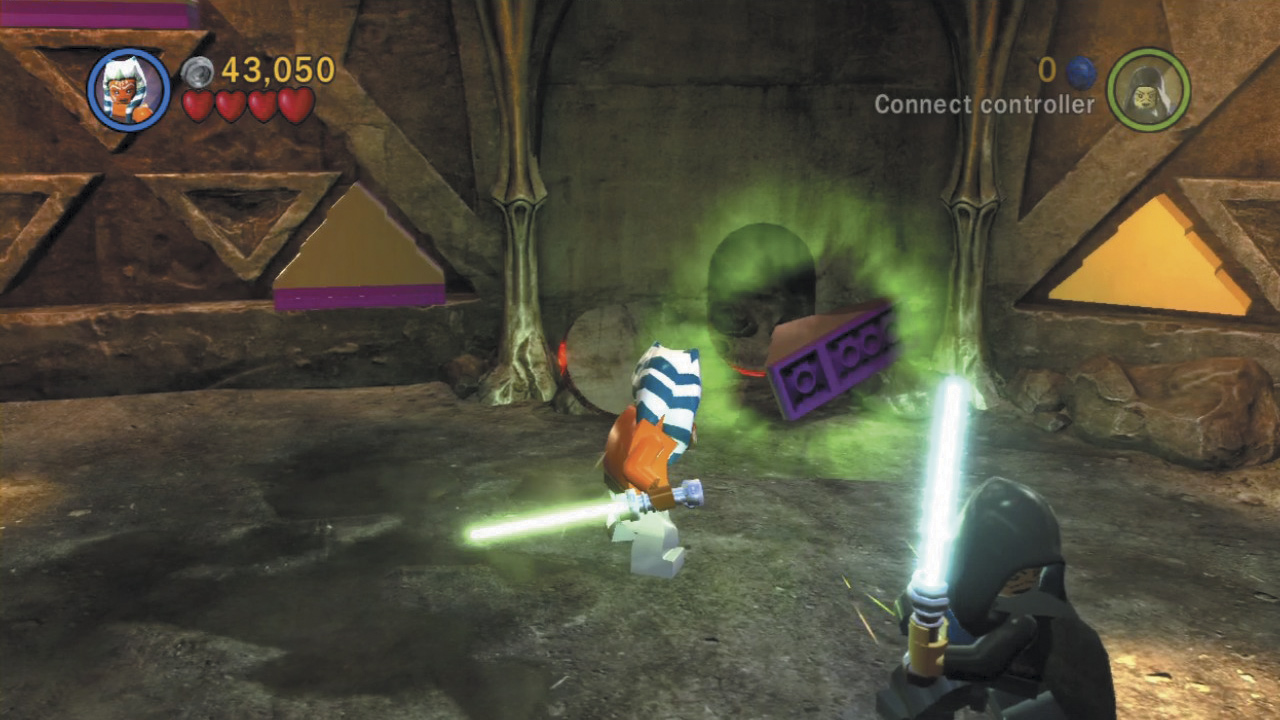
The most common manipulation is the Force lift. Press and hold the Action button to lift enemies and smaller objects up off the ground! Once lifted, an enemy or object can often be moved about by manipulating the left thumbstick. Releasing the Action button may cause you to throw the enemy or object (if possible).
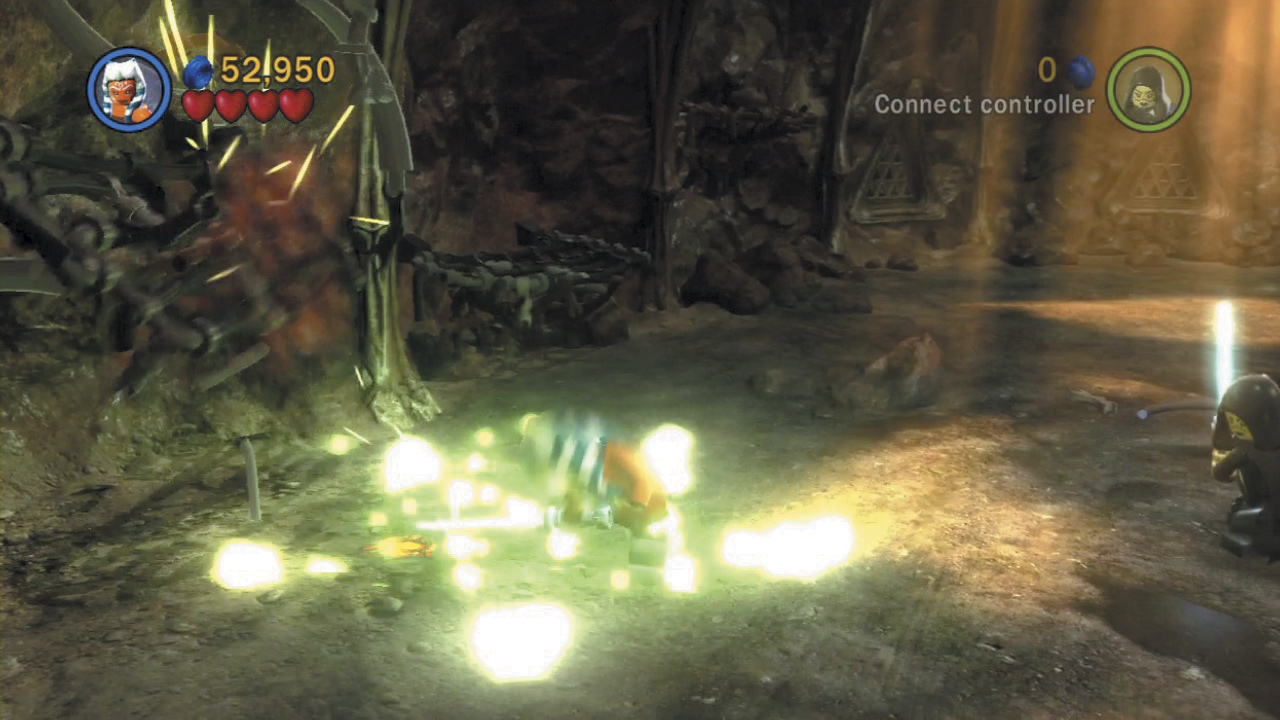
Jedi and Sith characters can also use the Force to slam the ground and create a powerful shockwave. Simply jump and press the Attack button to perform the Force slam maneuver. Use Force slams to quickly clear out swarming enemies—it’s particularly useful against groups of battle Droids!
Lightsaber Play
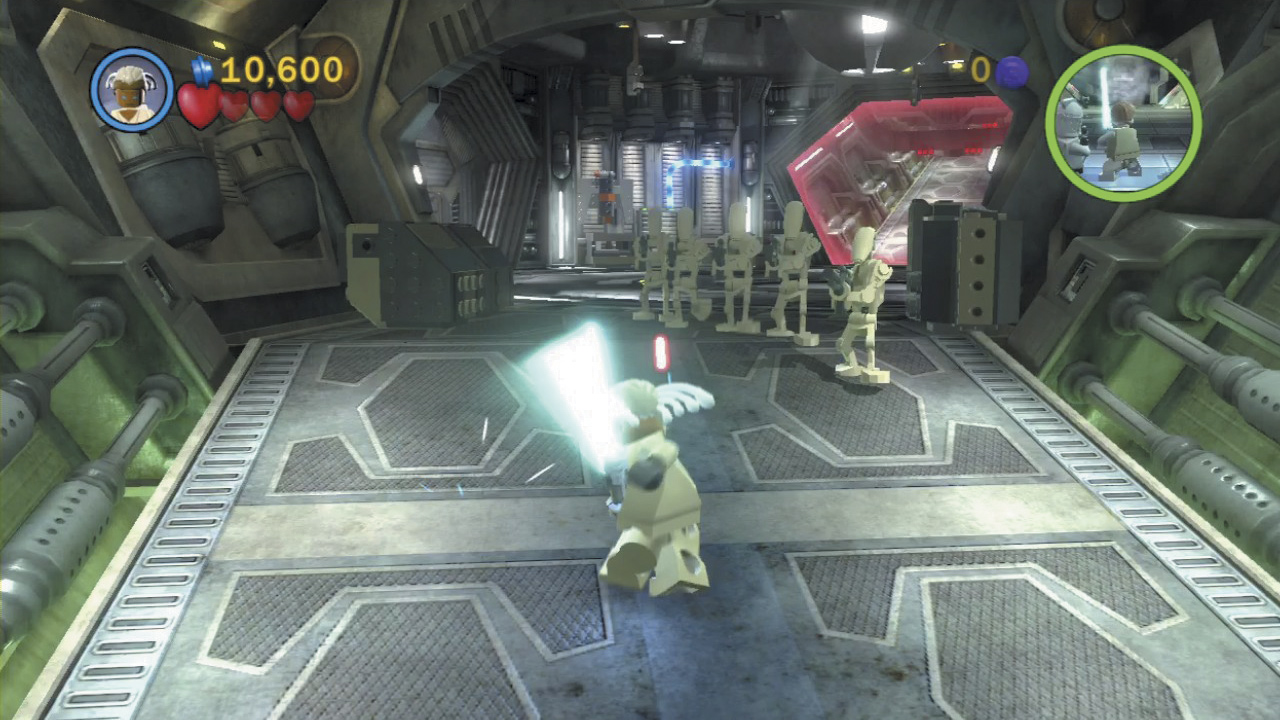
Jedi and Sith characters get to use powerful melee weapons called Lightsabers. These lethal weapons can make short work of practically anything, including armored vehicles and even structures. Best of all, when attacking with a Lightsaber, you’ll automatically deflect inbound blaster fire back at enemies!
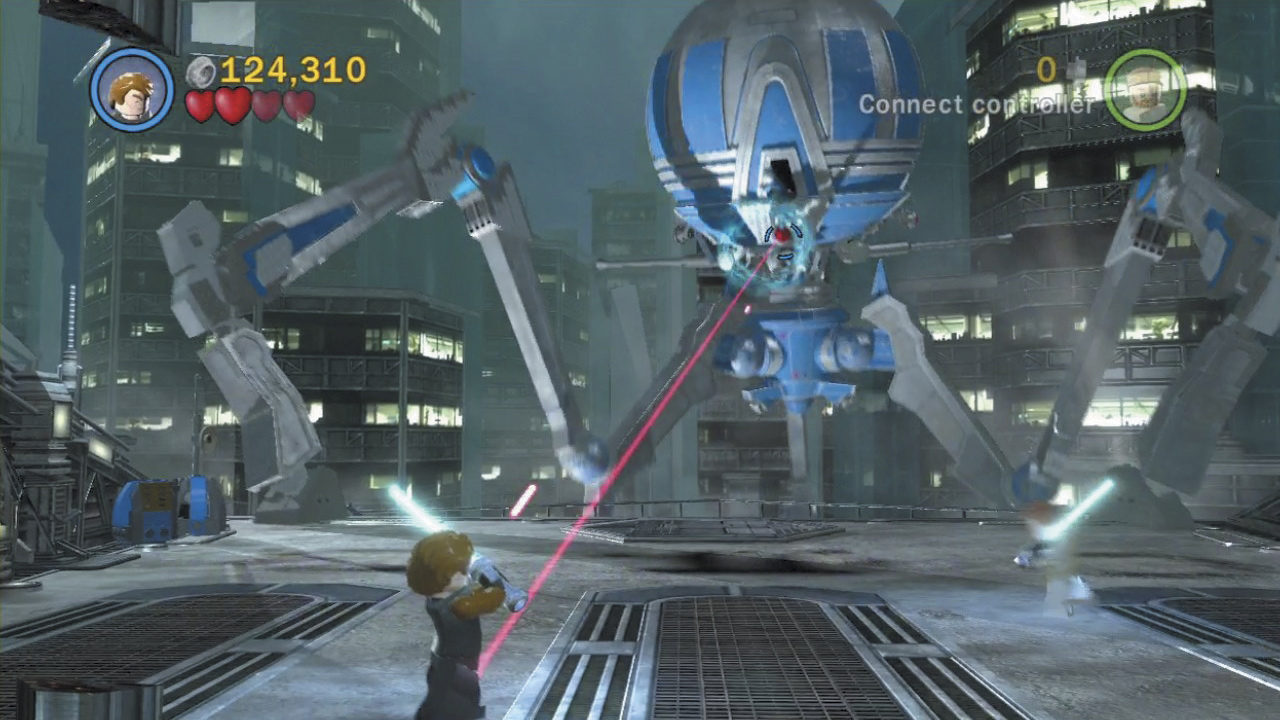
Press and hold the Attack button to take aim with a Lightsaber. Move your cursor about the screen and see what you can target, then release the Attack button to hurl your Lightsaber at everything you’ve highlighted. This is a great way to strike out-of-reach foes!
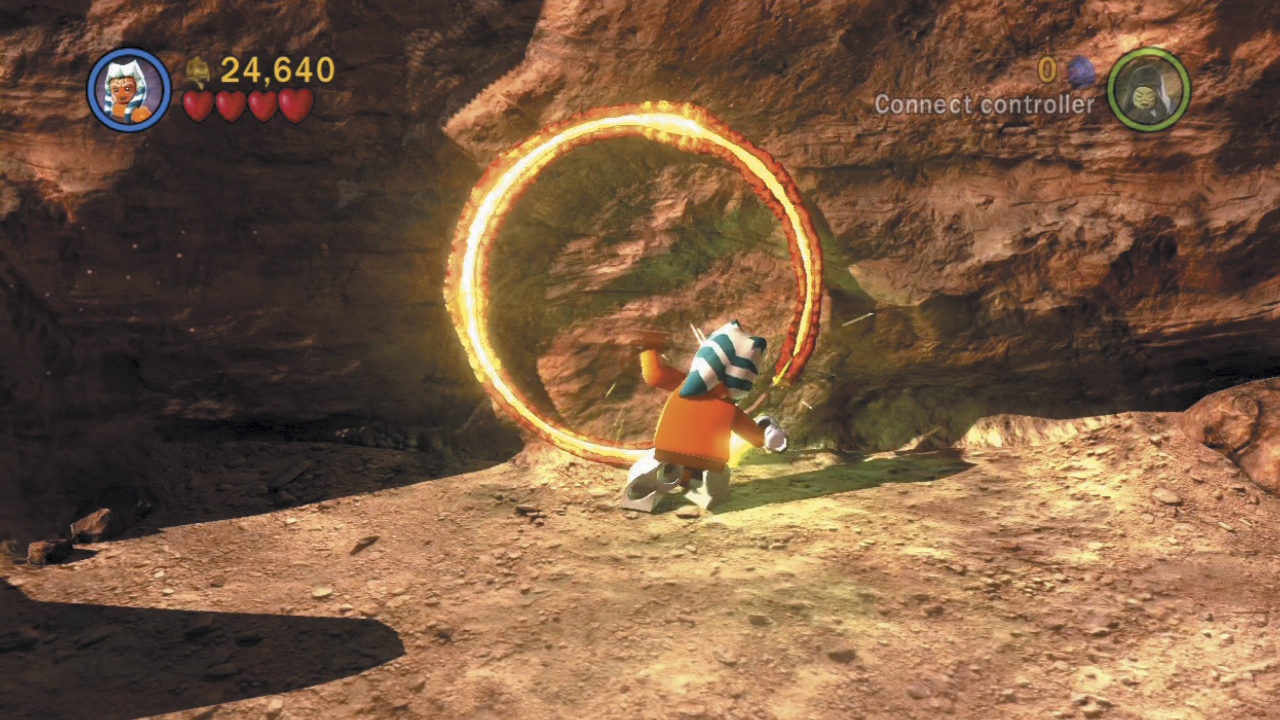
Lightsabers can also be used to carve holes into solid objects, such as walls and doors. Look for special blue Jedi logos that appear on the ground—these let you know that some serious saber-play can be performed! Stand on a Jedi logo and press the Attack button to use your Lightsaber. Then see what kind of damage you can cause!
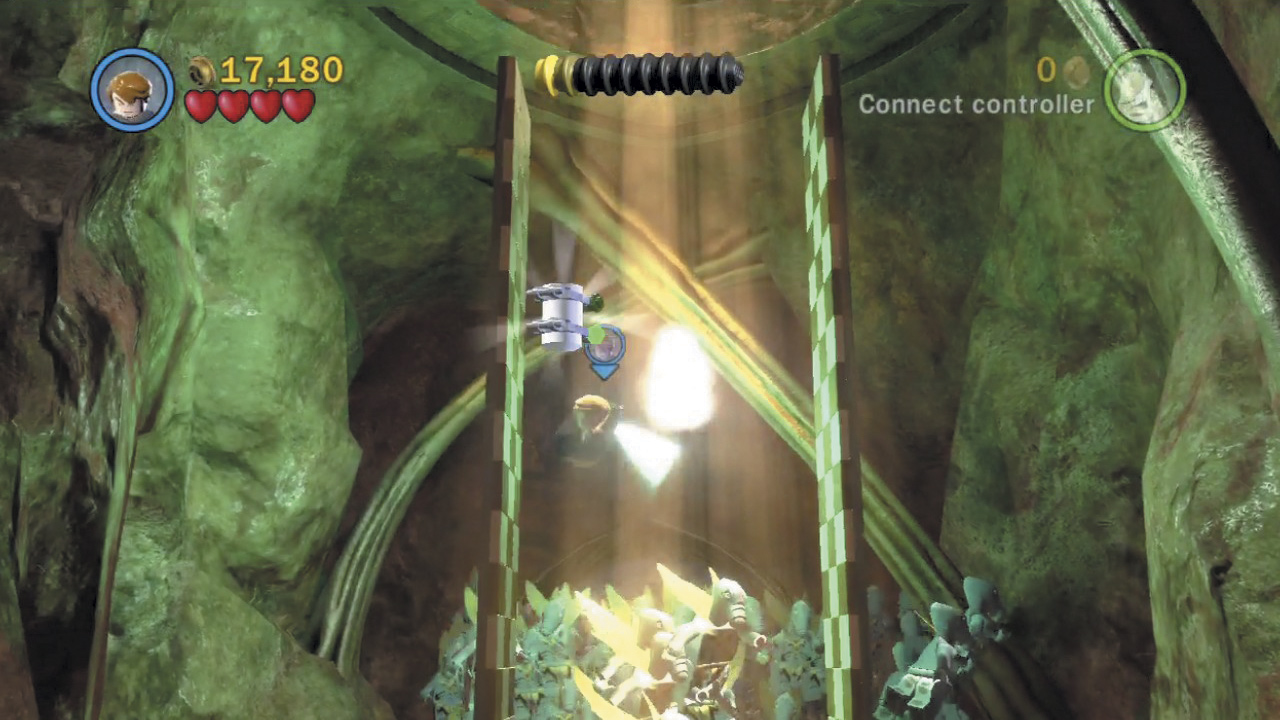
Lastly, Lightsabers allow Jedi and Sith characters to “saberjump” between special checkered walls. Simply jump into a checkered wall, and your character will automatically use their Lightsaber to gain a grip. Jump back and forth between two checkered walls to reach great heights!