
Deus Ex: Mankind Divided Guide Into the Breach
Challenges
A challenge is a single server map (level) with specific AI Evolution settings, sent from one player to another. It can be either a SCORE challenge or TIME challenge, but not both. If the receiver fails to beat the score, the sender wins, and vice-versa.
Playing the Challenge

At any time (once the feature is unlocked) the list of challenges can be viewed from the VR Map Screen.
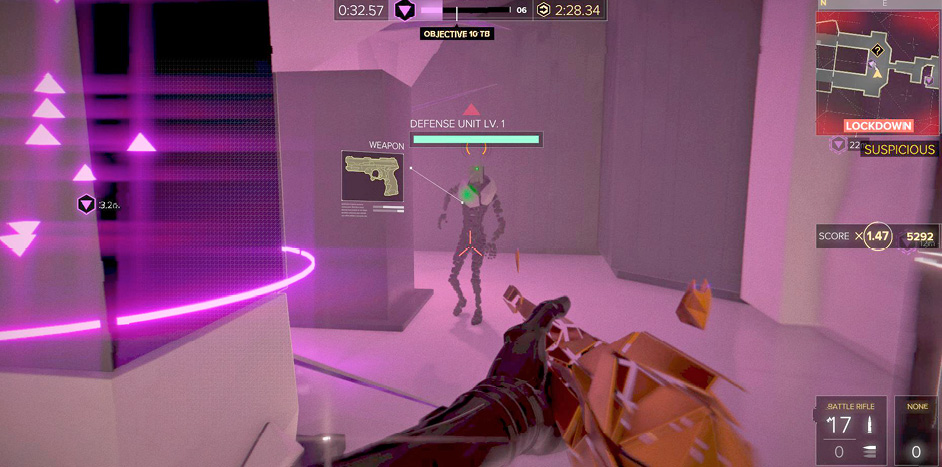
Once a challenge is selected, it displays the PLANNER just like any other level, allowing the player to set modifiers, loadout, augmentations, etc.
Playing a challenge also works like any level, in that the Avatar can die, resources are consumed, objectives must be obeyed, etc.
The AI Evolution settings for the map are LOCKED and cannot be altered. However, playing the map does not cause the player’s own AI Evolution settings to change afterward.
Limits
A Challenge can be attempted only three times. If you fail a third time, the challenge is considered failed and can no longer be accessed on the list. A challenge also has a time limit of five days, after which point it expires and is removed from the receiver’s list. Expiration happens regardless of the number of attempts remaining.
Unlock
You can’t send challenges to other players until you’ve gotten through a moderate portion of the Breach storyline.
Rewards
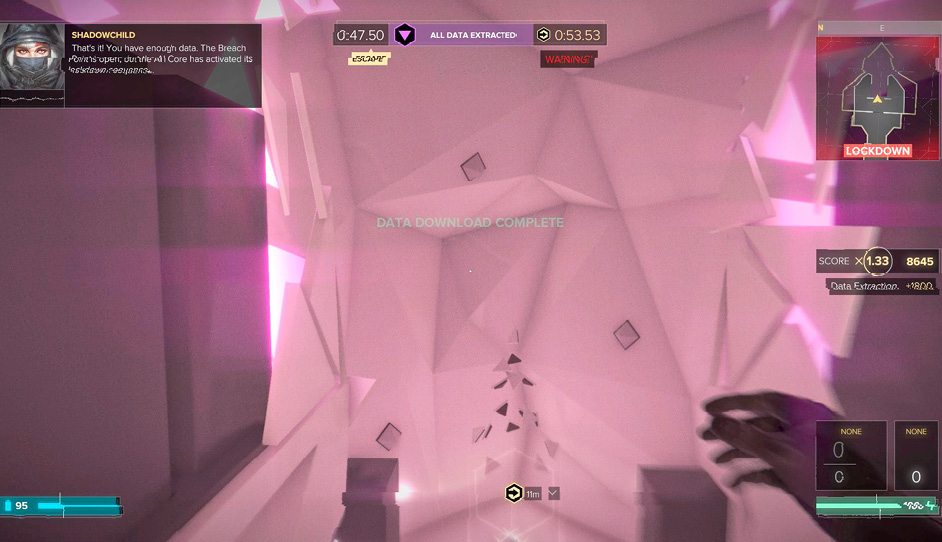
Once a challenge is sent, there are three possible outcomes.
You exceed the Challenge target!
The receiver immediately receives a special Booster Pack for winning
The sender is notified that the receiver beat the target
You fail the Challenge three times
The sender is notified that the challenge succeeded
The sender receives a Booster Pack
The receiver earns an “attempt” pack for completing the three tries
The challenge is removed from the receiver’s list
If you refuse a Challenge or it expires after several days
The sender receives an “attempt” pack
The challenge is removed from the receiver’s list
Sending a Challenge
Challenges can be sent from the LEVEL RESULTS SCREEN following the successful completion of a level. Press the appropriate button on the Level Results Screen to access the Send Challenge UI. A Challenge can be sent from successfully completing a challenge.
Limits
A limit of three challenges can be sent per day. Once the limit is reached, the send function is disabled.
Appeal
Challenges give everyone a chance to compete with each other while still receiving many rewards for their efforts. It’s easy to send challenges, and you’re likely to get plenty of rewards from doing so! This is a great way to continue earning credits and packs even after you’ve beaten all of the maps in Breach.