
Deus Ex: Mankind Divided Guide Controls
Overview

The game’s controls, options, and menus are all important for getting the most out of the experience. If you’re returning from Deus Ex: Human Revolution, you can probably skip ahead. But if you want a refresher or if you’re new to the series, read this chapter thoroughly.
Before we get into the game’s controls, we should talk about the options that you have available. After loading the game, go into the Options menu from the main page. From there, you can do several things.
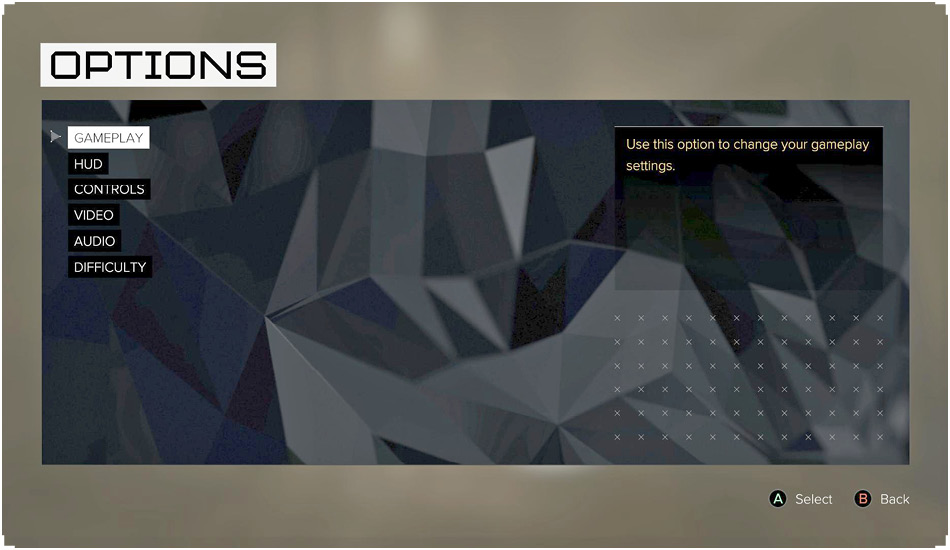
Gameplay Options
Aim Assist should be left on for the majority of players. It’s a major boost to your combat abilities, and it helps to compensate for the slower aiming of a controller. Automatic Inventory Management is also great, because you eventually fill up on items and don’t want to have to constantly shift things around to make the most room.
HUD
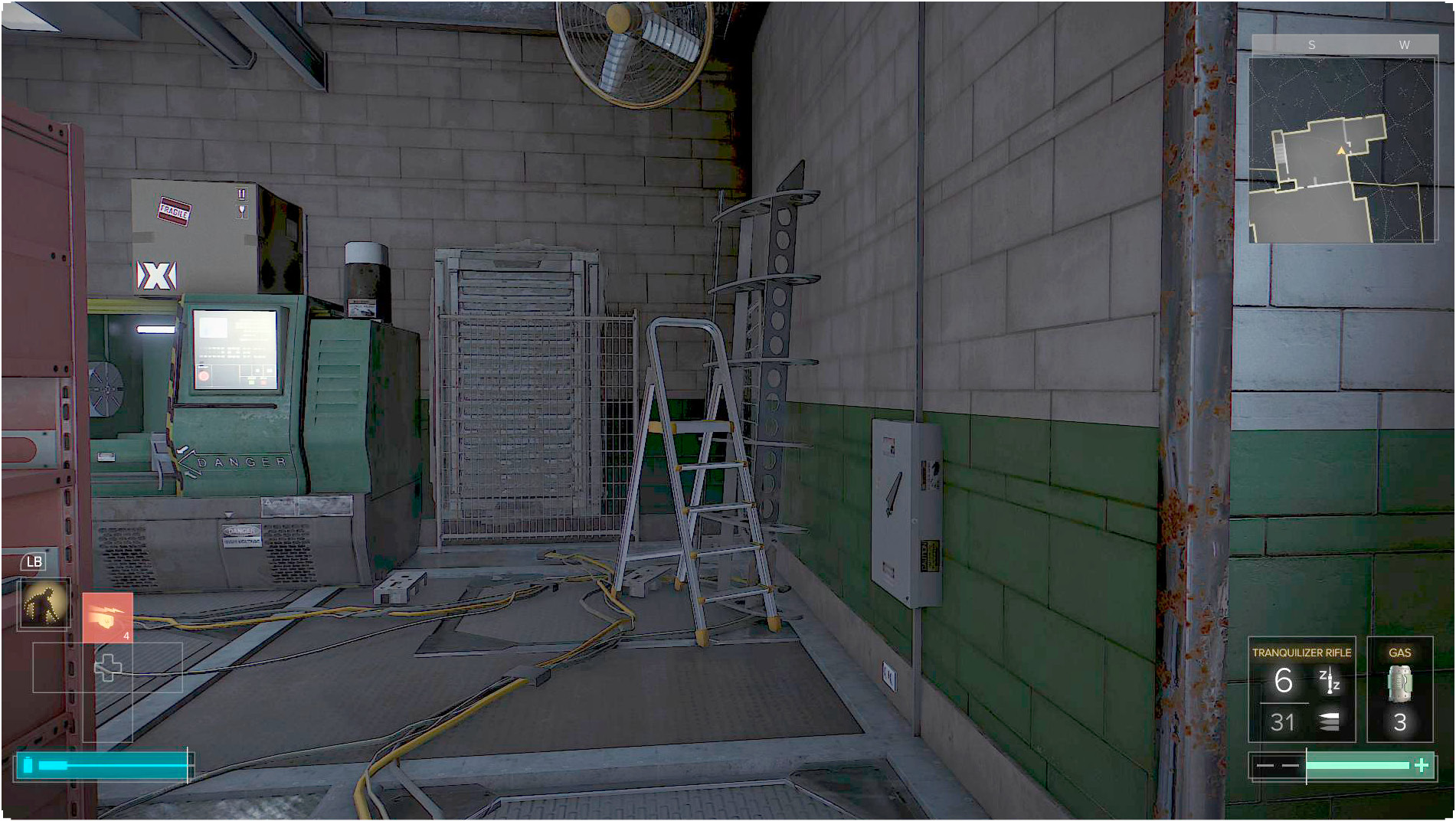
The HUD (heads-up display) options control which game elements appear onscreen, including prompts and the size of the heads-up display itself. The defaults here give you the most information possible. Experienced players who want a more cinematic experience can afford to turn many of these things off. It makes the game look even cooler, but it’s harder to play without said prompts.
Controls
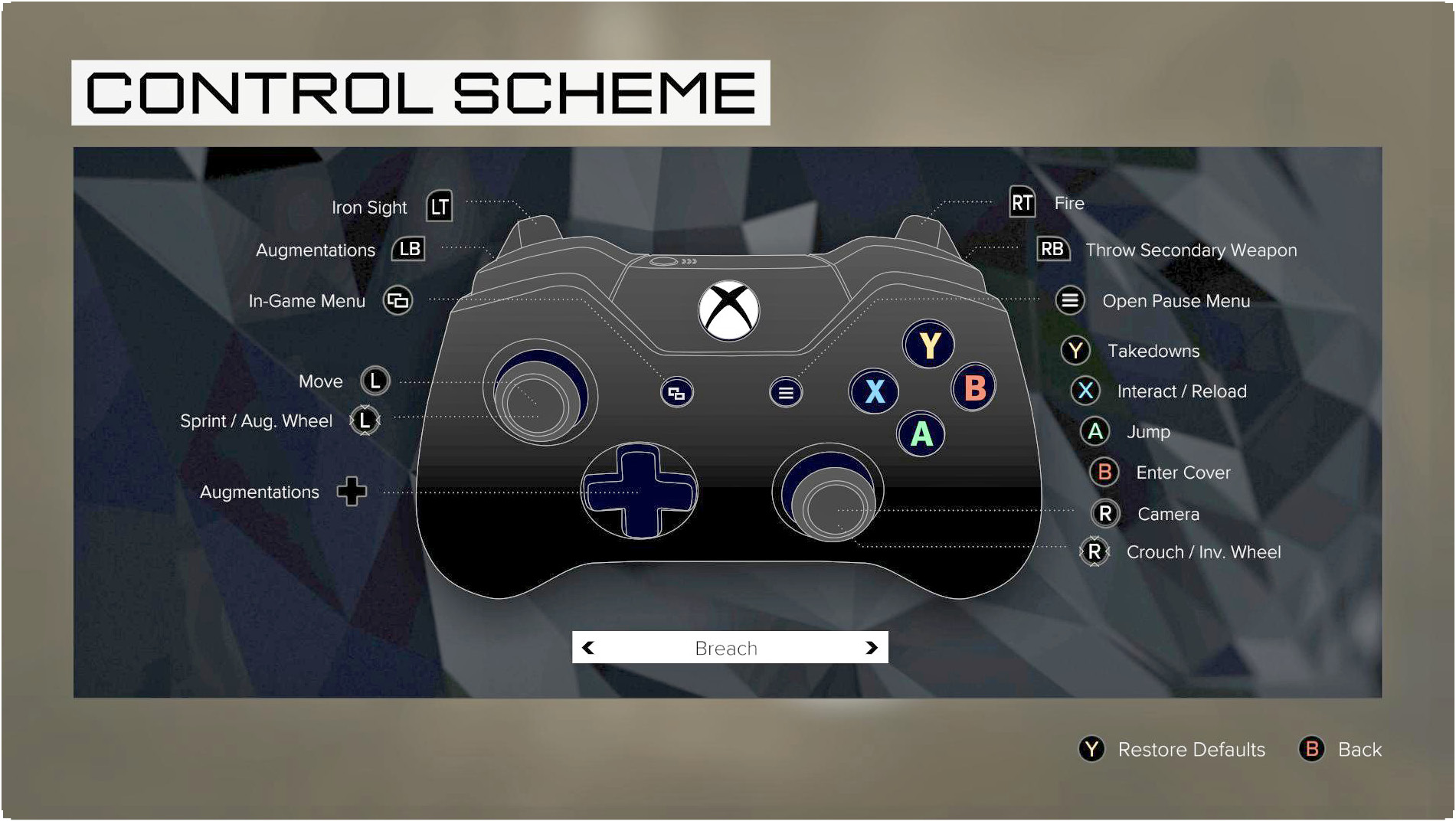
This is one of the most important things to investigate. The Control Scheme lets you remap the buttons into a variety of configurations. Find the system that makes the most sense for you, because it makes the game feel more enjoyable and intuitive.
This is also where you go to change the sensitivity of your X and Y axis. If you find movement too slow or awkward, raise the sensitivity here. If you find aiming troublesome, bring the sensitivity a bit down instead. The happy middle ground is what you should shoot for. When in doubt, leave the settings a tad higher and let Aim Assist do the heavy lifting. The faster you can get your reticle close to a target, the sooner you can aim down your sights, let Auto Aim lock on, and kill your target.
Video and Audio
Set these options however you want, to match your preferences.
Language
The spoken voice and text for the game come in many languages. Check to see if your native language is there!