
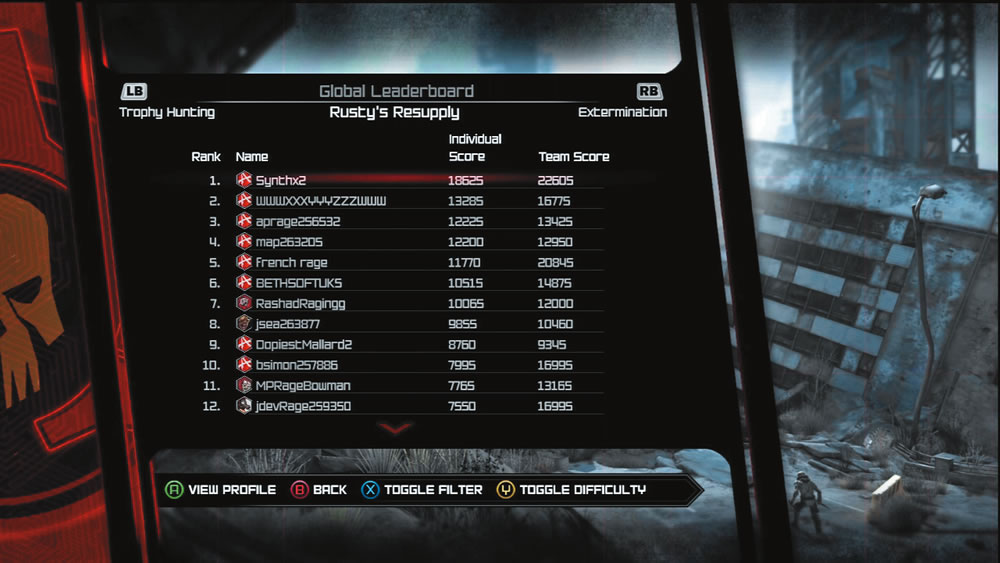
Select an emblem to accompany your online persona during multiplayer matches. The emblem also appears next to your name on the leaderboards.
By accessing the Career screen, you can view all your emblems as well as your Road RAGE and Wasteland Legends stats. Every time you perform a certain task or complete a Wasteland Legends mission, you receive an emblem. Through the Career screen you can select one of your collected emblems, choosing an icon to accompany your name during online matches. These emblem icons appear next to your name during Wasteland Legends or above your car in Road RAGE matches. Emblems also appear next to your name on the leaderboards. There are leaderboards for both Road RAGE and Wasteland Legends. On the Road RAGE leaderboards, you can sort the results by game mode to see the players with the highest score on each. On the Wasteland Legends leaderboards, the results are sorted by mission, showing both individual and team scores. On all leaderboards you can use the Toggle Filter option to see where you place among the competition. Sort the results again to see how you stack up against your friends. If you’re the competitive type, keep playing the multiplayer offerings to see how high you can get on the leaderboards.