
LEGO CITY Undercover Guide Police Academy
One Man, Endless Possibilities
Only the finest can serve in the LEGO City Police Department, and you’ll be ready for the streets after you read through this chapter. Even if you’re familiar with LEGO games, you may find yourself surprised by some of the changes in LEGO City Undercover—not the least of which is the addition of the Wii U GamePad!

In LEGO City Undercover, you play as supercop Chase McCain—master of disguise. Chase can impersonate anyone and can even assume their unique abilities. In fact, you never actually play as anyone but Chase. Whether you’re playing Story mode, going back into missions for Free Play, or exploring the sprawling metropolis of LEGO City, you’ll always be in control of McCain. So don’t let the lipstick and feathered hair fool you—that’s not intrepid reporter Natalia Kowalski slapping the cuffs on crooks, but LEGO City’s greatest detective in disguise!
Game Progression
Story Mode
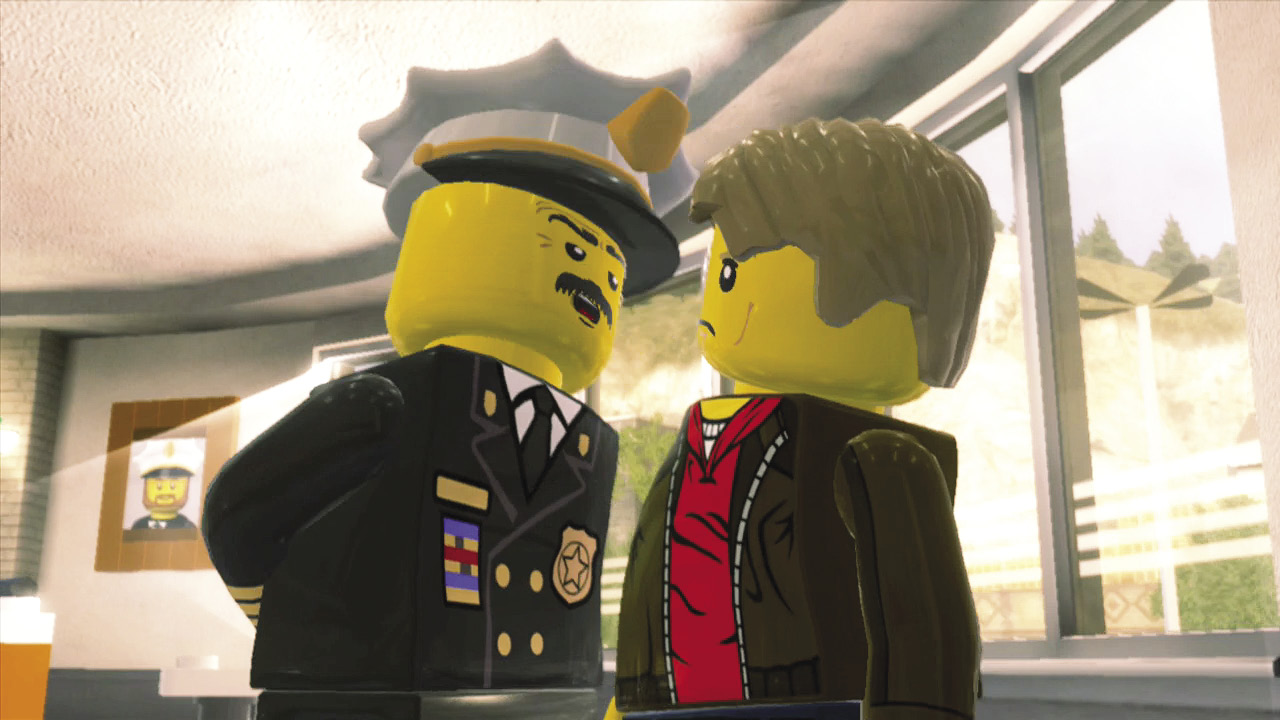
The moment you boot up LEGO City Undercover, you’re thrown headfirst into Story mode, where you guide supercop Chase McCain along his epic quest to bring the notorious criminal Rex Fury to justice. Much of Chase’s time is spent exploring the open city in Story mode, but there are also 15 Special Assignment missions that play out in specific locations within LEGO City and beyond.
Every Special Assignment mission has several goodies for you to find, and these collectibles are tracked separately from the many goodies scattered the open city. You can replay Special Assignments as many times as you like by revisiting them in Free Play mode.
Free Play Mode
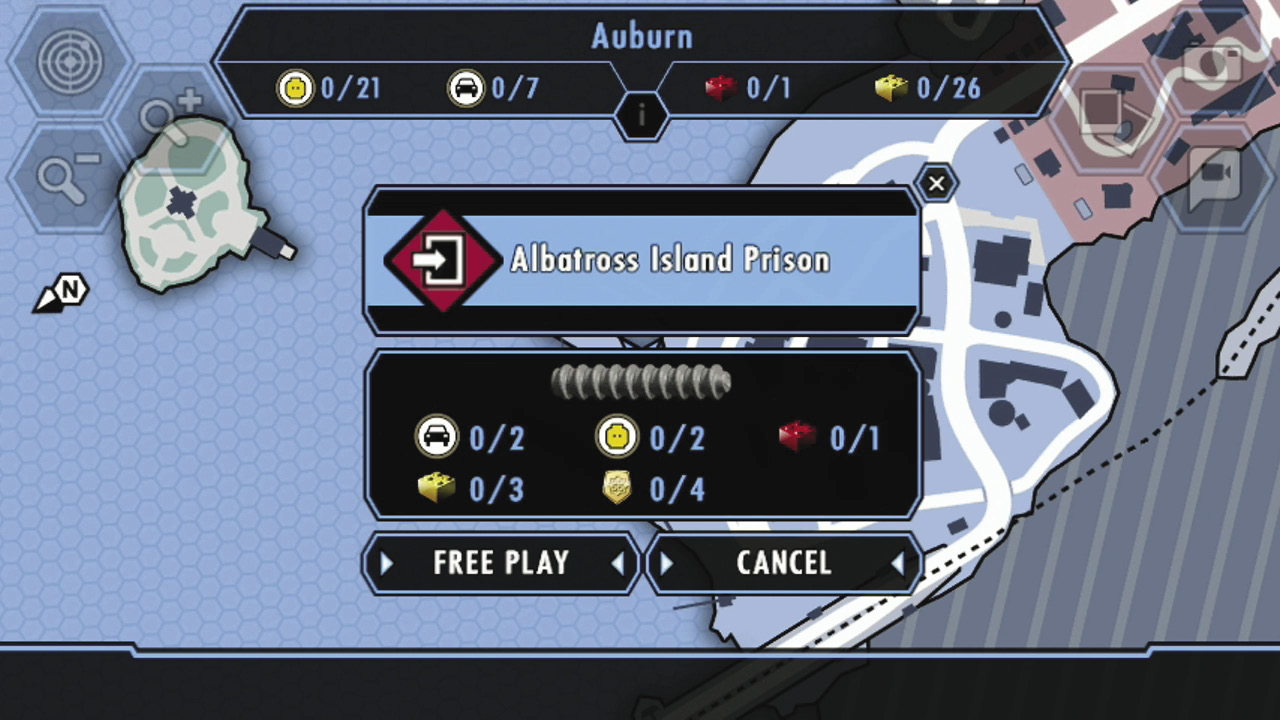
After you complete one of the 15 Special Assignments, you can choose to replay that mission as many times as you like. Just look for replay level icons on the Wii U GamePad map. Tap these icons to get the option to replay the level in Free Play mode.
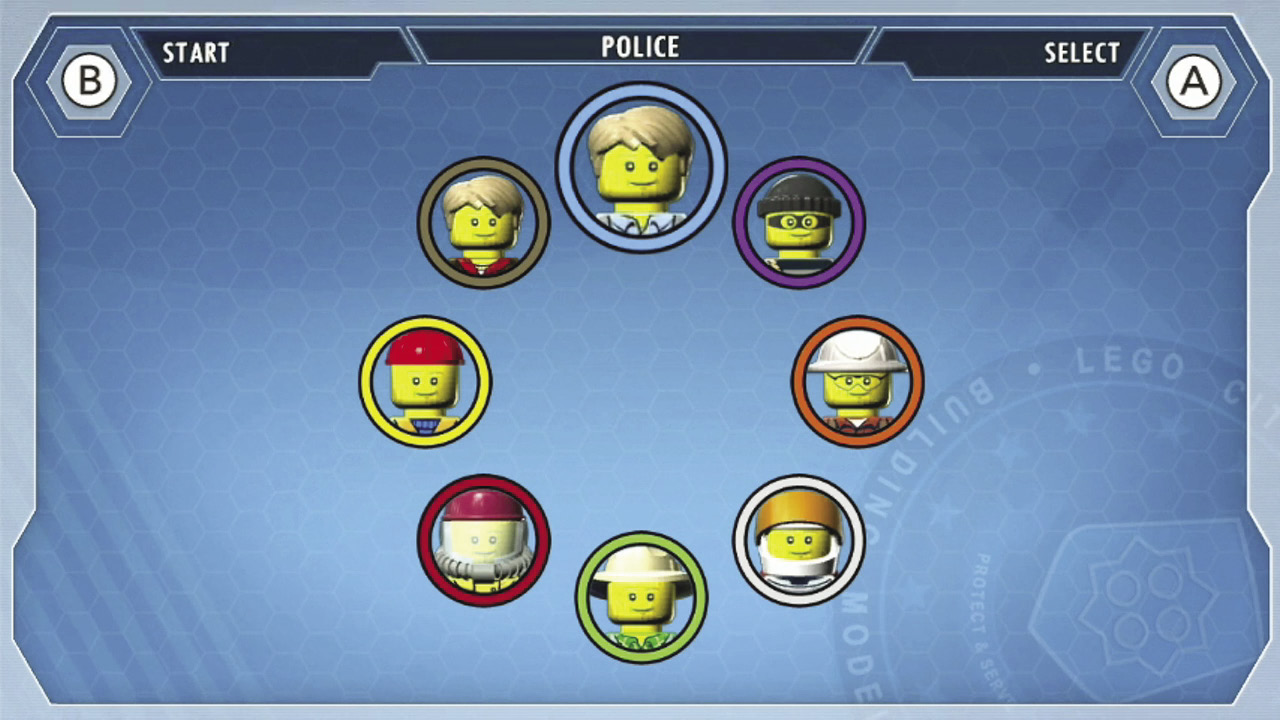
During Free Play, you can choose the disguises that Chase brings into the level—and you aren’t limited to the default Story mode disguises. This lets Chase explore each stage with new skills and abilities that weren’t at his disposal before. Replay each Special Assignment in Free Play mode to discover secrets and goodies you don’t find during Story mode!
LEGO City
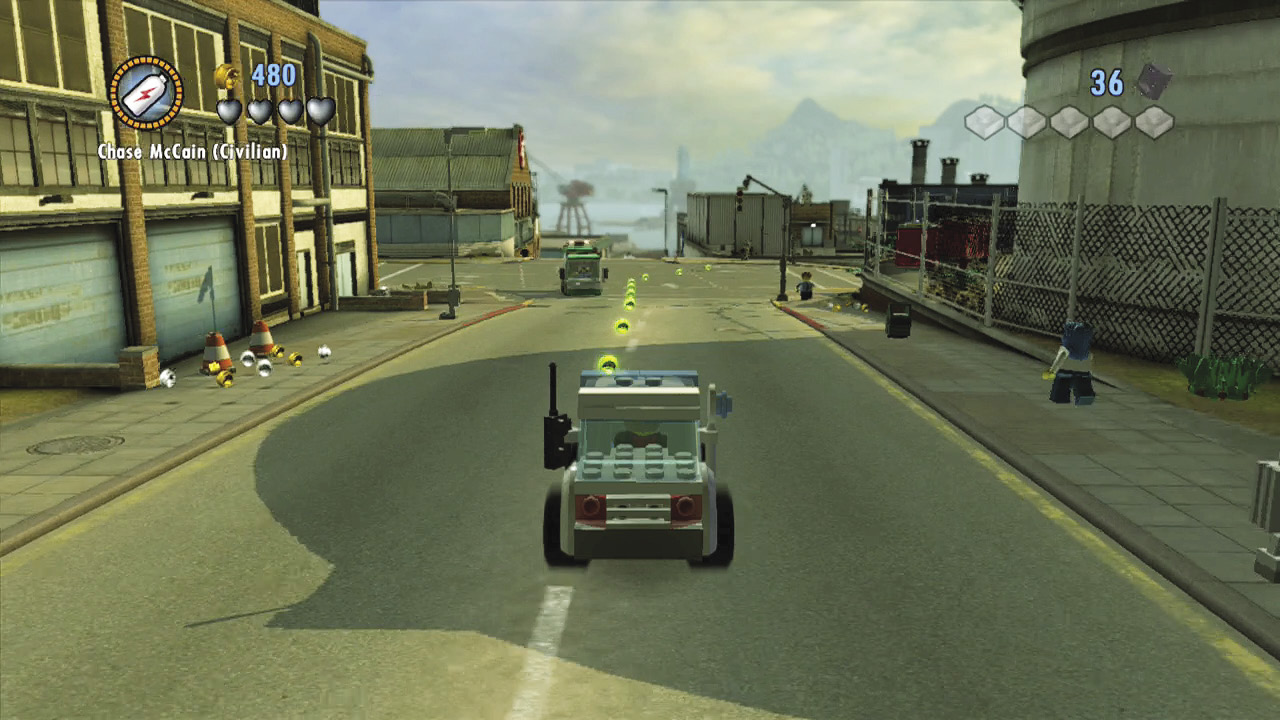
Whenever Chase isn’t deep undercover on a Special Assignment, he’s exploring the vast openness of LEGO City. Chase is free to tour the city as much as he likes, but some areas won’t be accessible until after he’s made some progress in the Rex Fury case.
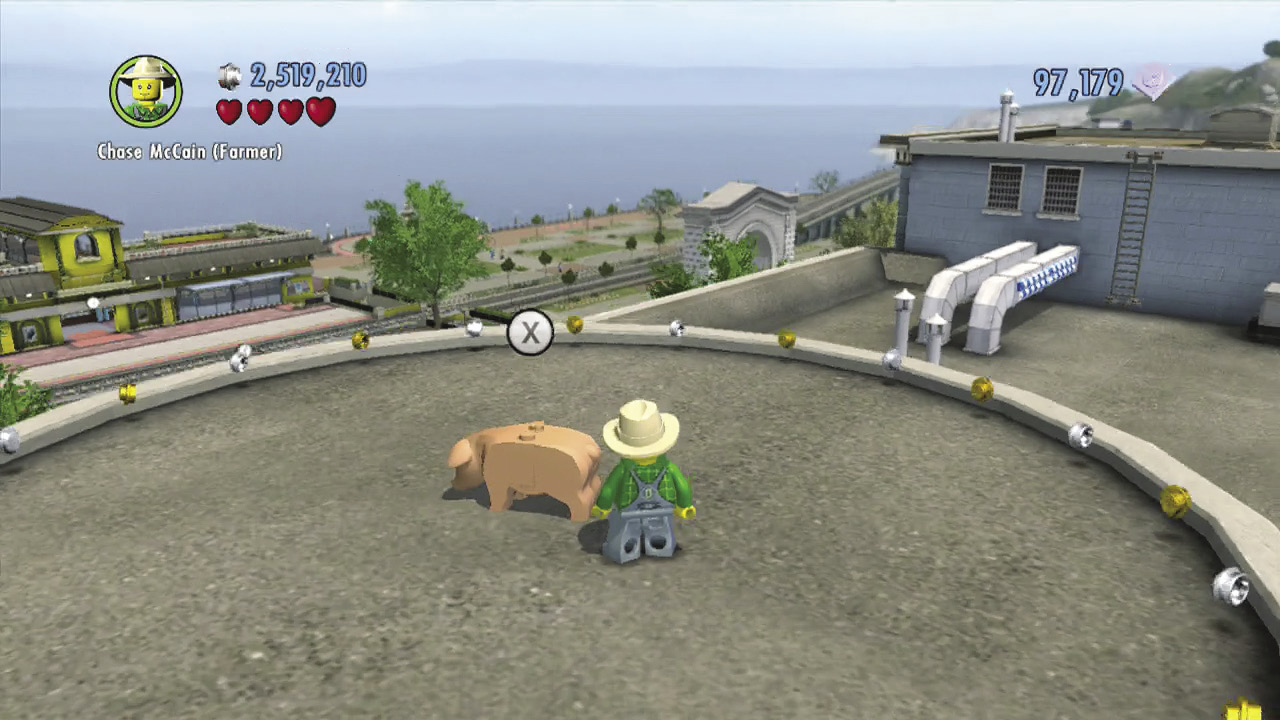
LEGO City is loaded with secrets and collectibles, and it’s easy to get distracted by all the city has to offer. But like the Special Assignments, it’s best to progress through Story mode before you begin your city-wide treasure hunt: Once Chase has beaten Story mode, he’ll have unlocked all the disguises he needs to fully explore LEGO City, leaving no stone unturned.
Common Collectibles
LEGO Studs
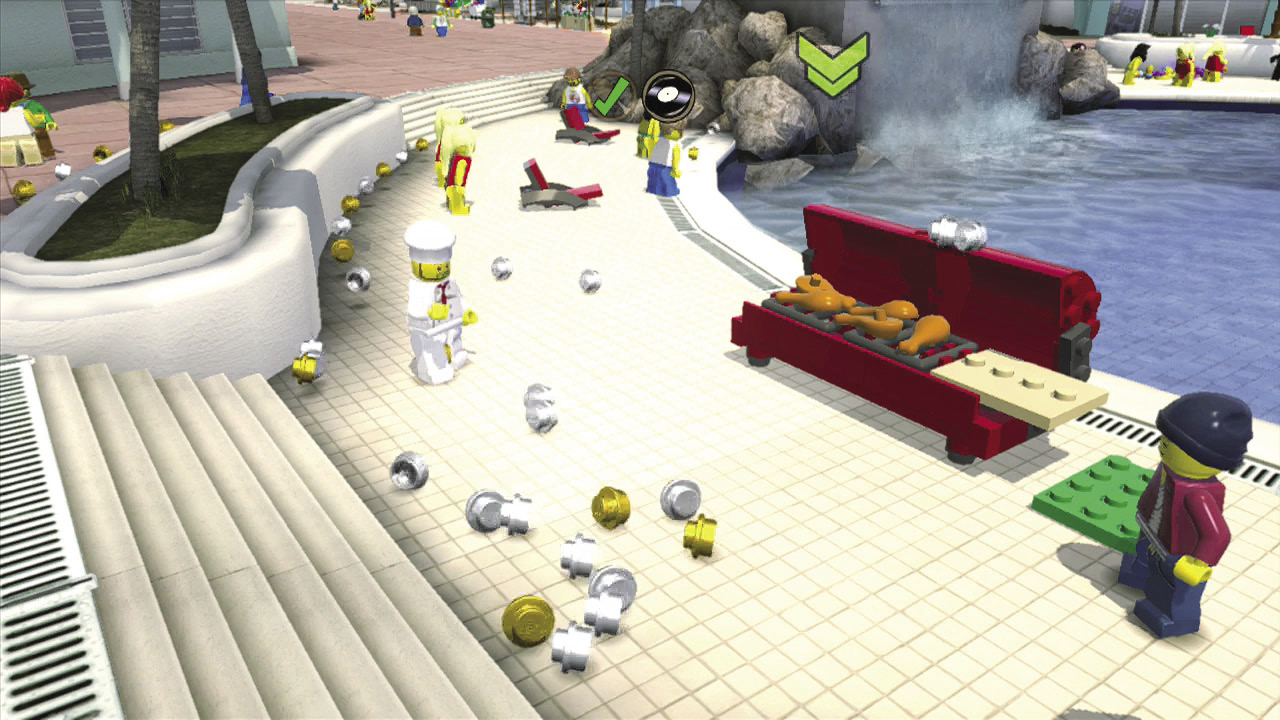
LEGO studs are scattered throughout the city and are often rewarded for smashing and building objects. Collect every stud you see to pad Chase’s bankroll, then visit the LEGO City Police Station in Cherry Tree Hills to spend studs and unlock characters, vehicles, and red bricks you’ve collected. Collect lots of studs during each Special Assignment mission, and you’ll become a LEGO City Hero—this earns you a gold brick! Your current stud total is shown at the top-left corner of your screen.
- Silver studs are common and worth 10 studs.
- Gold studs are common and worth 100 studs.
- Blue studs are uncommon and worth 1,000 studs.
- Purple studs are rare and worth 10,000 studs.
Bricks
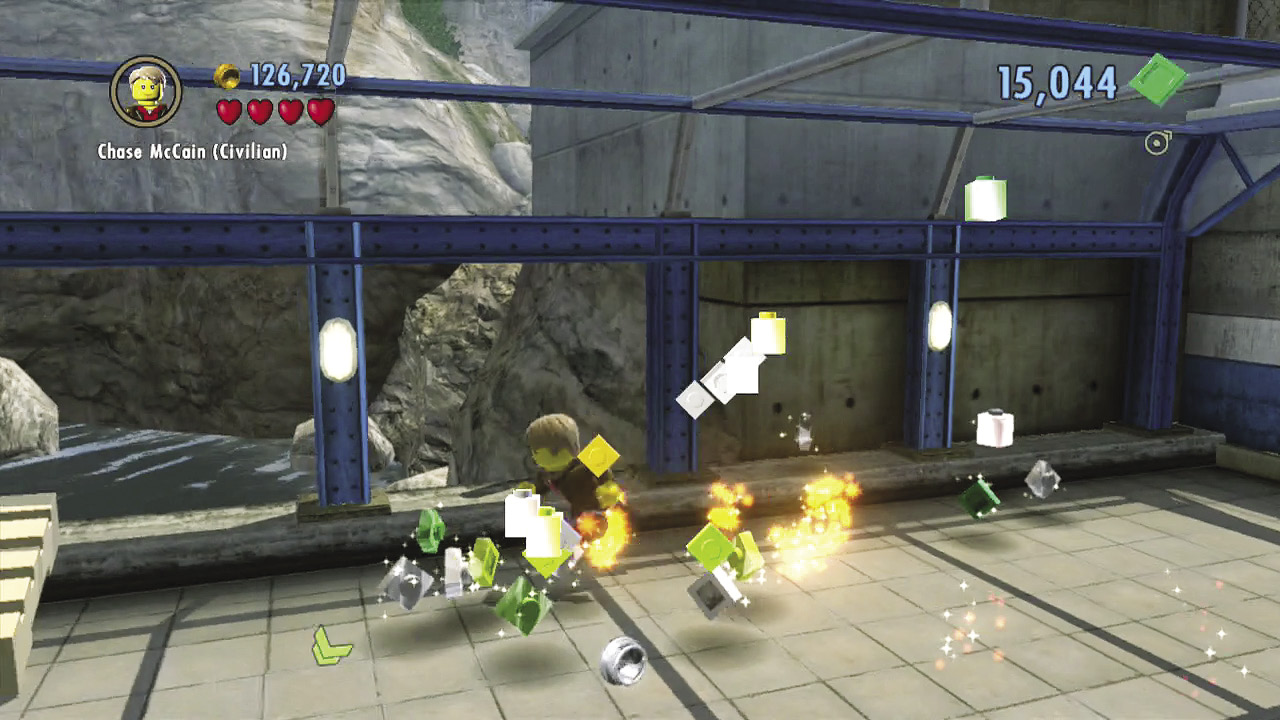
Smash LEGO objects to discover bricks. These special items are similar to studs, but instead of spending them to purchase goodies at the Police Station, Chase uses bricks to construct giant superbuilds throughout LEGO City. Your current brick total is shown at the top-right corner of your screen.
Superbricks
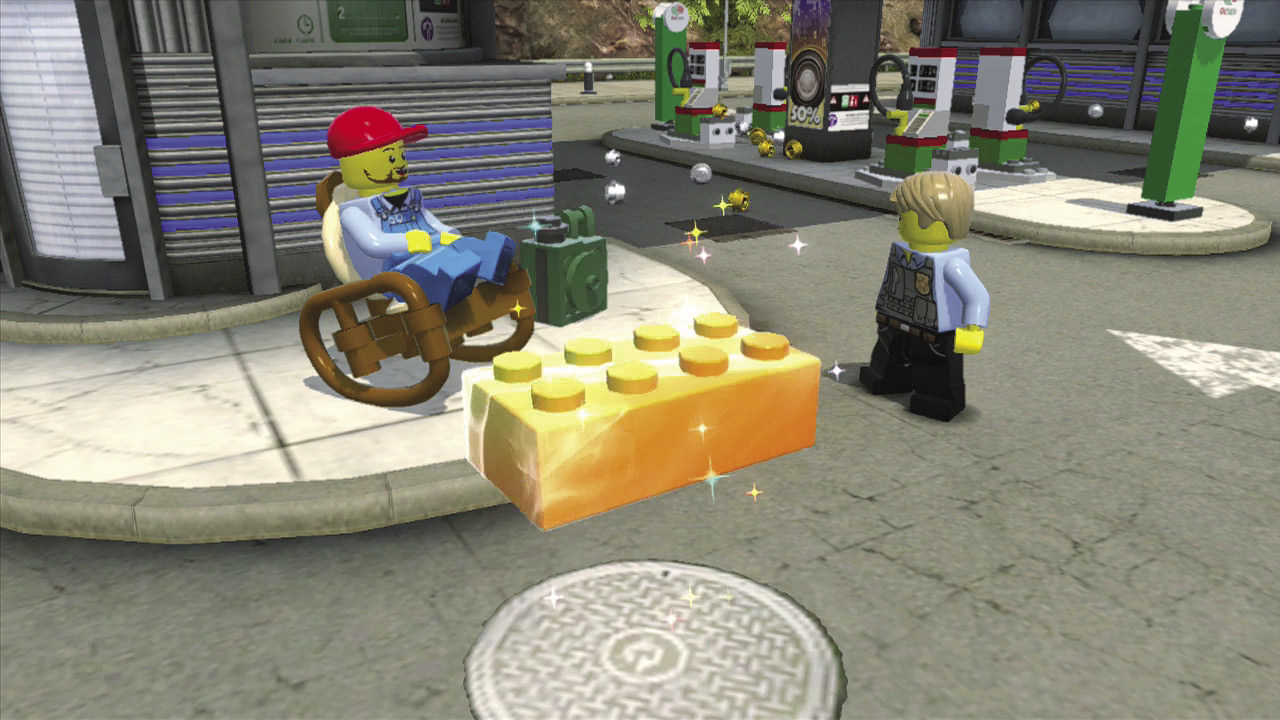
Superbricks are larger and worth more than regular bricks. Some superbricks require special skills to discover, but many can be collected simply by exploring the city and smashing stuff.
- Small (square) superbricks are worth 1,000 bricks.
- Large (rectangular) superbricks are worth a whopping 10,000 bricks.
Gold Bricks
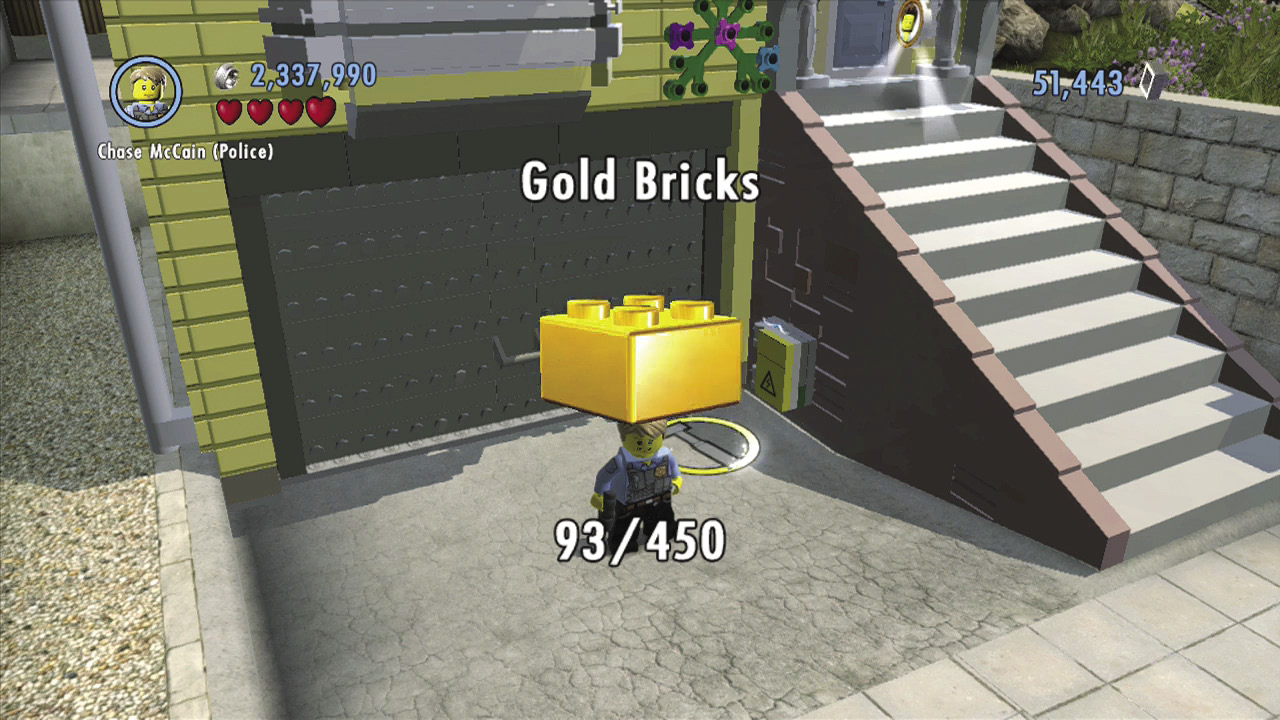
You receive gold bricks whenever Chase accomplishes something significant. For example, Chase earns a gold brick each time he completes a Special Assignment in Story mode. There are 450 gold bricks to gather in all, and you can collect them in the following ways:
- Beat a Special Assignment mission in Story mode.
- Collect all four police shield pieces in a Special Assignment mission.
- Fill a Special Assignment mission’s LEGO City Hero meter by collecting lots of studs during the mission.
- Earn gold bricks by accomplishing special feats in LEGO City (e.g., constructing superbuilds, activating train stations, etc.).
Red Bricks
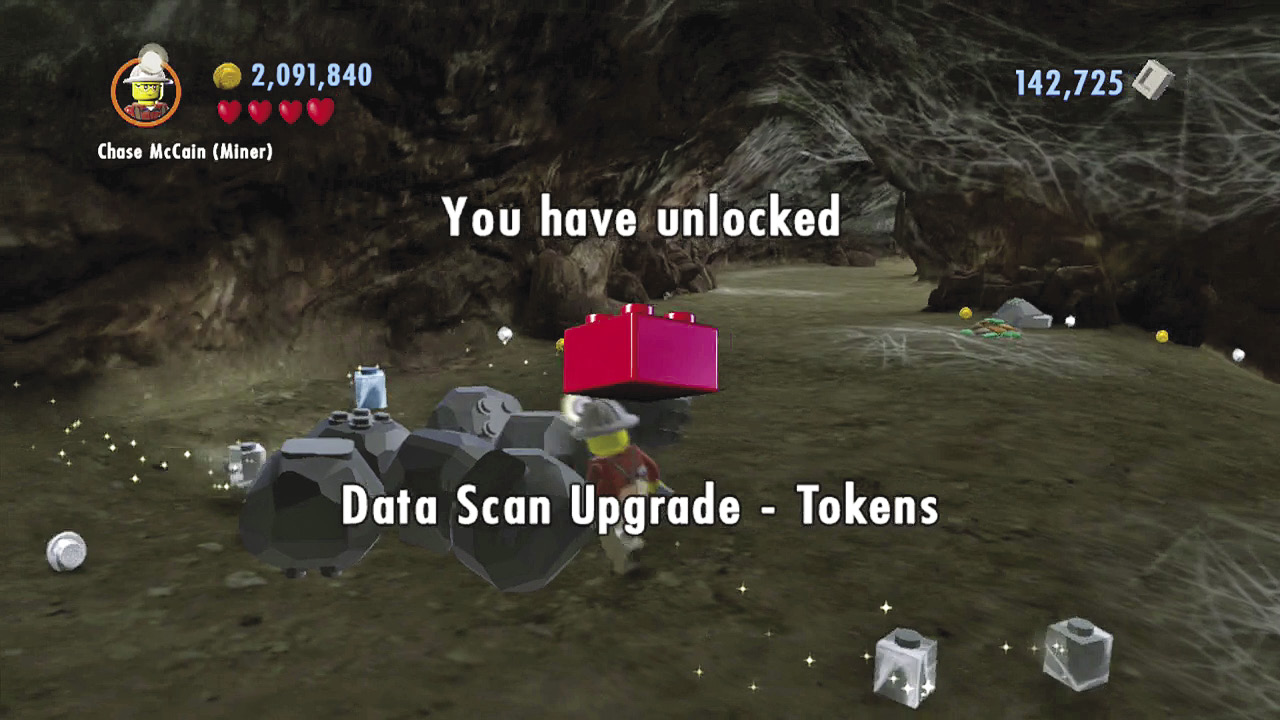
Red bricks are the rarest collectibles in LEGOCity Undercover—there are only 40 to find in the game. One red brick is hidden in every Special Assignment mission, and there are 25 more to discover in LEGO City itself.
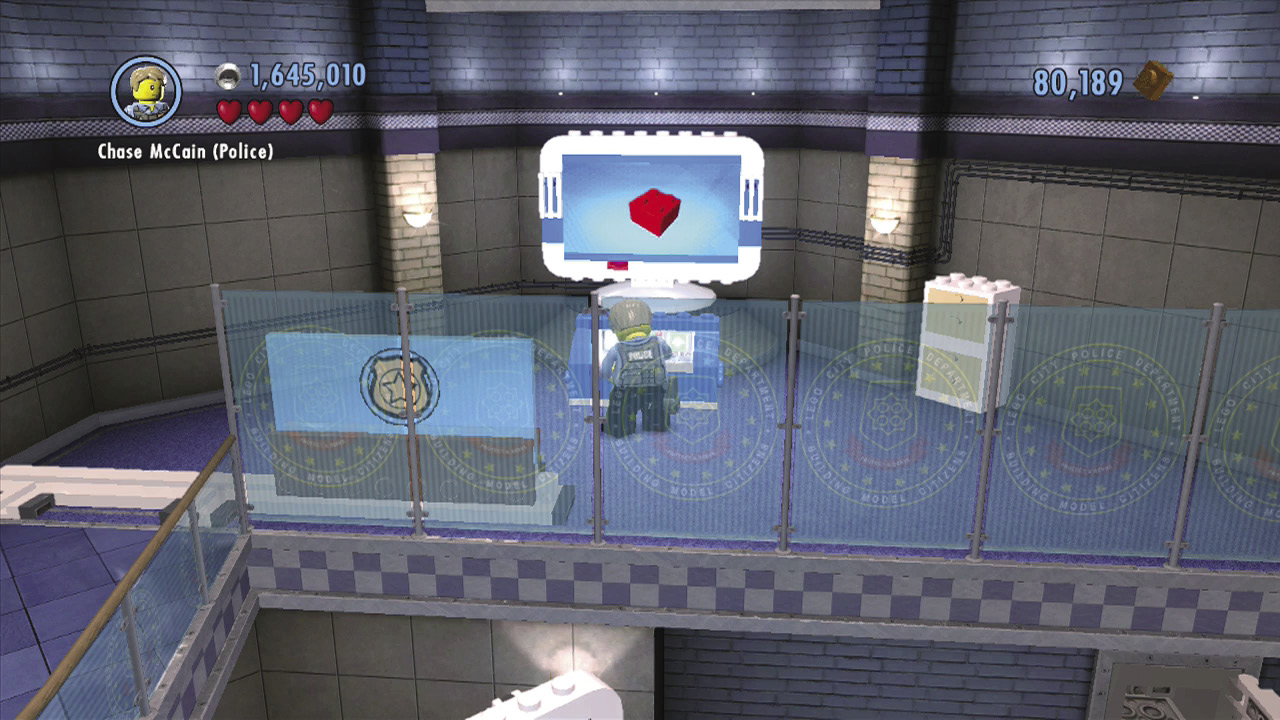
Each red brick grants a special power. Once you collect a red brick, visit the LEGO City Police Station in Cherry Tree Hills and spend studs to unlock it. After that, you can turn the red brick’s power on and off at any time through the Pause menu.
Tokens
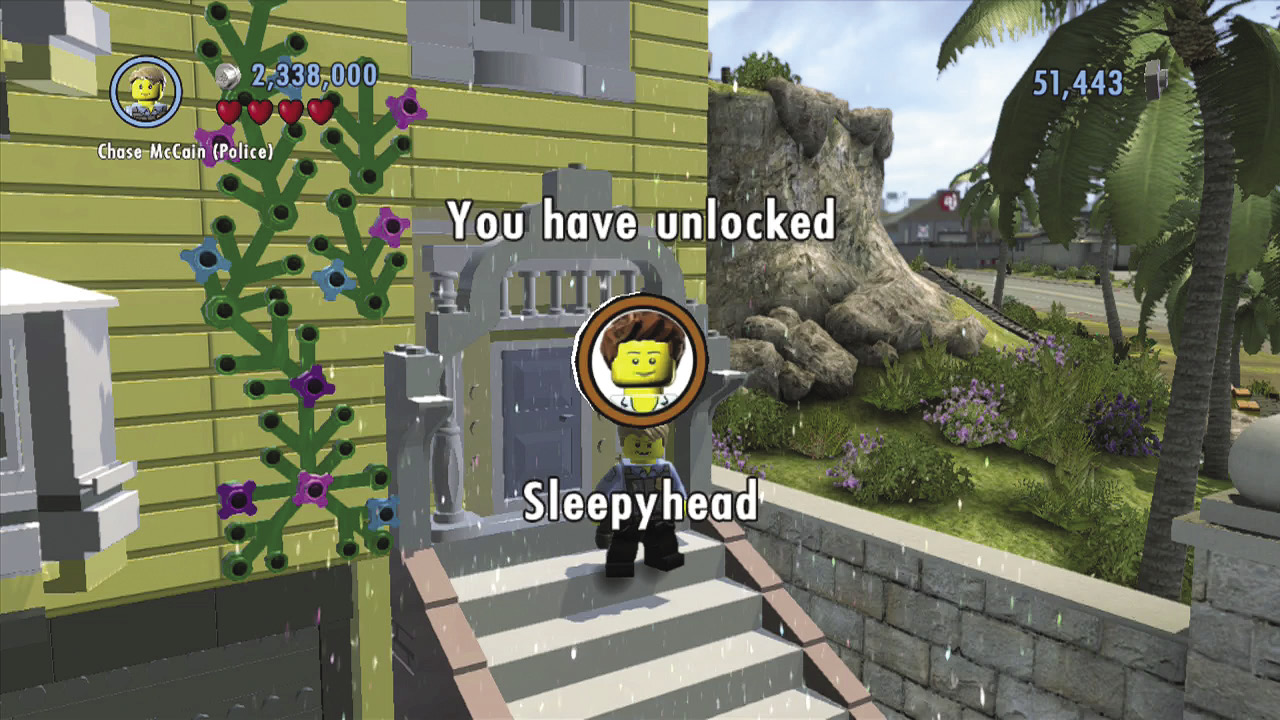
Keep an eye out for character and vehicle tokens. Collect these small, spinning disks to unlock new disguises and vehicles for purchase at the LEGO City Police Station!
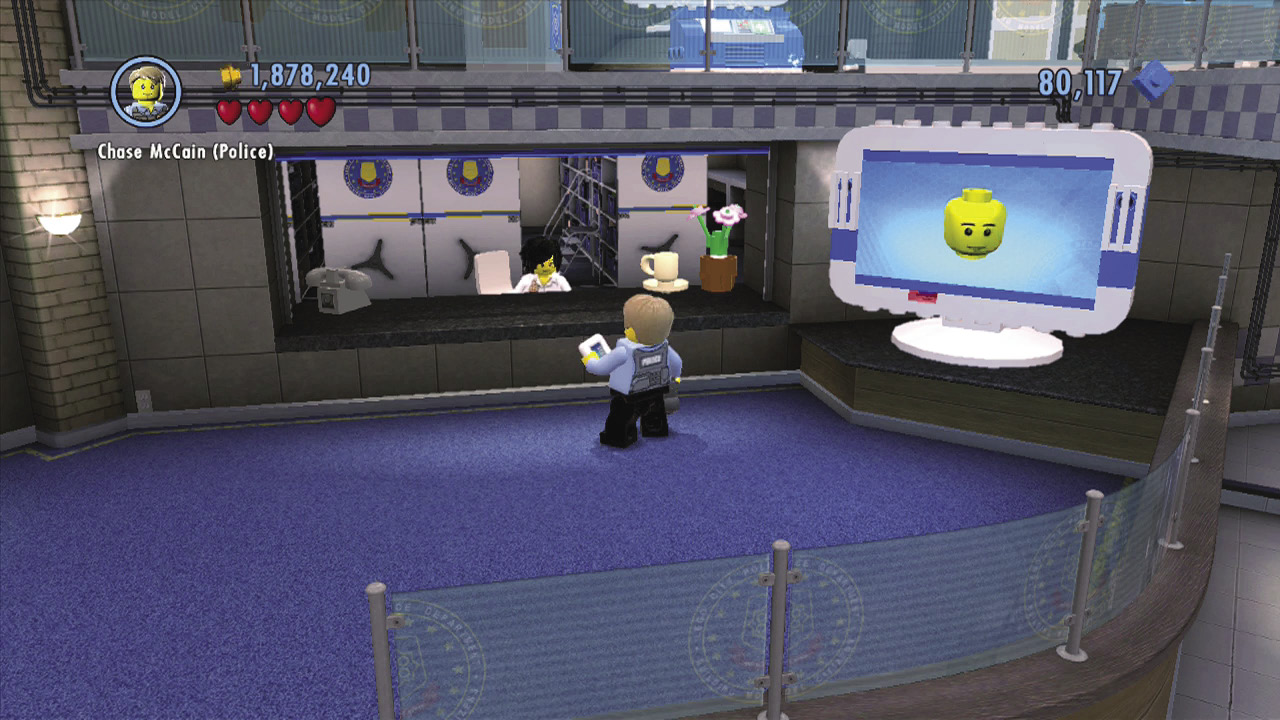
Simply visit the Police Station and spend studs to purchase the character and vehicle tokens you’ve found. There are four tokens to find in every Special Assignment level, and many more are scattered across LEGO City. As a bonus, every character and vehicle token you collect in LEGO City also earns you a gold brick!
Chase’s Moves

As the greatest detective LEGO City has ever known, Chase McCain can bust out all sorts of special moves that you’ll want to understand. The following sections reveal the moves that are always available to Chase, regardless of his current disguise. For details on Chase’s many disguise-related abilities, flip ahead to the “Characters and Vehicles” chapter.
Basic Moves
On Foot
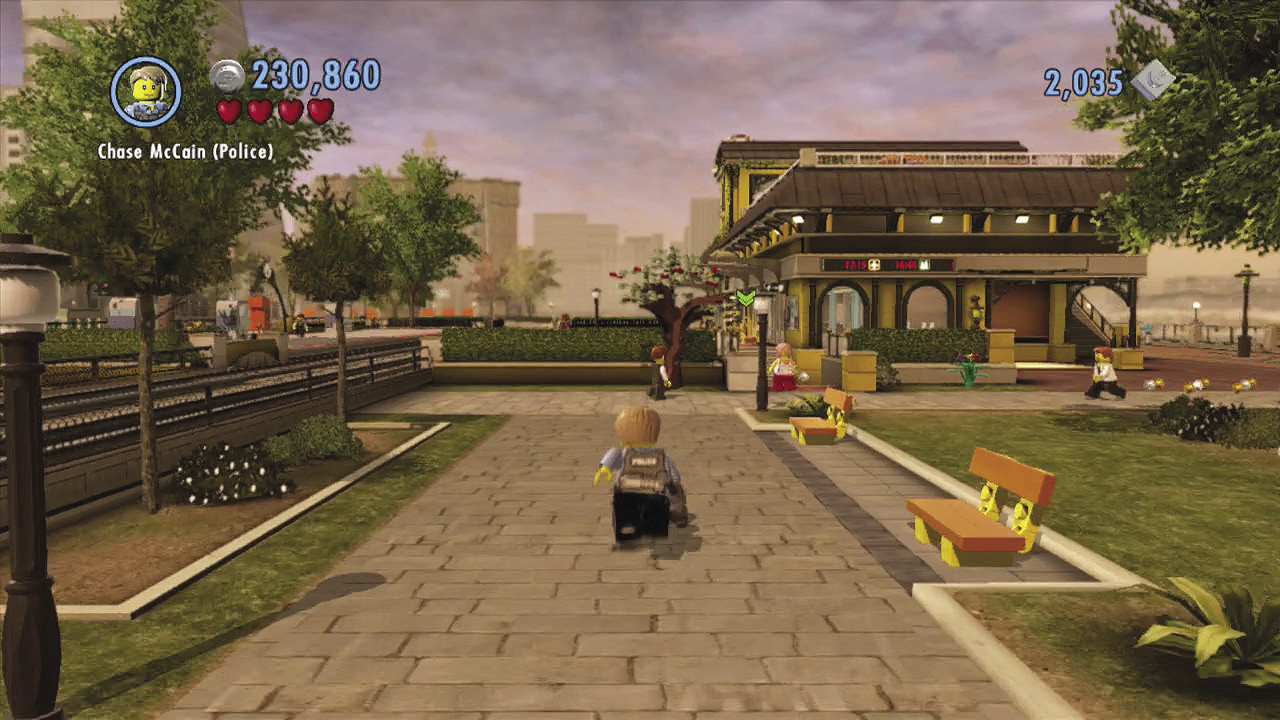
In LEGOCity Undercover, Chase spends a lot of time with his feet on the ground (or perhaps on a tightrope!). These controls are easy to master, although some actions aren’t available to Chase until you unlock them over the course of Story mode (as noted in the following tables).
Controls (on Foot)
| Controls | Actions | Notes |
|---|---|---|
|
|
Move | Apply light pressure to walk; use full pressure to run. |
|
|
Look around | A good way to spot nearby goodies. |
|
|
Enter vehicle/counter enemy/Disguise Wheel (hold) | Countering enemies requires Story mode progression. |
|
|
Attack/throw enemy/build bricks (hold)/aim (hold) | Throwing enemies requires Story mode progression. |
|
|
Interact/grab enemy | Grabbing enemies requires Story mode progression. |
|
|
Jump/perform free run moves | Free run moves require Story mode progression. |
|
|
Change disguise | Requires Story mode progression. |
|
|
Police whistle | Requires Story mode progression. |
|
|
Take photograph | Requires Story mode progression. |
 (Left stick)
 (Right stick)


 or
or 


On Wheels or in a Boat
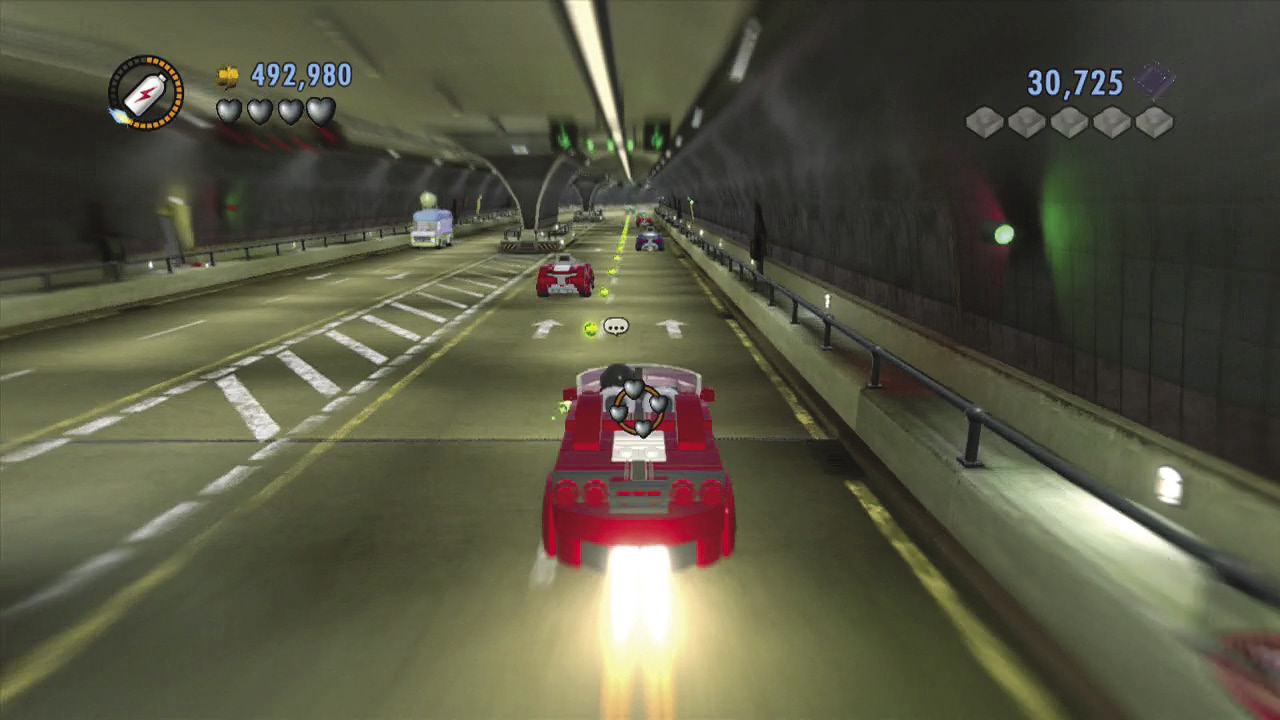
Criminals are a pesky lot, often inclined to run from the police rather than surrender. You’ll need to make use of cars, trucks, motorcycles, and boats throughout your adventures in LEGO City.
Controls (Land and Water Vehicles)
| Controls | Actions | Notes |
|---|---|---|
|
|
Steer (press for horn or siren) | Traffic moves out of your way when you turn on sirens. |
|
|
Look around | A good way to spot nearby goodies. |
|
|
Accelerate | Oh yeah, hit the gas! |
|
|
Brake | Oh no, hit the brakes!!! |
|
|
Horn/siren | Traffic moves out of your way when you turn on sirens. |
|
|
Hold to take photograph | Requires Story mode progression. |
|
|
Exit vehicle/enter new vehicle | You can leap out of one vehicle and into another when you’re close by! |
|
|
Turbo boost | Only some vehicles have turbos—look for sporty cars and emergency vehicles. |
|
Shake the Wii U GamePad |
Jump | A good way to right yourself if your vehicle has been knocked over. |
 (Left stick)
 (Right stick)
 or
or 
 or
or 


In the Air

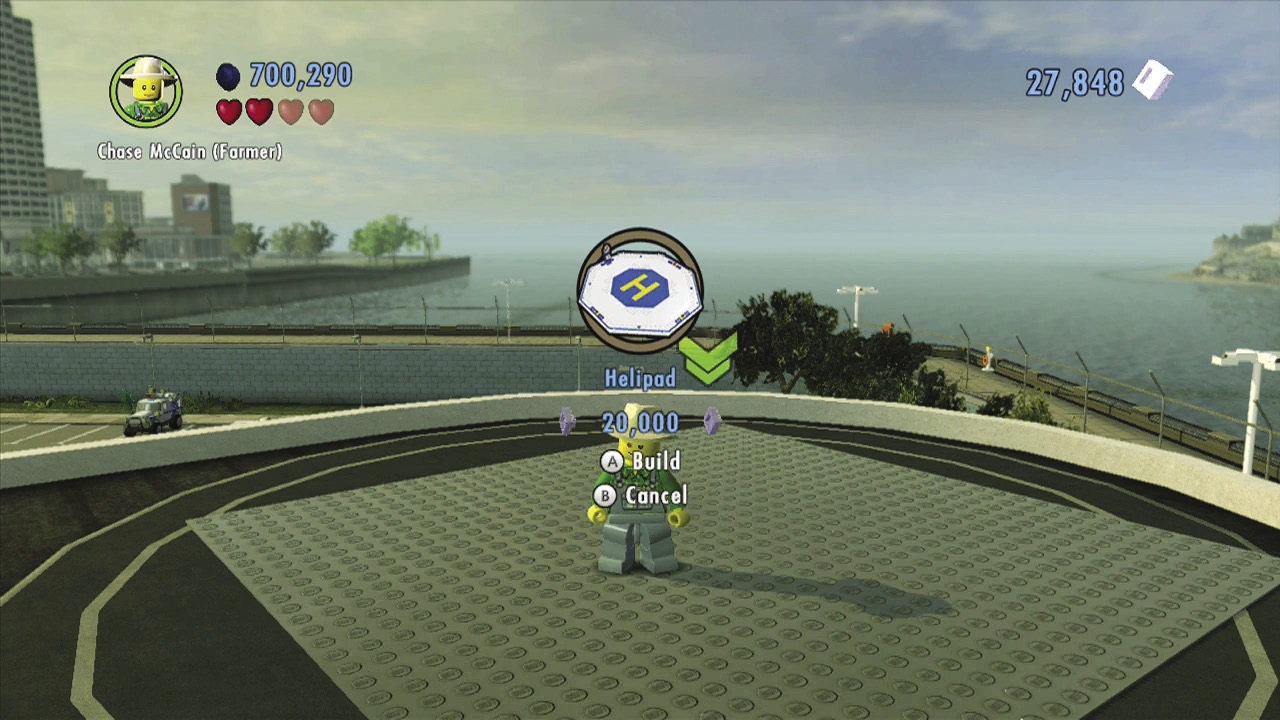
Helicopters are unlocked shortly after you beat Special Assignment 9: “Hot Property.” These airborne vehicles can help you quickly travel across LEGO City. Use helipads to call in helicopters, then hop into the pilot’s seat and take to the sky!
Controls (Aircraft)
| Controls | Action |
|---|---|
|
|
Move |
|
|
Look around |
|
|
Increase height |
|
|
Decrease height |
|
|
Horn or siren |
|
|
Exit helicopter |
 (Left stick)
 (Right stick)
 or
or 
 or
or 


Fighting
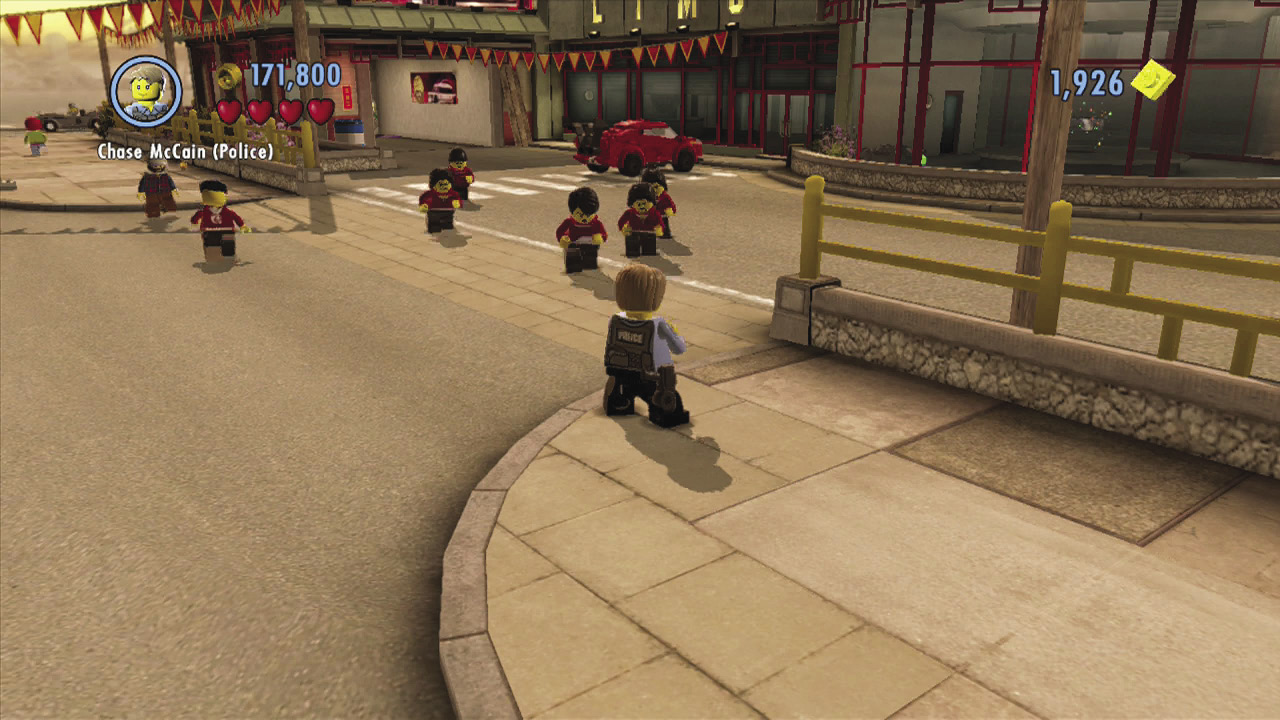
Criminals are a violent bunch, and most won’t go down without a fight. Fortunately, Chase McCain is a master of hand-to-hand combat! Most enemies can be defeated just by hitting them a few times. Rapidly tap  to throw combos with Chase’s fists or with whatever weapon he has equipped with his current disguise.
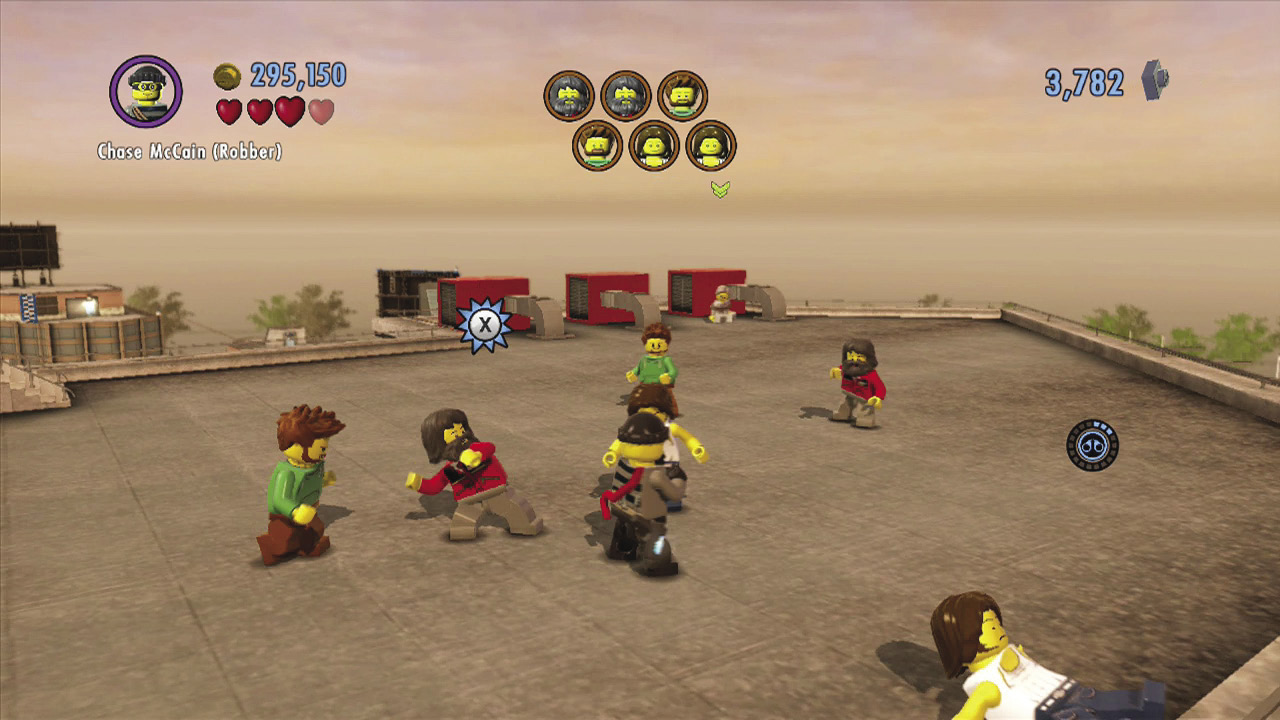
After Chase completes Special Assignment 4: “Kung Fool,” he learns several new fighting techniques. One of the most useful is the enemy counter. Simply stand in front of enemies and wait for them to begin their attack. An  icon will appear over the enemy’s head—quickly press
  to counter their attack with an unexpected move!
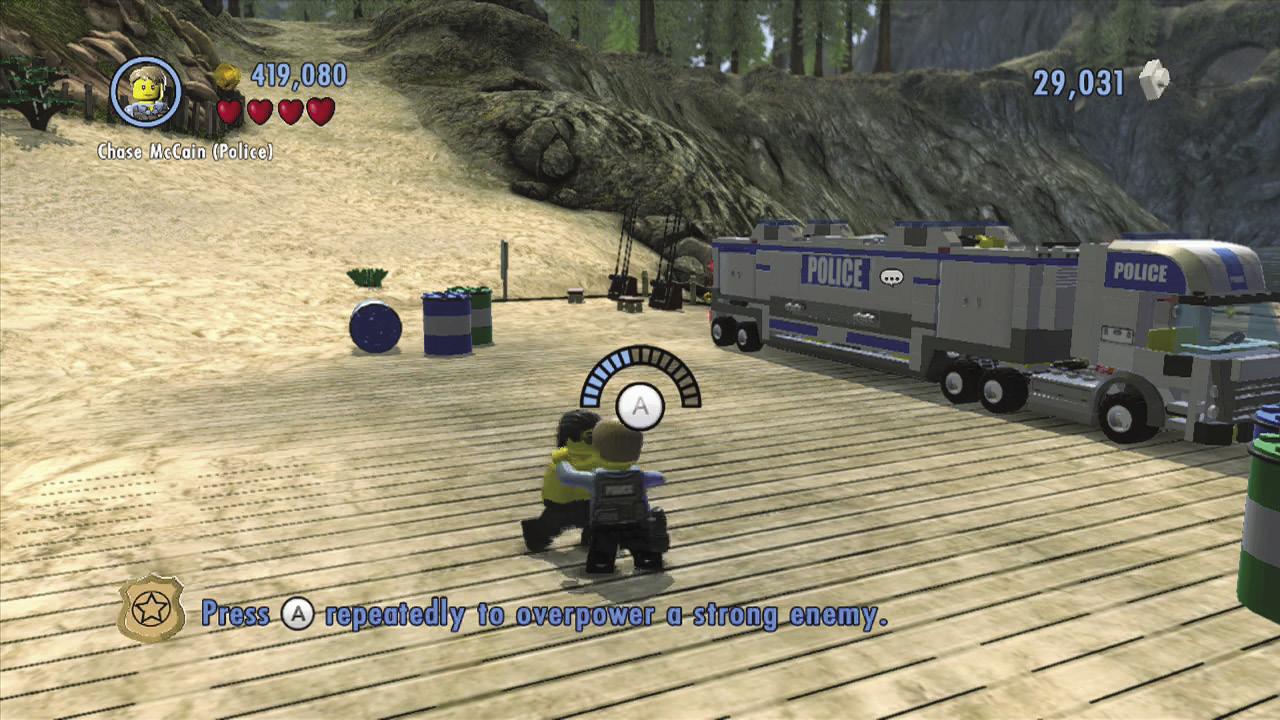
Some enemies are stronger than others and will shrug off Chase’s regular attacks and counters. To best these burly brutes, rapidly tap  to grab and overpower them. Chase will then lift the enemy over his head. Either tap
  to throw the goon, or hold
  to aim and then release
  to throw the goon into another enemy.
Slapping on the Handcuffs
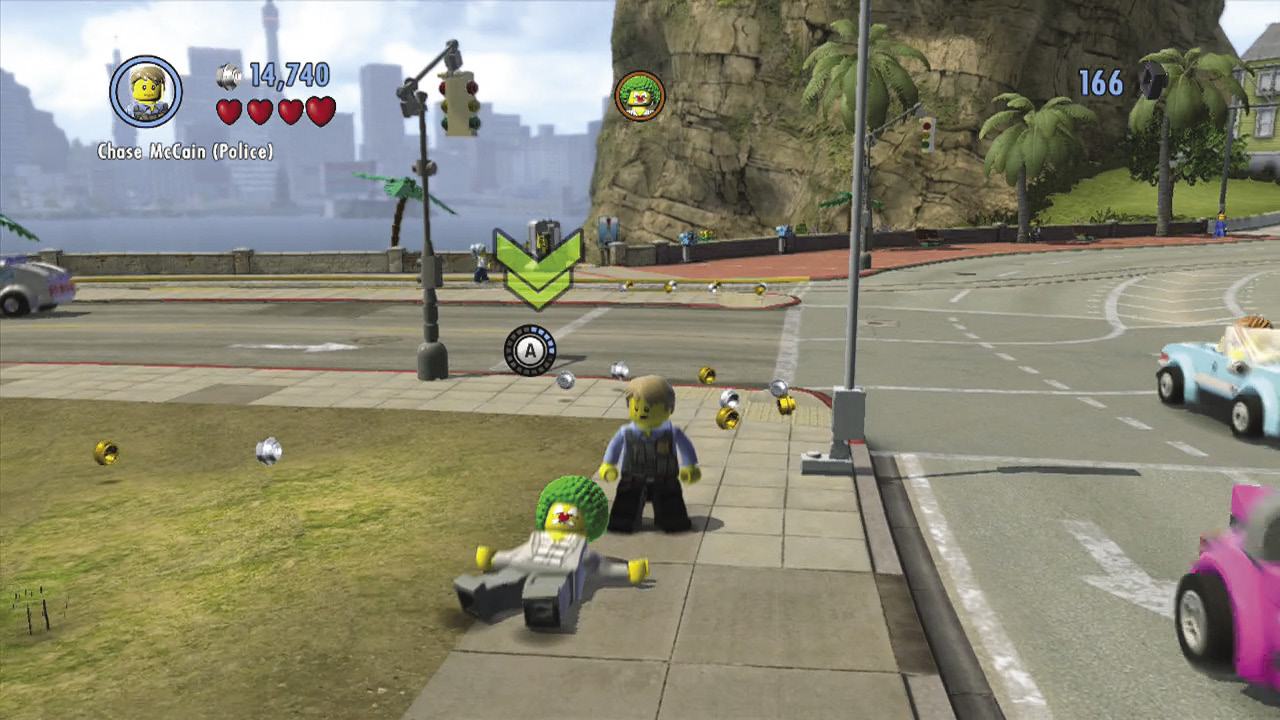
After knocking a criminal to the ground, Chase has just seconds to slap on the handcuffs and bring them to justice. Get close and press  to slap on the cuffs. Handcuffing enemies is important when facing a large number of goons—don’t dally, or those groggy goons will recover and rejoin the fight!
Smashing Stuff
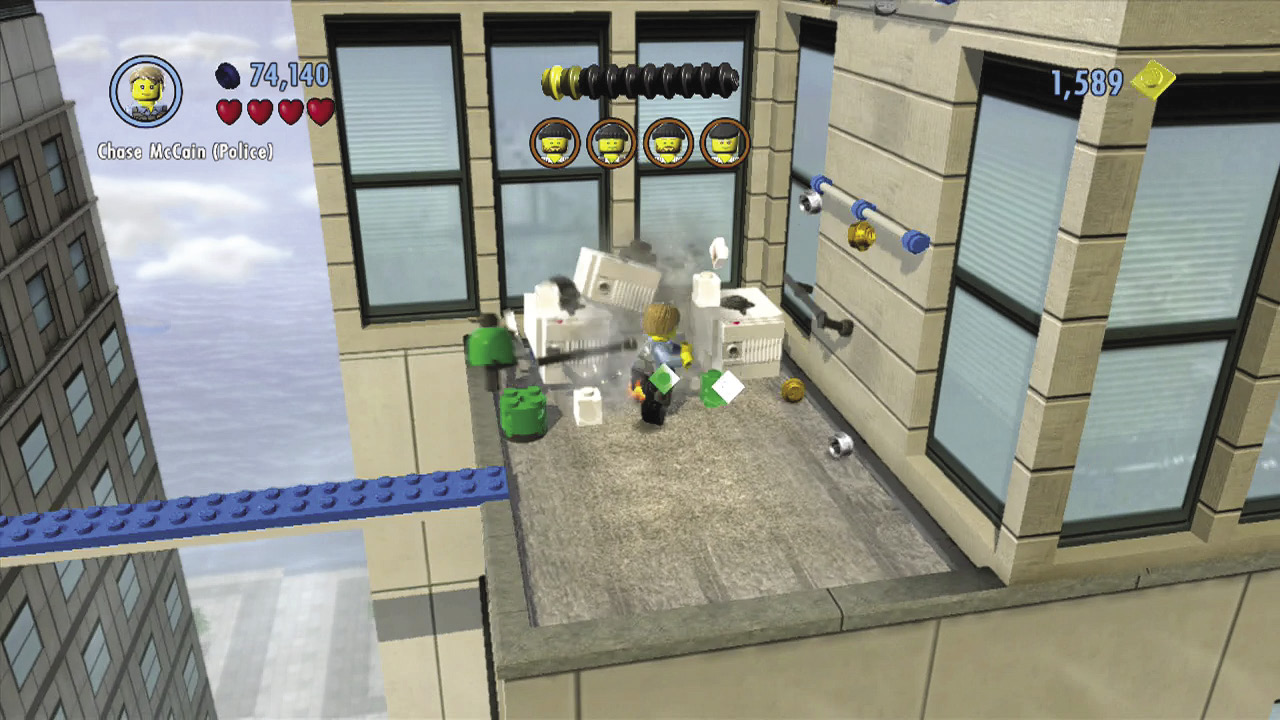
To catch a criminal, sometimes you have to think and act like one. Don’t be shy about smashing every object Chase encounters—most will give off studs or bricks, both of which are crucial in his quest to stop Rex Fury.
Building Stuff
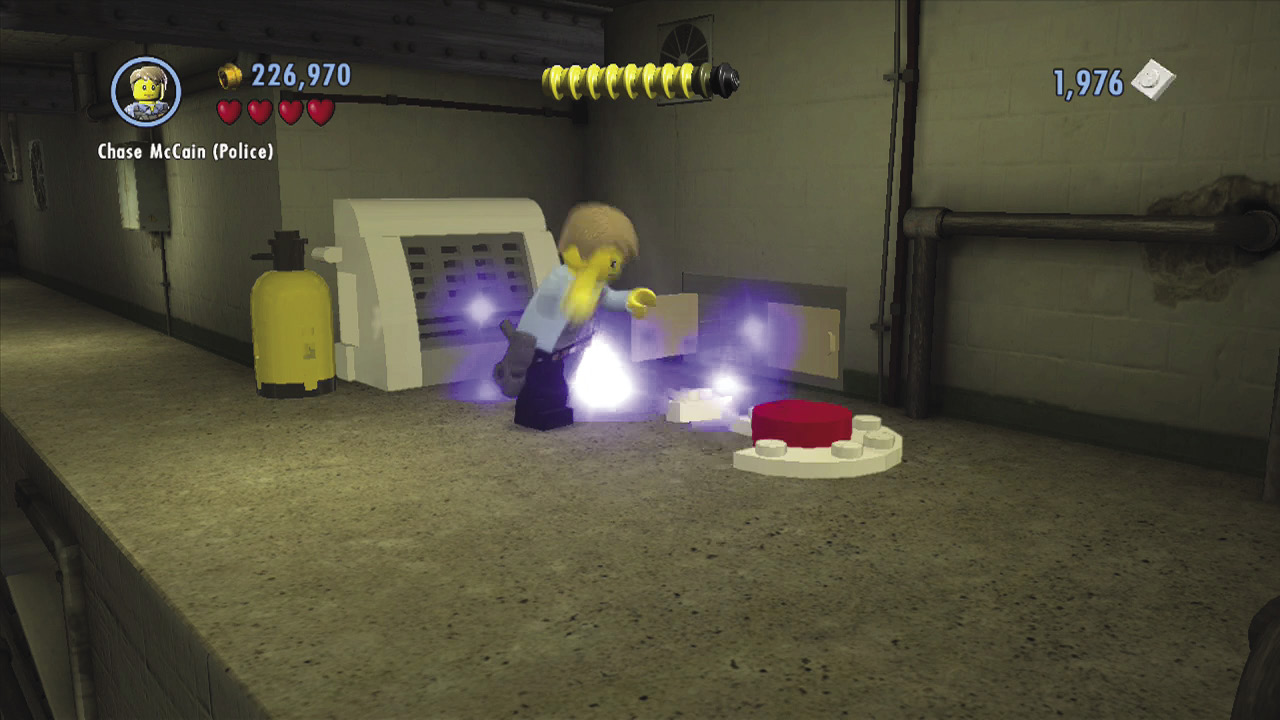
Glowing piles of bouncing LEGO bricks can be built into useful objects. Hold  while standing near bouncing bricks, and see what Chase can build. You’re often rewarded with studs when he completes the object.
Free Run Moves
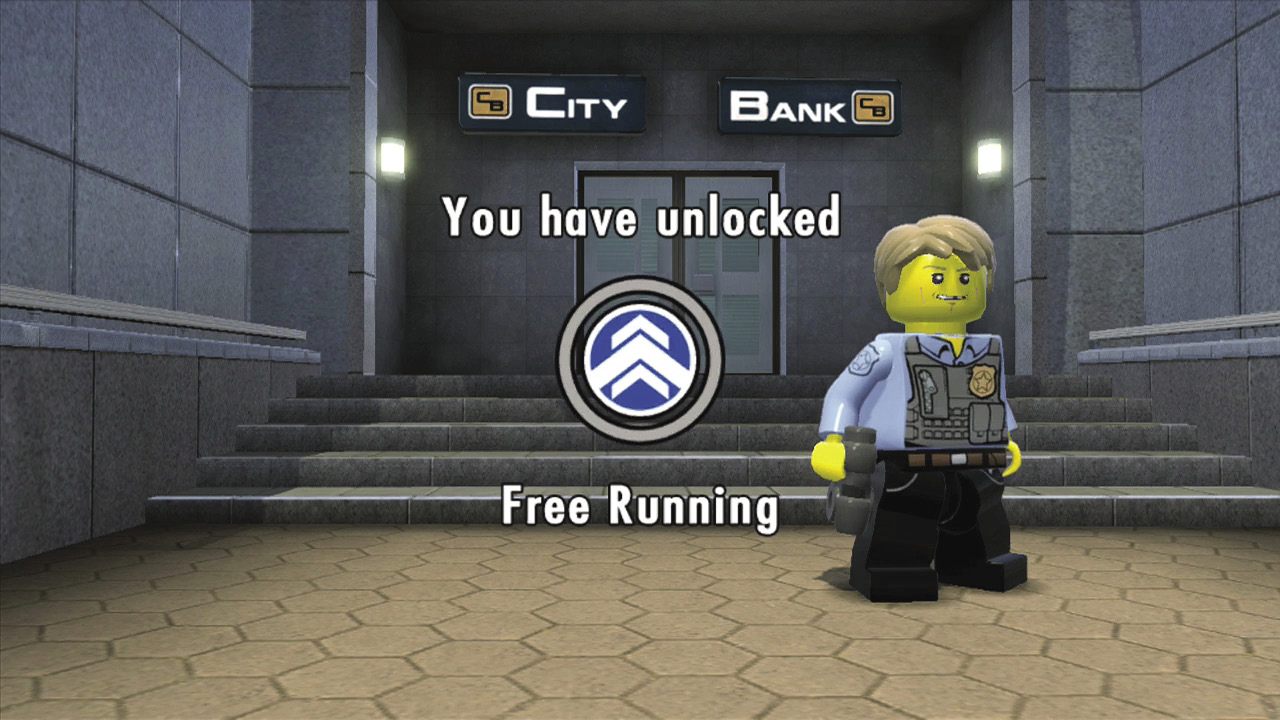
After Chase completes the first Special Assignment mission, he gains the ability to perform several special free run moves. These flashy actions allow Chase to reach areas he otherwise couldn’t by performing a variety of slick acrobatic maneuvers. Whenever you see blue and white LEGO objects, you know that you can perform free run moves. Let’s review the many different free run moves available to Chase.
Vault
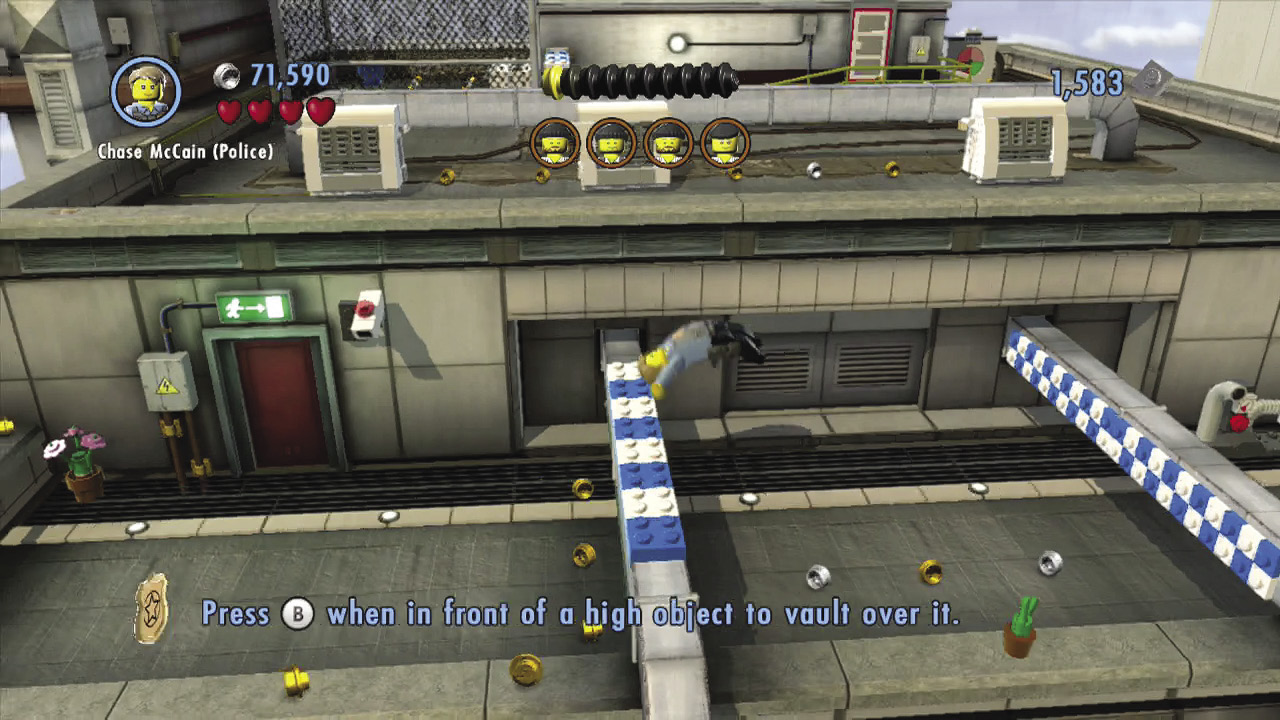
As Chase races around LEGO City, he’ll occasionally encounter low barriers with a blue and white pattern on top. Press  to smoothly vault these minor obstacles.
Climb
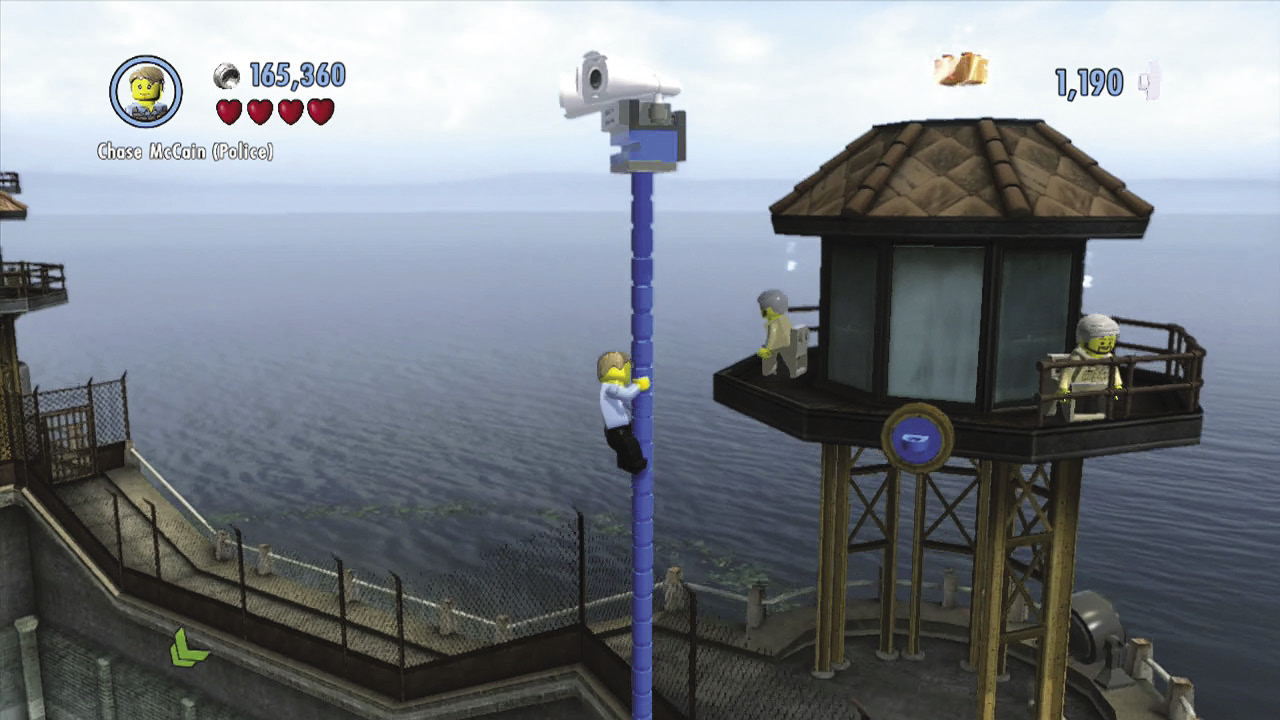
Using his free run skills, Chase can climb several different objects. These include blue and white LEGO walls, LEGO patches, and drainpipes. Climb these objects whenever you see them to find higher ground or cross long gaps that you can’t jump.
Wall-Jump
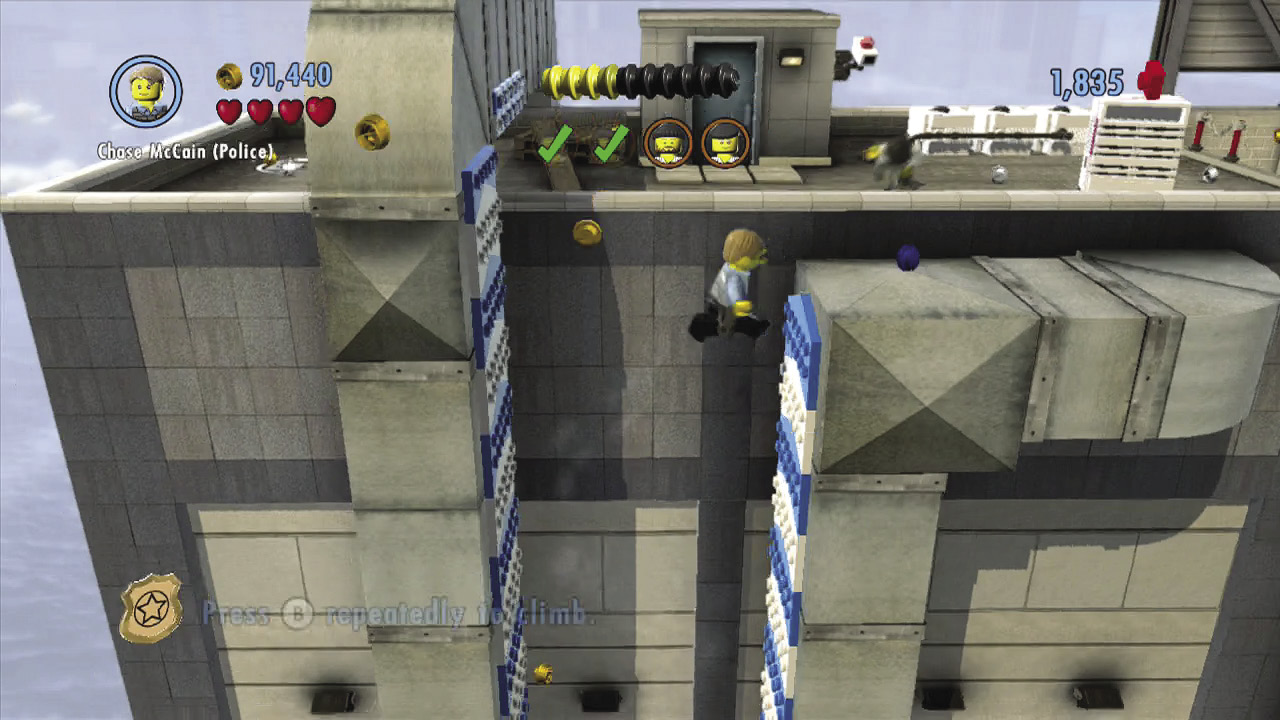
Chase sometimes encounters parallel walls with blue and white LEGO arrows running up them. Make Chase jump between such walls by rapidly pressing  to help him bounce up to higher ground.
Catapult Pads
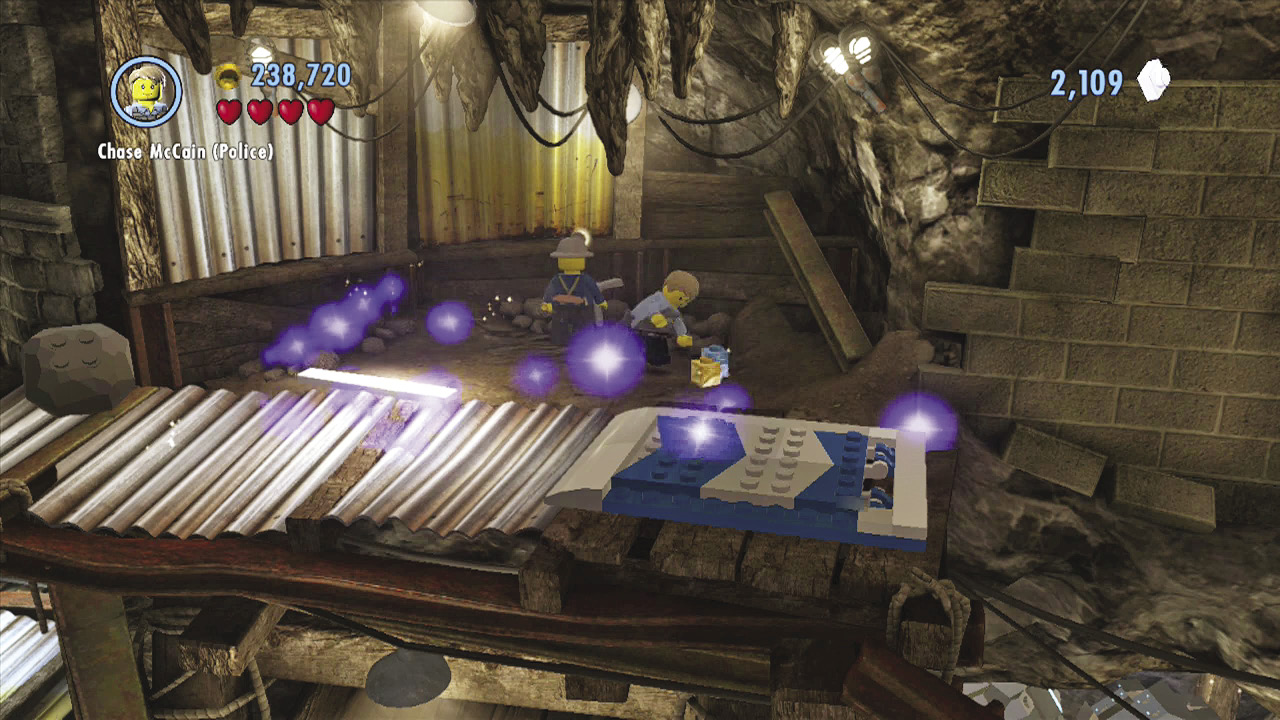
These special blue and white springboards will launch Chase through the air when he steps on them, helping him clear long distances. You can’t control Chase’s path of flight, so just sit back and enjoy the ride!
Wall Runways
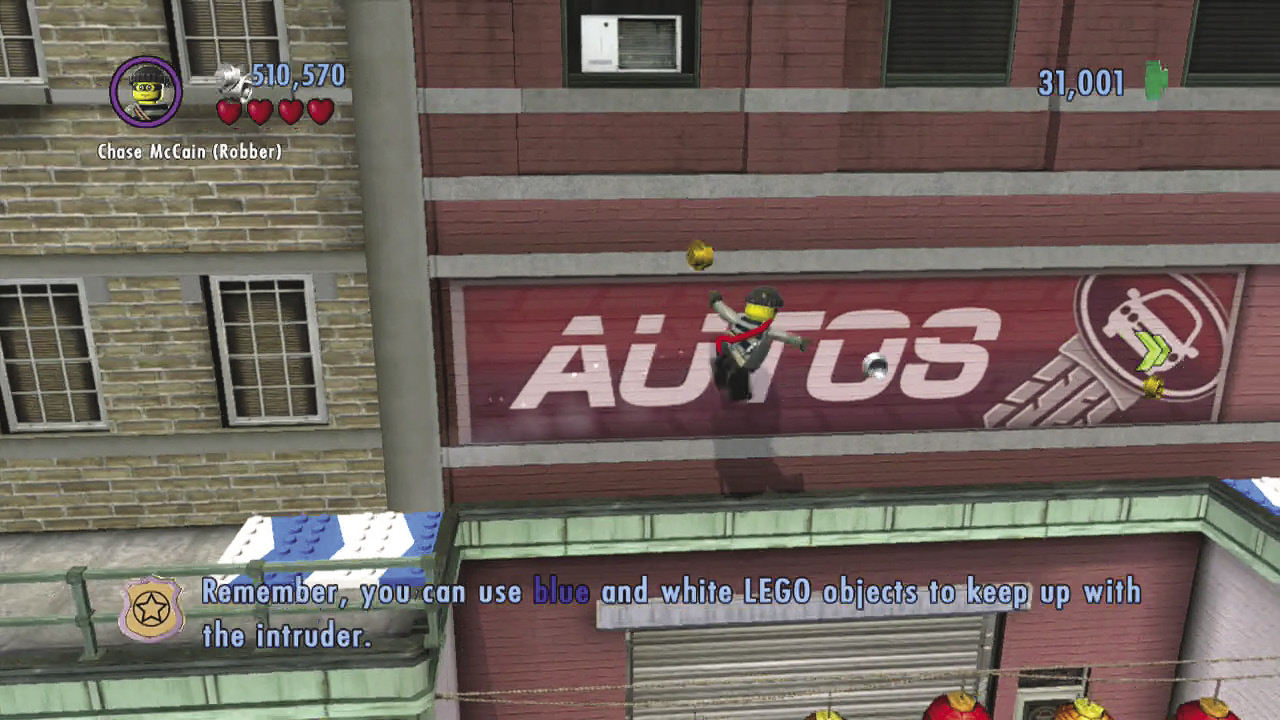
Wall runways look similar to catapult pads, and they also launch Chase the moment he steps on them. But instead of sending him soaring through the air, wall runways make Chase deftly sprint along the nearby wall, helping him cross wide gaps he couldn’t have jumped.
Slippery Slopes
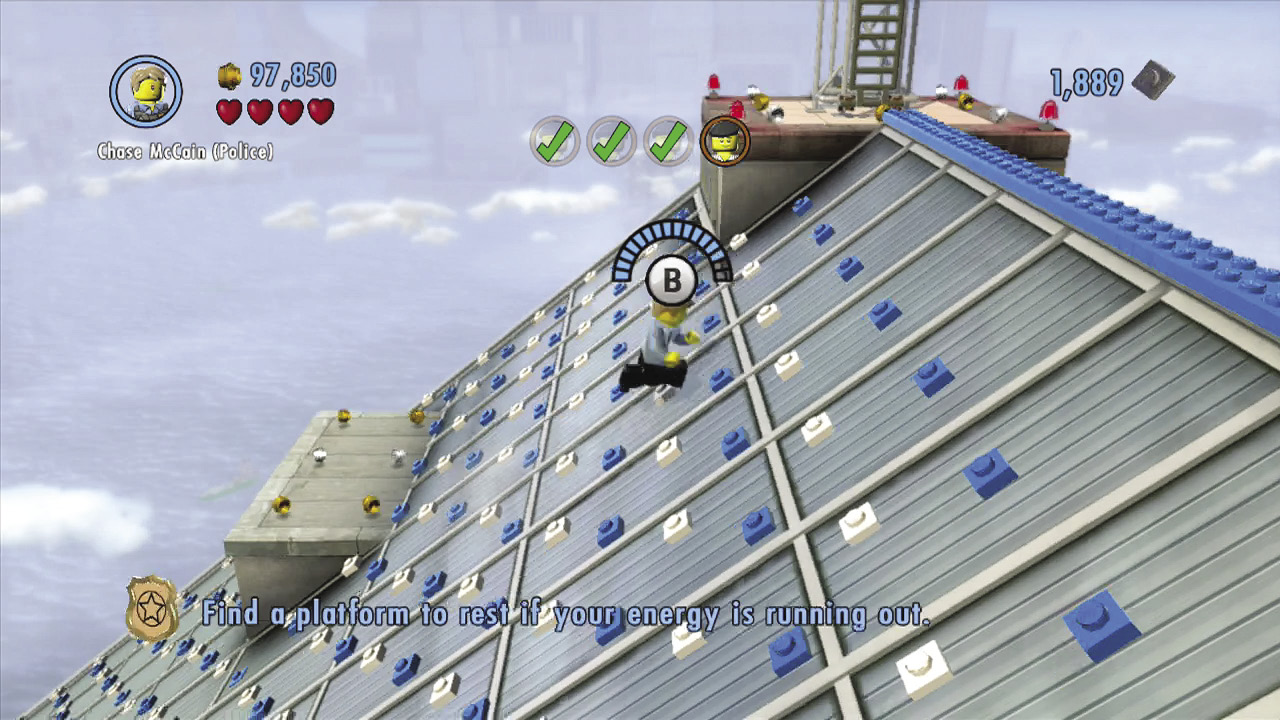
Chase can sprint up long slopes, so long as they sport a surface of blue and white LEGOs. Rapidly tap  to make Chase run up such slopes, and look for flat areas where he can catch his breath.
Hang and Shimmy
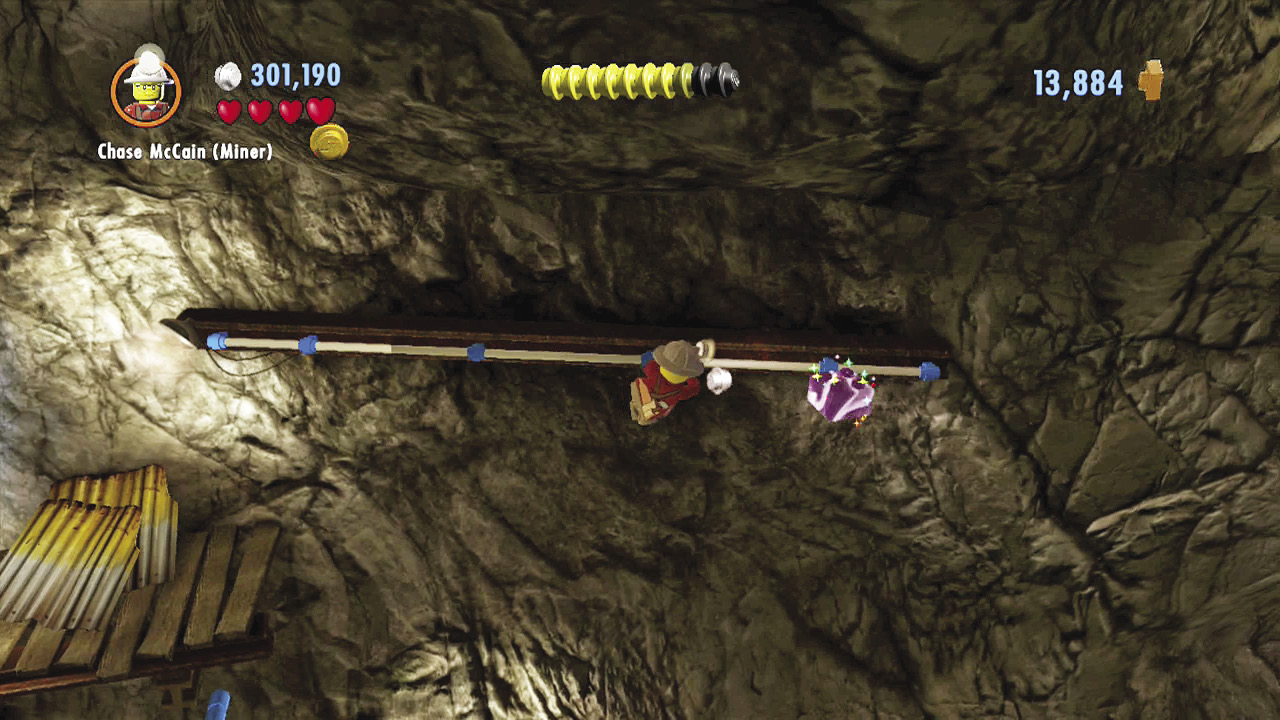
Chase commonly encounters handholds from which he can hang. Once he’s hanging from a handhold, Chase can move right or left to shimmy across or simply jump to the next ledge or handhold. Some handholds are too stubby for Chase to shimmy across.
Tiptoe
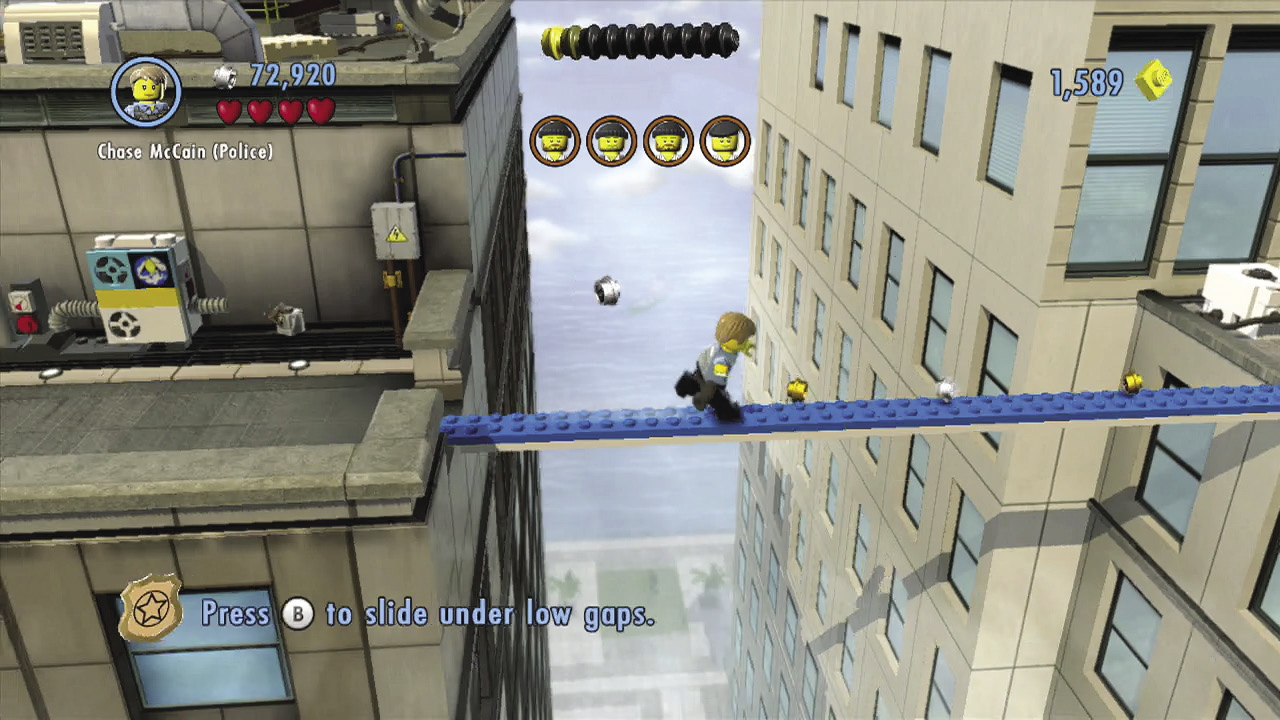
Chase must occasionally traverse narrow blue beams or tightropes in order to cross long, treacherous gaps. It’s best to slowly walk onto these objects, letting Chase find his footing before hurrying him across.
Tightrope Slide
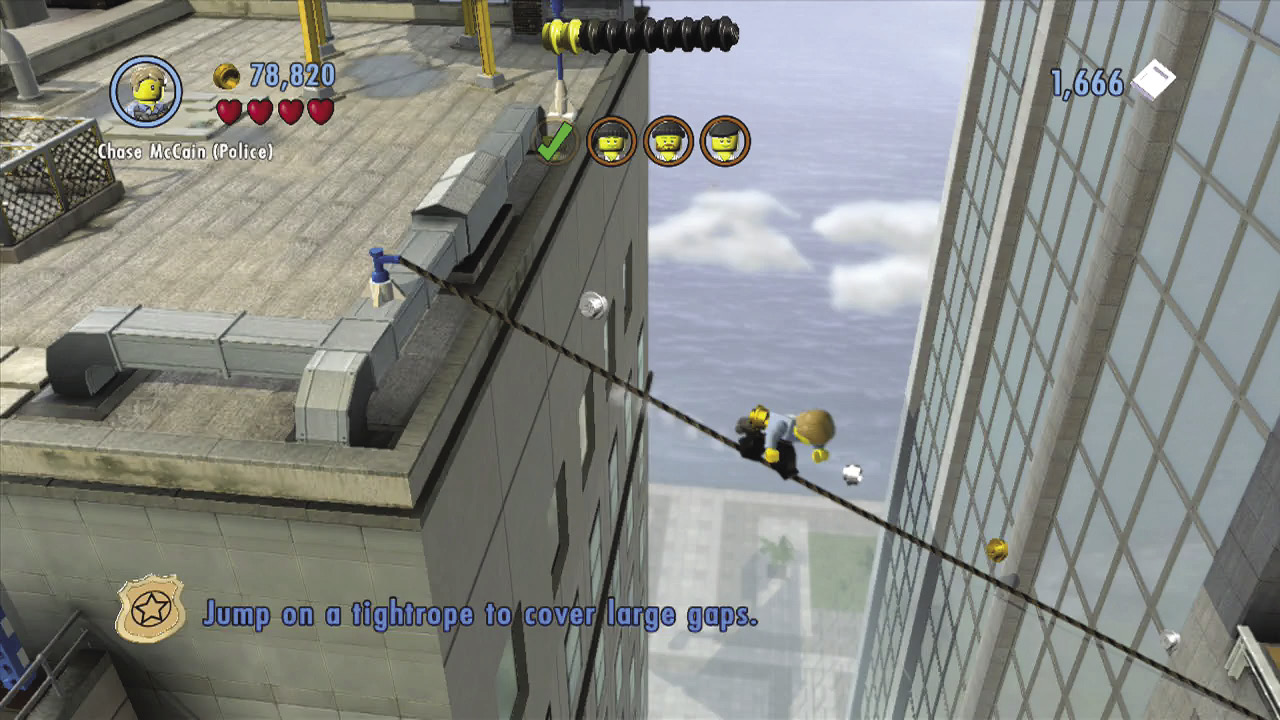
In many places around LEGO City, angled tightropes stretch between tall buildings. Jump onto a tightrope’s higher end to make Chase quickly slide down. Wahoo!
LEGO City Landmarks

Now that we’ve covered Chase’s moves, let’s take a peek at some of the more noteworthy objects you’ll encounter as you explore LEGO City. Note that this is just a quick glance at the city’s more important landmarks—flip ahead to the “LEGO City Tour” chapter for a more in-depth look at everything the city has to offer.
Superbuilds
Large LEGO pads signify spots where Chase can construct something really big and important. Spend bricks to construct these superbuilds, and help restore LEGO City to its former glory.
Helipads and Call-in Points
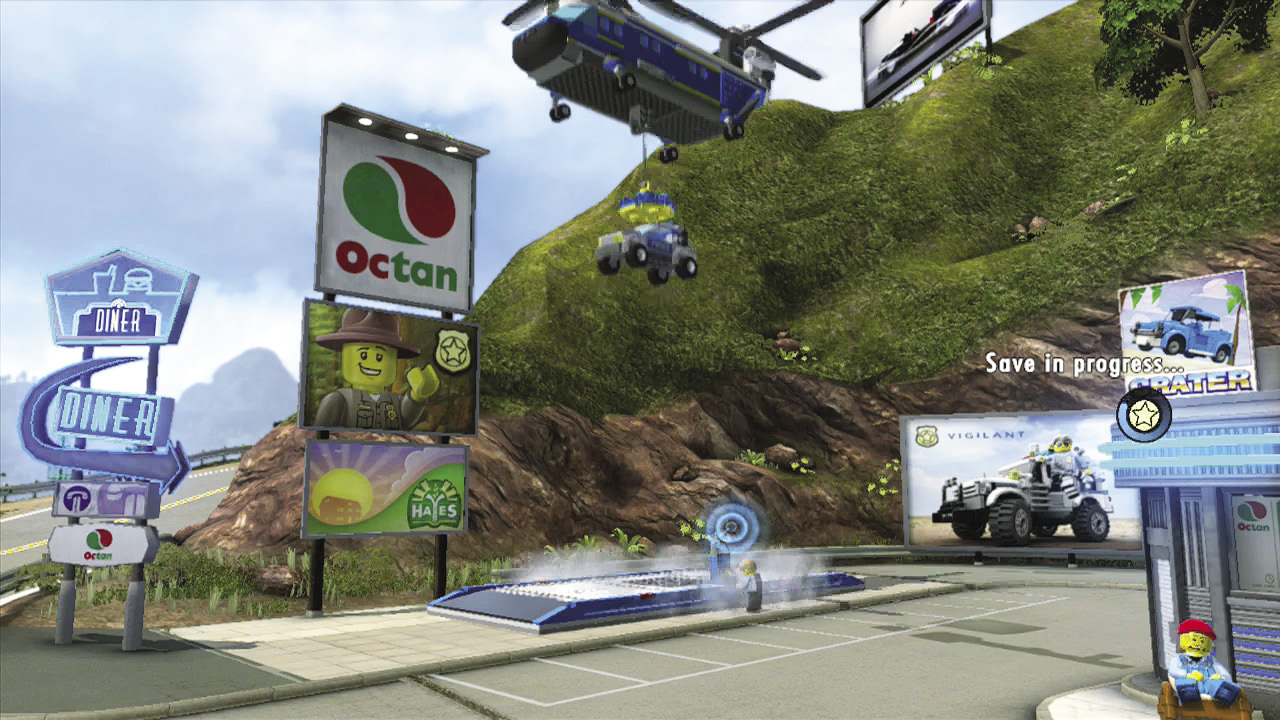
02-038 Once you build helipads and vehicle call-in points, you can use them to instantly order any of your unlocked vehicles for special delivery, totally free of charge. Note that Chase must progress a ways into Story mode before he can unlock vehicle call-in points and helipads.
Trains and Ferries
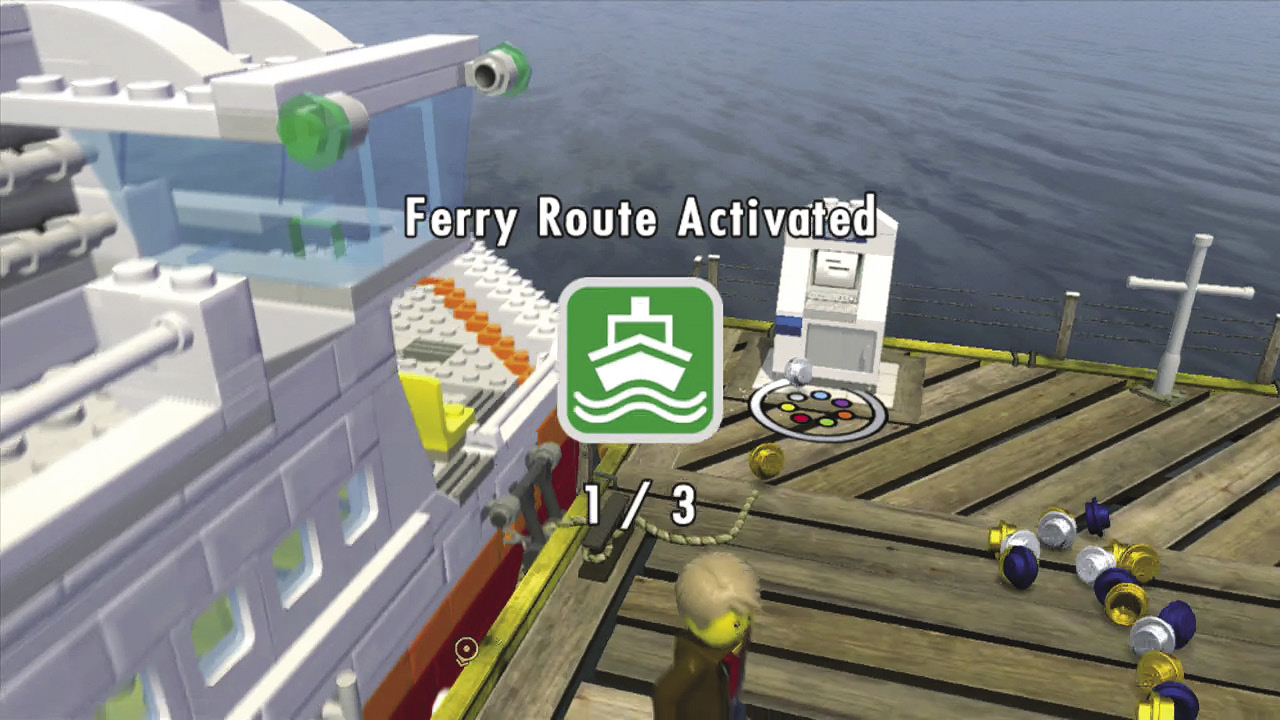
Activate train stations and ferries to unlock fast-travel options around LEGO City. Using trains and ferries is completely free, and as a special bonus, you earn a gold brick each time you activate a new train station or ferry route!
Disguise Booths
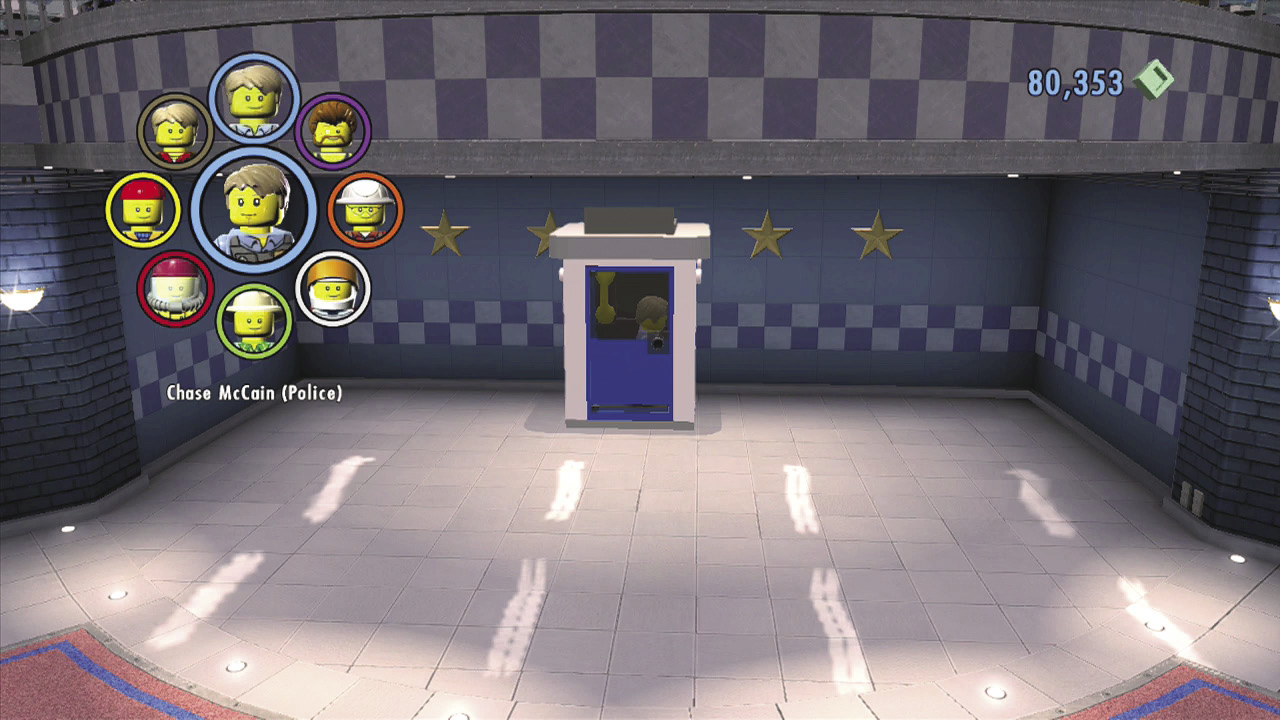
Though Chase can utilize hundreds of disguises, he can only carry one disguise with him per disguise category. Whenever you want to choose different disguises for each category (Police Officer, Robber, etc.), simply visit a disguise booth. You’ll find these booths all over the city—there’s even one at the LEGO City Police Station in Cherry Tree Hills! Pop into a disguise booth, then choose which disguises you wish to use.
Using theWii U GamePad
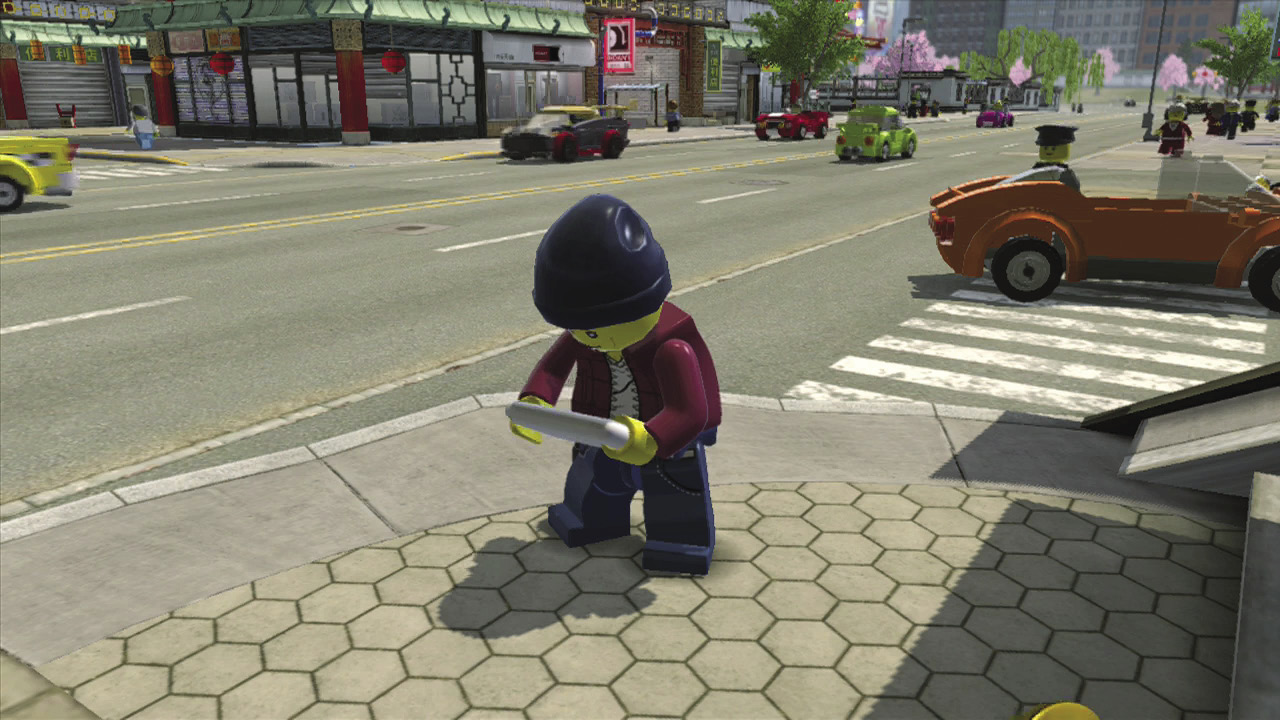
An exciting new addition to the LEGO experience is the Wii U GamePad. This second screen provides useful information vital to stopping Rex Fury’s terrible crime wave!
Checking the Map
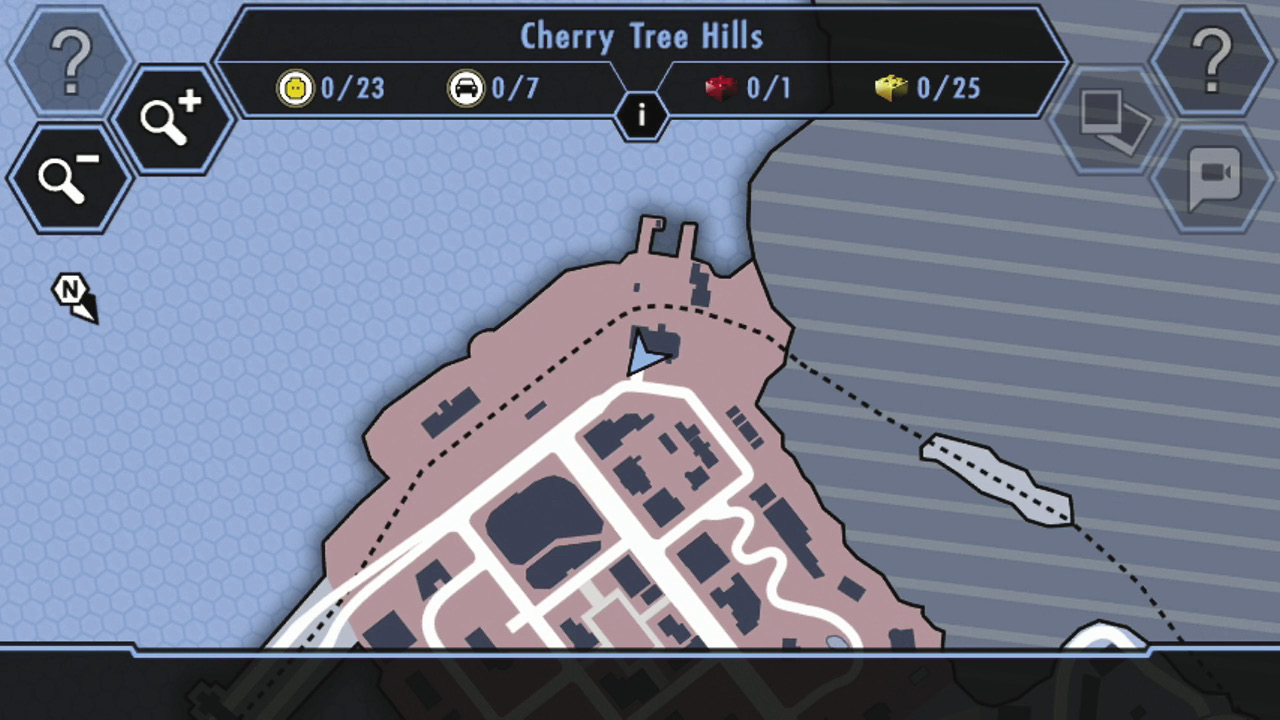
LEGO City is vast, but the detailed map on your Wii U GamePad helps you keep your bearings. The city features several zones—the name of your current zone is shown at the top of the map, along with the zone’s major collectibles. Tap the small “i” icon near the zone’s name to call up a more detailed list of collectibles for that zone.
Map Icons
 Your location and the direction you’re facing Your location and the direction you’re facing |
 Vehicle robbery Vehicle robbery |
 Your objective Your objective |
 Special boulder Special boulder |
 Replay level (Free Play mode) Replay level (Free Play mode) |
 Silver statue Silver statue |
 Vehicle call-in point Vehicle call-in point |
 Alien crate Alien crate |
 Helipad Helipad |
 Astronaut flag Astronaut flag |
 Crash mat Crash mat |
 Flower bed Flower bed |
 Scan spot Scan spot |
 Pig rescue Pig rescue |
 Superbuild Superbuild |
 Cat rescue Cat rescue |
 Character token Character token |
 BBQ fire BBQ fire |
 Vehicle token Vehicle token |
 Coffee break station Coffee break station |
 Disguise booth Disguise booth |
 Drill thrill Drill thrill |
 Train station Train station |
 Free run challenge Free run challenge |
 Ferry station Ferry station |
 Time trial Time trial |
 Gang activity Gang activity |
 Super Star Super Star |
 Vehicle robbers Vehicle robbers |
 ? Block ? Block |
 ATM ATM |
 Warp Pipe Warp Pipe |
Setting GPS Routes
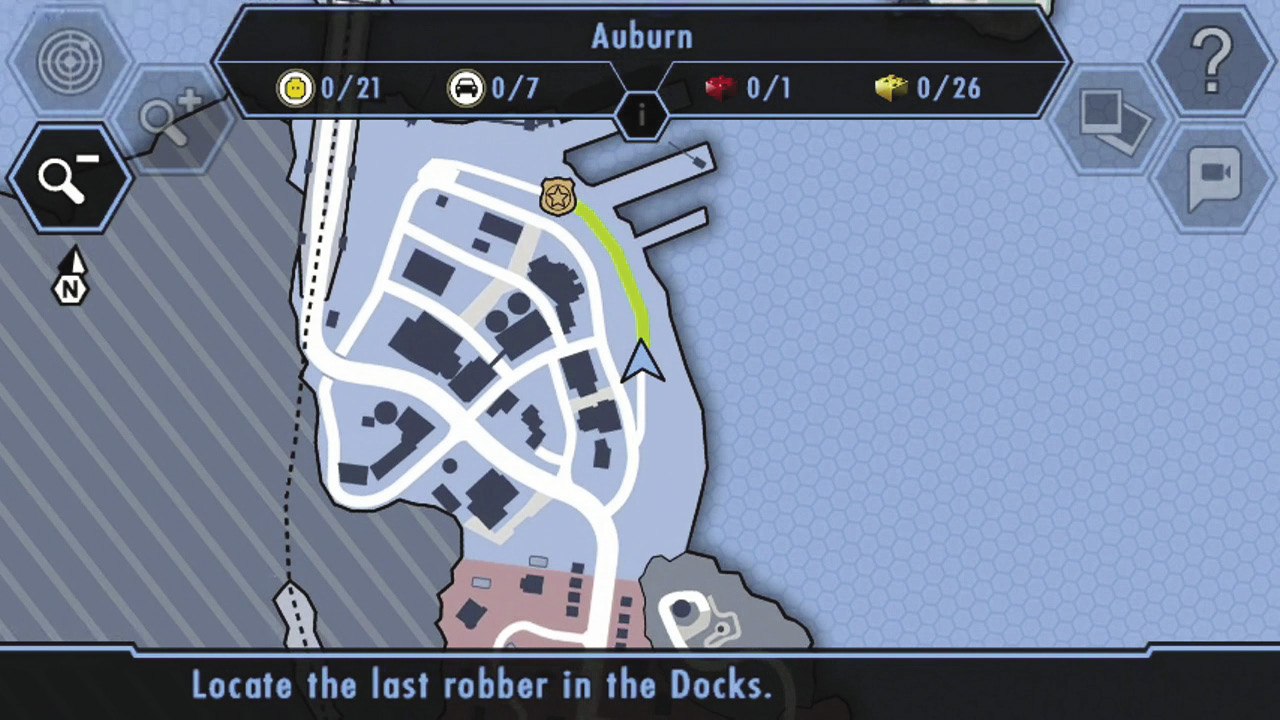
Tap and hold anywhere on the GamePad map screen to create a waypoint. A trail of green studs then appears that guides you toward your destination. When no waypoint is set, the game defaults to directing you toward the next Story mode objective.
Receiving Calls
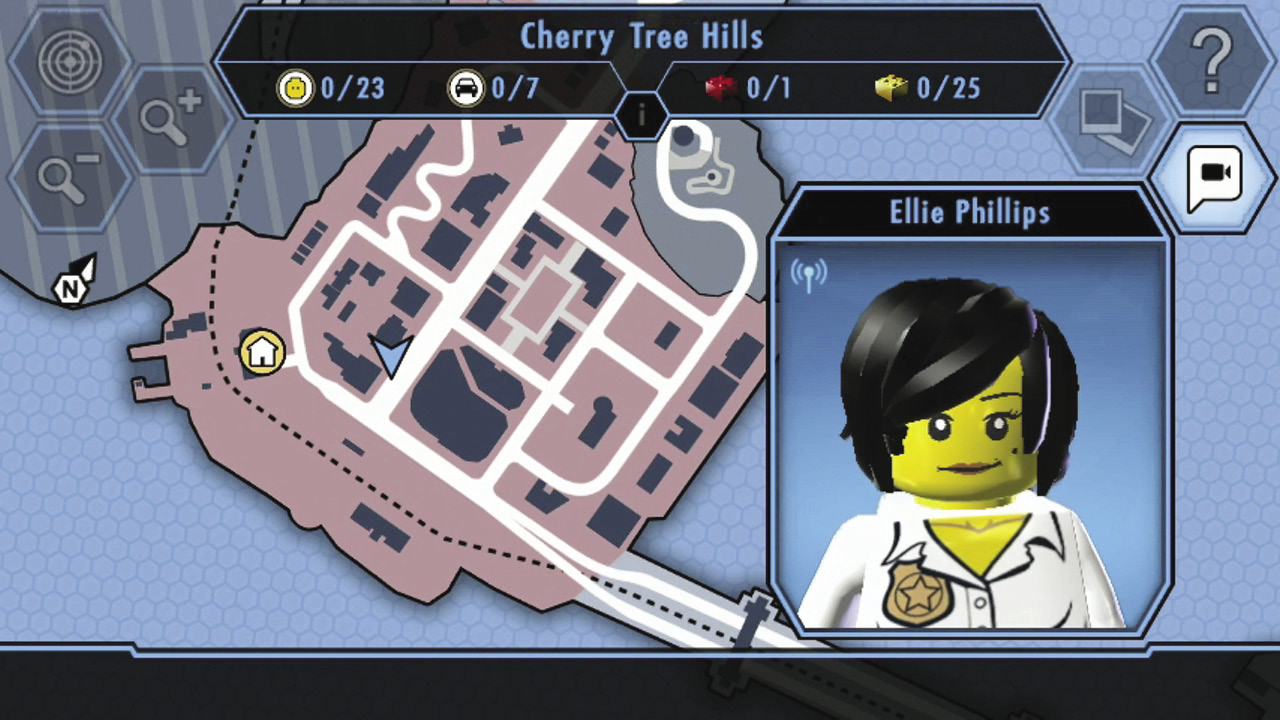
Chase isn’t alone out there on the street—friends and acquaintances commonly contact him with important information. Press the video call icon whenever it flashes on the Wii U GamePad to answer a call and hear what Chase’s allies have to say.
Data Scan Mode
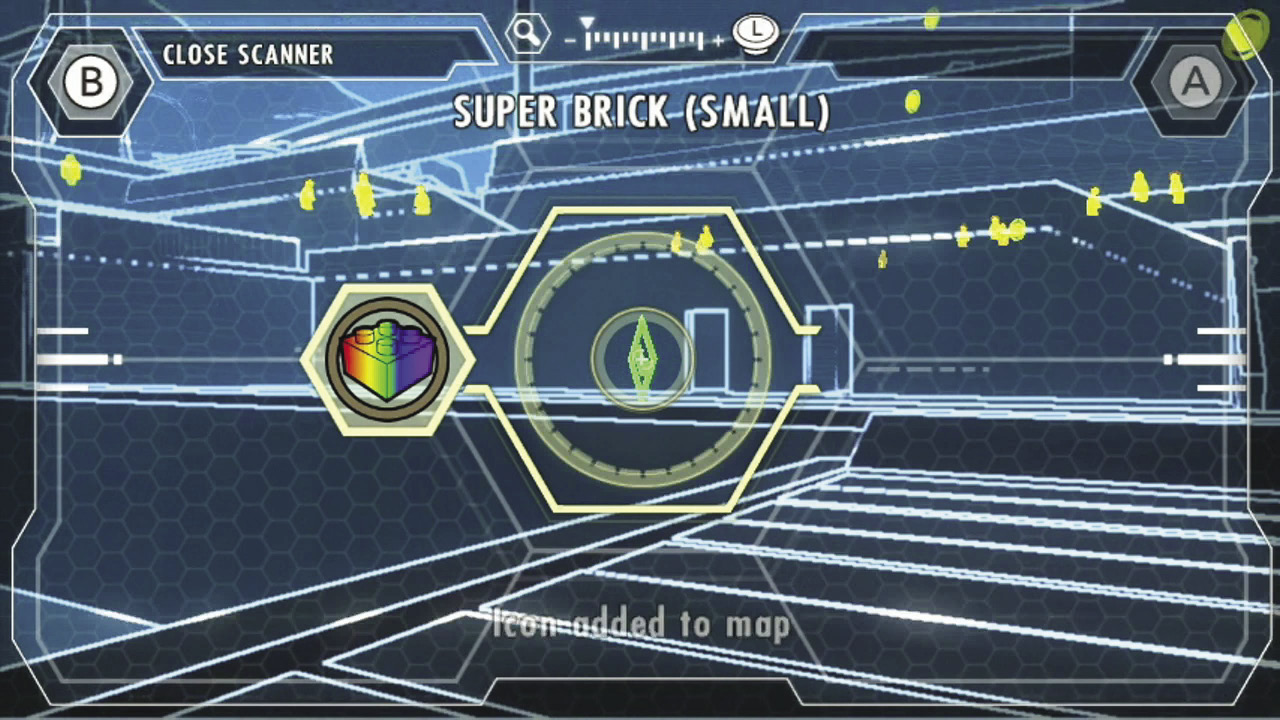
At various points, Chase will need to scan his surroundings for a clues. When prompted, press the Data Scan button, hold up the Wii U GamePad in front of you, then slowly look around. At this point, you are acting as Chase, and everything you see on the Wii U GamePad is what Chase is seeing in his environment. Onscreen arrows indicate the direction you must look to track down the clue.
Criminal Scan Mode
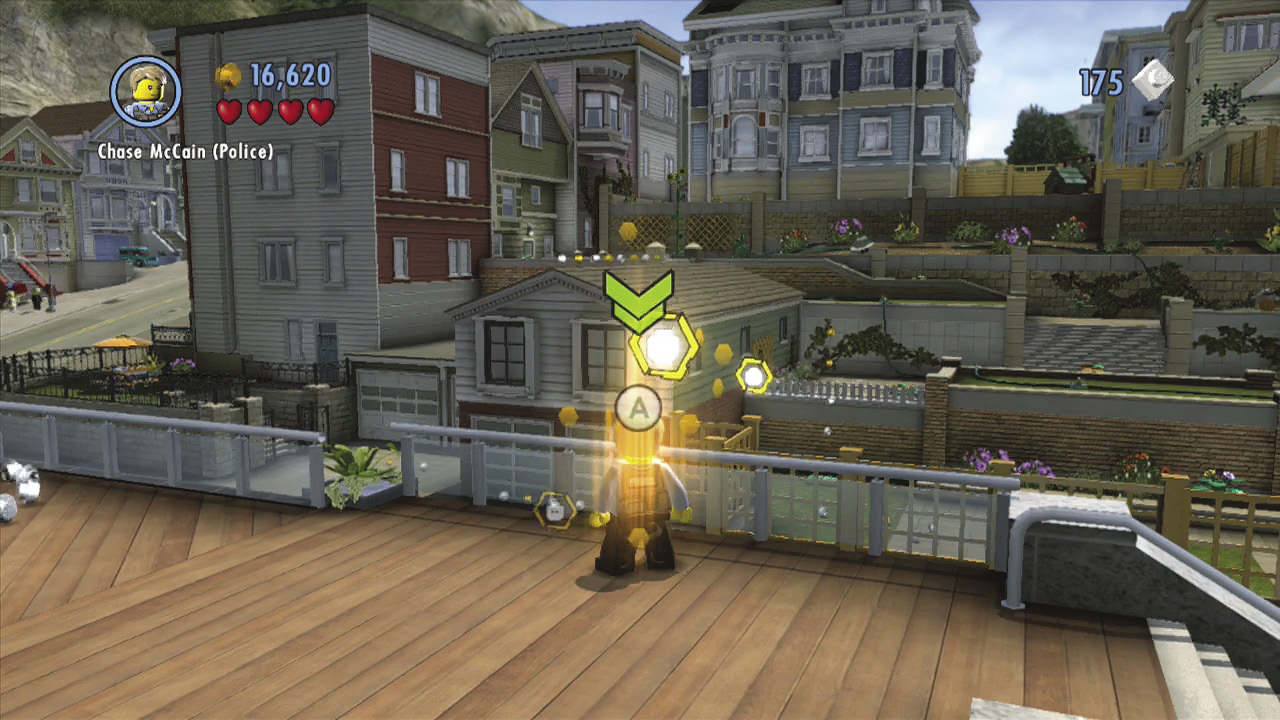
At several points during Story mode, Chase must use his communicator to scan the area for criminal activity. You can do this only while standing in a criminal scan spot. From there, press  to fire up Criminal Scan mode.
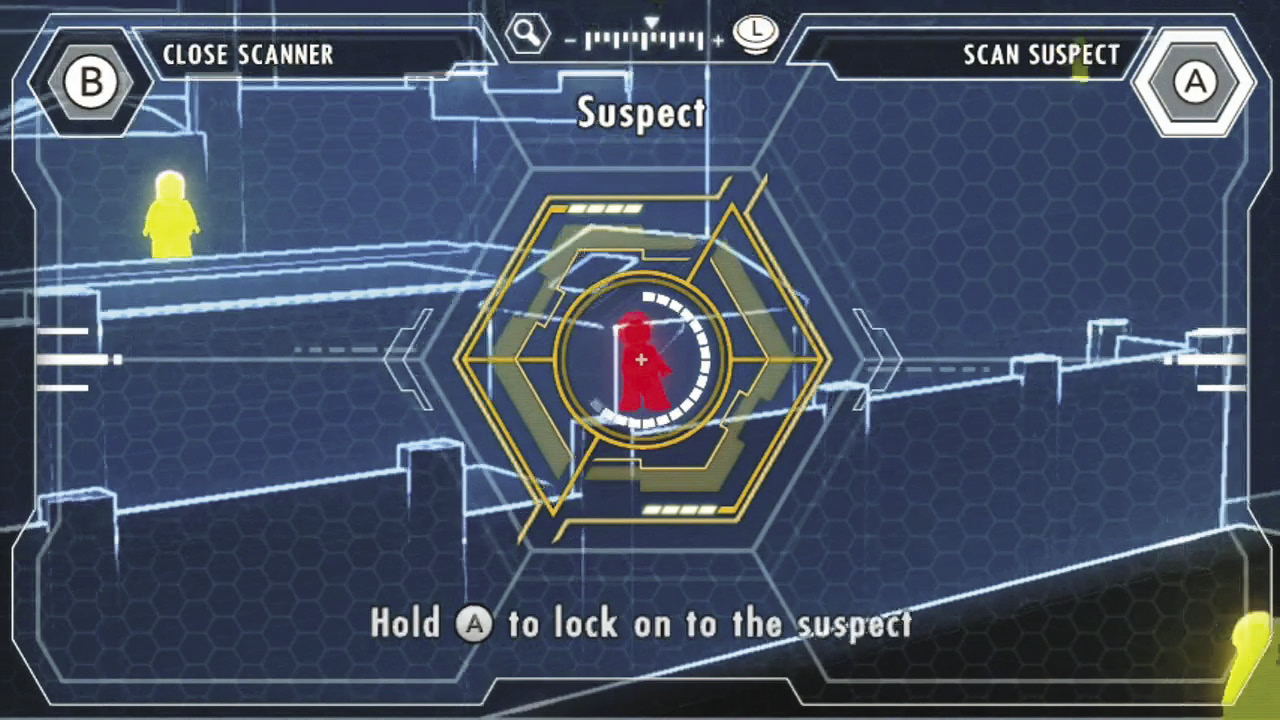
While using Criminal Scan mode, hold the Wii U GamePad in front of you, just as you would during a data scan. This time, however, you’re searching for nearby crooks! Slowly look around, centering the GamePad on characters in the vicinity. Hold  to target suspects and advance the plot.
Audio Scan Mode
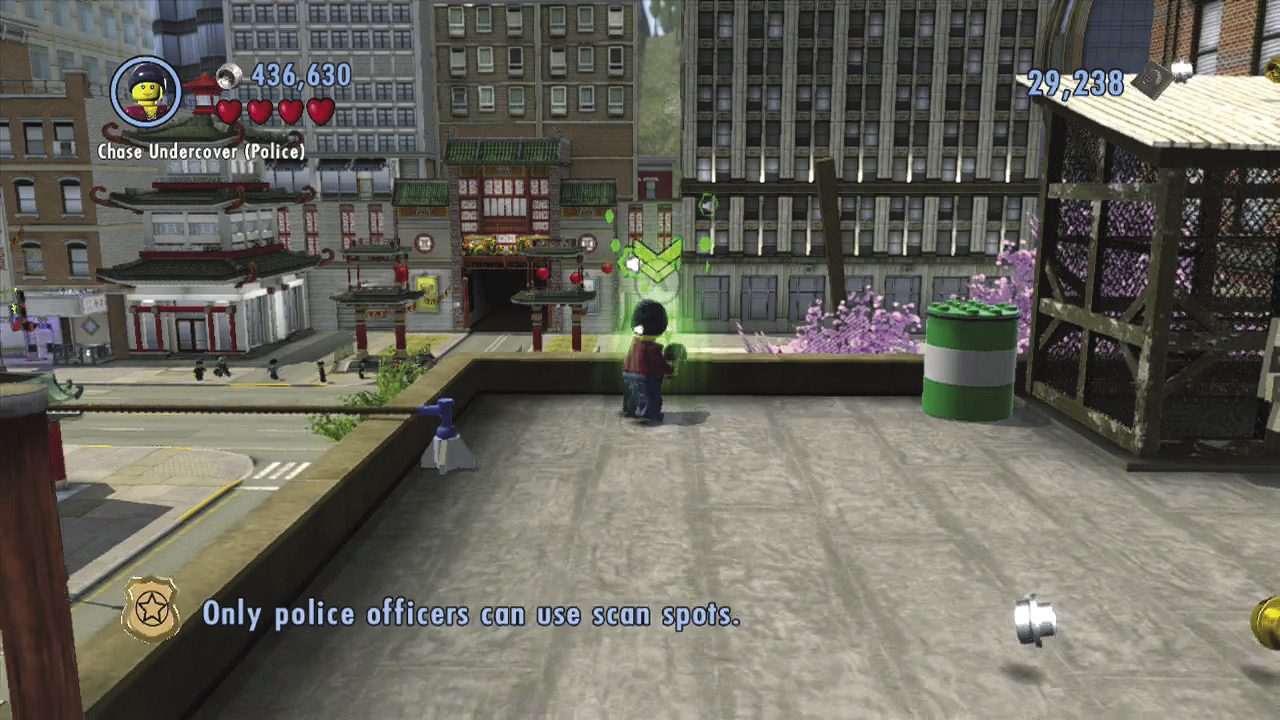
Whenever Chase discovers special audio scan spots, you can use the Wii U GamePad to eavesdrop on nearby conversations. This is useful at several points during Story mode.
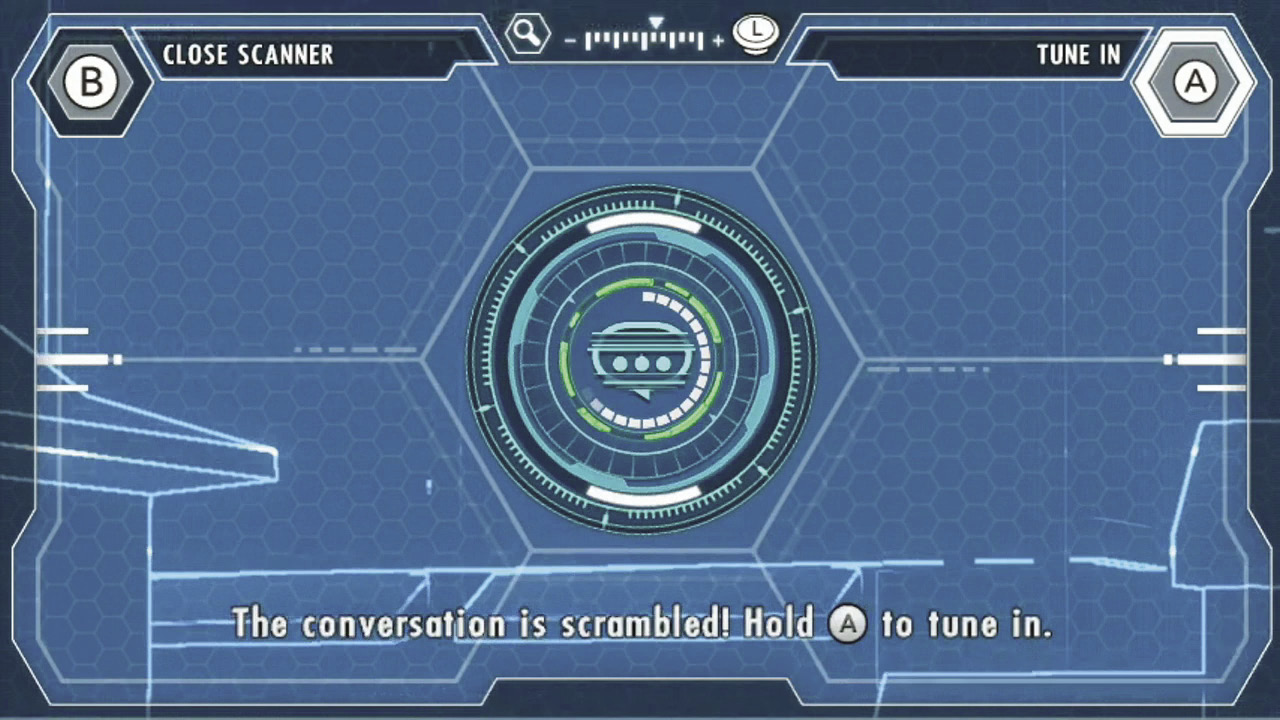
Hold the Wii U GamePad up to the screen, then center the GamePad on a nearby noise disturbance. Hold  to unscramble the conversation of the conspiring crooks. You might need to eavesdrop on a few conversations before you detect the suspects Chase is after.
Snapping Photos
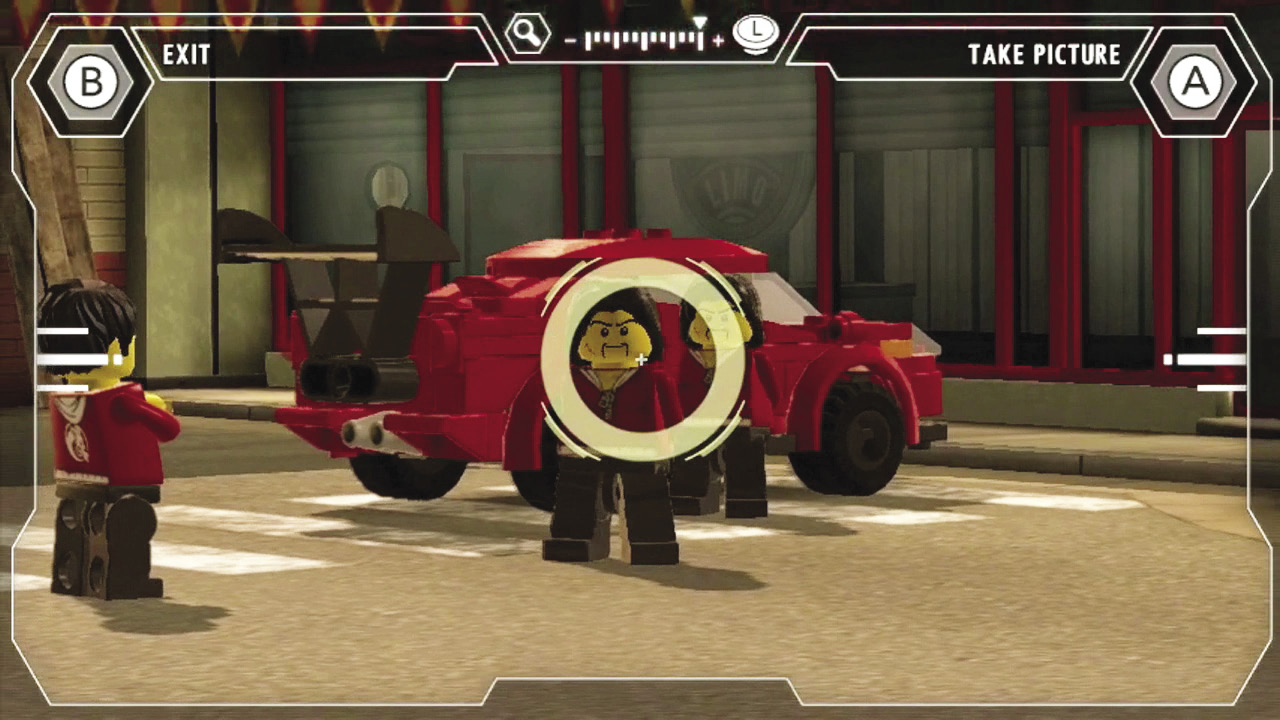
After you’ve progressed through Story mode a bit, you’ll unlock the ability to take pictures with the Wii U GamePad. Simply press and hold  to snap a photo of whatever’s onscreen. Use this feature at any time to collect and store memories of your favorite moments and locations as you enjoy your time in LEGO City.