
Disney Infinity: Marvel Super Heroes Guide Toy Box
Creating in the Toy Box
There are so many things you can do in Disney Infinity: Marvel Super Heroes (2.0 Edition). While you can complete the Play Sets, play all of the Toy Box Games, finish all of the missions from the Toy Box hosts in the Toy Box Introduction world, and decorate your INterior, there is still much more to do. In fact, the only limit is your imagination as you create your own Toy Box Worlds.
Unlocking Toys
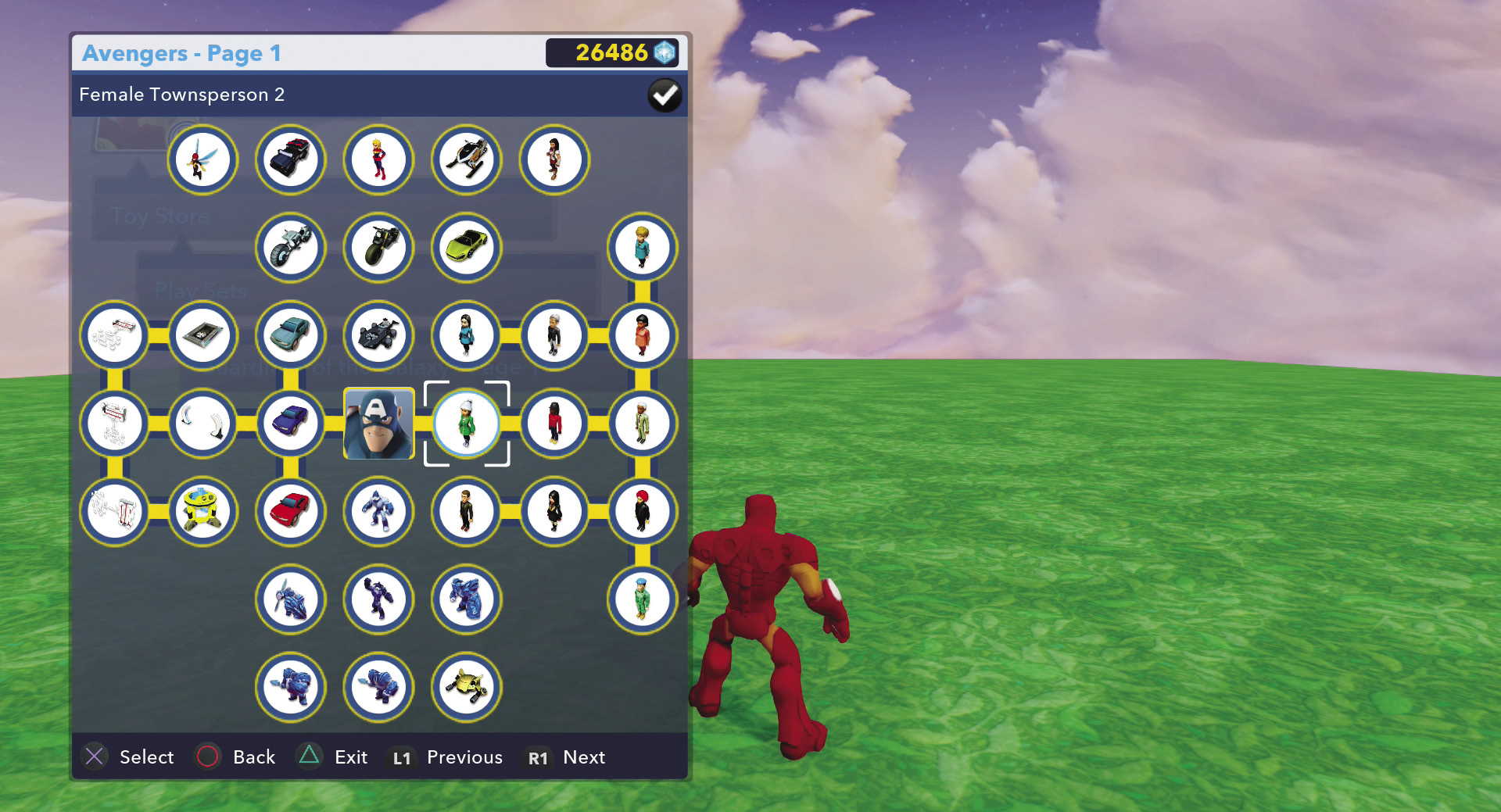
When you want to create in the Toy Box, you want some toys to place in your world. Therefore, you need to unlock the toys you want. One way to unlock toys is to go to the Toy Store and purchase them. The blue Sparks you collect as you play in the Toy Box Games and Play Sets, as well as by completing the Toy Box host missions, are the currency you use to purchase toys. Some toys are inexpensive while others are quite costly. However, there are other ways to unlock toys—and some toys can’t be purchased: they must be unlocked as a reward.
Many toys can only be unlocked by completing tasks in the Play Sets and Toy Box Games. When you go into the Toy Store, these toys are not connected in the toy trees for purchase. If you want them, you will have to earn them.
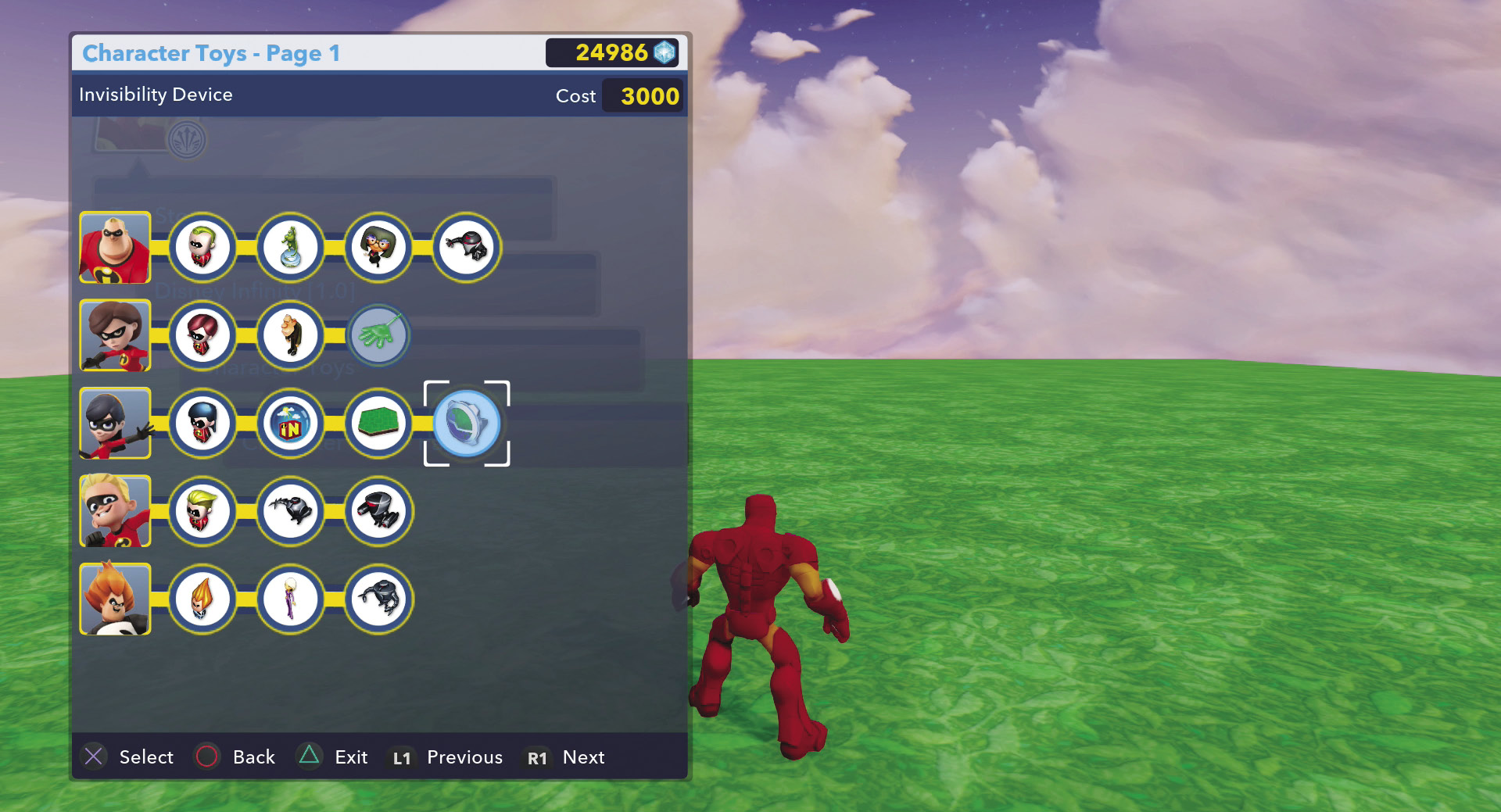
Many of the toys in the Toy Store are from Disney Infinity 1.0. These are all available for purchase. However, if you have the original Disney Infinity, you can unlock a lot of these toys. If Disney Infinity: Marvel Super Heroes (2.0 Edition) detects that you have a Disney Infinity account on your game system, you automatically unlock all of the Toy Box toys from Disney Infinity 1.0. Place one of the Play Set pieces on the Disney Infinity base in order to unlock all of the Play Set toys from that Play Set. Finally, by placing characters from Disney Infinity 1.0, you unlock the character toys. Therefore, if you have the characters and Play Sets, you can unlock a lot of toys without spending a single blue Spark.
Basic Toy Box Worlds
When you want to create your very own Toy Box World, you can use one of these basic worlds to help you get started. Some of these worlds are complete, while others are just starters that you can then build up how you want.
Empty Toy Box
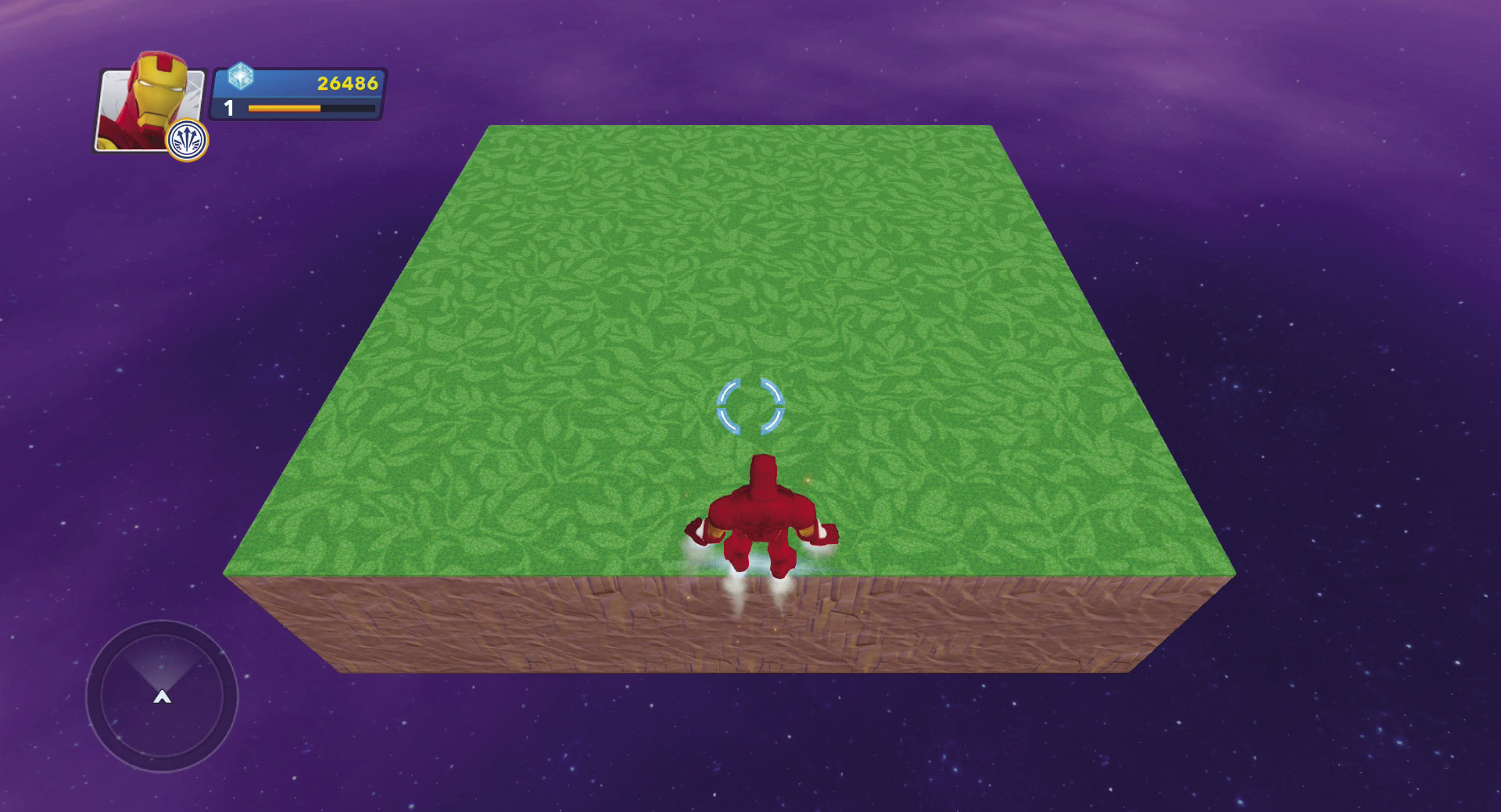
This Toy Box contains a few large pieces of flat terrain that create a small square of land. This is the best place to start if you want to create a world from scratch and don’t want anything in your way. Add the terrain how you want it and then start placing toys.
New City Toy Box
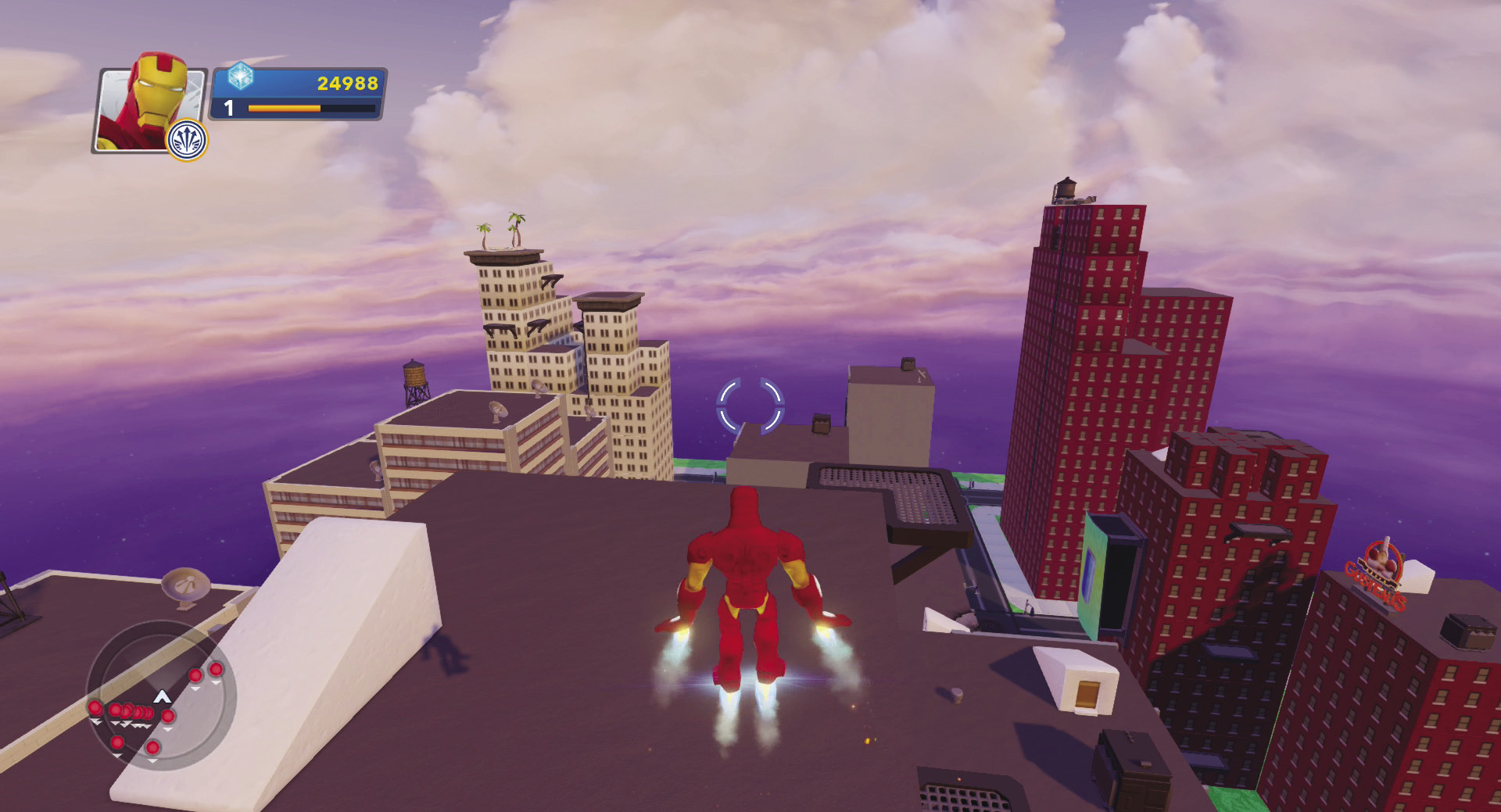
Select this Toy Box if you need a city. It lays out a grid of streets and then generates several tall buildings, complete with decorations. This takes a lot of the time and work out of making a city. Then you can go ahead and modify it and decorate it as much as you like. This world also comes complete with enemies.
New Treehouse Toy Box
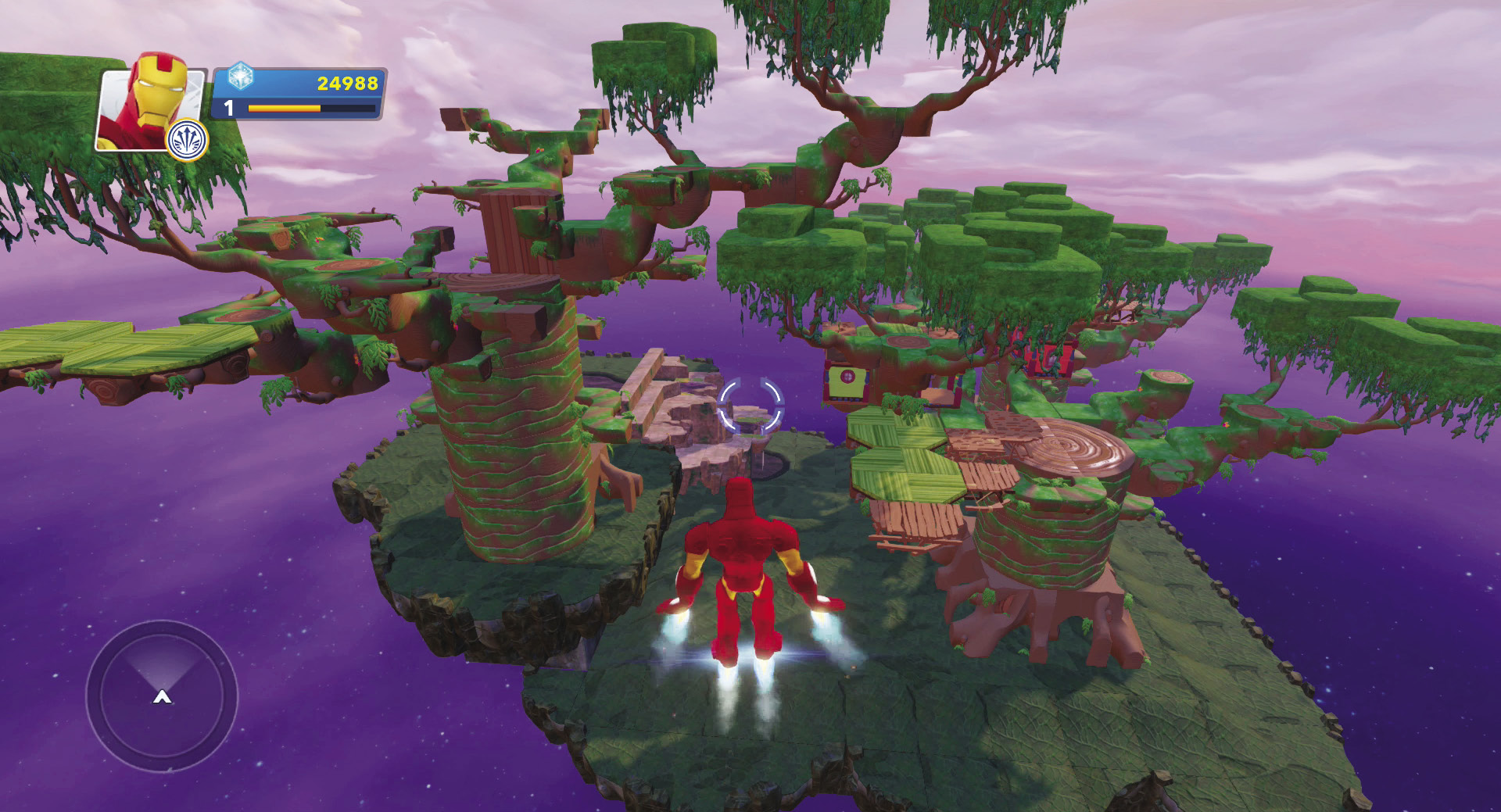
Treehouses are automatically generated when you open this Toy Box. You can then use their giant trees for creating games or other activities. Or try connecting the trees with rails and make a fun roller-coaster-like experience. The Toy Box provides the treehouses—you provide the fun.
New Race Track Toy Box
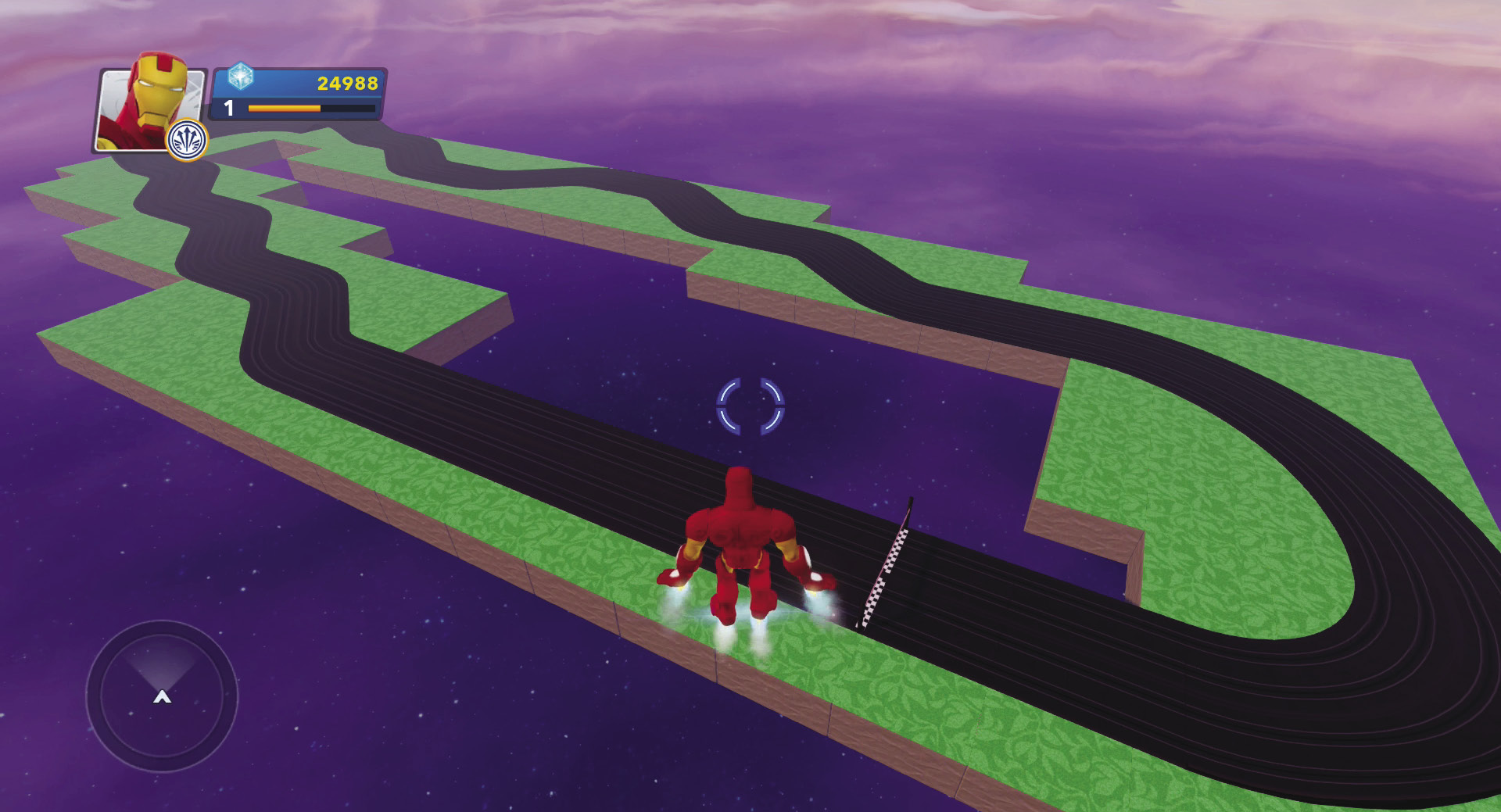
This Toy Box automatically constructs a race track along with some simple terrain underneath the track pieces. The track is ready for racing. All you need to do is supply the vehicles and any decorations to customize this experience.
New Terrain Toy Box
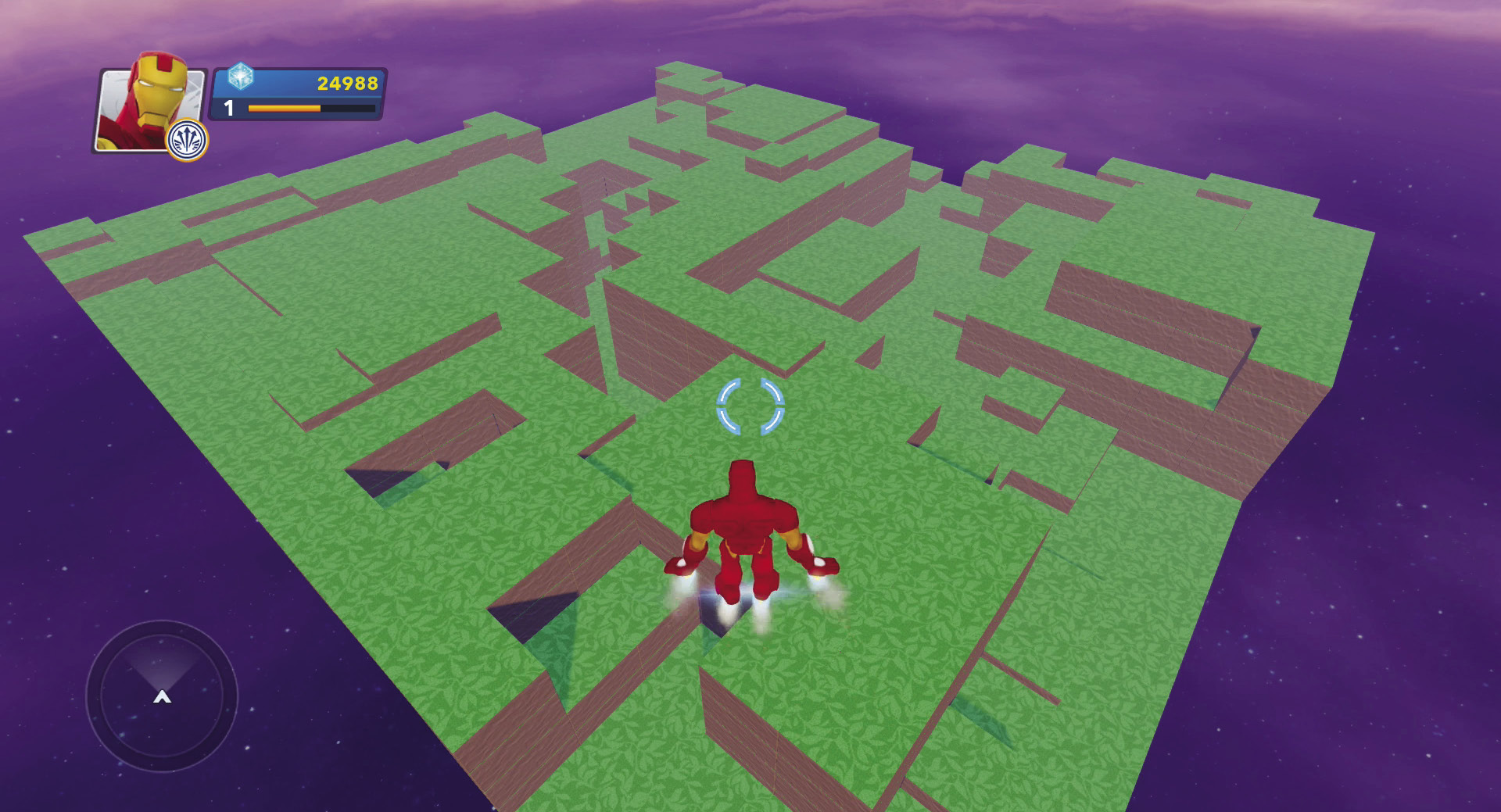
By using simple terrain blocks, this Toy Box creates a world that provides a rough landscape that you can then add other types of terrain to smooth out or leave it as it is. There are different sizes of terrain blocks arranged to create various elevations.
New Mountain Toy Box
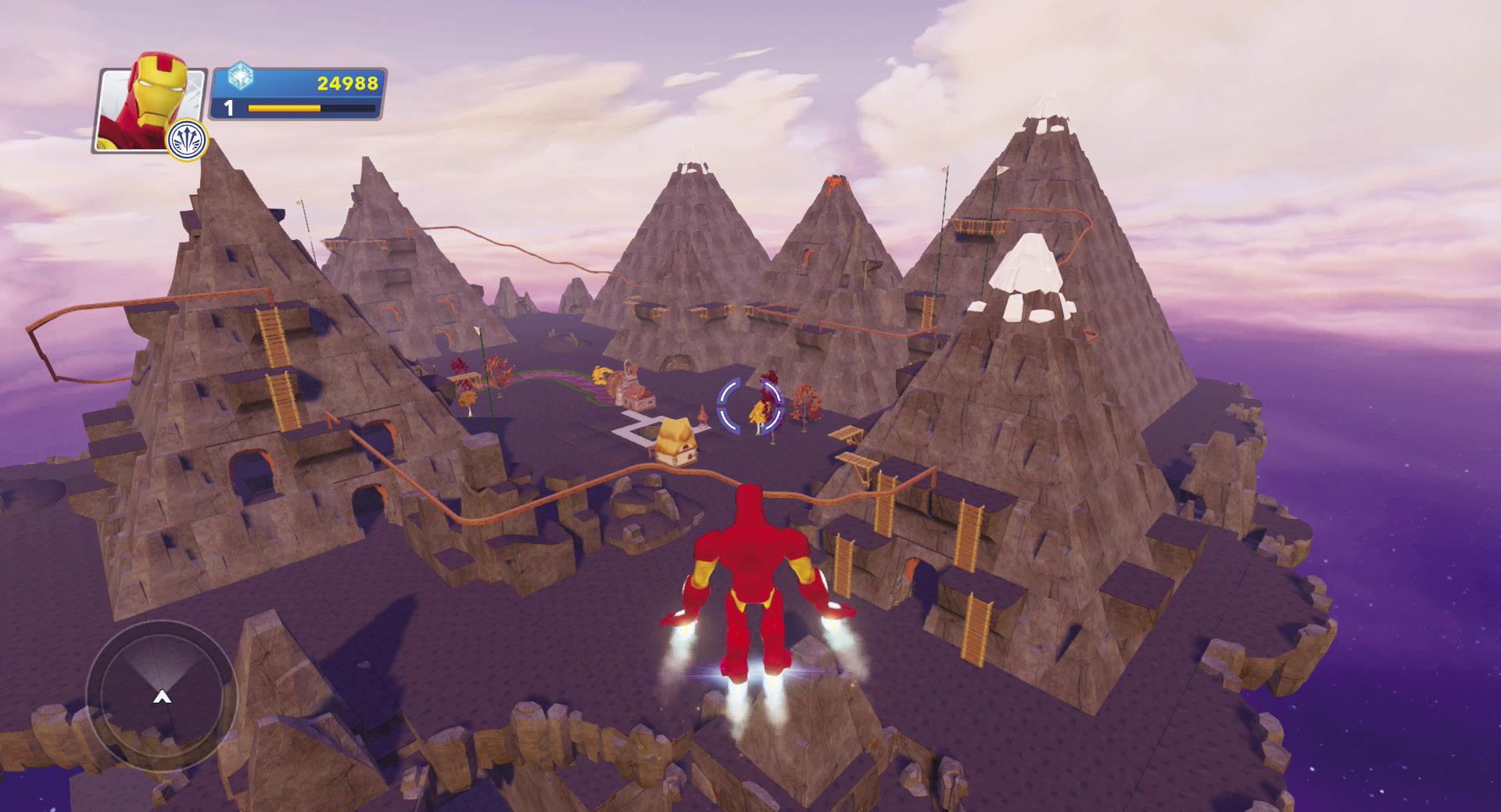
Mountains, caves, ladders, and rails are used to create this Toy Box. You can easily customize it by changing the terrain theme or using terrain Power Discs. The rails that connect the several mountains in this world can be used for a number of different types of games, including foot races using racing gate toys as checkpoints along the race course.
New Ledge Land Toy Box
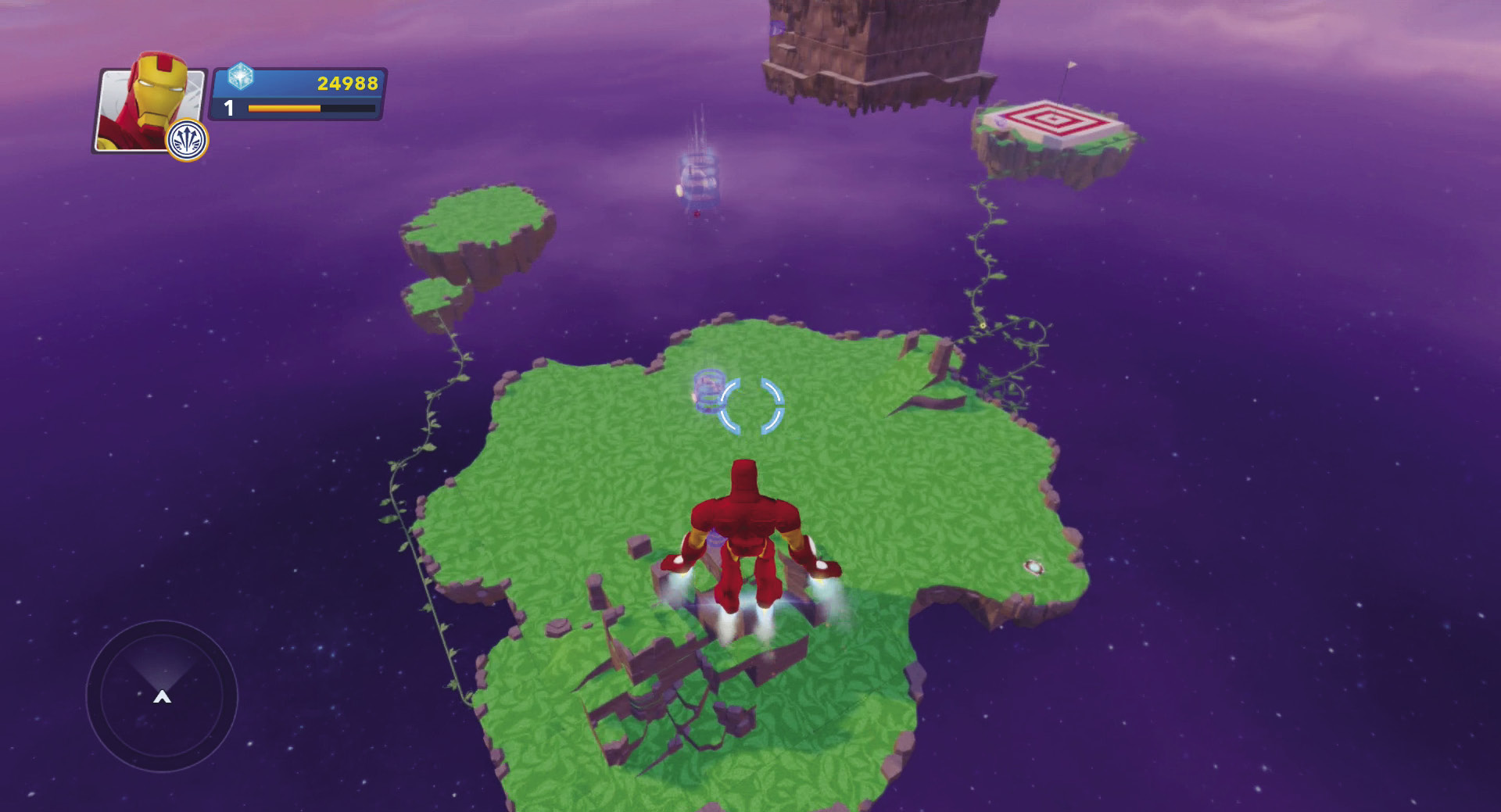
This Toy Box is a ready-made challenge by itself. It contains several different pieces of terrain at various elevations. They are connected by rails, and super cannons are positioned so a character can be launched through the air from one platform to another. In addition, characters have to climb up series of ledges to get to the rails and super cannons. Set triggers at the bottom of this world and at the top, connect them to a timer toy, and you have a game that times how long it takes for players to get to the top.
Builders and Creators
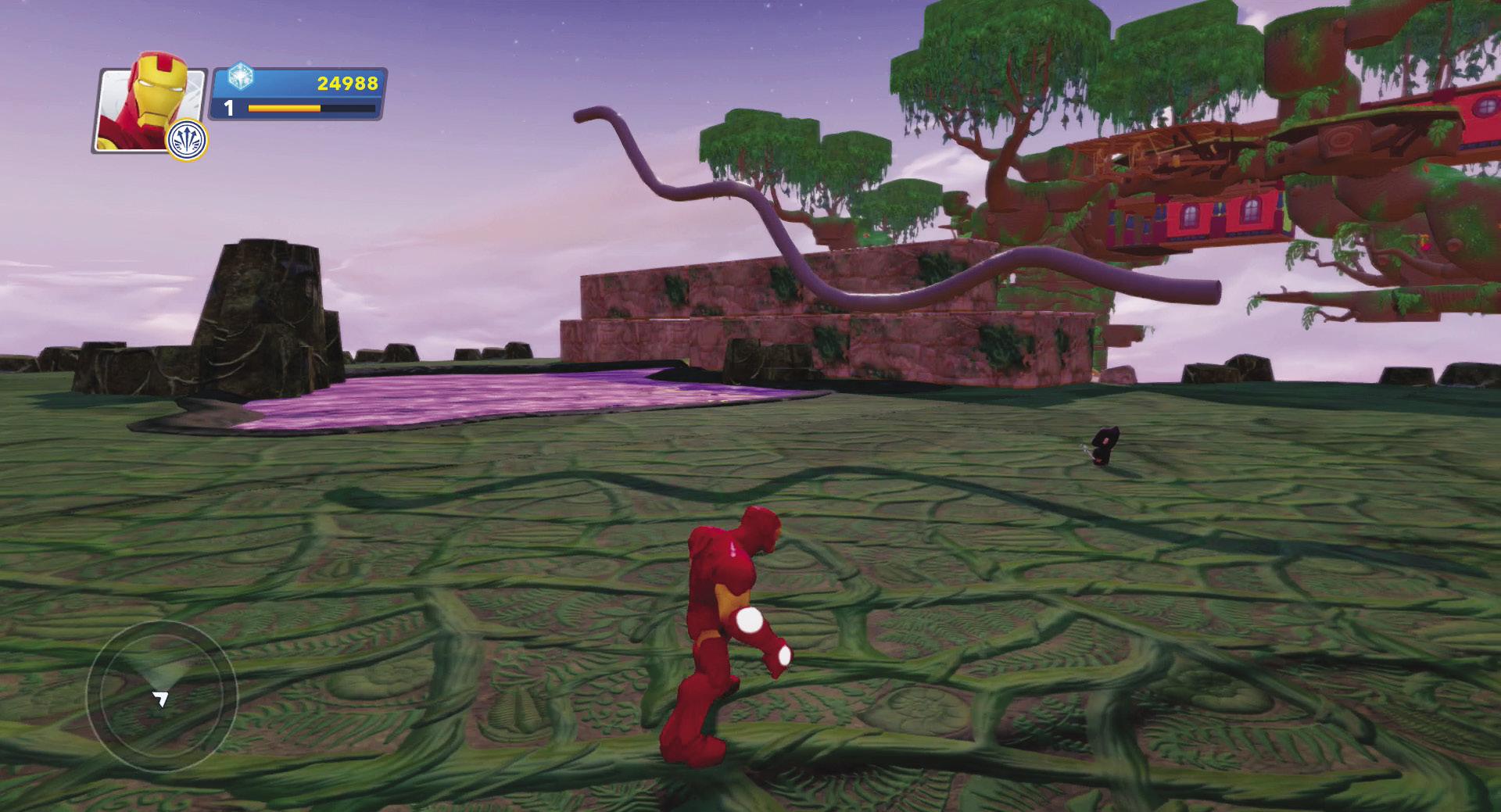
One of the new features that can help you build structures quickly are builders and creators. These are actually toys that you can purchase in the Toy Store. Builders are special townspeople that, when placed in a Toy Box, will begin building their assigned type of structures. For example, a city builder will move around your Toy Box and will begin building city buildings and structures wherever there is empty space. Builders assemble their structures a piece at a time, so it can take a while to build things. There are ten types of builders.
- Toy Box Cottage Builder
- Toy Box Pirate Town Builder
- Toy Box Treehouse Builder
- Toy Box Castle Builder
- Toy Box Forest Builder
- Toy Box Rail Builder
- Toy Box Platform Builder
- Toy Box City Builder
- Toy Box Logic Builder
- Toy Box Agrabah Builder
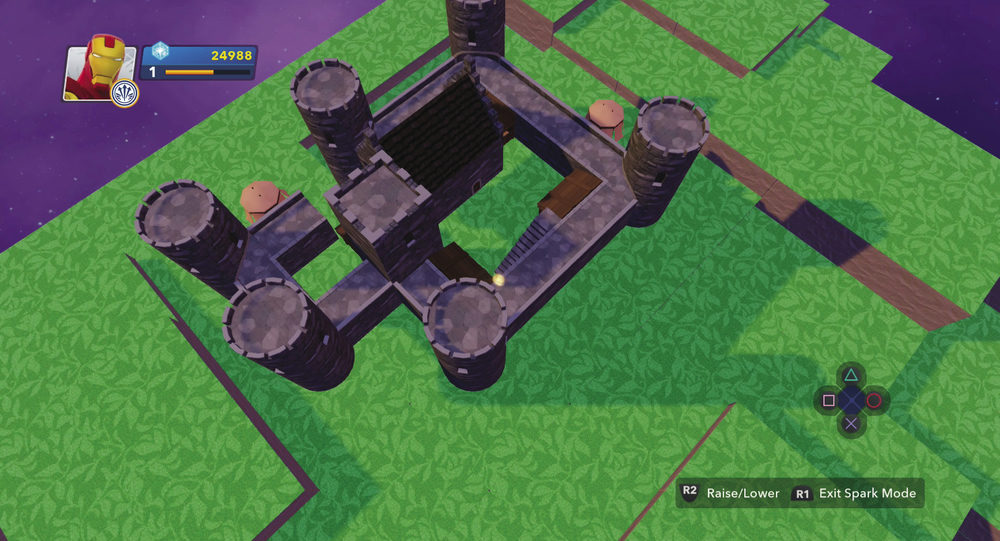
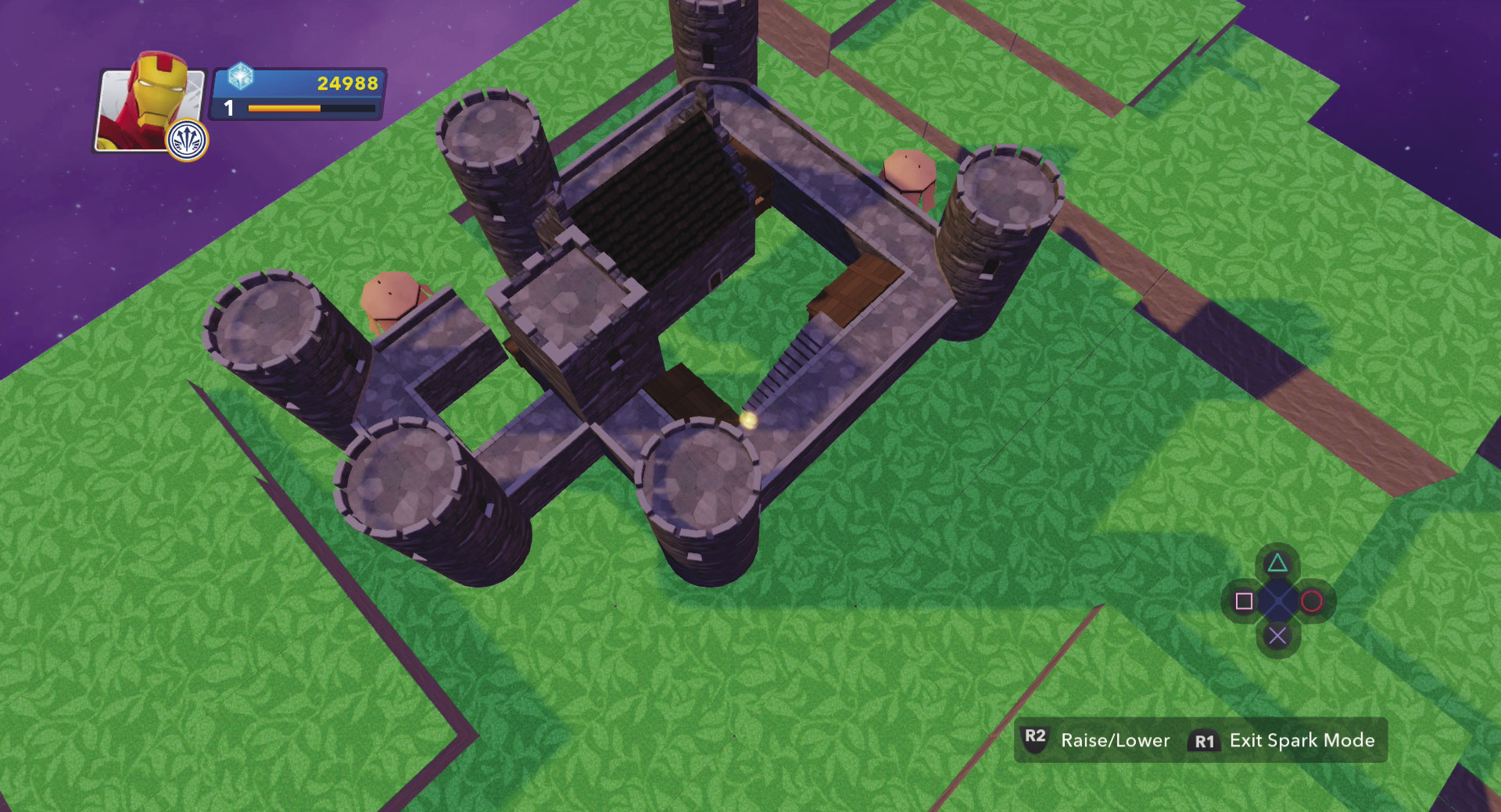
Creators, unlike builders, make a structure all at once. Using creators is a great way to quickly put together a world with lots of large structures. This toy also allows you to decide where you want something while builders build wherever they want. For most creators, you select a spot to begin and then drag the cursor across an area to create the dimensions of what you want. Then the creator will build the structure. There are seventeen types of creators you can purchase in the Toy Store and use for your Toy Box Worlds.
- Toy Box Race Track Creator
- Toy Box Wide Race Track Creator
- Toy Box Winding Race Track Creator
- Toy Box Wide Winding Race Track Creator
- Toy Box Stunt Track Creator
- Toy Box Wide Stunt Track Creator
- Toy Box Treehouse Creator
- Toy Box Cottage Creator
- Toy Box Forest Creator
- Toy Box City Creator
- Toy Box Platform Creator
- Toy Box Rail Creator
- Toy Box Wide Track Creator
- Toy Box Track Creator
- Toy Box Terrain Creator
- Toy Box Pirate Town Creator
- Toy Box Castle Creator
Doors
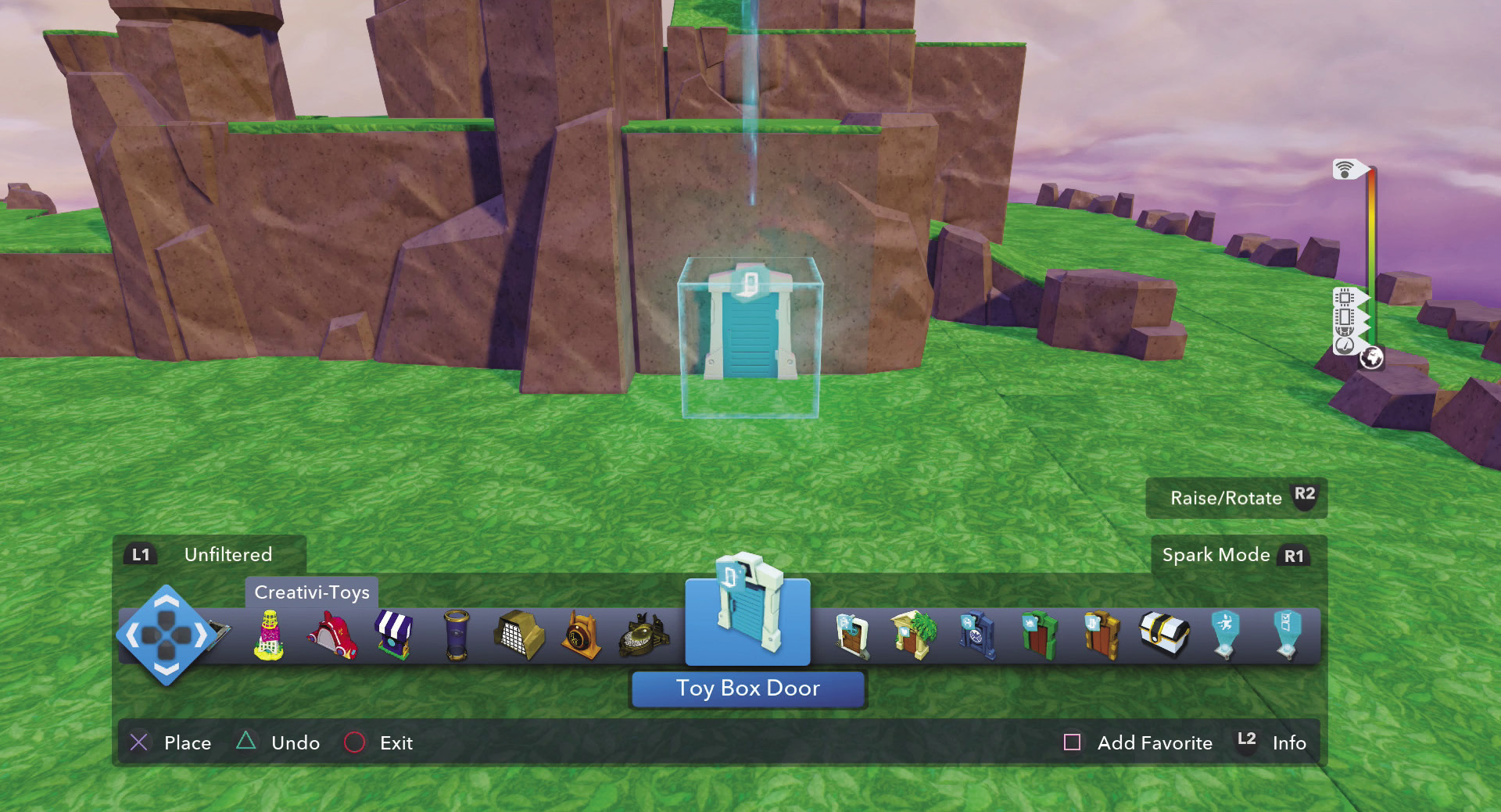
Doors are another new feature and can add a lot to your Toy Box Worlds. Doors are not just decorative toys. They actually are used to connect different Toy Box Worlds. There are six different doors and they can be found in the Creativi-Toys category in the Toy Box Editor. Doors can be placed anywhere in a world. The Toy Box door is the only one you can edit to connect to other Toy Box Worlds of your choosing by using the magic wand. You can actually use this type of door to connect up to ten Toy Box Worlds. This allows you to create a game with up to ten different levels. The INterior door takes you into your INterior. So on any of your worlds, you can have a link to your INterior. The Hall of Heroes door and the Marvel’s Hall of Super Heroes door take you to those respective halls. Finally, if you want to add a link to some games that are randomly generated, use the Defense Survival Mode door or the Exploration Survival Mode door.
Online/Multiplayer
While there is a lot to do solo in the Disney Infinity: Marvel Super Heroes (2.0 Edition) Toy Box, it is even more fun to play with others and show off your hard work. There are two main ways you can interact with other players online. The first is to invite them into your worlds to explore, play games you have created, or challenge them to play the Toy Box Games with you. The second is to use the Toy Box Share to upload Toy Box Worlds that you have created or to download Toy Box Worlds created by others.
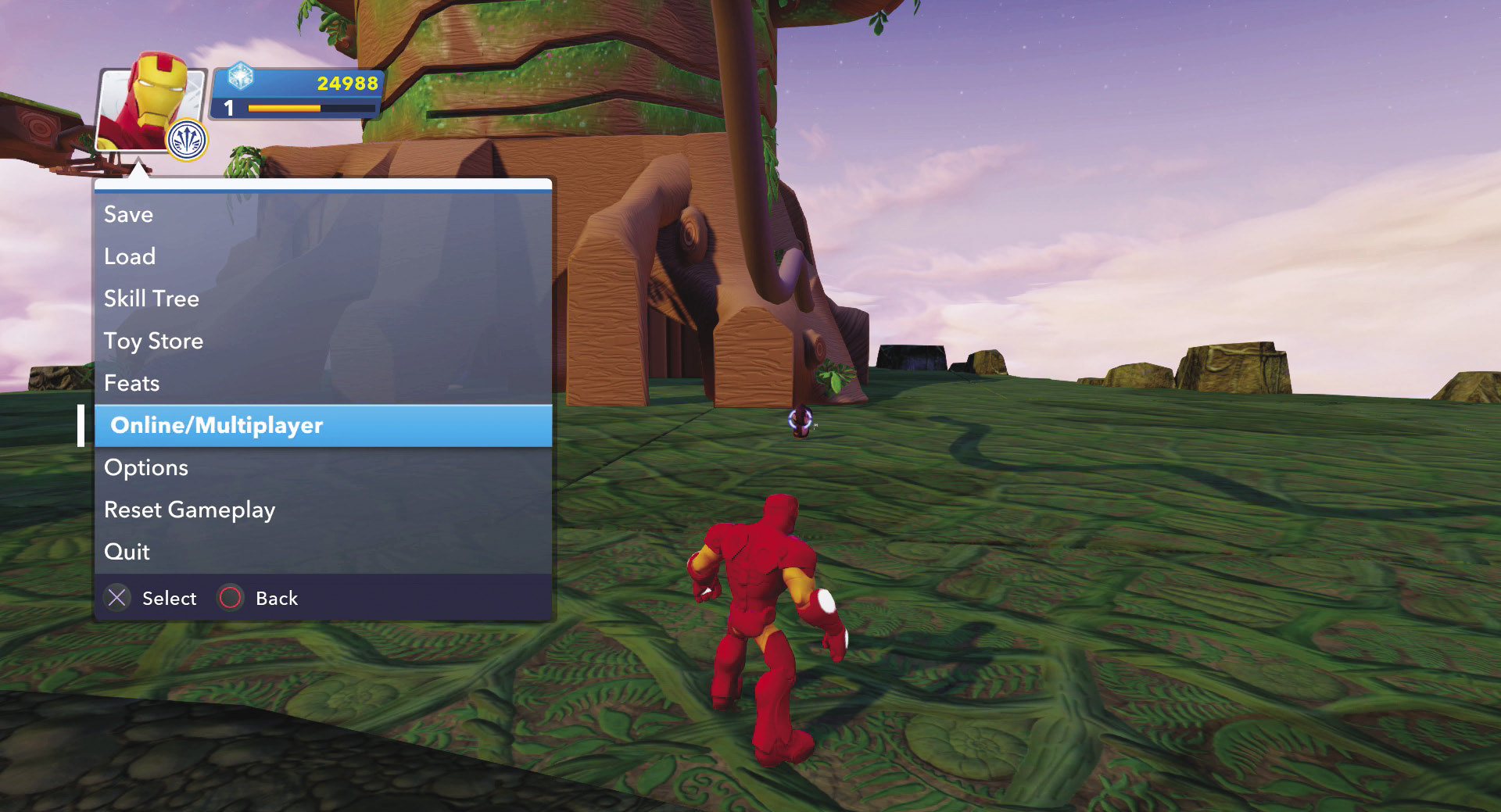
Join up with your friends by inviting them to play with you in one of your Toy Box Worlds, or join another player’s game to visit his or her worlds. Use Xbox Live, the PlayStation Network, or whatever online network you have for your gaming system. You can have a total of four players in one world at a time. Take some time to show your friends around the world that you have created. If you are in one of the Toy Box Games, you can open the pause menu and select Online/Multiplayer to connect with friends and have them join you as you play these games.
While you can invite three friends over to one of your Toy Box Worlds to check it out, you can also submit your worlds for the entire planet to enjoy and explore. To do this, open the pause menu and then select Online/Multiplayer. Next select Toy Box Share. Follow the on-screen directions for uploading one of your saved Toy Box Worlds. The Disney Infinity team will review your submission and may feature it on their collection of user-created Toy Box Worlds for other people to try out.
Several lucky people will be selected to share their Toy Box creations with the entire world in Disney’s Toy Boxes. It is a lot of fun to see what other people have designed and to explore how they were able to do it. This is especially true for worlds with lots of Creativi-Toys linked together. Who knows what you might find when you take millions of players’ imaginations to the power of Infinity.
In addition to submitting your Toy Box Worlds, you can also download featured Toy Box Worlds from Disney’s collection. These are usually released throughout the month, so be sure to check back frequently.