
Dead Space 2 Guide Essentials The Basics
Basic Movement and Controls
Basic Movement and Controls
Before you can confront enemies, you first need to learn how to get around.
Movement
Use the left thumbstick or analog stick to move forward and backward as well as strafe left and right. The right thumbstick or analog stick controls the direction where you are looking. The view in Dead Space 2 is a bit different than in other games. It is third-person with your character offset to the left. This allows you to see more of the screen's center, where the action happens, as you use your weapons. By default, you move at a walking pace. However, if you need to move faster, hold down the Run button.
Navigation Locator
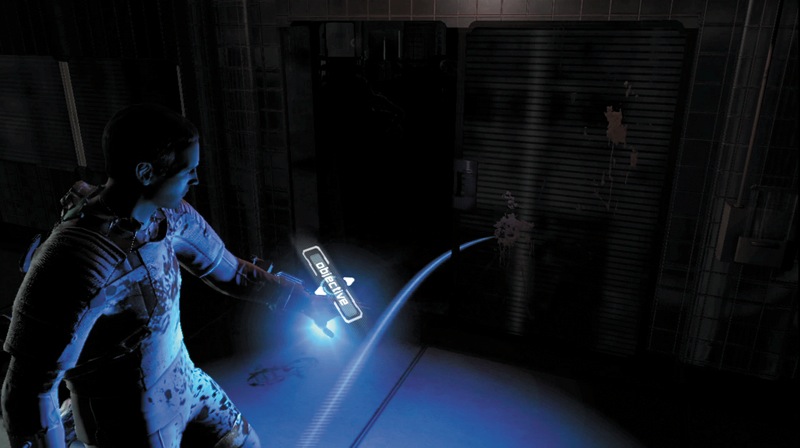
The Sprawl is a large area, and it is easy to get lost in the myriad of rooms, corridors, and open spaces. Luckily, your RIG is outfitted with a locator. Just click the Locator button and a blue pathway will appear onscreen for a short time; this shows you where to find your next objective. Use it often to make sure you stay on course. However, you should also explore off the locator path so you don't miss useful items. Use the locator to find a save station, a bench, or a store. Use the D-pad to change your destination.
Zero Gravity
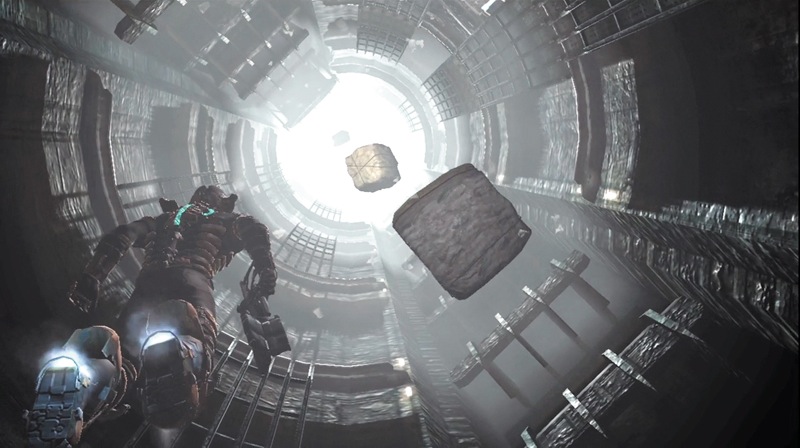
When in zero-gravity areas, your magnetic boots will keep you attached to the floor. However, you can disengage your boots by pressing the Zero-G Launch button. Move the left stick to float in any direction you want; use the Run button to fire thrusters built into your suit for some additional speed. When you are near a surface, press the left stick again to engage your magnetic boots and begin walking around again.
Using Weapons
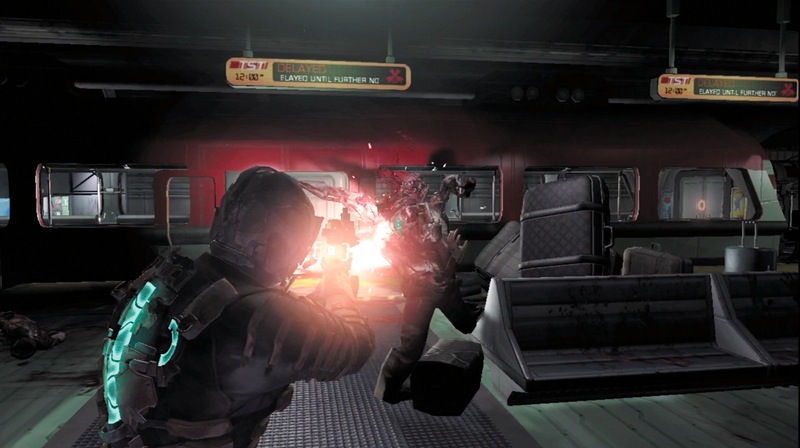
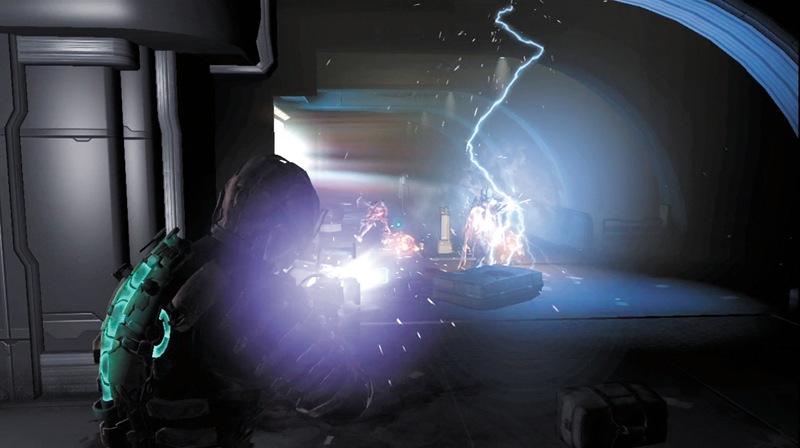
Using weapons is a two-step process. You must first aim and then fire. Once you have a weapon equipped, hold down the Aim button. This brings the weapon up to a ready position, and a reticle appears onscreen to assist in targeting.
Press the Fire button to activate the weapon's primary fire. Every weapon also has an alternative-fire function. Press the Alt-Fire button to activate this feature. Some weapons can be fired at long range while others are for short-range combat.
Some weapons fire rapidly with little damage while other weapons are slower but can kill an enemy with one shot. When fighting Necromorphs, you will need a variety of weapons and combat tactics in order to survive. You can carry up to four weapons in your inventory at one time. Visit a store to switch out weapons between your inventory and your safe.
When using weapons in combat, it is important to ensure you have ammo for them. Remember that each weapon takes its own unique type of ammo. Also, reload your weapons frequently so you are always ready for a fight. There is nothing worse than firing off one shot at the start of the battle and then have to immediately reload—while taking damage from an attack. Some of the weapons require a bit of finesse as you battle Necromorphs and require careful aiming for effective use.
Learn about your weapons' alt-fire capabilities. Some weapons have great alternate abilities that complement the primary-fire attacks. Try out all the weapons to see which one works best for you.
Melee Combat
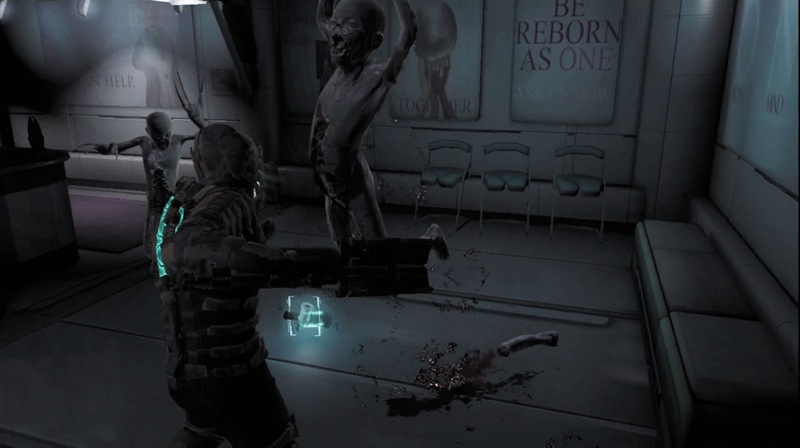
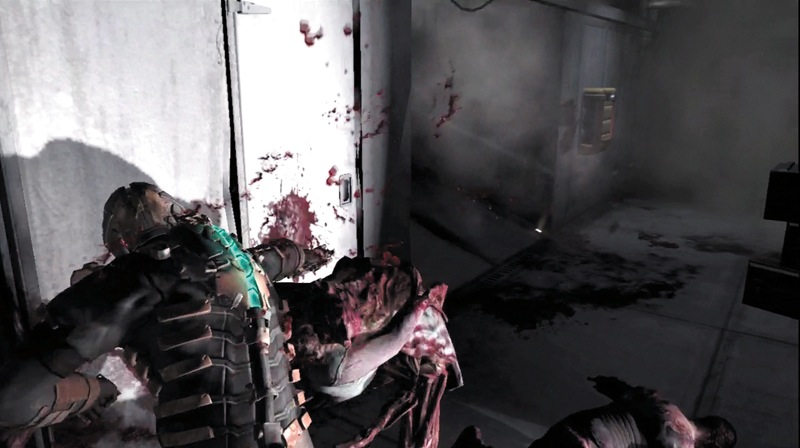
Necromorphs have a bad habit of jumping out at you from walls or dropping on you from ceilings. In those circumstances, you don't have time to aim and fire a weapon. Instead, you have to react with a melee attack. There are two types of melee attacks.
Press only the Fire button and you will swing your current weapon and damage your target. Keep hitting your enemy until it moves back or you can get away; then take aim and fire your weapon. For smaller enemies or those on the ground, you can use your feet to attack.
Press the Stomp button to bring your foot down on the foe and cause some damage. Stomping is a good way to finish off an enemy that is barely crawling. In addition to inflicting damage on enemies, melee attacks can also be used to break open containers or bust fuses to open locked doors.
Kinesis
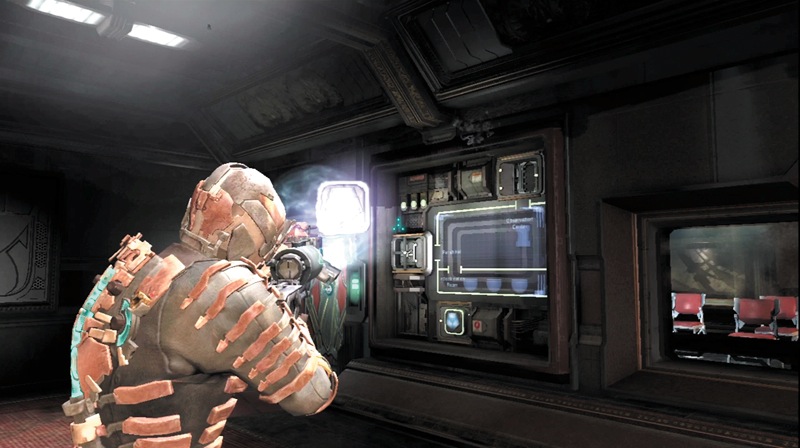
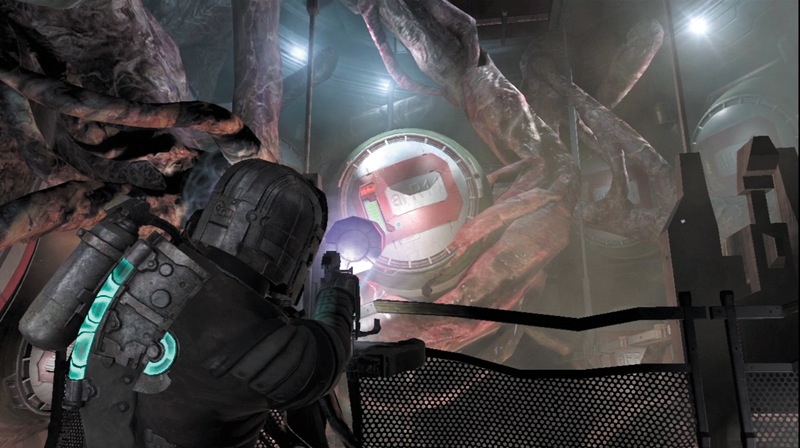
After you pick up a kinesis module, you will be able to manipulate gravity in order to move objects. To use kinesis, hold down the Aim button, aim at the object you want to control, and then press the Kinesis button. If it is an unattached object that is small enough to be moved, it will come and hover in front of you as long as you hold down the Aim button.
Release the button and the object will fall at your feet. This is a great way to pick up items that are out of reach or in an inaccessible area. When you are using kinesis to hold an object, you can also launch it toward a target by pressing the Fire button.
Some objects, such as metal rods or even spikes from dead Necromorphs, can be used as weapons. Just launch them right at your target. Other objects such as explosive or stasis canisters will cause extra effects when they strike a target. Since kinesis never runs out of power, don't be afraid to experiment with it.
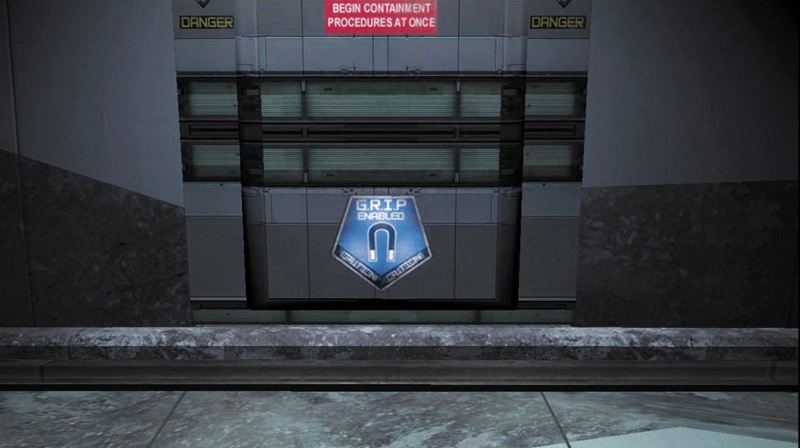
Kinesis also allows you to interact with some parts of the environment. Look for panels or other objects with a GRIP decal on them. You can use kinesis to remove panels to access circuitry behind them or to manipulate larger objects such as moveable walkways.
Stasis
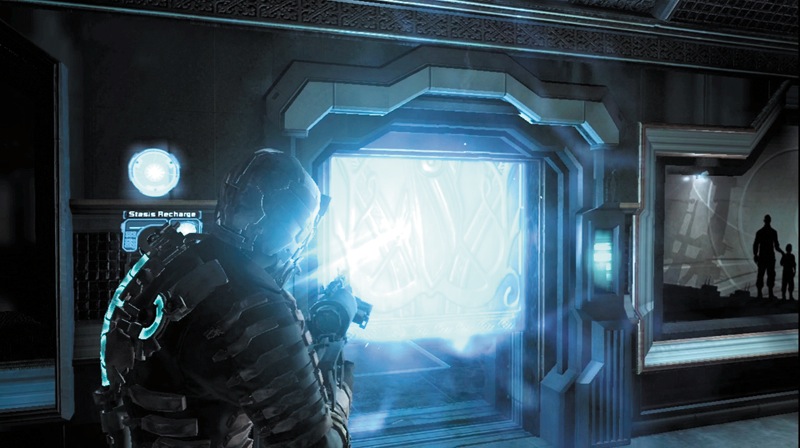
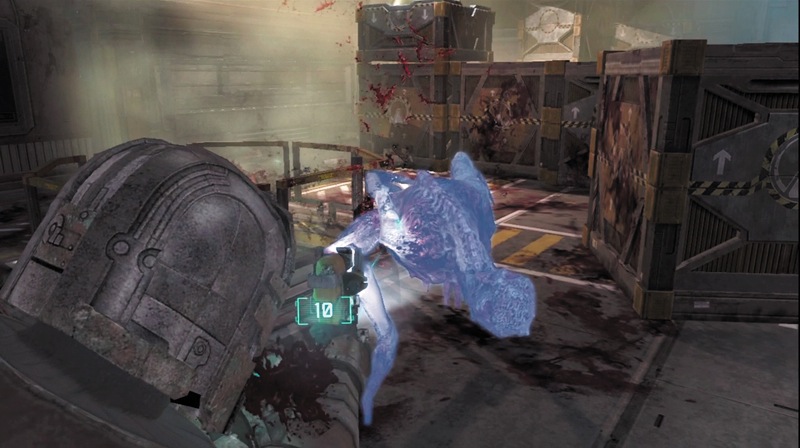
Stasis is another power you gain once you find and attach the stasis module to your RIG. Unlike kinesis, which you can use as much as you like, your RIG has enough power to use stasis only twice when you first begin the game.
You must then recharge it at a stasis recharge station or with a stasis pack, or wait until your stasis energy recharges on its own. To use stasis, hold down the Aim button, aim at a target, and press the Stasis button. Stasis will slow down whatever it hits.
You can use it against Necromorphs to slow their movement and attacks against you. This is very useful when being assaulted by several of these enemies or by individual Necromorphs that are fast and powerful.
In addition to using stasis on Necromorphs, you can also use it on some objects in the environment. For example, if a door is opening and closing too fast for you to get through, use stasis to slow it down, allowing you to pass through safely. Whenever something is too fast for you to get past or through, use stasis. Also, if you see some stasis recharge stations on the wall, chances are you will need to use this ability.