
LEGO Star Wars: The Force Awakens Guide Console Walkthrough Chapter I: Assault on Jakku
Village Retreat
BB-8, Poe Dameron
Arm the Locals—First Cache
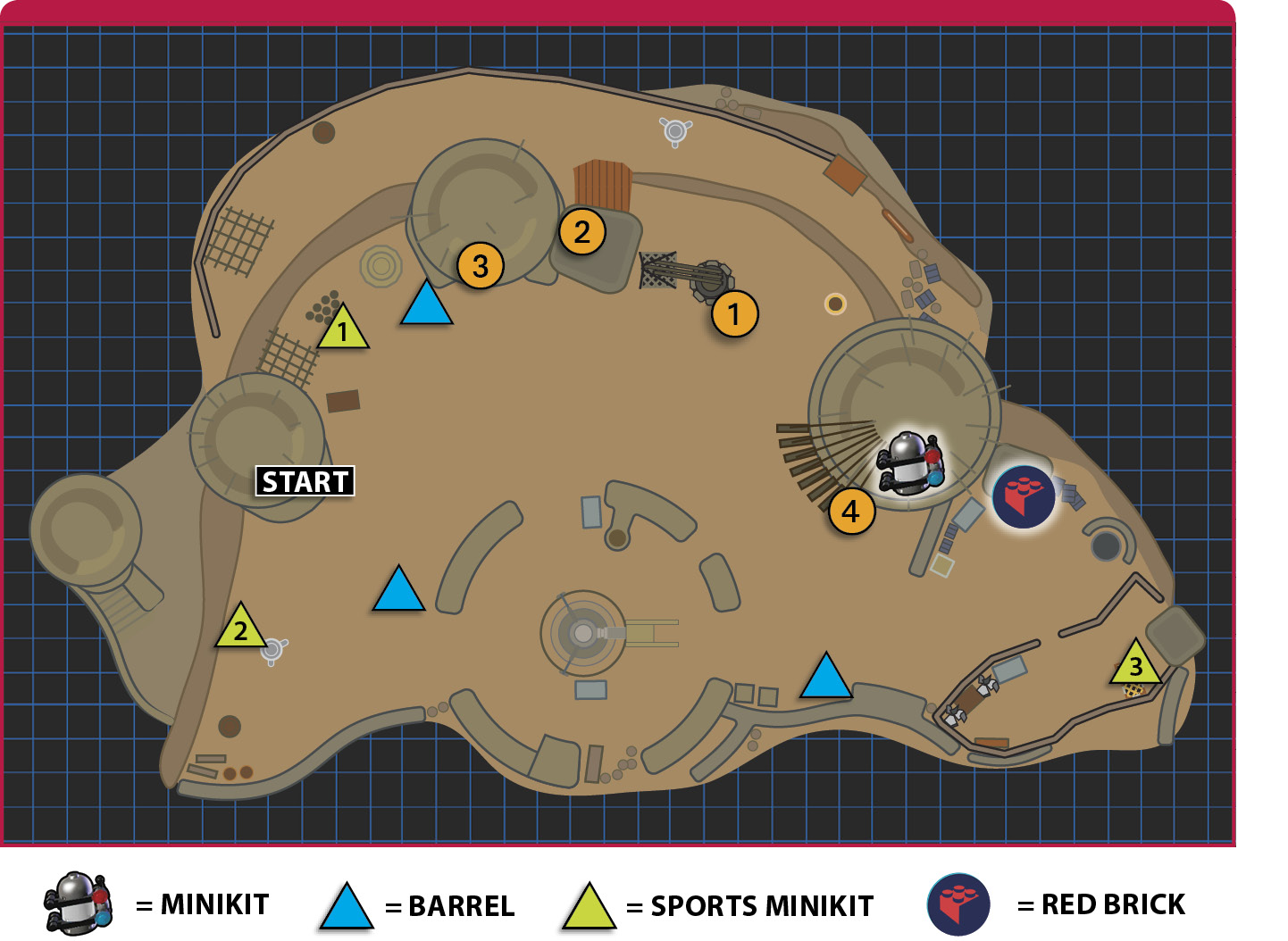
With First Order forces attacking the village, it’s no time to be delicate. Most villagers are running around in a panic and they need help. Smash everything in your search for two caches of weapons. The story automatically advances after you uncover the second cache of weapons (you can uncover them in any order), so grab the Minikits in the area first.

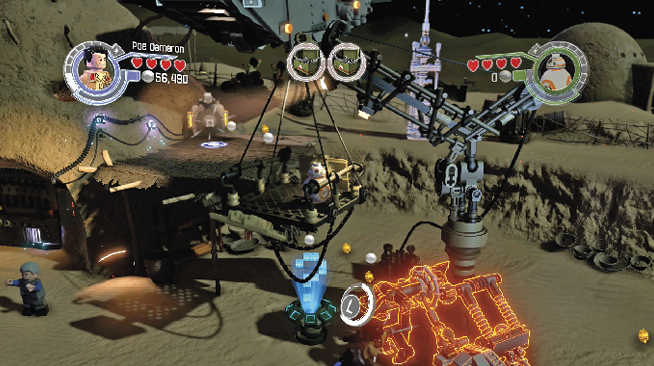
Scan the crane between two dwellings 1 to reveal a grapple handle. Tap the indicated button to pull down a pile of Multi-Build bricks. Build the object on the right first, a launch pad. It sends BB-8 up to the crane’s basket.
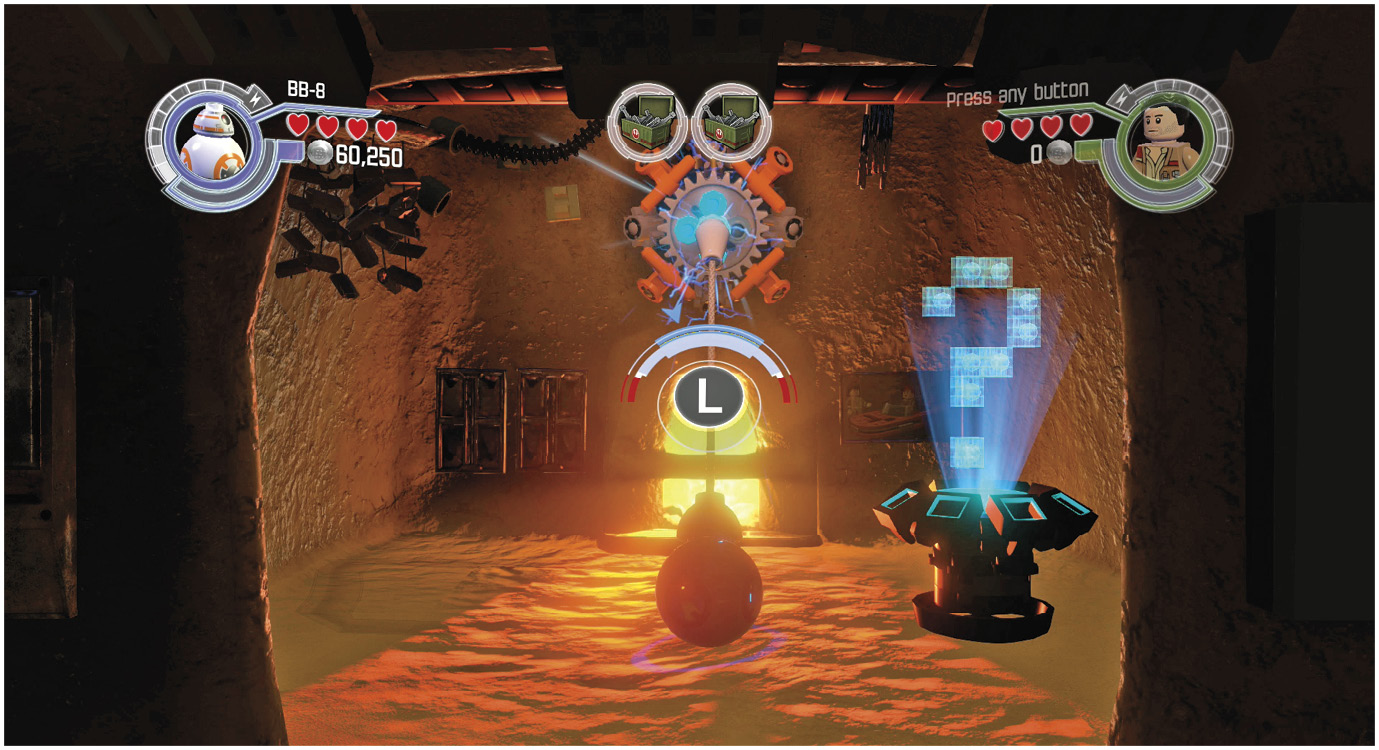
Tear down the launch pad and use the Multi-Build bricks against the crane’s base. Tag to Poe Dameron and move the basket by pressing the control stick in the indicated direction. Tag to BB-8 and complete the astromech access’s 2 shape-matching puzzle to restore power to the door below.

Tag to Poe Dameron and enter the building 3. Break down the objects inside and use the leftover bricks to rebuild a power jack. Switch to BB-8 and restore power to an outside device that pulls up a weapon cache from under the sand.
Arm the Locals—Second Cache
Look for a home with a large metal door 4 that’s not far from the crane. Use salvaged bricks to restore a power jack. Restoring power draws out a twisty staircase. Ascend the stairs and enter the home.
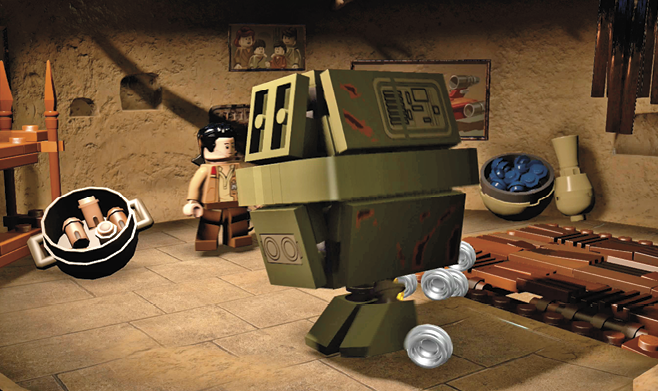
Destroy everything inside the home. Most of the bricks are used to create a Gonk droid, which hops outside and becomes a rack of weapons.

Fast BuildBreak apart the objects on the ground next to a grass-awning-covered merchant’s cart. Assemble the bricks you find into a stick-figure, which can go in two locations. Blast it and rebuild it at both spots.  |