
Disney Infinity Originals Guide The Toy Box
Changing the Theme
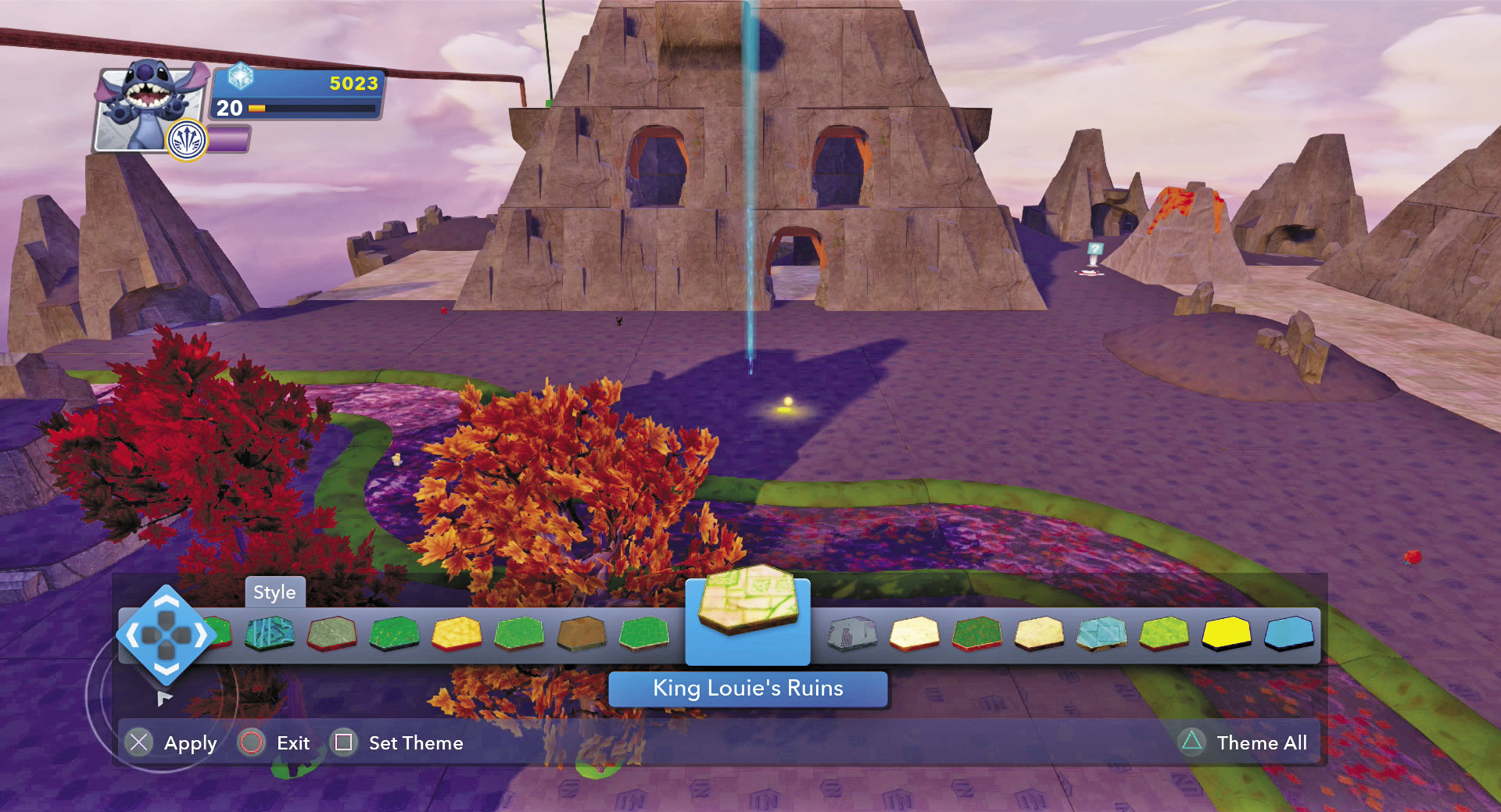
You can change the look of a Toy Box World with just a few steps and not even have to build anything new. The default theme for most of the pre-built Toy Box Worlds, with the exception of the Play Set Toy Boxes, is Fairytale Kingdom. This theme affects the ground. To change it, use the magic wand and select the ground of any part of the world and then press the button corresponding to the art palette icon. A menu pops up along the bottom and allows you to select from all of the themes you have unlocked. Then you can either change just the theme of the block you have selected or change the theme for the entire world. One of the ways to get new themes is to purchase them in the Toy Store.

You can also change the theme of some of the decorations. Select a tree or group of terrain with your magic wand and, if it is themed terrain, you will have the option of editing the theme. Another menu pops up and now you can change the theme of just that one piece of terrain, or all themed terrain in the entire world. Once again, this is a powerful feature and allows you to change the look of a world very easily.
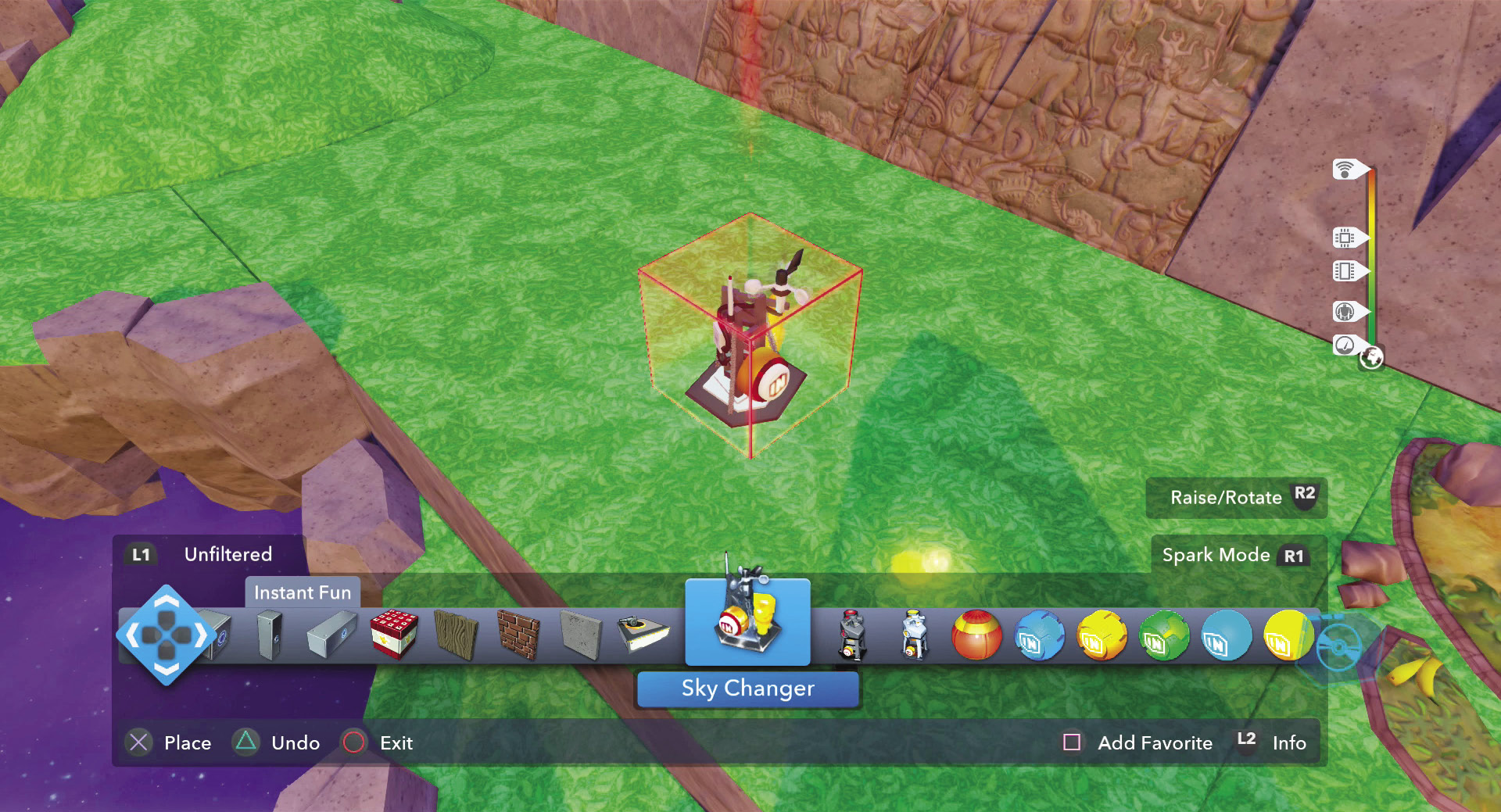

The area surrounding the land of your Toy Box World is called the Sky Theme. It is the backdrop or background to your world. It too can be customized to fit your theme. To do this, go into the editor and, within the Instant Fun category, select the Sky Changer. Place it anywhere in the world. When you hit the large button on the side of the sky changer, the Sky Theme changes to a different theme. It can change the sky to night or make the Sky Theme look like it something from one of the Play Sets. Keep hitting the button on the sky changer to cycle through your choices. Sky Themes are not only visual effects, but also have audio. The background sounds and music change with some Sky Themes, thus adding even more to the experience.
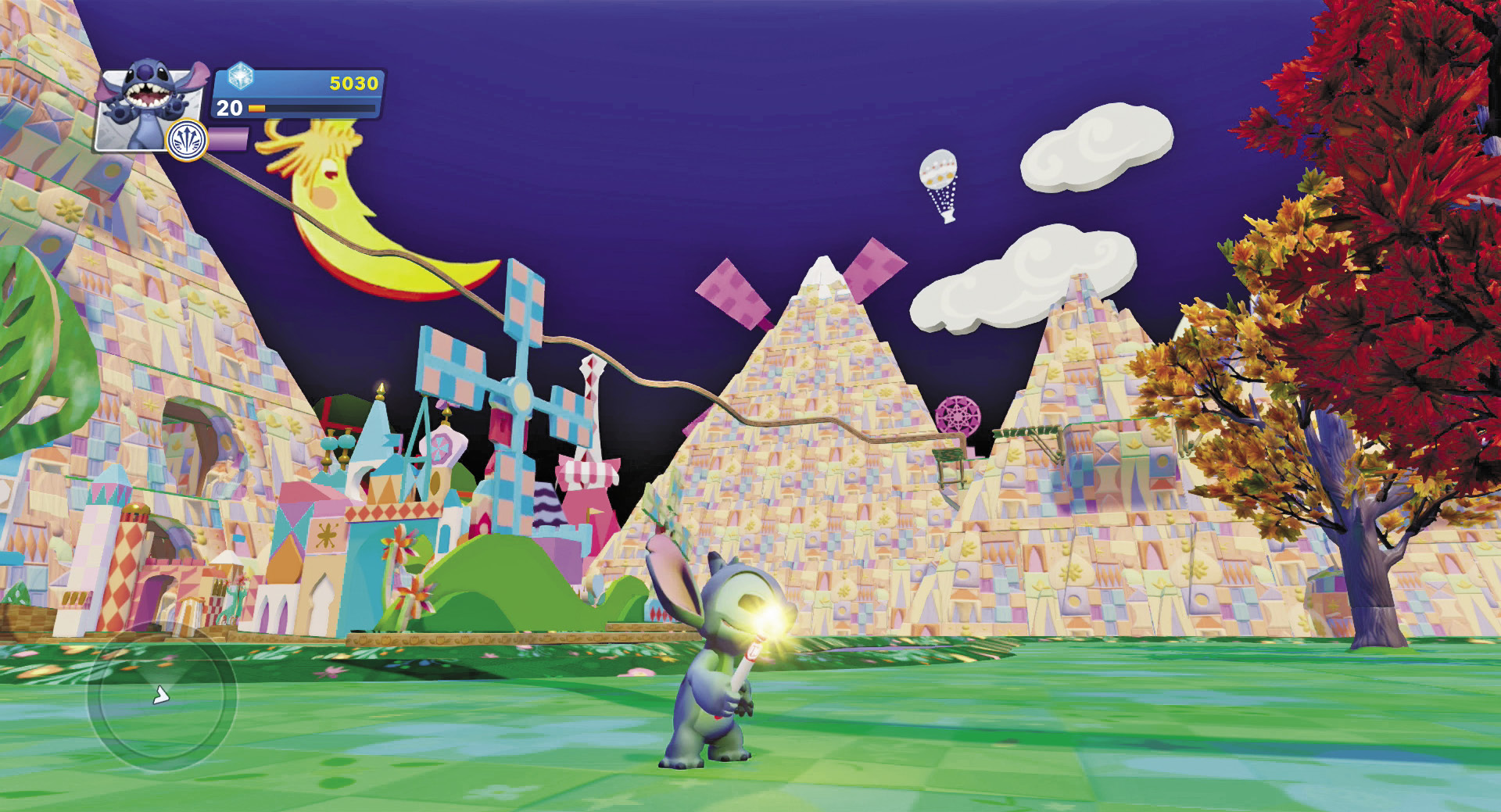
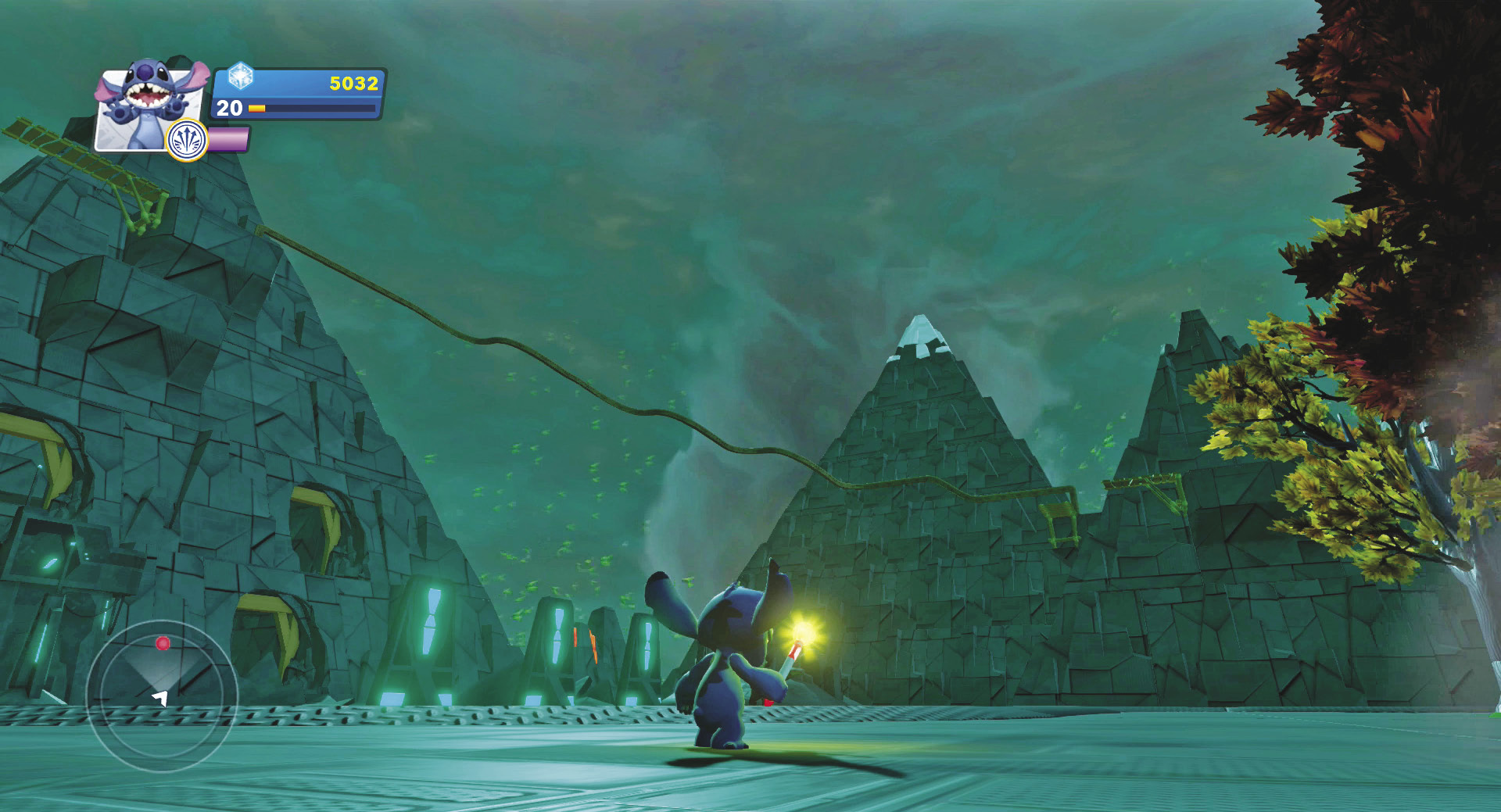
Another way to change themes is through the use of Power Discs. There are two different types of Power Discs that affect theme. The terrain theme changes the ground and themed terrain to the new theme, while the sky theme changes the sky to the new theme. For example, if you want to change the theme of your world to Peter Pan, you would need two Power Discs—one for the terrain theme and one for the sky theme. Then if you want to change it back to your original theme, just use the steps above to change the land, the terrain, and the Sky Theme.