
Disney Infinity Originals Guide The Toy Box
Categories of Toys
While you can do the Toy Box Games and play around in the Toy Box, the main feature of Disney Infinity 2.0: Disney Originals is the ability to create within a Toy Box World a land of your very own that is only limited by your imagination—and the toys you have unlocked. After going to a Toy Box World, your main tool is the magic wand. Open up the Packs and Tools menu and select the magic wand. It will be your best friend in the Toy Box.
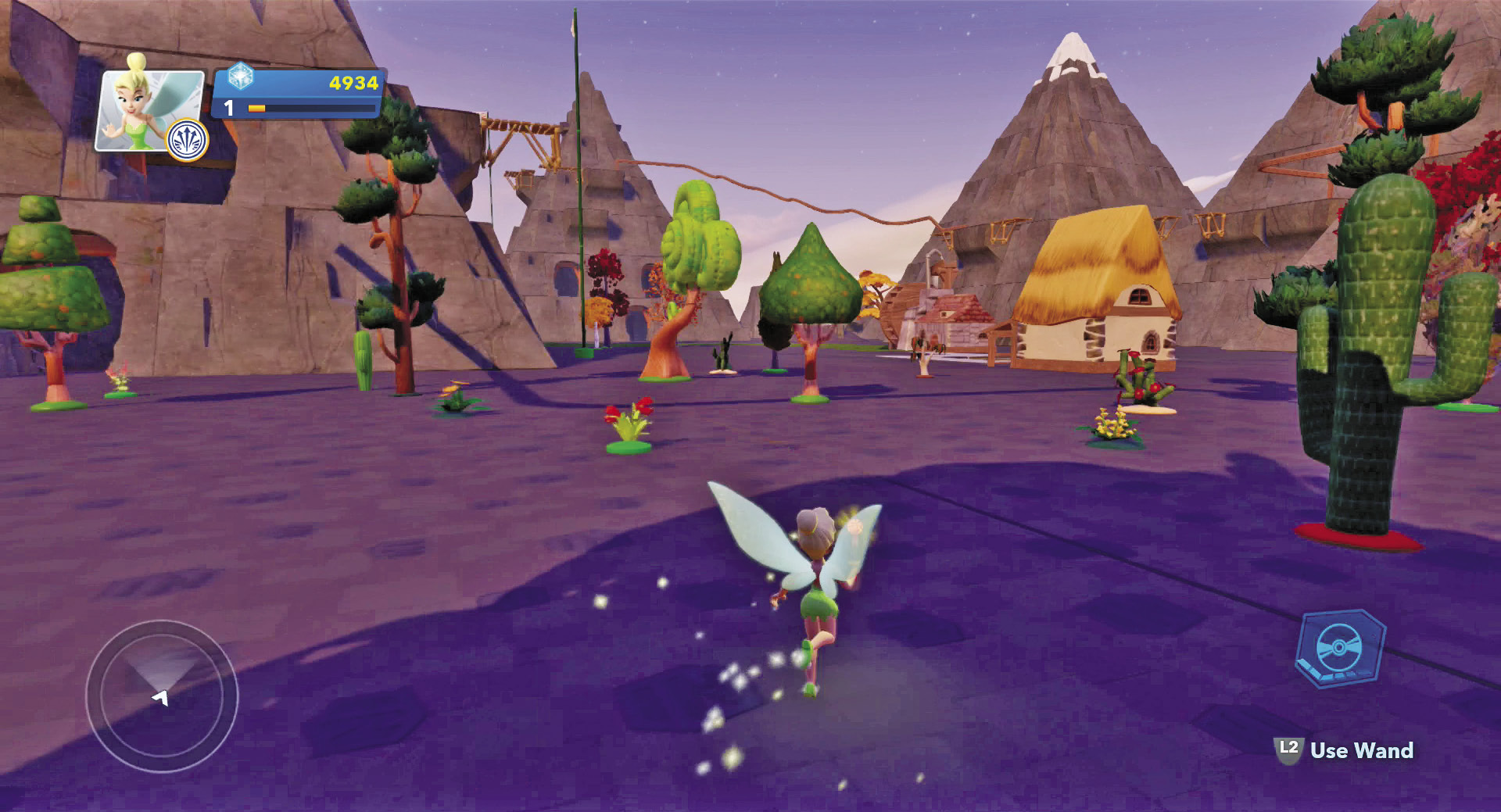
Creating a Toy Box World of your own is one of the most unique features of Disney Infinity 2.0: Disney Originals.
Before you start building, it is important to understand that there are several different categories of toys within the Toy Box. When you first open the editor, you are presented with the Build menu. Here you can cycle through every toy that you have unlocked. The Build menu organizes the toys into more than twenty different categories. Let’s take a look at each category and what you can expect from them.
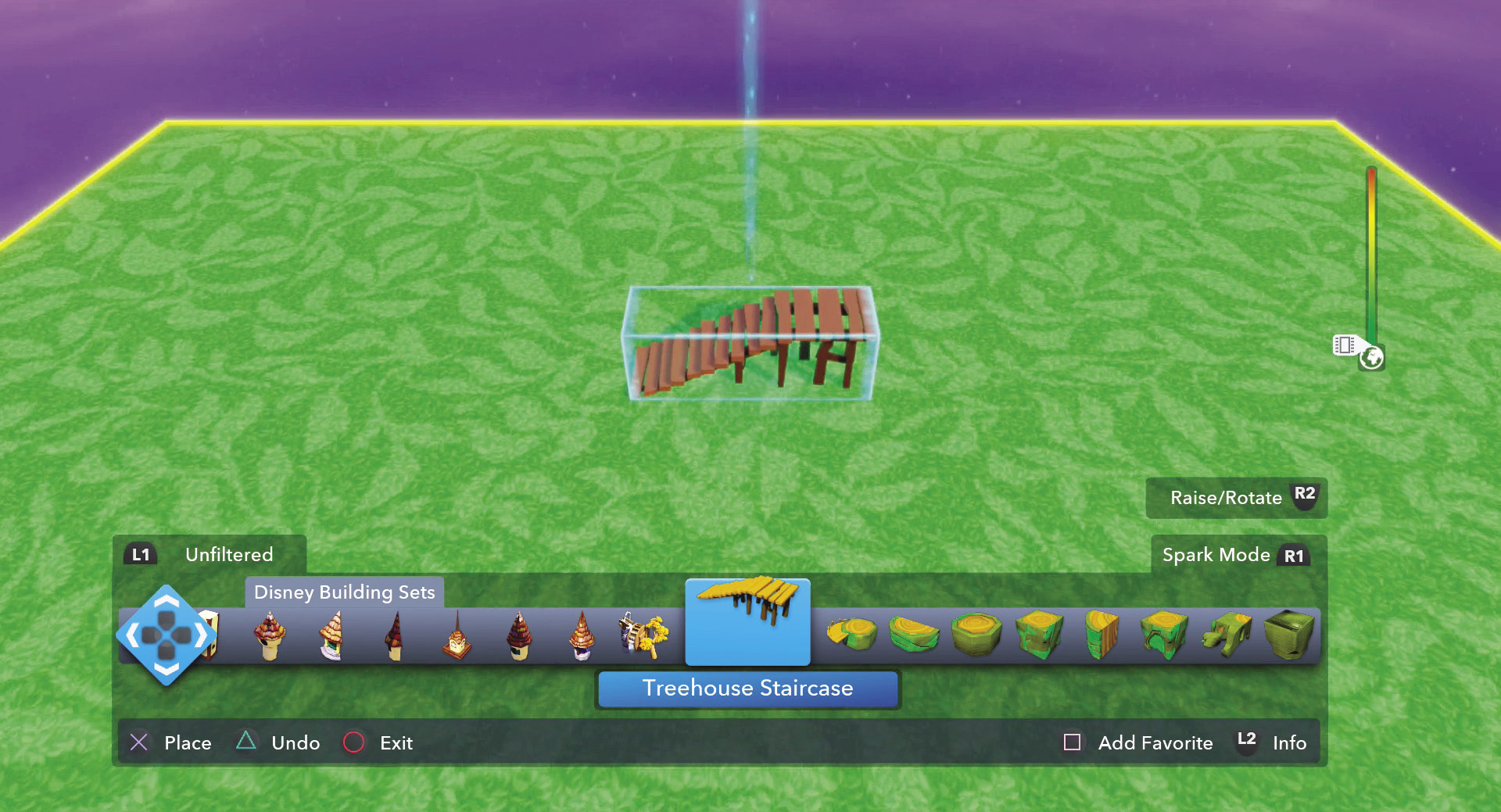
The Toy Box editor features a Build menu that allows you to select a category of toys and then cycle through all the toys in that category that you have unlocked.
Filters in the Toy Box Editor

As you unlock lots of toys, it can take a while to cycle through them all. In addition, when creating a world, you often start off with larger toys and then work your way down. Therefore, try using the filter to get the types of toys you need for the job at hand. Press the filter button to open a menu to choose from ten different filters.
Unfiltered: No filters used.
Custom Filters: Recently used and most used—these filters let you see the toys you have been using for quick access.
Templates: This organizes the many templates into terrain layouts, game pieces, complete games, and game kits.
Vehicles and Actors: This limits your choices to vehicles, townspeople (of different categories), sidekicks, enemies, critters, mounts, cast members, and finally builders and creators.
Decorations: The decorations category is large. This filter organizes it into signs, clusters, bushes, home, country, yard, flowers, exotic, trees, city, statues, and other.
Toy Origin: Filter toys based on the Play Set or Toy Box Game from which they come.
Terrain: This filter is great when creating the terrain of your world. Select from rocky terrain, cliffs and ledges, water, flat terrain, slopes and ramps, and finally caverns and tunnels.
Game Maker: When creating a game, this filter comes in handy by helping you choose toys divided into platforming toys, sports toys, game templates, game setup toys, driving toys, Toy Box Games toys, rails, and other game toys.
Buildings: There are lots of building toys, so this filter organizes them by theme—treehouse building set, city building set, famous landmarks, complete buildings, cottage building set, suburbs building set, Agrabah building set, castle building set, builders and creators, and Play Set themed building sets.
Simple Toys: These toys are divided into instant fun, active toys, mover toys, and active blocks.
Terrain

Terrain is the ground for your Toy Box Worlds. You can use it to expand the size of your worlds or to create features on your worlds. Build slopes and hills or even underground caves. When building a world, you usually want to start out with the terrain first, since it is on this terrain that you will build all your structures. Experiment with different levels of terrain to create some interesting features. For example, create a cave system or canyon through which you can have a horse race.
Disney Building Sets

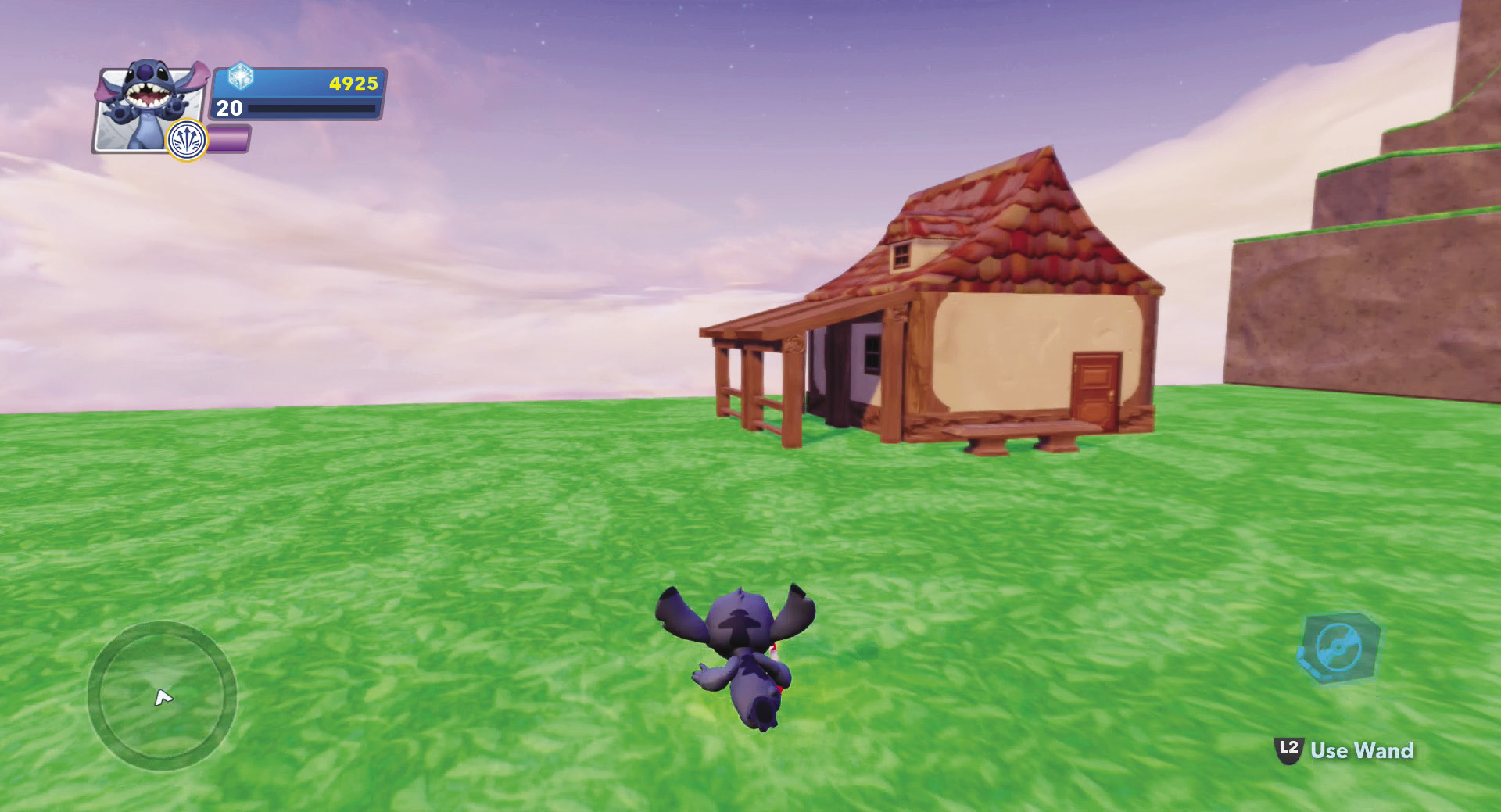
These toys consist of several different parts that can be put together to create one type of building. For example, you can unlock parts to build a treehouse, an Agrabah marketplace, a DunBroch castle, or a Fantasyland village. There are several different parts for each, so you can really create a custom structure with lots of different features.
City Building Sets
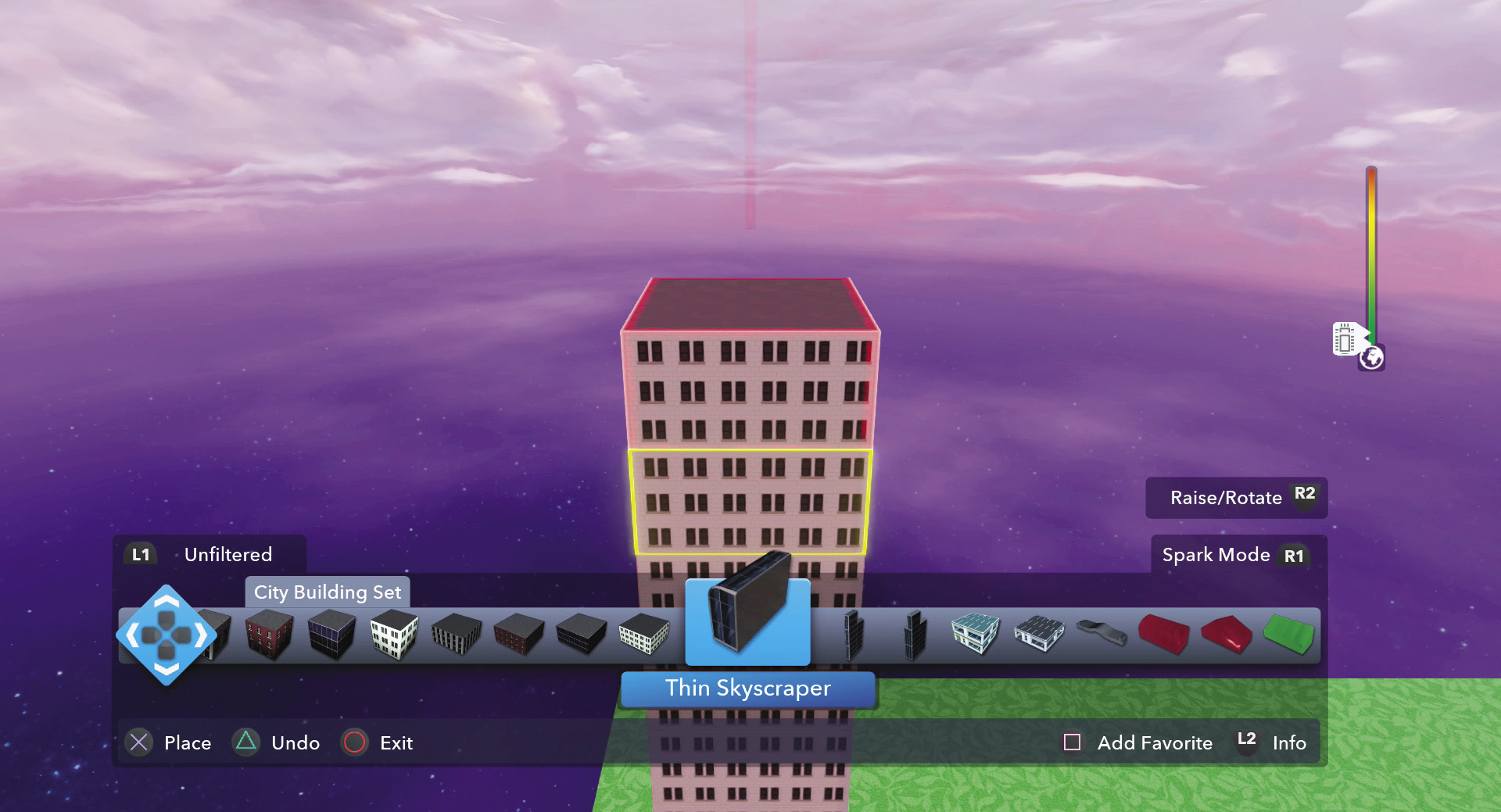

This category has all the toys you need to build your own buildings, from small suburban homes to large skyscrapers. You can also find all the decorations to attach to and customize the buildings or for placing around the buildings to make it a more complete city setting for your Toy Box Worlds.
Disney Infinity 1.0 Building Sets
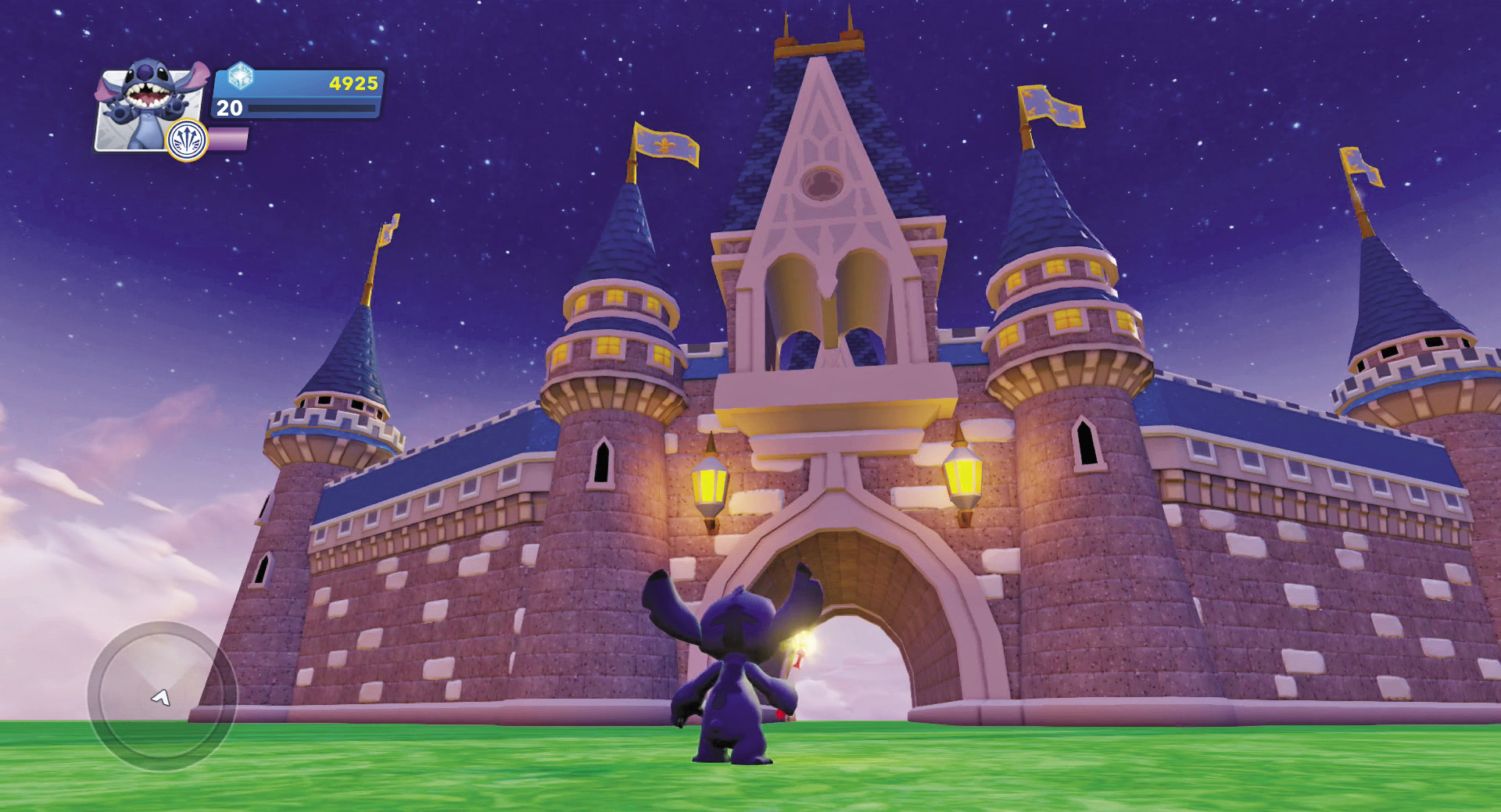
These are the building sets that are from Disney Infinity 1.0. It includes parts to build a Disney-style castle or the Agrabah Palace as well as some other related toys.
Builders and Creators

Builders and creators were covered earlier in this chapter. Builders look like townspeople. You place them in your Toy Box Worlds and they begin building structures of a specific theme such as castles, cottages, or even platforming games. They take some time to do their job.

Creators, on the other hand, let you designate an area in your world. Then the creator will quickly build its themed structures. For some, such as castles and race tracks, but sure you have lots of room so the creator can do a good job for you.
Buildings

Buildings are complete structures. You pick one, place it, and you are done. You don’t have to assemble a bunch of pieces like the Building Sets. They range in size from the very small Hotdog Stand to the large buildings from the Monsters University Play Set.
Set Pieces


Set pieces, for the most part, are very large toys. Many are from the sets of Disney movies, shows, or theme parks, or they have some type of interactive features. These are fun to use and can add a major talking point to your worlds when you invite your friends. Be sure to show them your very own Pride Rock, Matterhorn, or Dungeon—all right next to each other.
Instant Fun


Instant Fun contains a variety of different toys such as the Sky Changer, the Enemy Creator, and several other items such as blocks that can be destroyed. Many are interactive in some way and don’t necessarily fit into one of the other categories. You can also find all the traps from the Toy Box Games here. Be sure to check out these toys, since most can be fun to use in your world no matter what the theme.
Creativi-Toys

Creativi-Toys are the thinking or logic toys of the Toy Box. They can be programmed with functions to be triggers or reactions. You can even link several of these toys in series or parallel so that one action or trigger can result in several different reactions. We have included a section devoted entirely to Creativi-Toys later in this chapter. Be sure to check it out. And the best way to learn about these toys is to put them in your Toy Box Worlds and play with them. Creativi-Toys can be purchased in the Toy Store and can interact with some toys in other categories as well.
Platforming Toys

Do you want to make a platforming game? Then many of the toys you will need can be found in this category. In addition, you can find rails and ledges as well as ladders and bridges here. Some of these toys are interactive or move. This is also where you can find lava blocks for your terrain.
Templates


Templates are not really toys but a collection of toys that can be placed all at once and are connected to each other. Some templates are terrain with plants and decorations. Other templates are complete games. There are even platforming templates that you can piece together quickly to make a platforming game. Templates are a good way to create games or learn about how Creativi-Toys can be connected and work together.
Basic Blocks

Blocks are just that—blocks. They come in many different shapes and sizes. Use them to build things just like you might with a box of wooden blocks in real life. You can even change the theme of the blocks from their default stone look to a variety of themes that you can unlock. In addition to the standard blocks, there are also blip blocks that are destroyed when you hit them.
Race Track Pieces


Race track pieces include road track as well as barriers that you can set up around your tracks. The key to assembling a track is to ensure that each piece connects to the adjacent pieces, otherwise you have trouble racing on them. Once you have used the pieces to create a track, try changing the theme. While the slot car track is the default, there are several themes that can be unlocked in the Toy Store. Race track pieces also include ramps and other toys for doing stunts.
Sports Toys

These toys are great for creating games you can play with other players. Several of the goals can be linked to Creativi-Toys to keep score or do other functions. The balls and puck all react according to the laws of physics. It is a good idea to include some barriers when building with sports toys. It is no fun when your soccer ball rolls off the edge of the world.
Plants

Your world can always benefit from some green and the Plants category has you covered. Pick from trees, flowers, shrubs, and even some non-organic toys such as light poles to give your world some color and flora. Some of the toys in the Plant category are themed. This can be helpful when you want to change the theme of your entire world. Select one of your plants and edit the theme for all plants and, with one action, every themed plant toy will change to the new theme. Some plants cannot change themes.
Decorations

While you have some large toys with which to play, Decorations are much smaller. However, they can be just as important. Decorations fill in empty spaces and provide continuity for your world. Some decorations can be destroyed, while others are static and just stay there.
Vehicles and Mounts

Your characters need a way to get around the Toy Box Worlds you create. That is where the Vehicles and Mounts category comes in. A mount is an animal you can ride—usually a horse, mule, or even an elephant. Vehicles come in two types—ground or air. Ground vehicles can drive along the ground and stay on the ground—unless you drive off a cliff or do some stunts. Air vehicles, on the other hand, can fly through the air. You can use both vehicles and mounts for races as well as transportation. Most vehicles also include weapons. You can use these for games where you have to destroy a number of targets or even for getting hits on opponents’ vehicles.
Enemies

What would a Disney movie be without villains? Add some spice and conflict to your world by including enemies. While you start out with only a few, you can unlock lots more in the Toy Store. You can keep a theme for your enemies, or mix and match them for a battle royale. In a Toy Box World, enemies will attack any players (unless you use a Creativi-Toy to assign teams). They do this automatically and will actually seek out players as they wander around the world. Of course it is always fun to let loose a few enemies when visiting a friend’s world as well.
Cast Members

Cast members are unlocked in the Play Sets. They are the characters in the Play Sets that give you missions to complete. Cast members will walk around a Toy Box World on their own. They do not interact with you, do not attack you, and can’t be harmed or defeated. They are there to add personalities to your world. Don’t be shy about mixing up these toys. It is always fun to see monsters roaming the streets of an Old West town. Remember, this is your world.
Townspeople

These little townspeople like to dress up in costumes from various Disney movies or related features. They will scoot around the world not causing any harm. They are great for populating a town in your world to give it some more personality and life. While they don’t attack, you can pick them up and even throw them. Try picking them up and drop kicking them by jumping and then pressing the alternate attack button. You can make a game where you have to punt townspeople through a goal post. (Only in your Toy Box World. Please do not attempt this in the real world.) These toys can be unlocked from the Toy Store.
Character Townspeople

These townspeople are just like the other townspeople. The only difference is that they are unlocked by placing characters on the Disney Infinity base for the first time.
Sidekicks
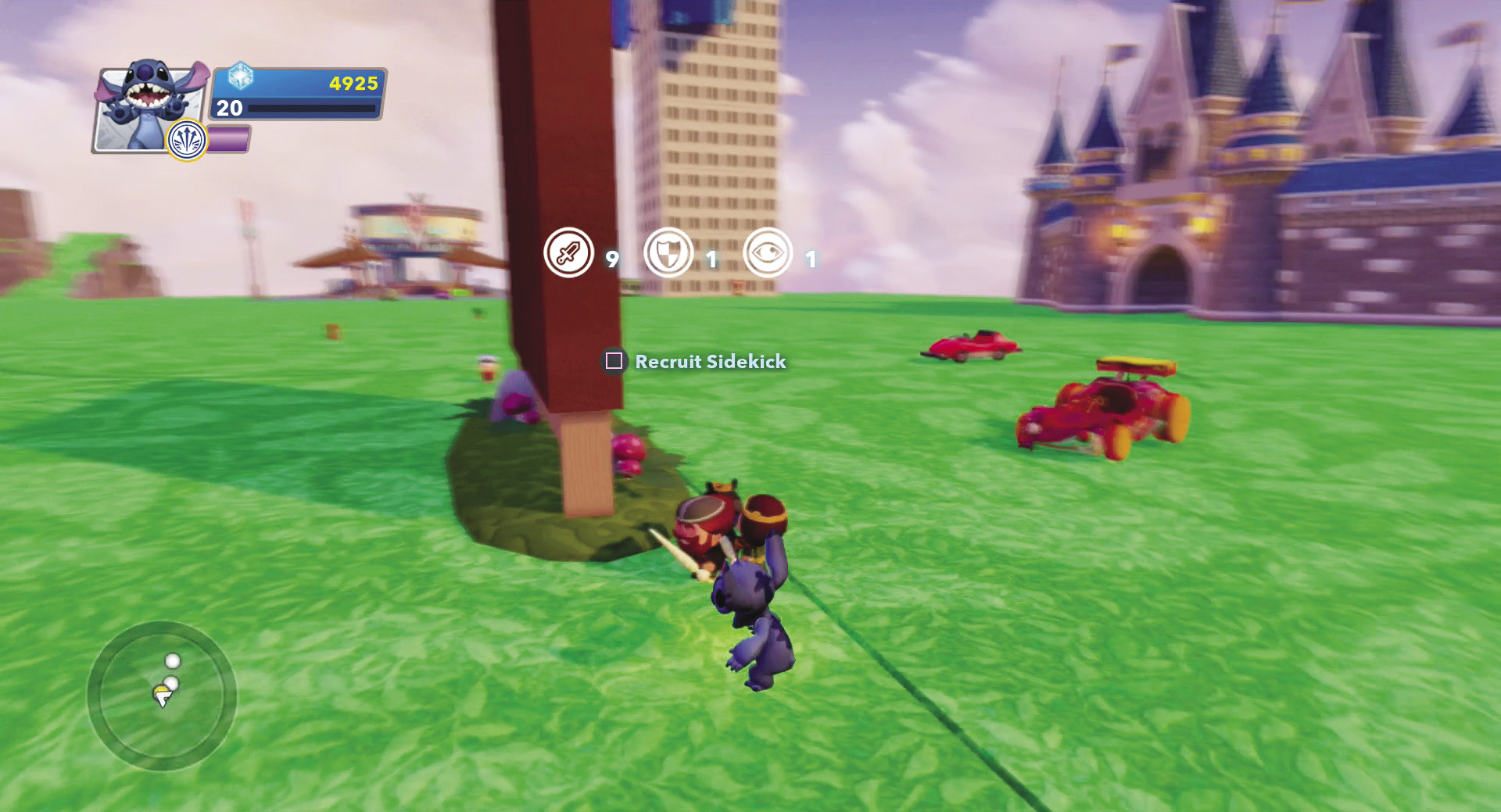
Sidekicks look like townspeople, however they a greater ability to interact. A character can select a sidekick within a Toy Box World. That sidekick will then follow that character around. When the character comes under attack, the sidekick will fight against enemies and can even help heal a character. Sidekicks are great for games with combat to give your characters a little helping hand.
Critters
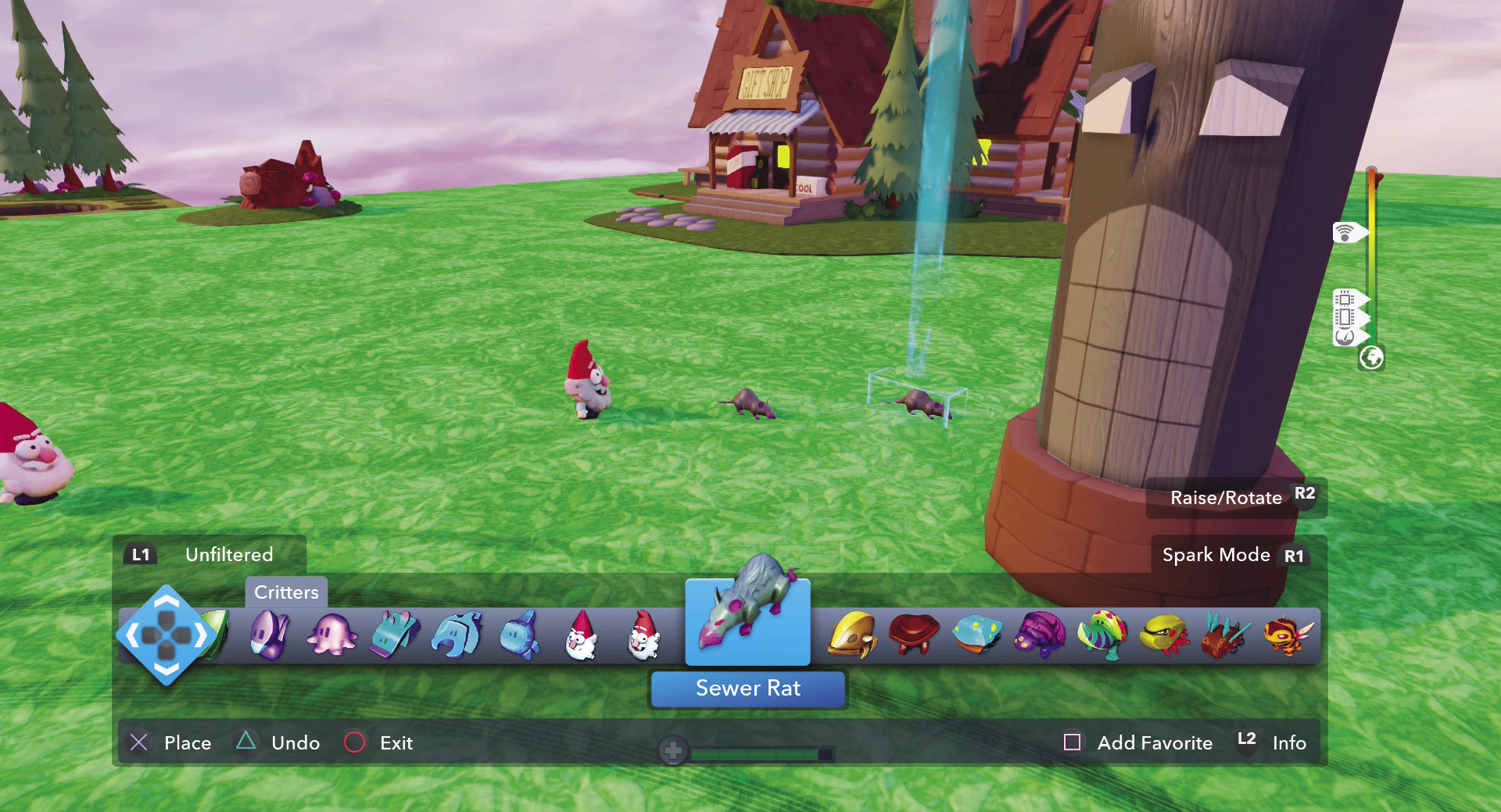
Critters are just like townspeople—except they are not people. They are animals—blocky animals. While you may want to put townspeople near your buildings and towns in your worlds, place critters out in the forests. You can pick up critters just like the townspeople, however critters are skittish and tougher to catch. You need to move slow if you want to catch them. Rush at them and they tend to run away.