Talos I Equipment Orientation
Crew members aboard Talos I have access to the finest state-of-the-art equipment available, rivaling any research facility on Earth. This is just one of the reasons so many prestigious scientists, researchers, and engineers signed on with TranStar. But this equipment is far more than window-dressing—it’s vital in the ongoing R&D efforts underway within the station’s labs and workshops.
TranScribes
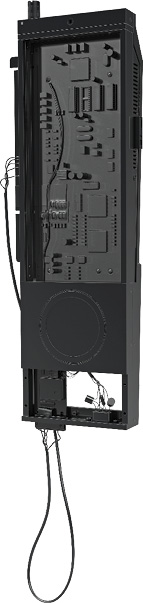
These compact, handheld devices are issued to every TranStar employee aboard Talos I and offer a variety of useful applications. The TranScribe’s interface is divided into six tabs:
| Objectives: | By default, lists all current main story and optional objectives. Completed objectives can be toggled on/off. |
| Map: | Shows map of current area as well as a station map, showing how each section connects. |
| Inventory: | Shows all weapons, items, and junk in your inventory. Sub-menu allows the installation of chipsets to your suit and Psychoscope. |
| Neuromods: | Access this tab to install Neuromods and obtain new abilities. |
| Status: | Lists current status effects along with associated negative/positive attributes. |
| Data: | All collected data is stored here, including all notes, emails, audio recordings, fabrication plans, and research. |
Notes
Access your TranScribe regularly to monitor current and new objectives. Current objectives can be marked as active or inactive. When an objective is active, a waypoint marker appears on the HUD, leading you to the next point of interest.
Grab TranScribes from deceased/incapacitated crew members to retrieve audio recordings. These recordings are stored in the Data/Audio Log section (select a recording to play it). Listen to every recording retrieved, as they can reveal keycodes or trigger optional objectives. Retrieve all audio recordings on Talos I to unlock the Psychometry achievement/trophy.
When accessing a new area, the TranScribe’s map is dark, revealing only the areas you’ve explored. Download a map from a security station to reveal the full map.
As you acquire more weapons and items, inventory space becomes limited. You can expand your suit’s inventory by acquiring the Suit Modification abilities. This also expands the number of chipset slots in your suit.
Status Effects
| Name | Description |
|---|---|
| Well Fed | Increased health regeneration and stamina recovery. Effect is temporary and can be cut short by radiation poisoning. |
| Drunk | Bonus physical damage, reduced stamina, blurry vision, stumbling. Effect is temporary. |
| Suit Damage | Your suit blocks less damage than normal. Use a Suit Repair Kit or visit an Engineering Operator. |
| Radiation Sickness | Slows health regeneration and stamina drains faster. Prevents Well Fed and causes stumbling. Use Anti-Rads or visit a Medical Operator. |
| Fear | Loss of composure, reduced accuracy with firearms. Consume alcohol or wait for the effect to subside. |
Workstations
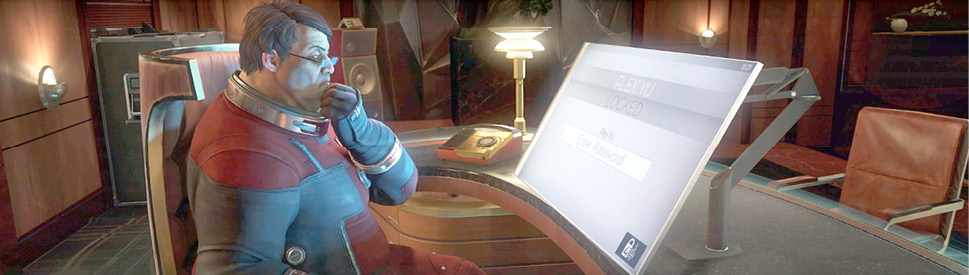
Many TranStar employees have private workstations. Locked stations require a password. Search the environment for clues or use the hacking ability to bypass the login. Workstations may contain email, files to download, or special utilities.
Notes
Despite constant warnings from IT Security, many Talos I employees still write their passwords on yellow notes found near their workstations. If necessary, crawl under desks and look behind monitors to find these notes.
Access the Files tab of each workstation you encounter to download a variety of files ranging from fabrication plans to audio recordings.
Read emails found on workstations to uncover keycodes and other clues. Some emails trigger optional objectives. You need to read all the emails on Talos I to unlock the Press Sneak achievement/trophy.
Security Station
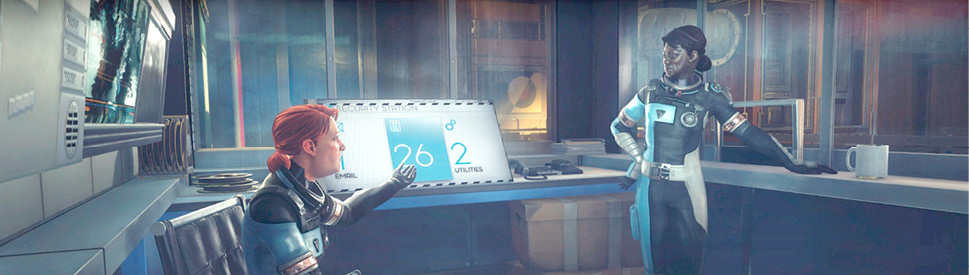
Security stations monitor all Talos I personnel assigned to an area. Selecting an employee’s name unlocks an objective with tracking information, assuming their tracking bracelet is still transmitting.
Notes
Security stations are usually found in security booths. These booths are often locked, requiring a keycard or keycode. Security stations are marked on the in-game maps as well as in this guide’s maps.
Access a security station’s Utilities tab to download a complete map of the current area. This tab usually offers a way to bypass a security booth’s lock too.
The Crew tab allows you to track the location of any employee on Talos I. Tracking bracelets worn by employees also report vitals, helping you find survivors. Tracking bracelets can be activated/deactivated via the Personnel Tracking Terminal in Deep Storage. To unlock the Missing Persons achievement/trophy you must find all Talos I employees.
Recyclers
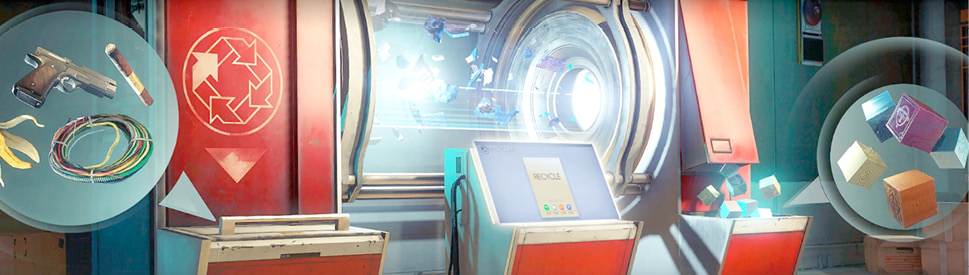
Recyclers convert unwanted items into synthetic, mineral, organic, and exotic material which can be used by Fabricators to construct new items. Insert unwanted items into the bin on the left side of the machine before initiating the recycling process. Recycled material fragments and blocks can be retrieved from the bin on the right.
Notes
At least one Recycler is present in each section of Talos I. Reference the in-game map (or maps in this guide) to find the Recycler closest to you.
Any item in your inventory can be recycled to obtain material necessary for fabricating new items. Make a habit of recycling items in your inventory to free up space—recycled material fragments and blocks do not consume space. Consider acquiring the Materials Expert ability to increase recycling yield by 20%.
Are you carrying around a duplicate weapon? Consider recycling it to retrieve mineral and synthetic material. But don’t recycle weapons you’ve already applied upgrades to.
Be sure to retrieve organs from dead Typhon organisms. The Necropsy ability yields more tissue. When recycled, Typhon organs, tumors, and other tissue are converted into exotic material. Exotic material is required to fabricate Neuromods, the building block of the game’s ability system.
Fabricators
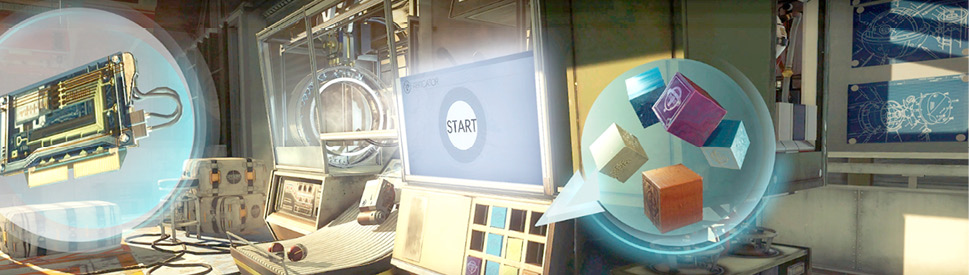
Fabricators use Fabrication Plans to create dozens of useful items aboard Talos I. Each item fabricated consumes some combination of organic, mineral, synthetic, and exotic materials. Search Talos I to find plans and materials. To fabricate an item, select the plan of the item you wish to create then insert the necessary material blocks. You can then begin the fabrication process and retrieve your new item.
Notes
Material blocks created by Recyclers are ready for immediate use in Fabricators. Each block consists of 100 material units. Clumps of material consisting of less than 100 units are considered fragments. Fragments cannot be used in Fabricators, but they can be combined with other fragments in the Recycler to ultimately create blocks.
Acquire the Neuromod fabrication license as early as possible—one can be found in Psychotronics, within Dr. Kelstrup’s safe. Fabricating your own Neuromods allows you to acquire abilities at a faster rate. And it beats scouring the station for Neuromods. After repeated use, you’ll eventually need to renew the license by paying a visit to Halden Graves’ office in the Neuromod Division.
Avoid fabricating weapons and other items that can be easily retrieved from the station. This simply wastes valuable material. Instead, focus on fabricating Neuromods, ammo, and consumables, like Medkits and Psi Hypos.
Be aware of unexpected items falling out of Fabricators—that object might actually be a Mimic waiting to pounce. Shoot suspicious items with your pistol before attempting to pick them up.
Airlocks
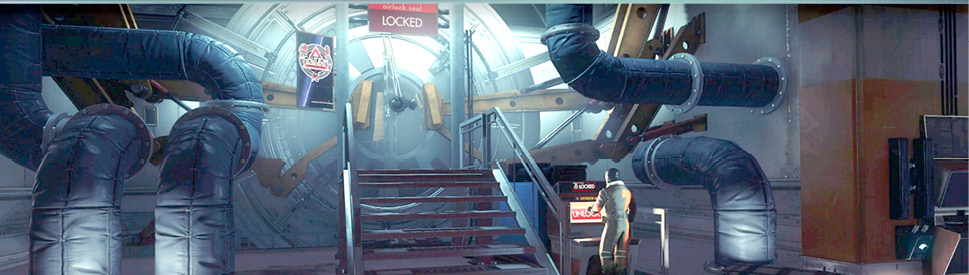
Talos I has multiple airlocks which lead to the exterior of the space station. Before you can use them, you have to disengage their manual seals from the inside. The more airlocks you find, the more freedom you’ll have to navigate through and around the station as you wish. Access your TranScribe to view your station map and find more airlocks.
Notes
There are a total of five airlocks on Talos I, located in Hardware Labs, Psychotronics, the Arboretum, Shuttle Bay, and Power Plant. Make a habit of unlocking each airlock you encounter to facilitate easier travel between the station’s various sections.
Monitor your suit’s integrity before exiting an airlock. If your suit integrity is compromised, you can’t exit the station. Apply Suit Repair Kits to improve your suit’s integrity. Alternatively, seek out an Engineering Operator to repair your suit.
During station-wide lockdowns, all airlocks are automatically sealed, including those you’ve unlocked. When the lockdown is over, any airlocks you previously unlocked are unsealed.
Operators
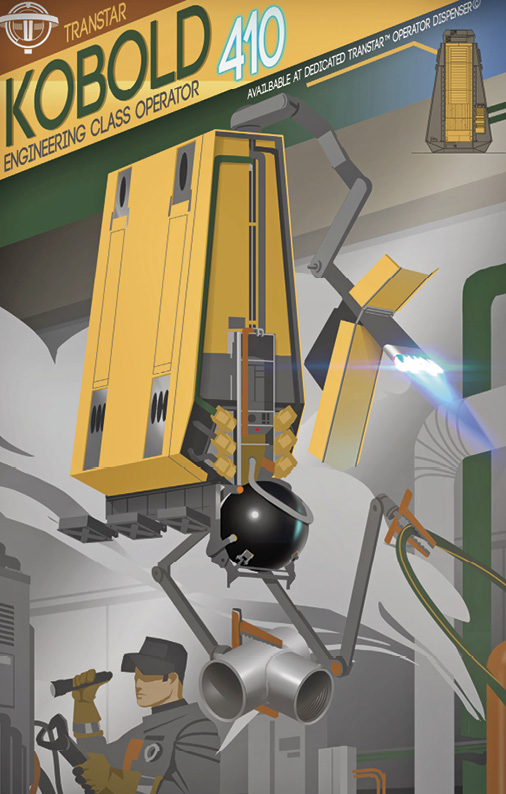
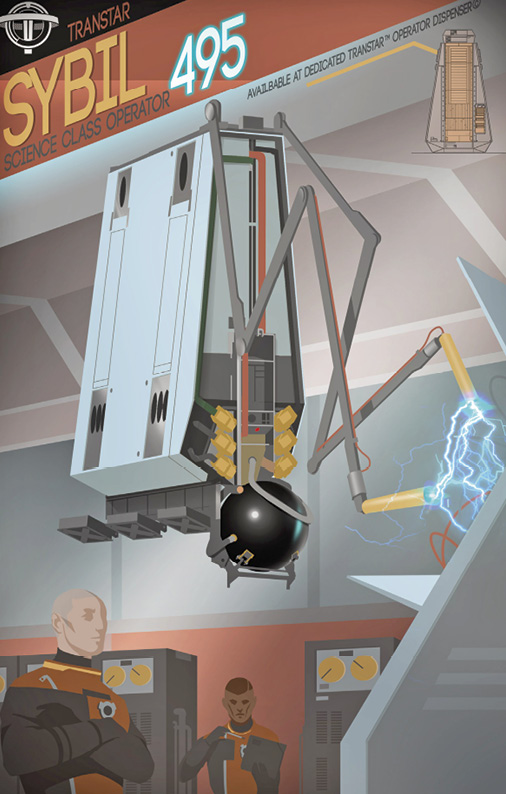
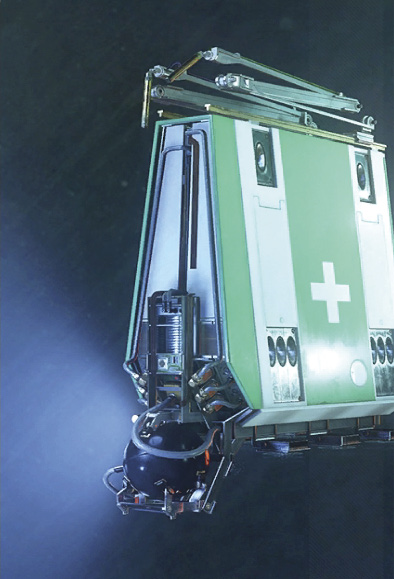
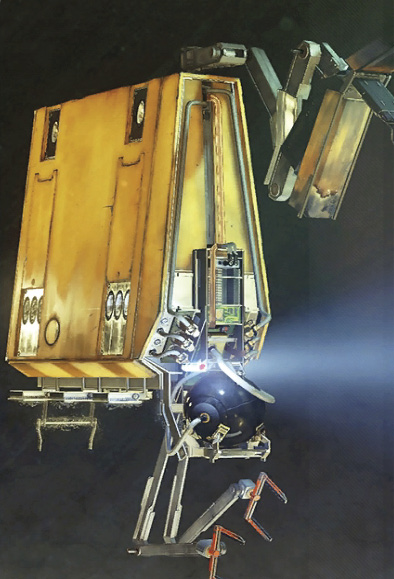
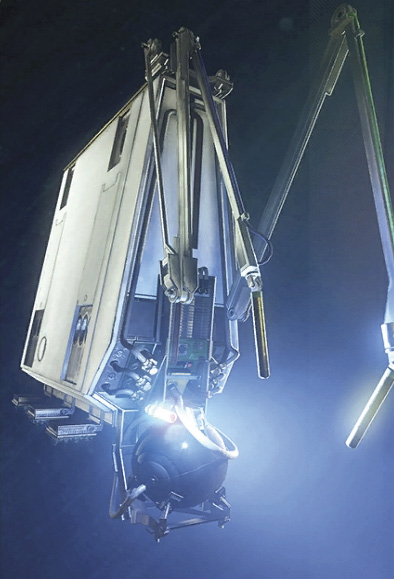
Manufactured by TranStar, robotic Operators can be found throughout Talos I, augmenting the station’s human workforce. Medical, Engineering, and Science Operators complete a variety of mundane and repetitive tasks, freeing crew members to focus on more specialized work. New Operators can be deployed from Operator Dispensers, often found in Medical Bays, labs, and workshops. Reference the maps to find these machines.
Notes
Before using a Medkit or consuming food, try to locate a Medical Operator—they can be dispensed from most Medical Bays. These Operators can fully replenish your health as well as remove negative status effects like radiation poisoning. Save Medkits, food, and Pharma pills for instances when no Medical Operators are available.
Science Operators can completely replenish your Psi energy. Psi energy is consumed when activating Combat Focus or any Typhon-based abilities. So seek out a Science Operator before using a Psi Hypo.
Suit Repair Kits can become quite scarce, particularly if you’ve taken significant damage. When possible, seek out an Engineering Operator to repair your suit.
Operators can be corrupted by Technopaths, Typhon organisms capable of manipulating electronics and machines. Corrupted Operators attack aggressively and should be avoided at all costs—or until you acquire a Disruptor Stun Gun and some EMP Charges. Search the remains of destroyed Operators to retrieve ammo for the Disruptor Stun Gun and Q-Beam. If you have the Dismantle ability, you can also recover spare parts from destroyed Operators.