
The Sims 3 Guide Essentials Design Corner
The Cherry Tree Houses
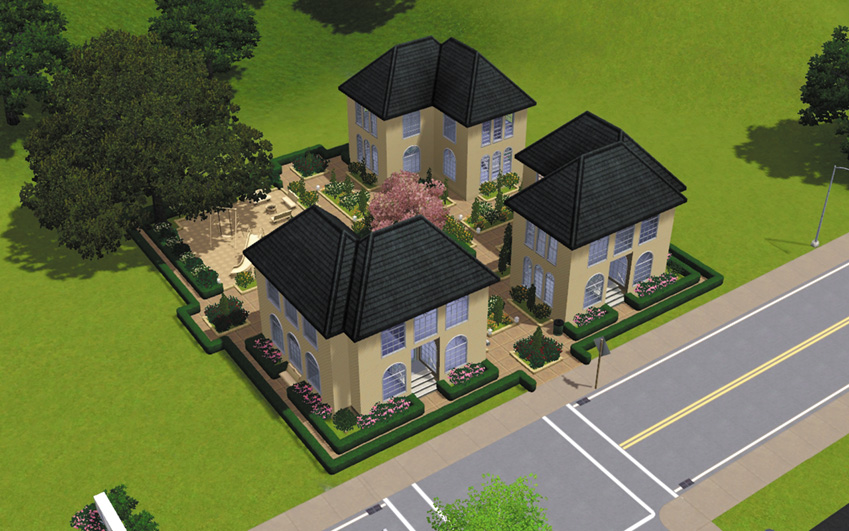
Created by: Lightside
Not every lot must contain a single building. Explore the idea of multiple units on a single lot, as you see in this design sample. Here, you have what are essentially three condo buildings on the same lot.
Each building mirrors the other two, giving the lot a great deal of symmetry. These buildings are empty, so the interior tour will not necessarily jump off the page because of intriguing object placement. But the shapes and assembly of the rooms show how you can get a lot of building without needing a major footprint.
The Buildings
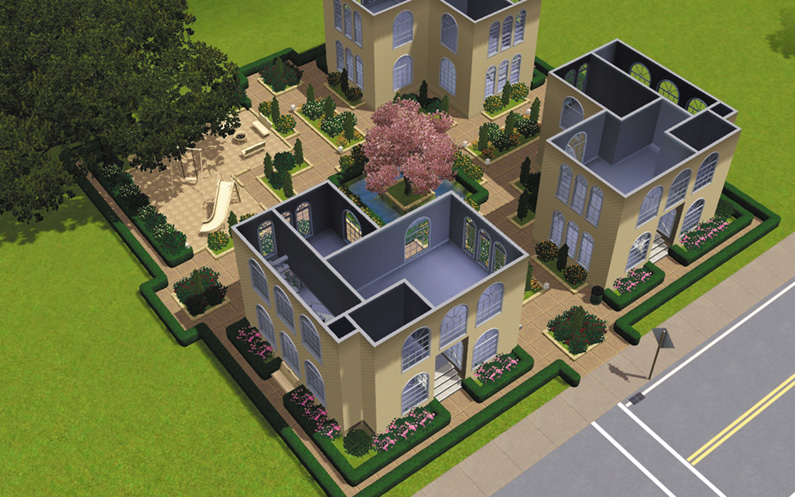
If you want a story with different Sims who are not related by family or marriage, creating a lot like this is an good place to start. Strip away the rooftops and you see two upper rooms that would be perfect for a small bathroom and bedroom.
Because each unit has limited space, you can save some money on objects. You could even dedicate one of these buildings to skills and communal activities. Maybe the top floor of the third condo has the computer and a telescope.
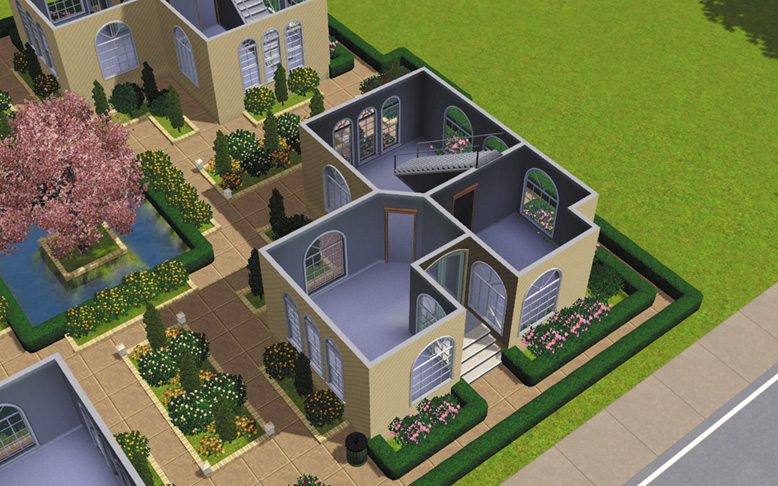
The bottom level demonstrates how the small footprint doesn’t necessarily sacrifice living space. The upstairs is dedicated to bathroom and sleeping, while the downstairs has a nice entry that doubles as a living room and a side area for a kitchen.
Returning to the communal idea, you could break down the walls between two of these rooms to create a large kitchen for everyone to use.
The Courtyard
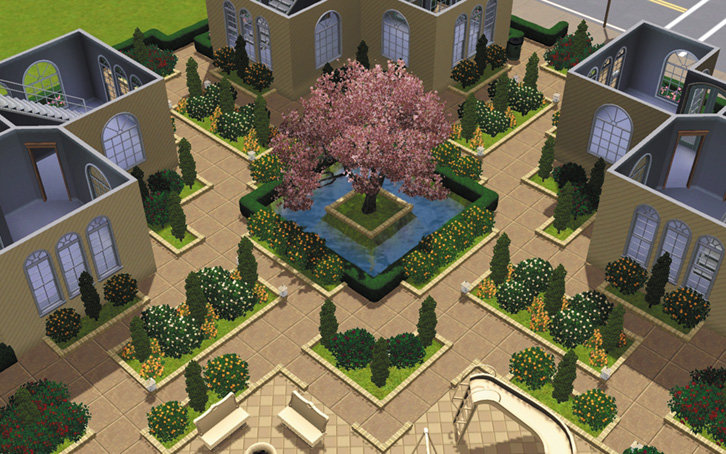
Check out the detail and symmetry in this courtyard. It’s natural to take chaos and put it in order, which is why a symmetrical courtyard like this is so inviting. The equal proportions on the shrubs is nice. However, the most grabbing feature is the central pond with the large cherry tree in the middle.
The low shrubbery that surrounds the pond is a nice touch, and notice the flowerbeds built from shrubs. The shrub border extends onto the concrete, giving the pond an added element of composition, rather than just serving as a containment field for the pond.
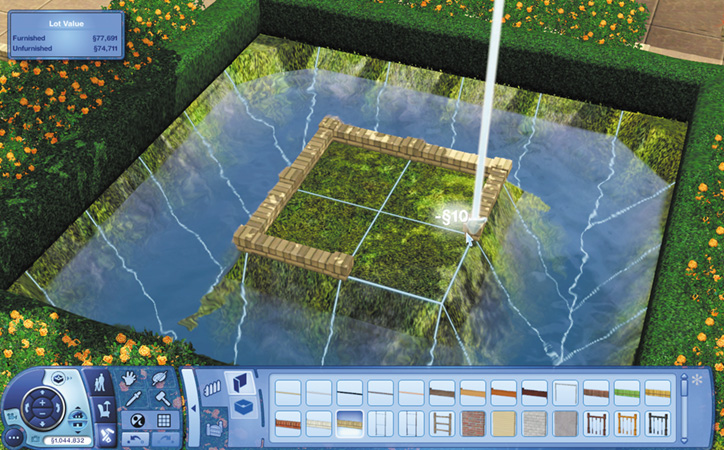
The island in the center of the pond with the tree has a nice border on it. It’s built out of the small Stream of Consciousness fence.
Each piece of the fence has a post. However, if you stretch it all the way along a border, you only get two posts: one at the start and the other at the end. To create multiple posts as seen here, stretch the fence along one segment at a time. Let off the left mouse button and the fence piece drops into place with the post at the end of it.
The Playground
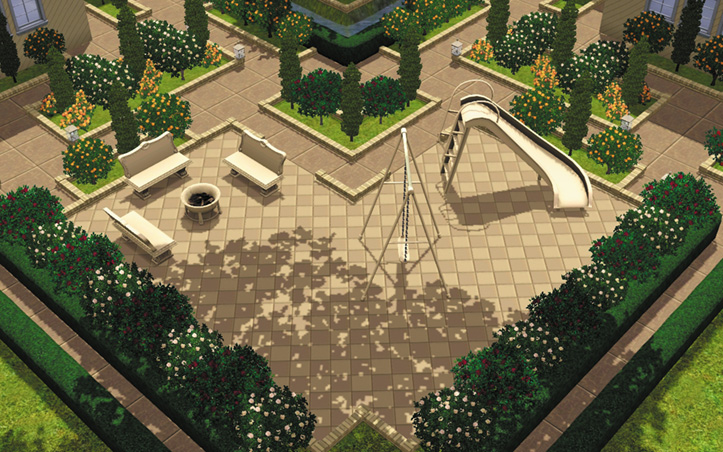
If you place your Sims in multiple smaller units on a single lot, you need a place for them to get together and relax. Children will love a playground, seen here constructed out of a swing set and slide. Grown-ups enjoy sitting around the fire pit, getting the Cozy Fire moodlet and roasting meats or marshmallows to sate hunger.
Use a while placing objects so you can adjust their placement in smaller increments than 45-degree rotational clicks.
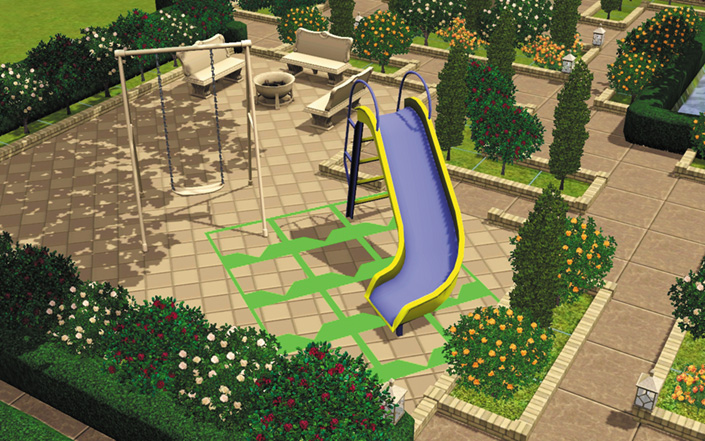
Drag the colors from one object to the next in Create a Style to match up all of the outdoor pieces.