
Super Mario 3D Land Guide How to Play
The Basics
Using the Touch Screen
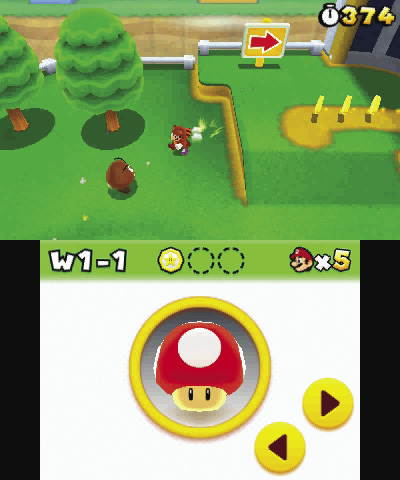
All of the action may take place on the top screen, but the Touch Screen is an invaluable tool. The bar at the top of the Touch Screen displays the current level, the Star Medals you’ve collected, and the extra lives you have at your disposal. The buttons in the bottom-right corner temporarily change the camera angle, allowing you to get an enhanced view of the area. However, the bulk of the Touch Screen is reserved for its most important feature. When an active suit or transformation is replaced with a new power-up, your original power-up is moved to the Touch Screen—as long as you have the space for it. This means you can carry up to two power-ups at any time.
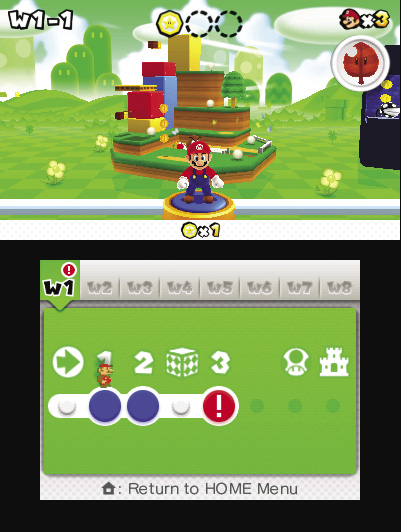
During level selection, all of the Touch Screen’s information is moved up to the top screen. In its place, you’ll find some handy navigational tools. Tap the tabs along the top of the Touch Screen to quickly move between available worlds. The Touch Screen also displays a simple map of your selected world. When you tap a point on the map, Mario automatically runs to the corresponding level.
Game Progression
Playable Levels
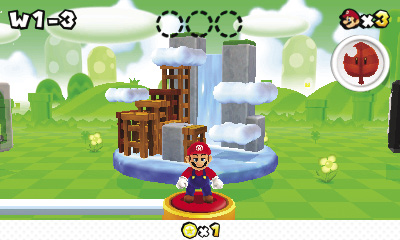
Reach the Goal Pole—that’s all you have to do to beat a level. Of course, what sounds like a simple task is made much more difficult by relentless enemies, devious traps, deadly falls, and any number of other challenges. The game keeps track of each level you clear, each Star Medal you collect, and whether or not you’ve made it to the very top of each Goal Pole. If you hope to see everything the game has to offer, you must complete all of these tasks.
Locked Levels
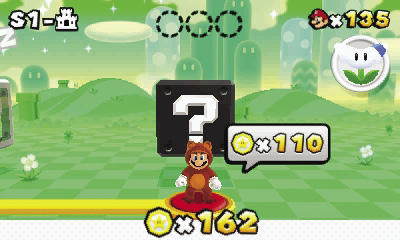
Each world contains at least one locked level. To unlock these levels, you must collect the indicated amount of Star Medals. You can often skip past locked levels, but doing so will affect your Star Rating.
Toad’s Houses
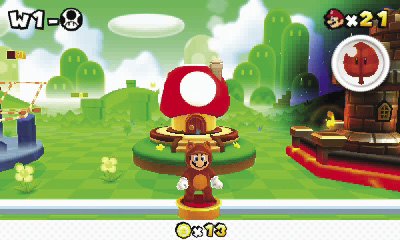
Every so often, you’ll gain access to a Toad House. These areas are completely optional, so you can safely skip past each of them.
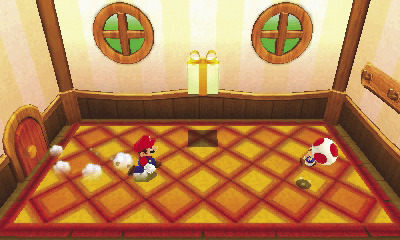
Red Toad Houses each contain a Gift Box that you can open to collect a power-up. When you exit the house, it disappears from the map if you opened the Gift Box. Before you enter a red Toad House, make sure you have room to collect the power-up.
The blue Toad House in World 3 contains an album that you can use to view the various pictures you collect on your adventure. This house never disappears, so you can visit as often as you like.
Mystery Boxes
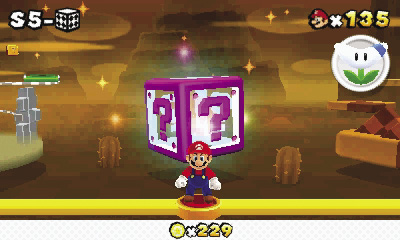
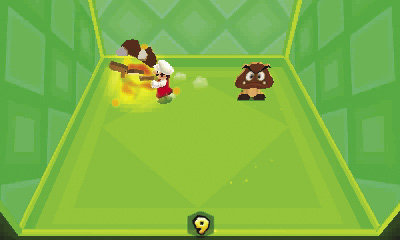
As you unlock new areas, you’ll discover a variety of Mystery Boxes. These special areas offer simple challenges and useful rewards. Mystery Boxes accessed from the level-selection screen usually contain a random encounter. Defeat all enemies or objects to earn coins, power-ups, or even Star Medals!
After you enter a Mystery Box, you have 10 seconds to identify and complete the challenge. When the time expires, the Mystery Box disappears.
StreetPassWhen you have StreetPass activated, you can exchange Mystery Boxes with other players and have Toad Houses appear! A Mystery Box from another player will always contain a Star Medal and is the only way you can reach the maximum of 999! You’ll know when you receive a Mystery Box from another player because it will be marked with their Mii character’s face on the world-select screen. Your best times for every level will be shared with other players you meet through StreetPass as well after you’ve viewed the ending for Super Mario 3D Land for the first time. |
3D Areas
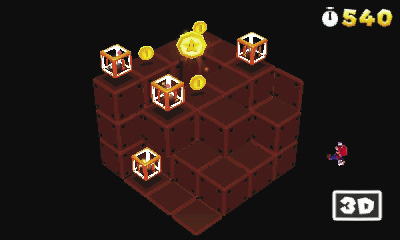
3D areas contain optical illusions that make it difficult to determine the locations of platforms, pick-ups, and other important objects. Each time you enter a 3D area, a special icon appears in the lower-right corner of the screen. If needed, adjust the 3D depth slider on your Nintendo 3DS system to break the illusion.