
Mario Kart 8 Guide Mario Kart TV and MiiVerse
Mario Kart TV
An exciting feature in Mario Kart 8 is the ability to edit your highlights from races, and then share them with others on the Miiverse. It’s one thing to brag about an unlikely series of events that earned you first place. It’s another to have other players see it!
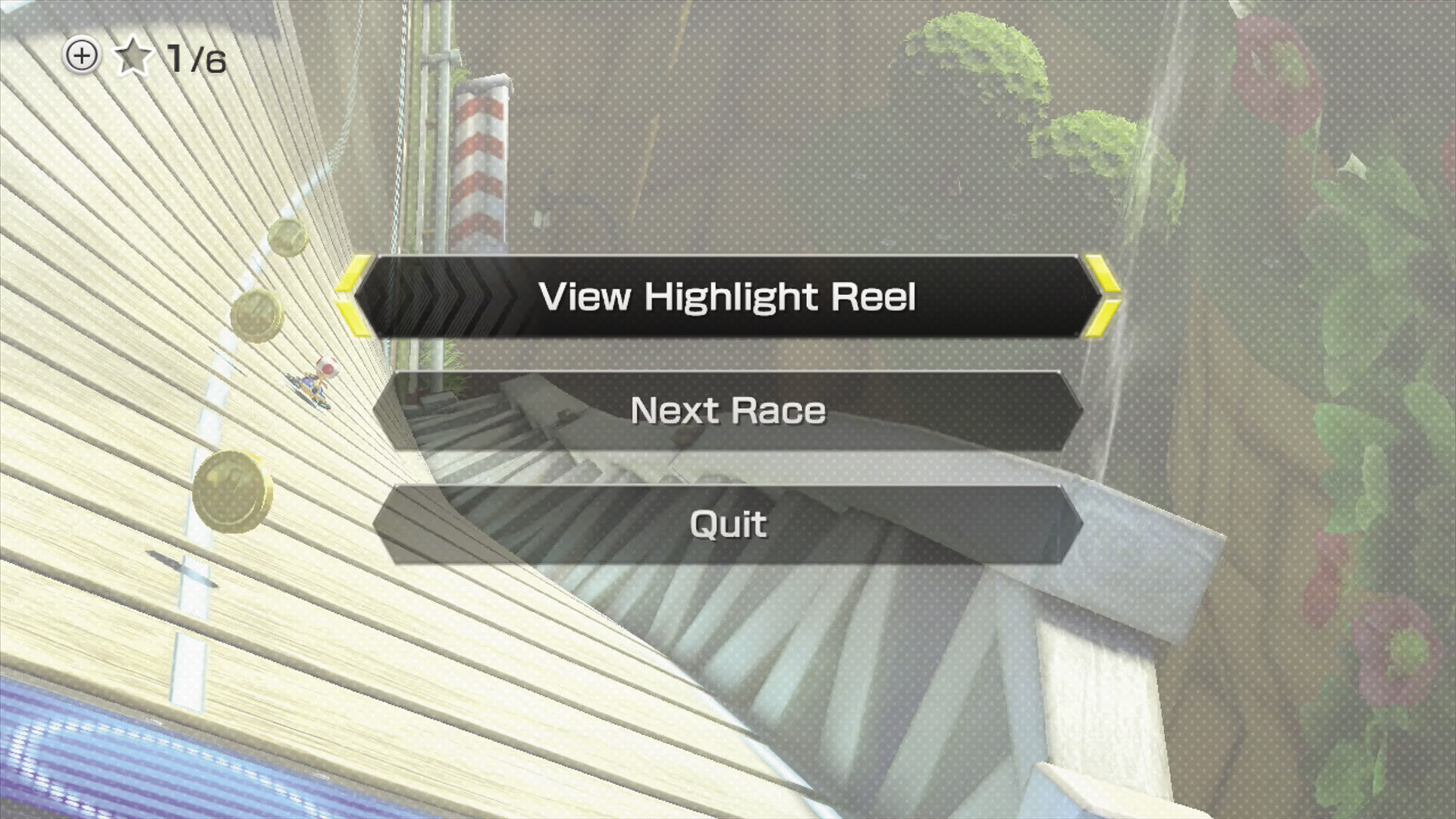
After every race, you are given the option to view the highlights of the race in a short 30-second segment showing off big moments that occurred throughout the whole event. You can save up to six race replays as your Favorites for later viewing in Mario Kart TV.
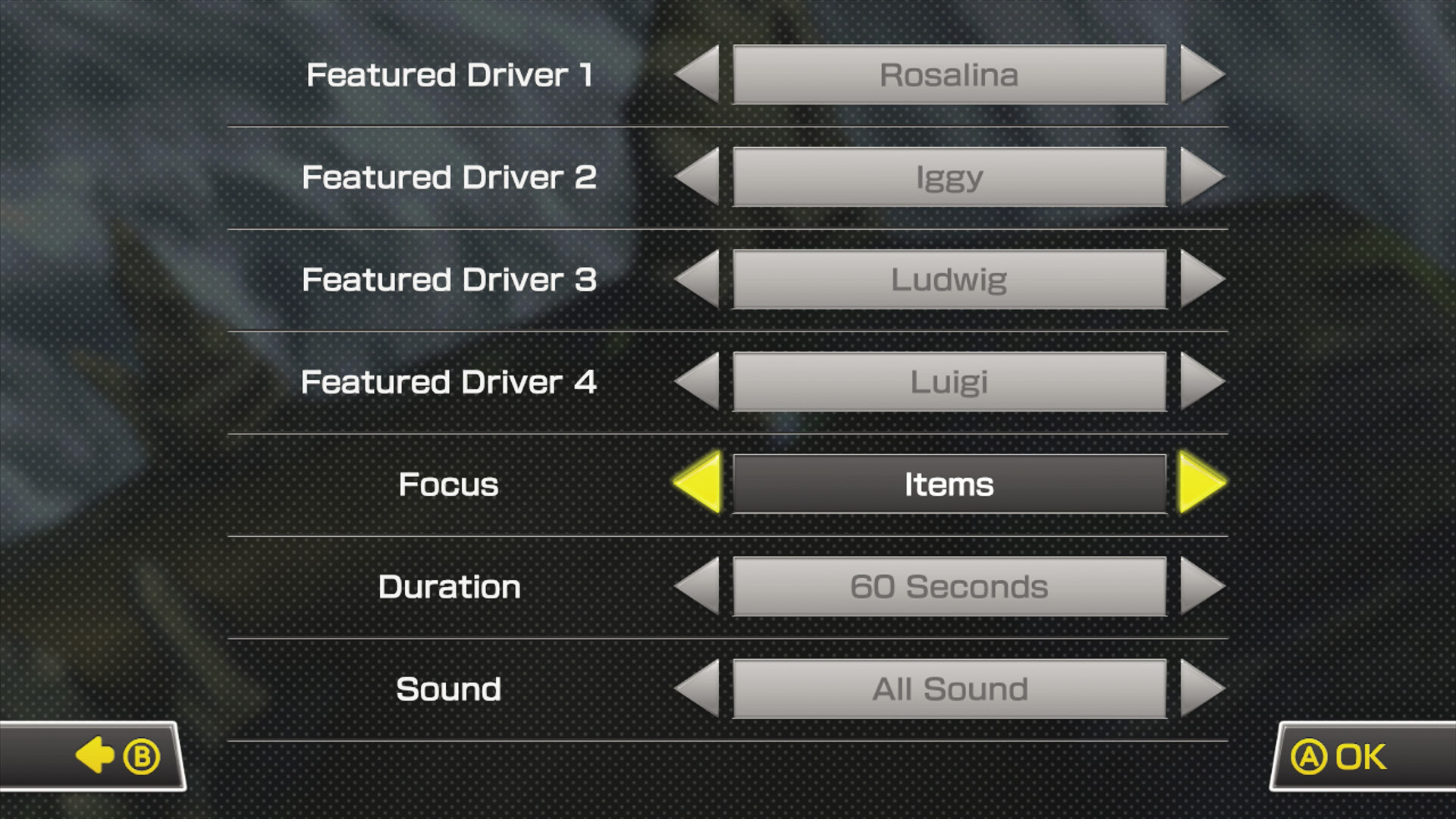
In Mario Kart TV, you can go into the saved race replay, and heavily modify how the highlight reel plays. You’re able to select up to four racers for the dynamic camera to switch between, as well as choose what types of events you want the highlight reel to focus on, how long the reel lasts, and how much of the in-game sound you want to have playing throughout the reel. When you’re done with your editing, you can share your work with the whole world!
In addition to your own highlights, Mario Kart TV will use your internet connection to populate the Global: Popular and Global: Recent highlight reel sections with information drawn from Miiverse activity.