
Build, Discover, Survive! Mastering Minecraft, Revised and Expanded Guide Playing With Friends
Local Play
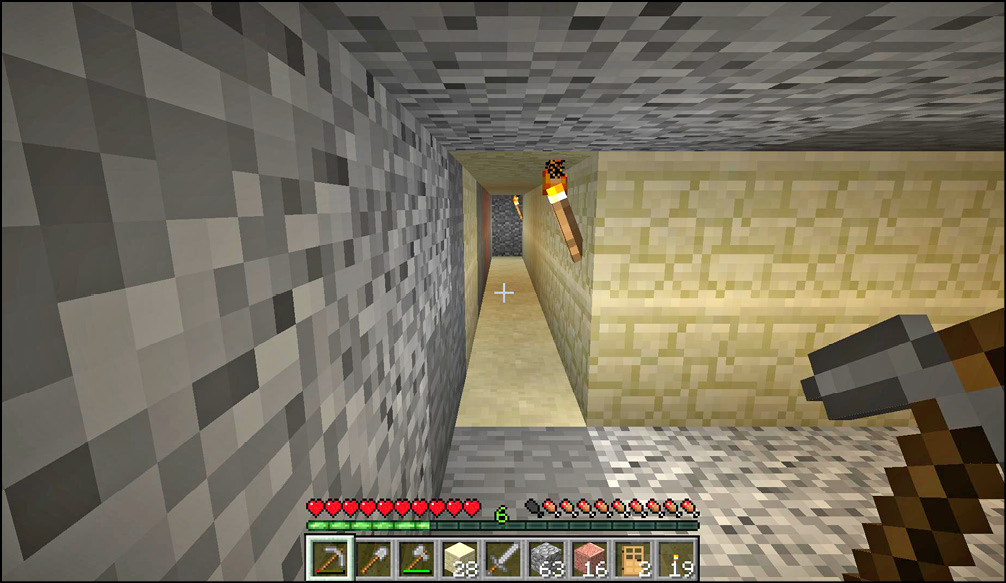
You don’t always need to hang out with 300 people to enjoy Minecraft. Maybe you’re just in the mood to host some of your friends visiting your home. Local Play is easy to do in Minecraft. Have one person in your house start a regular, single-player game. Once they’re in, hit Escape and then select “Open to LAN” to make the game multiplayer. Other people on your network will soon see the game pop up in their multiplayer menus, and they can join.
Console editions of the game let people join in for split-screen local play. That’s pretty neat too, as long as you have a good TV to play it on.