
Build, Discover, Survive! Mastering Minecraft, Revised and Expanded Guide Playing With Friends
Joining Servers
The simplest way to play with other people is to join an existing multiplayer server. Launch Minecraft. Next, make sure you have the information for the server on which you’d like to play. If you have no idea where to go, then let’s take a moment to find out!
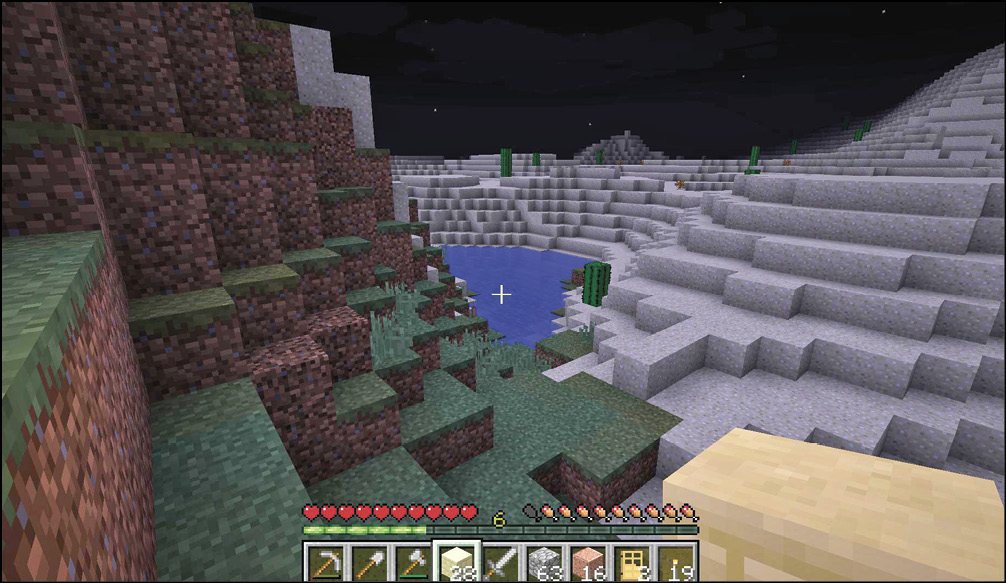
Searching for a Multiplayer Server
Use your favorite internet browser, type in something like “Minecraft Servers,” and then search. Your search results should provide a decent list of sites that spread information about Minecraft servers.
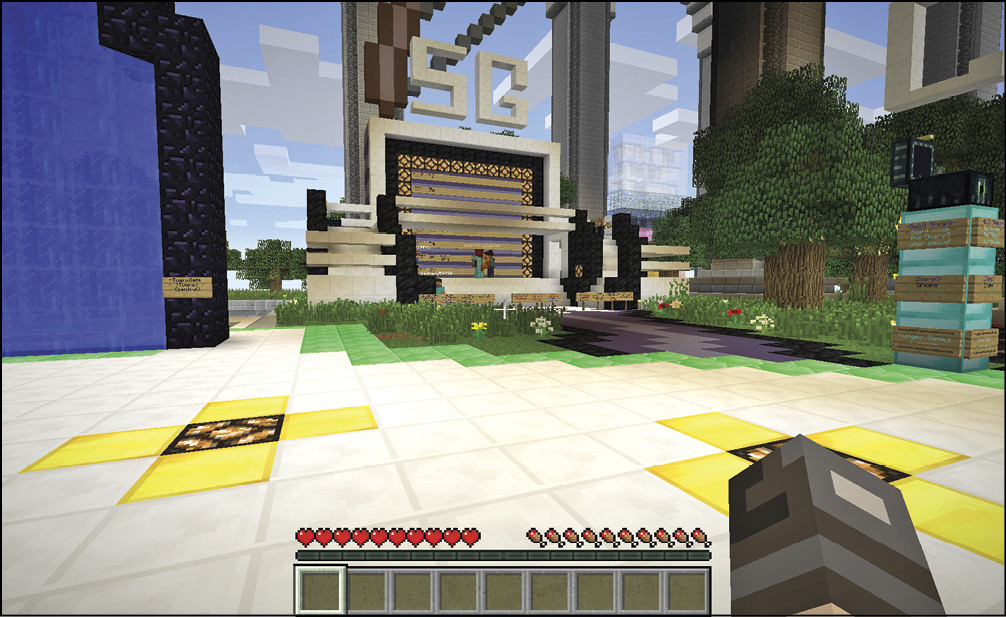
The sites that share this information usually have blurbs about the type of community to which its server caters. Are they PvP servers? Playing to build? Survival? Look for an indicator that these people are interested in the type of gameplay you seek. Also, check to see how many people are logged into the server. If it’s too empty or too full, then maybe it’s not a great choice for you. Personal taste takes priority here, so look for whatever you like. Maybe a small server is more your style. Or maybe you enjoy having tons of people to interact with.
What Do the Terms Mean?
It’s tough to figure out where to go when you have no idea what people are talking about. Let’s break down the types of Minecraft servers, so you have an idea of what you’re getting into. Some servers use their own terms or have unique styles of play, but the following list should give you a fair idea of what to expect.
| Survival | Mostly non-PvP focused, standard rules |
| Freebuild/Anarchy | Unrestricted |
| Creative | Building servers, no combat, no risk |
| Roleplay | For creating a character, a story, and playing your role |
| PvP | Player versus player; combat between players, but there may be rules |
| Hardcore PvP | Player versus player; anything goes, at any time |
| Faction | PvP in teams |
| Hunger Games | Competitive PvP |
| Prison | Work your way up and out |
| Challenge/Mini Games | Specific goals are set forth |
| Economy | Build, trade, and expand |
| City | More rigid about where you can build; often involves heavy trade |
Once You Choose Where You Want to Go
Look up the IP address of the server that interests you. The sites that discuss these servers almost always provide this information. Highlight the address itself, and then copy it. Go back to Minecraft, select Multiplayer, and then Add Server. Paste the address you copied into the Server Address bar and proceed. You can now get to that server whenever it’s online.
Make sure your login information is accurate. If you type in your user name incorrectly, the game won’t let you join multiplayer servers. You must have a valid Mojang account to do this.