
Build, Discover, Survive! Mastering Minecraft, Revised and Expanded Guide Let's Begin With the Basics
Creating Your First World
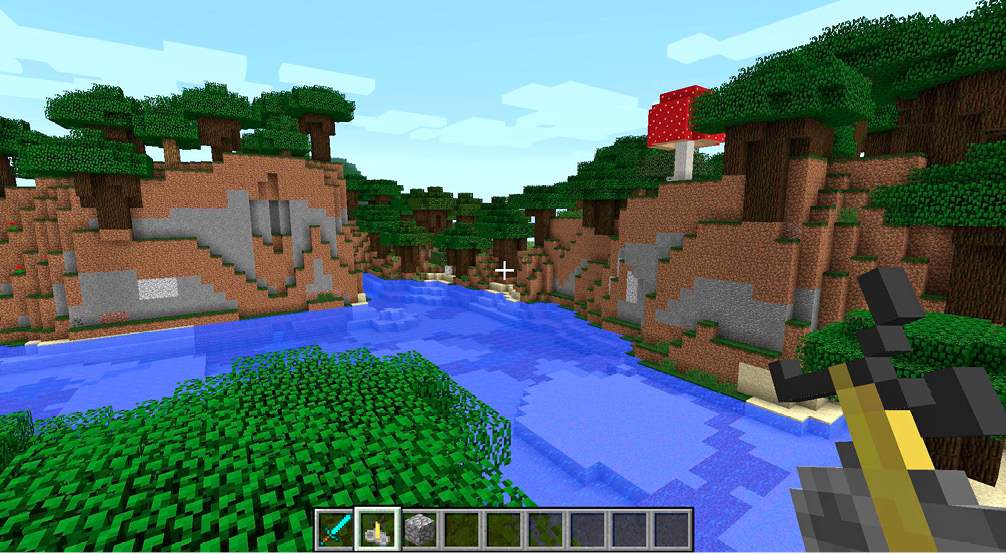
Log into the game using whatever version you own, and enjoy. Select Single-Player from the main menu, and then pick “Create New World” from the menu that appears.
You arrive in a new menu. Name your world anything you’d like here; we’ve chosen to name ours “Minecraft 101!”
Next, choose a Game Mode: Creative, Survival, or Hardcore.
What Do Game Modes Mean?
| Creative | No risks, easy building, fly around, and do whatever you want |
| Survival | There are monsters, resources are limited |
| Hardcore | Monsters are more dangerous, and death is permanent! |
We suggest that you try Survival from the very beginning. Creative mode is fun for making massive projects to show off to other people, but the challenges of Survival are quite fun. They keep you invested in the game even more than playing without a specific goal in mind.
Hardcore mode is an even better challenge, but it’s probably better to wait on that until you’re more experienced with the game. Dying and losing everything can be frustrating if you don’t have the basics down pat.
More World Options
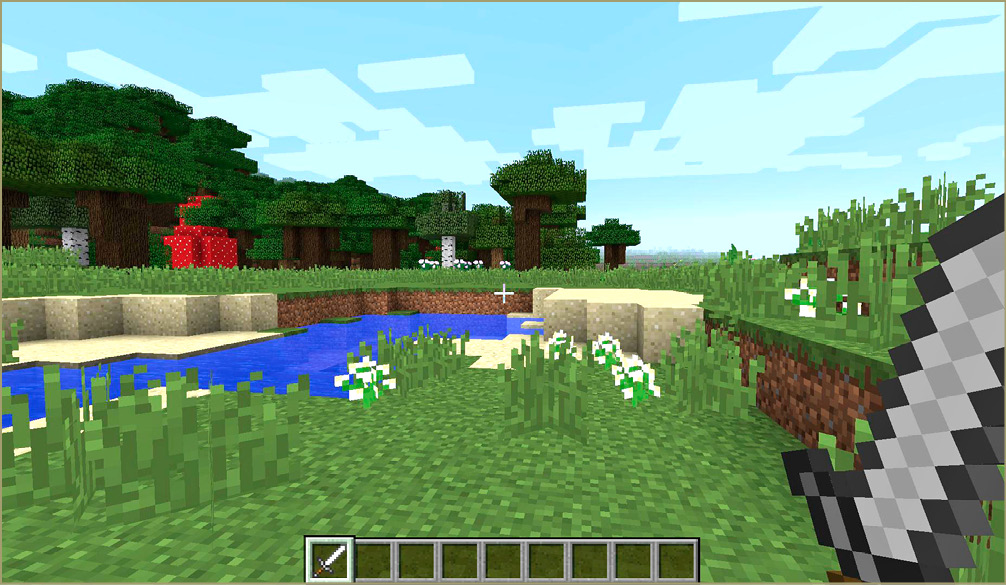
If you want even more power when creating your new world, select “More World Options” and toggle some of the settings in there.
Generate Structures is turned on by default. This lets the game world have villages, dungeons, abandoned mine shafts, and other cool features.
World Type lets you try out extreme biome conditions. In other words, you can have your world create larger biomes—this makes it harder to gather multiple resource types as quickly, because travel is a greater investment. Amplified biomes make your regions more extreme. It’s pretty wild, but that’s another option that we don’t recommend for beginners.
Allow Cheats if you want to use various commands to make the game easier, or to test out specific things. You can see monsters that are normally restricted to specific places, or just goof around.
The Bonus Chest is a feature that is beginner-friendly. If you’re having any trouble with the game, go ahead and turn this on to begin your journey with a few extra items.
What’s in the Box?The Bonus Chest has a few Torches surrounding it. The chest itself has a little bit of food and some wood. This gets you started on your construction even faster than usual. 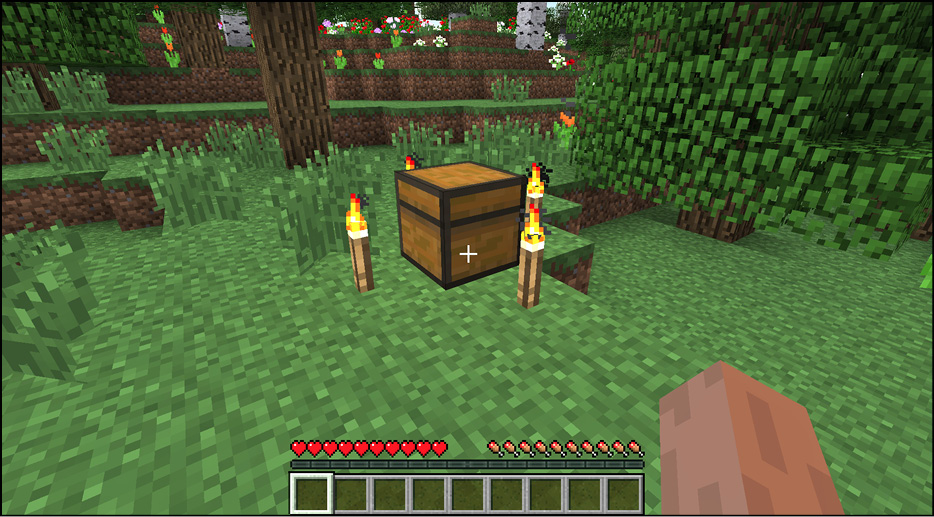
|
When you set the options exactly the way you like, create the world and wait a moment while the game puts it together. Soon, you’ll begin your journey.