
WWE '12 Guide Essentials Creations
Making a Highlight Reel
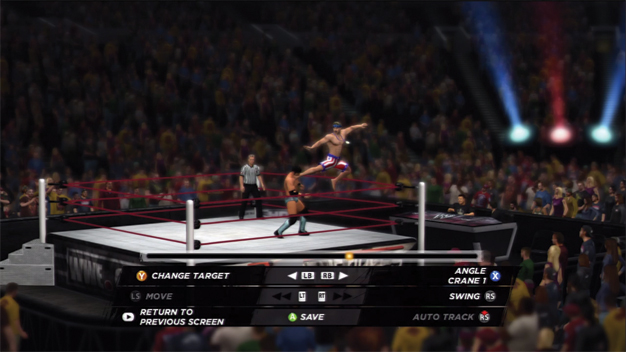
Use the in-match Pause menu’s Highlight Reel editor to save clips to use later.
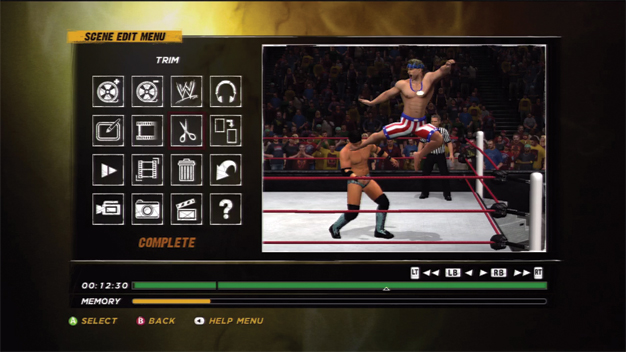
The Highlight Reel editor under Creations allows you to make a custom highlight reel from a match’s highlights.
In order to make a custom highlight reel, two steps must occur. Save clips to your highlight reel as they happen, and edit them together under Creations.
When you save your highlights, you have the option to change the camera angle or move to a “free” camera mode that allows you to use the analog sticks to move the camera around.
Save the clip to a save slot and it will be available when you go to create your highlight reel. Use the editor to add effects, graphics, and filters, as well as trim video and add audio.