
Medal of Honor Guide Multiplayer Multiplayer
Beginner's Guide: Getting Started
Medal of Honor multiplayer puts two teams of twelve players against one another on custom-made maps in the unforgiving Afghan mountains, valleys, and city ruins with modern-day weaponry.
As the coalition forces and the local OPFORs clash, your skill and determination will help win the day.This chapter covers all aspects of multiplayer, including the different classes, weapons, game modes, and maps.
You're only a few seconds away from starting your multiplayer career. If you'd prefer to jump into the action immediately, follow these quick and easy steps to get started.
However, you may want to browse through this chapter at least once before taking the fight online.
The online action is fast-paced and can be a bit intimidating to a first-time player. But if you're experienced with online first-person shooters, you should have no problem picking up the gameplay.
1: Choose Multiplayer
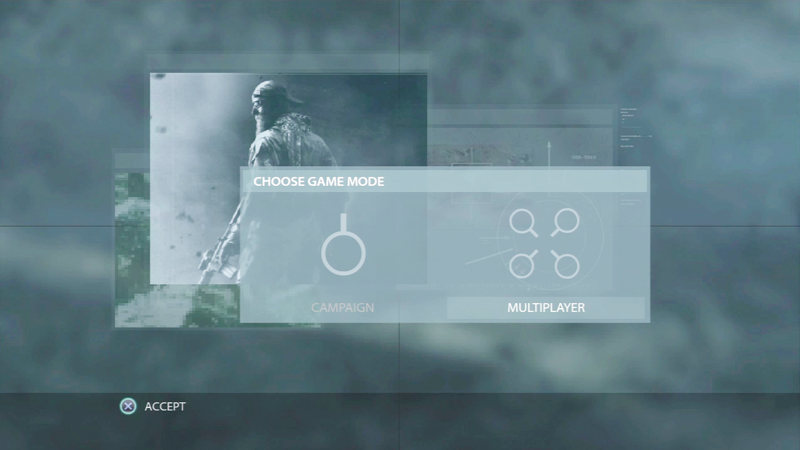
When you first launch the game, you're prompted to choose between the single-player campaign and multiplayer. Each game mode is separate and loads independently of one another.
At this point, select Multiplayer to load the online component of Medal of Honor . Also, if playing on a console, make sure you're signed in with your Playstation Network or Xbox Live Gold profile.
2: Activate EA Online Pass
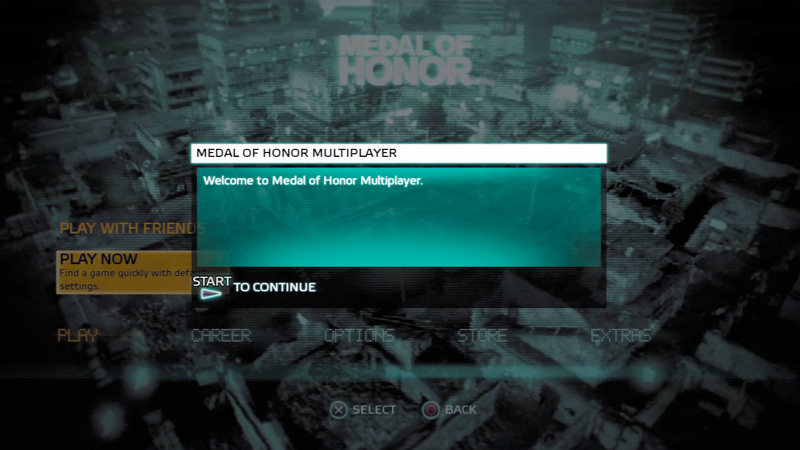
Before you can join a multiplayer match for the first time, you must first log in with your EA.com account profile. If you already have an EA.com account, simply enter your e-mail address and password to proceed.
If you aren't registered with EA.com yet, you can do it all from this screen. Simply enter your e-mail address and create a password. Agree with the terms and conditions to continue.
3: Select Quick Match
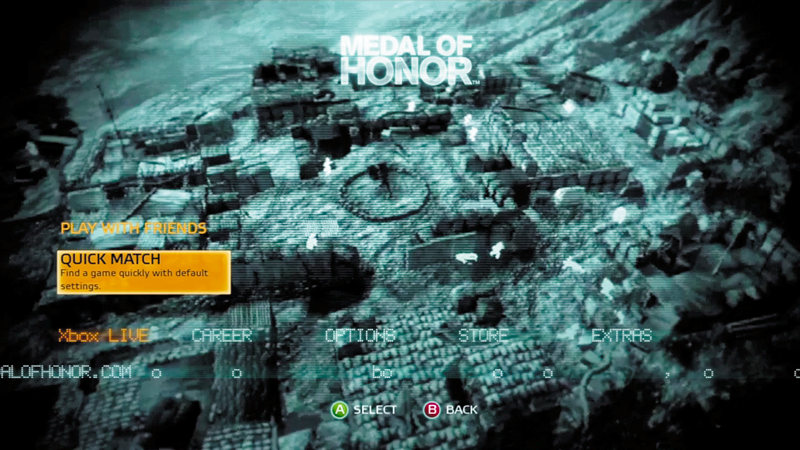
You're now at the multiplayer main menu. From here you can choose from a variety of options. Take a moment to browse through the different submenus under Career.
Since you haven't played yet, you haven't accumulated any stats or unlocks, but you can remedy that by joining your first match. The quickest way to jump into the action is by choosing the Quick Match option.
4: Choose Game Mode
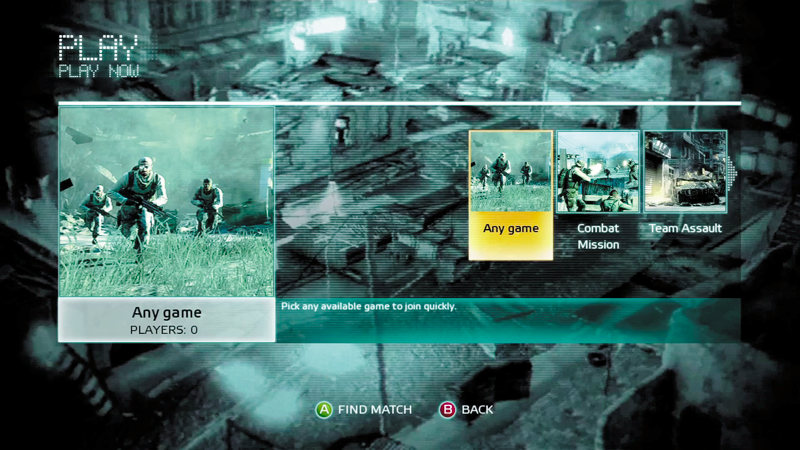
From the Quick Match menu there are a few more options, allowing you to specify one of the four game modes, as well as Hardcore mode—don't choose that one quite yet.
If you have a specific game mode you'd like to play, select Combat Mission, Sector Control, Objective Raid, or Team Assault.
If you have no preference, select the Any Game option. This will automatically connect you to the best available server running any of the four game modes.
5: Select Class and Play!
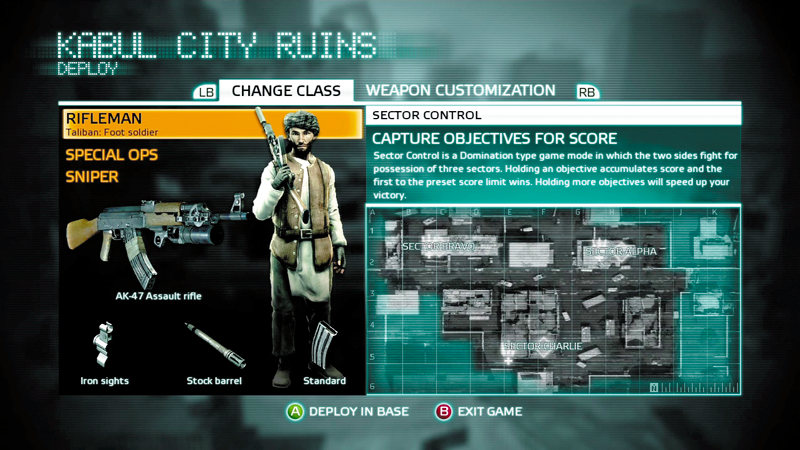
You've most likely joined a match in progress and are automatically assigned to the team with the least players. Before you spawn on the map, choose which class you'd like to play.
The rifleman class is the most versatile and probably the best choice for now, but feel free to try out the special ops or sniper class as well.
You can also customize your weapons from this screen, but if this is your first match, you have no customization options yet. Don't worry, you'll unlock some new gear soon enough.
Finally, you're ready to join a match. Press the button/key shown at the bottom of the screen to deploy at your team's base. You're now ready to begin your online career.