
Disney Universe Guide Essentials Navigating the Universe
Controlling Your Character
Since your character is how you interact with the Disney Universe, it is important to learn how to control your character.
Movement
Walking/Running
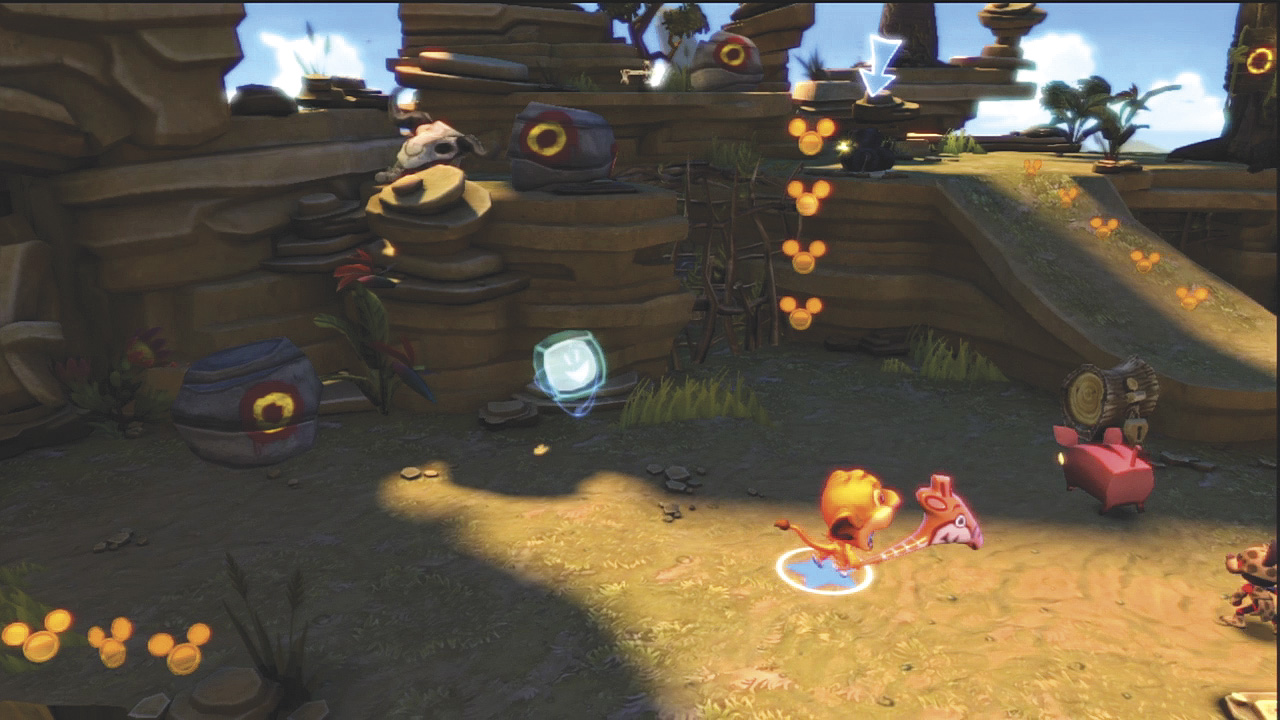
The basic way of getting around is by walking and running. Using an analog stick, you walk by applying a little pressure to the stick in the direction you want to move. Apply full pressure on the analog stick to make your character run.
There really is no advantage to walking unless you are trying to get close to an edge without falling off. Therefore, you should run most of the time.
Jumping
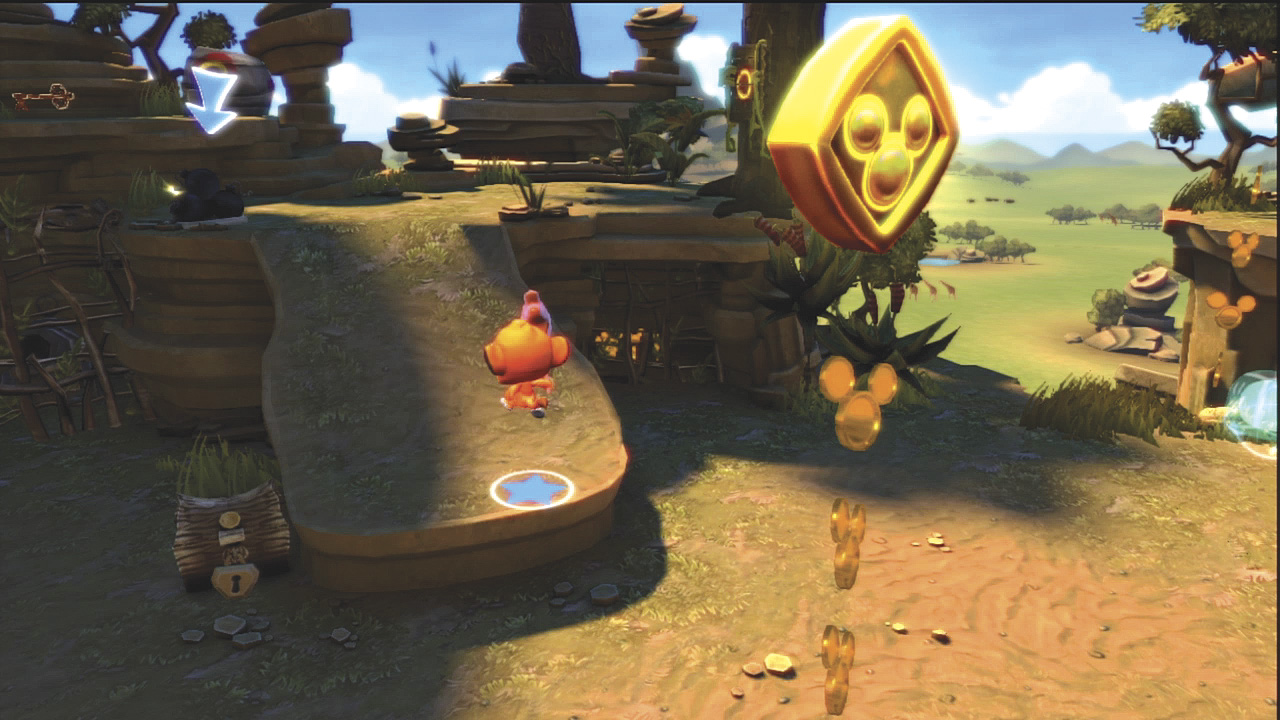
You can jump into the air while standing on any solid surface. Just press the Jump button and you jump straight up into the air.
To jump to the side, for example, to jump up onto an object or across gaps, press the movement control in the direction you want to jump as you press the Jump button. You use jumping almost as much as you do walking.
Double-Jump
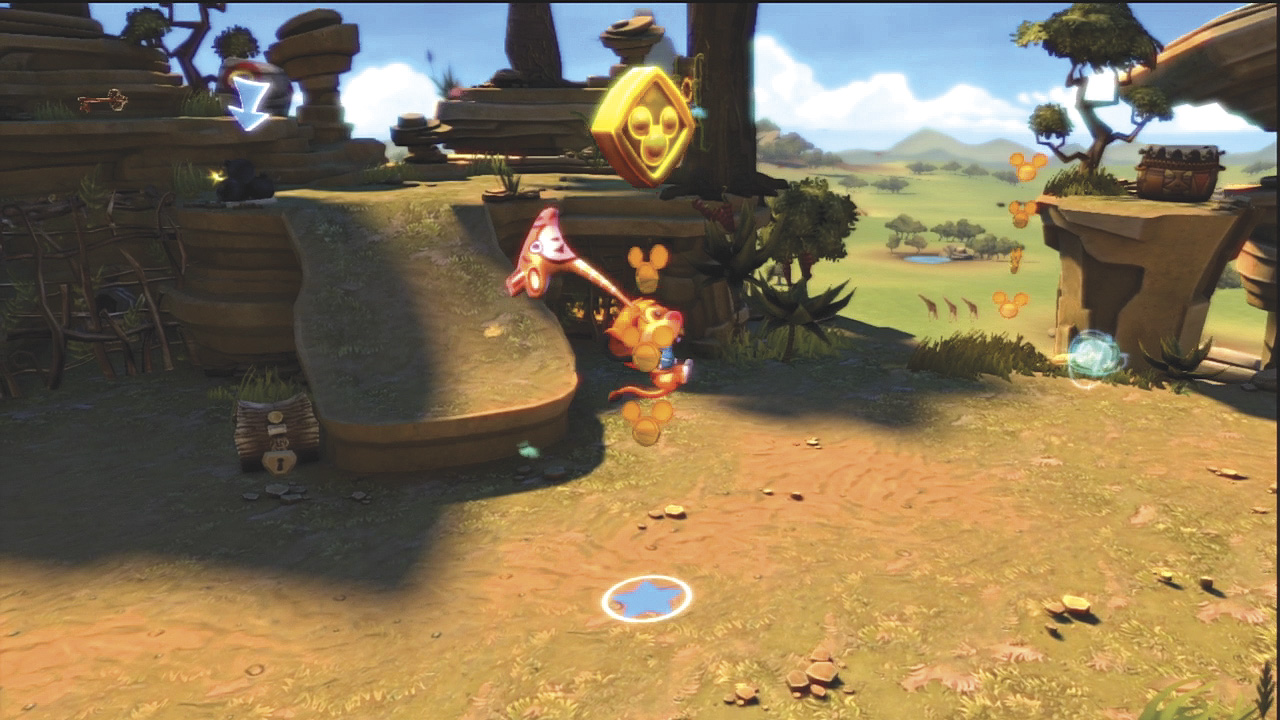
At times you need to jump higher or farther. That calls for a double-jump. To perform a double-jump, jump up into the air and then press the Jump button again. Your character performs a flip in midair during a double-jump.
When you have to jump across a wide distance, try a double-jump to make it all the way to the other side.
Interacting
Part of the fun in the Disney Universe is interacting with items, objects, enemies, and even other players. In most cases, you interact by pressing the Use button.
Carrying
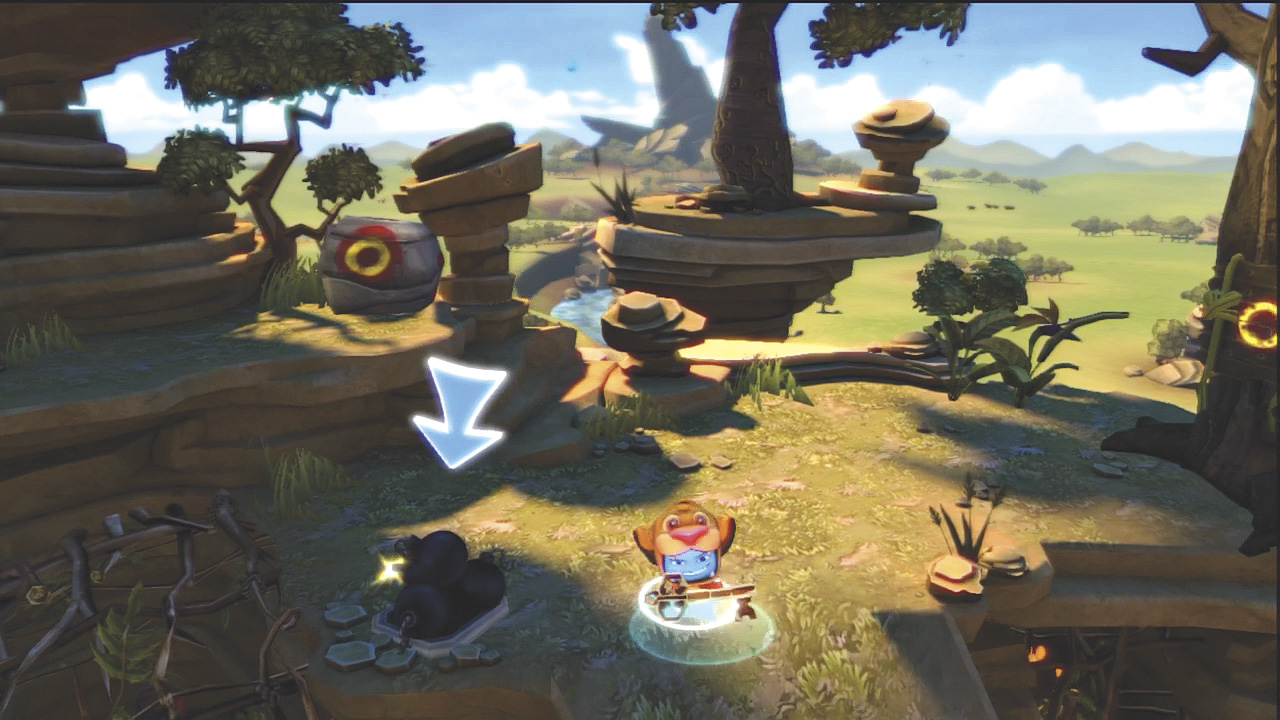
In many levels, you need to pick up small items such as keys, watches, swords, and so forth. Press the Use button to pick them up and then press the Use button again to set them down or use the item.
Dragging and Pushing
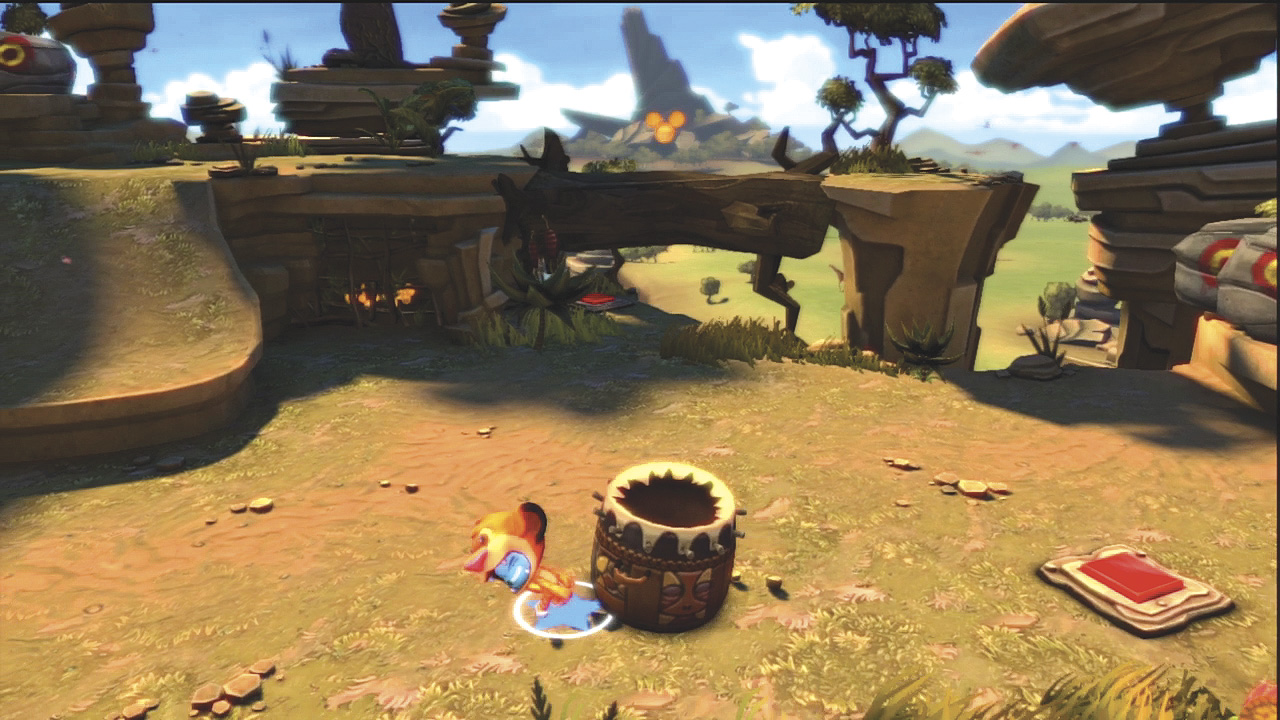
Some objects are too big to pick up. However, you can still move them around. To move such an object, stand next to it and hold down the Use button.
You then drag or push the object as you move around. Release the button to stop moving the object.
Hanging
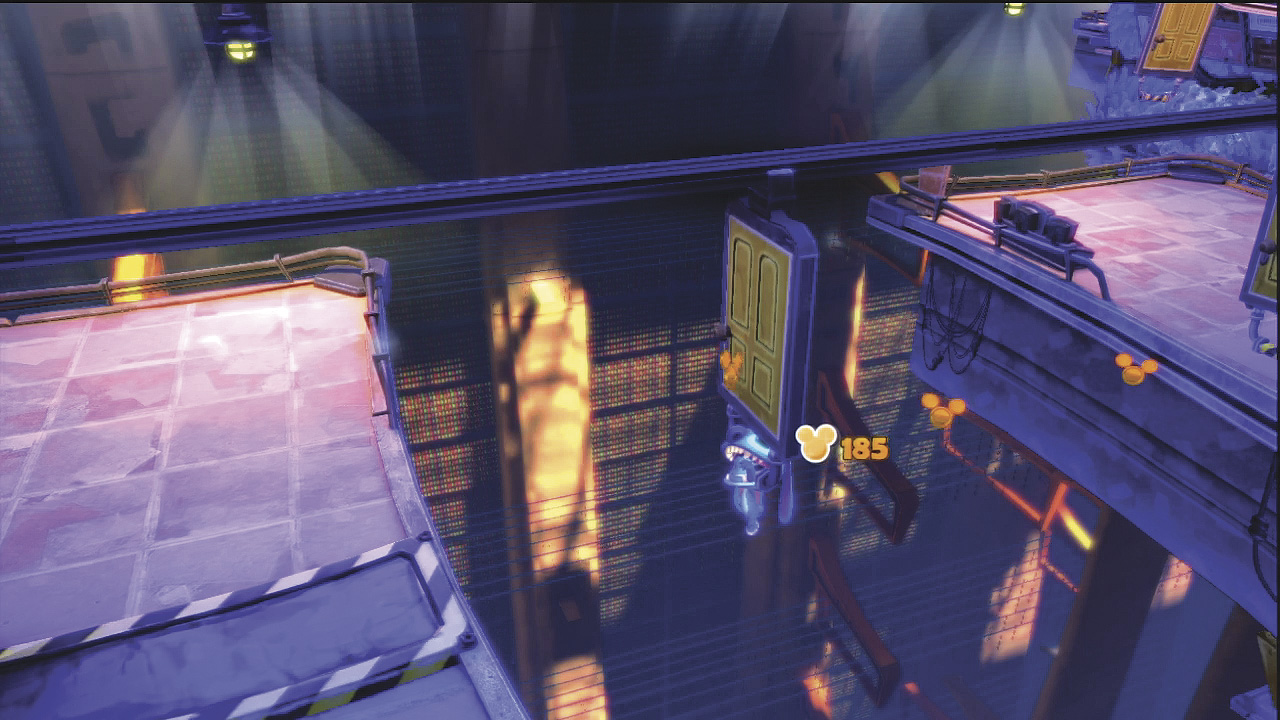
At times, you need to grab onto an object and hang from it as it moves across a gap or open area. There is often a pad of some type in the area where you can grab onto such an object as it moves past you.
To hang onto an object, press the Use button and continue to hold it. Release the button to drop down from the moving object.
Throwing
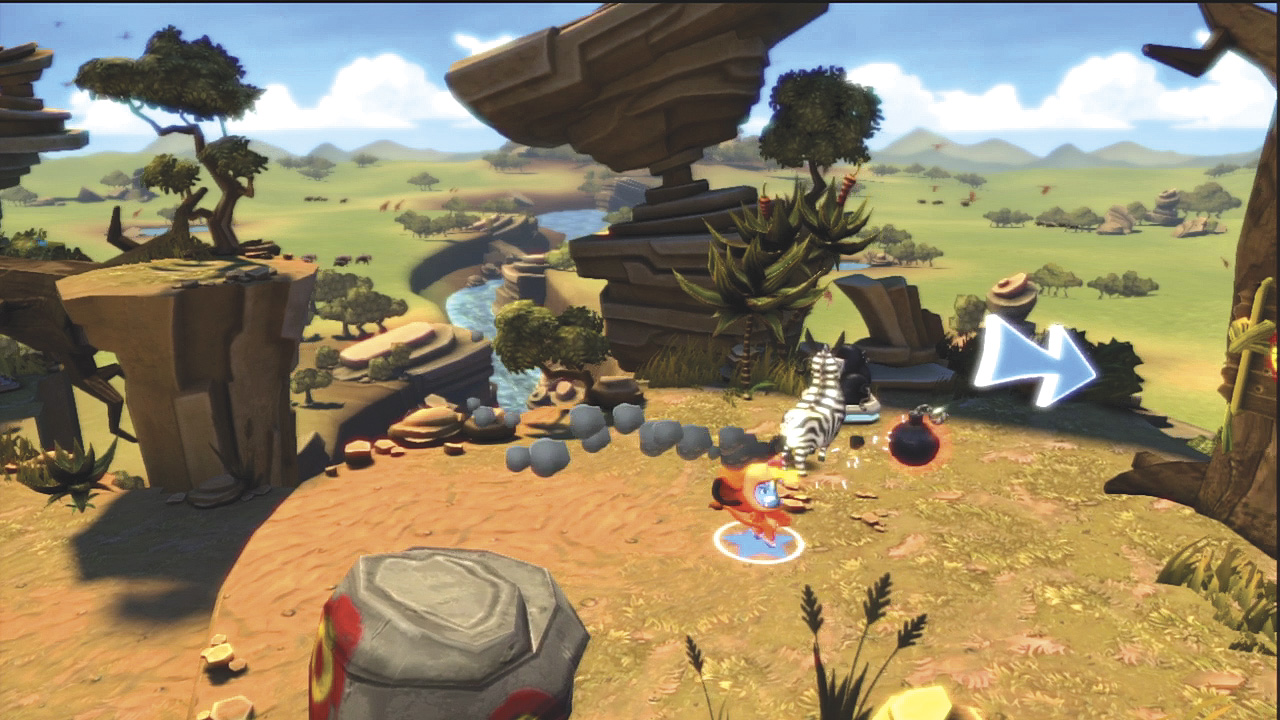
Some items can be picked up, carried, and then thrown. These include bombs and water balloons. Press the Use button to pick up these items from a pile or basket, and then press the Attack button to throw the item in the direction you are facing.
Picking Up Enemies and Players
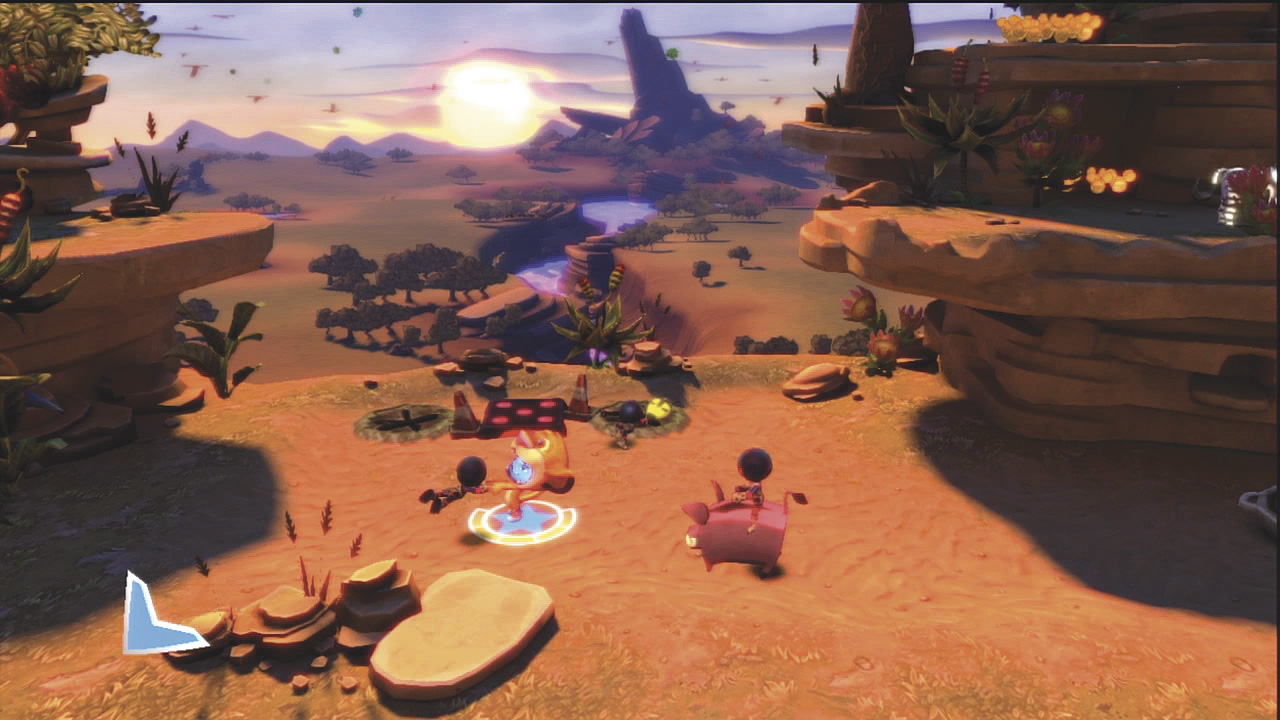
In addition to picking up items, you can also pick up and carry small enemies and even other players. Press the Use button to pick them up. Continue holding down the Use button if you want to spin them and then release to throw them. If you spin them too long, you get dizzy and just drop them.
Cranks
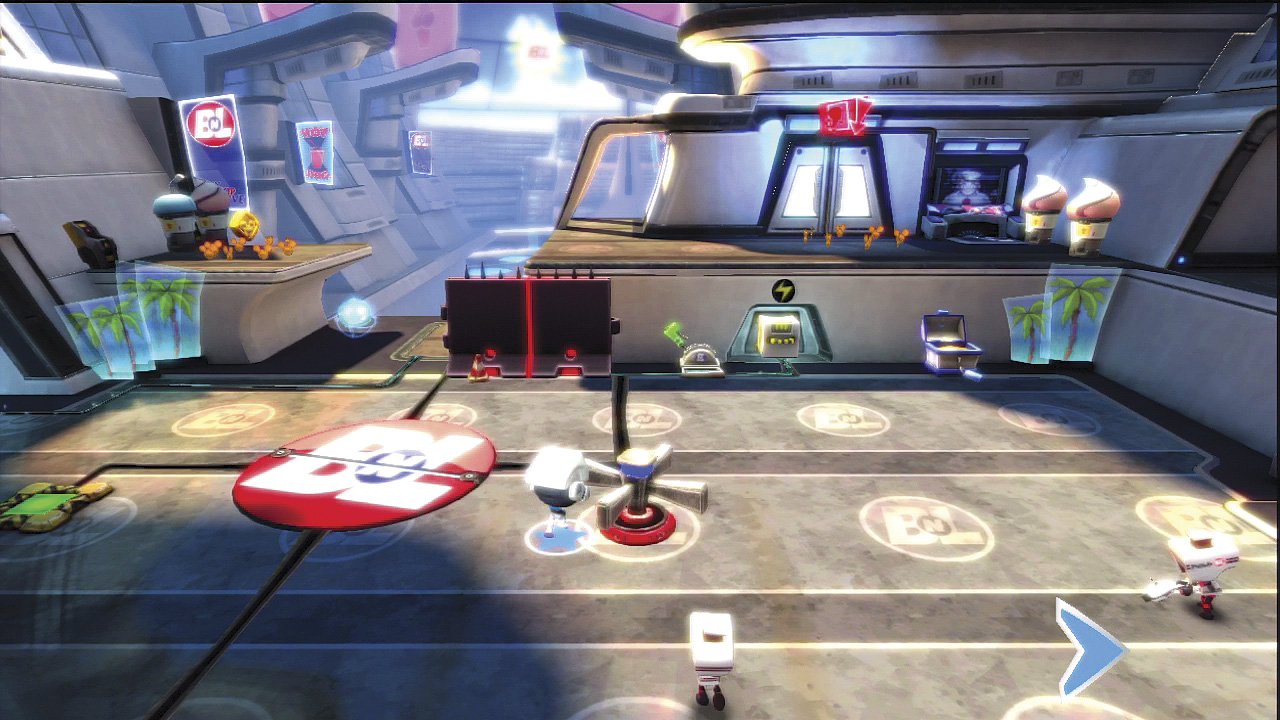
Some objects do not require you to press the Use button. Cranks must be turned. In most cases, turn cranks clockwise to make something lift up or move.
At other times, turn cranks in one direction and then another to move objects back and forth or up and down. Turning a crank is easy. Just walk up to one and move around.
As you move, your character automatically pushes against one of the arms of the crank and rotates it.
Switches
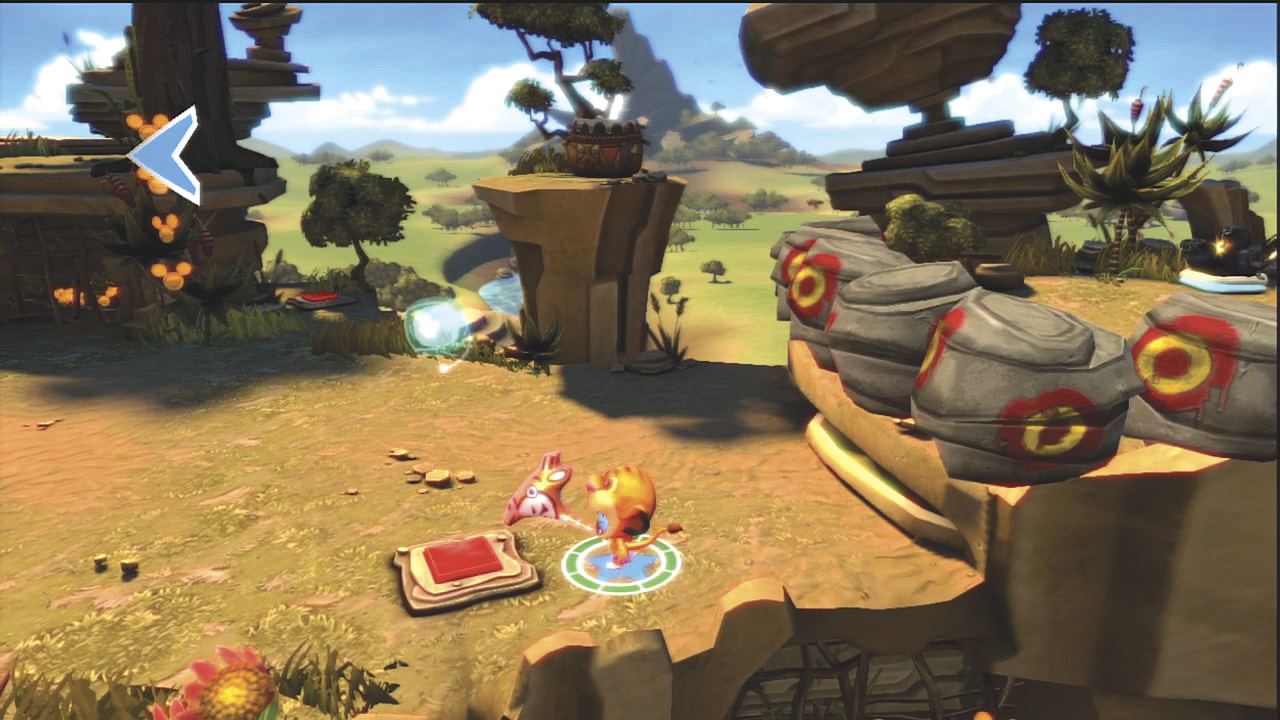
It can’t get much easier than interacting with a switch. Switches are red squares on the ground. To activate them, just walk or step onto a switch. Some switches have timers.
They turn green while they are operational and then turn red again once the timer runs out. Switches can open doors, raise platforms, and do several other actions.
Be sure to use switches whenever you see them because they often allow you to get to goodies. Some switches also appear on controls or consoles. For those, you must press the Use button to activate them.
Levers
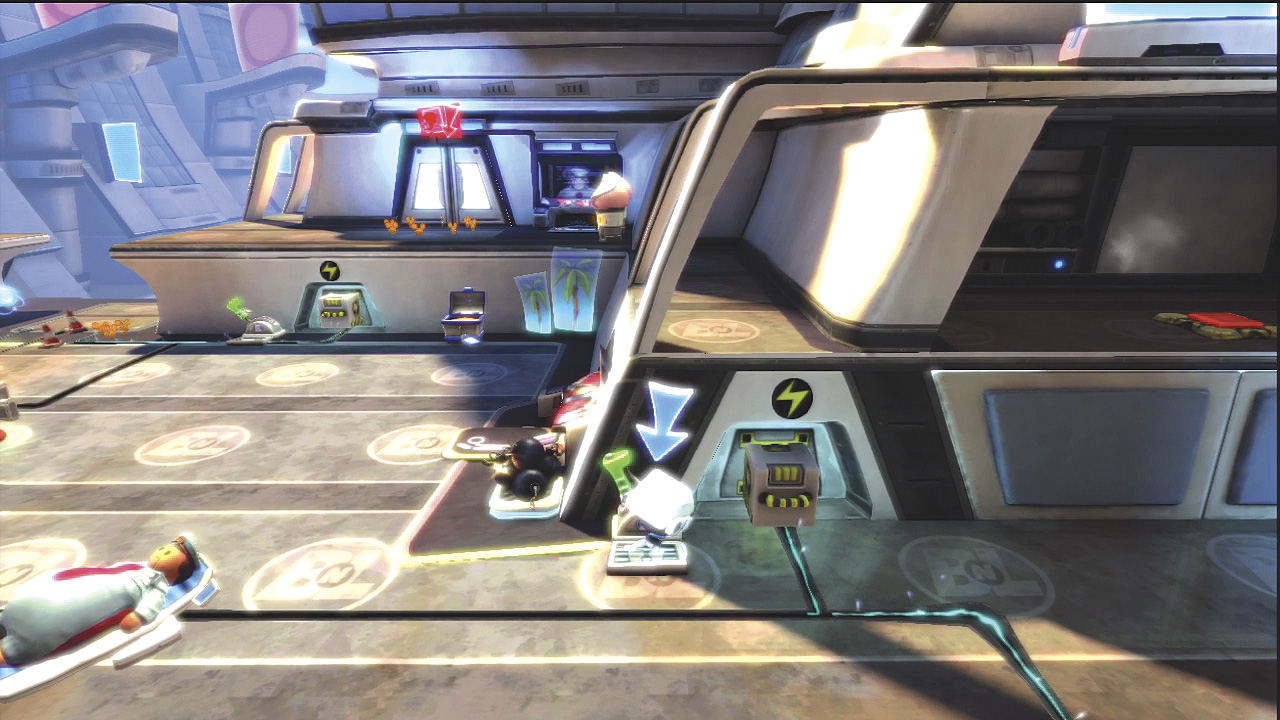
Green levers appear in many levels. These act like switches in that they activate or open objects. To use a lever, walk up to it and press the Use button. If a lever can be used again, it stays green.
Red levers can’t be used. Levers can also have timers. While the timer is counting down, the lever is red. Then it turns back to green when it is usable.
Riding and Driving
Animals
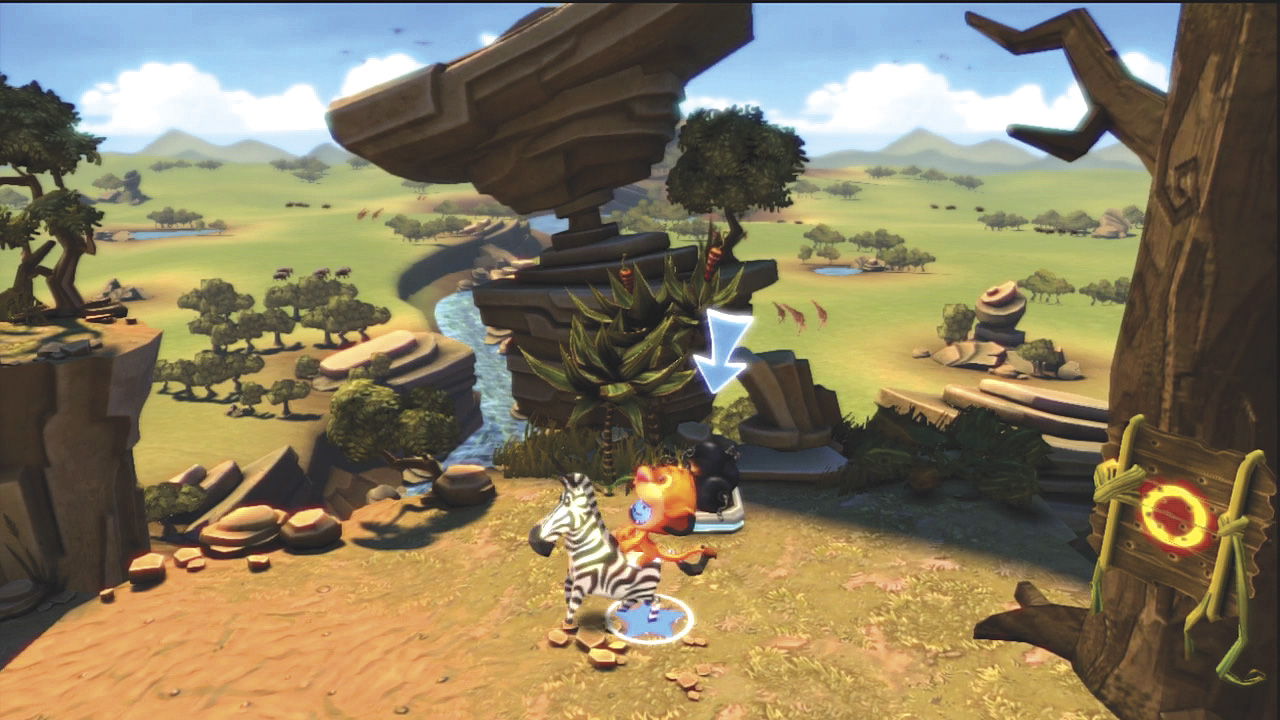
Several types of animals can be found throughout the worlds. They range from warthogs to donkeys to zebras. Animals can be ridden by both players and enemies alike. Press the Use button to mount and dismount from an animal. While riding an animal, you move around just like you do on foot and can even jump.
By pressing the Attack button, the animal performs its own unique attack. A donkey kicks at the target with its hind legs, a zebra attacks with its front legs, and a pig releases a green cloud of gas that temporarily stuns enemies as well as other players. While they are not as effective at combat—especially when fighting more than one enemy—animals can be fun to ride around a level.
Vehicles
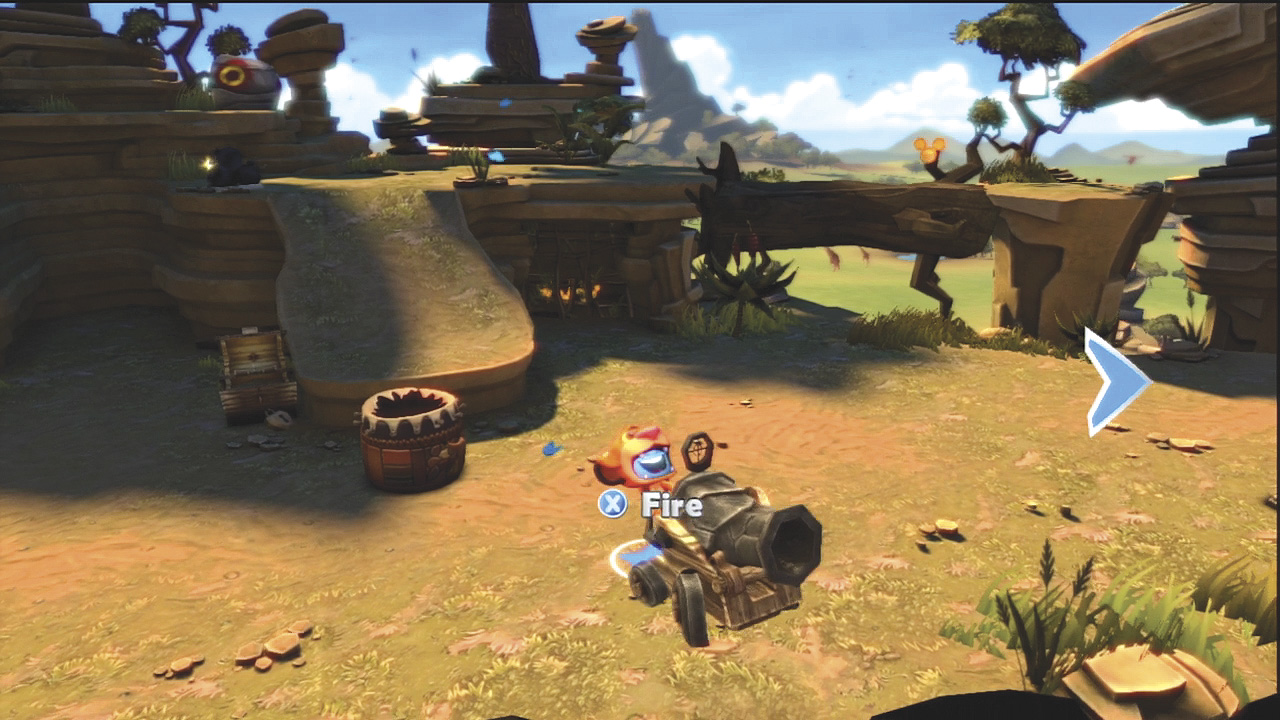
Some levels have vehicles that you can drive. They include cannons, snow mobiles, magnet trolleys, and even large rubber ducks—complete with their own cannon!
Press the Use button to climb onto a vehicle and to get off. Push the movement control stick or pad in the direction you want the vehicle to go when moving and your character automatically turns it. Press the Attack button to fire the cannon or activate the magnet.