
Bayonetta 2 Guide Chapter II: Know Kourself - Game Primer
Menus
Bayonetta 2 sports many different types of menus, giving players complete control over how they play the game. If something is giving you trouble, or you want to spice up the way you play, odds are there’s a menu option for it!
Game Load Menu
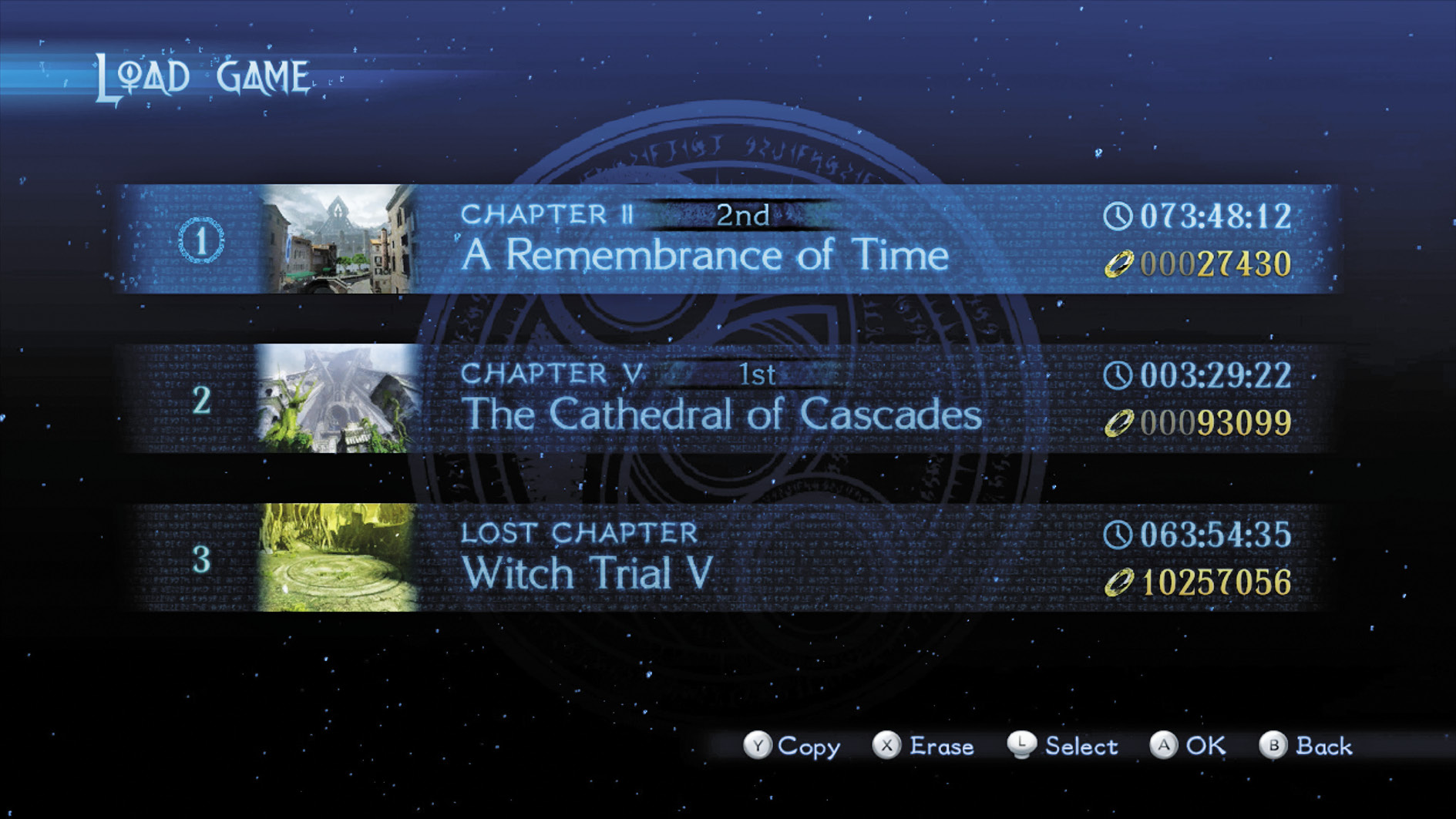
This screen allows players to create, load, copy, or delete saved games. Choose from three save slots.
Main Menu
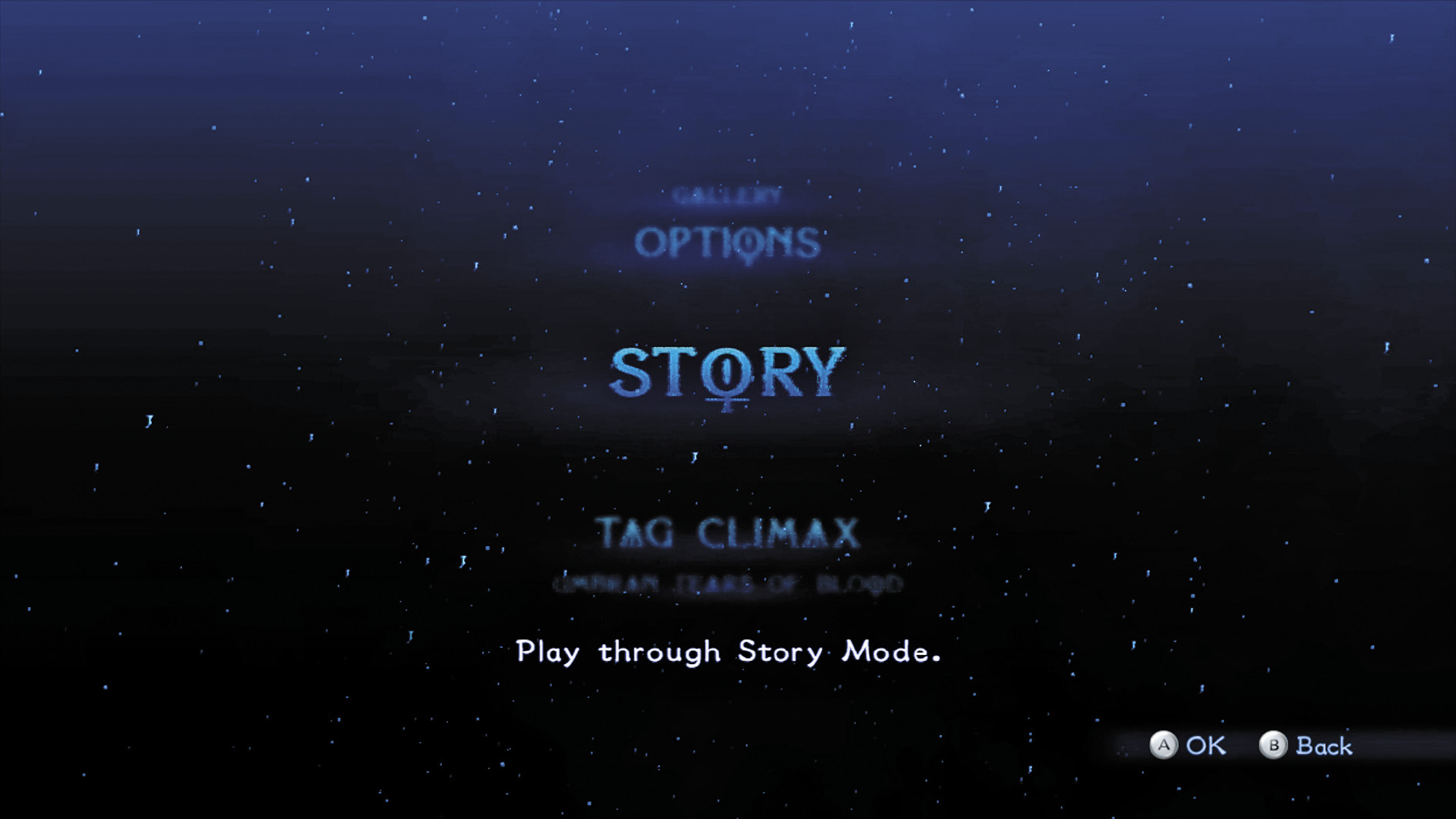
Creating or loading a saved game takes players to the Main menu.
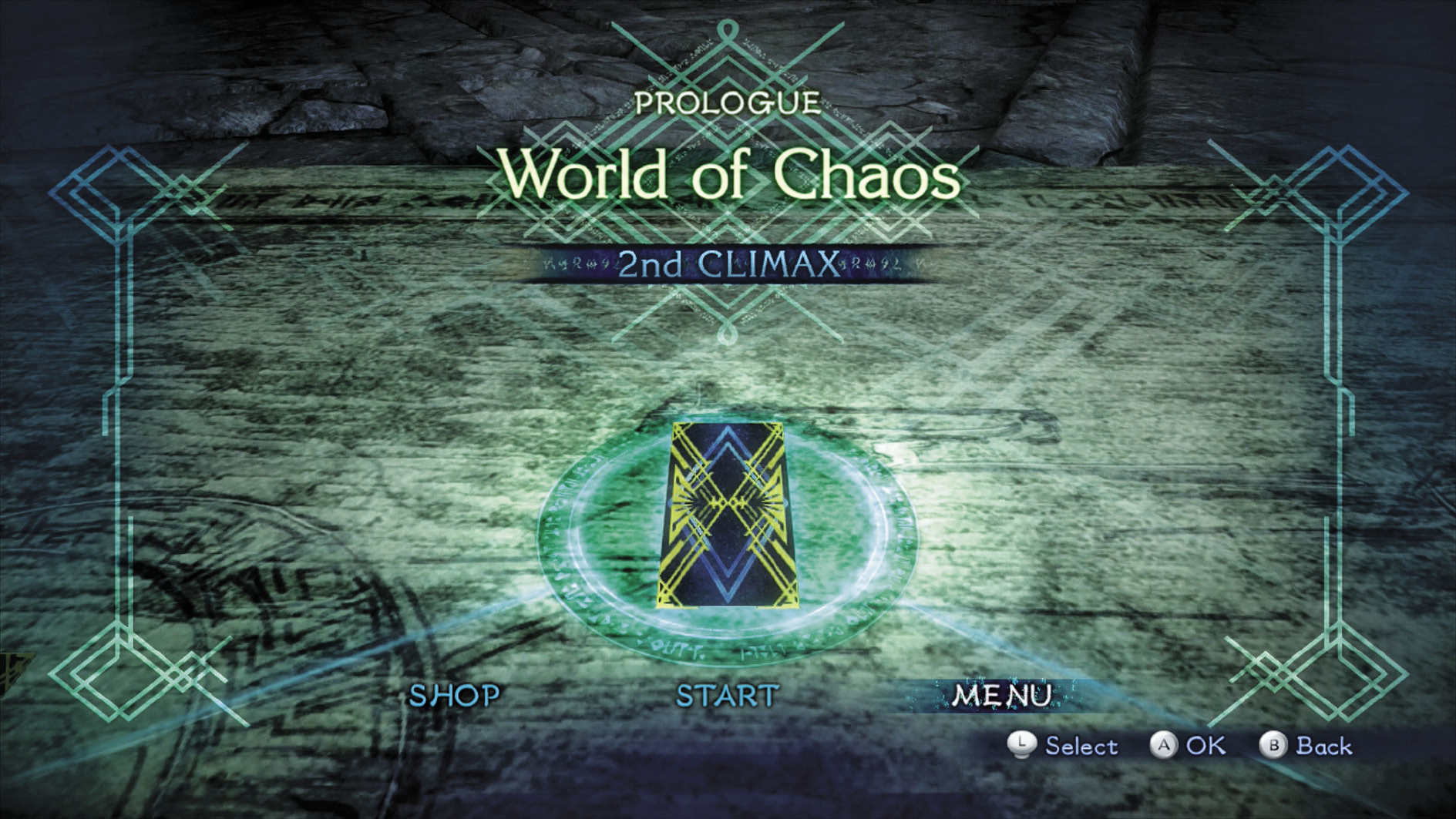
Story
Begin or continue Bayonetta 2’s Story mode. Players starting a new game are taken to the Records of Time stage. If continuing a game in progress, players can Continue from the last in-game checkpoint, or go to the Chapter Select menu.
Tag Climax
Play Tag Climax mode, which allows you to cooperatively fight battles with a second player (or the CPU) against select enemies.
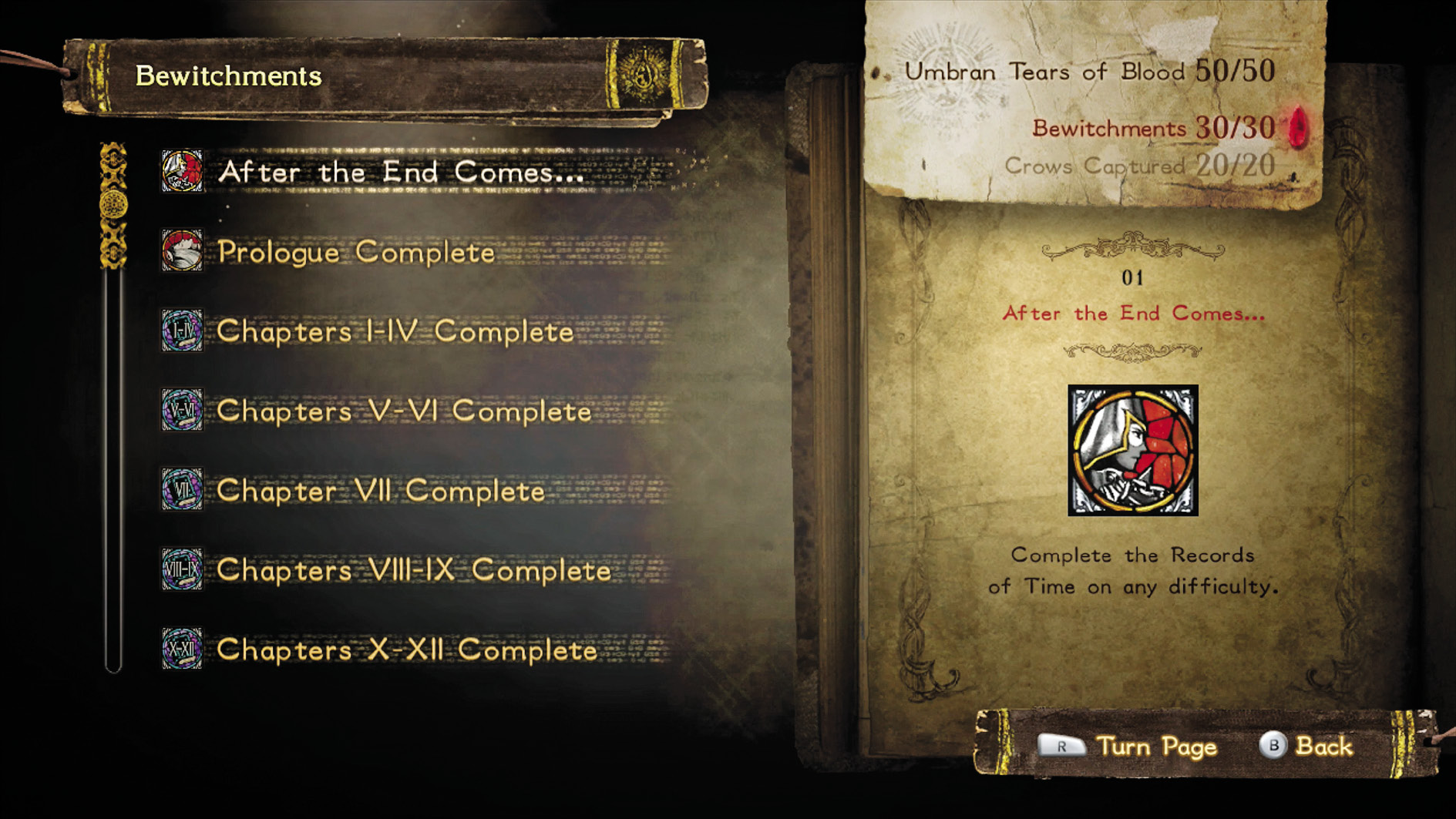
Umbran Tears of Blood
View a list of Bewitchments and Umbran Crows. Find where to collect Umbran Crows in the Walkthrough. For more detail on Bewitchments, check the Bewitchments section.
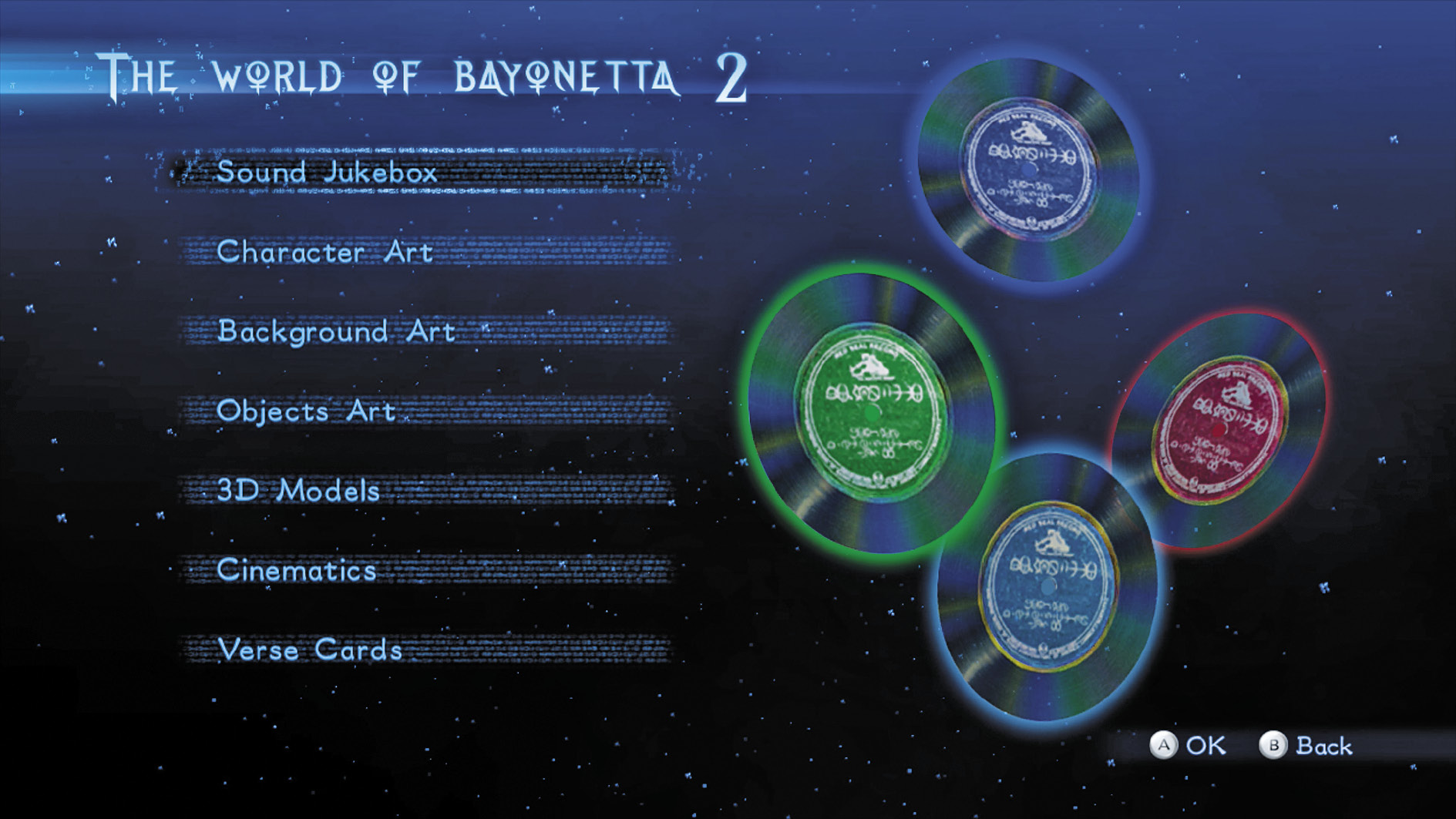
Gallery
Beating Bayonetta 2’s main story opens up the Gallery option.
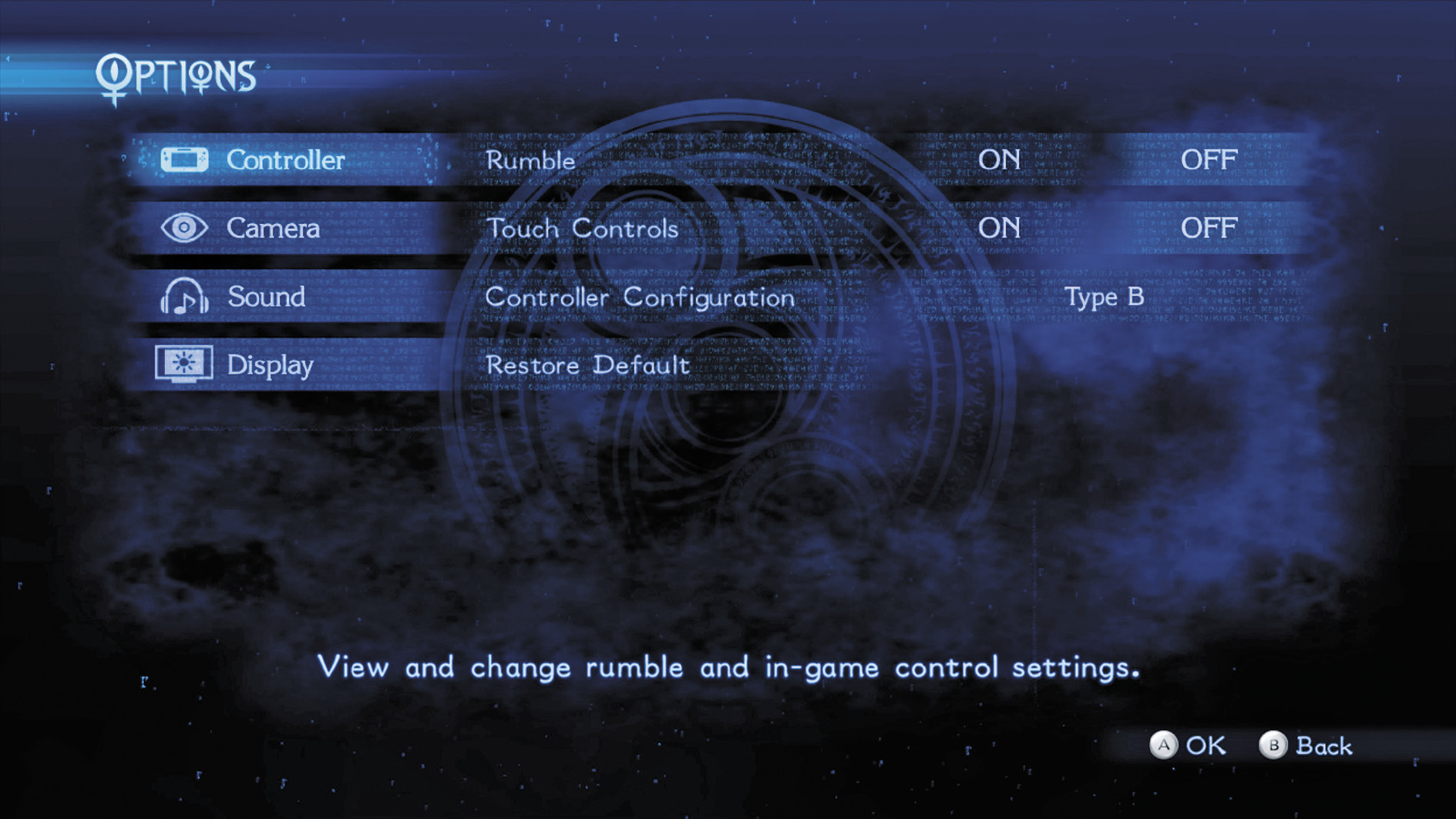
Options
The Options menu allows players to change Bayonetta 2’s interface and gameplay to their liking.
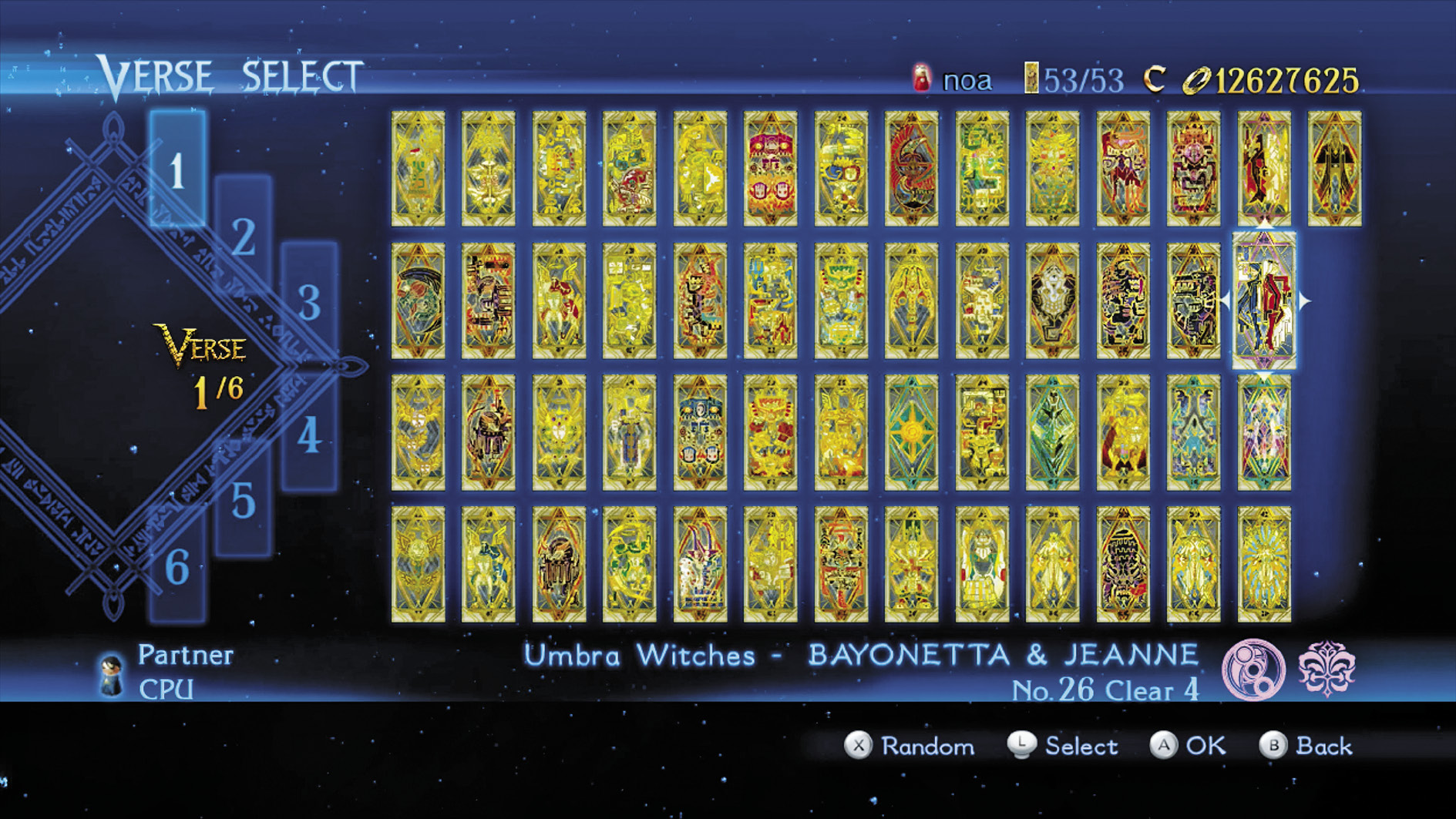
Story
Pick a card, any card! The Story menu allows players to choose between Chapters to play through. You move back and forth between completed Chapters, and can play any previously accessed Chapter as much as you wish, on any accessible difficulty.
Chapter Select Menu
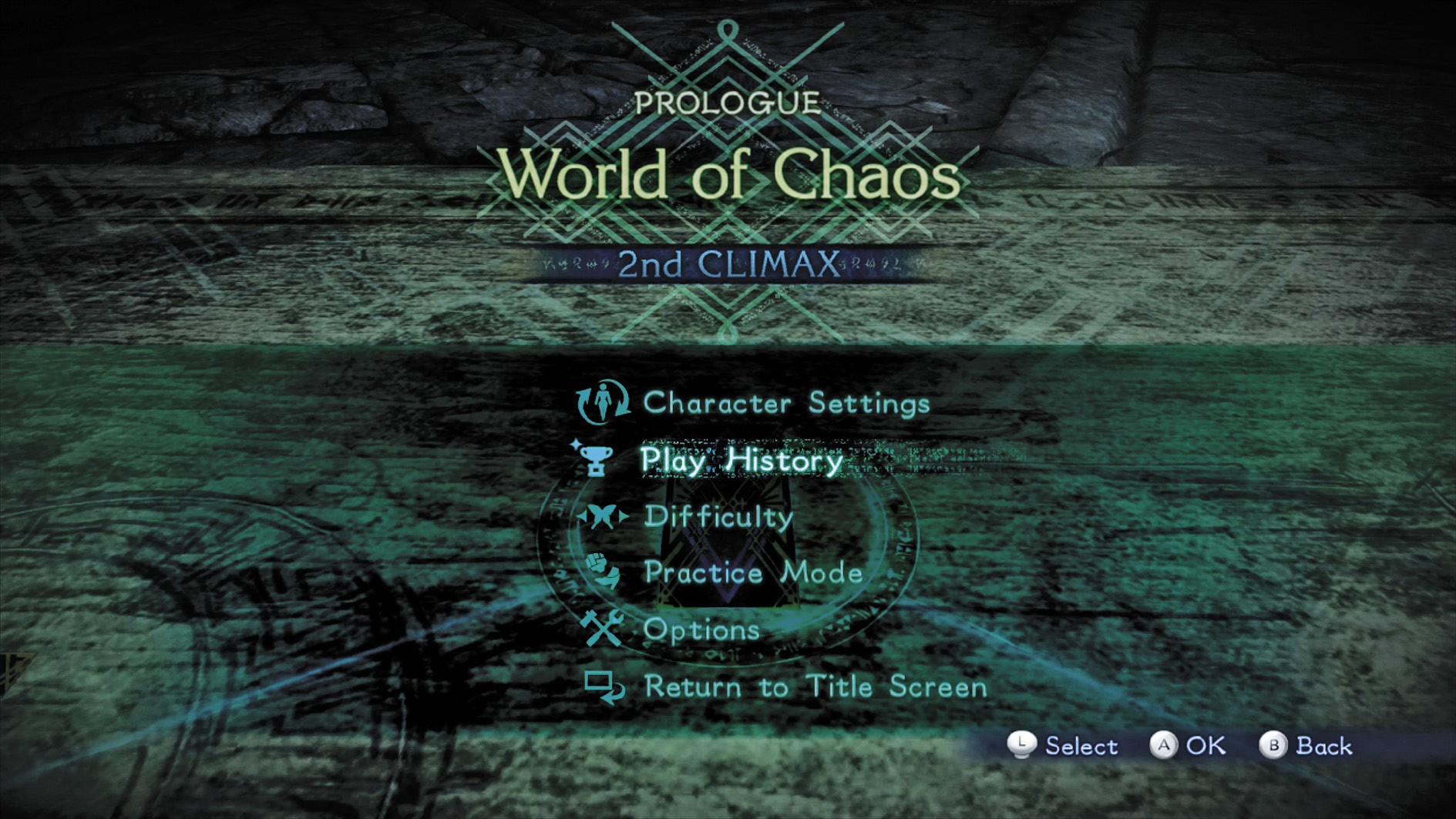
Choosing a Chapter within Story mode takes players to the Chapter Select menu, which allows them to prepare for battle in various ways.
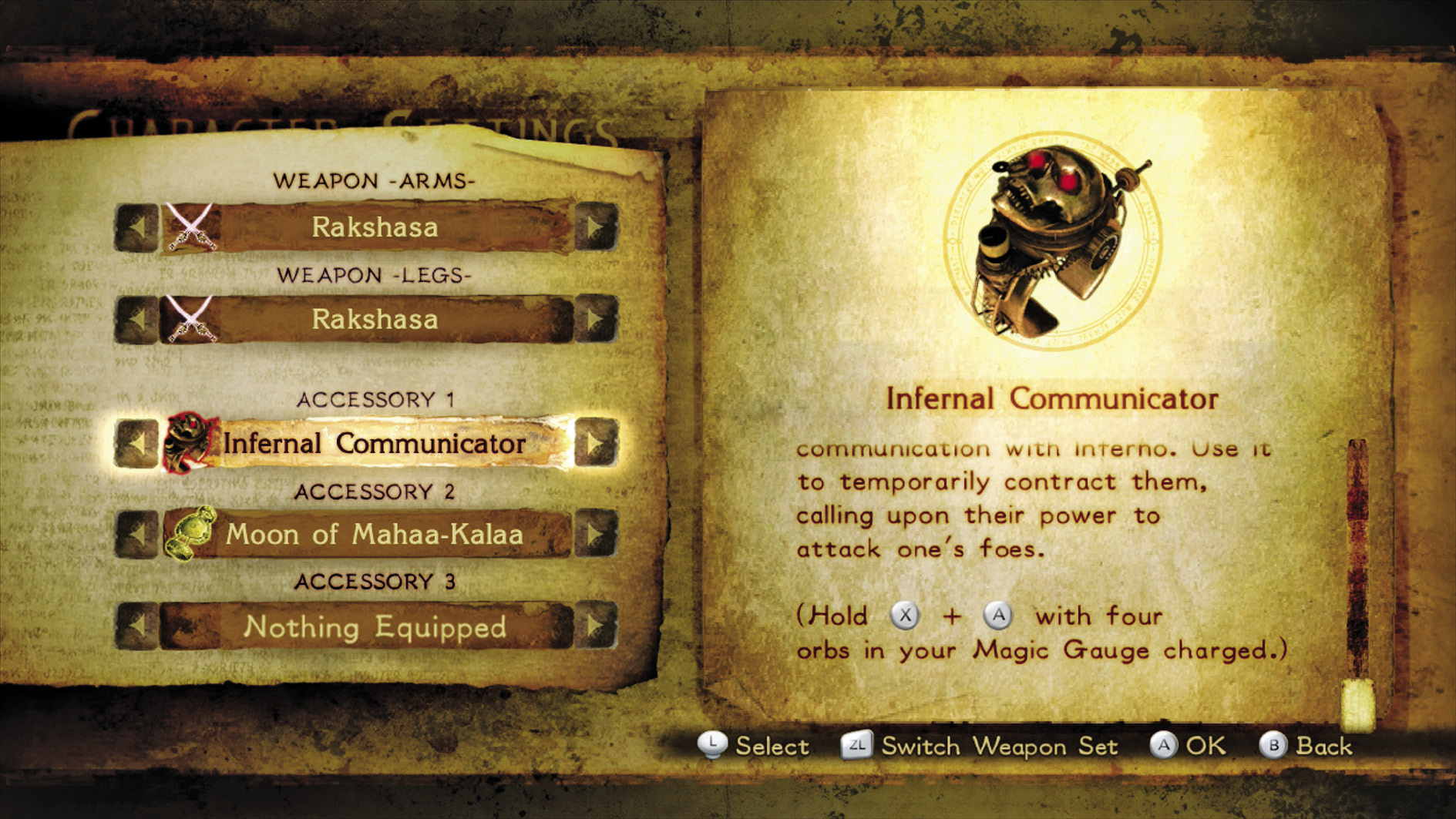
Character Settings
Outfit Bayonetta (or other characters) with costumes, weapons, and accessories.
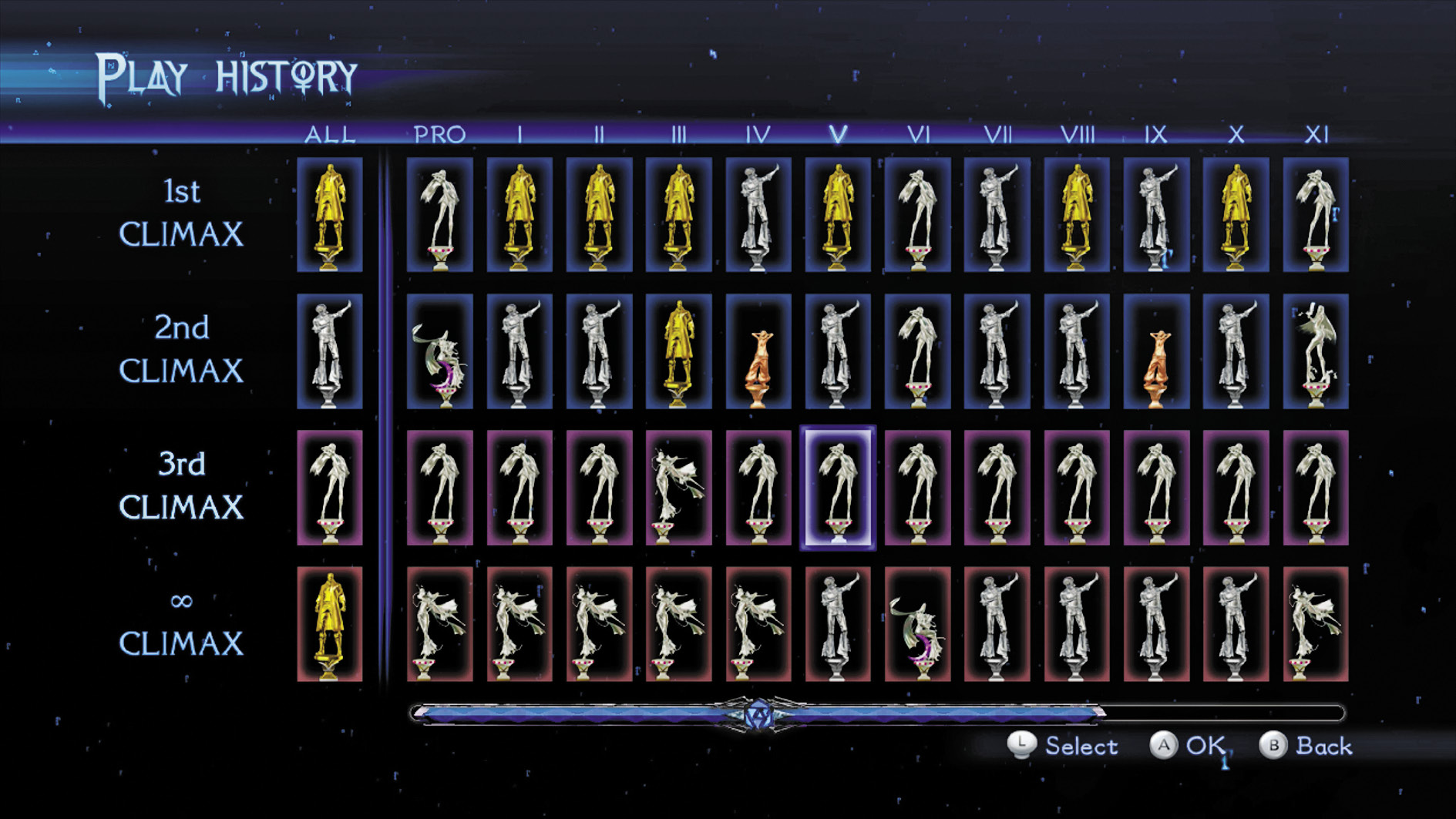
Play History
View play rankings for previously completed Story mode Chapters.
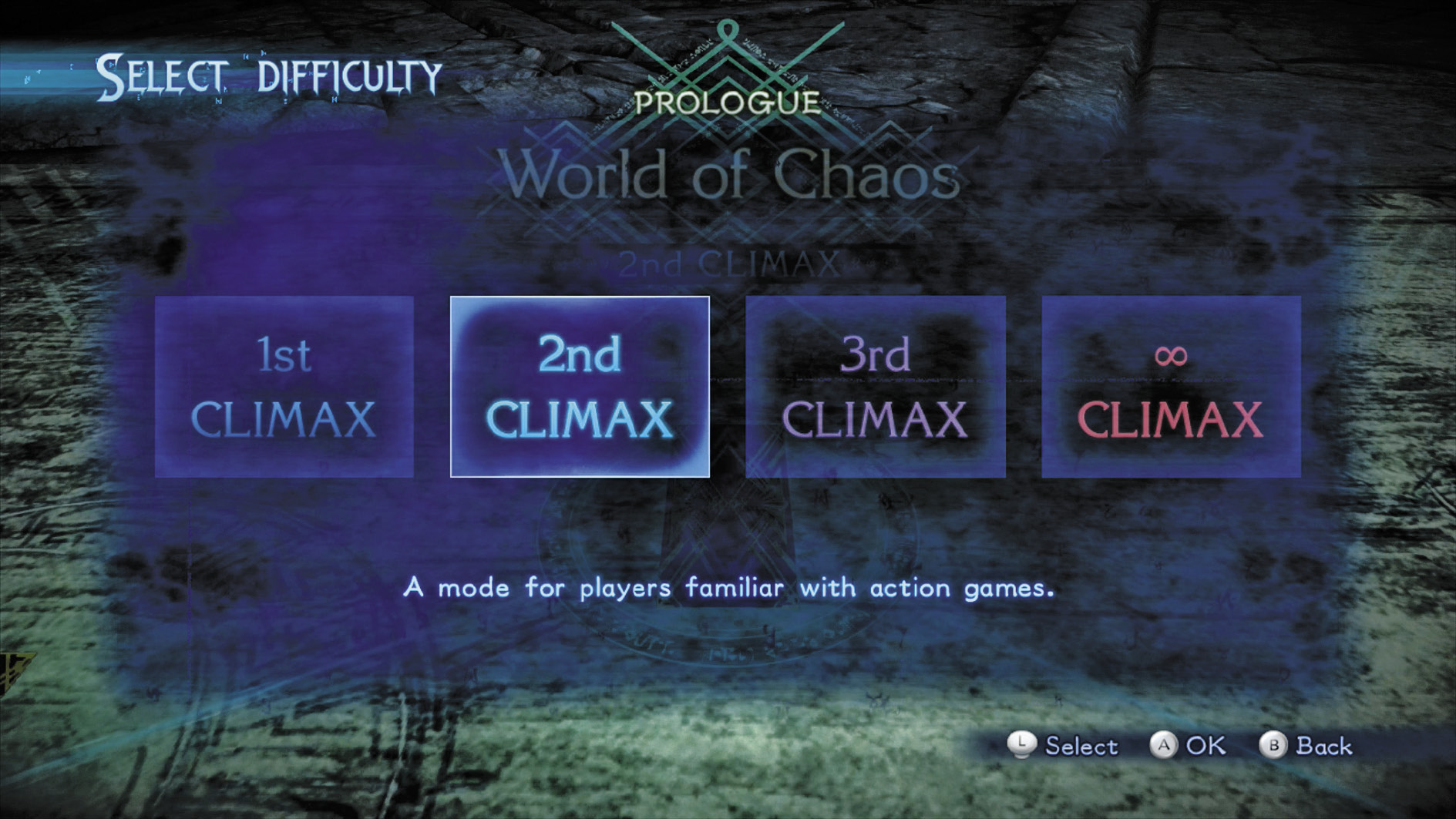
Difficulty
Change the difficulty level of the game. You can play any Chapter in any unlocked difficulty whenever you wish. The only exception is for the Lost Chapter, where the difficulty level is preset.
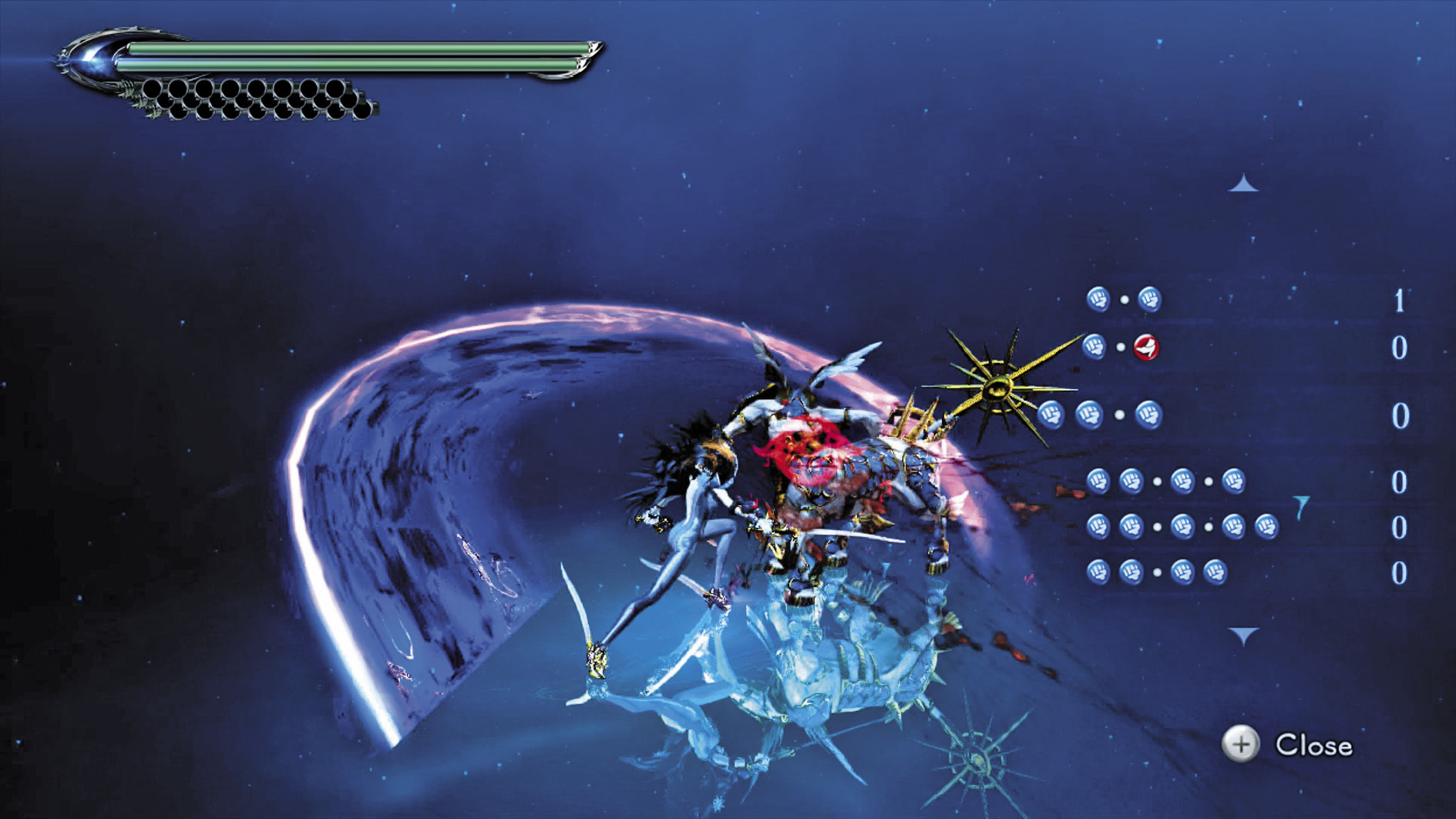
Practice Mode
Enter a dedicated training mode that pits Bayonetta against a single Acceptance enemy to be used as a practice dummy for moves and techniques.
Options
Access most in-game options, allowing players to change the interface mid-game.
Return to Title Screen
Use this to return to the Title Screen.
pause Menu
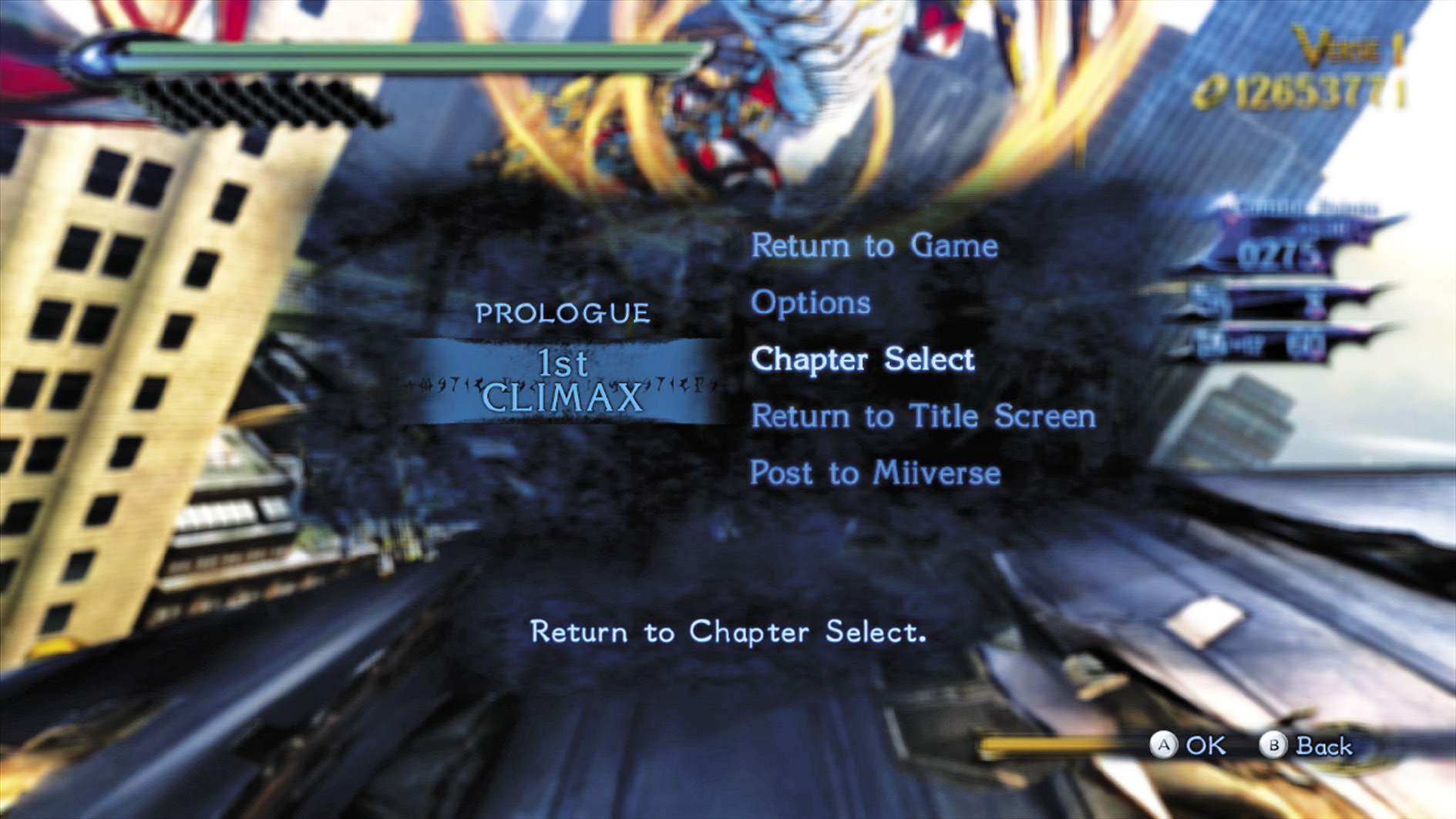
Press the + button during gameplay to access the Pause menu to make adjustments on the fly.
Return to Game
This option unpauses the game.
Options
The Options menu allows players to change Bayonetta 2’s interface and gameplay to their liking. Note that some options cannot be changed during gameplay.
Chapter Select
This selection returns players to the Story mode.
Return to Title Screen
Use this to return to the Title Screen.
Post to Miiverse
This option lets players post screenshots to Miiverse. Share your greatest and most stylish moments!
Continue Screen
Should Bayonetta fall in battle, you get a Game Over, and are taken to the Continue screen. Choose Yes to pick up where you left off. If you choose No, you fail the Chapter and have to retry from the beginning.
Subscreen
Press the - button during gameplay to access the Subscreen, and manage Bayonetta’s many possessions.
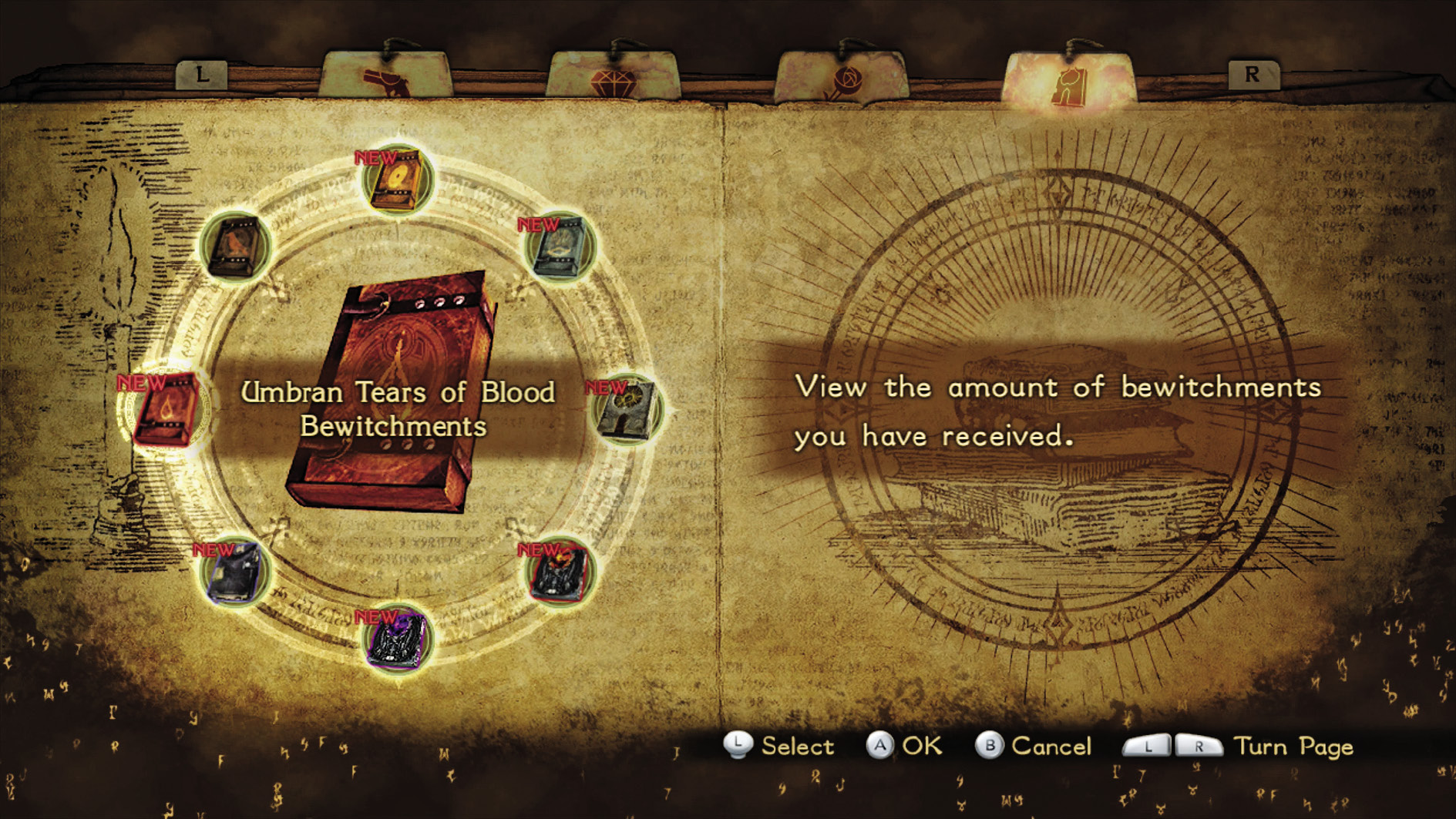
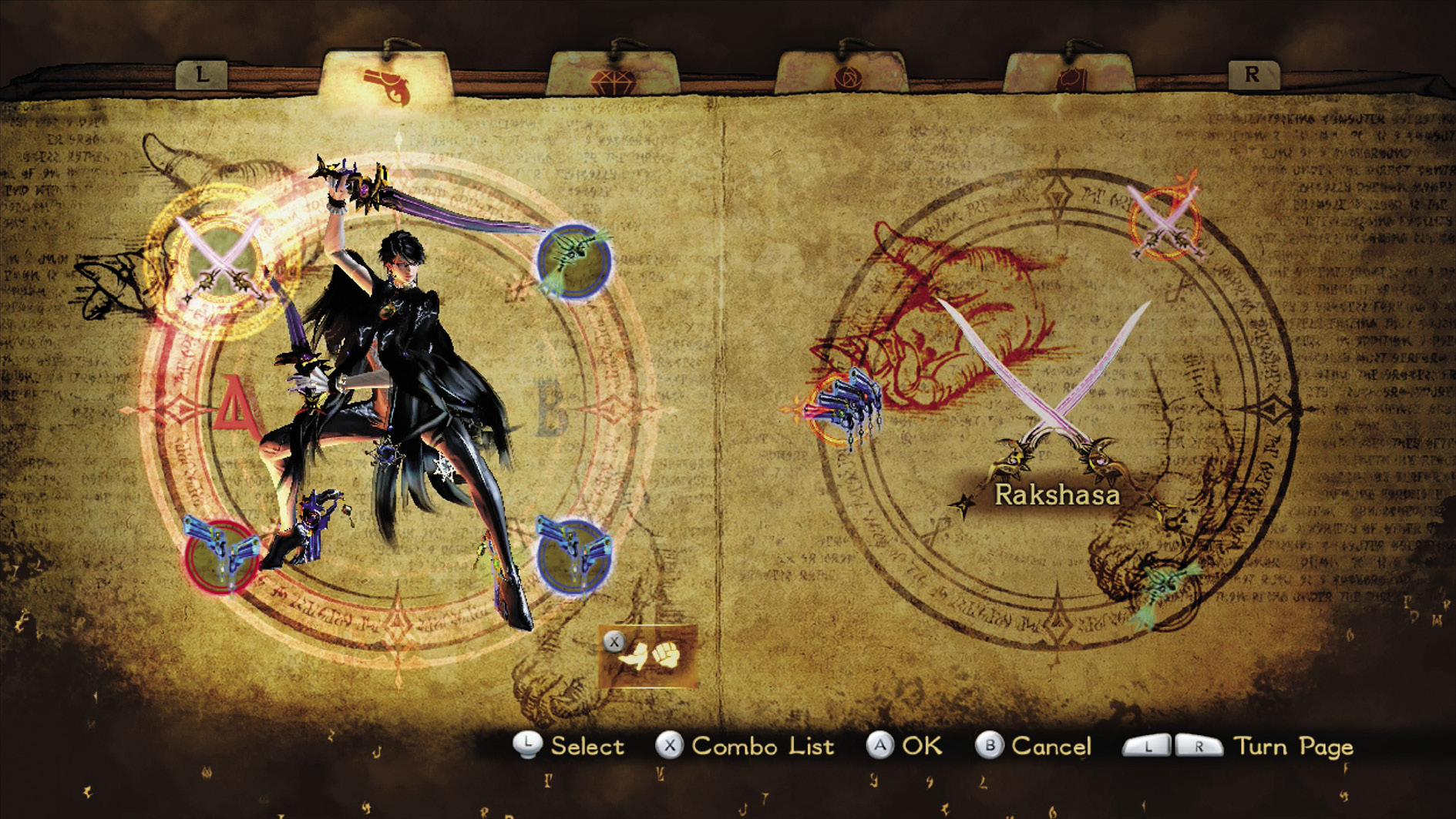
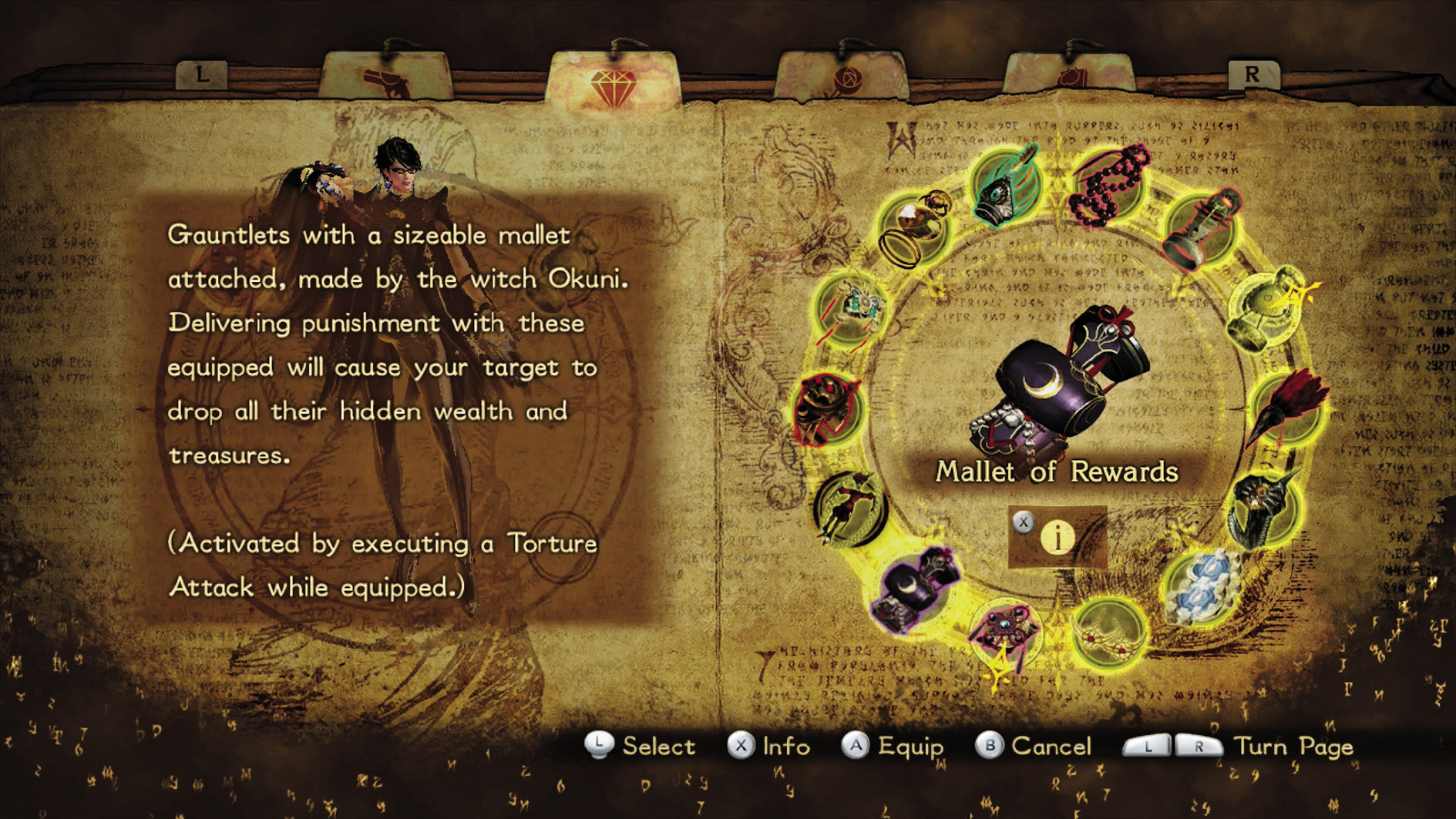
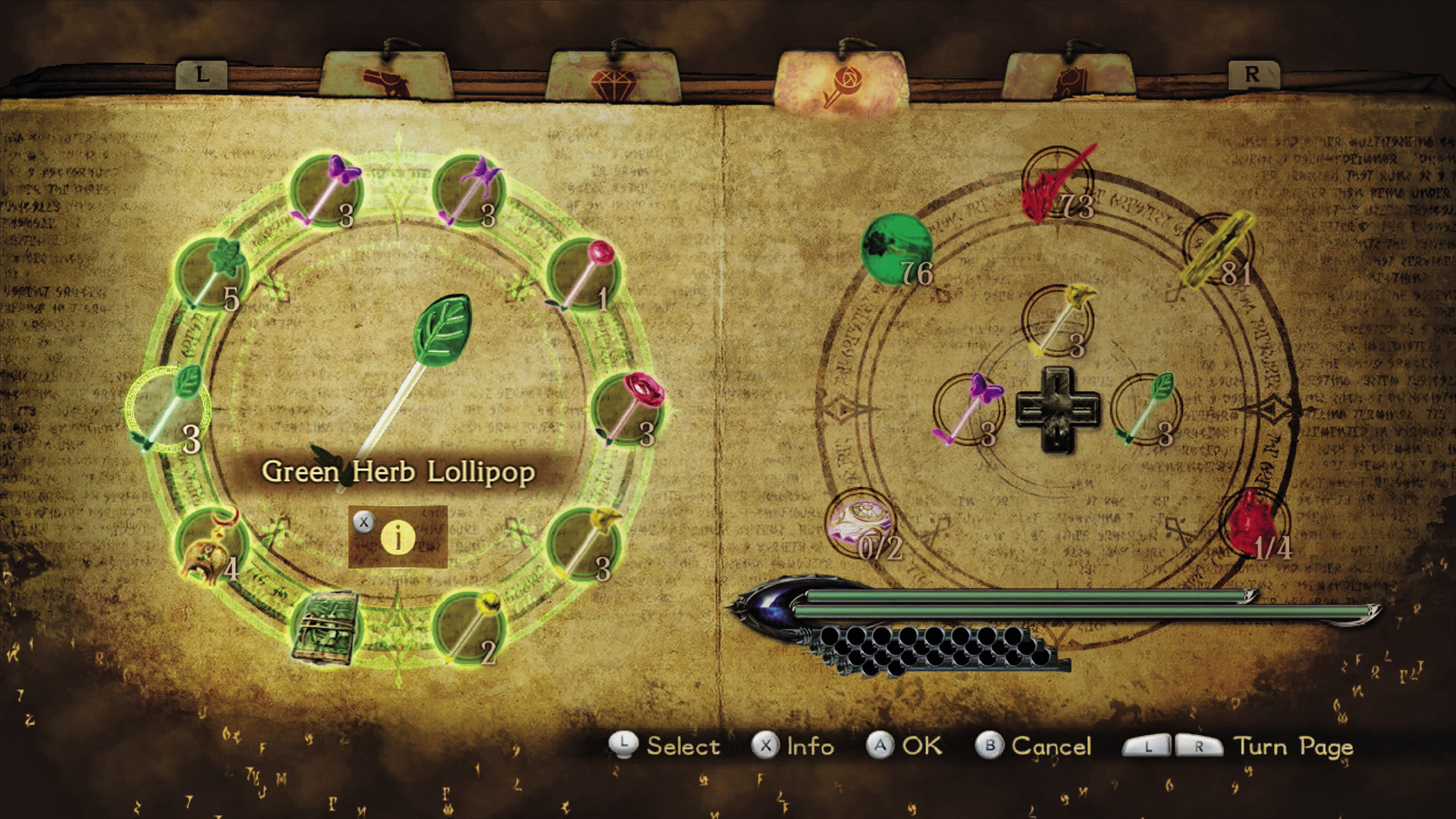
The Subscreen is Bayonetta’s base of operations. From this screen, players can customize Bayonetta to their liking, so as to optimally respond to different gameplay situations. The Subscreen is separated into four tabs, all of which play a significant role in seeing all that Bayonetta 2 has to offer.
Weaponry & Techniques
From this tab you can manage Bayonetta’s weapon arsenal by choosing collected weapons to place on her arms and legs. You can also view more information about the weapons, view combo attack lists for different weapon combinations, and turn special battle techniques on or off.
Accessories
From this tab you can manage Bayonetta’s accessories. Equip accessories to bestow her with special defensive, offensive, and enhancing abilities.
Concoctions & Consumables
From this tab you can create, equip, and use the special restorative and enhancing items available in Bayonetta 2.
Collectibles
Open this tab to view enemies encountered, Umbran Tears of Blood, or your progress in obtaining the game’s collectibles.