
Bayonetta 2 Guide Chapter II: Know Kourself - Game Primer
Controls
Taking on the forces of Paradiso and Inferno is no small task! Fortunately, players have ample options to tip the odds in Bayonetta’s favor. Learn these options inside and out so you can adapt to any situation Bayonetta 2 offers.
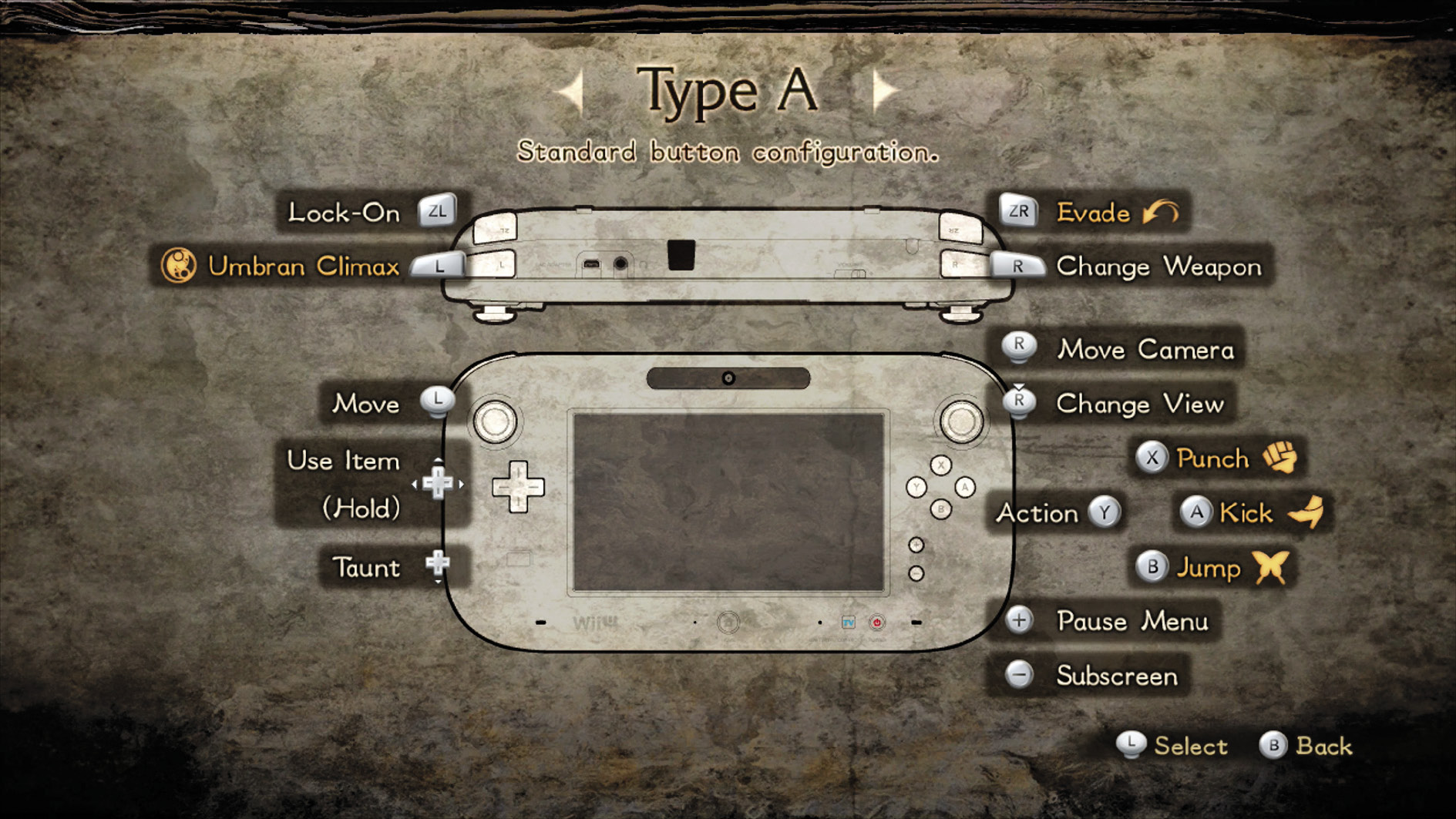
Button Controls
Move
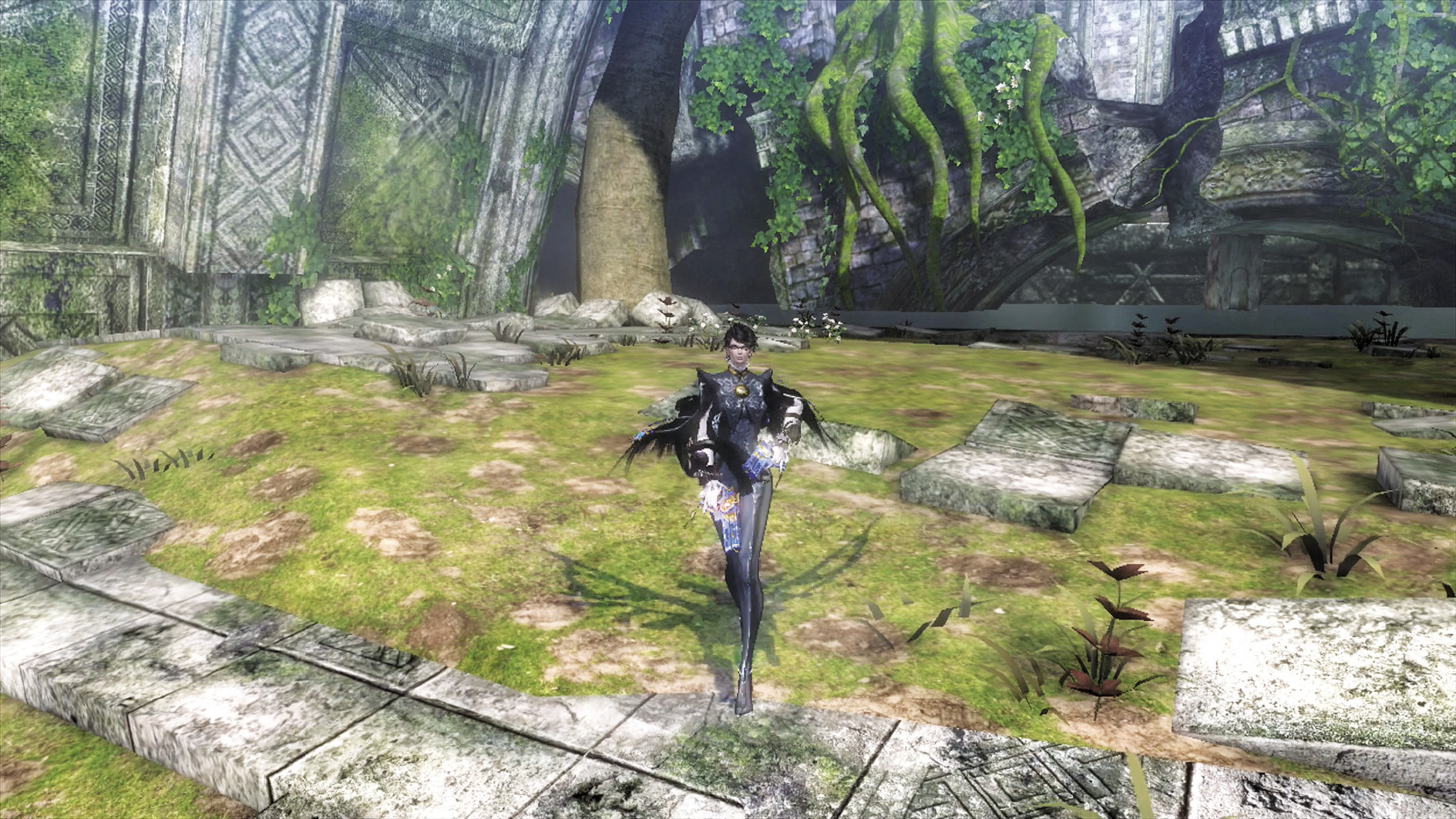
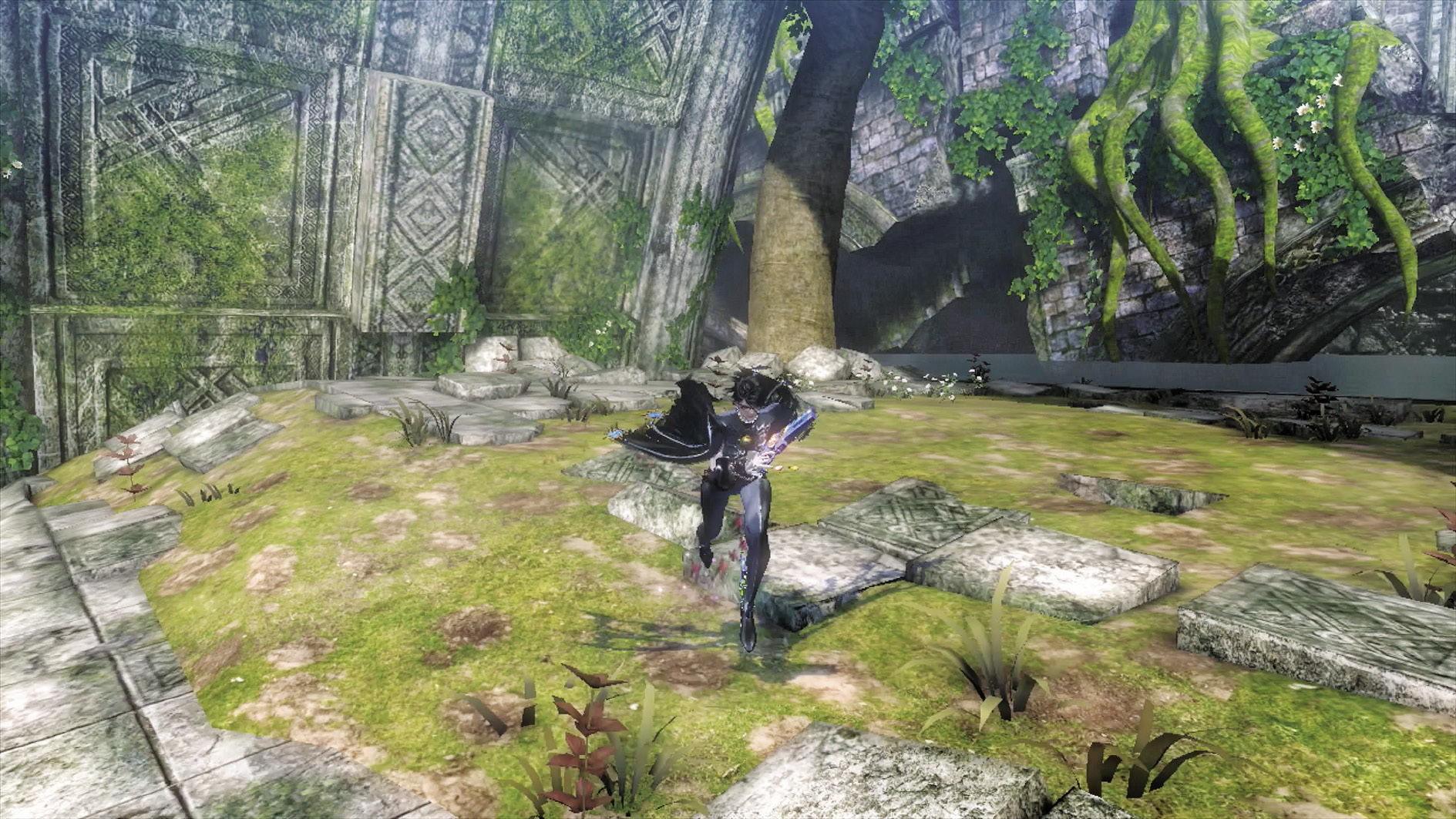
Nudge the Left Analog Stick to make Bayonetta walk, and move the stick all the way to make her run. Through the course of the game, you will usually be running, though walking is a good idea when you wish to remain cautious.
Use Item
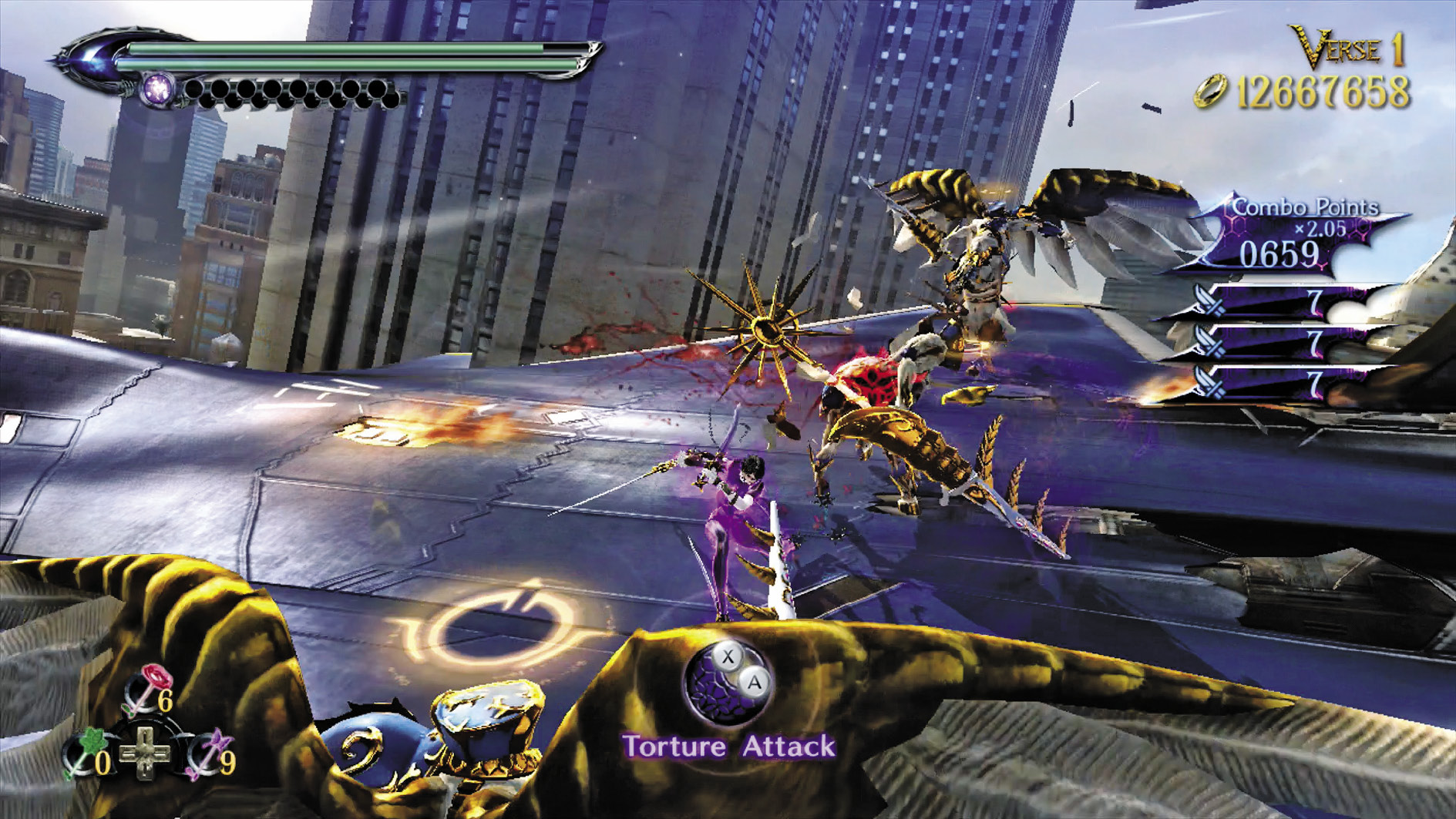
Myriad restorative and enhancing items appear throughout the game to help Bayonetta through her quest. You can equip three of these at any time to the + Control Pad for quick deployment. To use an equipped item, hold the + Control Pad in the Left, Right or Up directions.
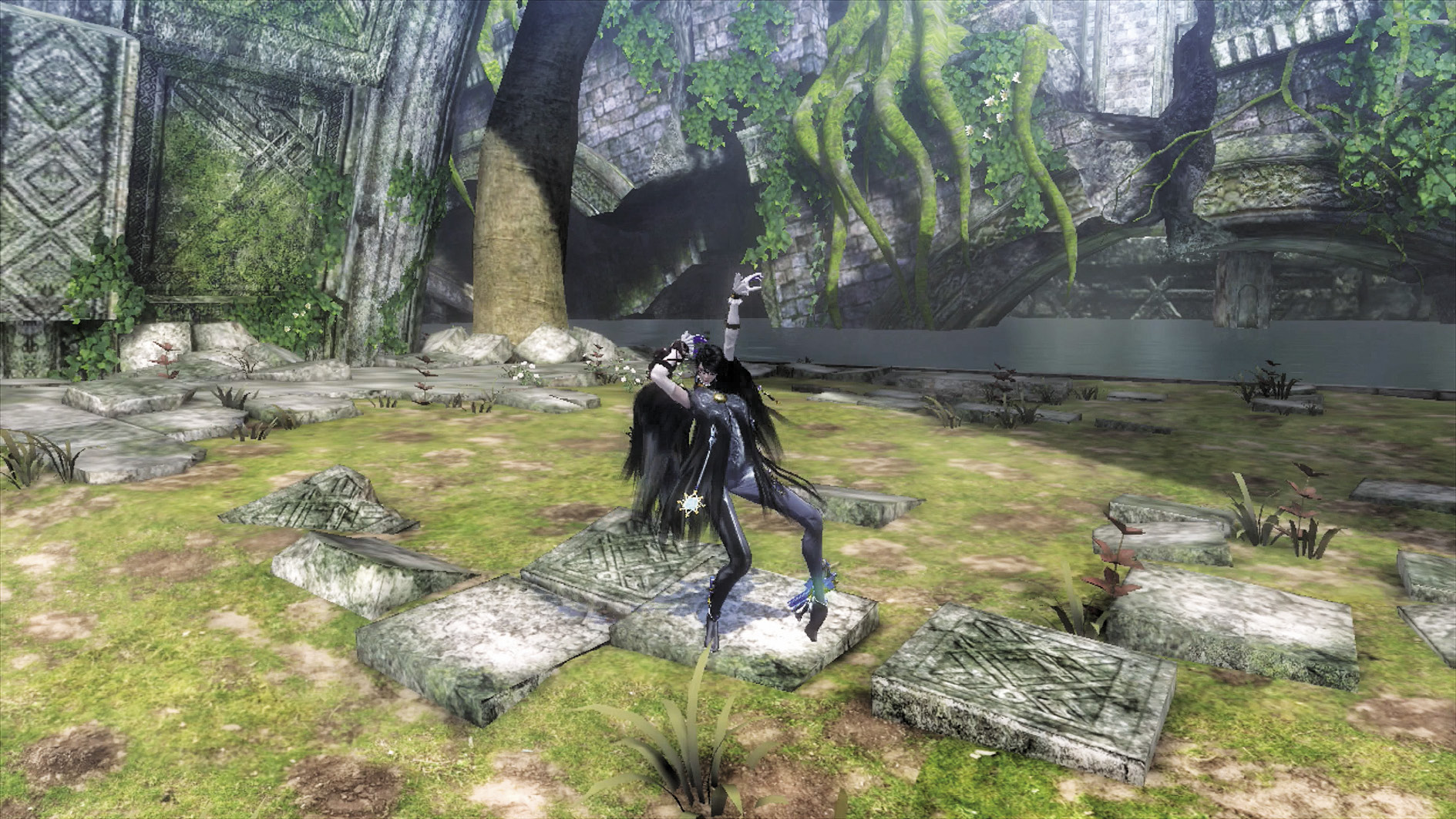
Taunt
Pressing the Taunt button causes Bayonetta to taunt, angering enemies.
Move Camera
Move the camera in all directions with the Right Analog Stick to give Bayonetta a be tter view of the battlefield and terrain. You’ll never know where that next platform may be—or if an enemy’s sneaking up behind you—if you don’t look around!
Change View
Press the Change View button to reset the camera wherever Bayonetta is facing. This is good for when you want to get your bearings.
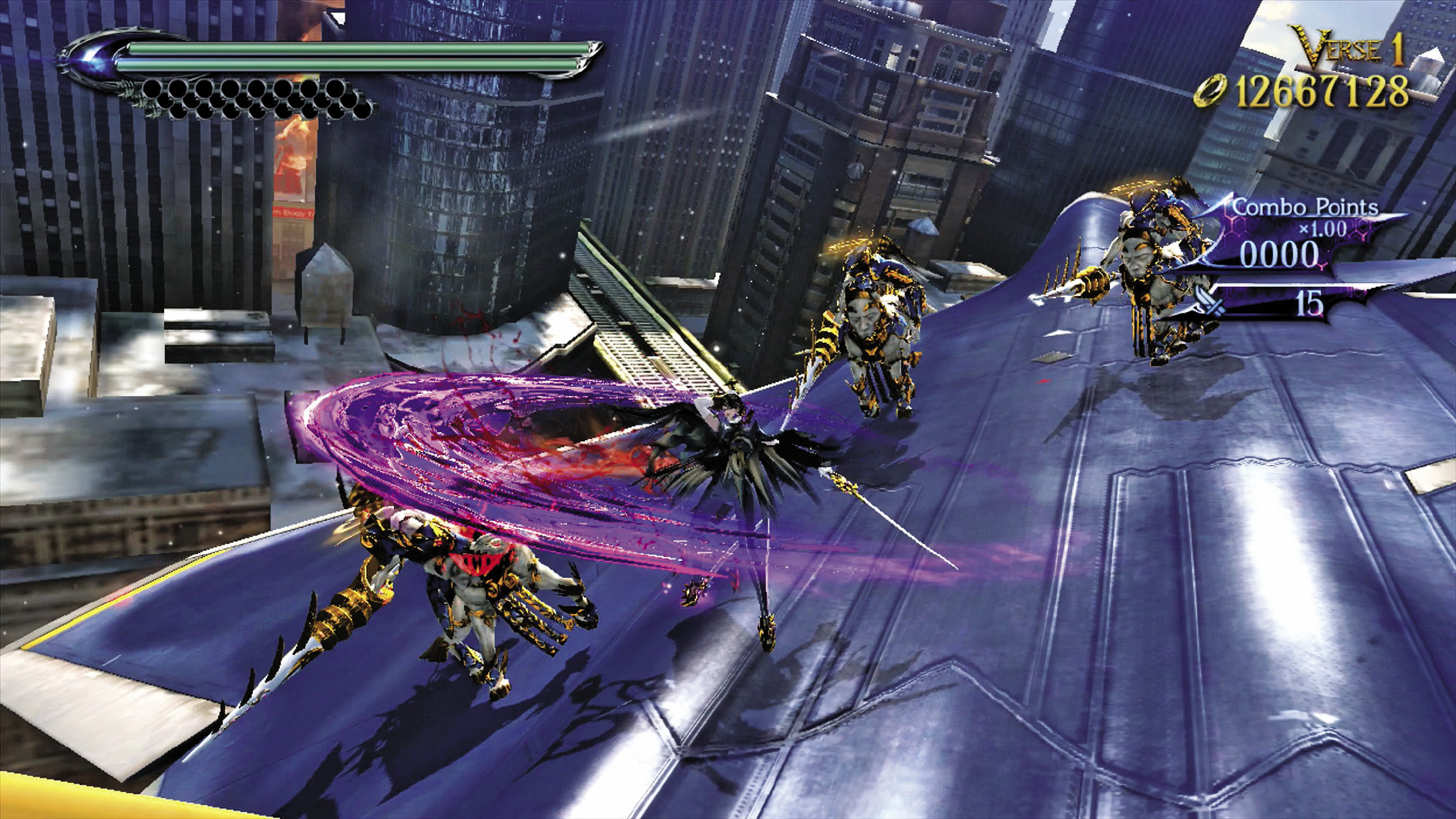
Punch and Kick
These buttons are self-explanatory, but if you press Punch and Kick in certain sequences, you can perform dozens of combination attacks!
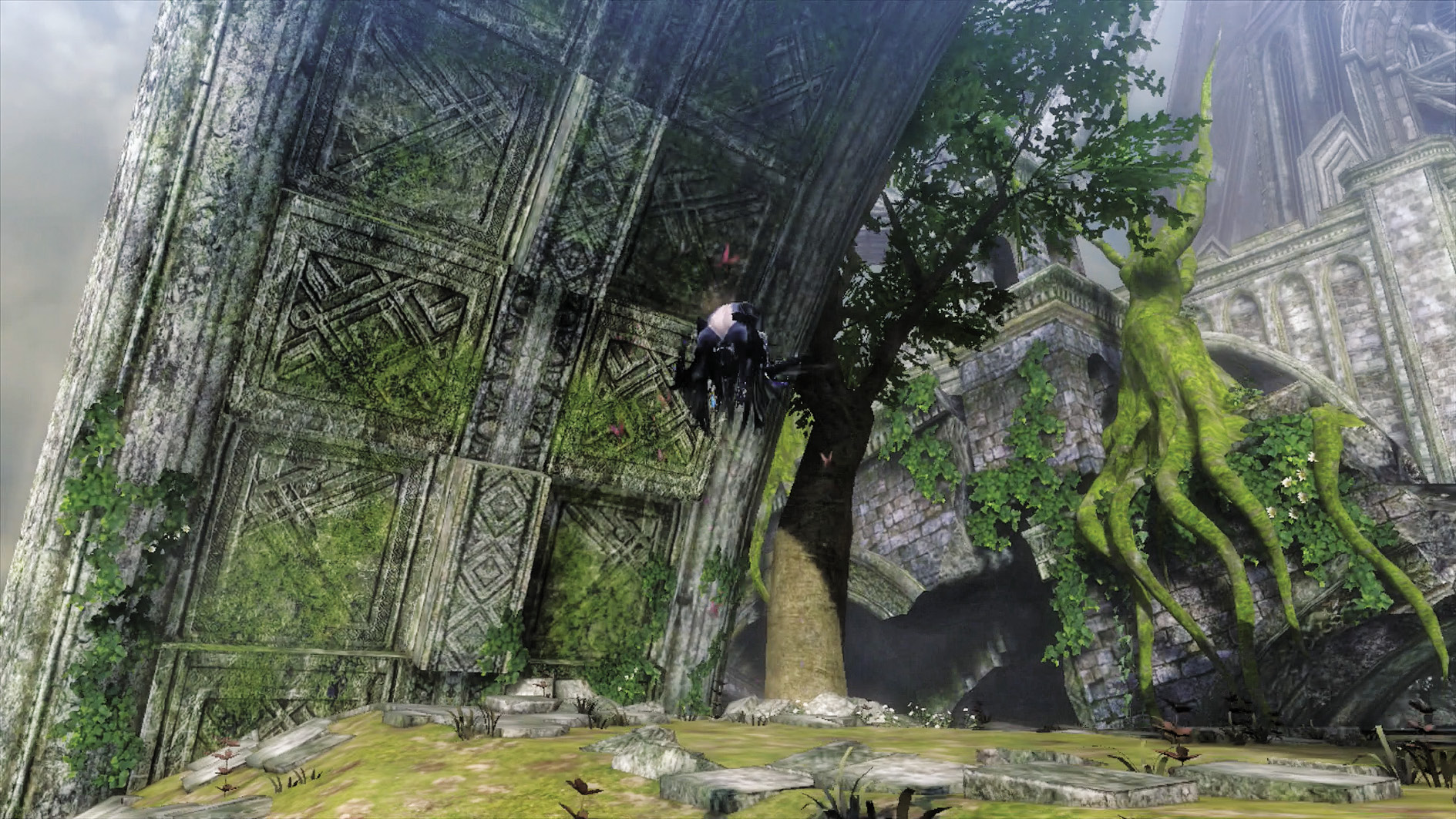
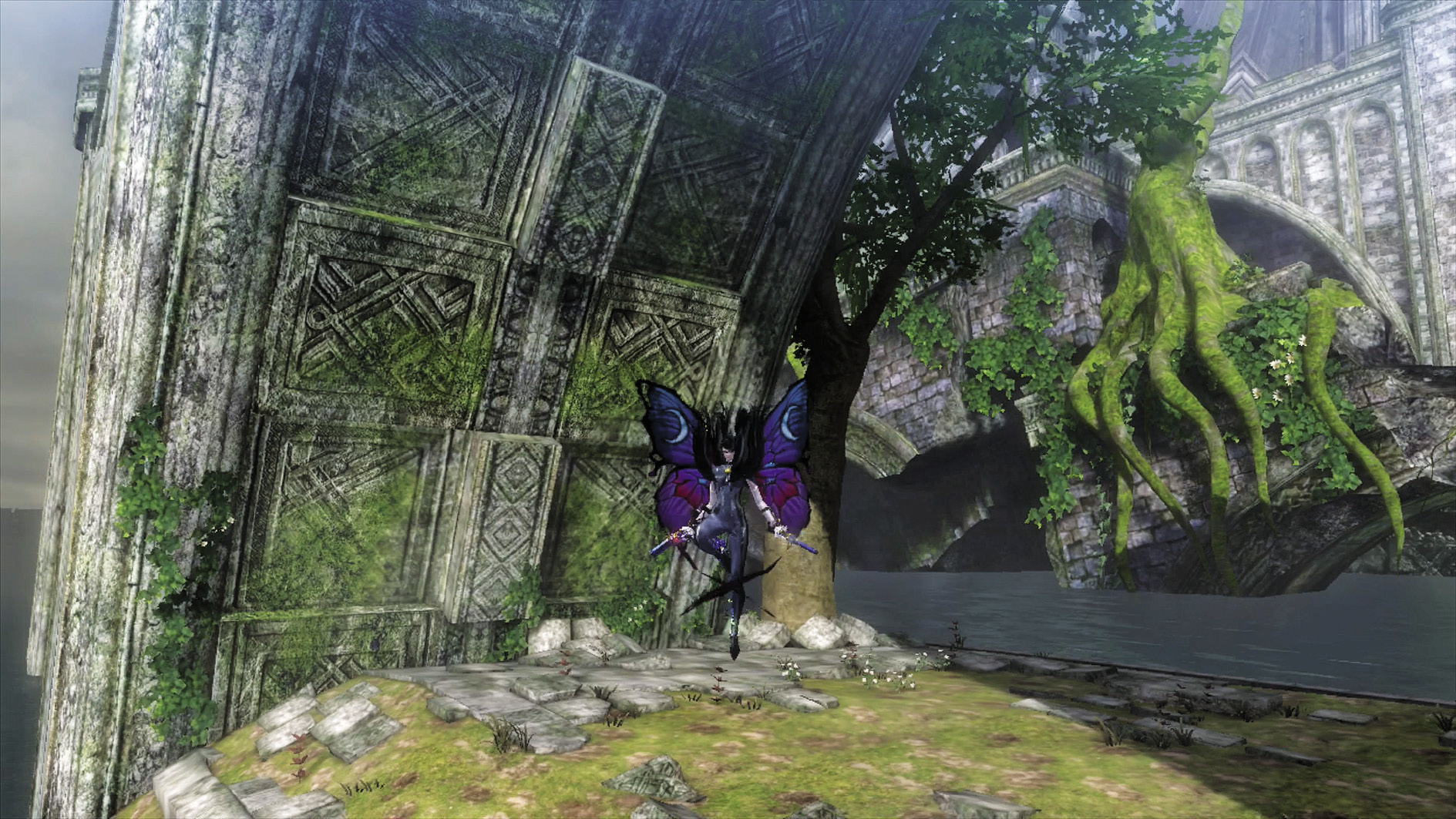
Jump
Press the Jump button once to jump, and twice to double jump. Hold the Jump button while in midair to float slowly and gracefully back to terra firma.
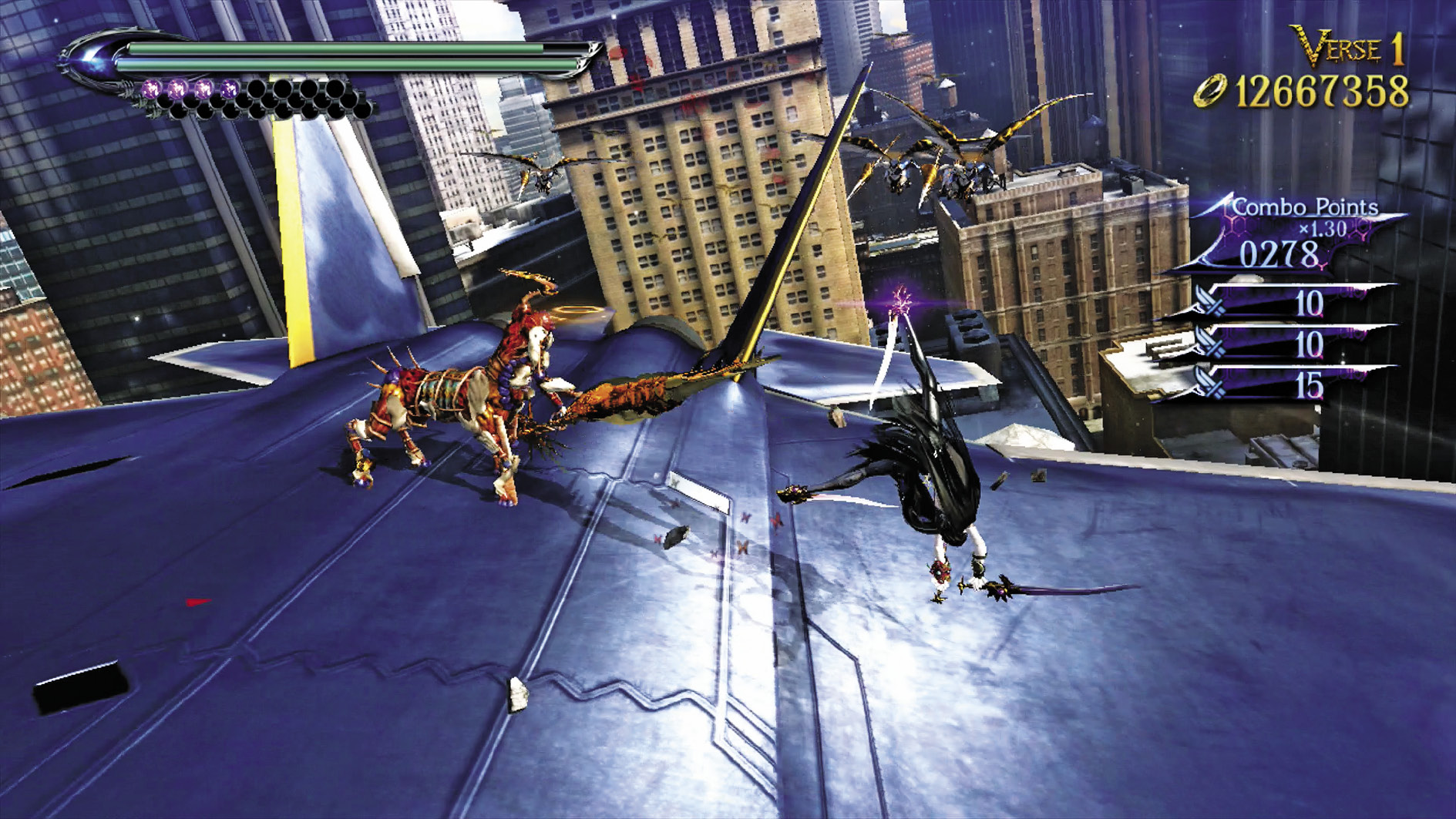
Evade/Dodge
Press the Evade button to have Bayonetta dodge enemy attacks. This is an integral part of her combat arsenal.
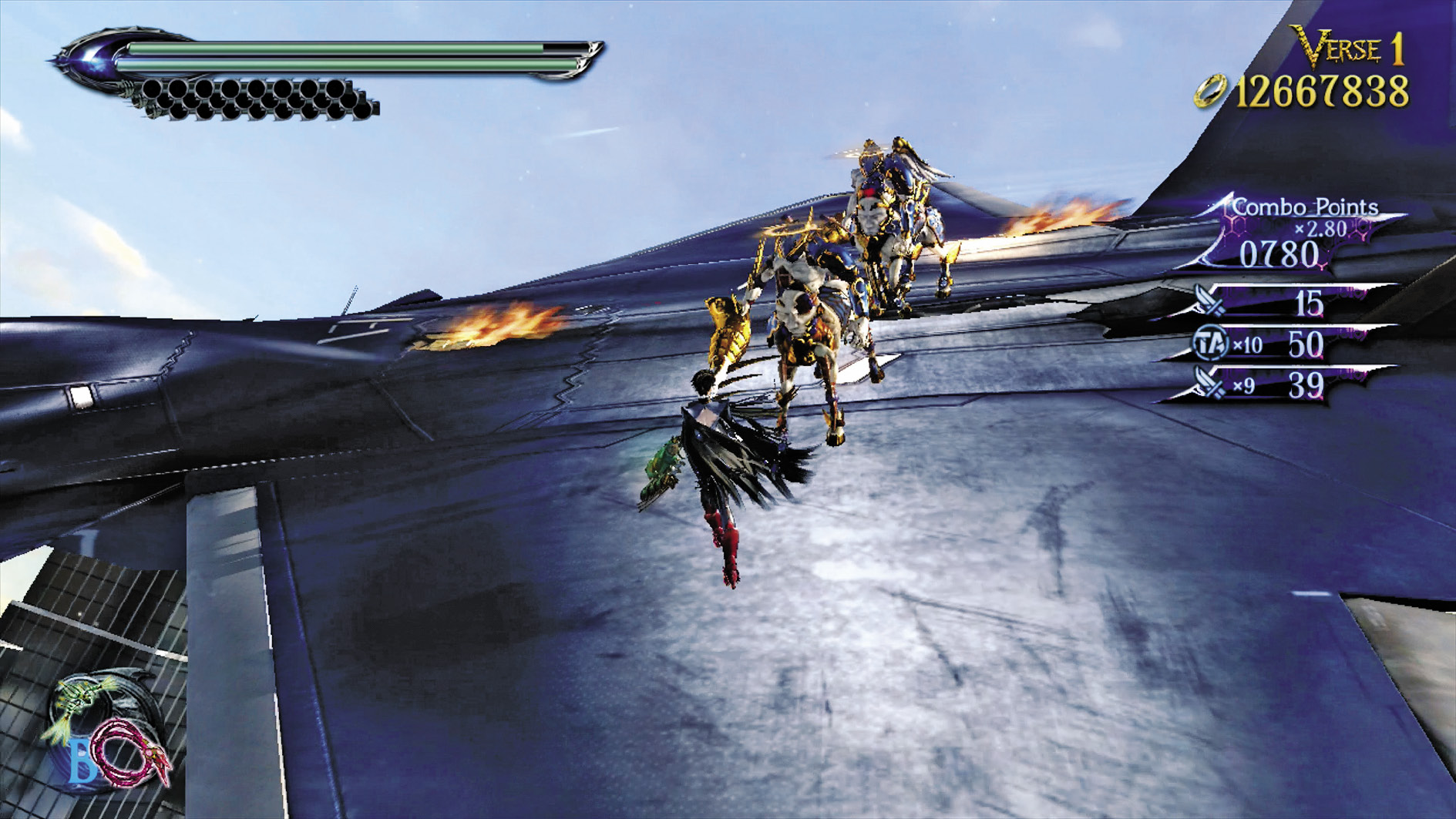
Change Weapon
Bayonetta can equip two sets of weapons at a time. Press the Change Weapon button to switch pairs.
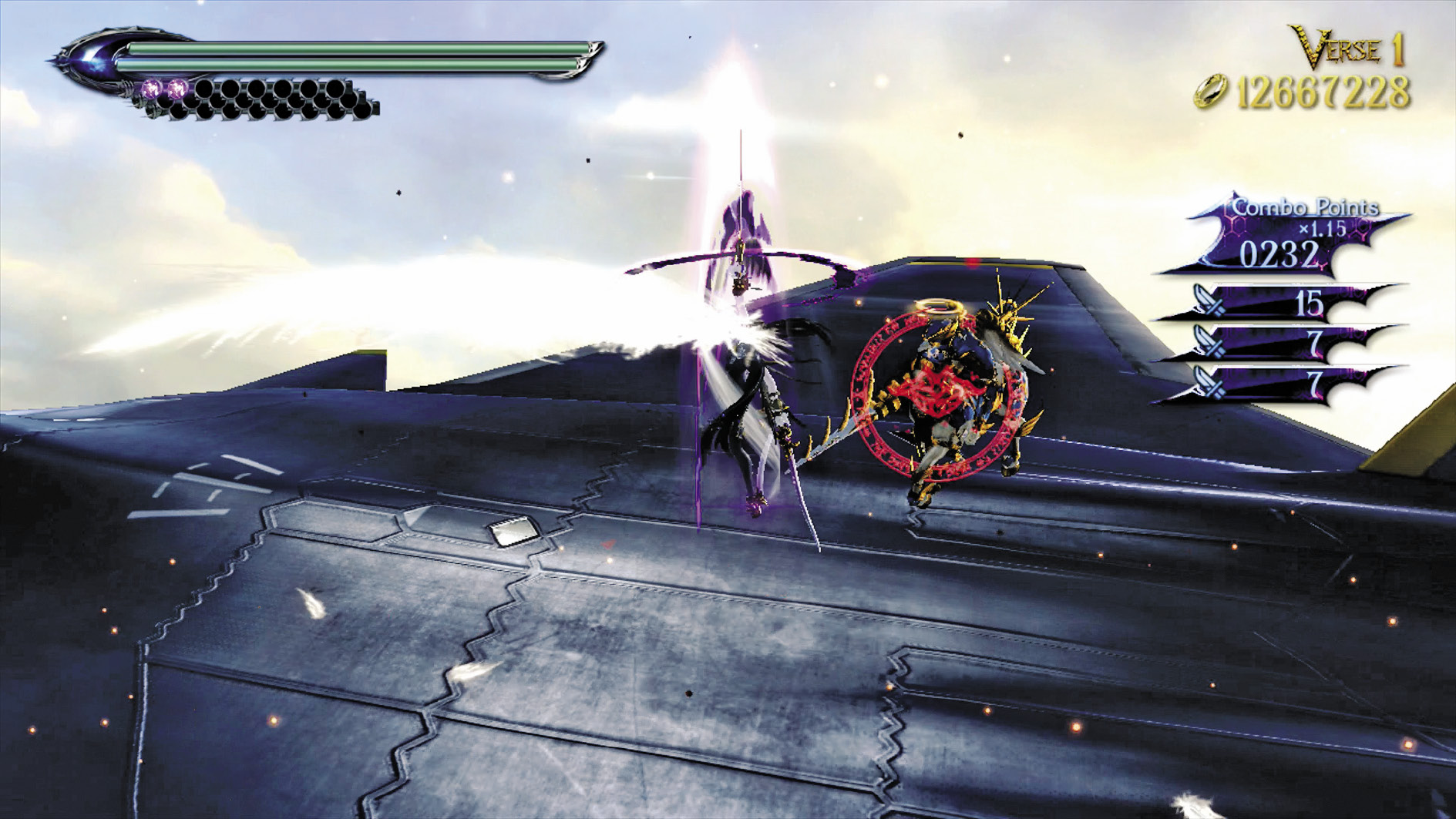
Lock-On
Hold the Lock-On button to target an enemy, causing Bayonetta’s attacks to target that enemy until it is defeated, or until another enemy is targeted instead.
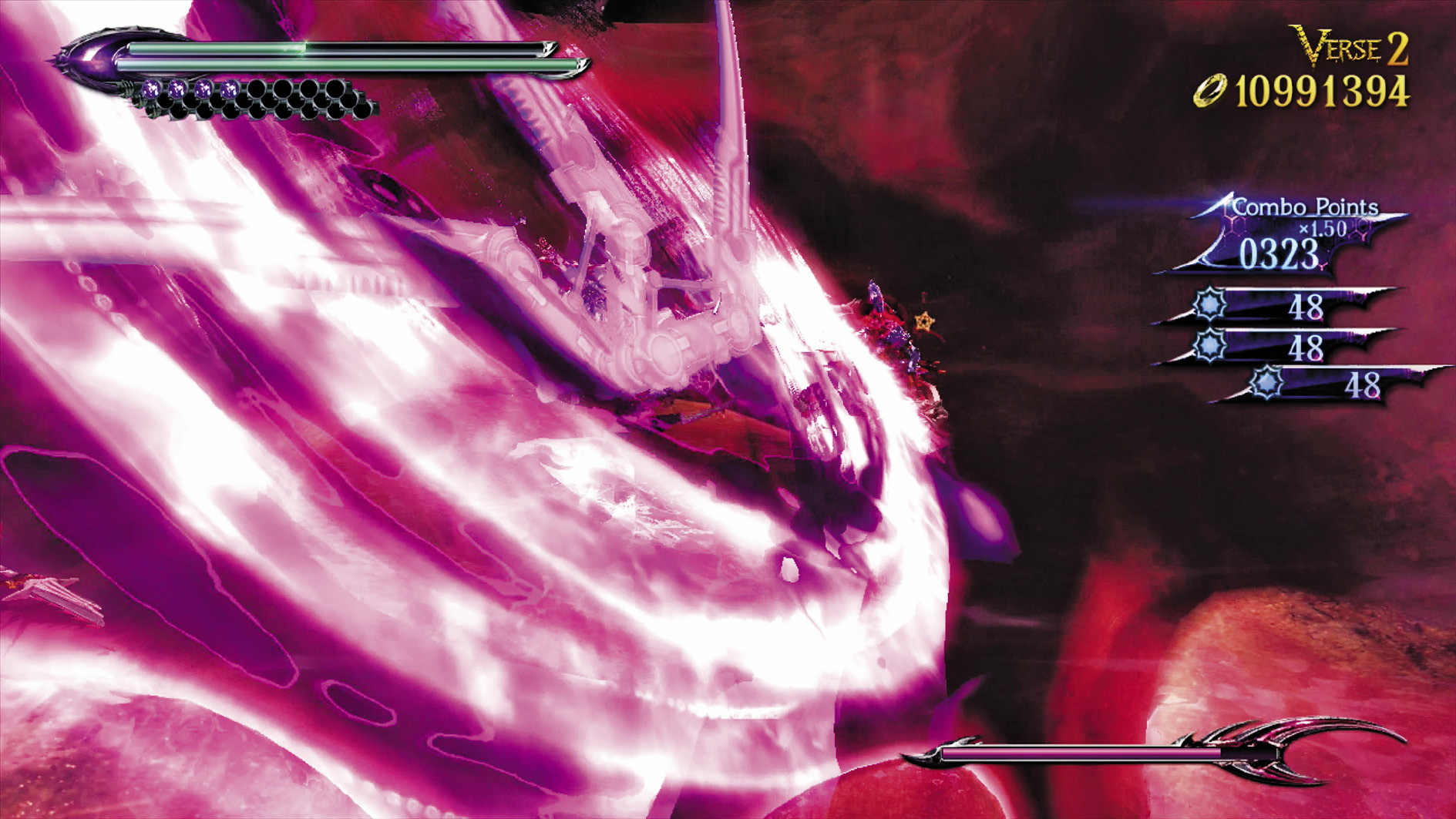
Umbran Climax
Press this button to activate the awesome Umbran Climax ability, causing Bayonetta to fight at the peak of her powers!
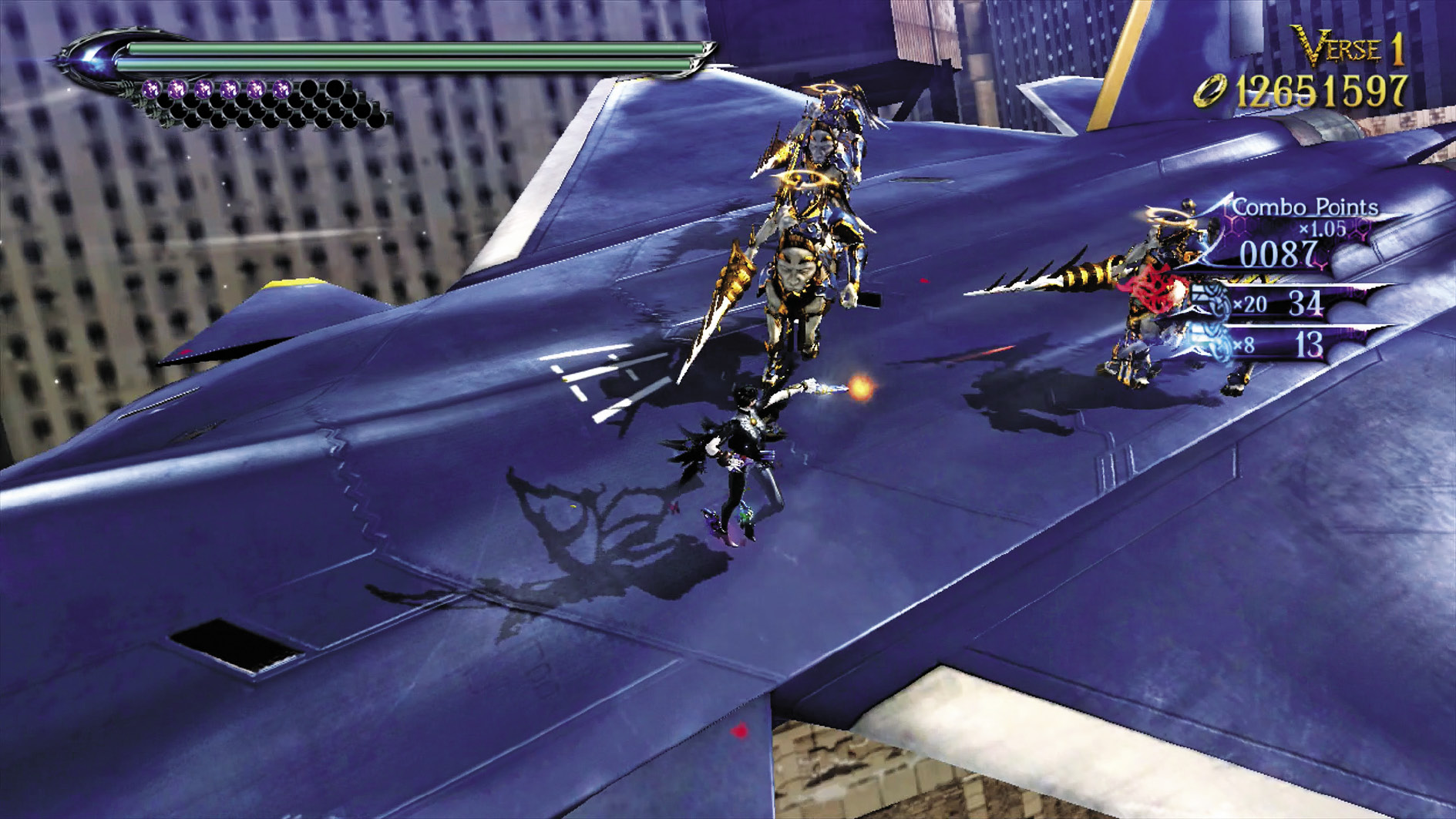
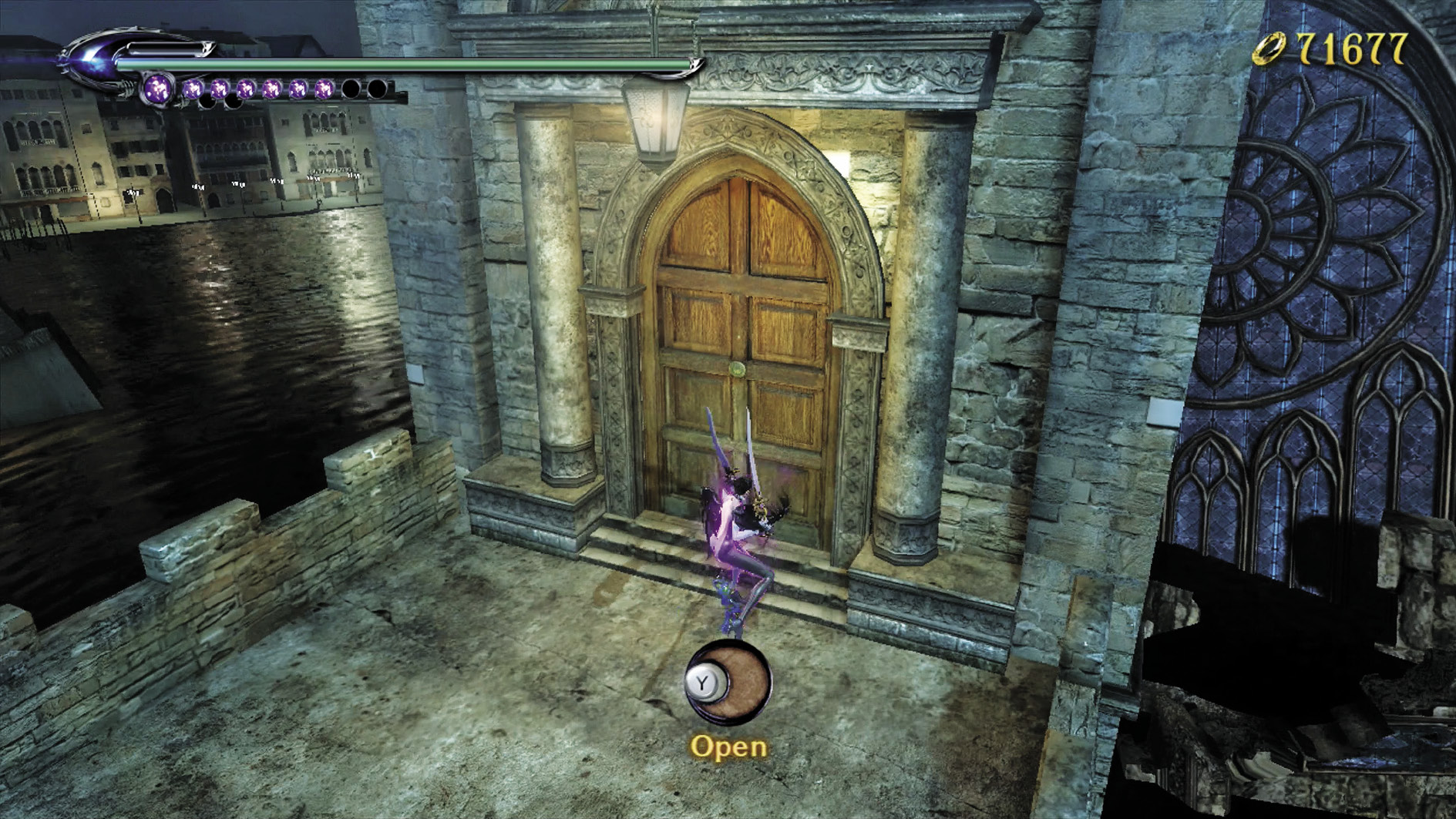
Action
Use this button to fire Bayonetta’s standard gun attack, or to interact with any item in the game that can be interacted with.
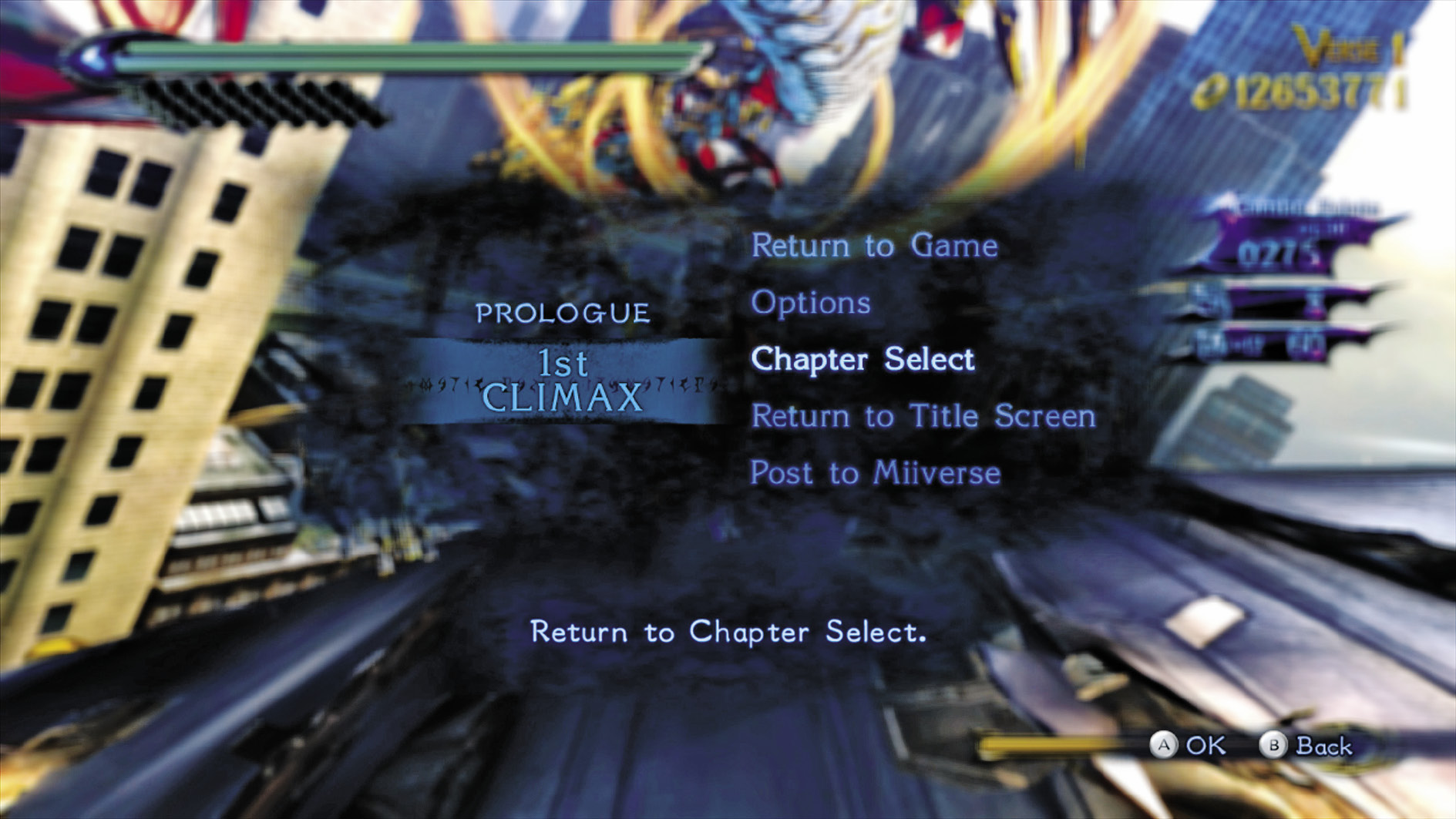
Pause
This button pauses the game, allowing for a variety of options, such as exiting gameplay or accessing game options.
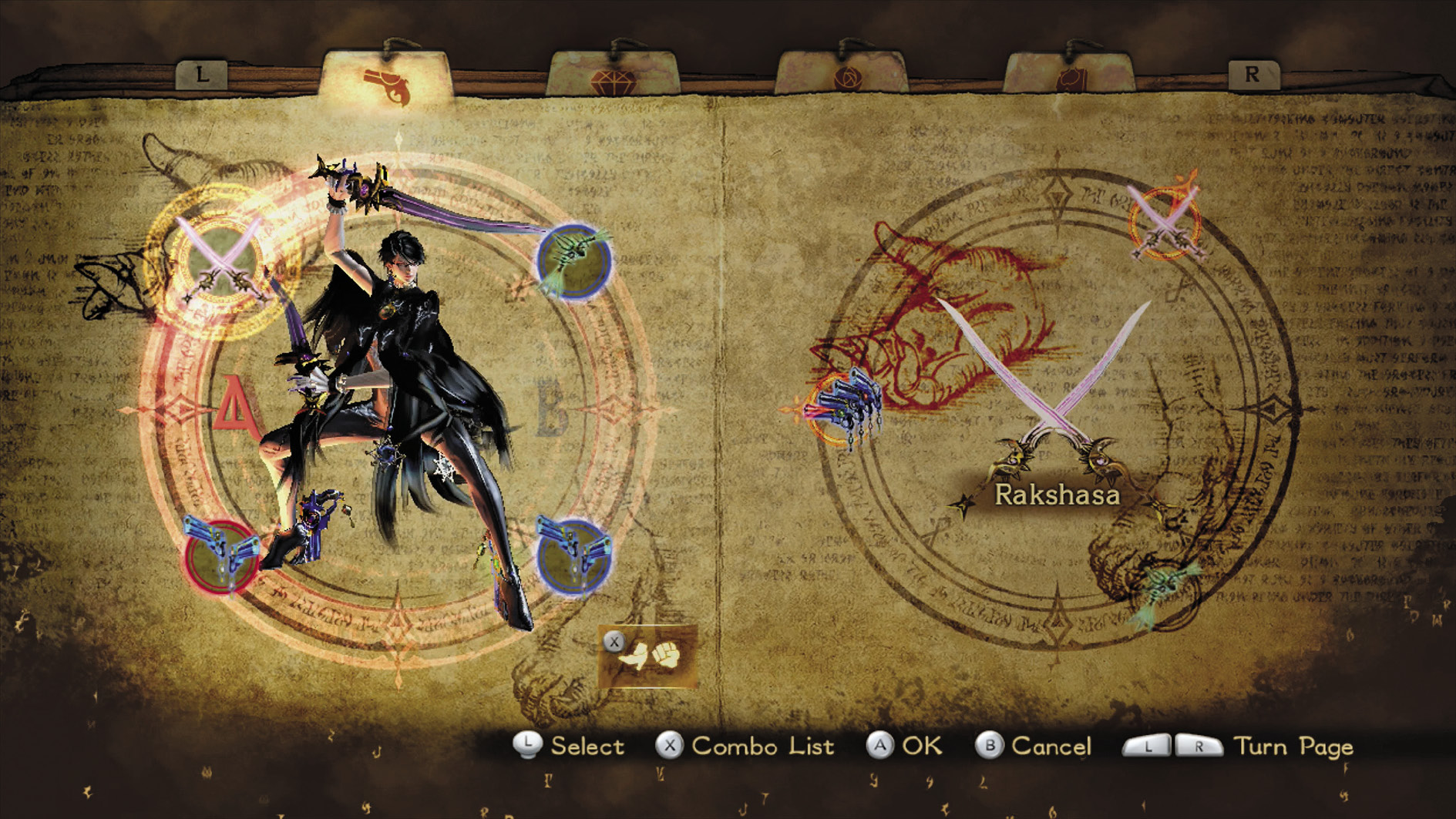
Subscreen
Choose this button to open the Subscreen, which allows Bayonetta to manage her weapons, items, and collectibles.
You Want to Touch Me?
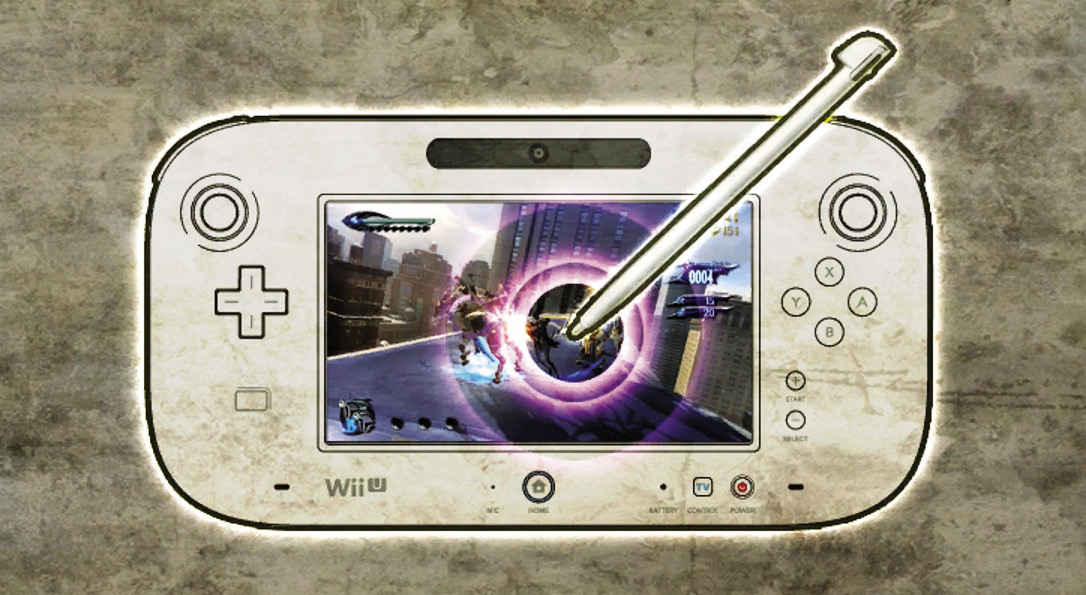
Touch Controls are an all-new way to play Bayonetta! Through the use of intuitive stylus taps, holds, and swipes on the touch screen of the Wii U GamePad, anyone can be stylish!
The HUD changes when using Touch Controls; some elements such as equipped Items are now permanently displayed whereas they wouldn’t be when using Button Controls.
Movement
Tap and hold a direction with the stylus to move in a specified direction.
Jumping
Double tap with the stylus to jump once, then tap again to double jump. To slowly float back to the ground, repeatedly tap with the stylus or hold the stylus to the touch screen while in mid-air.
Attacks
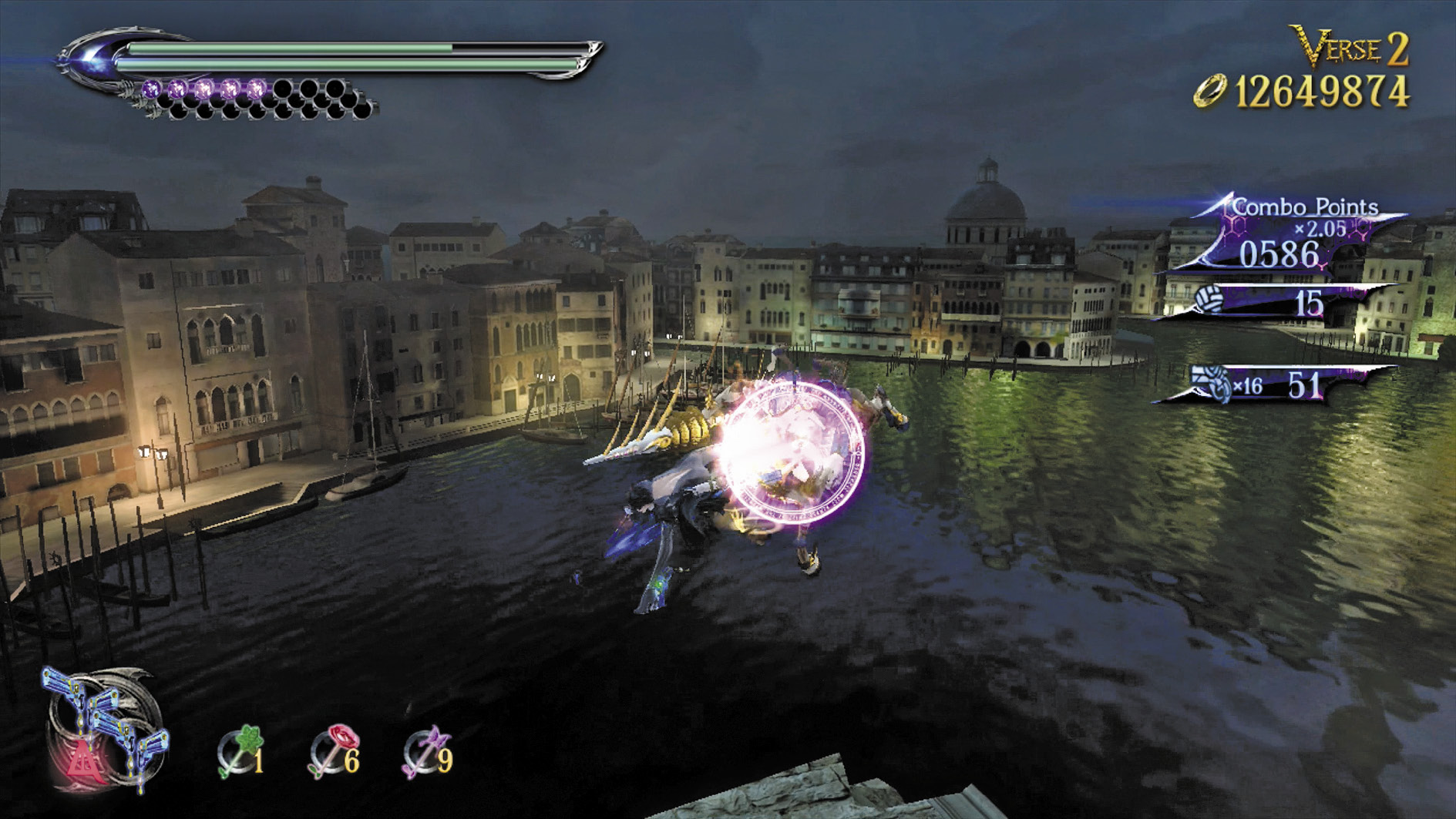
Tap the enemy you wish to attack, and Bayonetta will do so. An attack timer (denoted by a circle) appears around the attacked enemy. Continue tapping the enemy to make Bayonetta combo it until the timer runs out.
Evade
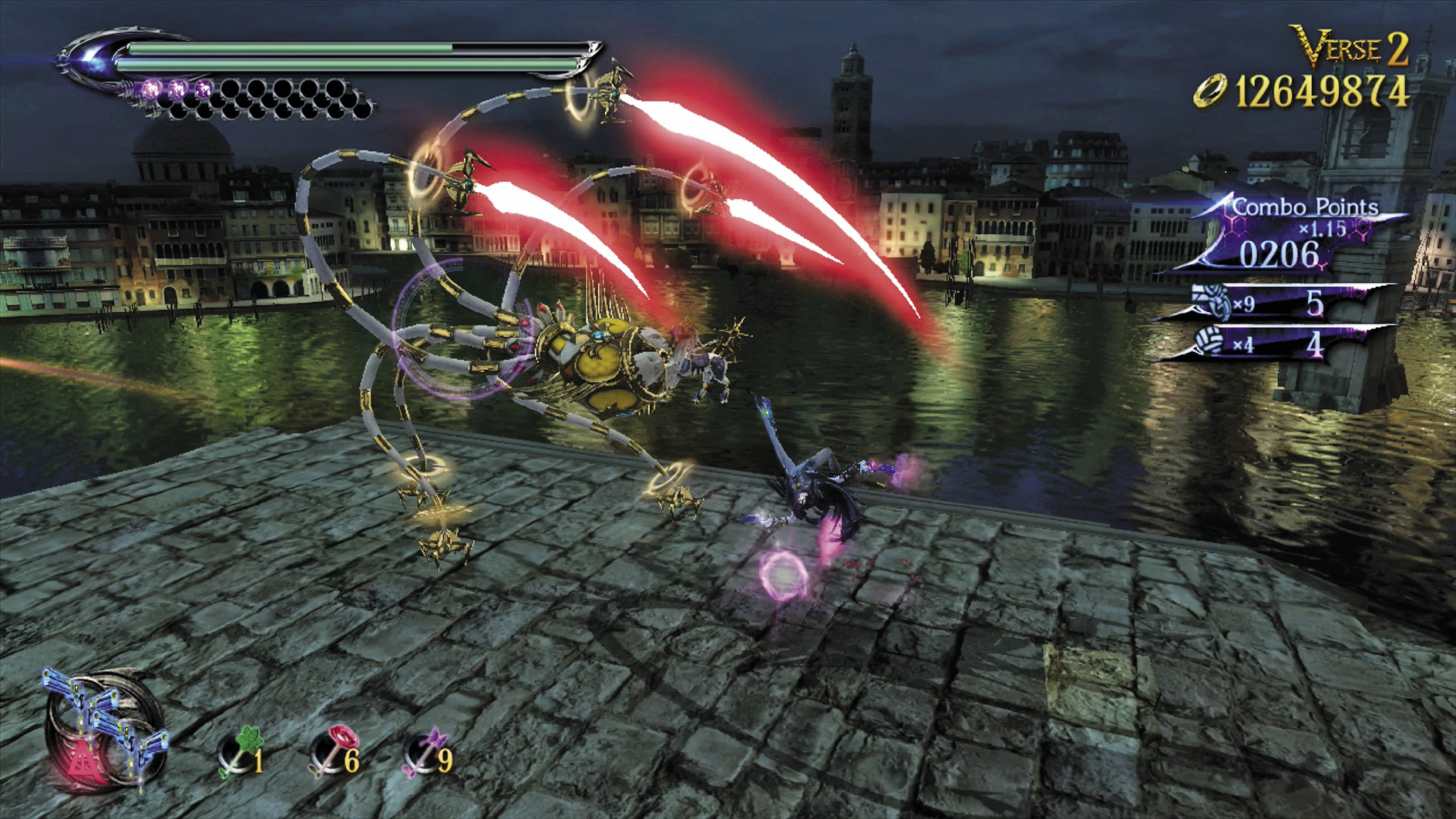
Swipe in any direction with the stylus to dodge in that direction.
Shooting
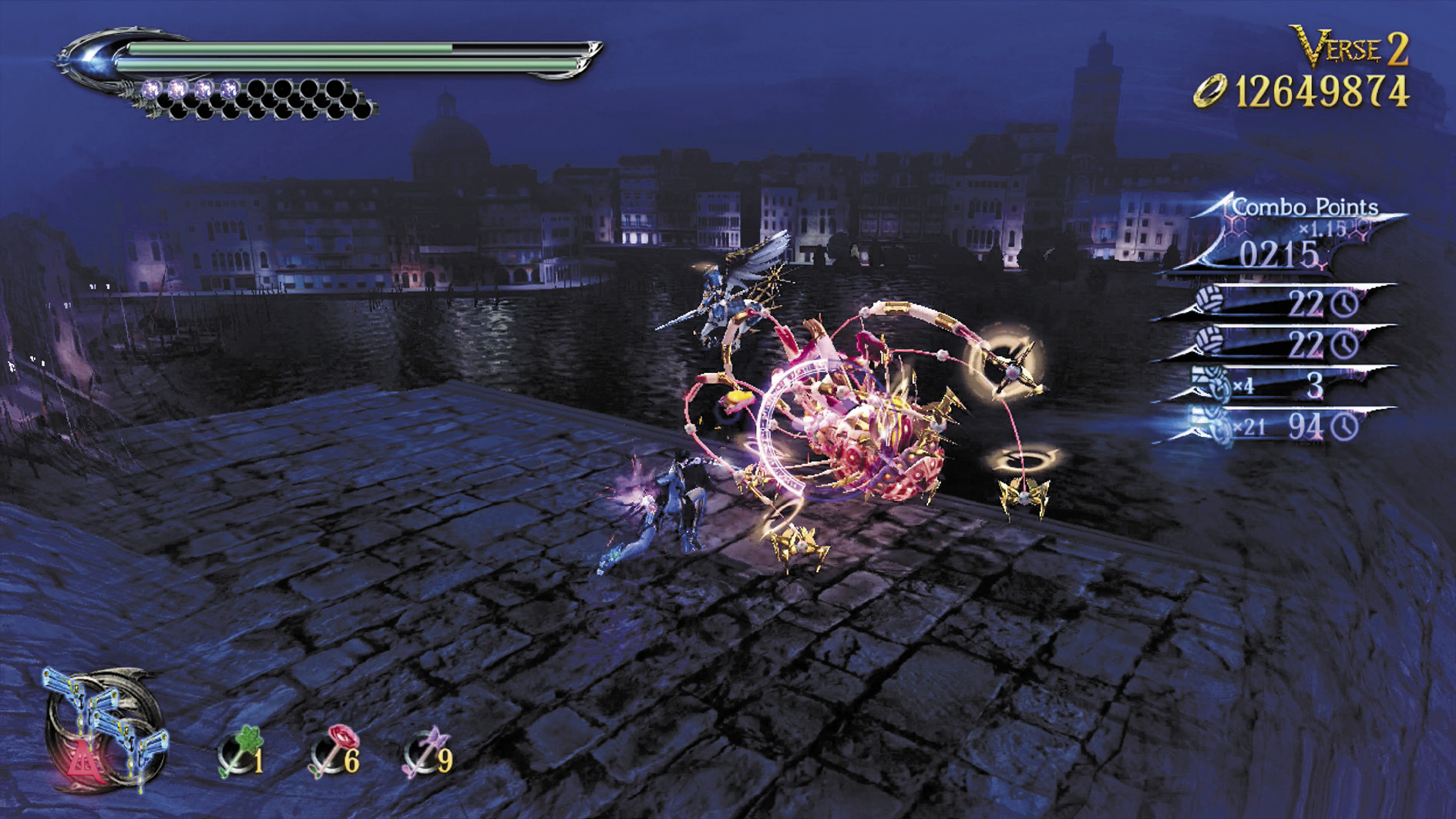
If you have a gun weapon equipped, hold the stylus to the enemy to make Bayonetta shoot it with the guns.
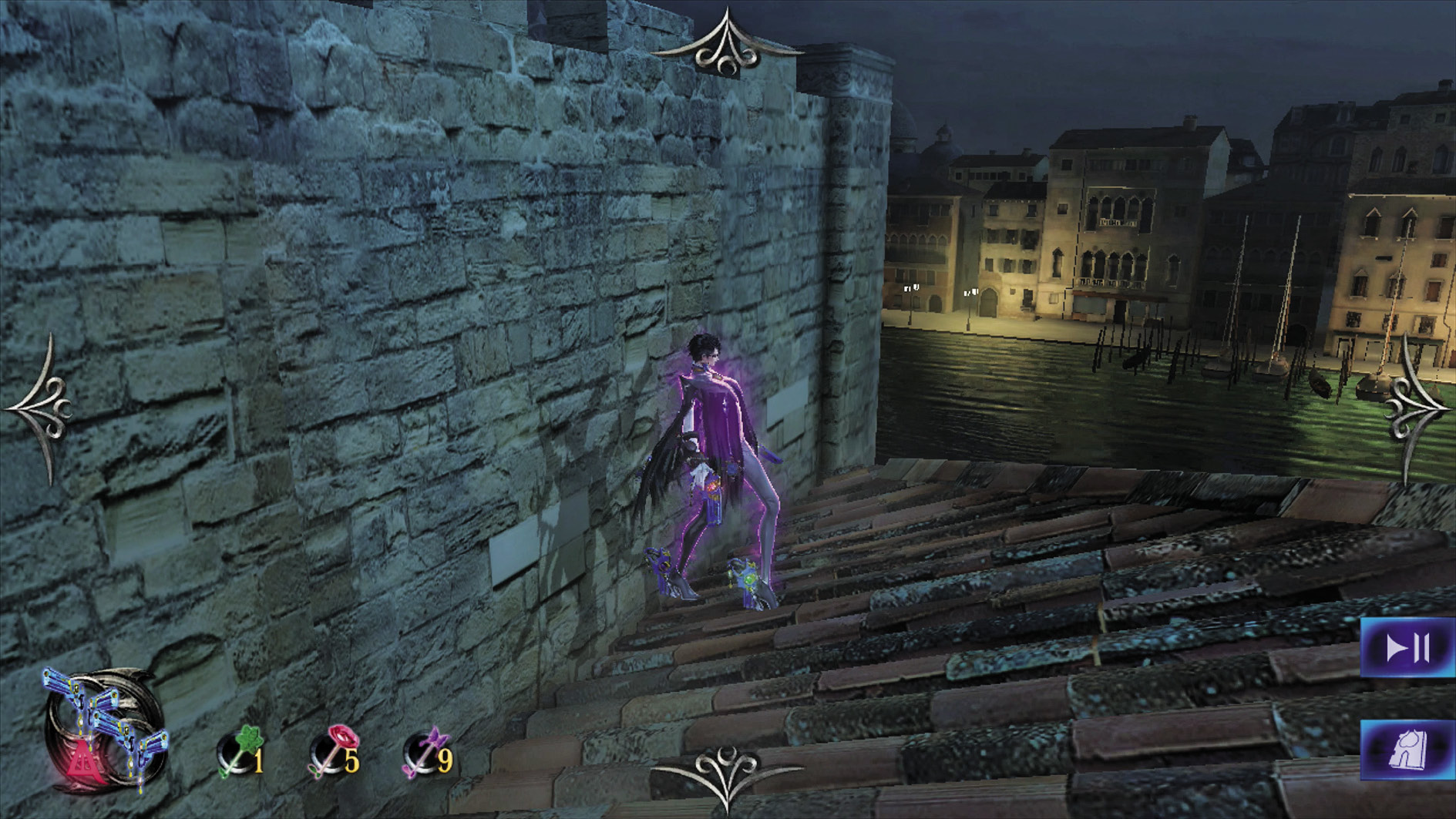
Items
Your equipped items are permanently displayed onscreen. Tap and hold them to use.
Weapon Switching
Your equipped weapons are permanently displayed onscreen. Tap your weapons to switch between them.
Camera Control
Tap the edges of the touch screen to display arrows, which can then be tapped to manipulate the camera.
Pause Menu
Tap the edge of touch screen to display the Pause Menu icon.
Submenu
Tap the edge of touch screen to display the Submenu icon.
Animal Forms
To change into an animal form (Panther Within, Snake Within, Crow Within), slide the stylus quickly, then hold it to the touch screen.
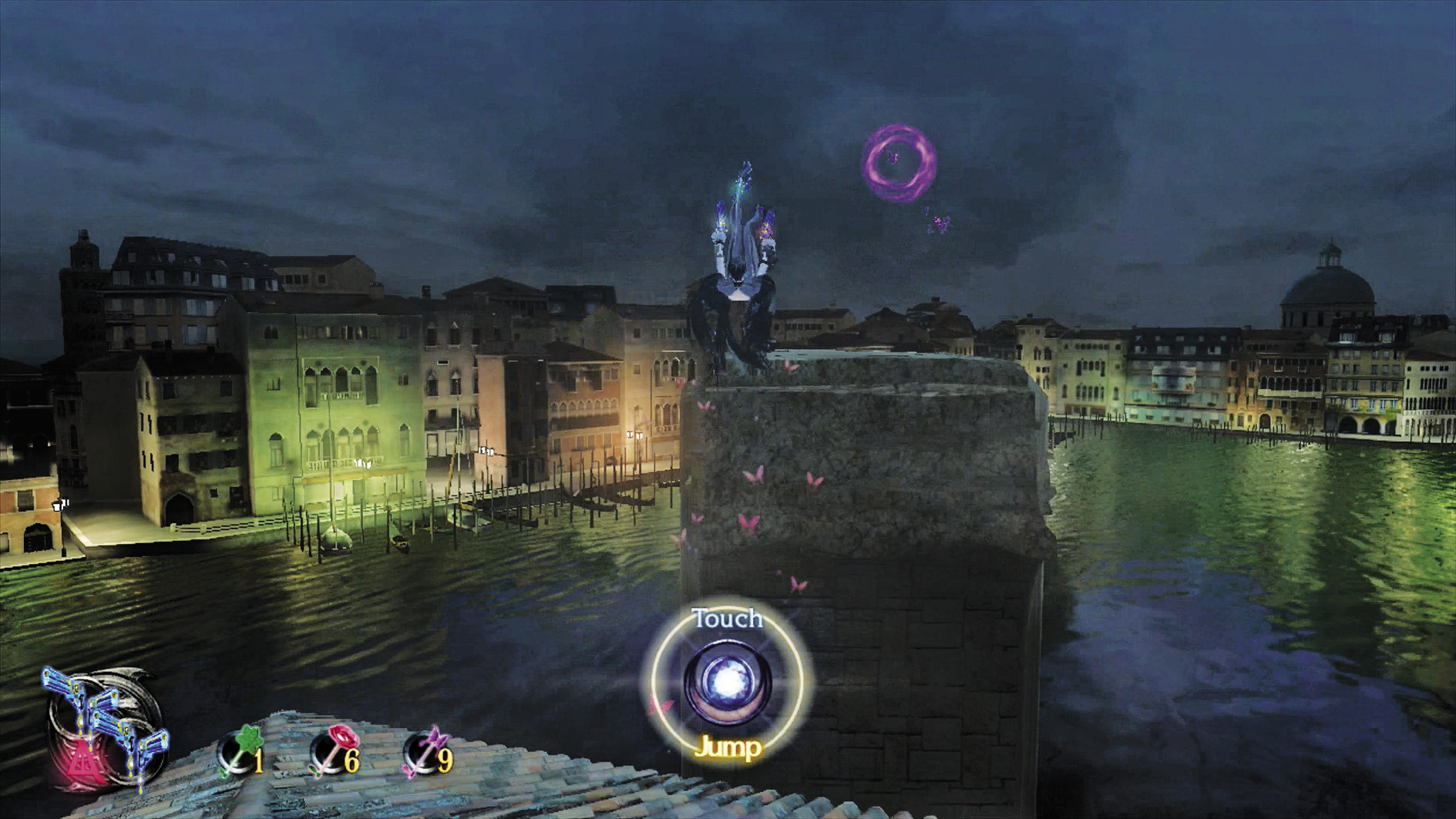
Prompts
Context-sensitive prompts show up on the screen’s bottom center. Tap the prompt to perform a variety of actions, such as Umbran Climaxes, Wicked Weaves, Torture Attacks, Infernal Demon Summons, Interacting with objects, or making extremely long jumps.