
Taming the Wilds! Mastering Minecraft 4th Edition Guide You Can Do Anything with a Little Practice
Redstone
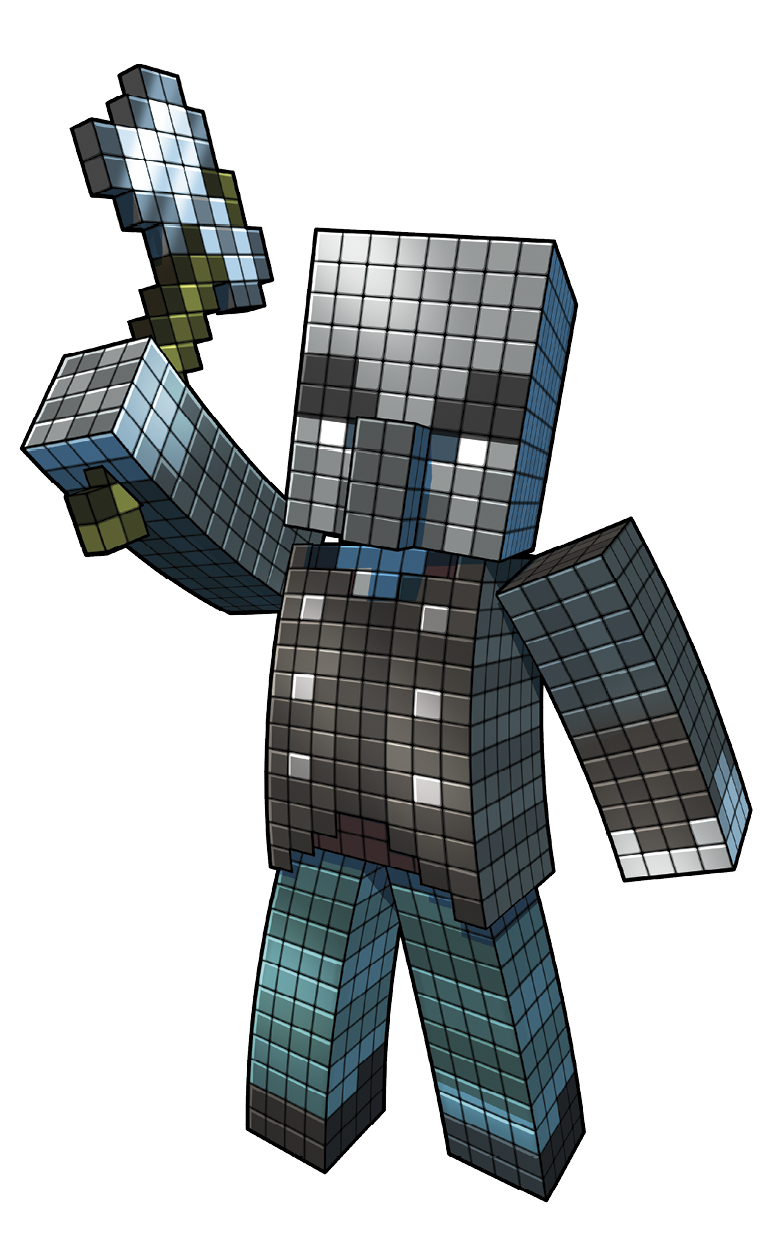
You can mine Redstone deep underground in the Overworld. Once you start mining down there, Redstone collects quickly. Each vein yields a fair number of pieces, and it’s hard to miss these veins even when you’re running through a cavern, because they’re bright red. Always keep an Iron Pickaxe handy. Lesser materials fail to break Redstone properly. Iron tools are required for quite a few of the special metals and ores, so an Iron Pickaxe isn’t a particular burden here.
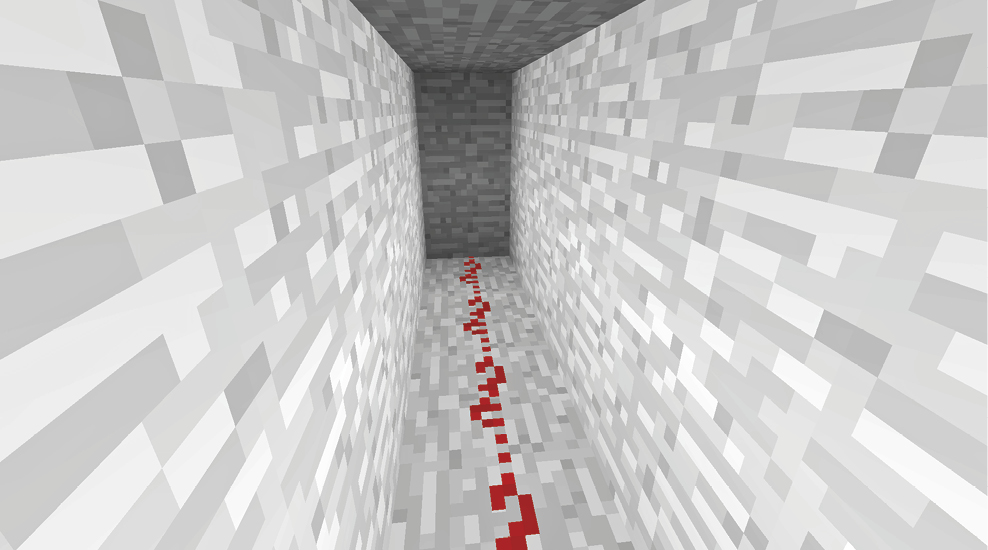
You can craft blocks of Redstone to make pretty crimson decor around your house, but its real uses are much more impressive. Redstone is used to make Clocks, Compasses, Detector Rails, Dispensers, Droppers, Note blocks, Powered Rails, Redstone Lamps, Redstone Repeaters, and Redstone Torches. That’s a pretty big list!
This amazing material is also used in brewing to make Potions last longer. If that’s not enough for you, you can also place Redstone on the ground as a red trail of dust. Redstone Dust lets you channel power from one area to another, allowing for the construction of complex machines.
Transmission of Redstone Power
Trails of Redstone Dust send power up to 15 blocks from their source. Power is generated by a number of objects. Pressure Plates, Redstone Torches, Levers, and Buttons are just a few examples of items that trigger some type of power. Placing Redstone Dust on a block next to these items lets their power transmit to somewhere else.
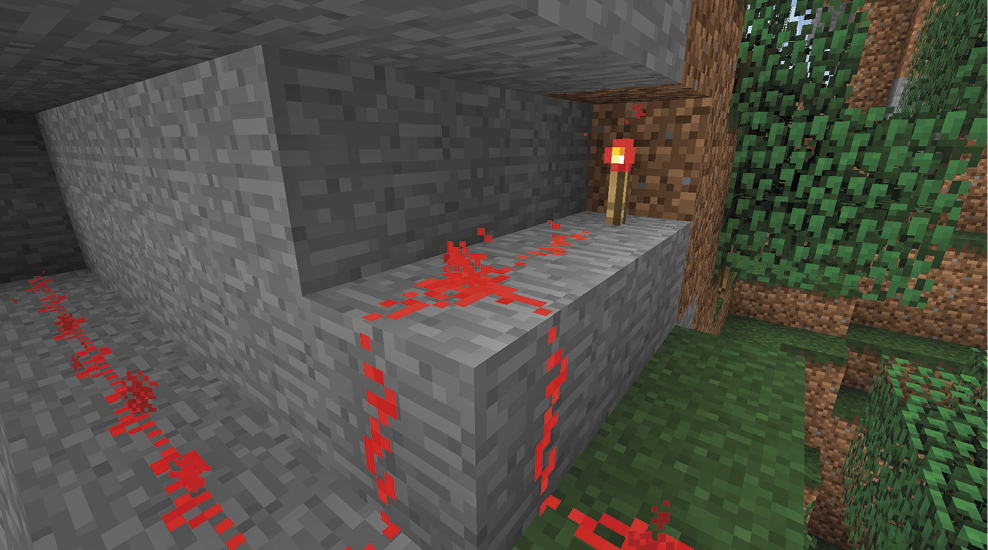
Create a trail of dust that goes where you need it to go, and make sure you don’t shift the height of your trail more than one block at a time. Redstone Dust stops sending power if its elevation changes more abruptly than that. It also fails if you shift the trail up or down one block and don’t leave either air or Glass in between. Trying to send the trail up and under another heavy block doesn’t work.
When power is continuous along a line of dust, the material turns bright red instead of dark red. This lets you see how well power is flowing along your lines. If the energy isn’t going far enough, add additional sources of energy, such as a Redstone Torch.
Redstone Machinery
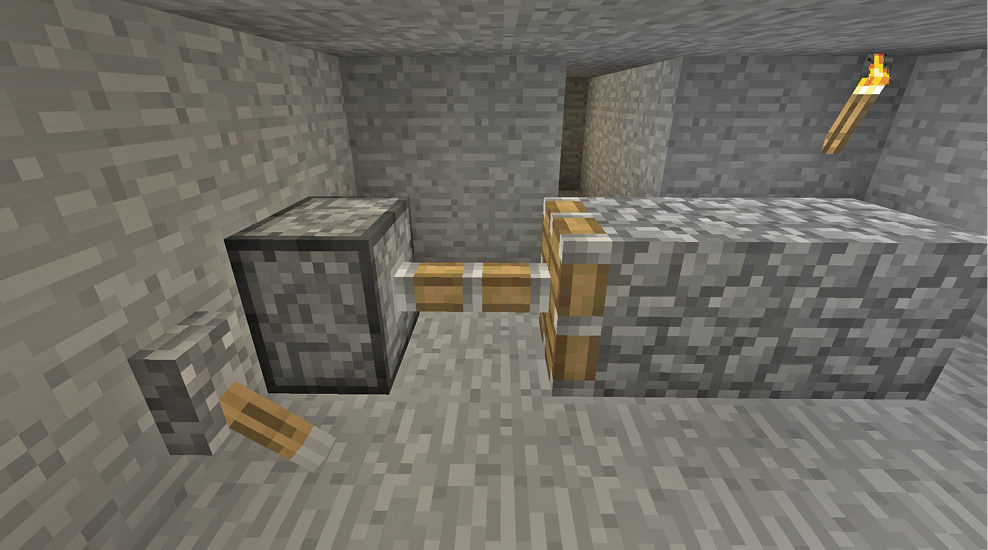
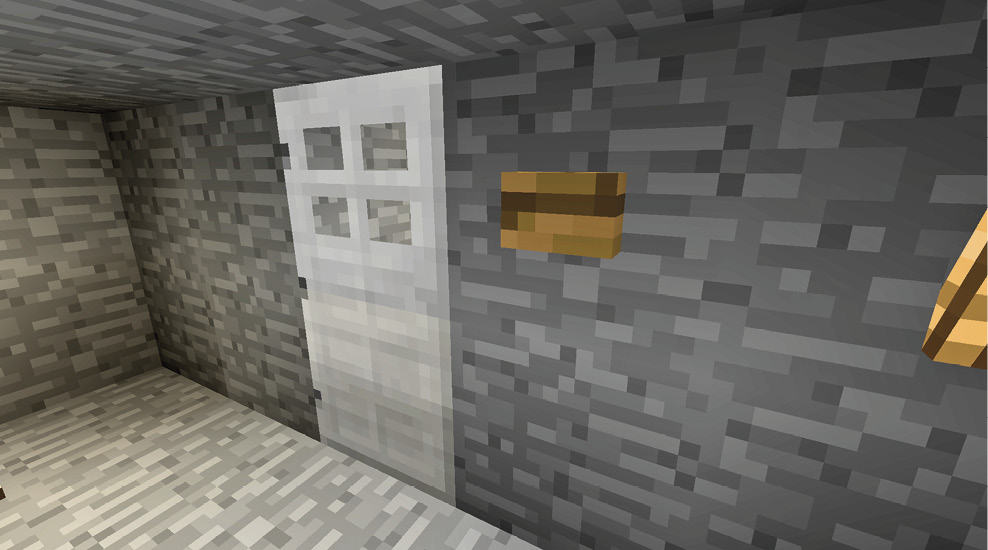
Now things get a bit more complex. You know that Redstone can carry energy around, but what does that actually do? A good question! The energy from these signals lets you operate a range of mechanisms in the game, providing automation for farms, traps, transportation, and more. It’s hard to get a handle on all of this when you first start Minecraft. In fact, this presents a steeper skill/learning curve than almost anything else in the game. Don’t try to master this right away. Take your time, dabble in Redstone, and figure it out as you go.
When you’re starting out, don’t be afraid to look at other people’s machines for inspiration. See how they did what they did. Most people need to see a few machines set up in the game before they start to understand Redstone’s use and potential.
Having said that, let’s move forward. We’ll keep this as simple as possible. Let’s start by breaking down the major parts of a potential machine.
Pieces of a Machine
- Power: some device needs to provide power for your machine
- Transmission: the power needs to be sent from its source to somewhere else of your choosing
- Mechanism: this device needs to receive power and use it to accomplish your goal
Items that Produce Power
Power is produced by a wide range of items.
| Item | How to Activate It | Power Produced |
|---|---|---|
|
Button |
Interact with it or use a Bow to shoot it. |
Activate nearby dust/components for 1.5 seconds when touched, or one minute if shot by a Bow. |
|
Daylight Sensor |
Turns on during the day and off at night; the opposite is true if used below ground. |
Adds more power as the day/night progresses. |
|
Detector Rail |
Adds power when a Minecart is detected nearby. |
Powers itself and adjacent blocks. |
|
Lever |
Produces power when turned on. |
Power remains on as long as the Lever is not turned off. |
|
Pressure Plate |
Provides power when touched; Wood Pressure Plates can be shot with Arrows to produce power. |
Powers the block underneath it; any trails/components next to either the plate or the block below are activated. |
|
Redstone Block |
Always on. |
Strong power for all nearby components. |
|
Redstone Torch |
Provides continuous power unless it receives power from another source—this turns it off. |
Powers adjacent blocks but not the block to which it is attached. |
|
Trapped Chest |
Provides power when someone opens the Chest. |
The Trapped Chest and the block underneath it power adjacent dust/mechanisms. |
|
Tripwire Hook |
Turns on if the wires are damaged or crossed. |
The hook and the block it’s placed on produce power. |
|
Weighted Pressure Plate |
Adds increasing power based on how many objects are on top of it. |
The plate and the block it’s placed on produce power. |
How to Transmit Power
Power sources add energy to adjacent blocks, which is sometimes all you need. Add a mechanism next to a power source, and you’re good to go. However, power transmission is wonderful if you need to make something happen several blocks (or more) away from the power source. The following three items let you send power this way.
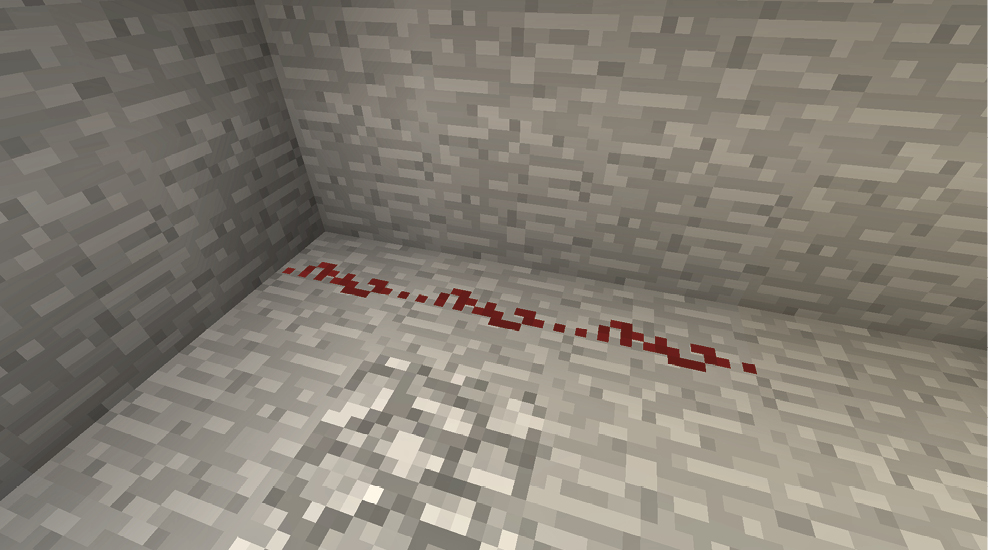
Redstone Dust
This is the most basic way to send a Redstone signal along a short length of blocks. The power goes as far as the strength of the original signal. This means that a strong power source can send power 15 blocks away; a source with less power can transmit power only a portion of that distance. For example, a Daylight Sensor will send its signal farther as the day goes on and the sun rises higher in the sky.
Create a simple test to observe this. Make a Daylight Sensor with a trail of Redstone Dust that leads 15 blocks away from it. Watch the line of dust turn bright red across a greater distance as the day progresses—pretty neat!
Redstone Repeater
Sometimes, you may want to send a signal along a greater distance than 15 blocks. Redstone Repeaters let you strengthen a signal in a single direction. Place your line of Redstone Dust so that it leads up to the rear of the Redstone Repeater and then continues out its front side.
This strengthens your signal and allows it to reach greater distances. If you want, add more Repeaters so the signal continues toward any destination. There’s a short delay in this process, but that’s good too. Redstone Repeaters are often used as a way to slow down a signal so that it doesn’t get to its final mechanism too quickly.
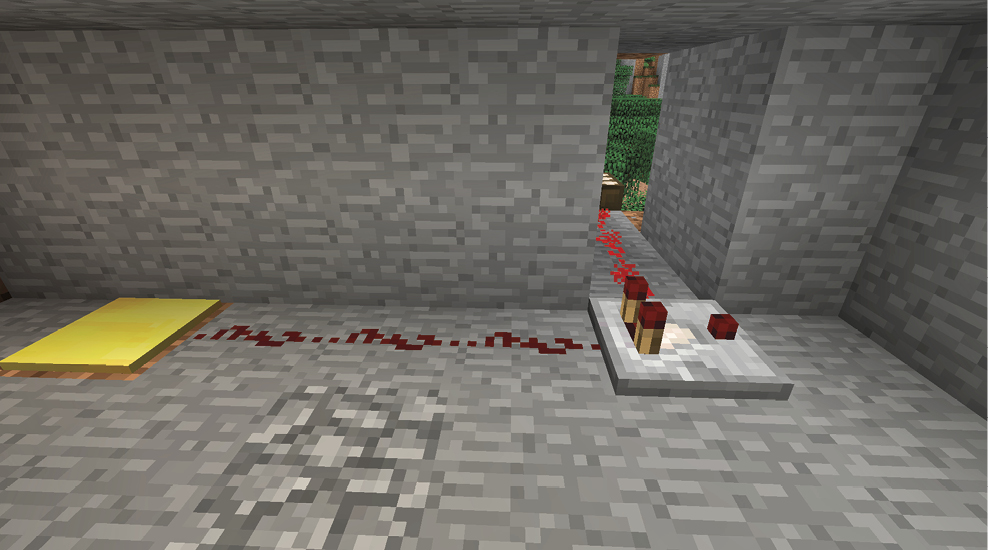
Redstone Comparator
Comparators are the most complex way of transmitting power. Like Repeaters, they have a front and a back, but they don’t reinforce the signal. Instead, they have two modes: Comparison Mode and Subtraction Mode.
Comparators send their signals from back to front, and they output a signal that’s equal in strength to the signal they receive. Thus, a trail of activated Redstone Dust that would normally travel five more blocks can enter the back of this device and exit the front to power five more blocks of dust. You might be thinking, “That doesn’t seem to do anything important at all.” Well, not yet.
The Comparator comes into play when there are signals coming into the back and the side of the device. This changes its output. In Comparison Mode, the signal is shut down if the value of the side signal is stronger than the one entering the rear. Thus, Comparison Mode gives you a way to shut down machines based on a separate circuit.
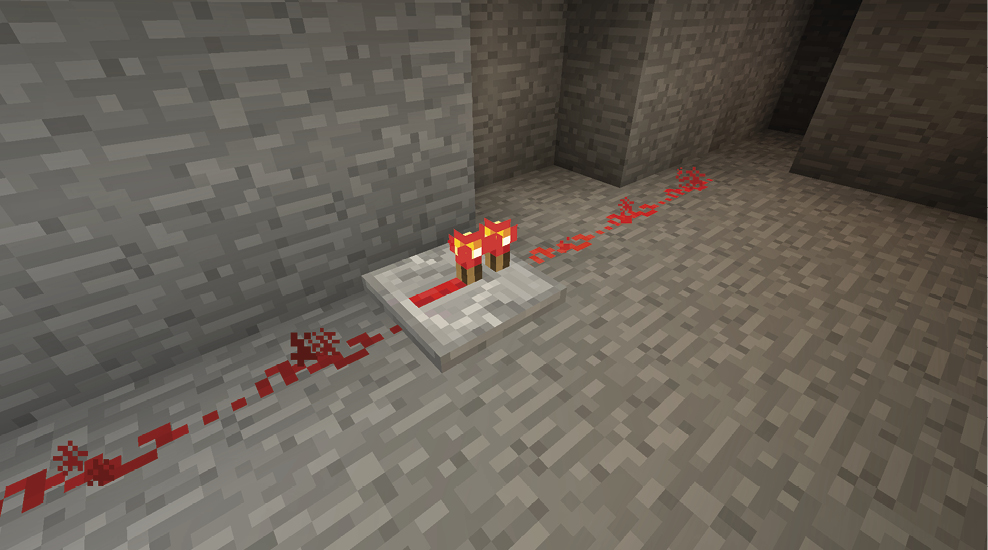
Subtraction Mode reduces the signal strength of the main line by the strength of the signal entering the side of the comparator.
Mechanisms
At the end of your signal, place a mechanism of some sort to use the power you’re sending. Mechanisms can accomplish a wide range of tasks.
| Mechanism | Effect |
|---|---|
|
Activator Rail |
Triggers Minecarts that pass over it, detonating TNT, executing Command blocks, or silencing Hoppers. |
|
Command Block |
Power causes the block to execute its command a single time. |
|
Dispenser |
Shoots one item from a random slot. |
|
Door |
Toggles between open and closed. |
|
Dropper |
Drops one item from a random slot in its inventory. |
|
Fence Gate |
Toggles between open and closed. |
|
Hopper |
Power stops Hoppers from pulling items into themselves. |
|
Note Block |
Creates sound. |
|
Piston |
Pushes the block in front of the Piston (and up to 12 total blocks beyond that). |
|
Powered Rail |
Speeds Minecarts. |
|
Rail |
Toggles junctions. |
|
Redstone Lamp |
Creates powerful light. |
|
TNT |
Begins the detonation sequence for the block of TNT. |
|
Trapdoor |
Toggles the position of the Trapdoor. |
What to Make
Even though we just explained Redstone functionality, this barely scratches the surface. None of this information really means anything until you start to build your own devices.
Following are some simple ideas to get you started with Redstone.
Heavy Doors
Iron Doors keep out monsters on any difficulty, no matter how many of them there are. They don’t even try to pound their way through. Use six Iron Ingots to craft a Door, and use power to open and close it. On the inside of your house, a Pressure Plate in front of the Door works perfectly for easy escape. On the outside, you don’t want that because monsters might walk right in.
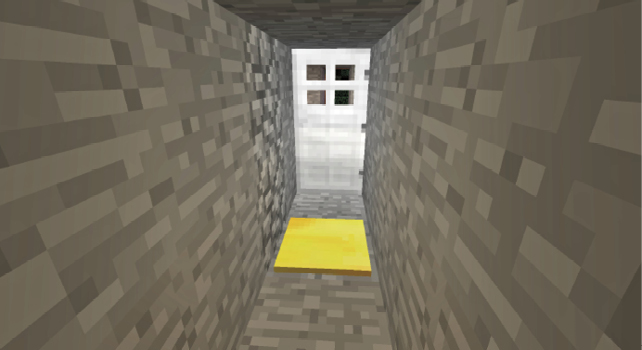
Instead, use a Button outside your Door. Neither of these items leaves the power on continuously, so your Door closes as soon as you move away or wait too long.
Fast Minecarts
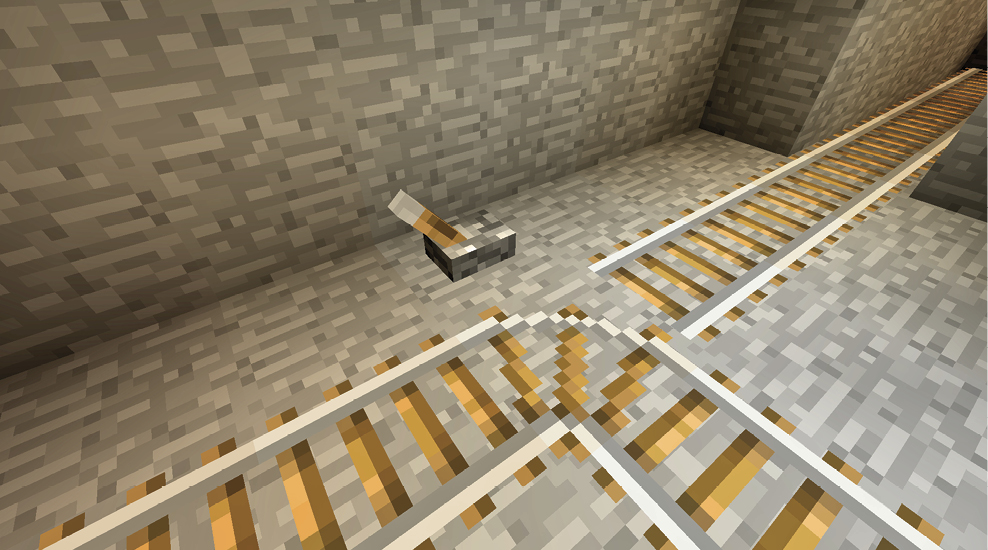
Place Powered Rails over long stretches so your Minecarts can travel across great distances. You can climb large inclines as well, making it easier to travel up and down from your mines without wasting time.
Easy Pits
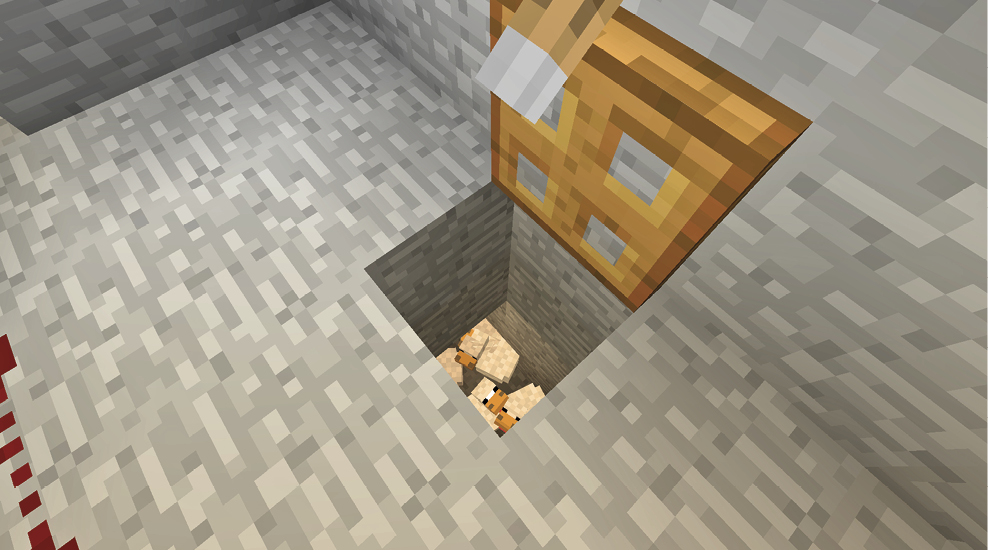
Dig a pit near the front of your house and place a Trapdoor over it. On the inside of the house, place a Lever on a block that’s adjacent to the Trapdoor. When you use the Lever as a power source, the block it’s attached to gains power. This, in turn, transmits to the Trapdoor and activates it. You can now drop creatures into a pit from the safety of your home. If anyone you don’t like comes up to your house, drop them into the pit. A deadly fall should do the trick nicely, but Lava and other fun toys work just as well.
Night-Lights
Redstone Lamps, Redstone Torches, and Daylight Sensors let you craft lighting that turns on only when the light level falls to a certain point. Put the Redstone Lamps and the Redstone Torches next to each other, so they’re turned on by default. Then place a line of Redstone Dust that leads to the blocks underneath the Redstone Torches. Connect this to your Daylight Sensors. When there’s enough light during the day, they’ll provide power to the dust and turn off the Redstone Torches. As night falls, they’ll lose power and the Redstone Torches will begin powering the Redstone Lamps again. This is an example of an inverter (i.e., using Redstone Torches to turn off a signal rather than turn it on).
The same technique lets you close Doors and Fence Gates in the evening, to prevent monsters from coming into your areas.