
Star Wars The Force Unleashed 2 Guide Essentials Welcome to the Wii
Controls
Since many of you are returning to the world of Star Wars: The Force Unleashed, we’re going to keep the basics brief. For advanced combat tactics, skip to the “Becoming Starkiller” chapter. If you’re new to the Star Wars: The Force Unleashed, make the most of the following pages.
Basic Movement
Walking and Running
| Action | Command |
|---|---|
| Walk | Press The Stick lightly |
| Run | Press The Stick firmly |
|
|
|
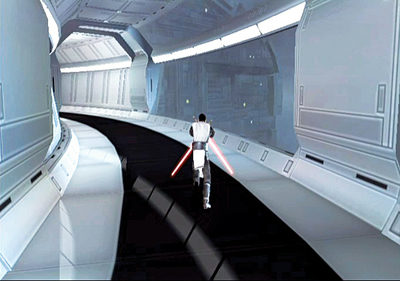
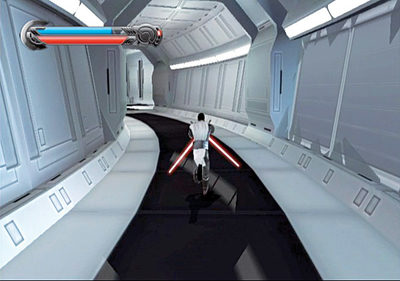
Movement is simple. Simply press the movement Control Stick in the direction you want to go. To walk, press it lightly. To run, press it firmly. The main difference between walking and running (aside from getting to your destination more quickly when running) is that walking allows you to deflect blaster fire more efficiently while blocking.
Jump and Double-jump
| Action | Command |
|---|---|
| Jump | B |
| Double-jump |
B, B
|
|
|
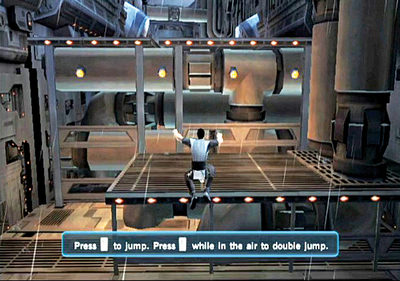
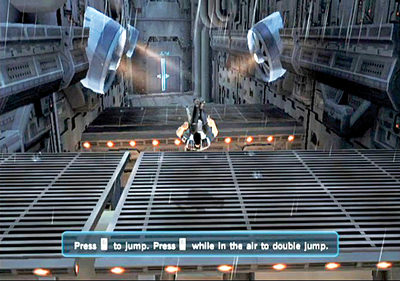
Jumping and double-jumping is a basic skill that often plays a very necessary role throughout your adventure. While navigating platforms, be careful not to double-jump past your target. Usually you can time the second jump in your double-jump so that you can reach landing targets near or far. Practice this ability frequently so you don’t die needlessly down the line.
In battle, use your jumping ability to get a better vantage point on your enemies. Leap over their heads and come down on them with devastating attacks.
Lightsaber Block
| Action | Command |
|---|---|
| Lightsaber Block | Tilt the Wii Remote sideways |
|
|
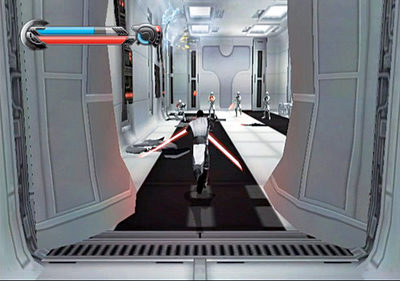
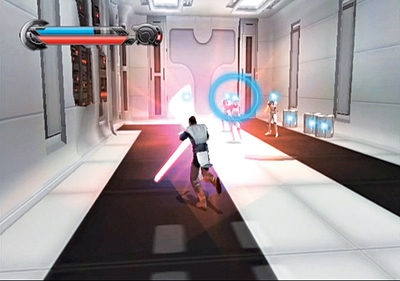
Just because you’re now an ultrapowerful clone strong in the ways of the Force doesn’t mean you can rampage through everything. You must still block enemy attacks! By blocking, you can deflect enemy blaster fire as well as handheld weapon attacks. Keep your Wii Remote tilted sideways as you run and you’ll constantly have a defensive posture when entering new areas.
Camera Control
| Action | Command |
|---|---|
| Look left and right | + and -, respectively |
| Center camera |
Tap C
|
|
|
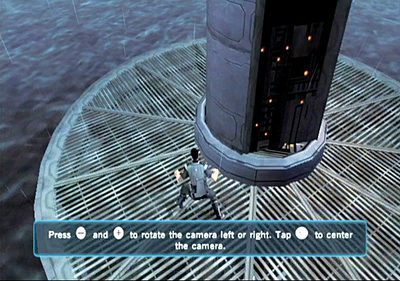
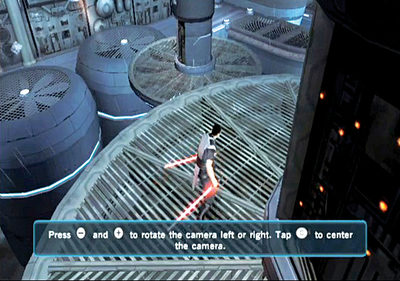
Camera control is essential for navigating the complicated locales you’ll traverse. Move the camera around to get a better view of the area around you. You can use this to spot hidden holocrons and items and to look around corners. When paired with Force Vision, you can see things you normally wouldn’t with the naked eye!
Focus the Force
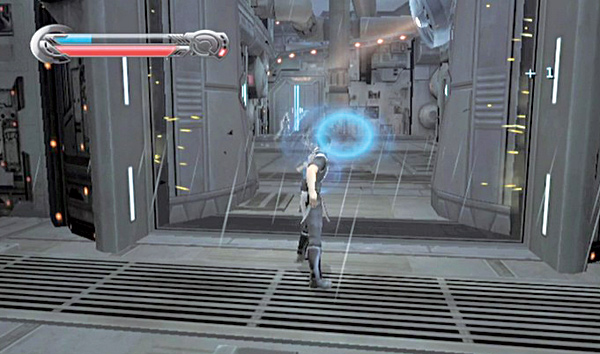
Whenever you want to focus your Force powers more accurately, bring up the aiming reticle by pointing the Wii Remote at the screen. This will make a blue circle reticle appear on the screen. Aim the reticle at the desired target and execute your Force power, be it Force Push, Force Lightning, or Force Grip.
This aiming reticle is extremely useful in blasting through doors, hitting specific enemies in a group, grabbing platforms, and lighting up switches.
Force Powers
You have the same Force powers as the original Starkiller. In fact, you even have Force powers that he didn't! Read on to learn more about all of your Force powers and how to use them effectively.
Force Dash
| Action | Command |
|---|---|
| Dash |
Down on D-pad
|
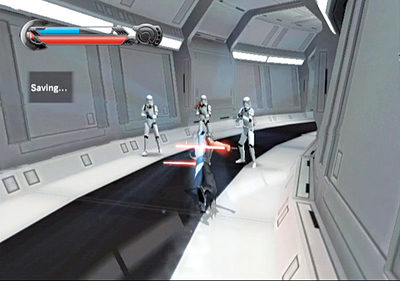
Force Dash isn't a typical attack. In fact, it doesn't have to be used as an attack; it's a very handy way of covering a lot of distance in a little bit of time. However, you can also use Force Dash to barrel through small groups of enemies!
Force Lightning
| Action | Command |
|---|---|
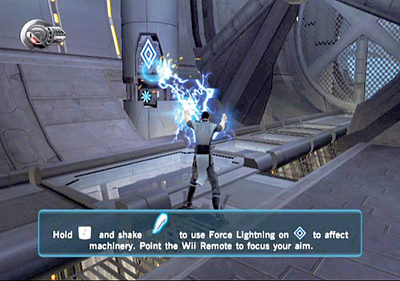
| Force Lightning | Hold Z and shake the Nunchuk |
|
|
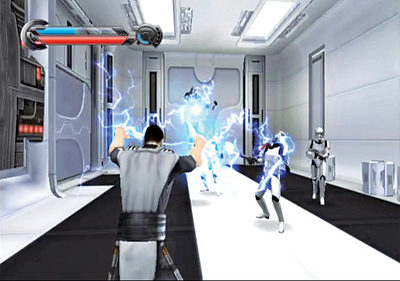
This is one of your most powerful Force powers. At lower levels, it can stun most enemies and electrocute weaker stormtroopers. When upgraded, it can bring down even large war droids with sustained Lightning blasts.
Force Push
| Action | Command |
|---|---|
| Force Push | Shake the Nunchuk |
|
|
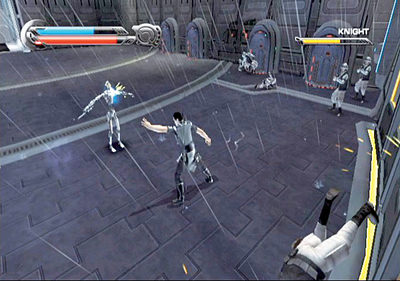
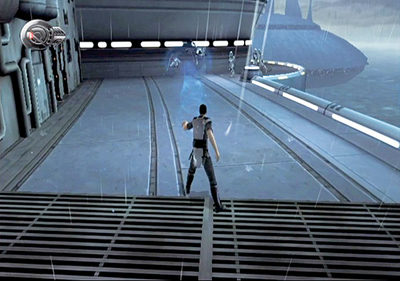
Force Push is one of the most effective powers against all enemies. Use it to bully enemies around and shove them off ledges and high platforms. You can also add Force Push to the end of saber combos to blast enemies away. Force Push is necessary for bringing down large obstacles, blowing down doors, and moving objects out of the way quickly.
Force Grip
| Action | Command |
|---|---|
| Force Grip |
Press and hold C
|
| Move gripped object | The Stick or move the Wii Remote |
| Throw | Hold C, move object toward target, then release |
|
|
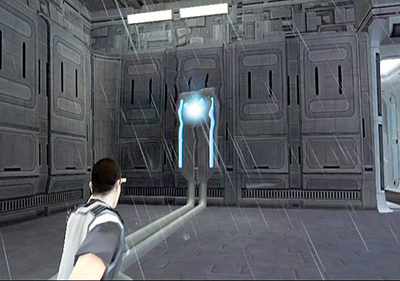
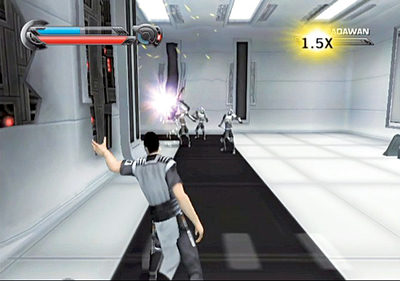
Very few enemies have a suitable defense against Force Grip. Once they're in your grip, they are helpless and at your mercy. Enemies and items can be moved around or even tossed aside.
Force Grip is also useful in moving objects, opening doors, and tearing away war droids' shields. Force Grip enemies and hurl them over ledges or into lethal objects such as flame jets, fans, and explosive objects.
Saber Throw
| Action | Command |
|---|---|
| Saber Throw | Hold Z, then thrust the Wii Remote |
|
|
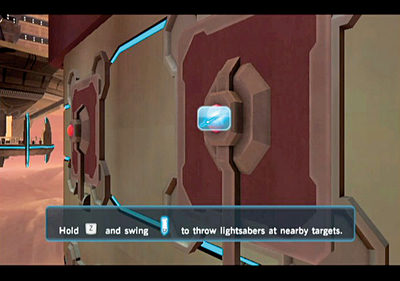
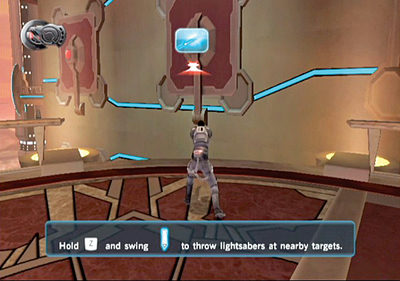
Saber Throw is a great power that can dish out decent damage from afar. Many enemies, like war droids, are far too dangerous to take on hand-to-hand. When in combat with these large clunkers, keep your distance and use Saber Throw to slice them from afar. Saber Throw is a great ranged attack, but keep in mind that while your lightsabers are in the air, you'll be defenseless to blaster fire and other enemy attacks. You can also use Saber Throw to solve environmental puzzles and chop down structures.
Force Repulse
| Action | Command |
|---|---|
| Repulse | Hold Z and A, then shake both |
|
|
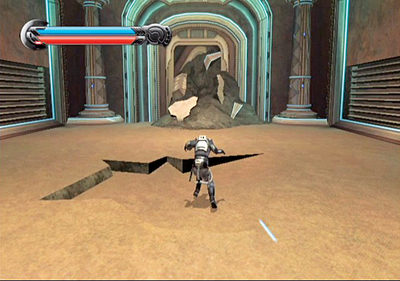
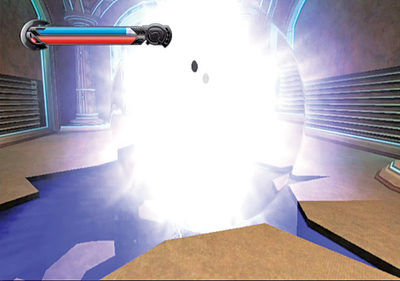
Force Repulse isn't just another Force attack; you can also use it as a defensive maneuver against enemies. Charge Force Repulse to gather your Force Energy around you like a bubble, then release it to cause a Force explosion that radiates 360 degrees around you. While it may not immediately destroy most enemies (though it is very effective against lower-level enemies like terror spider droids), it is very useful in repelling foes as they surround you.
Mind Trick
| Action | Command |
|---|---|
| Mind Trick |
Aim the Wii Remote, then press Left on the D-pad
|
|
|
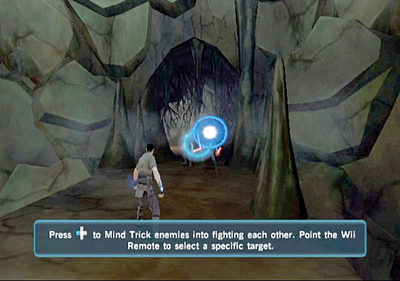
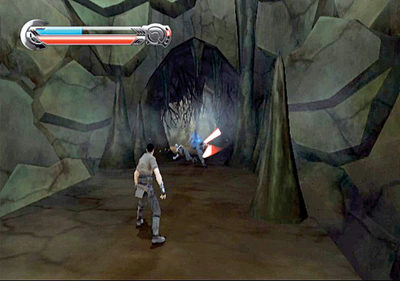
Mind Trick is one of your sneakiest skills. With it you can eliminate enemies without ever swinging your lightsaber! Mind Trick allows you to fool your enemies into thinking what you what them to think.
You can convince enemies to turn on their comrades, making them temporary allies! This skill is especially useful when facing several different types of enemies at once. Use it to turn a few strong enemies on weaker ones, or use it to turn many weak enemies on a few stronger ones.
Force Vision
| Action | Command |
|---|---|
| Force Vision |
Press Up on the D-pad
|
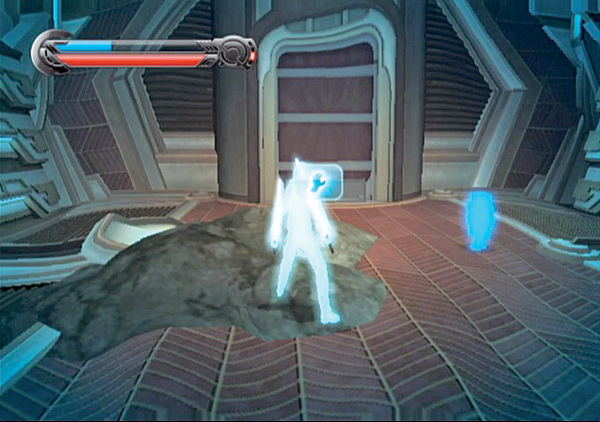
A Jedi doesn't need eyes to see; Master Kota is living proof of that. He relies on the Force to guide him. Like Kota, you can activate your Force Vision to allow you to see things that otherwise would not be visible to you.
Once this skill is active, enemies and grippable objects are highlighted in bright blue. However, your Force Energy slowly dwindles while your Force Vision is active, so keep an eye on it. If you use other Force powers while Force Vision is active, your energy will deplete even quicker.