
Star Wars The Force Unleashed 2 Guide Essentials A Fresh Start
Controls
Just because you’re Starkiller’s clone doesn’t mean that everything will come easy to you. Even Starkiller struggled to get a grip on his powers at first. This chapter will show you how to take control of your own destiny.
Controls
Heads-up Display (HUD)
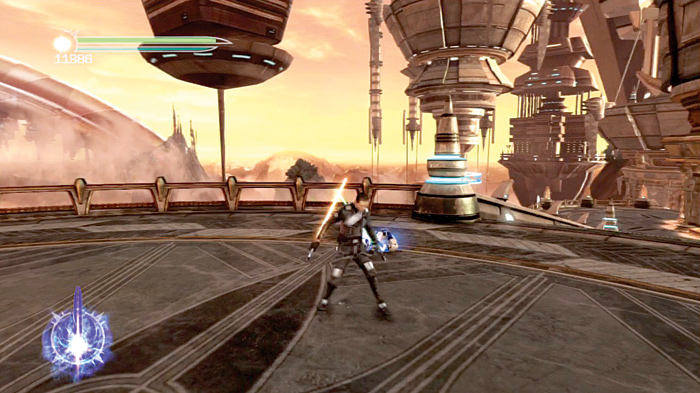
Health bar: This displays your current health. Don’t allow it to deplete completely or you’ll join the Force...permanently.
Force Energy meter: This displays how much Force Energy you currently have. You use Force Energy to execute Force attacks. Once depleted, the Force Energy replenishes on its own.
Force points counter: This shows you how many Force points you gain by defeating enemies. The more creatively you dispatch your foes, the more you build up your Force points multiplier.
Force Fury meter: This meter fills up over time as you combat enemies. Once it’s full, you can unleash your Force Fury.
Basic Movement
Walking and Running
| Action | Xbox 360 | PS3 |
|---|---|---|
| Walk | Press L lightly | Press left thumbstick lightly |
| Run | Press L firmly | press left thumbstick firmly |
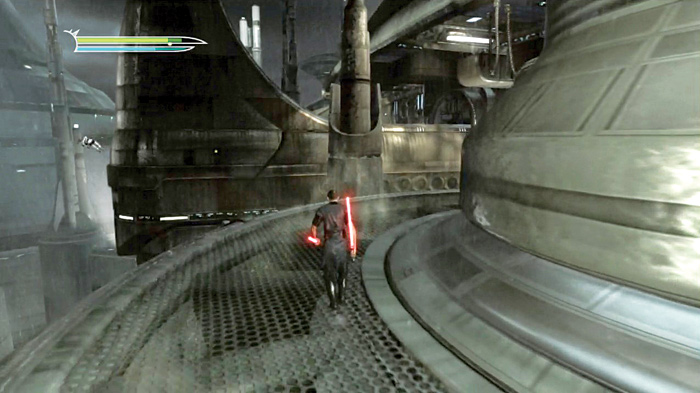
Movement is simple. Simply press the movement thumbstick in the direction you want to go. To walk, press it lightly. To run, press it firmly. The main difference between walking and running (besides getting to your destination more quickly when running) is that walking allows you to deflect blaster fire more efficiently.
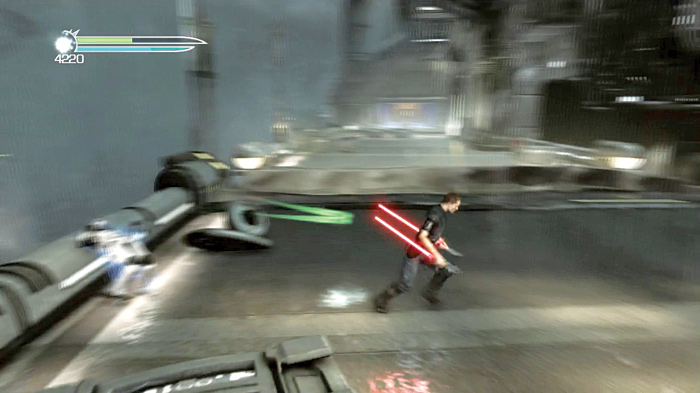
Jump and Double-Jump
| Action | Xbox 360 | PS3 |
|---|---|---|
| Jump | A | X |
| Double-Jump | A,A | X,X |
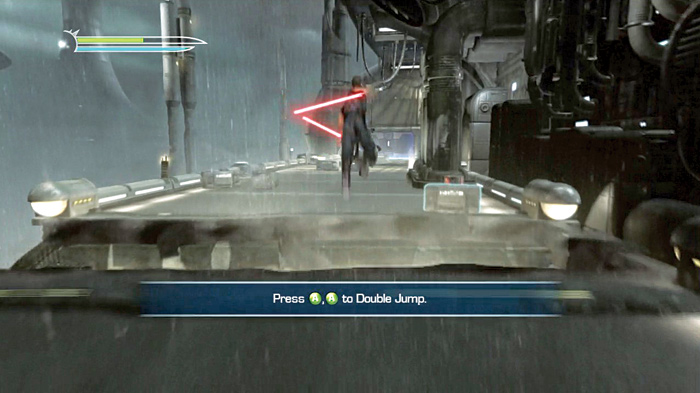
Jumping and double-jumping are basic skills that you will use often throughout your adventure. While navigating platforms, be careful not to double-jump past your target. You can usually time the second jump in your double-jump so that you can reach landing targets near or far. Practice this ability frequently so you don’t wipe yourself out down the line.
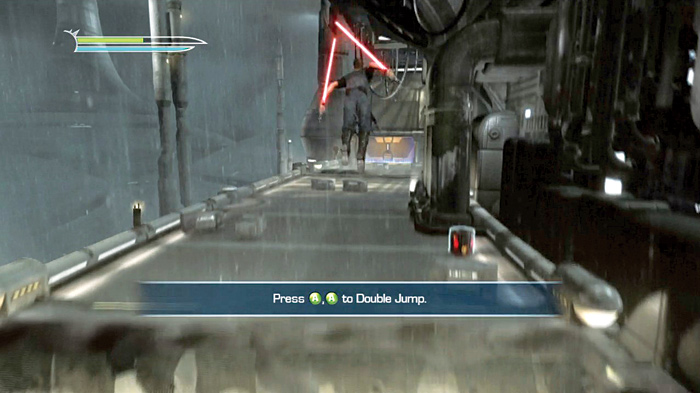
In battle, use your jumping ability to get a better vantage point on your enemies. Leap over their heads and come down on them with devastating attacks.
Lightsaber Block
| Action | Xbox 360 | PS3 |
|---|---|---|
| Lightsaber Block | LT | L2 |
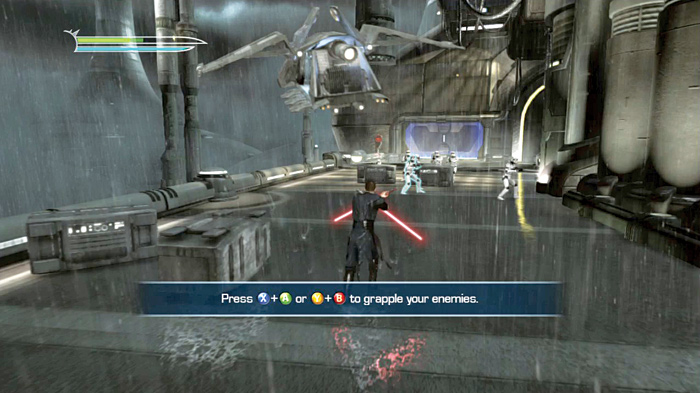
Just because you’re now an ultrapowerful clone strong in the ways of the Force doesn’t mean you can rampage through everything. You must still block enemy attacks!
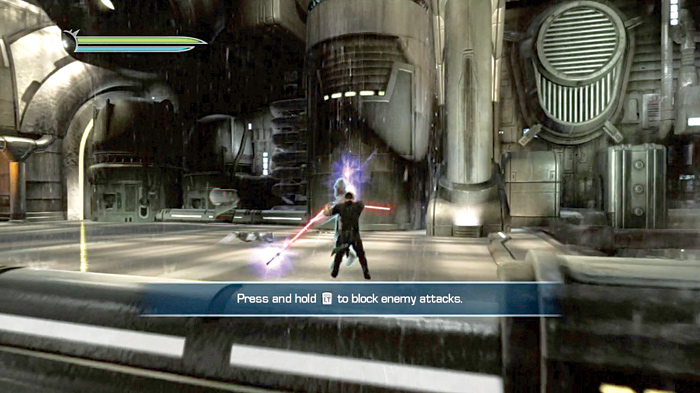
Blocking allows you to deflect enemy blaster fire as well as hand-weapon attacks. While engaged in weapon combat, time your blocks properly to execute a quick counterattack that temporarily knocks your enemy back!
Lock On
| Action | Xbox 360 | PS3 |
|---|---|---|
| Lock On | Press and hold RB | Press and hold R1 |
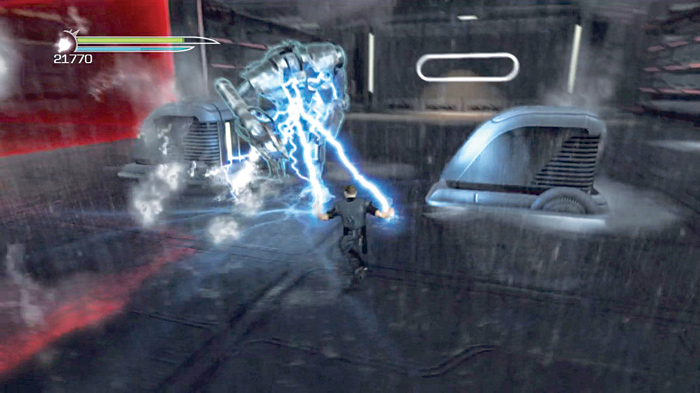
Lock On is a helpful ability in combat. Use it when you’re trying to focus on only one enemy, such as a war droid or a boss. If you attempt to use this on groups of foes, you may end up targeting the wrong enemy.
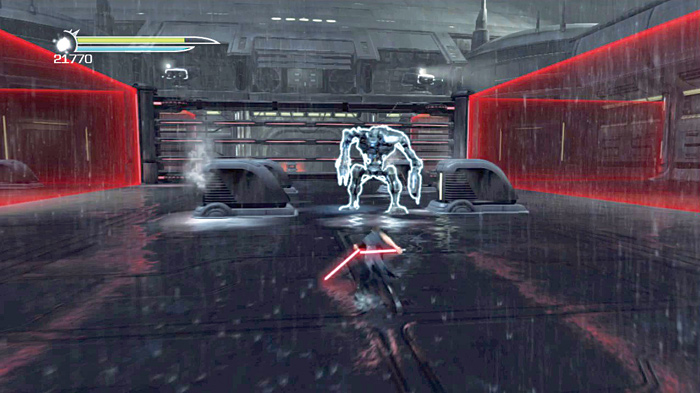
Your movement will also be altered while locked on to an enemy: You will no longer move in a straight line, but rather will strafe left and right around your target. This also applies to dashing left and right while locked on.
Camera Control
| Action | Xbox 360 | PS3 |
|---|---|---|
| Look around | R | Right thumbstick |
| Center camera | Click R | Click right thumbstick |
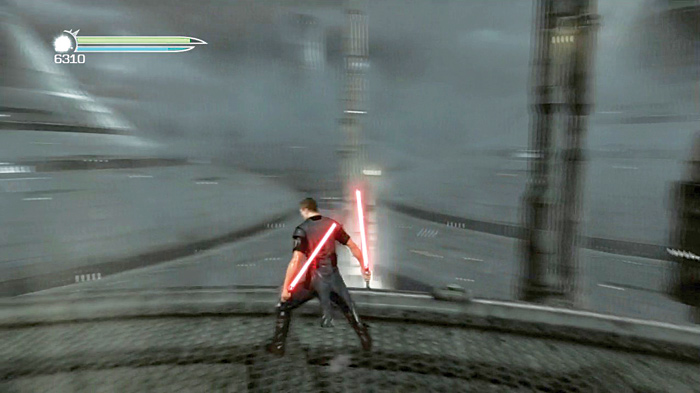
Camera control is essential for navigating the complicated locales you’ll traverse. Move the camera around to get a better view of your area.
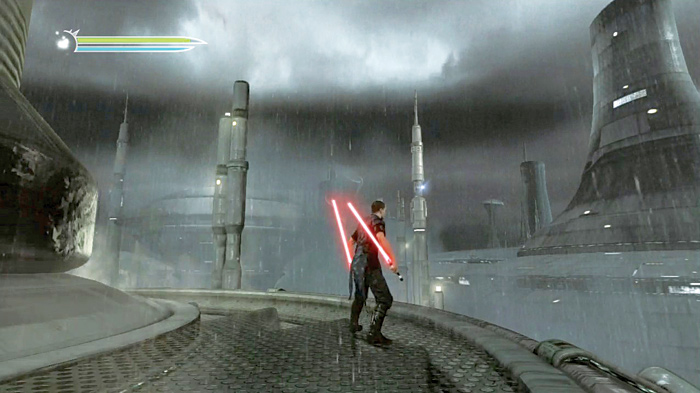
You can use this to spot hidden holocrons, look around corners, and peer below you while standing on high platforms.