
WWE 13 Guide Essentials WWE Universe 3.0
Custom Entrance
Creating a custom entrance allows you to select the animations, what’s playing in the background, and the music your Superstar rocks.
Assign Move-Sets
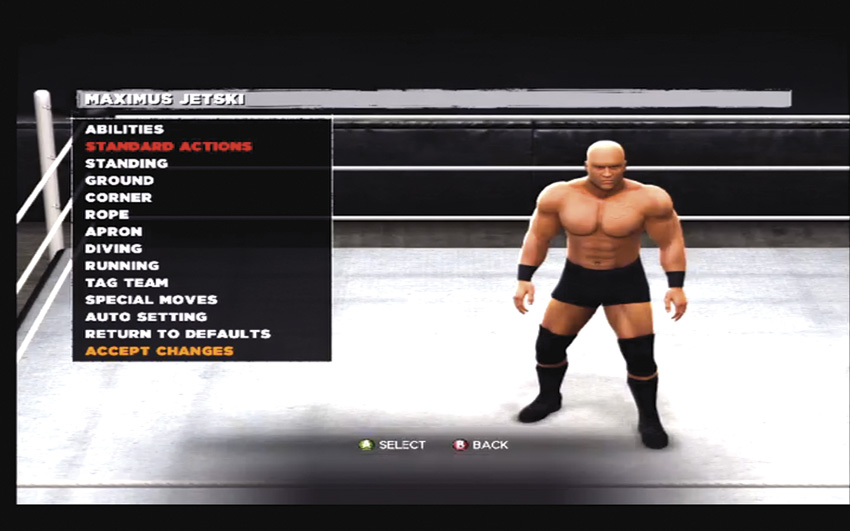
This menu plays host to countless moves, and you have over 160 moves to assign. Decide everything from how you climb onto the apron and into the ring to which running attacks you use on opponents outside the ring. This is also where you can choose Abilities, Signature Moves, and Finishers.
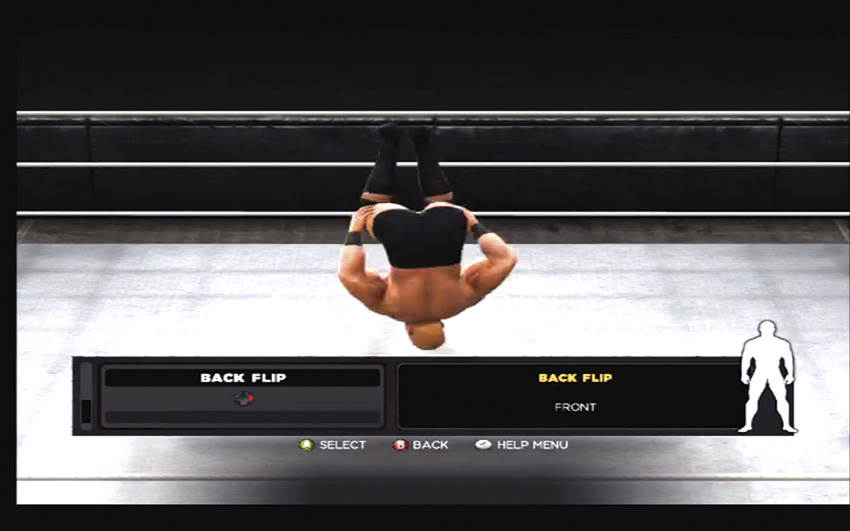
Take your time sorting through the taunts. Back flip?! Yeah!
Moves
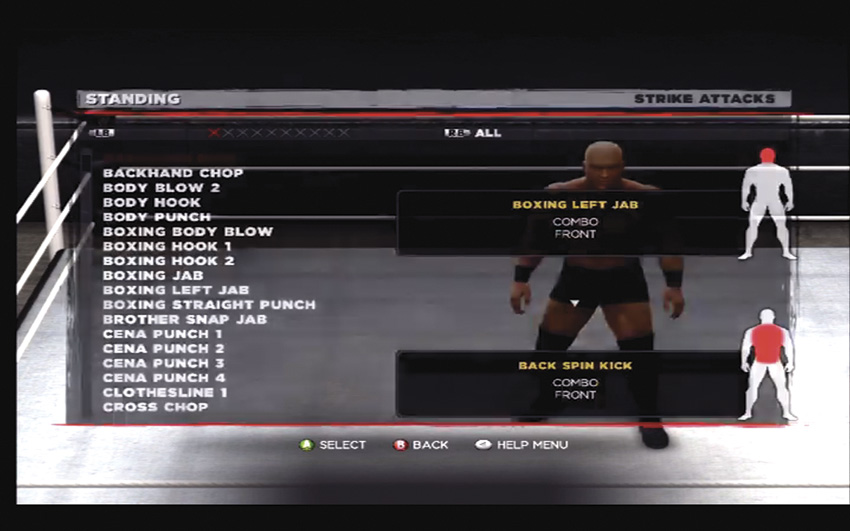
Scroll through the available strikes and throws, and assign them to button presses. Take note of the body diagram on the bottom-right of the screen to see what part of your opponent’s body the move will damage.
Create Your Story
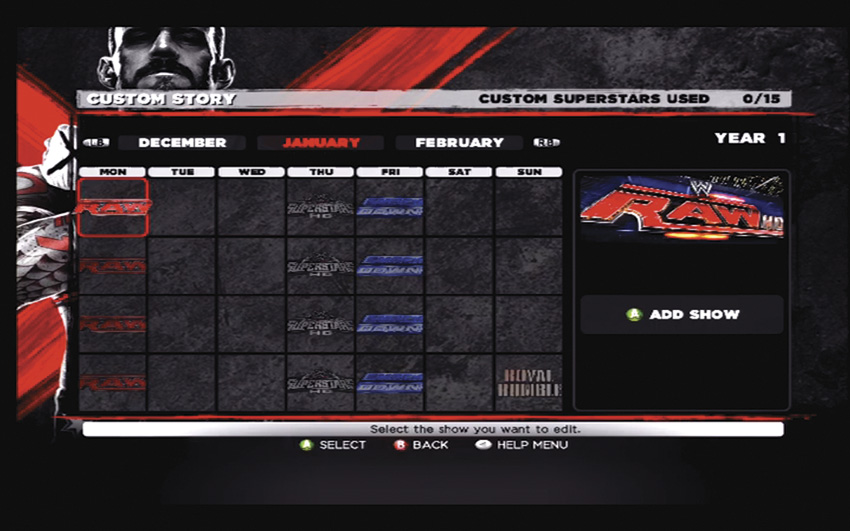
Use the calendar.
Create a Story and share it online. The creation process begins with the monthly calendar of shows and ends with a pay-per-view event. Create your linear or branching (which responds to match outcomes) storyline and move through the months.
Design an Arena
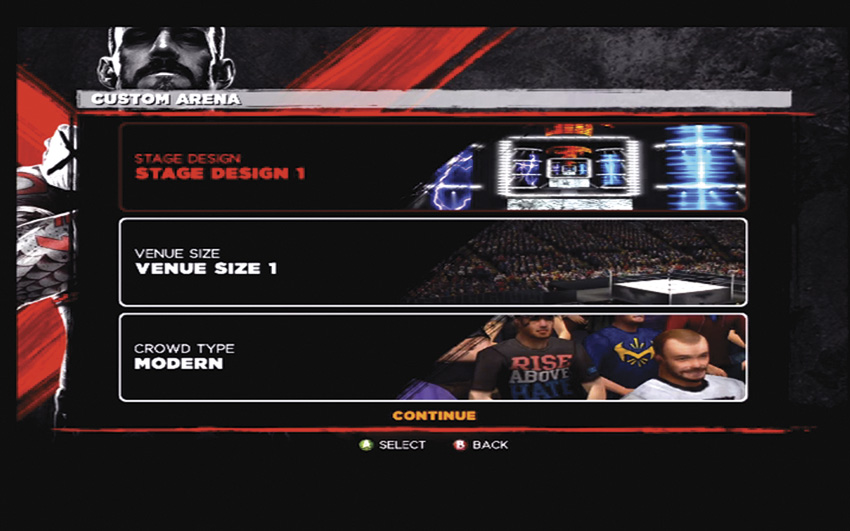
In the Create Arena editor, you can design ringside elements, the electronic billboard, and the ring itself—right down to tiny details like the turnbuckle pads. Just like the Superstar editor, you can manipulate all the template layers, customizing both color and design. Upload your Arena and share it with the world.
Paint a Logo
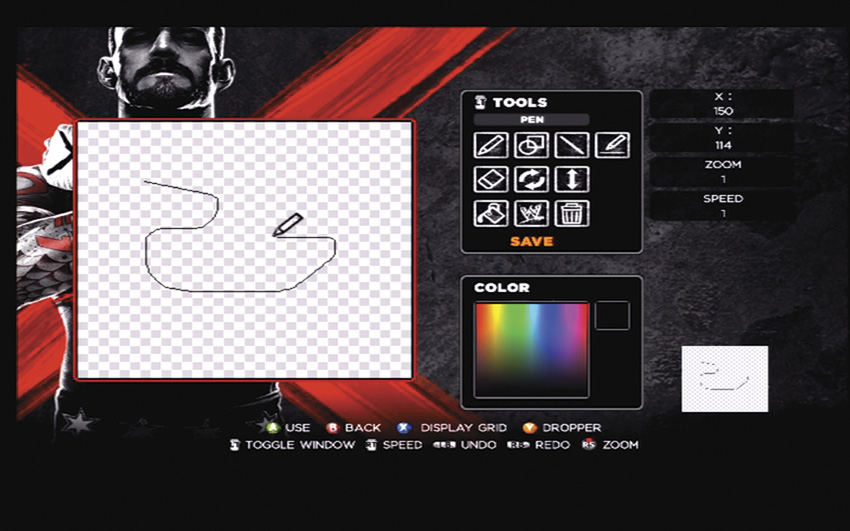
This is an retro-style pixel paint editor that allows you to make custom logos. Use the canvas and the design tools to design 128 × 128 or 256 × 256 pixel logos.
Make a Highlight Reel
In order to make a custom highlight reel, two things must occur. First, you will need to save highlight clips to your reel as they happen. Second, you will need to edit them together under “Creations”. When you save your highlights, you have the option to change the camera angle or move to a “free” camera mode that allows you to use the analog sticks to move the camera around. Save the clip to a save slot and it will be available when you go to create your highlight reel. Use the editor to add effects, graphics, and filters, as well as to trim video and add audio.