
WWE 13 Guide Essentials WWE Universe 3.0
Creations
The WWE franchise is known for bringing players into some of the most immersive creation modes in the video game marketplace. Not only can fans create unique and realistic Superstars like never before, but they can also get creative with the near-endless options for physical features and clothing.
Beyond appearances, players can also customize nearly every aspect of the game experience, including Superstar entrances, move-sets, and Finishers. You can craft and share (via online connection) original stories and custom arenas, and even browse other players’ creations online and add those to your collection.
Create A Superstar
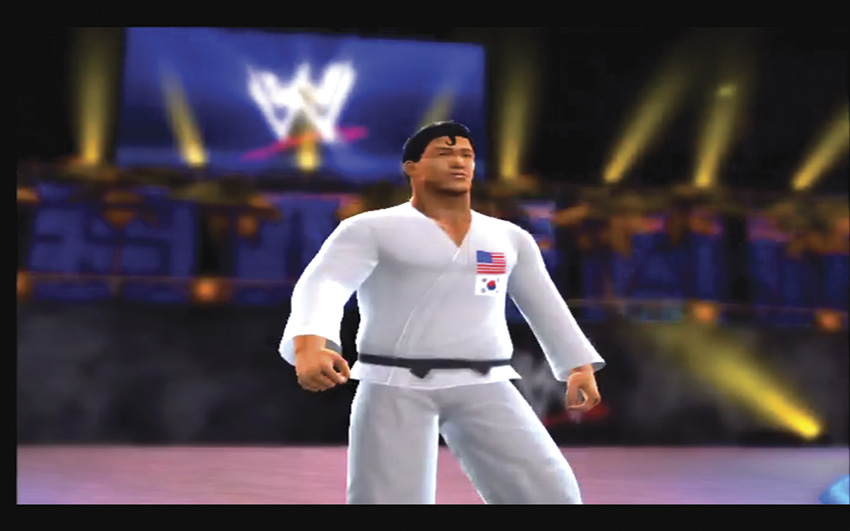
A redo of last year’s Superstar creation: “The American Ninja” Maximus Jetski! This time he gets a karate gi.
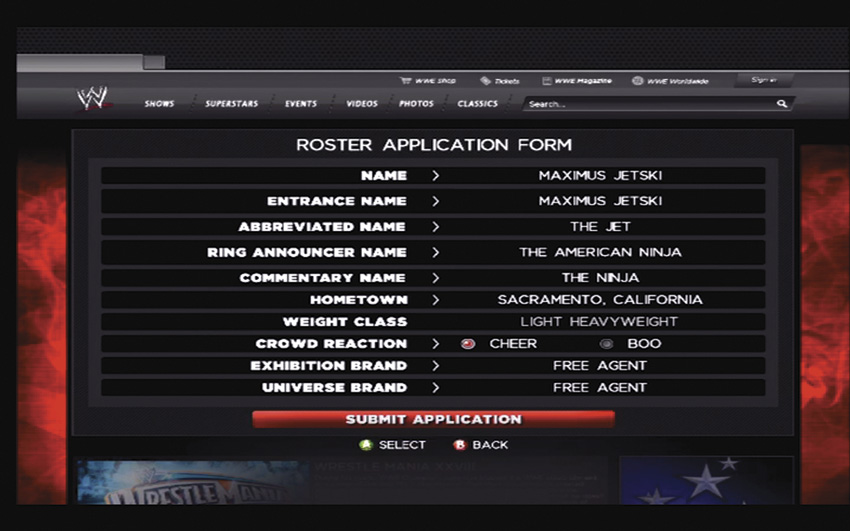
Maximus Jetski’s “Roster Application Form”. This saves your Superstar’s details.
Physical Appearance
The look of your Superstar can change in size, features, muscling, and attire. Each area can be adjusted using slider bars, allowing you to choose from subtle appearance changes to outrageous ones. You start with 48 points to spend, and each manipulation costs a certain number of points to complete. Keep a close eye on costs as you cycle through the options.
Head
Head, face, hair, marks, and scars can all be modified from the head menu. Cycle through the menu to see all of your options and get a feel for the depth of this creation tool.
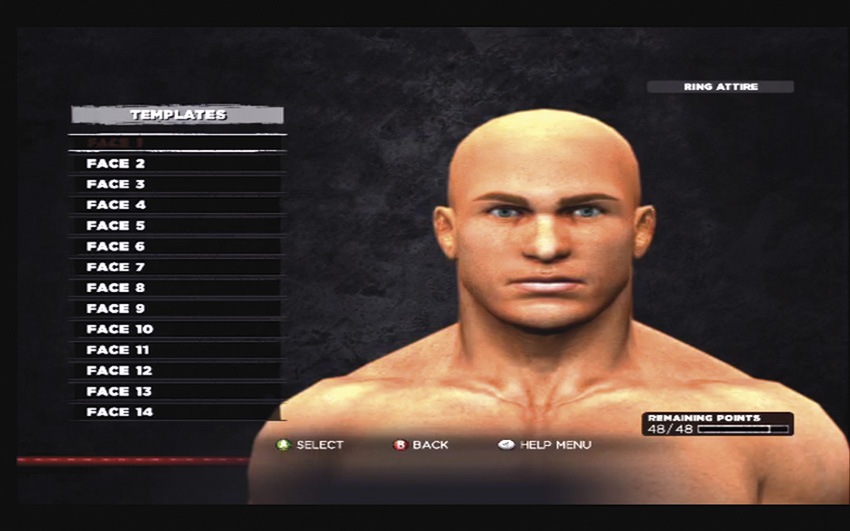
Face template and Age
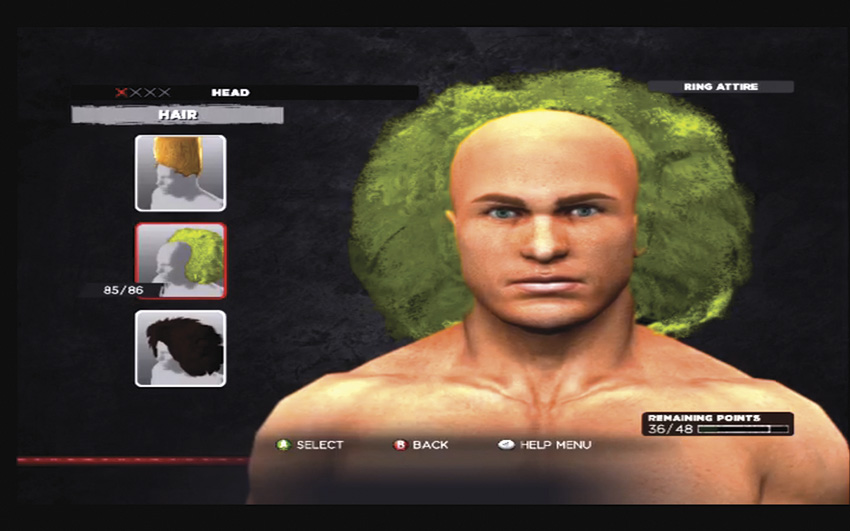
Hair
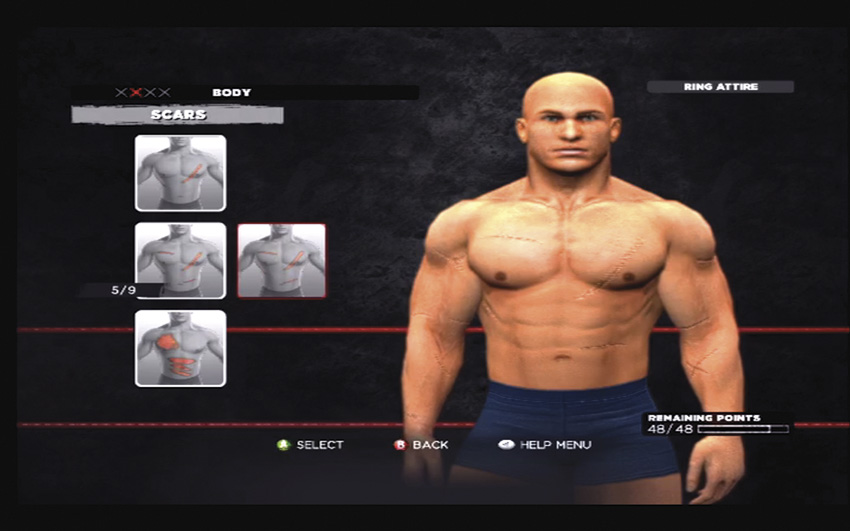
Marks and Scars
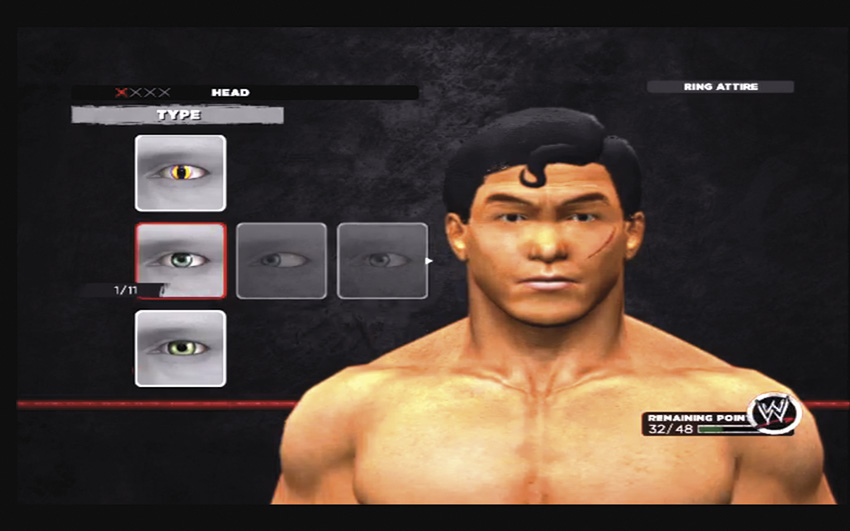
Eyes, Eyelashes, Eyebrows, Ears, Nose, and Mouth
Body: Height & Weight
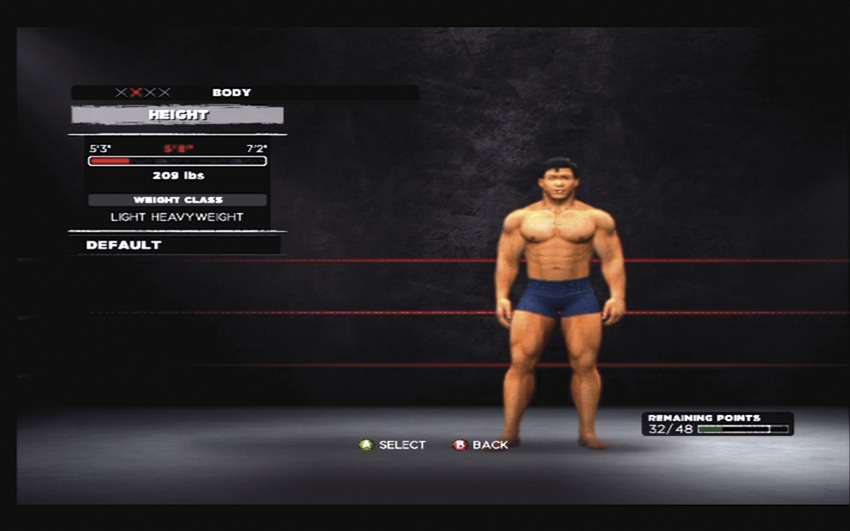
Here you can customize your height and weight. By choosing these stats, you also (by default) select your weight class. Different weight classes have certain attribute strengths in the ring. You’ll access the attribute sliders right before you finalize your Superstar, but take into consideration what kind of Superstar you want to create. Whether you choose to create a big bruiser like Big Show, or a high-flying luchador like Sin Cara, deciding on an appropriate weight class is important. Selecting a smaller weight class will limit your power, but will allow for a speedy and agile Superstar. Selecting one of the bigger weight classes will open up the best power and durability options for your Superstar, but they’ll be slower. The other attributes (Recovery, Charisma and Tag Team) can be maxed out.
Maximum Superstar and Diva Attribute Ratings By Weight Class
- HW -Heavyweight
- LHW -Light Heavyweight
- SHW -Super Heavyweight
- CW -Cruiserweight
- FW (D) -Featherweight (Diva)
| Weight Class | Strike Power | Grapple Power | Submission | Strike Defense | Grapple Defense | Speed | Jump | Agility | Adrenaline | Recovery | Toughness | Durability | Charisma | Tag Team | Overall |
|---|---|---|---|---|---|---|---|---|---|---|---|---|---|---|---|
| FW (D) | 80 | 75 | 90 | 100 | 100 | 100 | 100 | 100 | 100 | 100 | 90 | 85 | 100 | 100 | 100 |
| CW | 80 | 75 | 90 | 100 | 100 | 100 | 100 | 100 | 100 | 100 | 90 | 85 | 100 | 100 | 100 |
| LHW | 80 | 80 | 95 | 95 | 95 | 95 | 100 | 95 | 95 | 100 | 95 | 85 | 100 | 100 | 100 |
| HW | 90 | 90 | 100 | 90 | 90 | 85 | 80 | 85 | 90 | 90 | 100 | 90 | 100 | 100 | 100 |
| SHW | 100 | 100 | 100 | 80 | 80 | 75 | 70 | 75 | 80 | 80 | 100 | 100 | 100 | 100 | 100 |
Body: Size & Shape
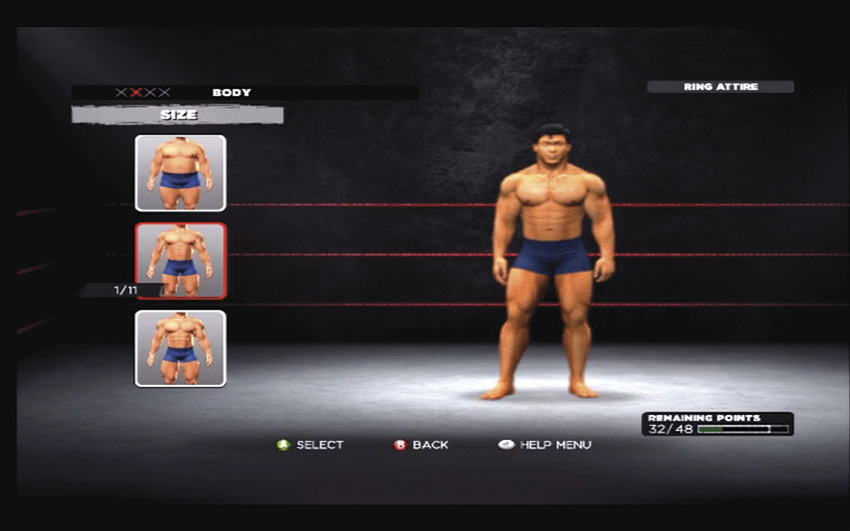
Selecting a Size picks your muscle template.
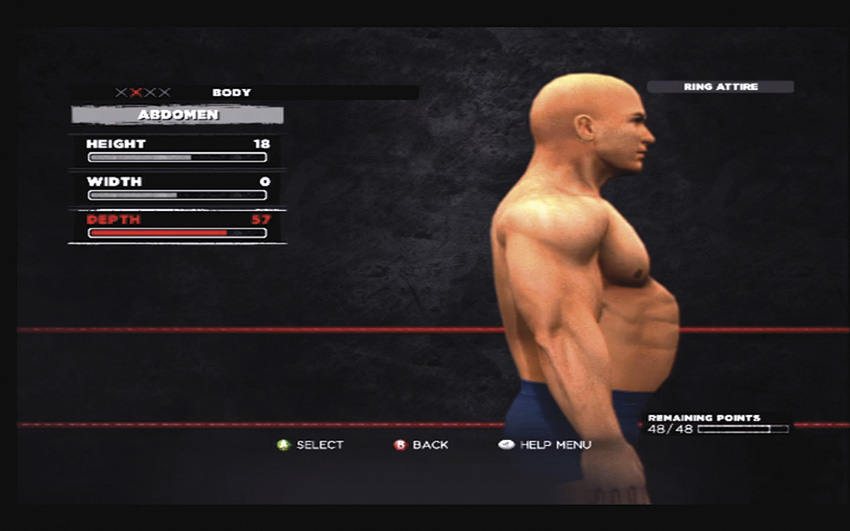
Manipulating the Shape features allows you to tweak body part details.
Select the body size for your Superstar. Should they be built like Brodus Clay, or maybe more like David Otunga? Once you’ve decided, move on to the Shape menu to customize every detail of your Superstar’s body. Typically, you’ll be able to modify the length, width, height, depth, or angle of each body part or muscle group, but your options will vary depending on the area you’re customizing.
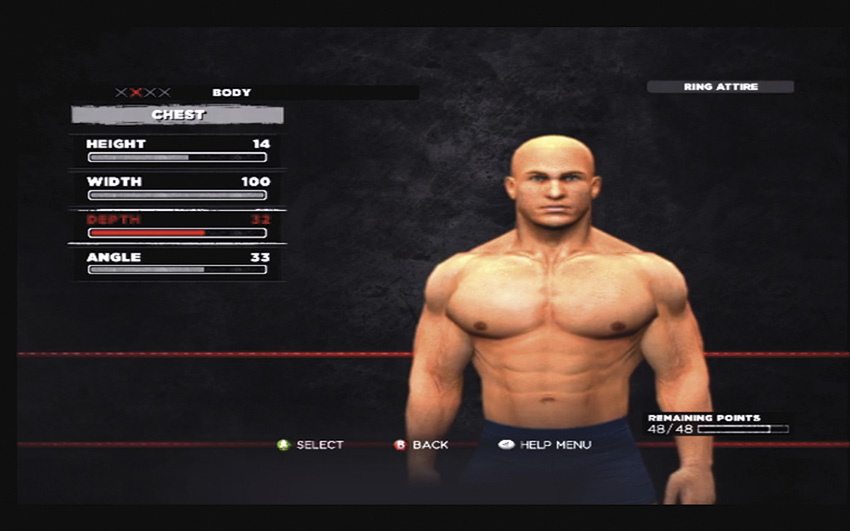
Chest… Abs… You get the idea…
Clothing
When creating a proper ensemble for your Superstar, remember that you’ll have to choose Ring Attire for their in-ring exploits, Entrance Attire for their walk down the ramp to the ring, and Cinematic Attire for their starring role in any of the dramatic cutscenes.
There are plenty of options for each kind of attire, so cycle through and check them out. You can also grab some templates to make it easy.
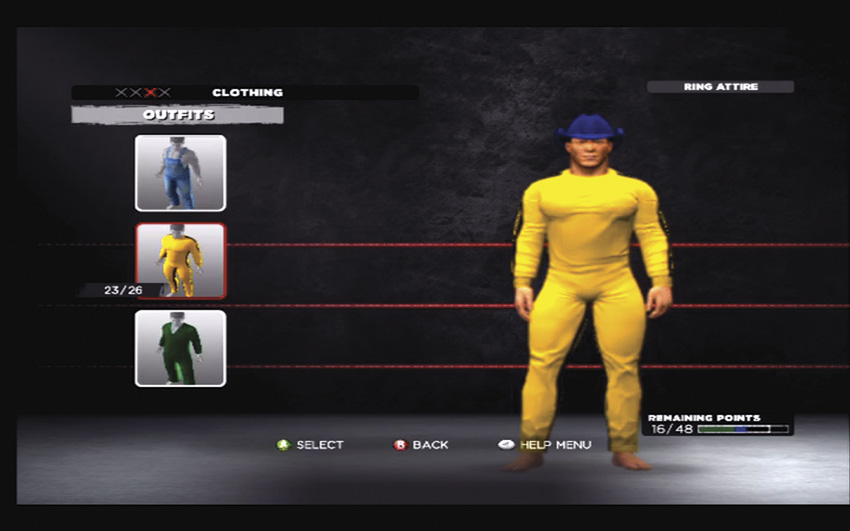
Instead of our hero’s classic “Game of Death”...
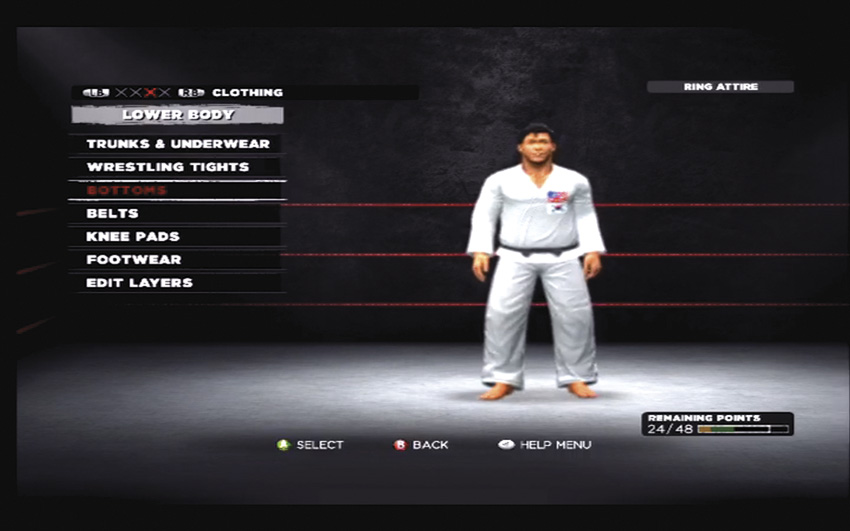
...We settled on a clean karate gi. “Yes… a black belt.”
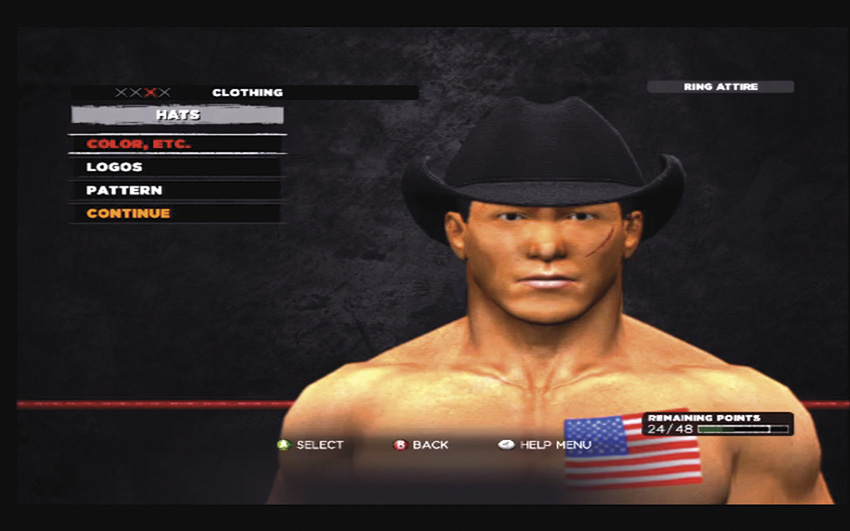
Cowboy Hat!
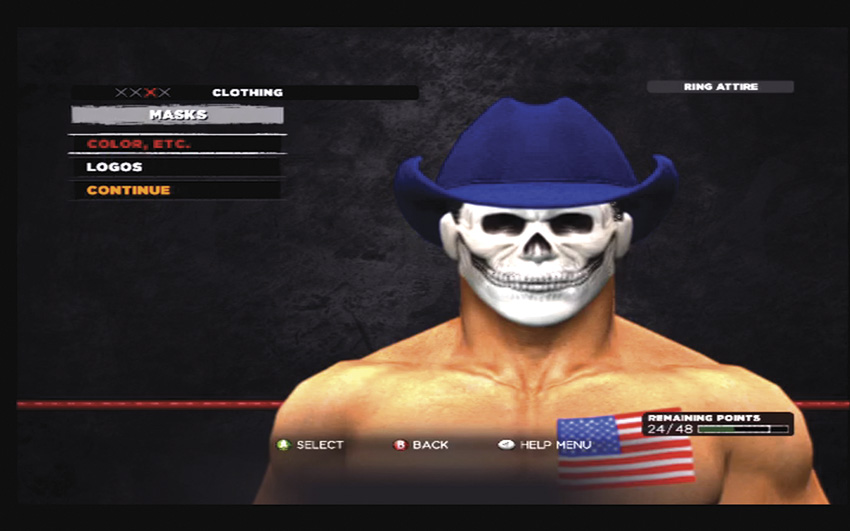
Masks
Menu Screen Pose and Crowd Signs
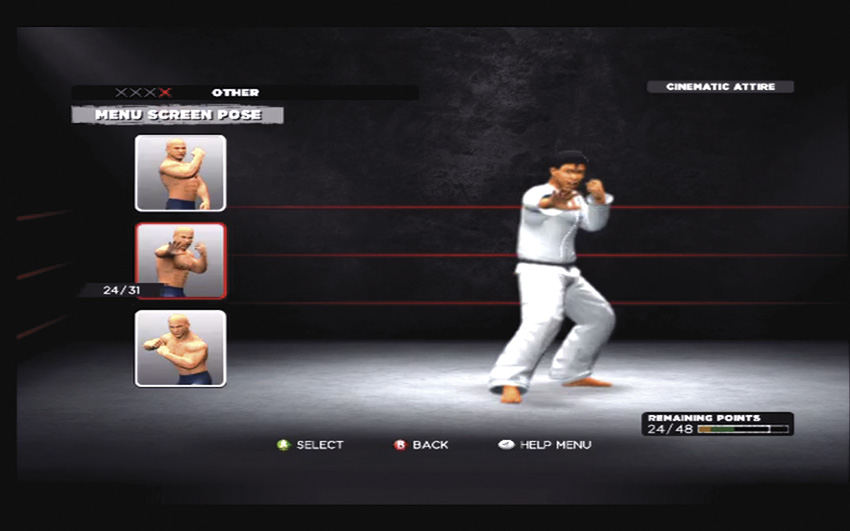
Walk on my friend!
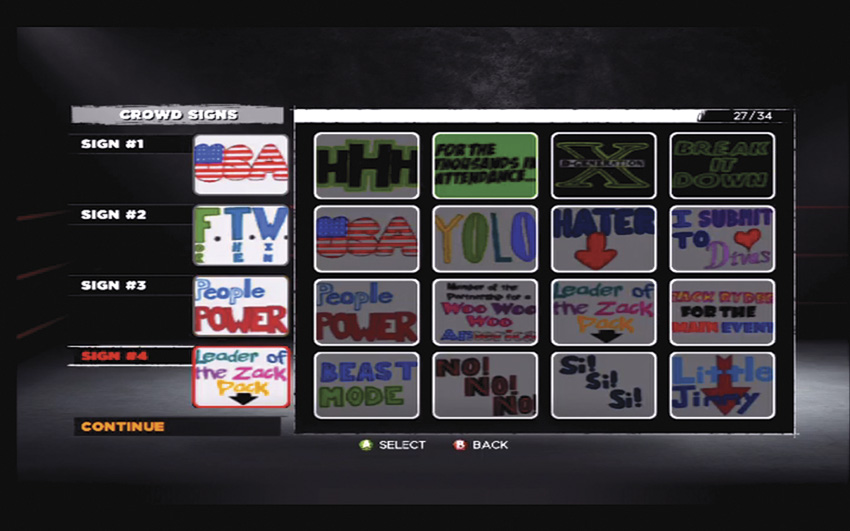
Choose a pose for your Superstar that will show up in the menu. You can also choose signs for the crowd that will represent you!
Abilities & Attributes
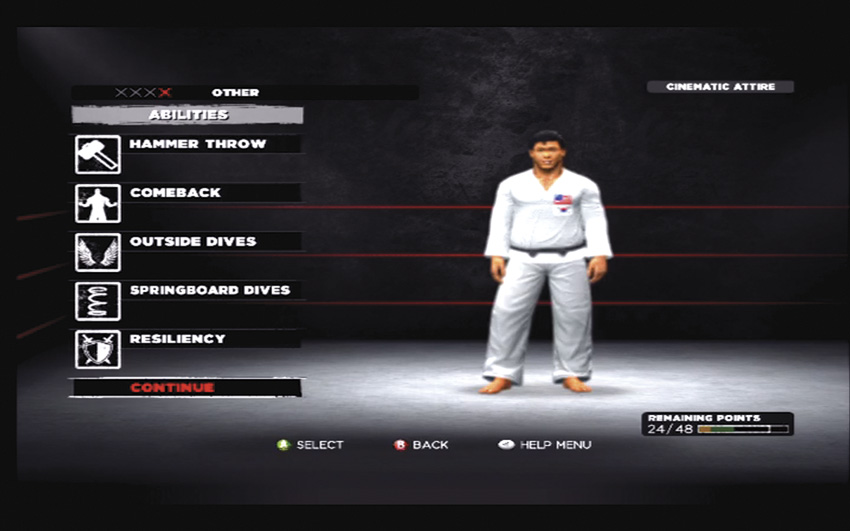
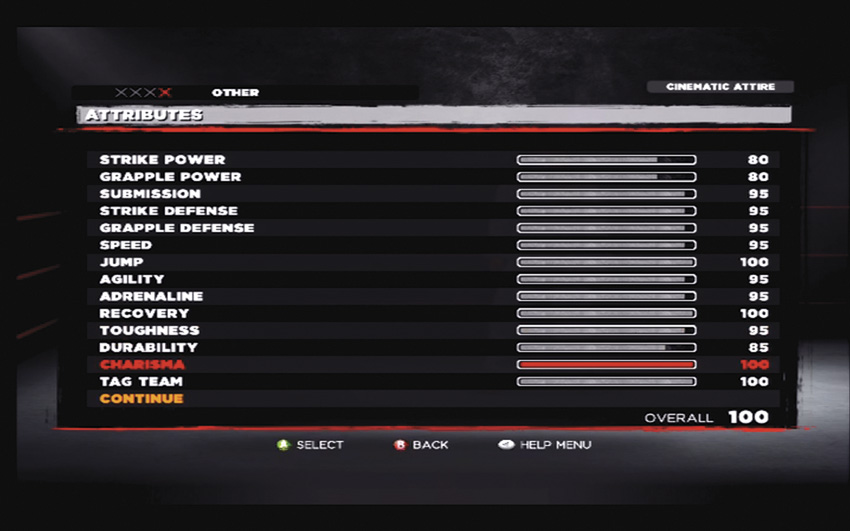
Here you can customize your attributes and abilities. You can choose from abilities like Hammer Throw, Comeback, Outside Dives, Springboard Dives, and Resiliency. Adjust the attribute sliders (the maximum for each slider may differ based on your Superstar’s weight class) and keep an eye on your overall rating until you’re happy with your customized stats.
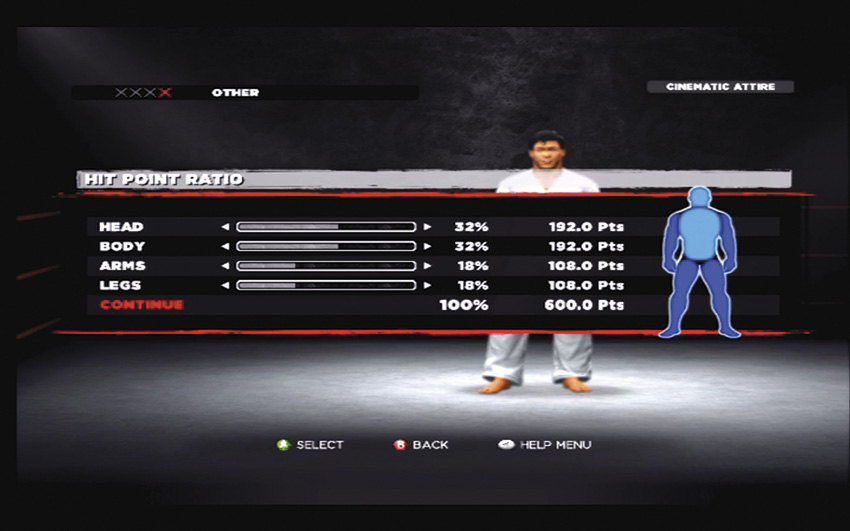
After that is set, assign HP percentages to the different parts of your Superstar’s body. Your total HP depends on what kind of Superstar you’ve created. The minimum you can assign to any part is 15 percent, and all the parts combined must total 100 percent.
Finalize
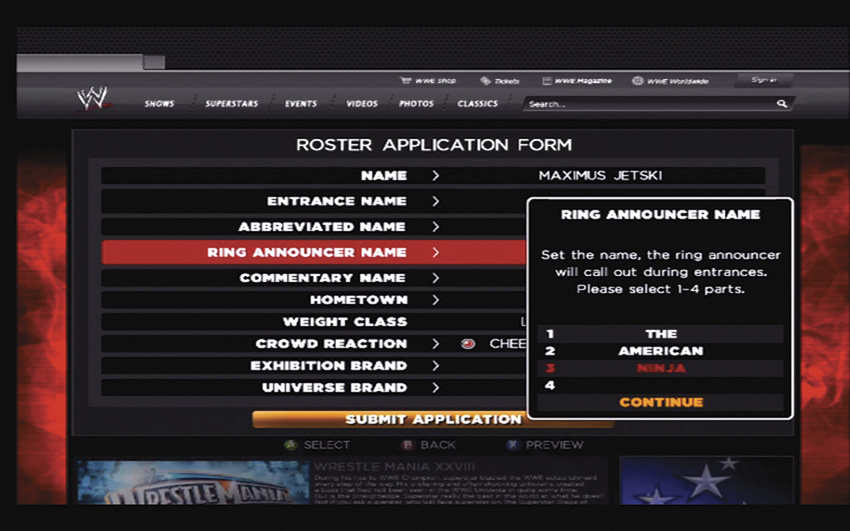
In the Finalize screen you’ll complete your Roster Application Form. You can name your Superstar, create an abbreviated name, and select which nicknames the announcers will use during your matches. Select your cheers or boos, and finally, decide what show you’re a part of.