
Building and Designing
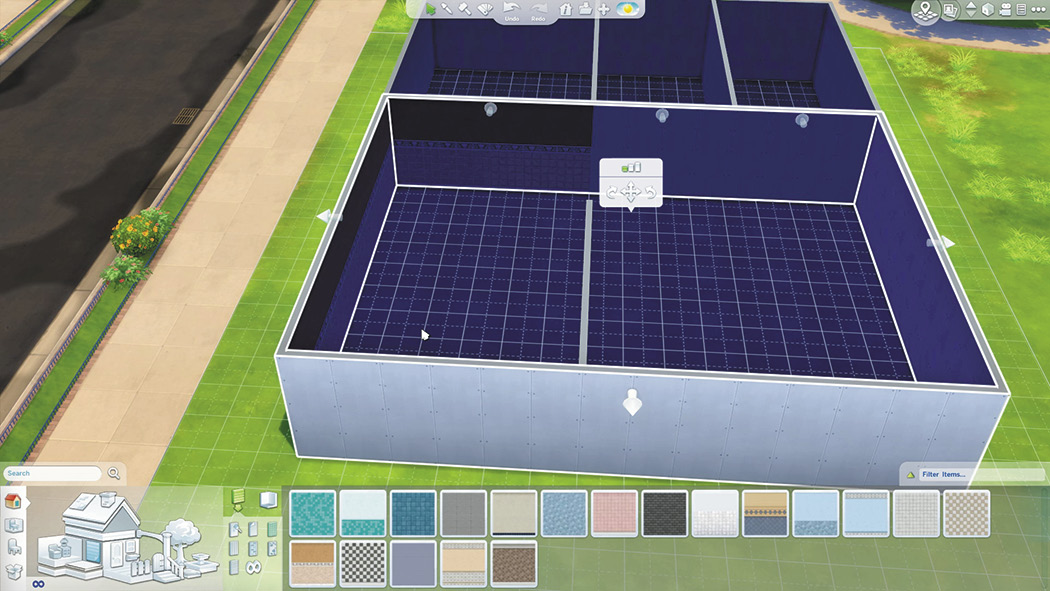
Building homes and other types of structures on lots has always been an important aspect of The Sims. However, it could be technical and sometimes difficult to get things just how you wanted. The Sims 4 has a new and improved Build Mode. You can now not only make rooms quickly, but resize the dimensions quickly even after your home is built. There is no longer a need to build foundations. When you build a room, the foundation is included. This makes resizing room easier because the foundation changes size along with the room. Did you finish a great home only to discover you don’t have room on the lot for something else? Now you can pick up and move your entire building as one piece and position it anywhere on the lot. This is a huge boon for all builders.
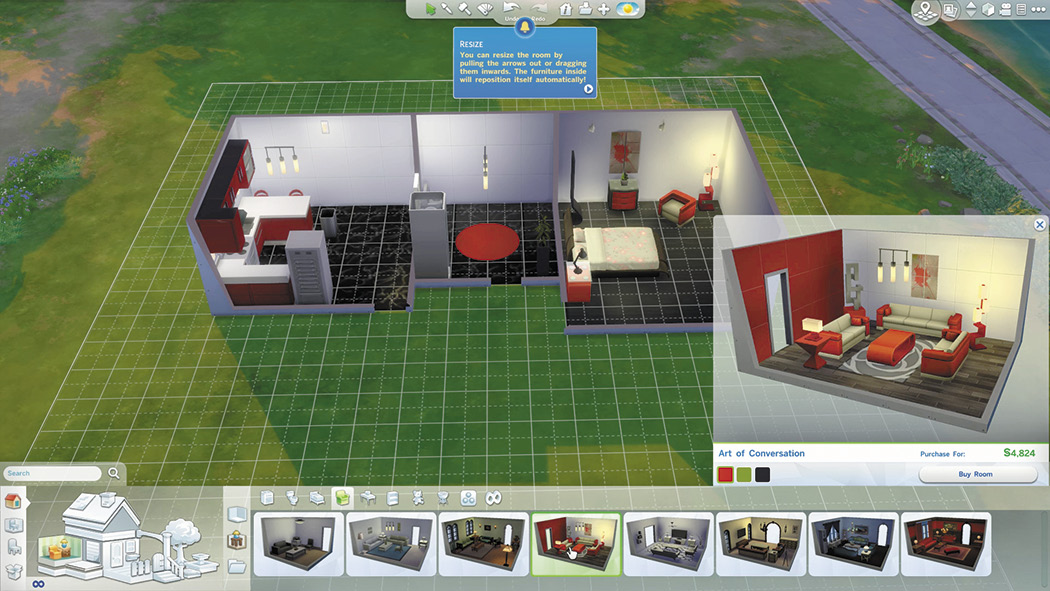
There is also a very quick way to build and furnish a home—styled rooms. Every type of room (kitchen, bedroom, living room, etc) has several pre-made styled rooms from which you can choose. The rooms come complete with floor and wall textures, furniture, appliances, and even decorations. You can even select from three different color schemes for each room. If you are in a hurry, just pick the rooms you want, put them down on the lot, connect them, and add any additional walls. After adding a roof, the house is done—in just a matter of minutes. Some of the really cool styled rooms are unlocked when you reach level 10 of a career and each career branch has its own special styled rooms. Go to Architecture and Design to see all about building and designing homes and lots.