
The Sims 4 Guide Architecture and Design
Building Venues
In addition to building or renovating residential lots, you can also make changes to venues such as the community parks and buildings in the commercial districts. Go to the main menu and select Manage World. Then click on the venue you want to modify. Select the Build option and then you can do anything you want with the venue. Because you don’t own it, you have an infinite budget to do what you like. You can also do this with any residential lots—even those already inhabited by Sim households you do not control.
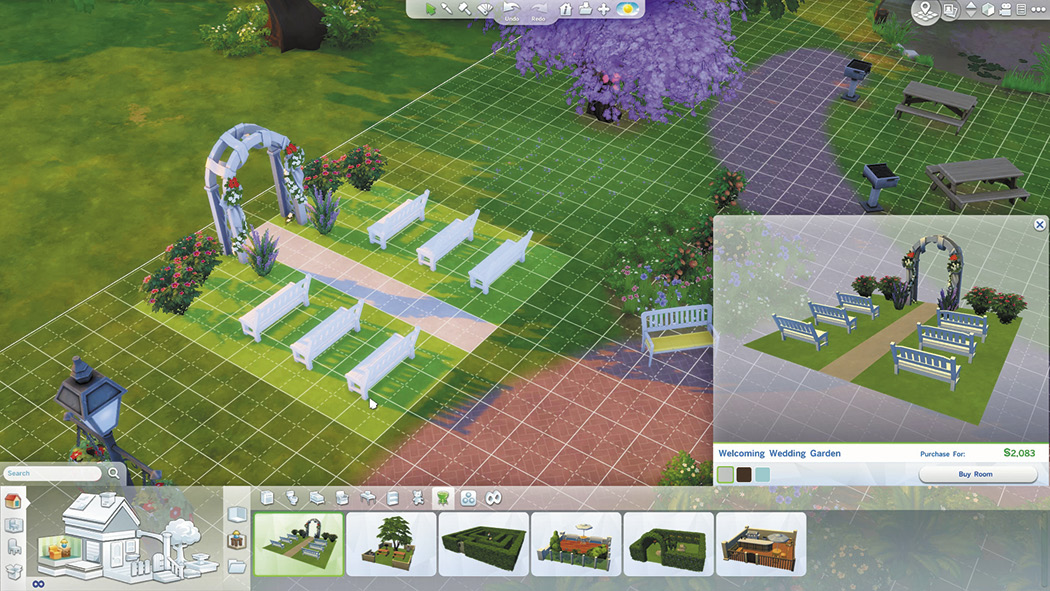
Do you wish you could make changes to your community? Edit the venues to suit your purposes. This is a great way to prepare a lot for a social event and make sure that it contains what you need.
Create Your Own Venues
Would you like to live right next door to a nightclub? You can make it happen. Go to the Manage Worlds screen via main menu. From the Manage World screen, you can select a lot—even residential—and change the type of lot it is. Click on the lot, select Edit, and then Change Lot Type. This opens a menu that lets you choose which type of lot you want it to become.
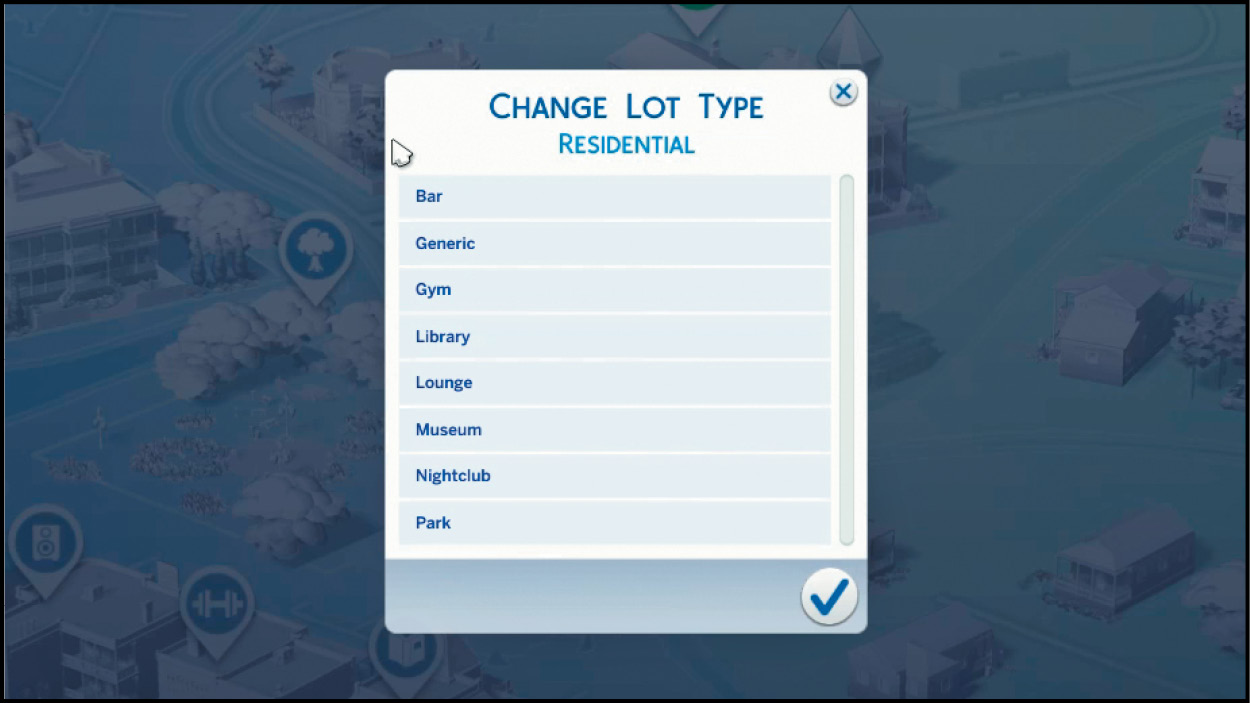
Pick the new type of lot you want.
After selecting a new type of lot, go into the lot and start building. There are nine different types of lots. Generic and residential lots have no requirements; however, all other types of lots require that you include a minimum number of different objects so that they can function properly for their type of lot. If you want to build one of these types of lots, here is what you need to be sure to include:
So if you want to live in a specific neighborhood, but wish it had some more amenities for your Sims—such as a park for the kids—convert any lot into a park or other venue. Of course, you may need to bulldoze a house on the lot to make it empty.