
The Sims 3 Late Night Guide Essentials New Careers
New Careers
Life in Bridgeport can’t always be drinks at the club and hot tub parties in a high-rise building. Somebody’s got to pay for this lifestyle, you know.
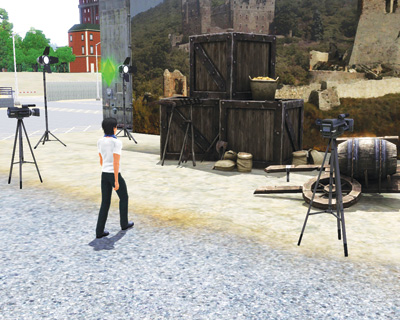
Late Night introduces two new ways to rake in the Simoleons—the new Film career’s two different tracks: Acting and Directing.
Both of these new career tracks are closely linked to the all-new celebrity status that’s so important to Bridgeport.
We blow the lid off how celebrity works in the Popularity Contest chapter, so after picking out which of these new gigs suits you, zip over to that chapter to see how you can rack up the gold stars that represent your status in Bridgeport.
To sign up for a career, simply report to the building that headquarters the job, such as the military base or police station.
Applying is as easy as left-clicking on the location and then choosing the offered career. When your Sim reports to the job location, the career is immediately offered and the starting position/salary flashed onscreen.
If you accept, you are given a schedule and expected to show up at the designated times.
There are multiple ways to advance a career.
Promotions are the most common benchmark of success and always come with a one-time Simoleon bonus, but there are social aspects to each career that involve getting to know co-workers, which has the potential to widen your circle of friends.
While at work, you can set the “tone” for your performance (more on this in a moment), which affects how you interact with co-workers or approach the job itself.
As you advance, your schedule changes and your salary rises. Typically, there are perks or benefits for hitting certain promotions.
You can be fired from a career. If you stop showing up for work, your employer will call you and let you know that your services are no longer needed. You can also perform so poorly on the job that you’re handed a pink slip.
So, keep a good eye on the performance meter in the Career tab of the Status Panel. It’s also a good cheat sheet for metrics the next promotion is based on.
Tones
Although you do not actually see what your Sim does on the original jobs, you can dictate general behavior for that work day through tones.
Tones include behaviors such as working hard, getting to know co-workers, and sucking up to the boss.
Many of these tones play into earning promotions at work, so look at the provided promotion metrics for each career to see what tones are best for the next step in that career.