
The Sims 3 Late Night Guide Essentials Build And Buy Modes
Exterior
The exterior of your lot has not been ignored in Late Night.
Not only are there a host of new objects you can place around your house or business (check out the New Objects chapter for a complete list), but you can also make big adjustments to water features on your lot.
Pool Upgrades
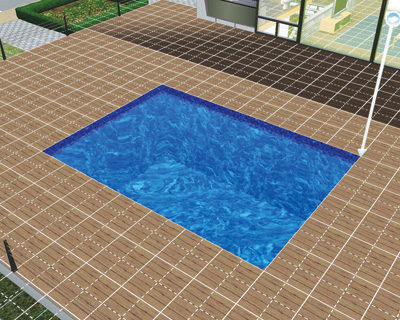
Swimming pools, always a favorite feature of any lot, have been upgraded in Late Night. Now you can place pools on levels higher than the ground (with exceptions) and change the general shape of them.
To create an above-ground pool, you just need to select the Pool tool from Build Mode as normal. If you are one floor off the ground, you can draw the outline of the proposed pool on the floor.
The pool is placed in the floor when you release the mouse button.
The catch, though, is that you may not have anything in the level beneath the pool. When the pool is created, the outside perimeter of the pool becomes a wall that other Sims cannot walk or see through.
They can be decorated, though, with wall coverings. You can also place windows on the pool walls so other Sims can watch swimmers having fun.
Above-ground pools can be placed right up to the edge of a structure, but Sims may not enter the pool from that side. So, don’t try to place a pool right outside the patio door. Sims will just go around the lot to enter the pool.
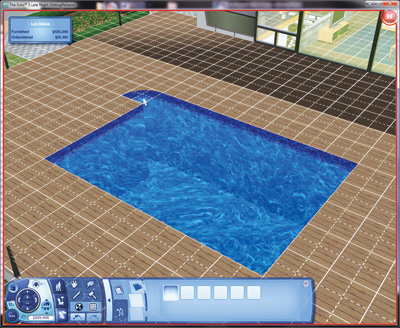
In addition to new pool placement, you can also adjust the shape of a pool. The Pool tool has a series of rounded corner pieces (both convex and concave).
These pieces come in multiple sizes, and you can use two slider bars to adjust the curvature of the pool piece.
For example, you can have a simple rounded corner or stretch it out three squares deep. These new pool pieces will even let you create a perfectly rounded pool.
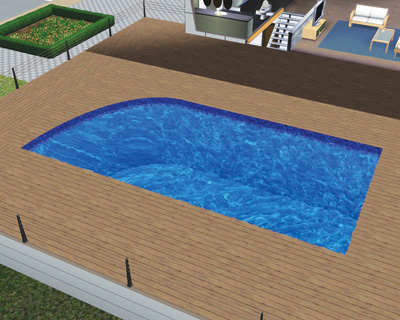
Have fun with pool shapes—create a cool shape so your pool really stands out.
Fountains
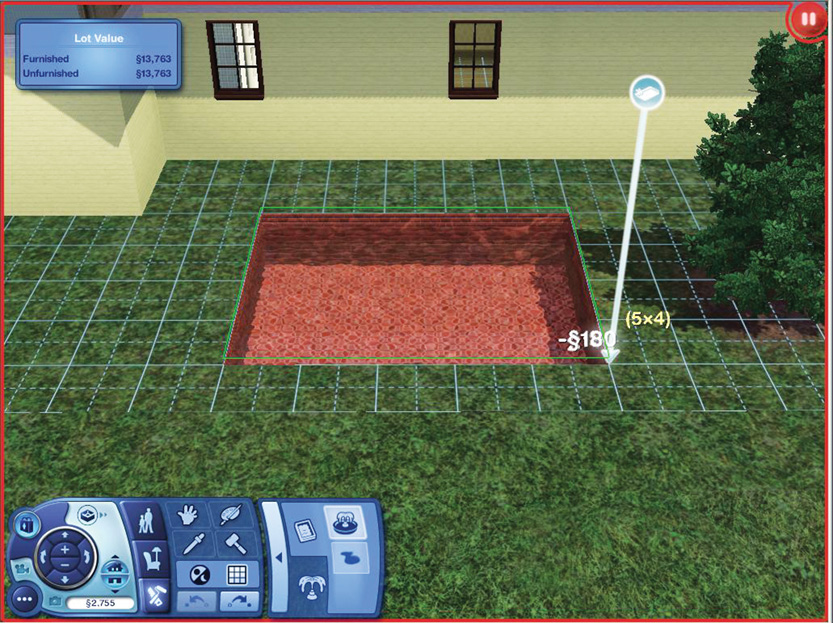
Pools and ponds no longer have to be static features on your lot when not in use. There are all-new ways to make fountains interactive, as well as a new tool inside of Build Mode for creating fountains.
The Fountain tool is right next to the Pool tool in the Build Mode menu. Once selected, you can then start constructing a Fountain not unlike a pool – it’s just a very shallow pool.
The catch, though, is that unlike pools, Sims cannot enter fountains. They may only observe them.
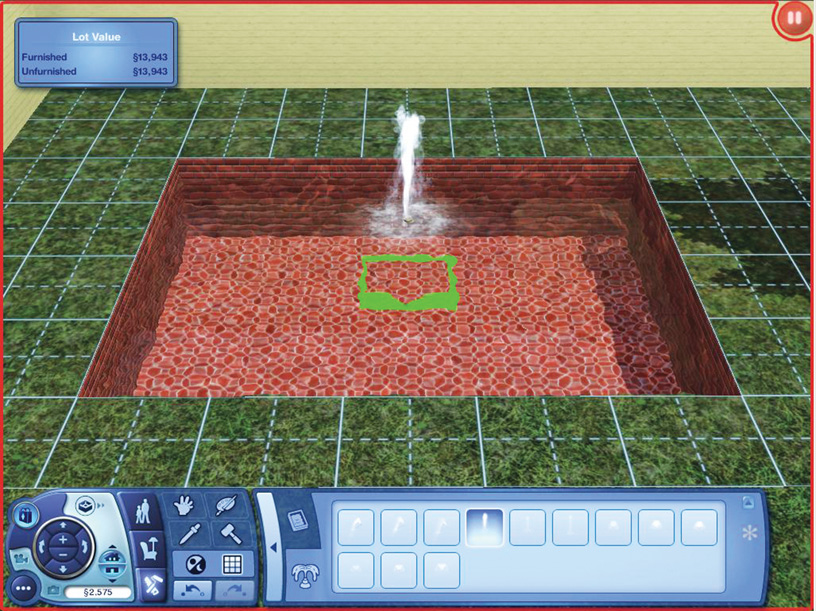
There is also a category of Fountain objects within the Fountain tool. Dive into this section to check out the many different sizes and shapes of the fountains; they run the gamut from a small spout to a massive sprayer.
These fountain nozzles can only be placed in areas that accommodate them. Use the usual system of green and red area markings to determine whether your pool or pond is large enough to accommodate the fountain.
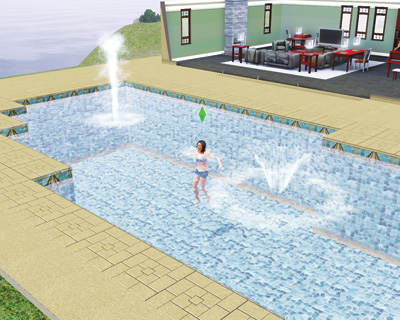
Sims may not swim through fountains. If a fountain is placed in a pool, the Sim swims around it.