Nintendo Land Guide Essentials Basic Information
Basic Information
Getting Started
Before you enter the Nintendo Land theme park, designate a Mii as a Favorite in Mii Maker. Each Mii’s progress is individually tracked, so each Mii will have a different track record even if they are played by the same player. If you delete a Mii from Mii Maker or remove a Mii’s Favorite status, you can transfer the data to another Favorite Mii.
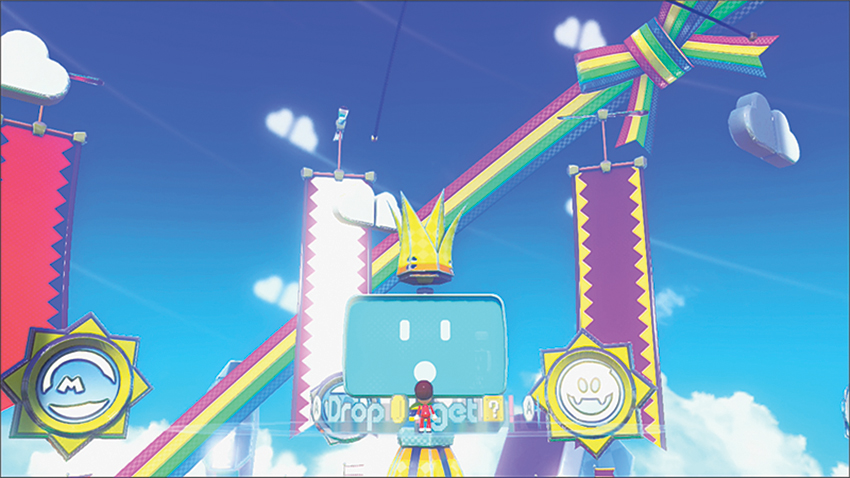
When you enter the Nintendo Land Plaza for the first time, you’ll see a ? Box with something mysterious inside—something that can talk! Use the Wii U GamePad touch screen to tap the box to release Monita, your park guide, who introduces you to the Nintendo Land Plaza, the 12 Attractions, and, over time, even more surprises. The Gates surrounding the Plaza act as entrances to the Attractions. The Signboard in front of each one informs you about what’s inside.
Menu Controls
| Select | Touch an object on GamePad touch screen or point Wii Remote at the object |
| OK | Touch OK on GamePad touch screen or press A Button on GamePad or Wii Remote to confirm a selection |
| Cancel | Touch Cancel on GamePad touch screen or press B Button on GamePad or Wii Remote to back out of a selection |
Nintendo Land Plaza Controls
| Move | Press Left Stick |
| Jump | Press ZR Button |
| Interact | Touch object on GamePad touch screen or press ZR Button when standing nearby |
| Turn Camera Left or Right | Move Right Stick left or right |
| Look Around | Move GamePad |
| Zoom Camera | Hold ZL Button |
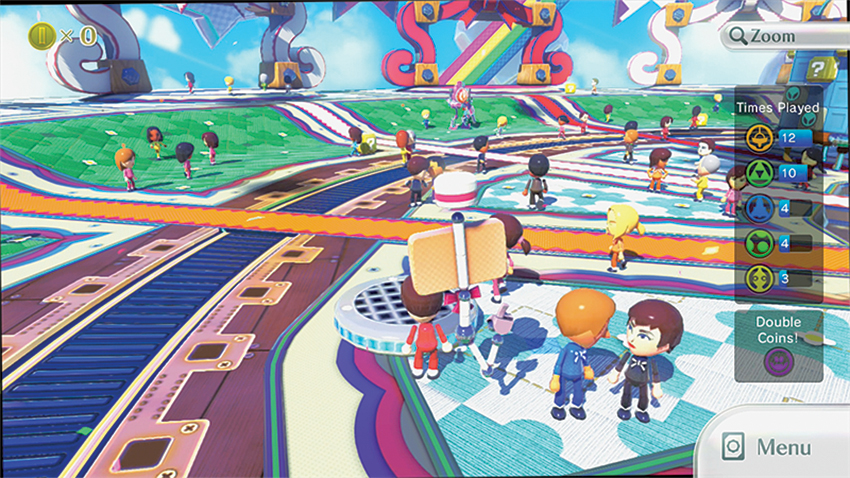
Start by tackling one of the six Solo Attractions on your own, or jump into a Team Attraction or Competitive Attraction to enjoy multiplayer action that uses both your GamePad and Wii Remote Plus (or a Wii Remote with attached MotionPlus accessory). Each Attraction offers an exciting way to become familiar with the Wii Remote or the new Wii U GamePad. Meeting special criteria like completing an Attraction or playing it multiple times can earn you yellow stars above the Gates to celebrate your accomplishment. By earning stars, you show Monita just how far you’ve come. You’ll also unlock even more challenging Extra stages that put your new skills to the test in thrilling new ways!
Stamps
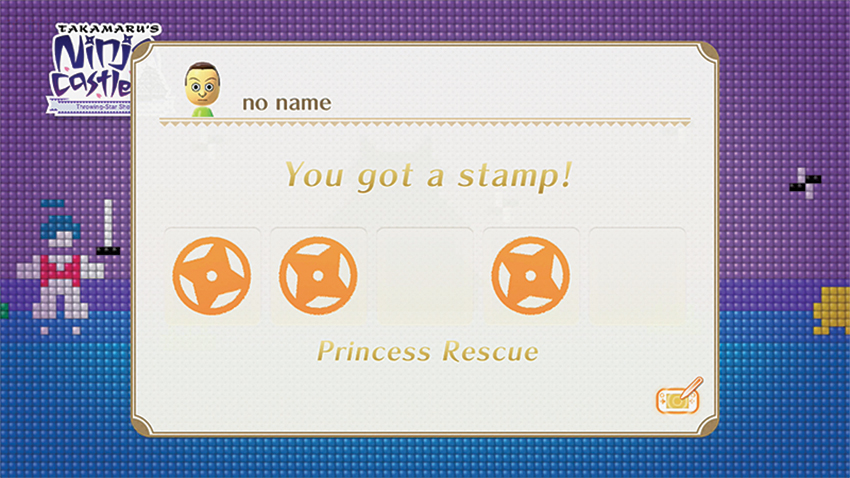
Each Attraction has a set of unique goals called Stamps. You’ll find at least five Stamps in each Attraction, and a few Attractions even offer five more Stamps for multiplayer accomplishments. For instance, your Mii and any friends’ Mii characters playing along gain Stamps for earning 1,000 Rupees in The Legend of Zelda: Battle Quest . In Mario Chase , catching Mario within 20 seconds earns you the 20-Second Catch Stamp. Visiting all the islands in Balloon Trip Breeze earns you the Island Hopper Stamp during solo play. Stamps are a fun way to keep track of the Attractions you’ve played and ensures bragging rights for the challenges you’ve mastered.
Coin Drop
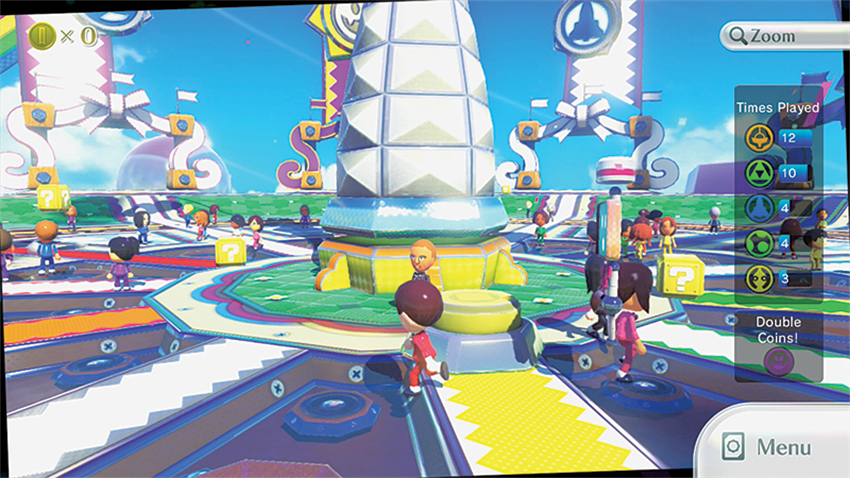
Playing through Attractions earns you Nintendo Land Coins, which you can take to the Coin Drop in the Plaza. To initiate the Coin Drop, go to the Central Tower and, using the GamePad touch screen, touch the tower once to be lifted up to a lofty perch, then touch the big monitor to start playing Coin Drop.
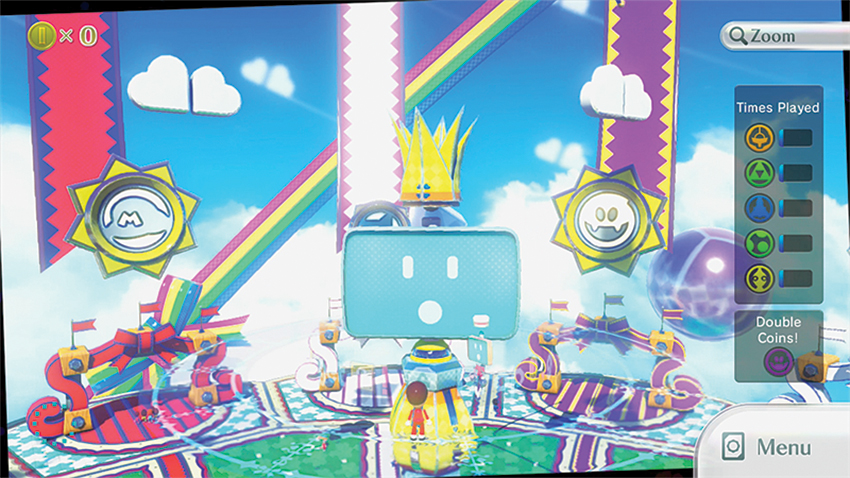
The goal of Coin Drop is simple: Drop as many Nintendo Land Coins as you wish from the moving dispenser by pressing the A Button, then watch them tumble downward in the hopes of hitting one of the targets at the bottom of the screen. Each press of the A Button will drop a single Coin, and more presses equal more Coins bouncing around, offering a chance of hitting more targets, at the expense of those hard-earned Coins. When all of the switches have been lit, the level is complete, the game moves on to a new challenge, and a Question-Mark Box is awarded.
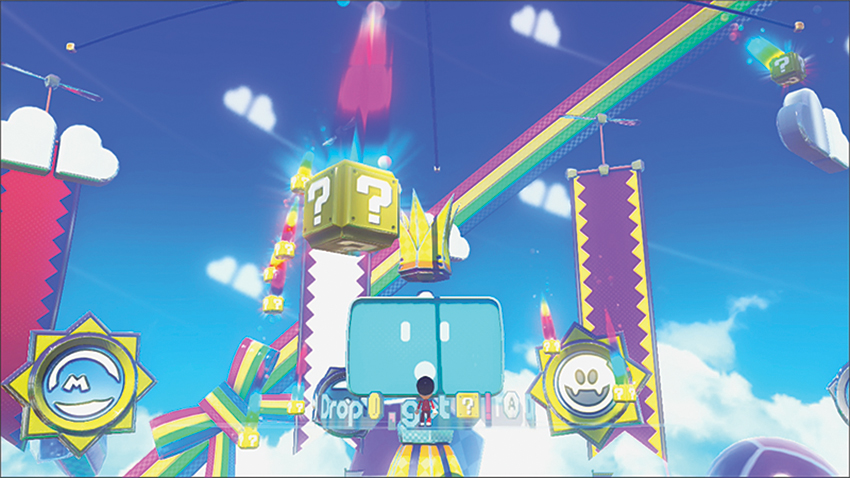
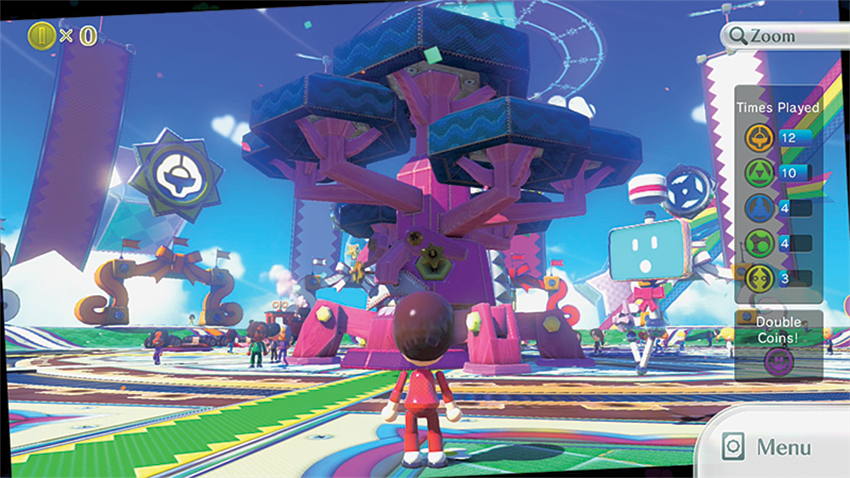
After exiting the Coin Drop, any earned ? Boxes are jettisoned from the top of the Central Tower and land somewhere in the Plaza below. Use the GamePad’s touch screen to touch any ? Boxes laying around and reveal the random Prize inside. Some very special Prizes even include Switches that let you play with the Nintendo Land Plaza environment in creative ways. For instance, the Giant switch enlarges your Mii until it can trample Prizes, which reappear afterward. Other Switches let you change the time of day or make Prizes float and circle the Central Tower. The Jukebox plays music from the various Attractions when you touch their corresponding icons.
Unlocking More Content
Card Menu
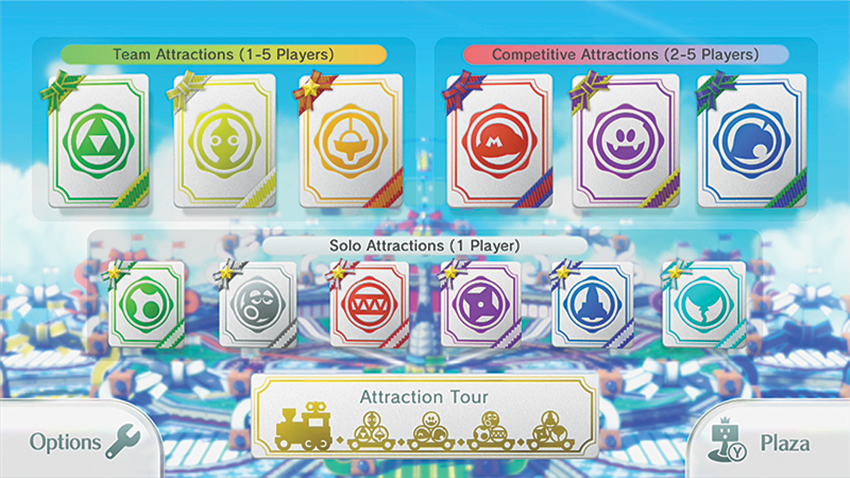
Once you’ve completed your first few Attractions, Monita unlocks the Card Menu that makes navigating to the Attractions a breeze. Touch the new Menu icon on the bottom right-hand corner of the screen (or simply press the Y Button) to view all the Attractions in one screen. From here, simply select a Card to access any of the 12 Attractions without the need to walk all the way over to their respective Gates.
Attraction Tour
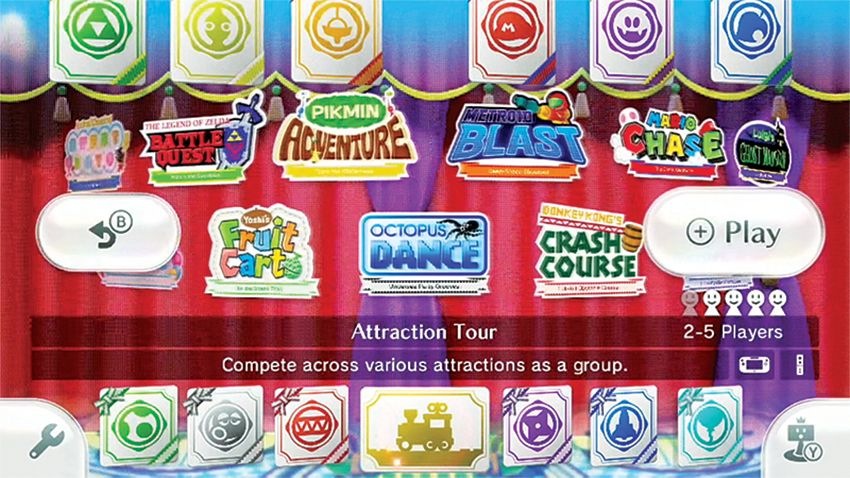
After unlocking the Coin Game and playing any Attraction once, Monita unlocks the Attraction Tour, a special Train that runs around the Plaza, picking up Mii characters and whisking them to familiar Attractions with new ways to play. You and other Mii characters choose a time frame and difficulty for your game and take turns with the GamePad or Wii Remote Plus to meet the Attraction’s goals. For instance, you might tear through part of the race course in Captain Falcon’s Twister Race or work to take out enemies other than your friends in a Time Attack from The Legend of Zelda: Battle Quest . The player who performs best after each round gets points. But if you’re falling behind, don’t fret; special bonuses like point reversals or triple point scores awarded in the final rounds can help a player with a low score make a last-second comeback!
Visitors in the Plaza
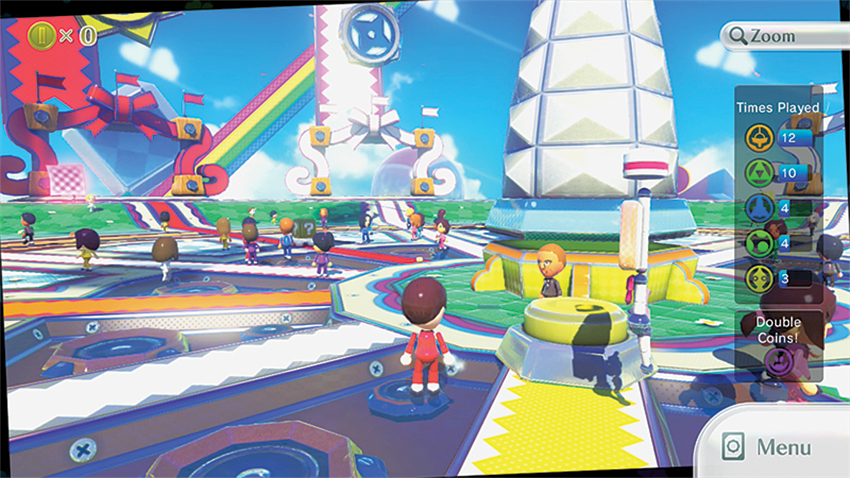
After you complete several games, the Plaza will fill with Mii characters. When playing offline, these Mii characters will be local, but connecting to the Internet lets you see the Mii characters of your friends around the globe! Along with the ? Boxes and Prizes, seeing other Mii characters adds life to the bustling Nintendo Land Plaza.
New Ways to Play
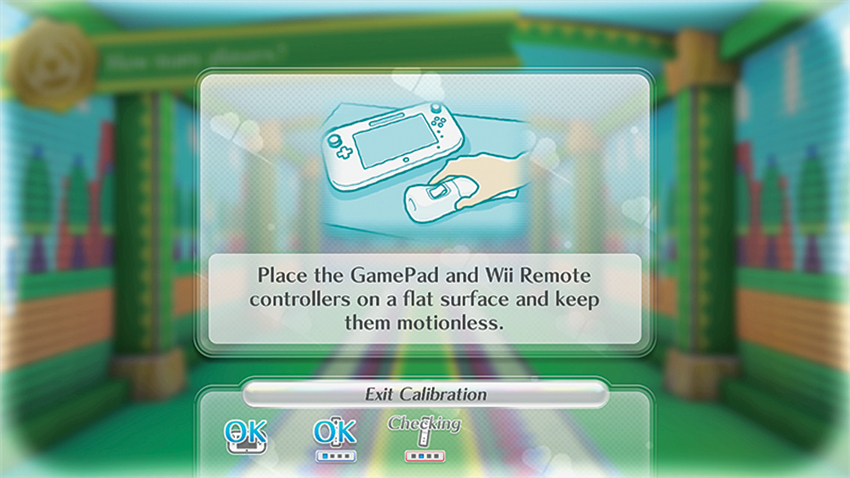
The Wii U GamePad offers novel ways to play Nintendo Land and other games. A dazzling 6.2 inch touch screen is framed by a Left Stick and Right Stick and button controls that add versatility to your gameplay. The stylus helps you navigate the touch screen (in addition to your fingers), and you will even hold the GamePad horizontally or vertically, depending on the type of game you’re playing.
The GamePad lets you play games wirelessly within range of the Nintendo Wii U either by yourself or with others who are using a Wii Remote Plus. Up to five of you in all can play Nintendo Land together, but other games may allow even more! Some Wii U games even allow you to play entirely on the GamePad, without having to fight for control of the TV screen when someone else is using it. The GamePad isn’t just a replacement for a TV, though; sometimes you’ll even have access to game maps or weapon load-outs independent of the TV’s view, so you won’t have to interrupt gameplay to navigate or change weapons. And that’s just the start.
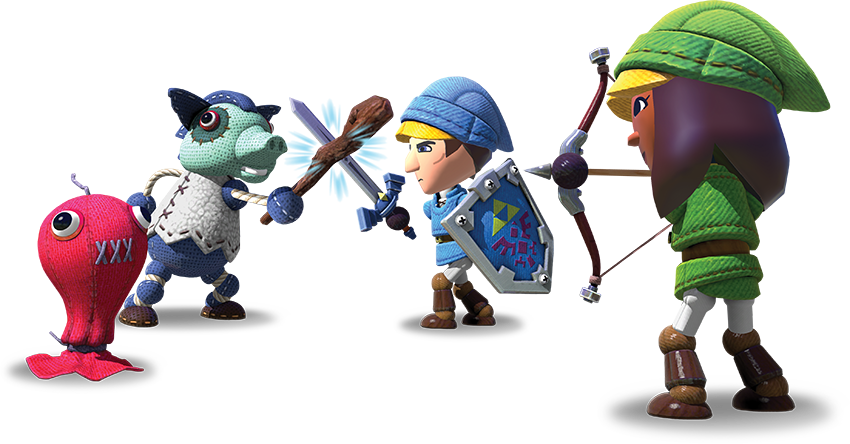
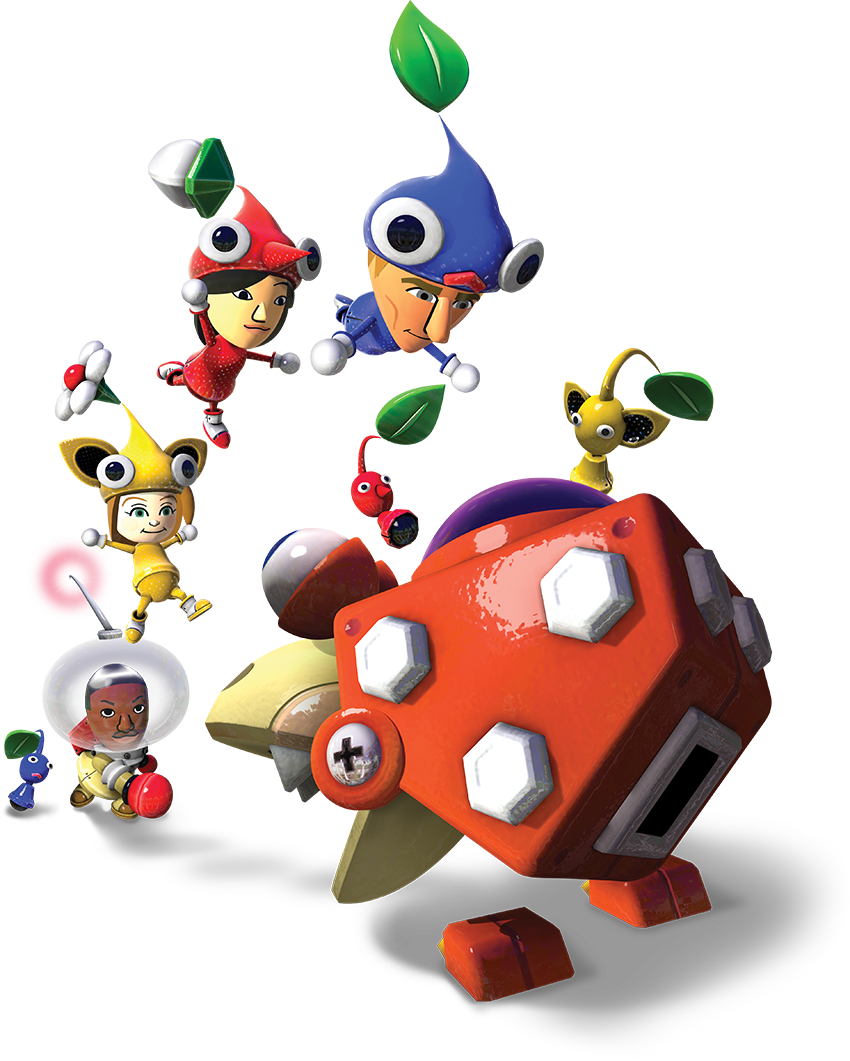
Nintendo Land makes use of both the Wii Remote Plus and the new GamePad’s unique features, including motion control and the Stylus. In games with multiplayer options, the main player uses the GamePad while other players can jump in with the Wii Remote Plus. In a few games, replaying attractions with the other controller gives you a new way to play. For instance, in The Legend of Zelda: Battle Quest , playing with the GamePad lets you grab a bow and arrows, but playing with the Wii Remote Plus lets you take up a sword and shield. Pikmin Adventure gives you a unique role based on your choice of controller.