
Donkey Kong Country: Tropical Freeze Guide How to Play
Understanding Game Screens
Displaying the Game
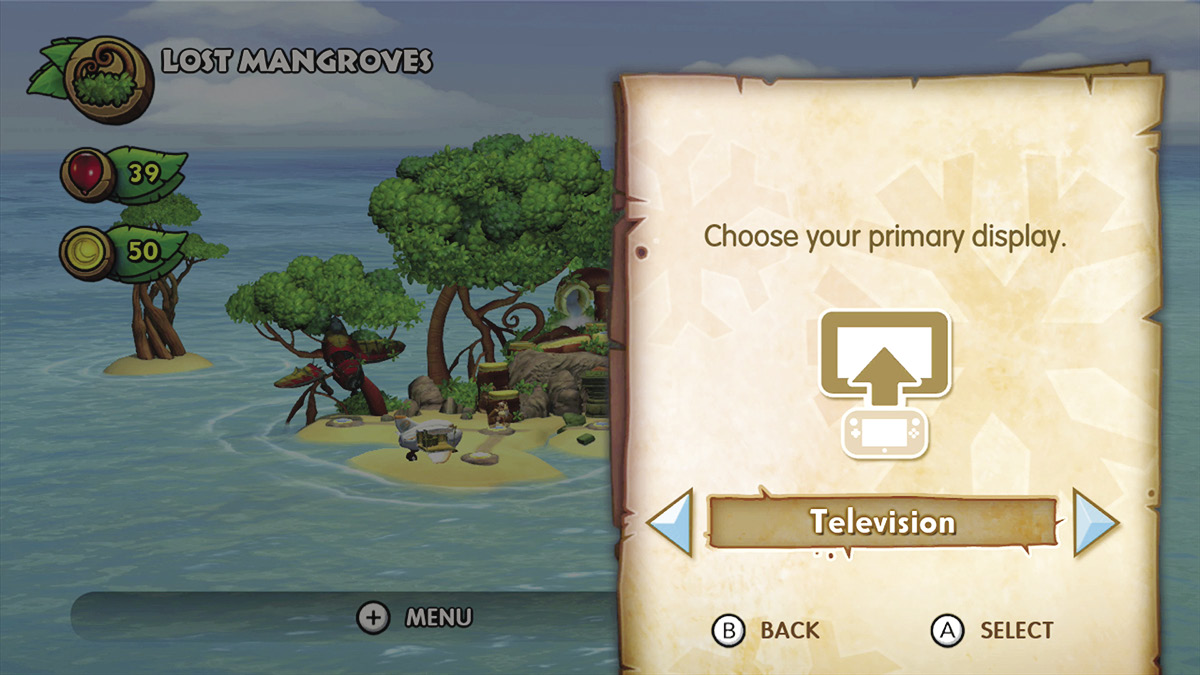
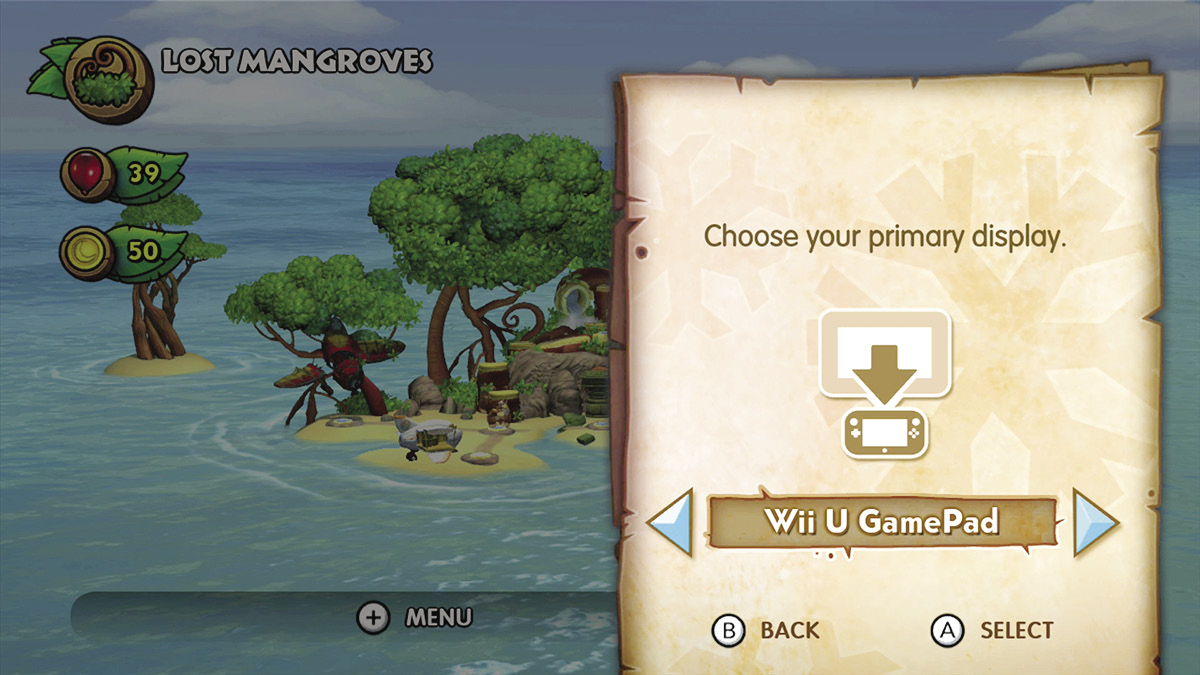
This Donkey Kong adventure supports game display on either the television set or the GamePad. Obviously the television is the preferred screen; however the GamePad is very convenient for those times when someone else in the house is screaming to use the television. You can easily change the display during gameplay by accessing the Display menu option from the Pause menu, then switching it to viewing from the GamePad on the fly.
Mode Select Screen
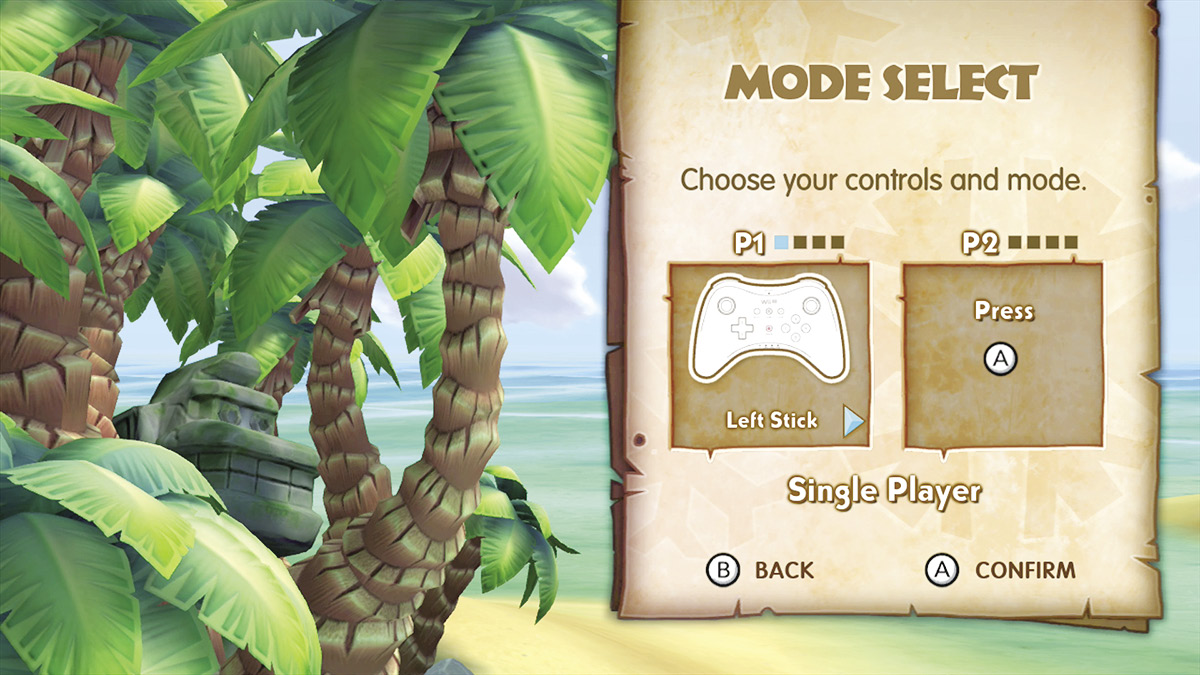
Before starting a new game, you can select which mode you would like to proceed with. From here you can select to go it alone in single-player mode or bring along your partner in crime via multiplayer mode by pressing  on the second player’s controller. This screen will also reflect the controller type you have chosen.
Character Select Screen
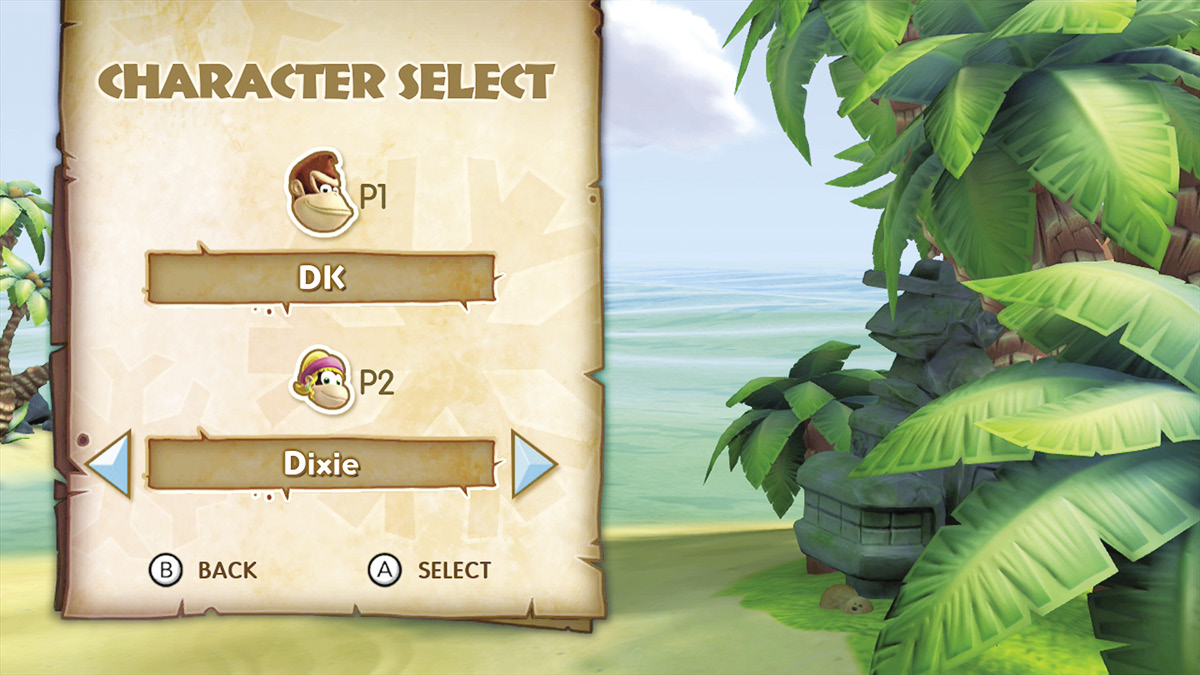
While the first player will always play as Donkey Kong, the second player can choose between Diddy, Dixie, or Cranky as support. Each character has his or her own strengths and weaknesses, which work well separately or piggy-backing into a dangerous duo.