
Donkey Kong Country: Tropical Freeze Guide How to Play
Save Data Management
Creating a File
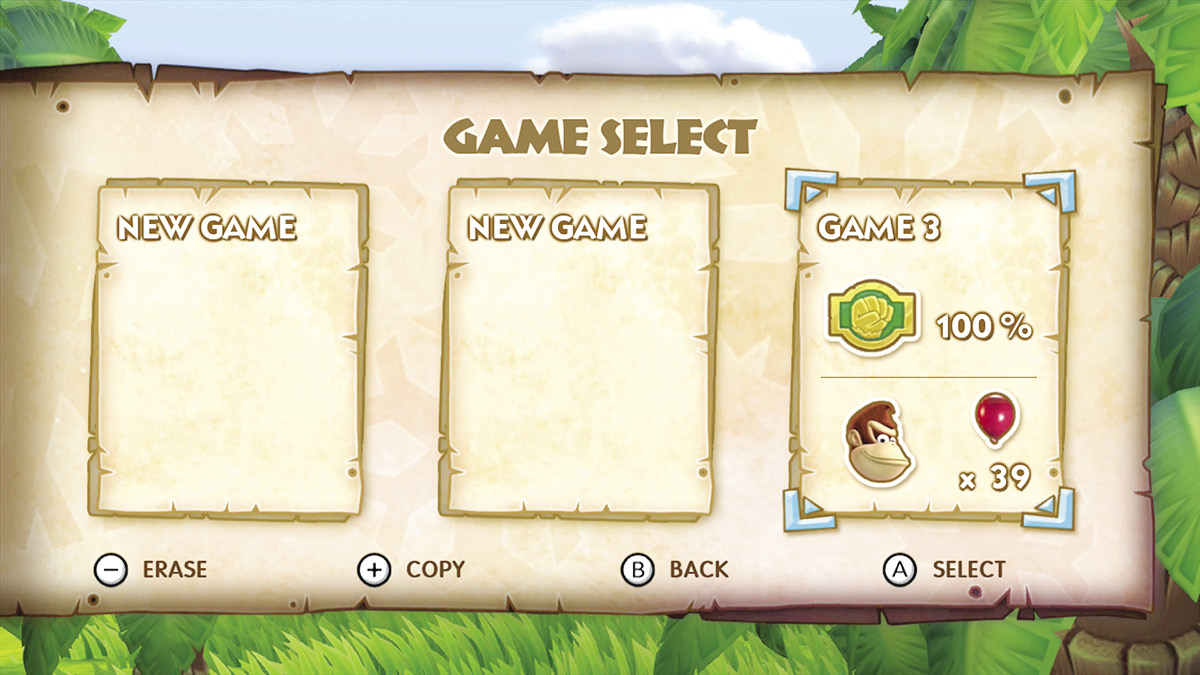
One of the first actions you can take in the game is selecting your save file, with three slots to choose from. You also have the option to erase an existing file, or if you are so inclined, you can copy an existing file into a second slot for double the bragging points.
Saving Your Adventure
 After you create your game file, the game will autosave from then on. There is no need to worry about remembering to save on your own, which is a great feature for those with the attention span of a gnat. These saves occur after a level has been completed, as well as after items have been purchased from Funky Kong. The autosave icon is a spinning DK Barrel, so you know exactly when the save is taking place.