
The Sims 3 Showtime Guide Essentials Careers
Living on a Lighted Stage
What could be better than basking in the warm glow of stage lights while an adoring crowd of fans watches your every move? This is the universal dream of performers everywhere.
The new performance careers offered in Showtime give your Sims the opportunity to make this dream a reality. But fame and fortune don’t come easily.
The performance careers are some of the most demanding jobs available. Do you have what it takes to become Starlight Shores’ next superstar?
Household Considerations
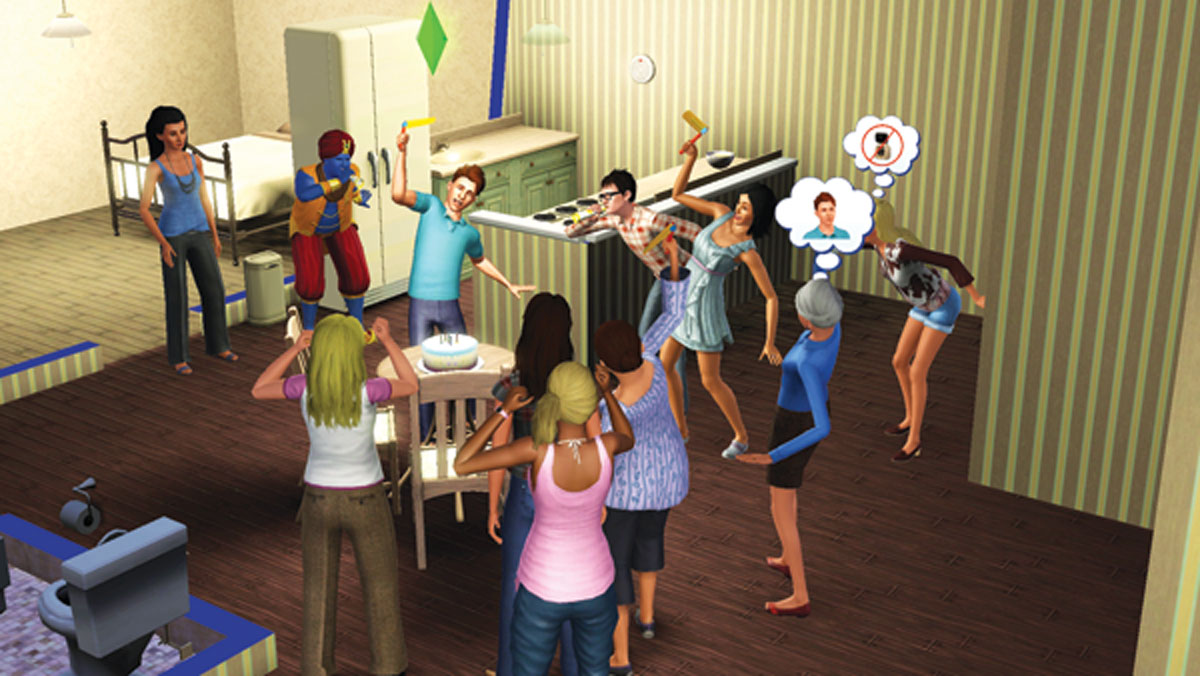
Life on stage is demanding, but don’t neglect your Sim’s social life. Parties are a great way to reconnect with friends and salvage faltering relationships.
Before you jump head first into your new career, you should take a few things into consideration. Succeeding in a performance career requires some careful monitoring, making it tough to juggle the needs of a large household.
It takes some serious hands-on commitment to guide your Sims through the various stages of their performance careers.
This includes building their necessary skills and talents as well as controlling their individual onstage performances. As a result, you may find yourself carefully watching your performer Sim while neglecting other members of the household.
It might be tough to juggle the needs of a large household, especially if you are a beginner.
Your performance Sim could live alone, but having a spouse or roommate with a regular job is good way to support a performer Sim during the lean years, when income is scant and unpredictable.
Besides, Sims with the new Diva or Social Butterfly traits require constant social interaction. And don’t forget, your Sim can’t go on tour with the SimPort feature if they are the only member of the household.
Stage Name
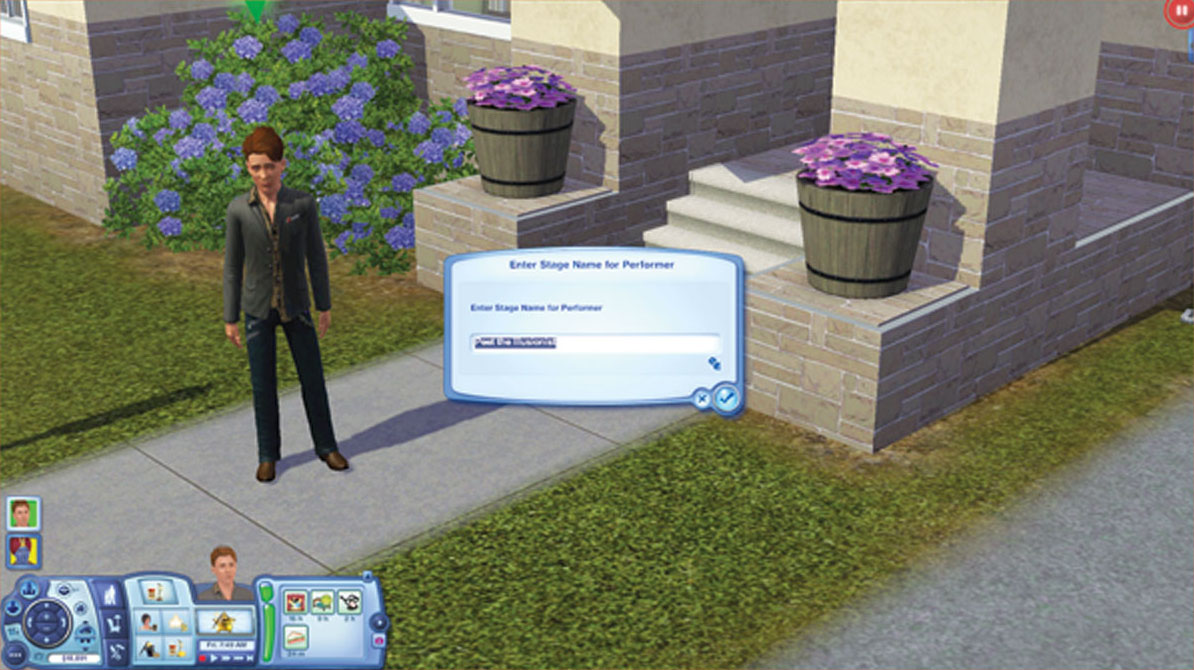
Don't like your stage name? You can change it at any time with a self interaction.
When you first enter a performance career, you must choose a stage name. This is the name your Sim will be known as professionally when performing. You can type in your own stage name (limited to 27 characters) or have one randomly generated for you by choosing the Randomize Name option.
At any time during your career, you can change your stage name with the Change Stage Name self interaction. This is your chance to be creative, so choose a name that matches your career. Your stage name will be seen by friends when you go on tour through SimPort, so be careful— you wouldn’t want to embarrass yourself, would you?
Peformance Fundamentals
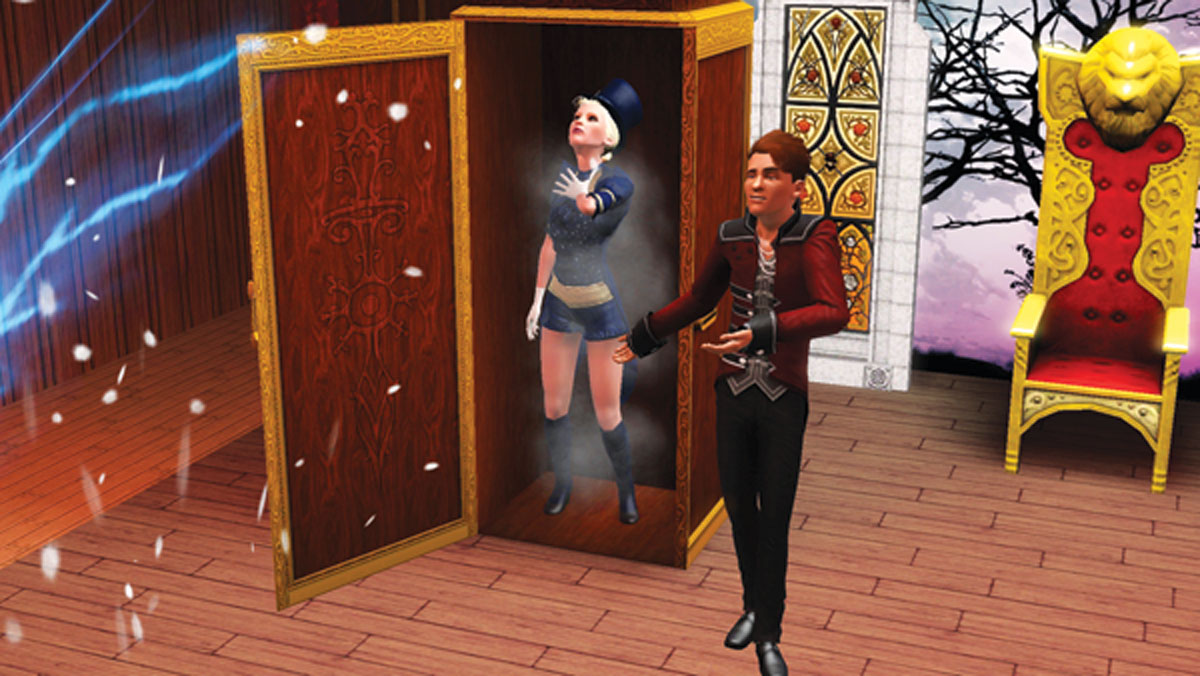
Keep things fresh! A successful performance relies on a variety of unique interactions to keep the audience entertained.
Although the fundamentals of the performance careers have already been covered in the New Simology chapter, it doesn’t hurt to recap the basics. Whether you choose to perform as a Singer, Magician, or Acrobat, career progression follows a similar path. Review the following tips to help kick-start your career:
- Your Sim begins as little more than a street performer. During this time it’s important to practice your craft by using the Perform for Tips self interaction in public places to earn money and career experience.
- You can’t book your first gig until you reach Level 2—this is when Verde Park becomes available.
- Before you can play a gig, you must first audition for the proprietor. If you meet the career level prerequisite for the venue, you get the chance to perform on a specific day and time.
- You can schedule one gig per day and as many as seven gigs per week. Constantly refer to your Gig Schedule (in the Career tab) to view upcoming shows.
- If you put on an Excellent or Legendary performance, you’ll likely land a steady gig at the venue, giving you the chance to perform a show once a week without auditioning.
- Gigs always begin in the late afternoon or early evening. Spend your mornings and early afternoons taking care of your Sim’s needs to maximize their mood before a show. A relaxing visit to the day spa is always beneficial.
- Make sure to get to the venue in plenty of time to reach the stage, and bring plenty of props and FXs to position on stage.
- During gigs, use a variety of interactions to keep the performance fresh. Audiences will grow tired if you perform the same actions over and over.
- If you fail to direct your own on-stage interactions, the Sim will autonomously choose some. But you’ll earn a better performance score if you direct the interactions yourself. Queue up interactions so there’s never a lull in the performance.
- Performing gigs is the best way to earn Simoleons and career experience. But don’t forget to practice. Performing for tips is the next best way to practice your craft.
- When you reach Level 8 of your career, you’re driven around town in a fancy limousine instead of the yellow taxi cab.
- Big Show venues are unlocked at Level 8 too. Playing gigs at these venues nets the most money and career experience.
Stage Customisation

The SimTech Stage Props create the perfect futuristic theme for any performance. Just don’t make it a robotic performance.
Never overlook the importance of setting up the stage before a show. Not only does this give your show a unique aesthetic, but your choices can also improve your overall performance score. Early on, your Sim probably can’t afford many Stage FX objects or Stage Props and must rely on the venue’s default stage configuration.
But as you earn money, invest in new objects and props to adorn your stage. For best results, choose Stage Props from the same theme. For example, select props from the CityLights, SimTech, or Blackfyre themes to create a unified onstage aesthetic while increasing your performance score. But the quantity of the Stage FX objects and Stage Props is also important.
So carefully design the layout to cram as much eye-candy on stage as possible. These items can only be placed at the back and front of the stage, so real estate gets very tight. It may be necessary to rotate certain objects (hold ALT) to create more room on stage.