
Lego Marvel Super Heroes (3DS) Guide How to Play
Basic Commands
Melee
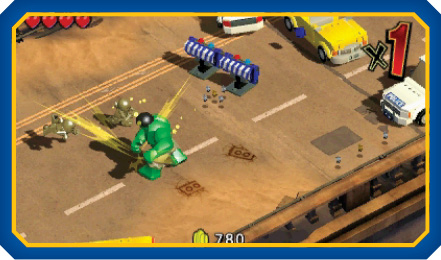
Press the melee button to perform a melee strike. Tap the button repeatedly to perform a melee combo.
Ranged Attack
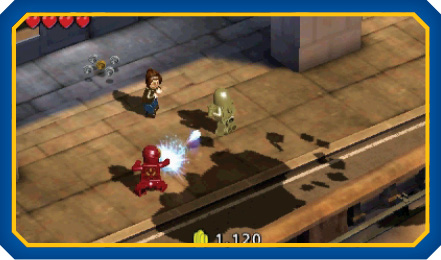
Some characters can perform ranged attacks. Press the ranged attack to use character-specific projectile weapons or long-range powers.
Action/Use/Grab
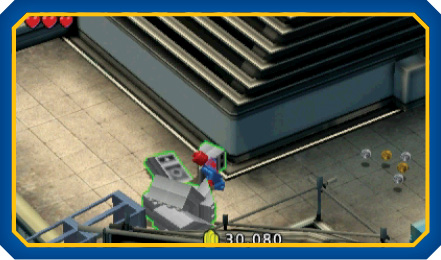
Press the action/use/grab button to interact with nearby objects and perform character-specific attacks during combat.
Dodge
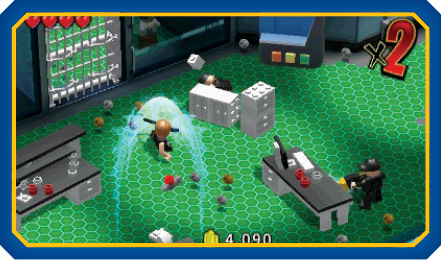
Press the dodge button to dash a short distance. This sudden burst of speed can be used to dodge incoming attacks or charge into nearby enemies.
The Touch Screen
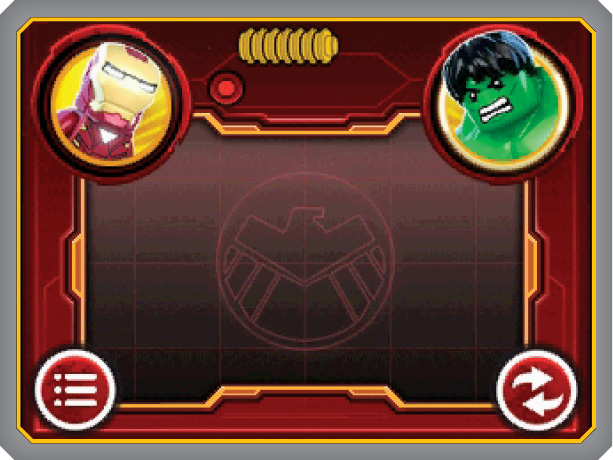
Some character abilities, menus, and game features can be accessed by tapping or swiping the Touch Screen. The available commands change based on the active game mode and your selected character. Use the information displayed on the Touch Screen and follow the in-game tutorials to learn about these commands as they become available.