
Star Trek Guide Walkthrough Chapter 4: Space Battle
Space Battle
Chapter Summary
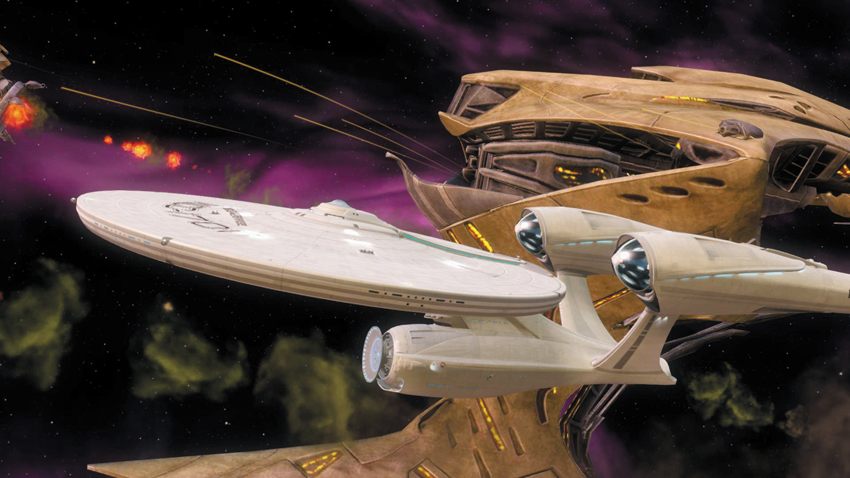
- The crew of the Enterprise battles the Gorn ships in space and attempt to stop them from going back through the rip.
- Collectables: None
Achievements/Trophies
| Icon | Name | Criteria | Gamerscore | Trophy |
|---|---|---|---|---|

|
All Power to Forward Shields | Complete the Space Battle with zero damage to the hull | 30 | Bronze |

|
Beat Space Battle | Completed the Space Battle chapter on any difficulty | 20 | Bronze |
Enterprise
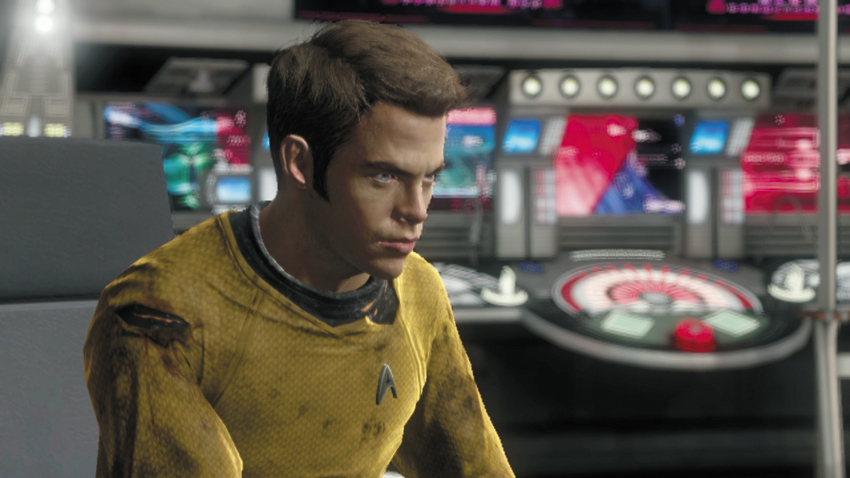
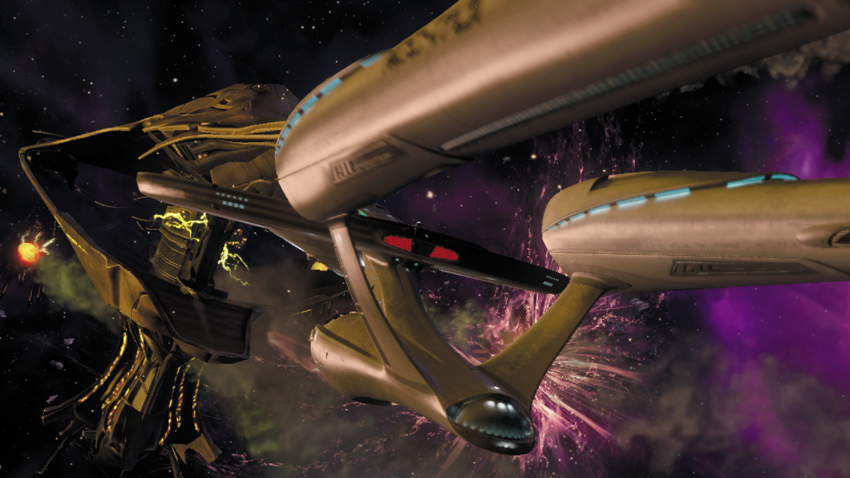
Back onboard the Enterprise, Kirk orders Sulu to chase after the Gorn ships—you can’t let them escape back through the rip with the Helios Device. An attempt to hail the fleeing ships goes unanswered. Spock reports that a Vulcan life sign is onboard the largest Gorn ship. It appears that the Gorn have abducted Surok—T’Mar advises a more cautious approach. Chekov reports that enemy fighters are within range. The enemy ships are changing course and heading directly for the Enterprise.
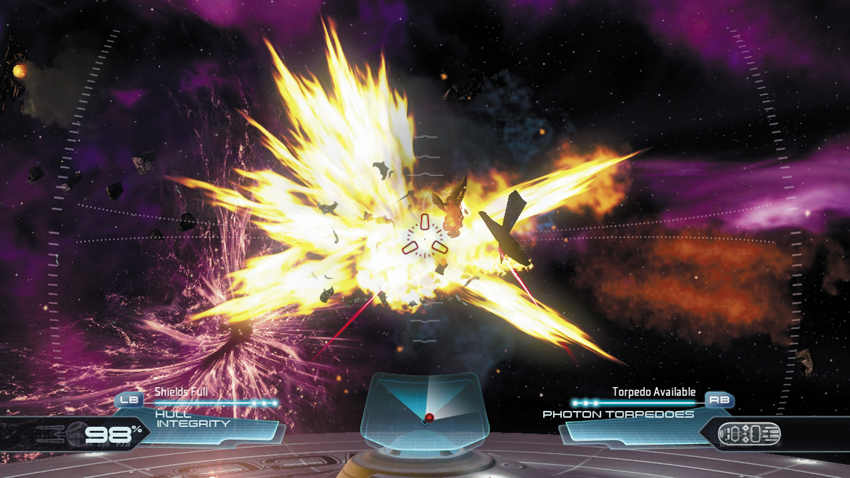
During this sequence you must defend the Enterprise against attacks by the Gorn ships. The camera is situated just above the Enterprise’s saucer section, giving you a commanding view of the battle. You have complete control of the Enterprise’s weapons systems—the primary fire button fires the ship’s phaser banks while the secondary fire button launches photon torpedoes (Kirk) or initiates a torpedo tracker (Spock). Use the radar display at the bottom of the HUD to track incoming enemy ships, which appear as red dots. Rotate the camera view to track targets approaching from the left or right. Use the aiming reticle in the center of the HUD to target the Gorn ships with the Enterprise’s weapons. The incoming fighters move quickly, but are easily destroyed with one hit from the phaser banks.
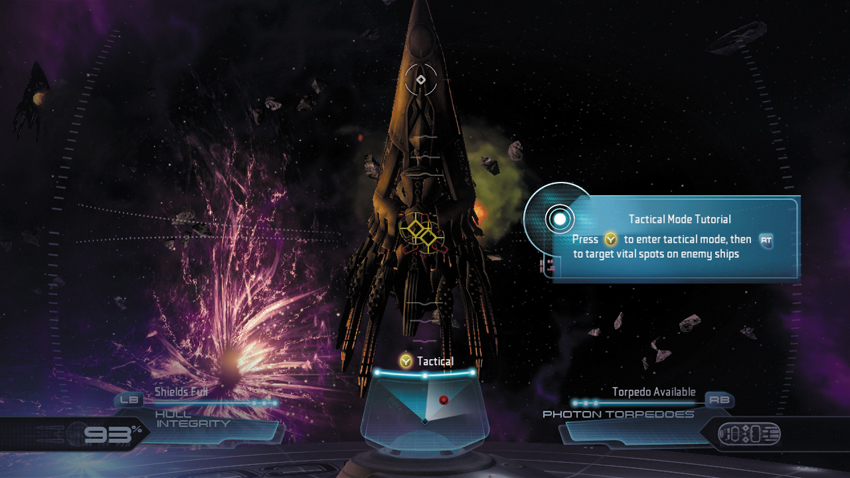
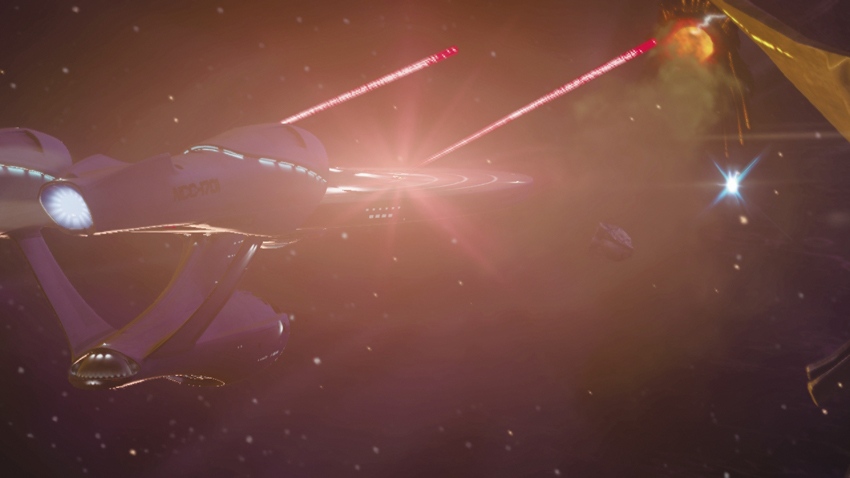
Once the enemy fighters have been destroyed, a larger enemy ship approaches from the right. Spock suggests focusing all weapon fire on its vital points. Here you’re prompted to enter Tactical Mode by pressing the button shown on-screen. Tactical Mode slows time, allowing you to lock the Enterprise’s weapons on multiple targets at once. Place the aiming reticle over the marked vital spots of Gorn ship and press the fire button to lock the weapons onto each of the three points. Once all three vital spots are targeted, the Enterprise unleashes a volley of phaser and torpedo fire, annihilating the Gorn ship. As you can see, Tactical Mode is very powerful, but must be used sparingly—after each use, there’s a brief cooldown period of a few seconds, during which you cannot enter Tactical Mode.
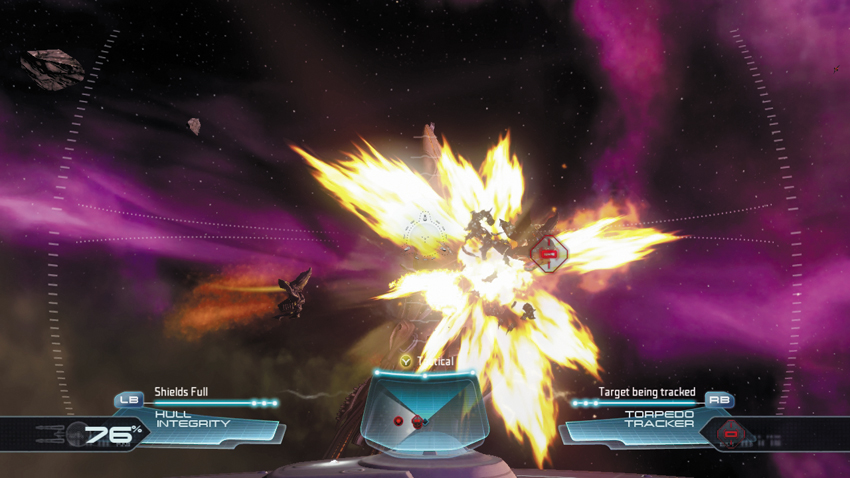
Following the Tactical Mode tutorial, resume targeting enemy ships that are closing on the Enterprise. While the phaser banks are effective, don’t forget about your photon torpedoes. These powerful weapons inflict heavy damage on the enemy ships. You can only fire torpedoes when playing as Kirk. By default, torpedoes travel in a linear path, much like the phaser blasts. But if Spock targets an enemy ship with a torpedo tracker (also the secondary fire button) torpedoes will home in on the target. The red bracket icon appears on the HUD when a target is tracked—take this as your cue to fire a torpedo. Working together, have Spock lock on to ships using the torpedo tracker so Kirk can fire torpedoes with greater accuracy. Once Tactical Mode recharges, activate it again to target the vital points on the larger enemy ships—use this mode as frequently as possible because it gives the Enterprise a huge advantage.
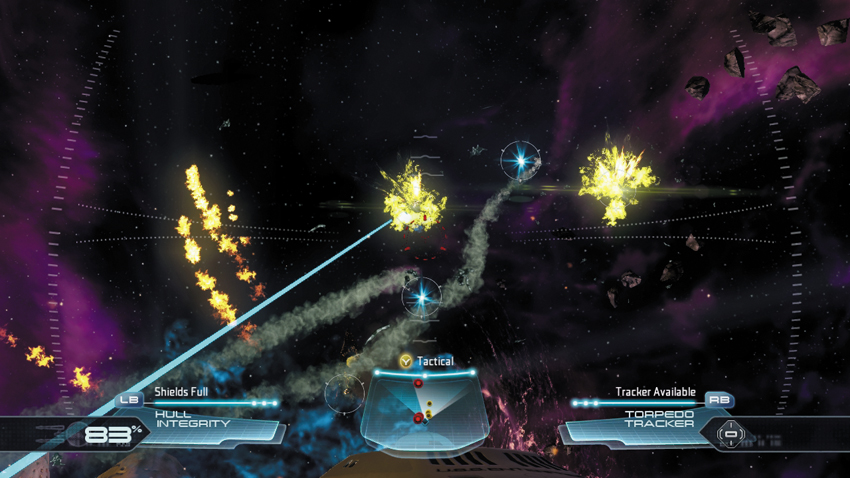
Pay attention to the yellow dots on the radar display. These represent incoming torpedoes fired by the Gorn ships. Rotate your view to spot these torpedoes, which appear as bright blue lights on the HUD. While playing as Spock, target the incoming torpedoes with the Enterprise’s defensive weapons. Assist the Enterprise’s automated defenses by targeting the incoming torpedoes with the phaser banks. The Enterprise’s automated defensive weapons (appearing as blue beams) are most effective when you place the aiming reticle directly over an incoming torpedo. Each enemy torpedo that’s missed strikes the Enterprise, reducing the ship’s hull integrity, which is shown in the bottom left corner of the HUD.
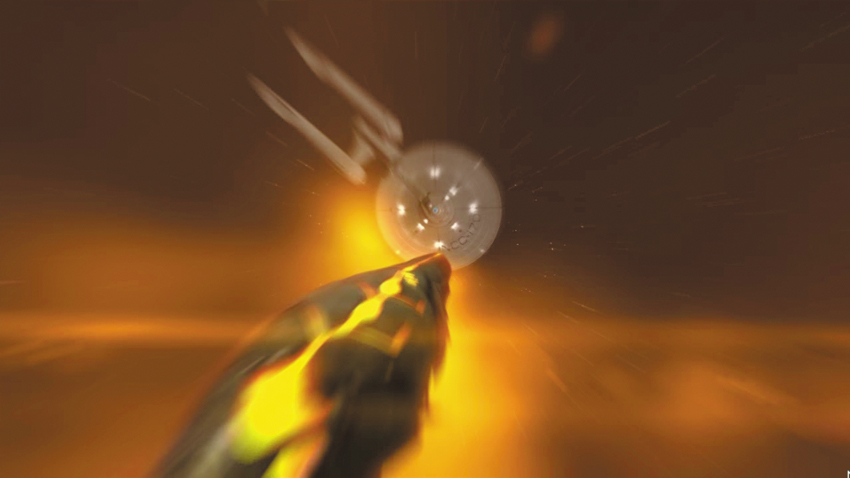
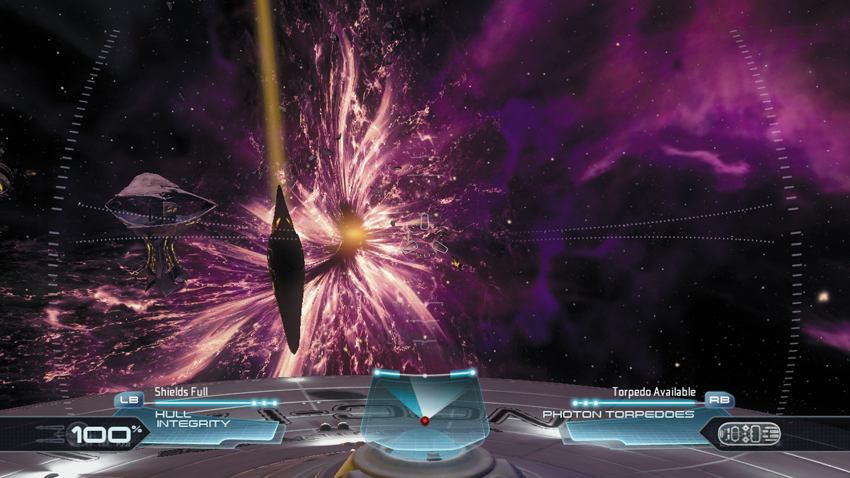
After you eliminate the second wave of Gorn ships, the enemy’s tactics become more desperate, as indicated when a Gorn fighter slams into the Enterprise’s saucer section. It appears the Gorn have turned to kamikaze attacks in their effort to stop the Enterprise’s pursuit. Scotty reports that the ship is holding together, but he’s not sure how many more direct hits it can take. These ships approach at a high angle, making them difficult to hit. However, you can deflect their attacks by activating the Enterprise’s shields prior to impact. If an enemy ship gets through, it burrows itself in the Enterprise’s saucer section before exploding, inflicting massive hull damage. You can mitigate damage by activating the shields following an impact—this dislodges the enemy ship before it can explode. When you’re not defending against the kamikaze fighter craft, engage the other Gorn ships attacking the Enterprise.
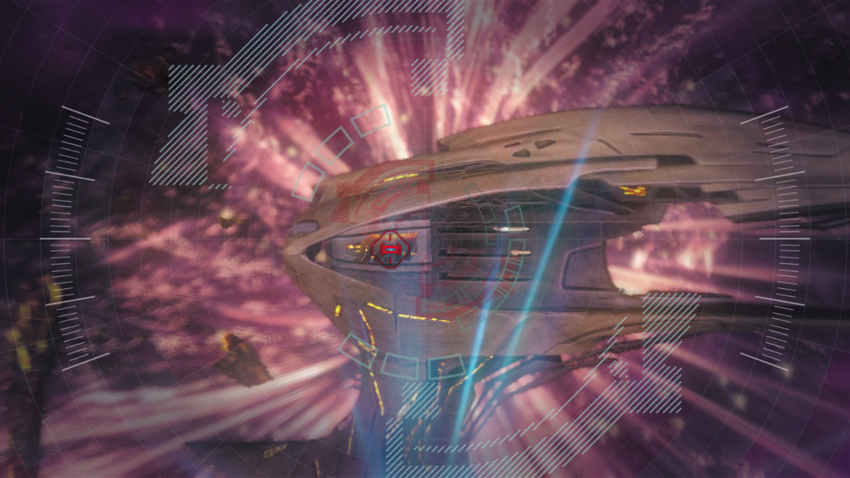
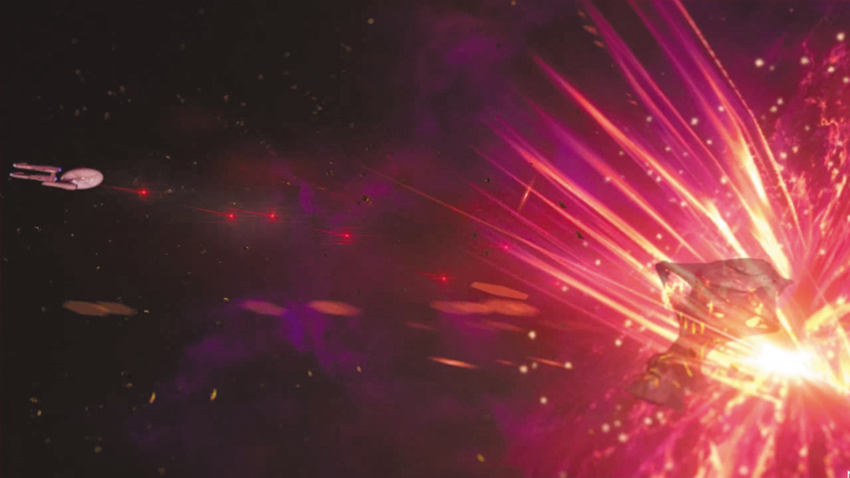
The Gorn ships eventually stop their attack, resuming their course toward the rip. As the Enterprise gains on the lead Gorn ship, the path ahead becomes filled with debris—the large Gorn ship is opening fire on its own fleet, creating a debris field from their own people. When the Enterprise closes within torpedo range, Kirk orders Sulu to disable the Gorn ship’s engines to disable it. But Sulu reports that there’s too much debris ahead—he can’t line up the shot. Instead, the torpedo must be guided manually. Once the torpedo is fired, it’s up to you to guide it through the debris and into the Gorn ship’s engine. Instead of flying the torpedo straight ahead, have it climb above the debris field and then angle downward toward the Gorn ship. The controls for the torpedo are very sensitive, so make slight inputs to alter its flight path. If the torpedo contacts any debris it will explode, and you will have to restart this sequence. Guide the torpedo into the ship’s engine, which is marked with a red bracket icon. Despite your best efforts, and an aggressive volley of firepower from the Enterprise, the Gorn ship disappears into the rip.