Rivage Complete Walkthrough
A spoiler free guide on completine Rivage


Rivage is a first-person sci-fi puzzle game that has you utilize time loops to explore the space station. Some of these puzzles can be tricky, and you might be confused about how to progress at certain stages.
This spoiler-free guide will explain exactly where to go, and you can also check the hints and links for individual puzzle solutions.
Rivage Walkthrough
Basic Controls and Mechanics
You can pick up and inspect items with left-click, and you can drop them using right-click. Hold R to take screenshots. Press Tab to bring up your K-9, which tracks all screenshots, passwords, audio, videos, and upgrades. You can then navigate through it using number keys 1 through 7.
You start each day with 4 Energy. Actions like opening doors consume energy. Once energy runs out, power at the station goes out. At this point, head to the storage room in the kitchen and interact with the arcade machine.
Unlock Miranda’s PC and Vault
Starting out, you need Access Level 1 to open the first door.
Check Miranda’s computer. Click ‘Forgot Password’ to get the hint: “My Bestseller”.
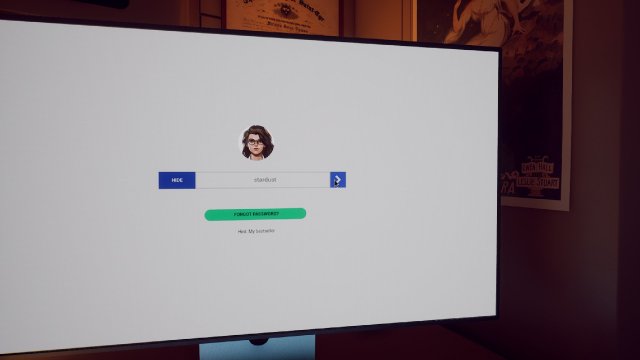
Check the book on her desk titled ‘Stardust’.
Head outside the room and open the chest in front of the door by interacting with its different latches. It tells you how to unlock the safe. Enter ‘/000/’ followed by Miranda’s birthday shown in the image below.
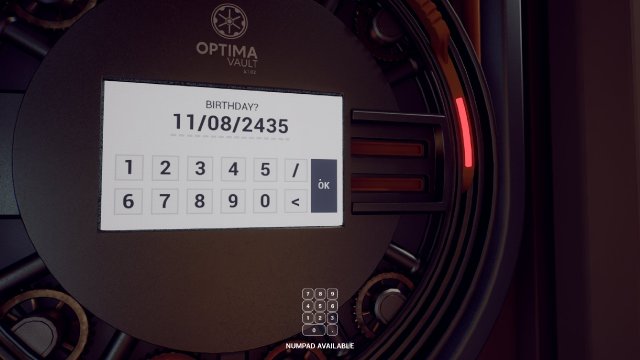
Check the computer or the back of Miranda’s book for her birthday. Use the birthday to unlock the Vault and gain Level 1 Access.
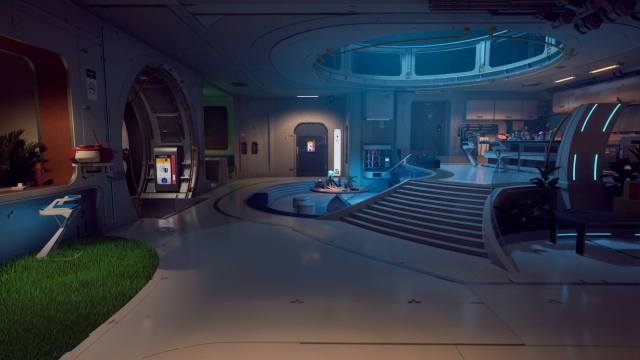
Head outside into the Kitchen area.
Complete the Kitchen Puzzle
Once you’re in the Kitchen, your next task is to access the Pod Bay. To access the Pod Bay, you need the access card. You can check out our guide on how to solve the Kitchen puzzle.
Getting Access Level 2
Once you have access to the Pod Bay, you can access Miranda’s locker. Your next task is to get Access Level 2. Here’s a quick guide on how to print Amaan’s card.
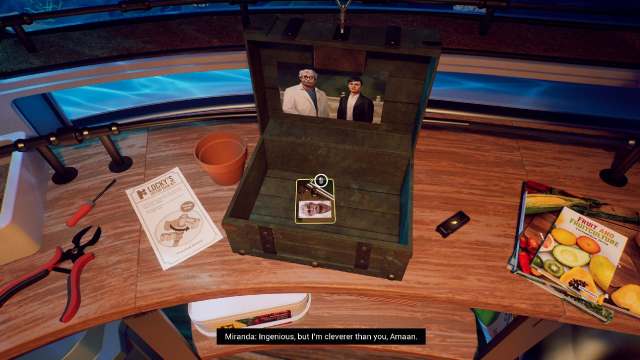
Once you have it, you can scan it for Access Level 2. Now you have access to the Lobby Area and Amaan’s room.
Get Contactless Access Upgrade From the Lobby
The lobby area is where you can get one of the most important upgrades in the game. You can install it from the computer in the room. To unlock the computer, you need to find the name of the Horizon Probe’s creator.
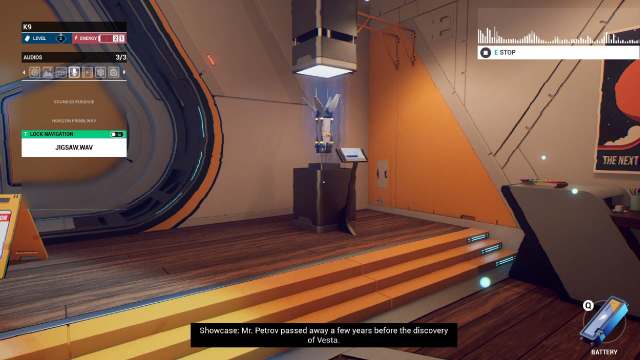
Get UV Upgrade
The next step is to go into Amaan’s Room and log into his computer.
His password is his favorite energy drink. To discover his favorite energy drink, you can either open his safe by figuring out his birthday(use emails in his locker and the cake in the fridge), or go to Anomaly #3 in the connector where you’ll find several cans.
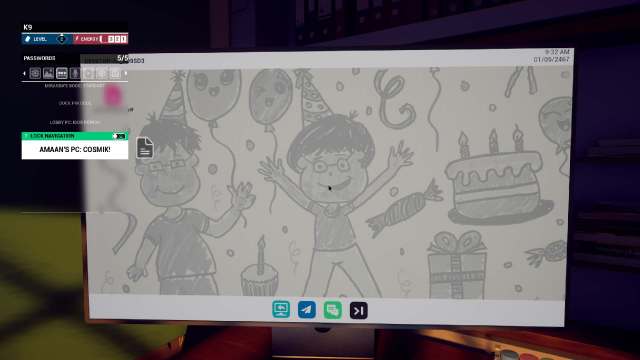
Amaan’s favorite energy drink is Cosmik.
Log into his computer and upgrade your K-9 with the UV module. This lets you view invisible ink on books and walls.
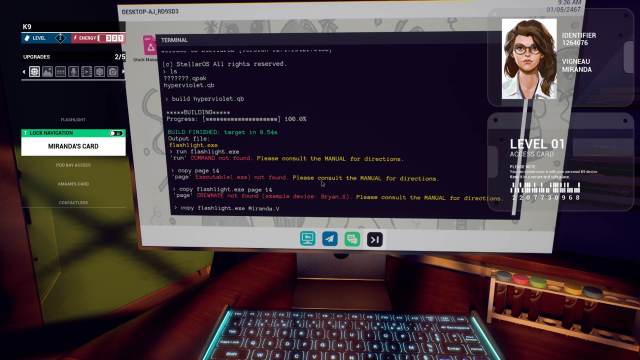
To install the UV Module, you need to enter a series of commands on the terminal. You can find information on the inputs on the pages lying around the room.
To install the UV module from Amaan’s computer, input ‘build hyperviolet.qb‘ followed by ‘copy flashlight.exe Miranda.V‘.
Get the Multipass Card
Your next task is to acquire the Multipass Card stuck in the Vending Machine in the Pod Bay.
The Vending Machine is out of credits, and you need to log into the Inventory Management panel next to the machine to add credits. You can quickly find the password pattern by using the UV light.
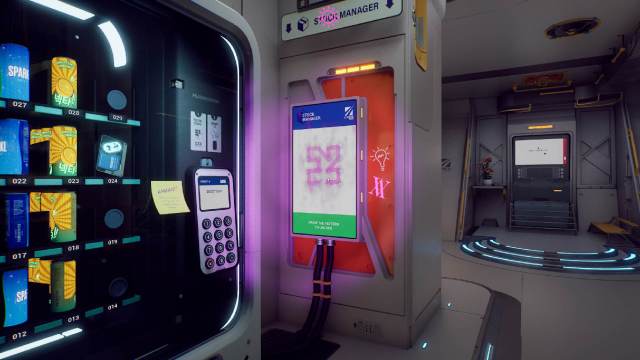
Next you’ll have to find three codes for certain food items. You can check out our guide here on how to find Vending Machine item codes.
After this, you can acquire the Multipass Card from the Vending Machine, and this opens up access to the Garage and Observatory.
Get the Power Cell
It’s better to head to the Garage first, as it gives you access to one of the most important items in the run. You can access the Garage via the Pod Bay using the Multi-Pass card.
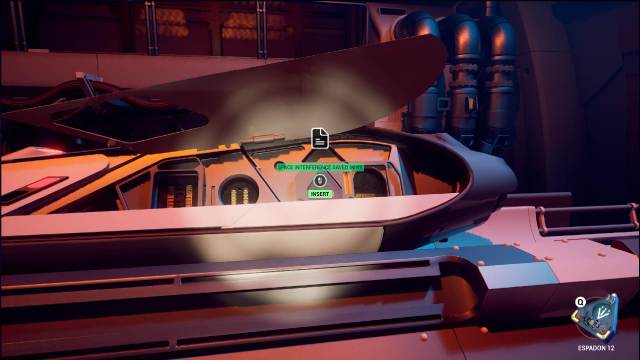
In the Garage, you have to solve a series of tasks to unlock the computer and find a passcode. You can check our garage puzzles guide for the complete solution.
Once you complete the Garage, you will finally have access to the Power Cell.
Accessing the Laboratory
Once you have the Power Cell, your next task is to find Jonny Kim’s fingerprint in the Laboratory so you can start up the generator in the Observatory.
The Laboratory requires 2 energy to open, and the password hint asks you to input Aion’s class. You can check our guide here on how to find Aion’s Class.
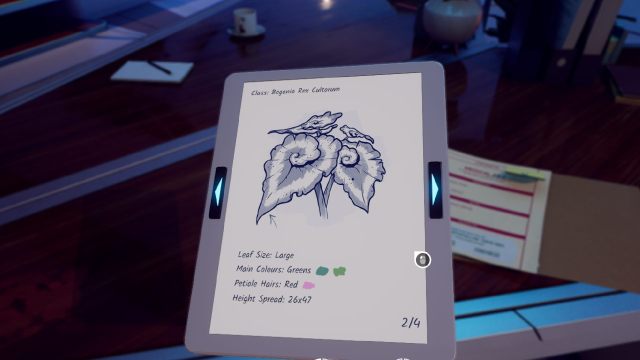
Once you enter the Laboratory, your next task is to find Jonny Kim’s fingerprint.
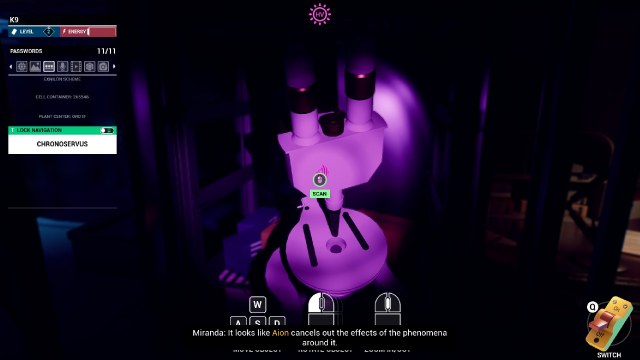
Getting Access Level 3
With the Power Cell and Jonny Kim’s fingerprint, you can head back to the Observatory and start the generator.
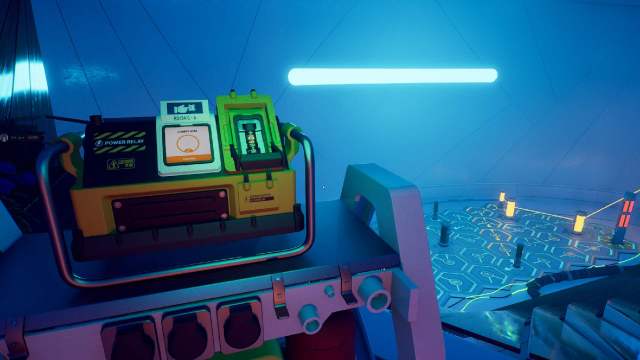
Once you start the generator, you will have to solve the relay puzzle to open the shutters.
Once the shutters are open, you can access the computer in the middle of the room powered by the solar panel.
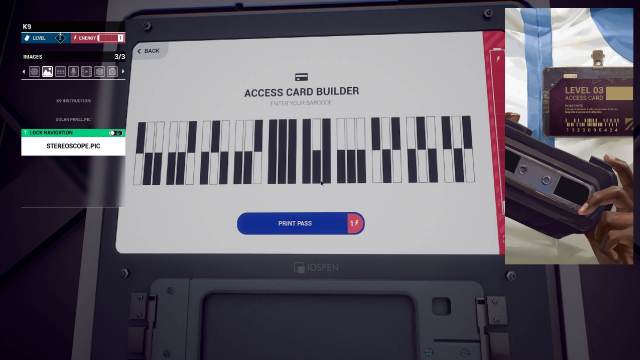
Using this computer and the other computer in the room, you can find out the ID and barcode for Jahi’s access card. Take Amaan’s Access Card to the Access Card printer, use Jahi’s ID, and print your level 3 Access Card.
Using the Train
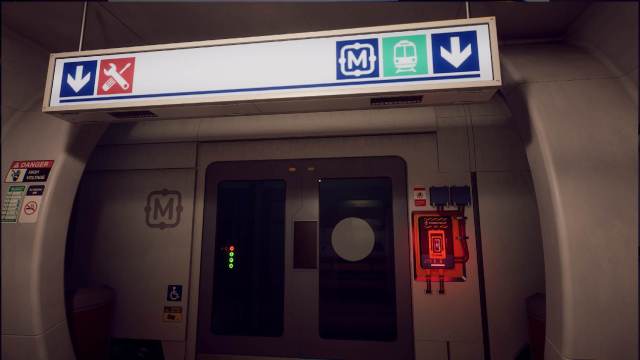
You can get the train access card from Jahi’s locker in the Pod Bay.
The train lets you access the upper floor of the Laboratory and the Lobby. The train also has a unique feature where you can duplicate/retain items from previous loops by placing them on the pedestal under the Aion plant.
Head towards the Laboratory, grab the hard drive, and place it on the Pedestal. You will be solving several puzzles, including the corrupted file, cubik cube, and missing gears. Check out our guide on these puzzles to sort them all out one by one.
Access Kim’s Laptop
Now that you have Level 4 access, you can finally enter Jahi’s room.
The next set of tasks is on a timer from the moment your loop starts. So, you need to be as fast as possible about it. The goal is to ultimately access the information on Kim’s Laptop in the Kitchen. Check out our guide on how to hack Jahi’s computer and access Kim’s laptop.
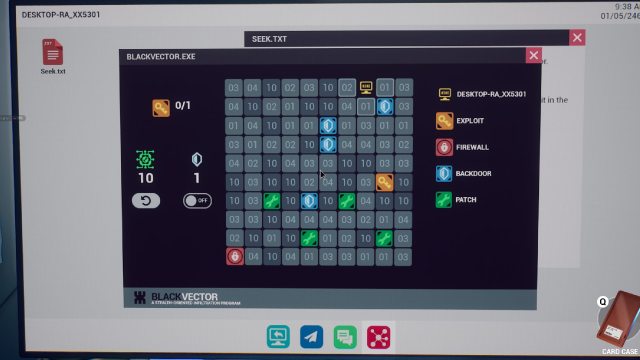
Accessing Kim’s laptop will give you information on the materials required to build the component that can repair the Train.
Solving the Greenroom Puzzle
Your next destination is the Greenroom, which can be accessed via the Laboratory. Path from the Kitchen to the Garage to the Laboratory via the Train and into the Greenroom.
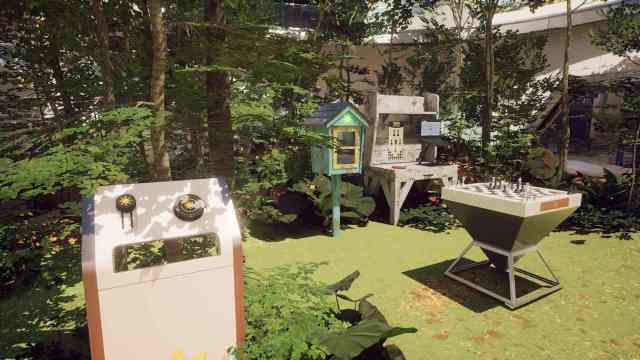
Inside the Greenroom, you need to solve the Constellation puzzle to get the Crank.
Jahi’s Room
The only way to access the room without the power going out is to duplicate the Crank from the Greenroom and grab it in the next loop.
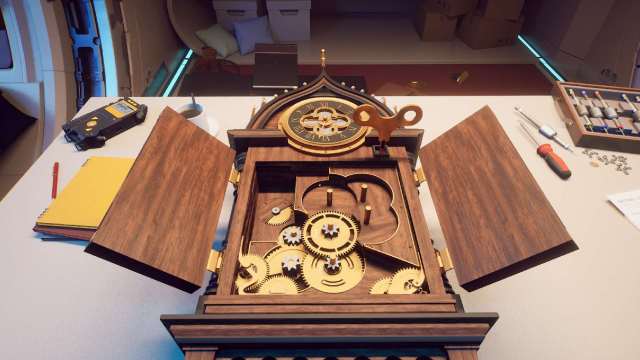
Inside Jahi’s room, you need to repair the clock lying on the desk in the middle. You must place six gears inside the clock. You can see the exact dimensions of the gears required on the wall. Interact with the different clocks around the room to find the six gears. You have to interact with the following clocks:
- Two in the clocks on the wall opposite the repair clock
- Small clock above bed
- Side of the large grandfather clock
- Clock opposite the safe
- Pull down the clock opposite the grandfather clock
Place the gears in order, close the clock, and it will let you rewind and repair Jahi’s computer. To access the data for the components, input the following commands in this order:
- ‘ls asroot extract DataLensArchive.qpak’
- ‘cat Readme.note’
- ‘build DataLensArchive.qpak’
- ‘DataLens.exe train_components_list.dtl’
Fixing the Train
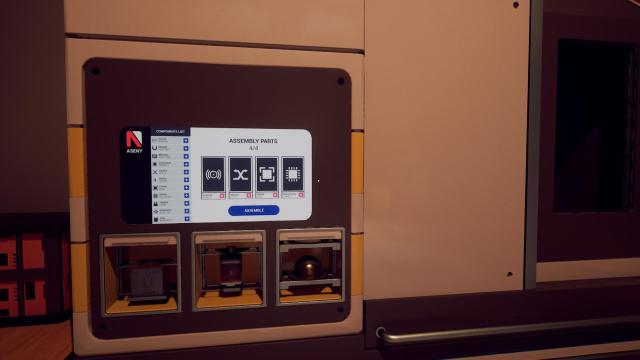
To fix the train, you combine the information from Kim’s Laptop and Jahi’s computer into the fabrication machine in the Garage.
Head to the garage and place the materials (Rubber, Lithium, and Ethanol) into the machine, and then select the Assembly Parts(Sensor, Switch, Frame, Processor). This will create the component required to repair the train.
Head to the Fusion Reactor
Now you just need to place the component you created into the missing valve in the Train. This lets you access the Fusion Reactor.
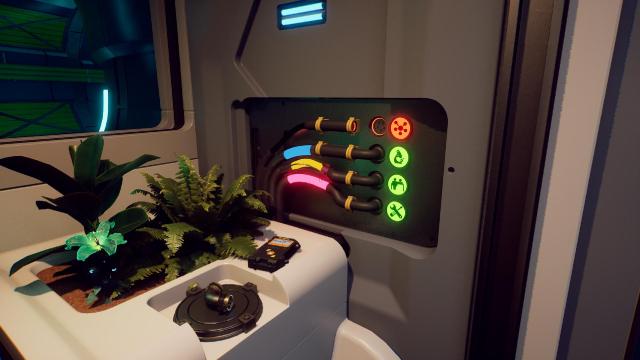
From here, it’s very straightforward. Keep progressing, and you will find Jonny Kim’s Access Card. Scan it for Level 5 access rights. Continue onwards until you finish the game. Congratulations! However, there is still more to do.