
How to Solve Garage Puzzles in Rivage
Everything you need to do in the Garage in Rivage.


Once you have access to the garage, you need to complete a couple of different tasks before you can progress. Your reward is one of the most important items in the game, so here’s how to complete the garage puzzles in Rivage.
Assembling the Orbital Probe
When you enter the garage, head towards the workshop area and pull a lever to bring up the Orbital Probe. Open the hatch, and you’ll find four slots for components. You can find the four components around the garage:
- On the table by the ground-floor computer
- On the table next to the Orbital Probe
- In the workshop behind the Orbital Probe
- Upstairs on the table with the computer
Slot all four components inside the probe and close it to ready it for launch.
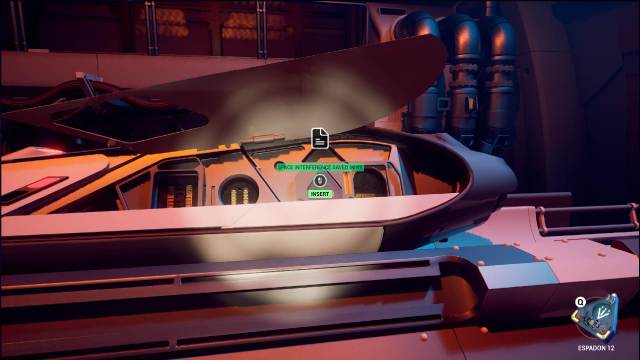
Orbital Probe Path Puzzle
Head upstairs and open the map to bring up the star map. You must create a path that navigates the map starting from A.R.E.S., collecting all six data nodes and ensuring the ship’s health stays above zero. Red nodes reduce your health, and green nodes increase it by one. Note that you cannot travel between nodes you have already crossed, so plan accordingly.
If you want to skip the hassle, here is the solution for the Orbital Probe path:
SRP-01 → SRP-02 → AST-ART → SDT-11 → X-248 → K-1066 → BTH-12 → DATA-04 → NNS-7 → RE-005 → VAN-26 → ARK-18 → X-303 → 4-MKM → TIE-1 → DATA-01 → ORB-2 → OA-9 → AQ-94 → GW-11 → AW-13 → SHFT-1 → DATA-06 → ATV-3 → SA-X → MVL-30 → VR-M → DATA-03 → I2B-0 → ORE-X → NH-9 → DATA-02 → ESA-6 → MPLM-1 → ZX-22 → XM-R → ZX-2A → DATA-05 → SAS-11 → MA-6 → MER-A → AUOS-RD-04 → A.R.E.S.
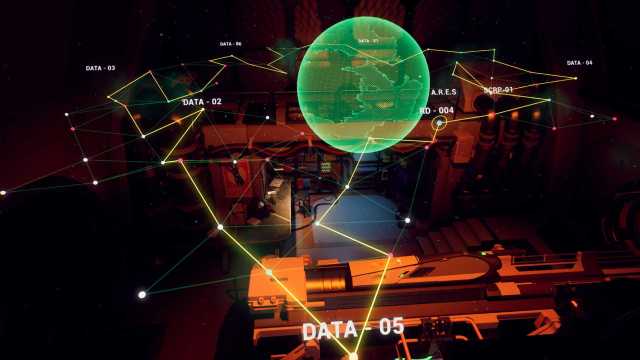
Once you’ve input the path, launch the probe and wait for it to return. Once it returns, you will get the Particle Waves audio file.
Soundboard Puzzle
The next step is to transcribe the Particle Waves audio file and play it on the soundboard. You can find the soundboard on a desk downstairs. You can either transcribe it by ear or use the easier method by following the dot patterns. When you play the audio, you’ll notice dot patterns in the top-right corner of the screen, and when you press the buttons on the soundpad, it will also display dot patterns for every sound. You can match the two and figure out the order.
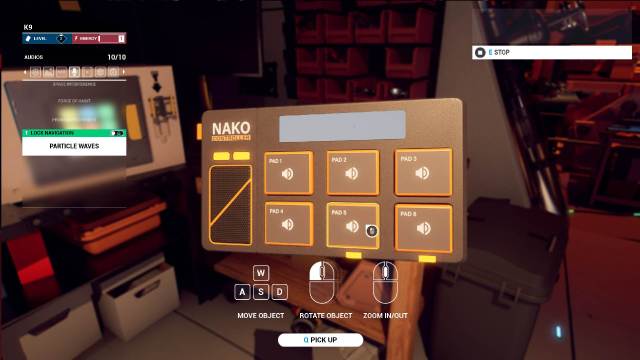
Here is the order of buttons you have to press to complete the garage soundboard puzzle:
- Pad 5
- Pad 2
- Pad 3
- Pad 1
- Pad 4
- Pad 6
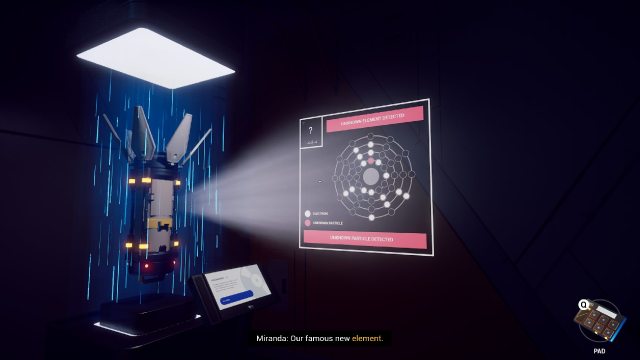
However, playing it in the garage will do nothing. You need to take the soundboard to the rocket probe displayed in the Lobby. If you play this pattern in front of that rocket, it will display the solution for the Isocube.
Isocube Solution and Getting the Energy Cell
The Isocube solution is simple enough; just enter the pattern you saw on the rocket into the computer on the first floor of the garage.
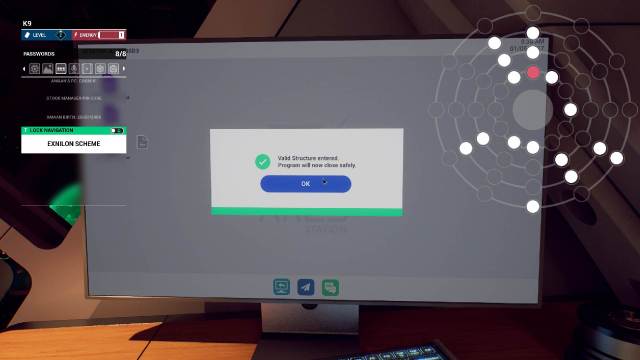
This unlocks the computer and gives you access to the emails. One of the emails will give you the password to the energy cell created and stored inside the container in the Kitchen. The container password is “265546“.
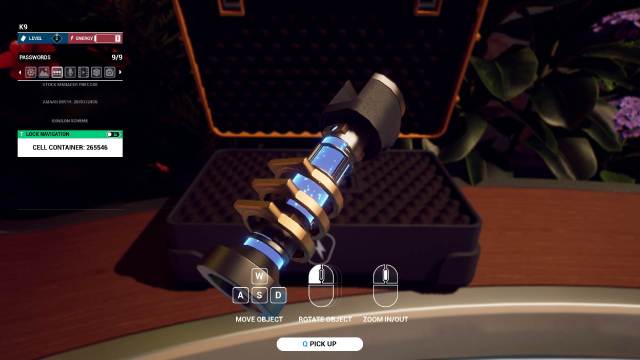
Now you can grab the energy cell at the start of every run and open up brand new paths. Check out our Rivage Walkthrough to see where to go next. If you’re wondering about the incinerator in the Garage, that will come later.


