
The Sims 3 Ambitions Guide Walkthrough Careers
Career Progression
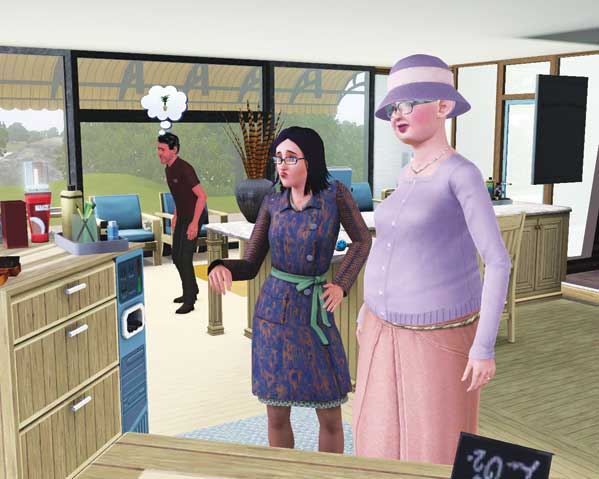
The Stylist career begins at the local salon where you attend to potential clients who walk through the front door in need of a new look. You receive a message when a potential client is at the salon.
Speak to the client before using the Makeover interaction on a styling station, which begins the actual job. The Discuss Fashion social—given only to Stylists—helps start the makeover on a positive note.
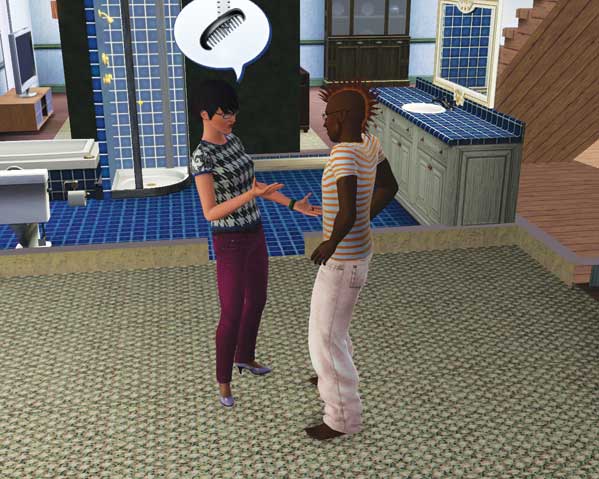
Once your Sim reaches level 3 of the Stylist profession, jobs outside the salon are unlocked. Now, you can use map view during work hours to identify clients around town in need of makeovers.
Click on their houses to go straight there. Before digging into the Makeover (now available as an interaction/social on the target Sim), be sure to get the client in a good mood.
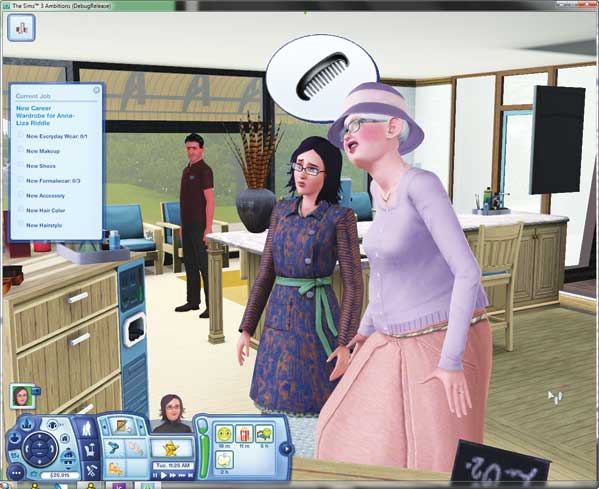
The Current Job shows you exactly what the client wants out of the makeover. This is similar to the Designer career. You must address all of the client's needs before completing the makeover.
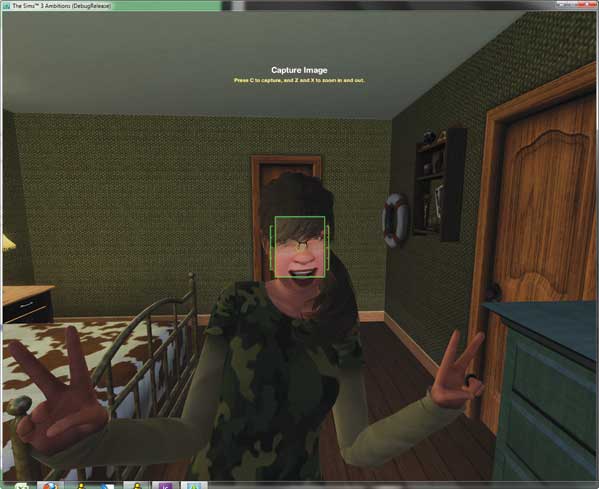
Once you finish, the client evaluates what you did and gives a report. If the client likes the makeover, you may get a nice tip. You can then take a photo to add to your portfolio.
The more photos of successful makeovers you place in your portfolio, the easier time you have getting potential clients (Sims not actively seeking a makeover during work hours) to agree to a makeover, which in turn pays out in Simoleons and results in necessary XP.
Makeover Basics
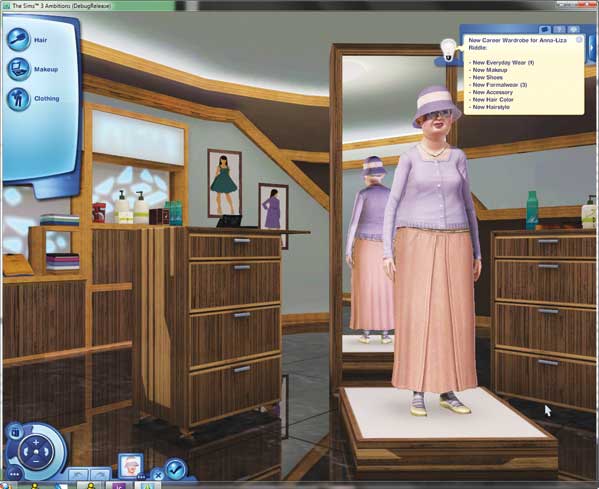
So, what do clients want out of a makeover? Requests span three categories: new outfits, new hair, and new make-up. All of these are selected from a Create a Sim toolkit.
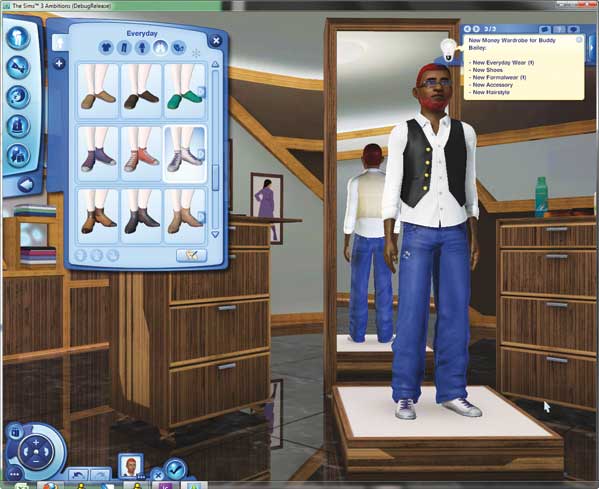
A Sim who desires new clothes will designate which specific outfit they would like you to change: everyday, formal, swimsuit, sleepwear, or athletic.
You can mix-and-match pieces within those categories to make new outfits or choose from the pre-made ensembles. Use Create a Style to add new patterns to clothes or dye them different colors.
Some Sims will also request new shoes or accessories, so be sure to address those before completing the makeover.
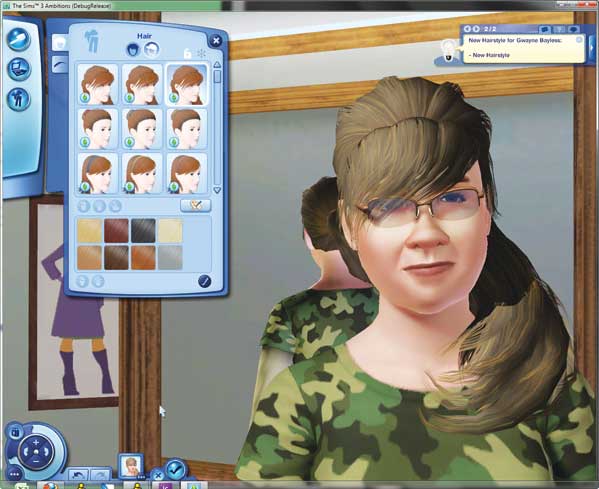
Some clients wish to receive new hairstyles. You create these exactly the same way as you would when starting a new Sim in Create a Sim. You can pick any hairstyle from the available 'dos in the toolkit and then add highlights or other color options.
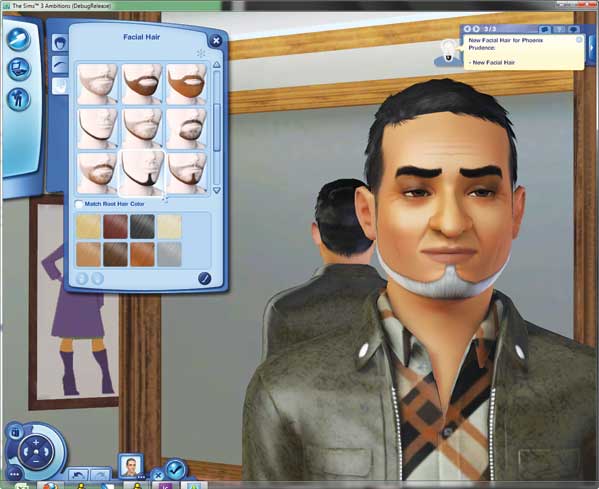
Male Sims may request new facial hair, too, so have fun handing out beards and 'staches.
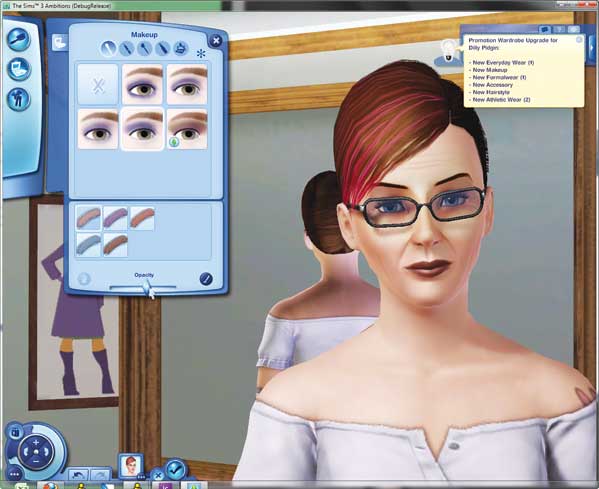
Female clients may also request new make-up. Here, you dive into Create a Sim and place new eye shadow, blush, and more on their faces. Use the opacity slider to reduce the harshness of some make-up.
You do not need to alter every category of make-up to satisfy this request, but address at least three make-up features before completing the makeover.
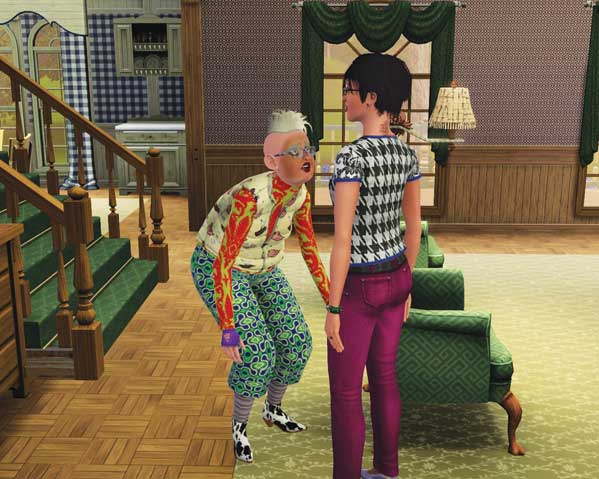
If your Stylist is Evil or doesn't mind pranking a client, you can also choose the Give Bad Makeover to whip up a truly dreadful new look.
The client gets furious over this outfit. You can always immediately choose the Makeover social to remedy the situation as best as possible, but if you like mischief, why not leave them looking like clowns?
Research Style
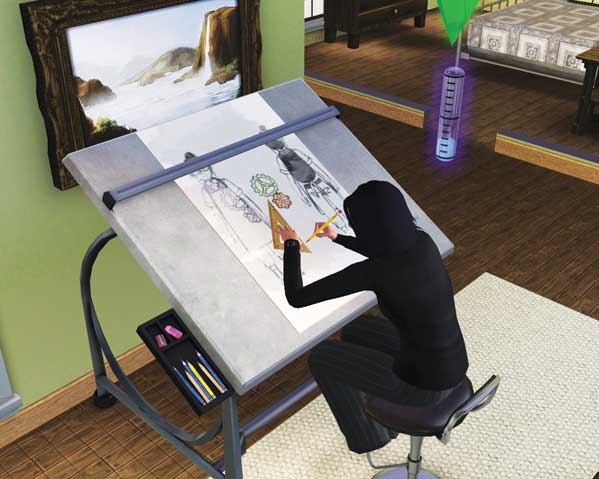
One of the responsibilities of a Stylist is to research fashion. You need a drafting table to perform this activity in your off hours.
As soon as you can afford one, place it in your house and then use the Research Fashion interaction when you have spare time. (Be sure to address your needs first!) As you research fashion, your Sim sketches new outfits and looks.
Completed sketches go into your portfolio, which helps build it so you can easily convince potential clients to let you work your cosmetic magic. Researching style also results in gained XP.