
The Sims 3 Ambitions Guide Walkthrough Careers
Career Progression
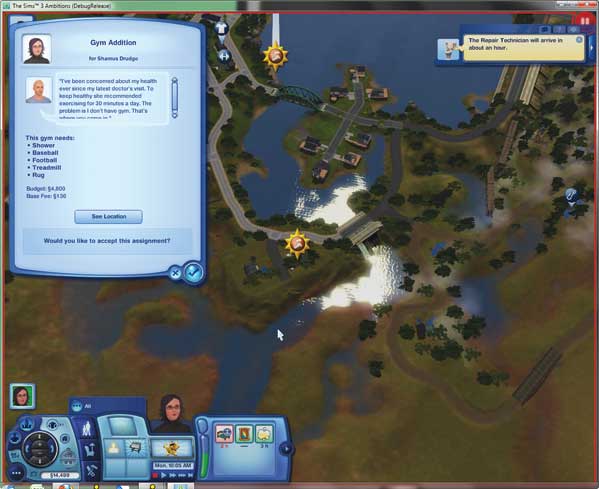
This career is a great mixture of the social aspects of other active professions with Build/Buy Mode. When you accept a renovation job, the client tells you exactly what he or she is looking for in a new room or updated house.
If you accept the job, you have the option of going straight to the lot and replacing objects or moving things around. However, you can also chat with the Sim offering the job or look around the lot to get an idea of what the client might like.
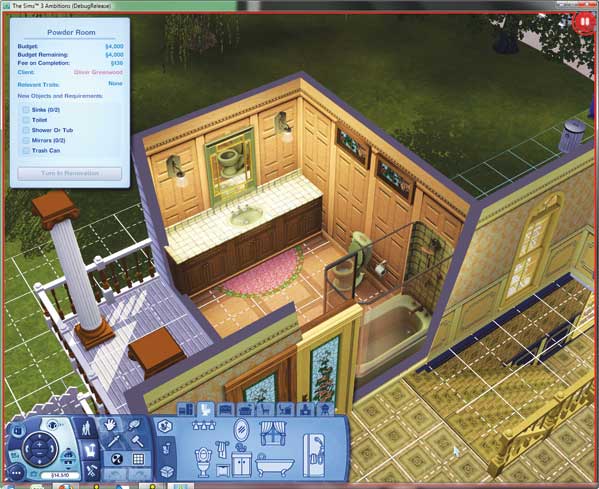
When you begin the renovation, you drop right into a modified Build/Buy Mode.
A full list of all required objects appears in the Current Job box on-screen so you can see exactly what needs to be added to a room or house to satisfy the core requirements of the remodel.
As you add the required objects, they get checked off this list. Be mindful of the budget for the job, which is also displayed in the Current Job box.
If you go over that amount, you will get severely dinged by the client and have a bad review. If you go too far under, you risk being accused of doing the bare minimum.
You need to find that happy place between the two extremes that makes the client happy. Listen to the client to learn what you need to do.
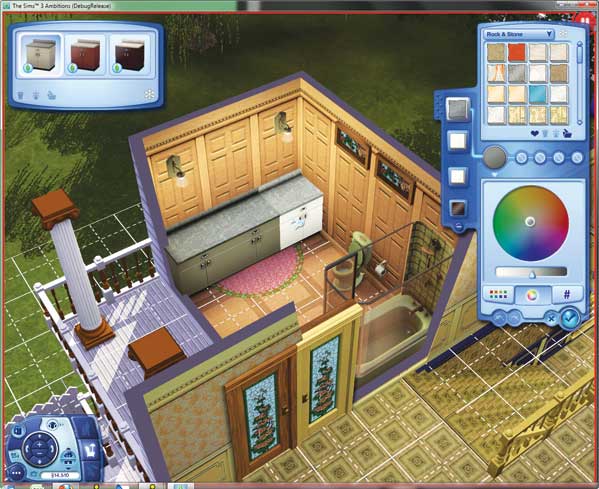
Use Create a Style to put personal touches on the newly installed objects.
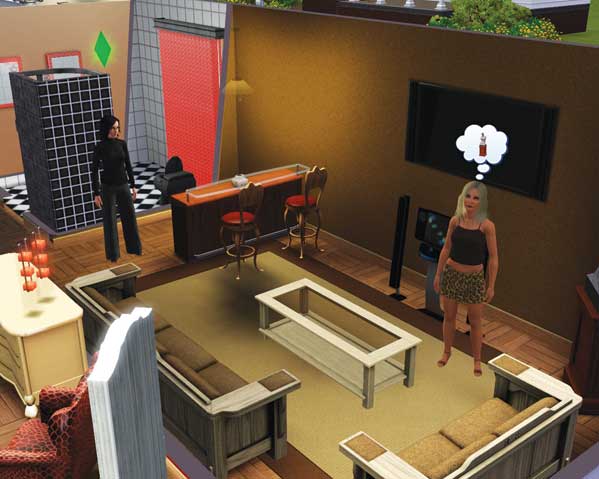
For example, the recent divorcee who wants an incredible new pad for entertaining lets slip that she has a ridiculous amount of money.
Going right up to the edge of the budget by adding extras in line with her taste will result in a good review.
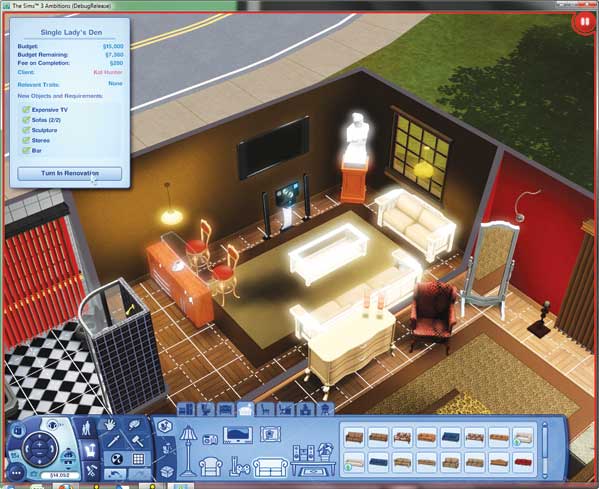
Once you have completed the renovation, mouse over the Complete Renovation button in the Current Job box. All of your changes now glow. When you are satisfied, click the button to tell the client you have finished.
At this point, the client returns to the lot. Watch the client tour the renovated area(s). Thought balloons acknowledging the required changes appear over the client's head. When the tour is done, the client tells you how you did.
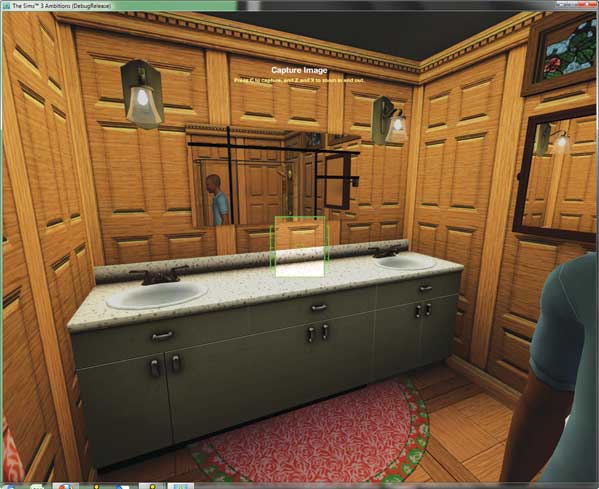
If you did a good job, take a photo of the renovation for your personal portfolio. Every completed job photo goes into the portfolio and inches it closer to 100 percent completion.
The portfolio is important for getting new jobs outside of daily assignments. Check out the Portfolio section for more on this activity.
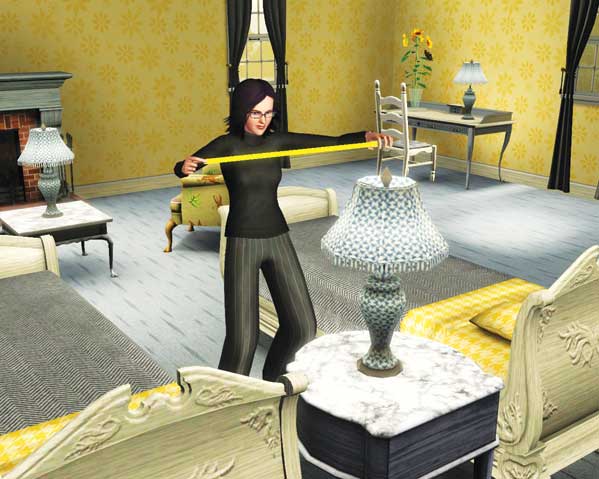
Once you reach level 5 of the career, you are given a tape measure. Now, you can enter a lot before starting the renovation process in Build/Buy and click on rooms to choose the Get Measurements interaction.
This eats up some time as your Sim moves around the lot, taking measurements of spaces, but your client will appreciate your dedication and give you a bigger tip at the end of the renovation.
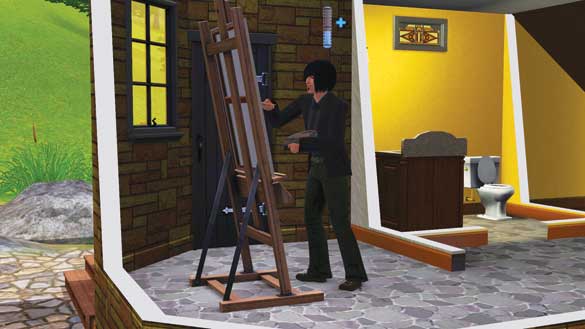
Be sure to practice painting in your spare time for additional XP in this career.
Job Scoring
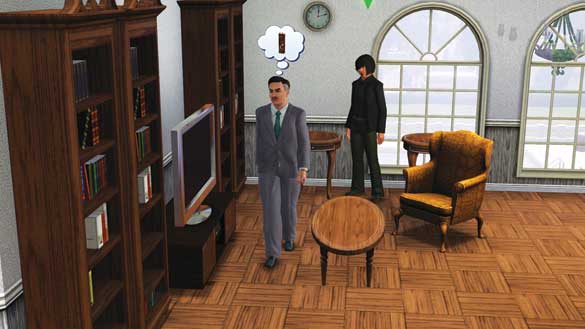
After you add the last requested object and are happy with the job, the client tours the house and considers your changes. As this happens, the client is actually scoring your remodel.
After contemplating the changes, the client gives you a score and possibly offers a tip for the hard work.
The first thing the client considers is if you added all of the required objects. If you missed any (such as a sink in a new bathroom), you are penalized.
Did you speak to the client before the remodel? You get bonus consideration for doing so.
If you leave parts of a room unfinished, like no floor or wall coverings on a surface, you are penalized.
Clients penalize you for not having a light source in a room.
You must make sure Sims can access all of the objects they requested. If you make it impossible to reach a bed in a new bedroom, expect a bad review.
How did you do with the budget? Did you go too cheap? Did you spend too much? Or did you give them a good value for their budget?
Sims also grade your work based on their personal traits. This is also why you should try to get to know your client a little before the remodel. Here are how specific traits affect job scores:
Snobs penalize you for not spending all of the Simoleons.
Frugal Sims give bonuses for coming in under budget,
Loves the Outdoors Sims give bonuses for lots of windows.
Hates the Outdoors and Evil Sims give bonuses for fewer windows.
Artistic Sims love decorations, like paintings. Conversely, Can't Stand Art Sims take points away if you add art to their remodel.
Bookworms love to see new bookshelves in the remodel.
Workaholics like to see a quality desk in their remodel.
Computer Whizzes love new computers. Technophobes hate to see new computers or any electronic, like a TV.
Couch Potatoes give bonuses for remodels with chairs and couches that provide extra comfort. (See the catalog for comfort ratings.)
Virtuosos like to see guitars or stereos in remodels.
Natural Cooks prefer you to use quality kitchen appliances and surfaces in new kitchens.
Party Animals give bonuses for new bars.
Easily Impressed Sims just love everything, pretty much no matter what you do as long as you fulfill the required objects.
Finally, clients also give bonuses if you use objects you personally created. So, consider developing the Sculpting and Inventing skills so you can place personal touches in rooms.
Paintings your Sim created also add bonuses to a remodel. And if you have World Adventures, you can place photographs on walls for additional bonuses.
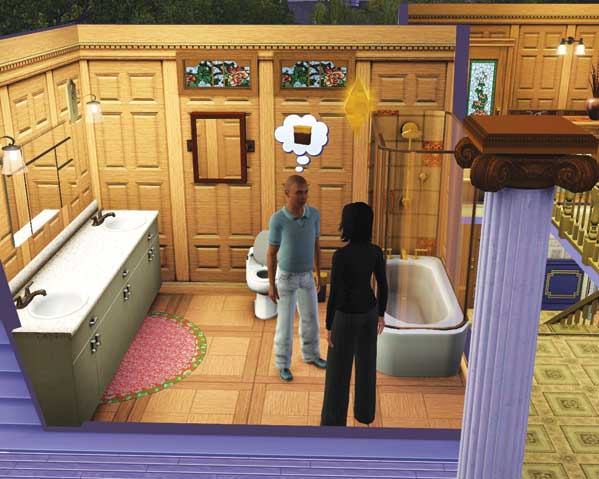
When all of these things are factored together, the client delivers the final verdict. If you did well, you get both a good review and a tip. Snap a photo for the portfolio.
If you failed, the client expresses disappointment and you don’t take a portfolio photo. You may even experience an LTR decrease for doing such a bad job.
Portfolio & Researching Design
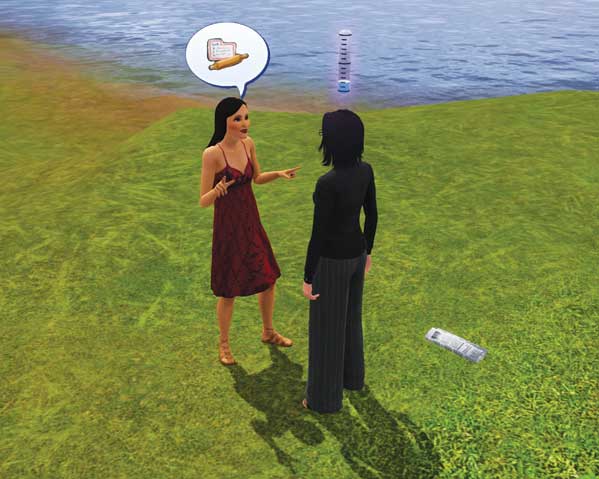
As mentioned, after completing a job, you snap a photo of the new area for your portfolio. After you get a good portfolio together and reach level 3 of the career, you have an easier time convincing potential clients with the new Solicit social.
You show potential clients your portfolio. If they like what they see, they may offer you a job.
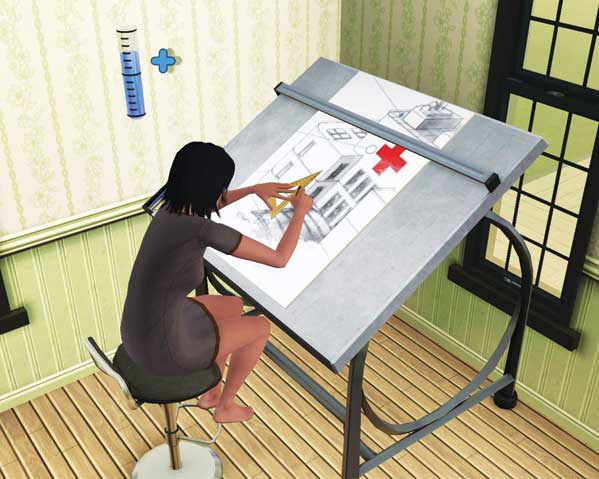
You may also work on your portfolio outside of work. After installing a drafting table in your house, use the Research Design interaction to sit down and start sketching out new building and room ideas.
These unfold similar to painting—in fact, working on the drafting table develops the Painting skill. You can place sketches inside your portfolio or hang them on walls.
Sketches provide a small environmental bonus for a room.
Renovation List
Here are the types of renovations you will encounter in this career. Each listing details the nature of the job and what objects may be required. We also include objects that help you get a bonus for that renovation.
| Renovation | Required Objects | Optional Objects |
|---|---|---|
| Baby | Crib, potty chair, toy chest | Bookshelf, rug, sculpture, door |
| Bedroom Age-Up | Bed, dresser | Bookshelf, rug, sculpture, door, stereo, video game system, computer, desk, living chair, TV |
| Child Room Addition | Bed, dresser, toy box | Bookshelf, rug, activity table, easy bake oven, teddy bear, dollhouse |
| Toddler Room Addition | Crib, dresser, toy box | Activity table, teddy bear, xylophone, peg box |
| Roommate | Bed, dresser, room | Bookshelf, rug, sculpture, door, stereo, video game system, computer, desk, living chair, TV |
| Marriage | Bed, dresser, room | Bookshelf, rug, sculpture, door, stereo, video game system, computer, desk, living chair, TV |
| Landscaping - Pool | Pool, plants | Sofa, lounge chair, outdoor lights |
| Landscaping | Plants | Sofa, lounge chair, outdoor lights |
| Outdoor Re-design | Door, window, paint style | None |
| Bathroom Re-design | Sink, toilet, shower, tub or shower tub, mirror | Rug, trash can |
| Living Room Re-design | Sofa, living chair, living chair, coffee table | Fireplace, end table, light, painting, sculpture, window, TV, stereo, rug |
| Kitchen Re-design | Sink, fridge, counter | Bar, rug, stove, dishwasher, dining table, dining chairs, window, microwave, food processor |
| Bedroom Re-design | Bed (specifies single or double), dresser, rug | TV, stereo, living chair, bookshelf, window, door |
| Library Addition | Bookshelf, living chair, room | Sofa, end table, coffee table, TV, stereo |
| Gym Addition | Treadmill | TV, weight bench, stereo, rug, shower, baseball, football |
| Entertainment Room Addition | High value TV, video game system, sofa | Stereo, rug, living chair, light, VR goggles |
| Bachelor Lounge | High value TV, foosball table, bar, sofa, barstool | Stereo, rug, living chair, light, video game system, VR goggles |
| Bachelorette Lounge | Bar, sofa, barstool, stereo, TV | Rug, living chair, light, video game system, mirror, foosball table |
| Utility Room | Washer, dryer | Rug, TV, stereo, sculpture |
| Painting Room | Easel, painting | Sculpture, window, rugs, desk, dining chair, drafting table |
| Sculpting Room | Sculpting station, sculpture | Painting, window, rugs, desk, dining chair |
| Writing Room | Bookshelf, living chair, desk, dining chair, computer | Sofa, end table, coffee table, TV, stereo, computer |
| Study Addition | Bookshelf, living chair, desk, dining chair | Sofa, end table, coffee table, TV, stereo, computer, chess table, easel |