
The Sims 3 Ambitions Guide Walkthrough Careers
Professions
Professions
The central new feature of Ambitions is the profession system. The new careers are much more interactive than previous professions. Before, when your Sims went to work, they slipped into a venue and did not come out until the shift had ended.
You had a degree of control over work behavior through the use of "tones," but the progression of a career was more about managing tones, skill development, co-worker relationships, and a handful of activities, such as writing articles or rummaging through trash.
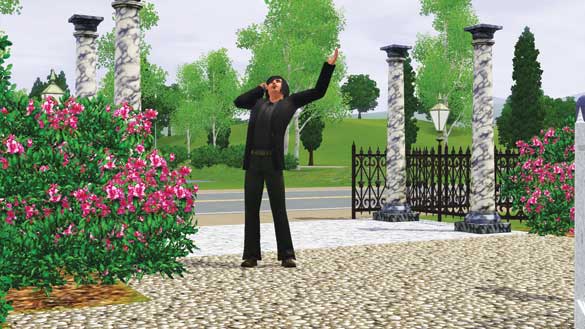
The professions change all of that. These new professions require the same attention you would give your Sims during non-work hours.
You must direct them to the tasks required of them for each career (such as banishing angry spirits as a Ghost Hunter or putting out a blaze as a Firefighter).
Many of the new work tasks require traveling around the neighborhood and interacting with people or objects.
Working Around Town
All of the new professions require you to work outside of your home or a venue. You will crisscross the neighborhood to locate trouble spots or new tasks during your shift. Not every new career has a venue you must report to, though.
The Firefighter career may have you working out of the new fire station venue, but the Architectural Designer career is not at all anchored to a specific location. When not working for a client, you can be at home, if you like.
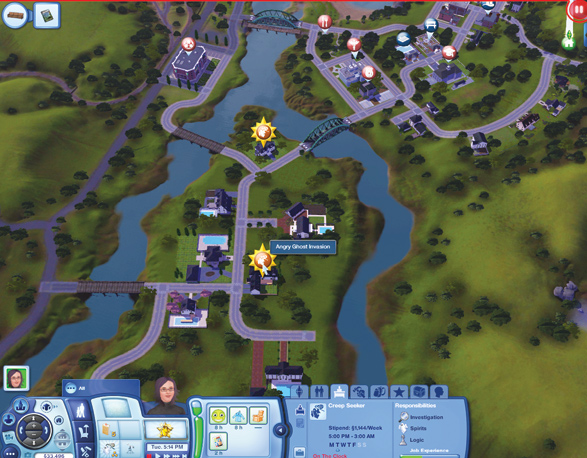
When you need to go on an assignment for an profession, you may do so from map view. In map view, icons for an assignment appear over relevant locations.
If your Sim is a Ghost Hunter, for example, small ghost buttons appear over one or two homes per shift to alert you of an assignment. Click on the button to go to that location and attend to the assignment.
Mousing over the button also reveals what type of assignment it is, and this may help you prioritize them. Because assignments usually must be completed before the end of a shift, it's very important to prioritize.
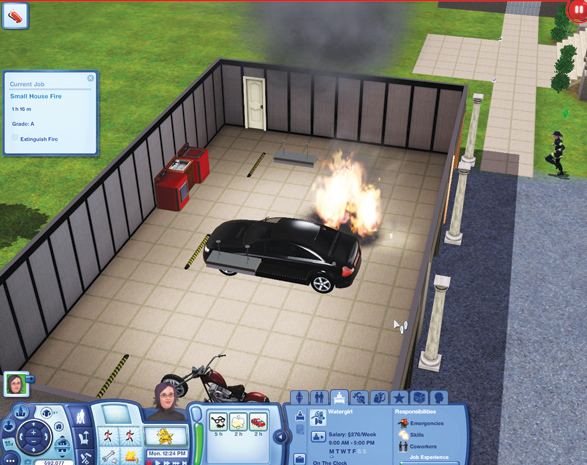
The requirements of an assignment appear in a blue tab on the screen's left so you always know what you need to be doing. This is called the Current Job box.
Responsibilities & Experience
In the original careers, promotions were doled out based on a number of different metrics, such as co-worker relationships and the development of related skills. In Ambitions, the new careers have different metrics: responsibilities and experience.
Each career has three responsibilities that you must stay on top of. These responsibilities are constant and do not change per promotion. The more of your responsibilities that you fulfill, the more experience you amass.
Experience points (XP) are the hard measurements for promotions. There is no guesswork. Once you reach a certain XP threshold, your Sim gets a promotion and all of the benefits that come with it.
Each career guide in this chapter details the responsibilities and how to best collect XP so you can rocket up the career ladder as fast as possible. After all, even though not every stage in the career may come with a cool, immediate benefit, no promotion comes with a negative.
Rewards
Every career comes with a paycheck at the end of the week, but there are additional rewards for a job well done. With certain promotion levels, you receive goodies like upgraded equipment or a new uniform.
There are reward objects, too. One of the earliest Firefighter rewards is a decorative axe to place on a wall on your lot.
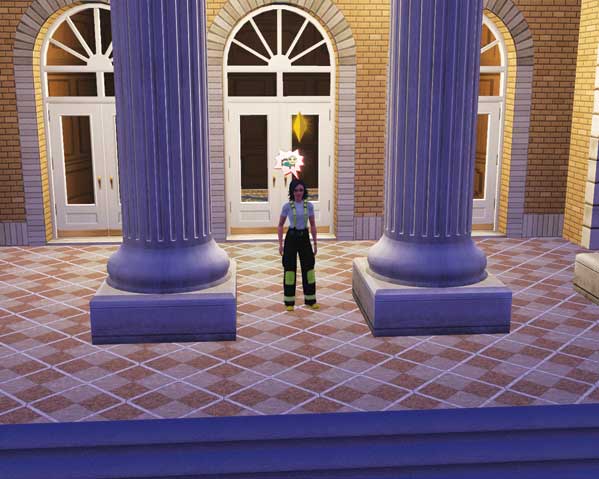
You may also be called to City Hall from time to time to receive a service medal. Service medals are not just for show.
Collecting a service medal at City Hall results in an XP payout, too. So don't ignore a trip to City Hall when you are notified of a reward.
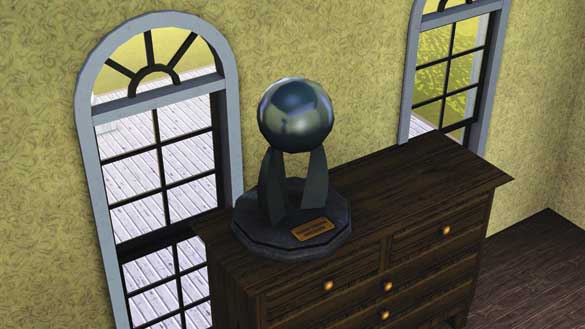
Many of the rewards can be placed on your lot, which results in environmental bonuses for whatever room they are in.