Little Big Planet: Karting Guide Essentials The Basics
Popit
The Popit Menu
Inside your Pod, you can press
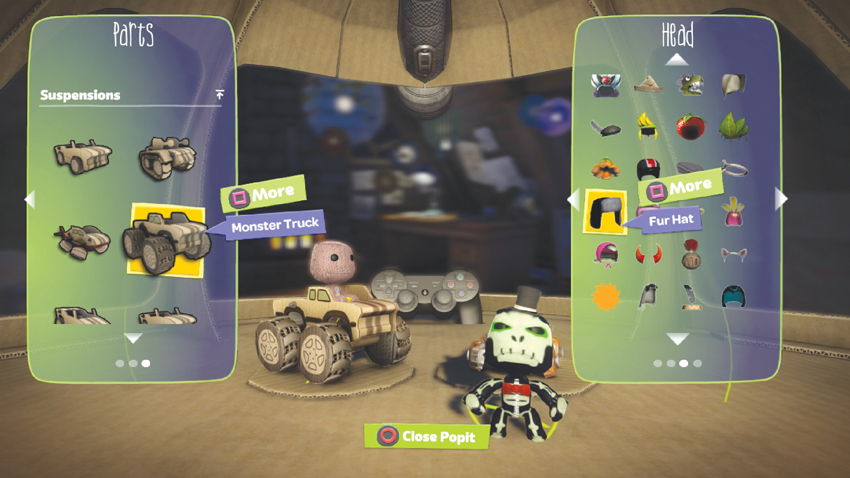
 to open your sack person’s Popit. The Popit is a handy, one-stop shop for all the niftiest, shiniest, and most splendid odds and ends you’ve collected throughout your adventures in Craftverse.
Customization
Perhaps you feel your sack person is a wee bit underdressed or could use a little more color. Or, mayhap, your sack person’s kart could use a little more flash. Simply open your Popit and select from Characters or Karts to customize the appearance of your sack person and kart, respectively.
To gussy up your Pod, select Stickers & Decorations from your Popit and decorate to your heart’s content! If you feel like redecorating but want to preserve its current state for posterity, choose My Pods from the Popit where you can select Save Pod. Doing so adds the current Pod to a list you can recall at will. To start decorating from scratch, select Reset Pod.