
Donkey Kong Country Returns 3D Guide You've Got to Move It, Move It
You've Got to Move It, Move It
Donkey Kong and Diddy Kong have developed some interesting and extremely useful moves over the years. Not only do they use these moves to get around the various environments in which they travel, but they also use these moves to defeat enemies. While both Donkey Kong and Diddy Kong can perform all of the basic moves and actions, some of the more advanced actions are limited to one or the other of our heroes. It is important that you learn how to perform all of these moves and actions, since you will need them as you progress across Donkey Kong Island in search of your stolen bananas. These are the tools that will allow you to collect various items, defeat enemies, and get across challenging sections of the many levels.
Monkey 101
Returning players from the Wii console version of Donkey Kong Country Returns will find that the controls are radically different from the motion-influence set up. Using almost every button on the Nintendo 3DS, even including the touchscreen display, it’s important to know where everything is on the Nintendo 3DS. That split second of hesitation that comes with being unsure of where every function is on the system can be the cause of many frustrating failures.
Circle Pad
Movement: Circle Pad
Grab: L Button/R Button
Jump: A Button/B Button
Crouch: Slide the Circle Pad downwards
Ground-Pound: X Button/Y Button (While standing still)
Roll: While running, X Button/Y Button
Blow: While crouching, X Button/Y Button
Dismount Rambi: L Button/R Button
Use Item: Tap Touchscreen
The Circle Pad scheme is the default control set up. The key difference of the set up is that it eliminates the need to hold down a button to make sure you’re running at full speed. Some folks might appreciate that as it may help them time their rolls and jumps better. Some players may feel less comfortable about precise platforming with the Circle Pad, and for them the alternate control scheme might help.
+Control Pad
Walk: +Control Pad
Run/Grab: X Button/Y Button
Jump: A Button/B Button
Crouch: Down on the +Control Pad
Ground-Pound: L Button/R Button (While standing still)
Roll: While running, L Button/R Button
Blow: While crouching, L Button/R Button
Dismount Rambi: Down on the +Control Pad + X Button/Y Button
Use Item: Tap Touchscreen
A reminder of the classic control scheme found in the original Donkey Kong Country titles, the +Control Pad scheme requires you to hold down the run button in order to get up to full speed on the ground, and it switches certain controls around in such a way that helps facilitate that need.
Walk/Run
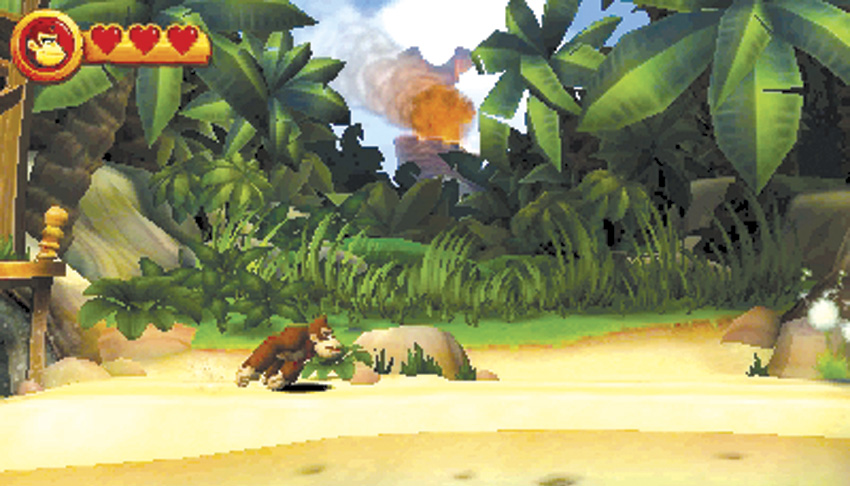
The main way Donkey Kong and Diddy Kong get around is walking. Just press the directional control to the left or right, and your character will move in that direction. While walking is fine, you will often need to move more quickly to avoid dangers or to collect something before it disappears. Both Donkey Kong and Diddy Kong can move faster by running.
While using the Circle Pad control scheme, the analog nature of the pad allows players to determine the Kong’s movement speed without need of holding down additional buttons. Users of the +Control Pad scheme will need to hold down the X or Y Buttons to get the heroes running. Your current movement speed heavily influences how far you can jump, so keep that in mind when getting ready to make some precision hops.
Jumping
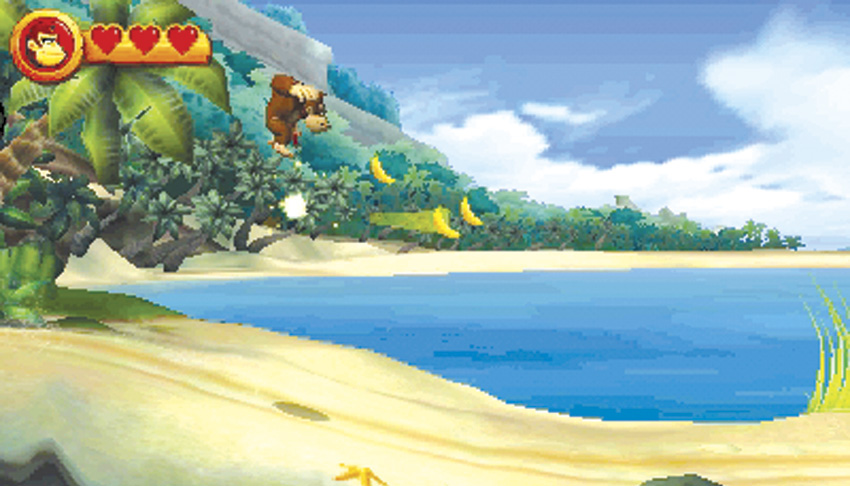
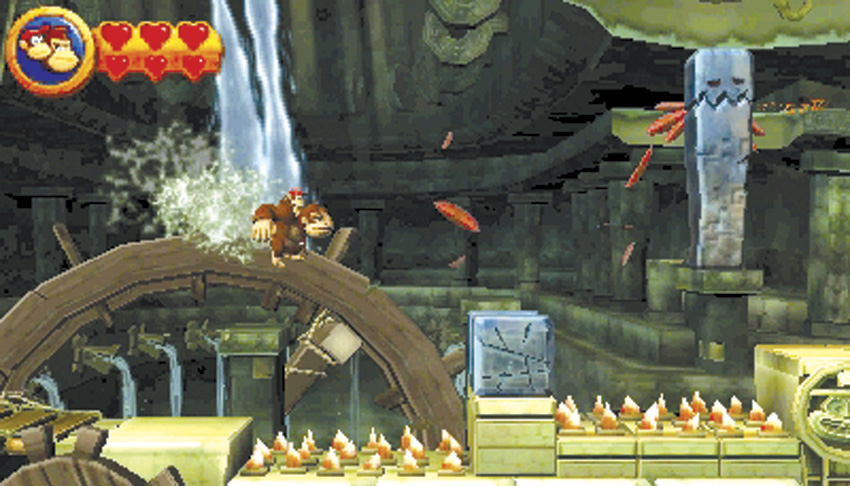
While they will do a lot of walking and running, Donkey Kong and Diddy Kong will jump a lot as well. In fact, it is their main skill and vital for you to master. Without jumping, they can’t cross from platform to platform, avoid dangerous obstacles, or, more importantly, eliminate various enemies. Learn where the jump button is—it will be the button you press most frequently. However, there is more to jumping than just pressing the jump button. How you press it affects the way you jump. A quick tap will cause your character to make a short hop. This is useful for jumping over a short distance when you don’t want to go too high because of an overhead obstacle you might hit. On the other hand, if you need to jump high, hold down the jump button.
The distance you jump is controlled by the speed at which you are moving when you jump. Jumping while walking will result in a short-distance jump. However, if you need to get higher or jump farther, run and then jump. The extra momentum will carry you farther and give you additional height. When crossing the longest gaps, run right to the edge of the platform and then jump at the last minute; hold down the jump button to get the most out of the jump.
Crouching
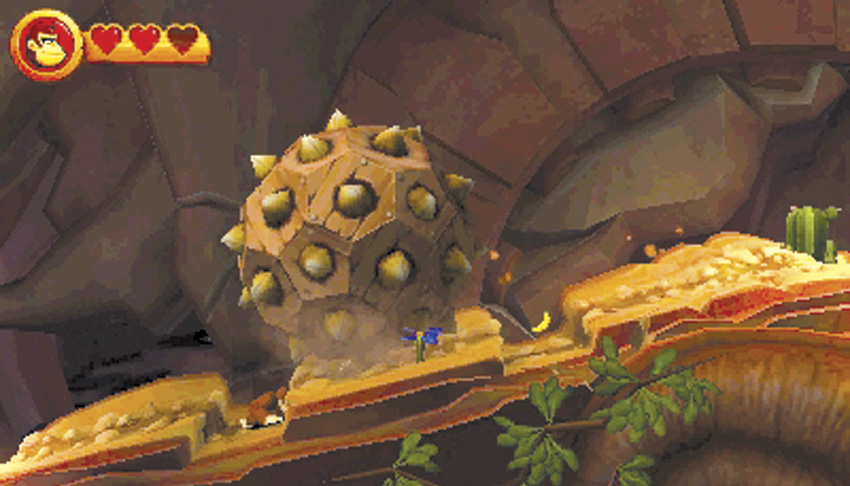
At times, it is better to crouch down and avoid an obstacle or enemy than jump over it. Just press down on the directional controller, and your character will get low to the ground. Use this when something you are trying to avoid is too high to jump. Bear in mind that you can and must crouch during certain mine cart sequences in order to survive.
Grab and Throw
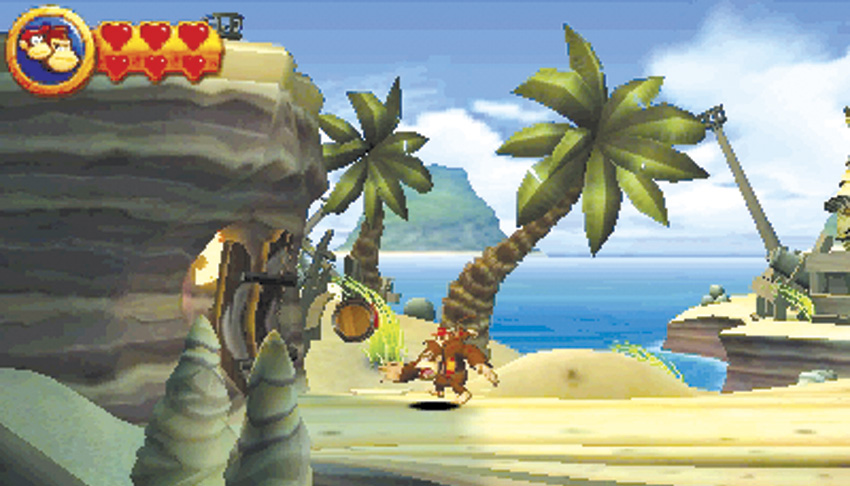
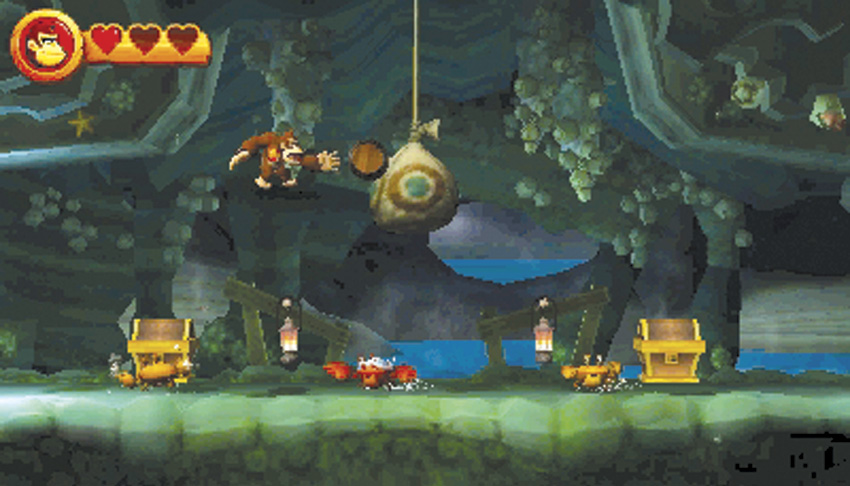
Sometimes you just want to pick up something and throw it. Donkey Kong and Diddy Kong can both pick up barrels, which are found in many of the levels. To do this, just walk up to a barrel and press the grab button. Hold down the grab button and you will carry the barrel; release the button to throw it. Throw barrels at bags with targets on them to get items, or throw them at bull’s-eyes or cracks on walls to break them open so you can enter. At times you must carry a barrel a distance before throwing it. While carrying a barrel, you can jump over obstacles or enemies. However, if you take any damage, you will drop the barrel. Certain steep surfaces can also cause you to drop whatever it is that you are carrying.
Clinging and Climbing
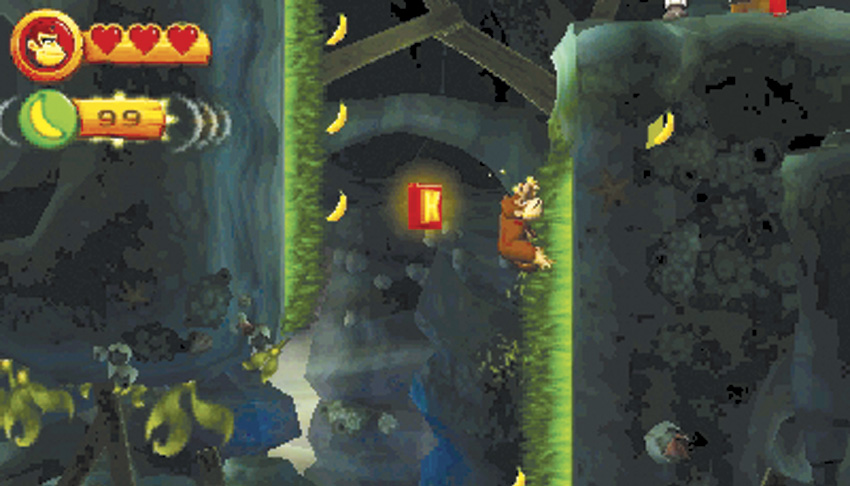
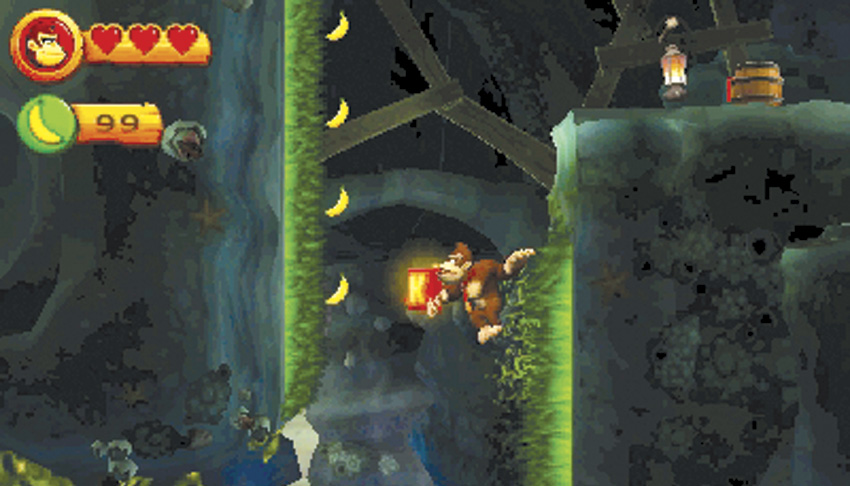
Throughout the levels, there are green surfaces to which Donkey Kong and Diddy Kong can cling and even climb. They often look like green grass or green chains, depending on the level. These surfaces can be either vertical or horizontal. To cling, just jump up to or over to a green surface and press the grab button. Hold down this button to continue to cling. You can then either climb to the left or right along horizontal surfaces or climb up and down on vertical surfaces.
An important skill is the ability to jump from a cling, such as when you are climbing a shaft and need to get across to the opposite side. Continue holding the grab button and then jump in the direction you want to move. Even though you are holding down the grab button, you will let go to jump. As soon as you touch the green surface, your character will automatically cling to it. When you want to drop, just release the grab button.
Swinging
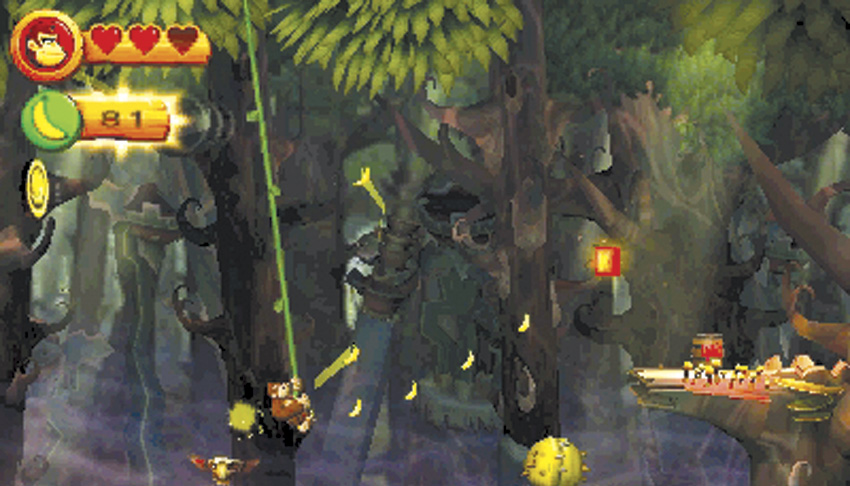
There are several levels that contain green vines. Use these to swing across distances. To get onto a vine, jump up or over to it and hold down the grab button. Then press the jump button to leap across to another vine or a platform. If you want to drop straight down from a vine, just release the grab button.
When jumping from vine to vine, you have to time your jumps. Make sure you are jumping as your vine is reaching the end of its arc and the next vine is coming toward you. If necessary, just ride the vine for an additional swing in order to time the jump to the next vine.
Blow
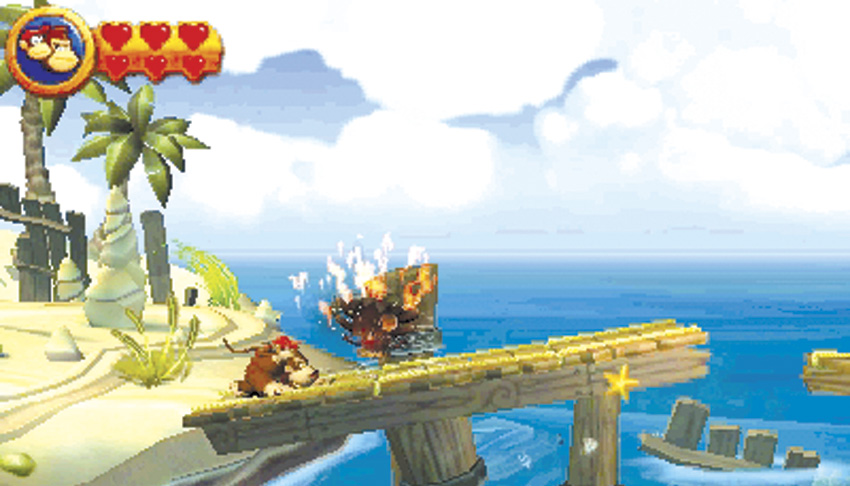
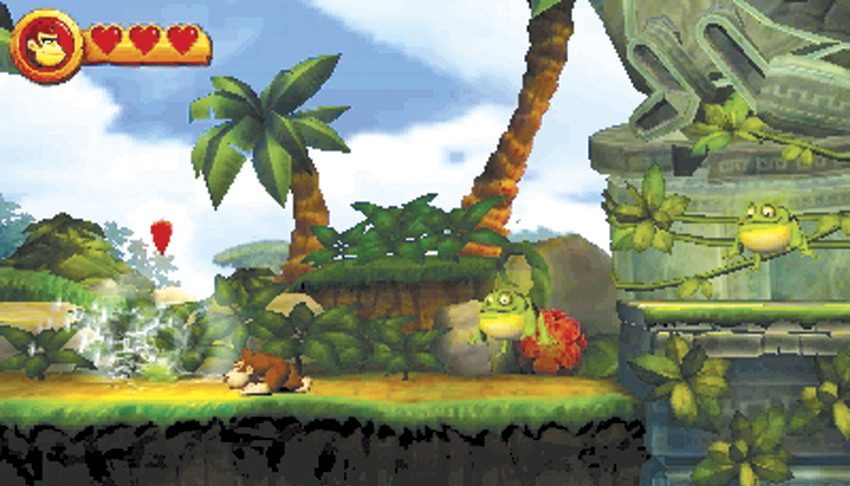
Donkey Kong Island is filled with flowers, plants, and objects that Donkey Kong and Diddy Kong can blow on. This causes these objects to rise from the ground, to pull up an item, or to release an item. Use this action on all objects that can be affected by your breath, since you never know what items you might get. Some of the flaming enemies can also be defeated or extinguished with a carefully directed blow.
Attacking
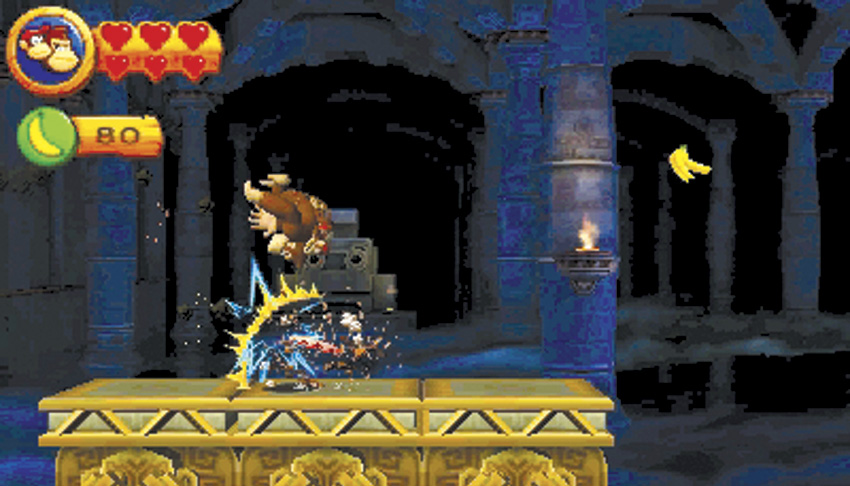
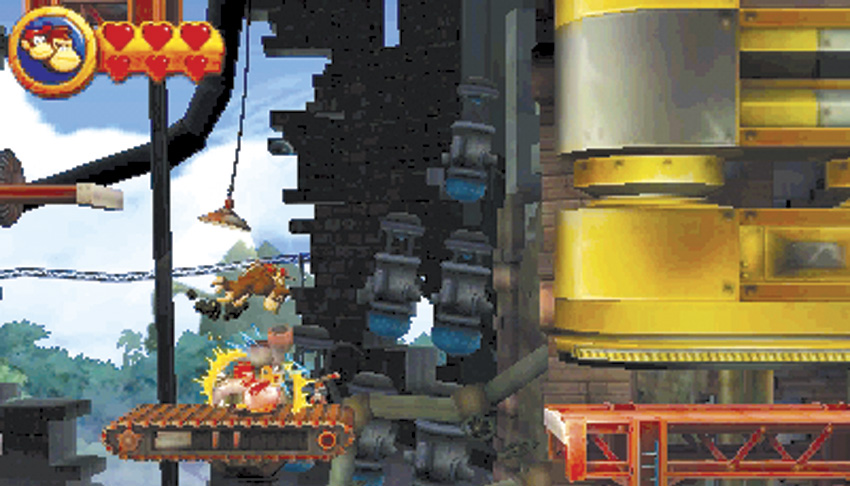
Donkey Kong and Diddy Kong have to attack enemies to knock them out of the way and eliminate threats. Their main attack involves jumping. To defeat most enemies, just jump up in the air and land on them. Some enemies require you to jump on them several times. Flaming enemies must first be extinguished before jumping on them. Just blow at them, and while they are smoking, jump on them quickly before they reignite. Some enemies will harm you if you jump on them due to claws or spikes, or they might have armor that protects them. Pound the ground next to these to flip them over or stun them. If they flip over, you can then jump on them to defeat them. Some enemies will only be stunned, so jump over them and continue on.
When you jump onto an enemy, you will usually bounce up a short distance. However, if you press the jump button at the same instant you hit the top of the enemy, you can get a bounce with some extra height. This move can help you reach items or platforms that are too high for you to access with a traditional jump. In fact, if you see something just out of reach, look around for an enemy you can use for a bounce. Sometimes you will come across a row of enemies.
In addition to jumping, there are other ways to defeat enemies. If you have a barrel in your hands, you can throw it. Barrels will defeat just about any enemy. Also, pounding the ground near most enemies will stun them. This prevents them from moving, jumping, or inflicting damage (with the exception of flaming enemies). Therefore, if you are having trouble defeating an enemy, try pounding near them so you can jump on them during their stunned state and get rid of them.
Use Item
Donkey Kong Country Returns 3D includes New Mode, which provides a few new things to give players a better chance to complete the game, while also providing a new set of items available for purchase from Cranky’s Shop found in every World of the game. The DK Barrel is usually found inside a level, and acts to restore your health to maximum, while also giving players in single-player access to Diddy Kong. However, some levels don’t provide such amenities, but you’ll still be hurting for the little guy’s help.
You can now purchase a DK Barrel (and equip up to three of them from your inventory before entering a level). Any time you need Diddy or the health boost, you can tap the Touch Screen to toss one of your spare DK Barrels.
Advanced Ape Actions
While both Donkey Kong and Diddy Kong can perform the basic moves and actions explained above, each character has advanced actions that are unique to him. In addition, Diddy Kong can hop onto Donkey Kong’s back. When the two are together, they gain some additional actions as well.
Barrel Roll (Donkey Kong)
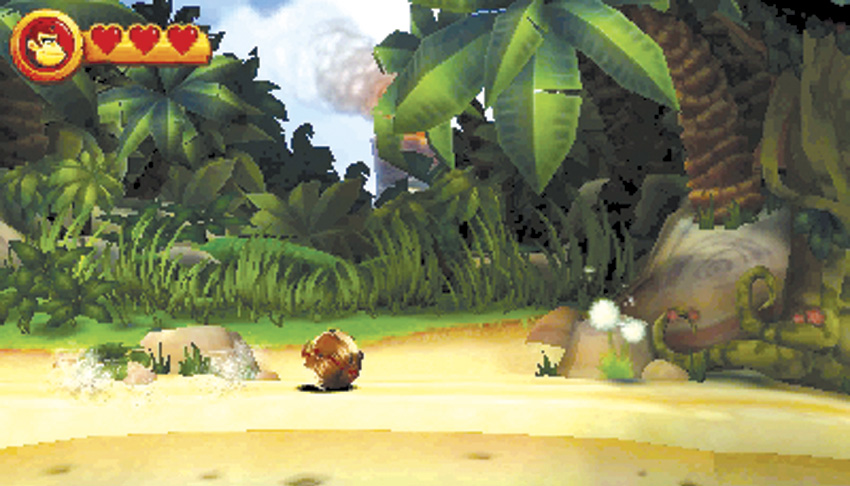
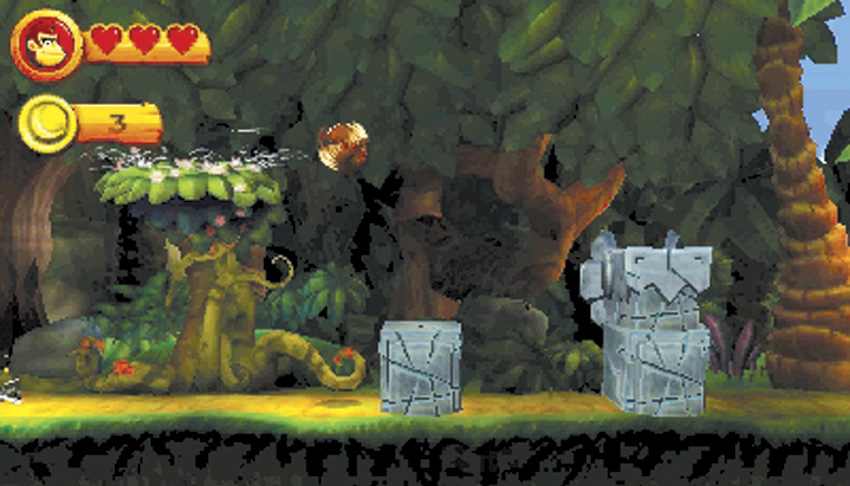
The barrel roll is a classic Donkey Kong move. To perform this, press left or right on the directional controls and then press the roll button. Donkey Kong will perform a barrel roll for a short amount of time. While rolling, you can plow through most enemies and knock them out of your way. Remember that you can roll for only a limited distance; therefore, be careful when using it against a long line of enemies, since you may end the barrel roll right as you crash into an enemy and lose a heart in the process.
In addition to barrel rolling through enemies, this move is great for moving through an area quickly while staying low. The barrel roll is faster than running. While rolling, you can jump up out of the roll. This is an important skill for collecting some items that are hovering over a gap and appear impossible to reach. Barrel roll off the edge of a platform, and while in midair, press the jump button. This allows you to essentially jump up without having to stand on a platform or jump off of an enemy.
After you beat a level, you unlock Time Attack for it. In order to surpass the top time and earn the gold medals, you will have to make extensive use of the barrel roll + jump combo as you race through the levels. Keep in mind that such a jump gives you amazing distance at the cost of fine control
Cartwheel (Diddy Kong)
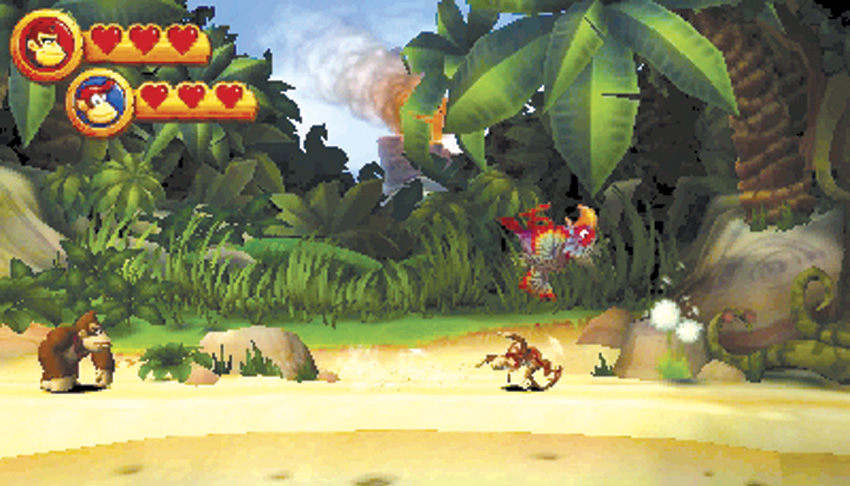
The cartwheel is Diddy Kong’s version of the barrel roll. It is a quick way to move while staying low. As with the barrel roll, the cartwheel can be performed for only a limited distance.
Ground Pound (Donkey Kong)
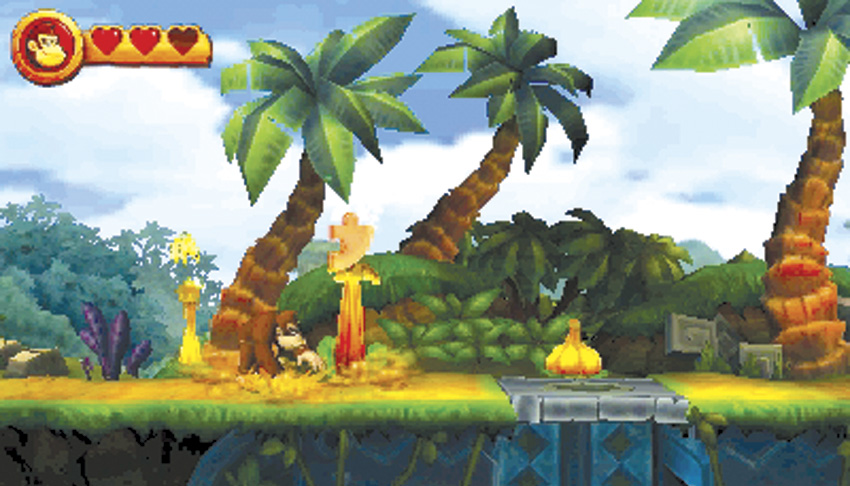
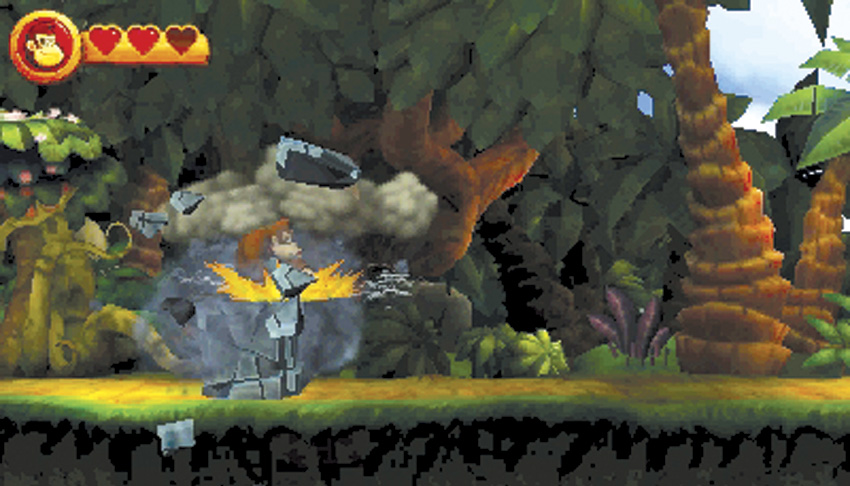
What good are all those muscles on Donkey Kong if he doesn’t use them? While standing still, use the Ground Pound button to shake the earth at Donkey Kong’s feet. This can stun nearby enemies, or you can pound objects such as gourds or containers to smash them. Some of these will yield items such as hearts, coins, bananas, or even Puzzle Pieces. You can also pound blocks or some crates to break them and get them out of your way. As a general rule, pound everything you can, because you never know what you might get. Pounding can also be used to access different areas of the levels. If you see a trapdoor with an opening below it, a cracked stone, or a damaged area on a platform, pound on it. You can break through some of these spots and get to hidden or bonus areas. If you can’t find a Puzzle Piece on a level, be sure to look for spots to pound.
Popgun Pound (Diddy Kong)
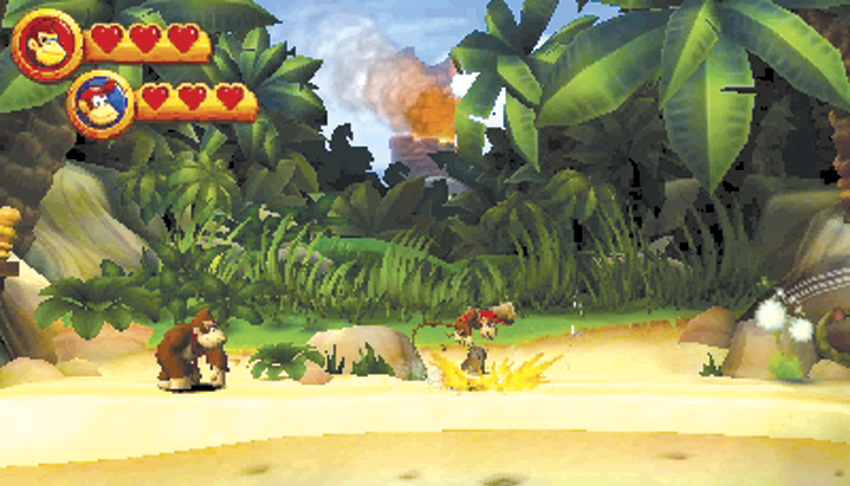
When you are Diddy Kong during a two-player game, you have access to your own version of the Ground Pound using the same command as you would with Donkey Kong. However, Diddy Kong also fires his popgun. This shoots peanuts. These peanuts can defeat some of the weaker enemies or stun other enemies. The peanuts fly across the screen in an arc. When they hit the ground, they bounce up and then arc again until they hit an object or enemy or go offscreen. Use this action to defeat or stun enemies at a distance. Diddy Kong can also smash items or break things by pounding on or near them.
Barrel Jet (Diddy Kong; Donkey Kong and Diddy Kong together)
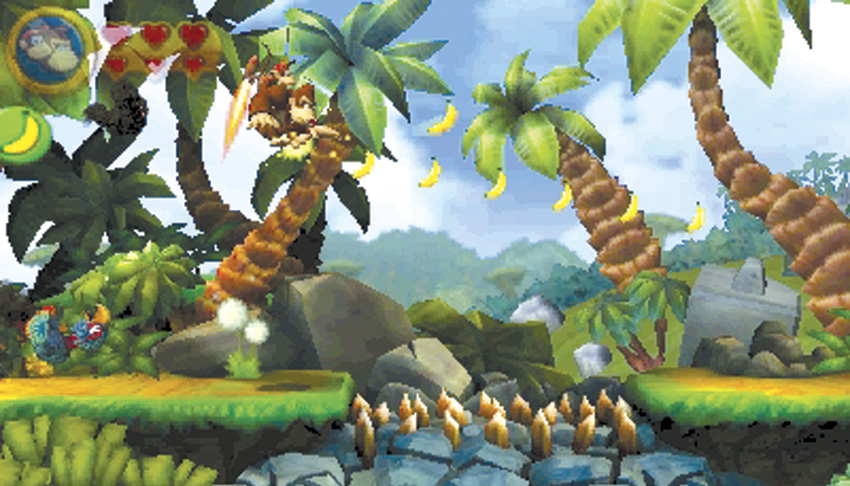
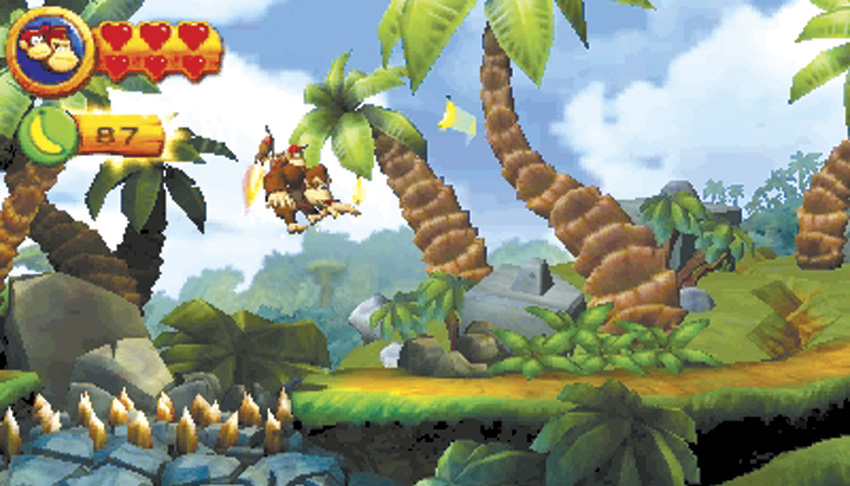
When Diddy Kong jumps, hold down the jump button and he will hover in the air using the barrel jets strapped to his back. This move lets you stay up in the air longer and thus allows you to jump even farther. There are some gaps in levels that can be crossed only by using this move. In addition, this move comes in handy when jumping across moving platforms, since it provides more air time so you don’t have to be as accurate on your timing. While hovering, you can also move right and left to adjust where you want to land. The barrel jet lets you hover for only a limited amount of time; therefore, when using it, make sure you have someplace to land.
When Diddy Kong is riding on Donkey Kong’s back, Donkey Kong can perform the barrel jet move. In fact, this is the main reason you want to get Diddy Kong from the DK Barrels during single-player games.
Kong Roll (Donkey Kong and Diddy Kong together)
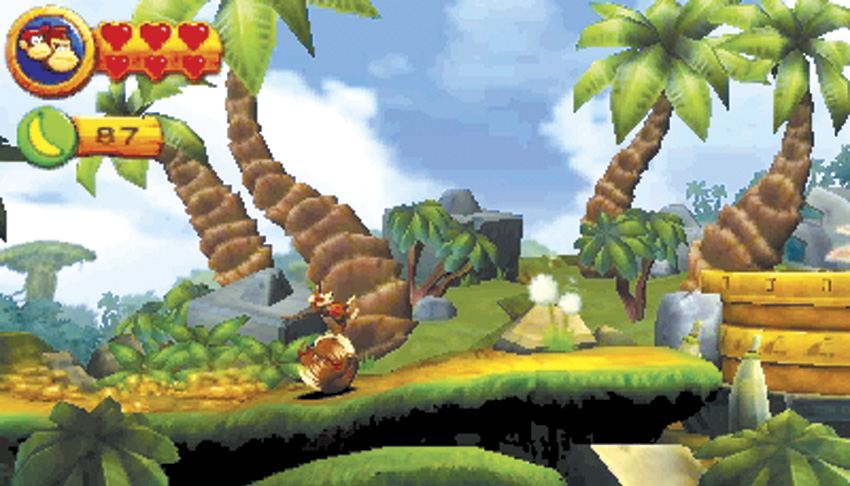
If you thought the barrel roll or cartwheel moves were useful, the Kong Roll is even better. You can perform this only when Diddy Kong is on Donkey Kong’s back. Donkey Kong controls this move by performing a barrel roll. As he rolls, Diddy Kong runs along on top of Donkey Kong to keep him moving. Unlike the barrel roll or cartwheel, the Kong roll continues as long as you press the roll button. You can roll across a long platform and knock lots of enemies out of your way using this move. You can also jump while in midair using this move.
Peanut Popgun (Diddy Kong with Donkey Kong)
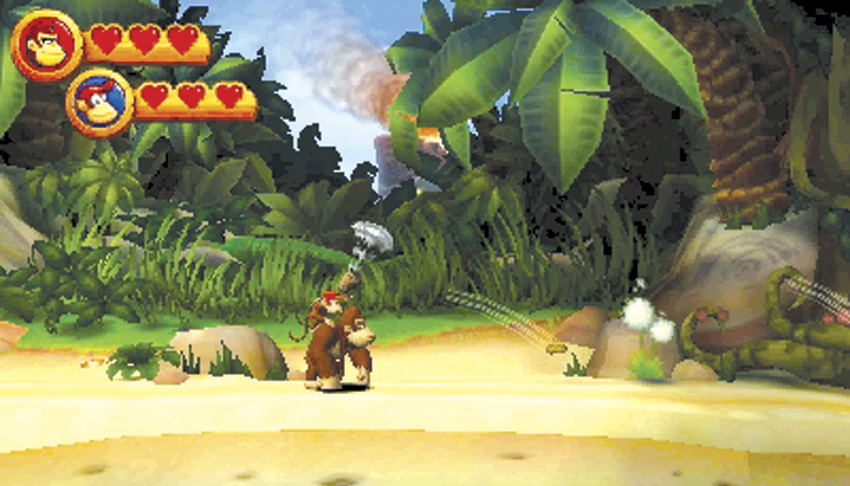
While on Donkey Kong’s back, Diddy Kong cannot control his movement. He just goes along for the ride. However, besides giving Donkey Kong some additional abilities, Diddy Kong can still help out by being able to fire his popgun with a press of the roll button. You can even do this while Donkey Kong is moving and jumping and can thus defeat or stun enemies before Donkey Kong even gets to them. Just be sure to communicate with the big ape since he may want to use some of those enemies to jump to a higher position.