
The Sims 3 Seasons Guide Essentials Seasons
Seasons, Holidays, and Festivals
Seasons, Holidays, and Festivals
There are four seasons in a year. When you begin a new game, you start in summer. The year then moves into fall, winter, and spring before circling back to summer. Every season is made up of seven days, although you may adjust the length of each season individually, or even remove a season from circulation.
Though there are features in your town that help indicate which season you are currently experiencing, your Sim portrait along the bottom the screen also displays the current season. Mouse over the Season icon (sun for summer, etc.) to see which season you are in as well as the external temperature.
When transitioning between seasons, look for changes to occur over the course of a day. Seasons do not just “click” over into the next. One day, the leaves are not suddenly brown. Everything moves smoothly from one season to the next.
In the remainder of this chapter, we look at each season. However, there are some constants in each season we should look at up-front, such as the arrival of seasonal holidays and festivals.
Holidays
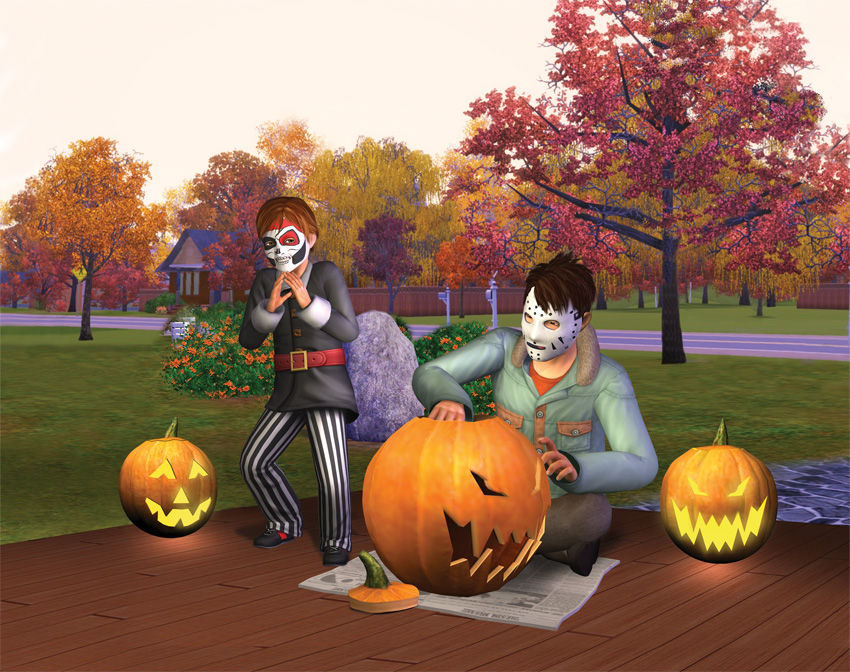
Once per season, Sims celebrate a special holiday. Sims so anticipate holidays that you receive a message two days prior, alerting you that the special day is en route. At this point, the holiday is marked on your career calendar, circled in red. And when the day finally arrives, you know about it thanks not just to an audio flourish, but also the arrival of multiple benefits:
- Sims receive the holiday off from work and school. Working Sim are still paid for the day.
- Special moodlets are bestowed on Sims that day. Some of these moodlets will generate wishes.
- Certain interactions related to the season are encouraged on a holiday.
- Sims around town visit the seasonal festival in greater numbers than any other day in the season.
Within each seasonal section later in this chapter, we’ll explore each holiday and go over the benefits given on those special days. As mentioned in the note about the Options tab, the holiday defaults to two days before the end of season as long as the season is seven or more days long. If you adjust the length of the season to less than seven days, the holiday falls on the last day of the season.
Festivals
Every season is marked with a new festival, a celebration of incredible size designed to really give the community a place to socialize, relax, and have fun. Themed for the season, the festival unfolds in the largest park lot in the city. In the case of Sunset Valley, Central Plaza hosts the festival. Each of the four festivals is different, offering activities in the festival lot geared for the mood of the season, from eating contests and water balloon fights to ice skating to spring dances.
Within each season section, we’ll go over the festival grounds, detail all of the possible activities, and show you how to get the most out of each celebration.
Festival Lot
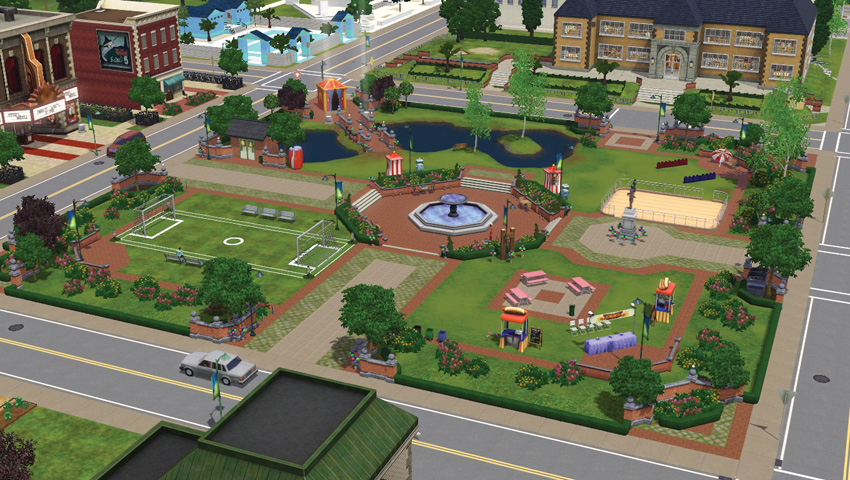
Festival always take place at the festival lot. This is a special designation for each town. If you start a new game in one of the created towns (such as Sunset Valley, Bridgeport, etc.), the large park lot is always the festival lot. There is no request to make the change; it is a default decision that you cannot undo.
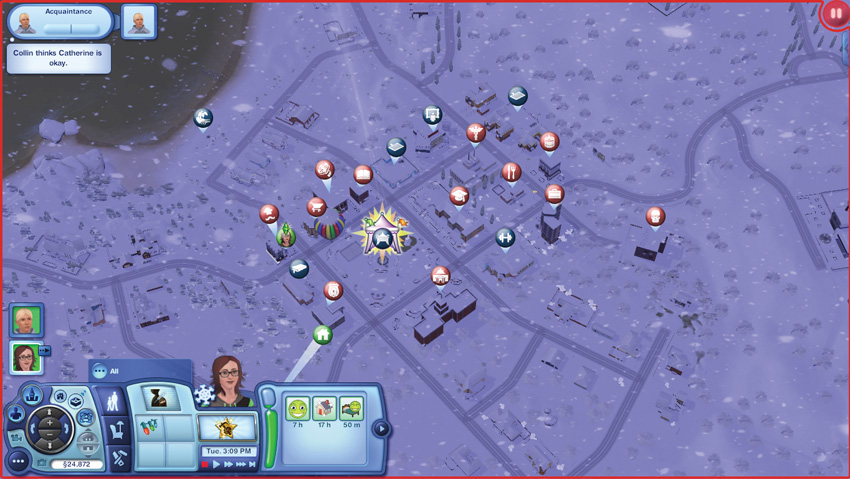
When in Map View, the festival lot is highlighted. Mouse over it to get details, such as opening hours.
However, if you continue an existing game after installing Seasons, you must designate the festival lot. The game will suggest replacing the large park lot with the festival lot. If you accept, the game tags the large park and that’s where all festivals are held.
Should you start a new or saved game in a custom town, one you fashioned yourself, then you must designate the location of the festival lot. If you do not have a large park lot that can host the festival lot, you can choose to let the game determine one for you. This is a generic lot, but it gets the job done.
Festival Changes
Because each season has its own festival, the lot refreshes with every season. All of the decor and objects are rolled up and put away. When a season comes to a close, clean-up occurs on the festival lot. All Sims are directed away from the lot, sent home, etc. At this point, all of the objects are removed and the lot is “in construction.” The following day, the lot will reopen with the new seasonal festival in place. Players will receive a message letting them know that the new festival has started. Once the town wakes up and the day begins, Sims and other townies will start visiting the festival.
Festival Activities
There is no admission to visit a festival. All you need to do is head over to the festival lot and have fun! Every festival has multiple activities, such as contests, concessions, photo booths, and more. Some activities at a festival do have a cost, such as buying food, but prices are not extreme.
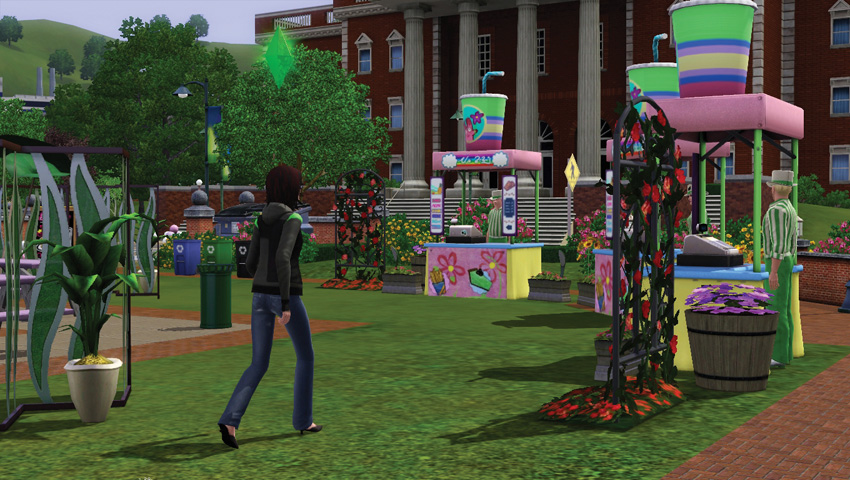
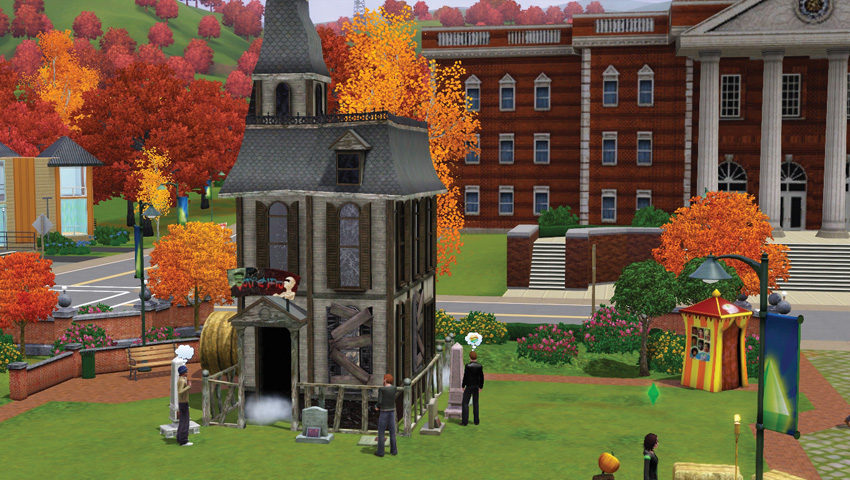
During a festival, Sims collect Festival Tickets by participating in activities, such as bobbing for apples, engaging in an eating contest, and finding special eggs. There is only one type of Festival Ticket, and they are awarded at all four seasonal festivals. Festival Tickets can be traded for prizes at the concession stands or sold for a tiny amount of Simoleons if you drag them to the sell slot in your personal inventory. Every season uses the same tickets, but there are different prizes. For example, during the Summer Festival, you can purchase fireworks with your tickets.
Holiday Greeting Cards
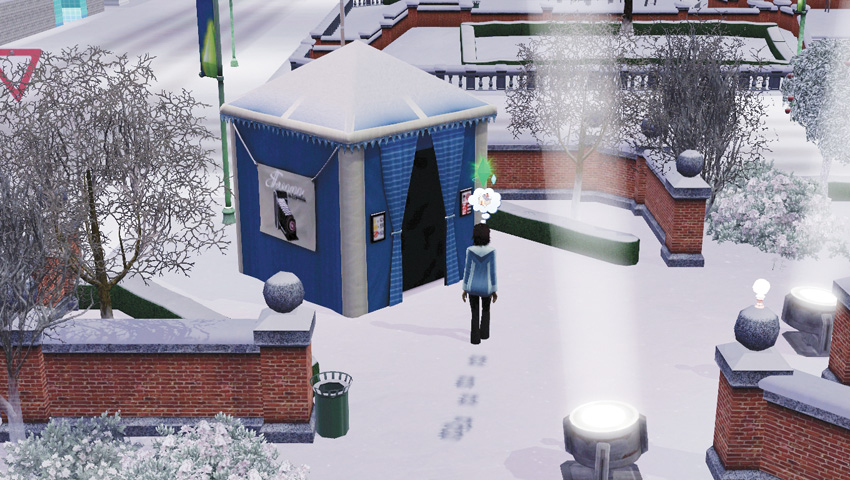
At every festival, there is a photo booth. It looks like a small tent. Here, you can have your photos taken with other Sims you know who are also at the festival, or all by yourself. You enter the photo station and after a few moments, emerge with a special keepsake photo in your personal inventory. (If you took a photo with other Sims, everybody in the picture also has a copy of the photo.)
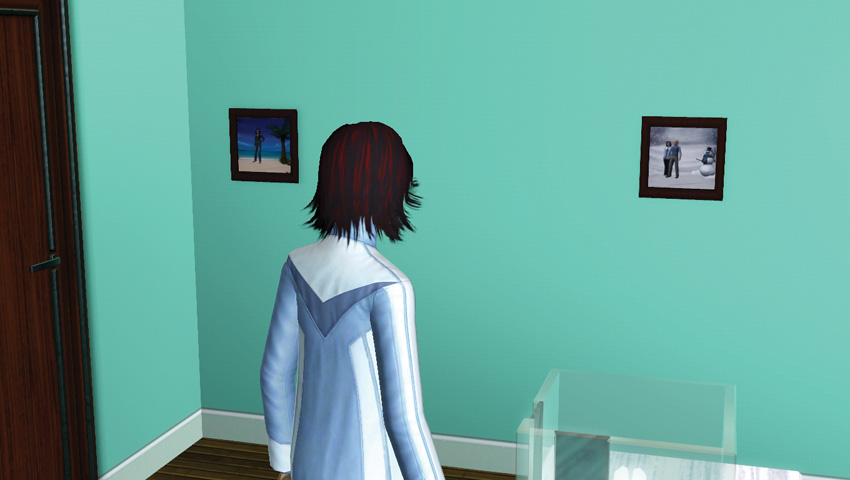
You may hang this photo on a lot, similar to the Prom Photos taken in the Generations expansion. In addition, you may also share the holiday photo online, on your wall or a friend’s wall. (There are options for sharing via Twitter and Facebook, too.) Other players may also send you their holiday photos. When you receive one, a message pops up letting you know that some holiday cheer is waiting for you.