
Paper Mario: Sticker Star Guide Essentials How to Play
The Basics
Using the World-Map
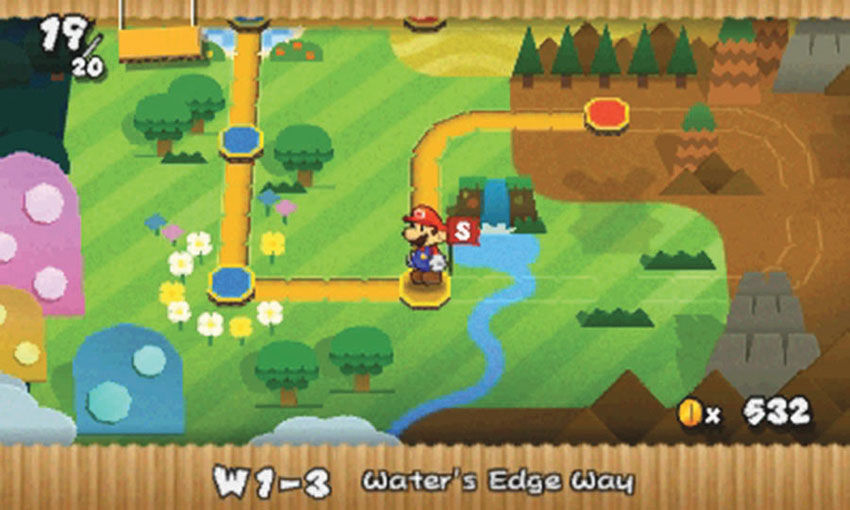
The World-Map is used to travel between available Courses. While you navigate the World-Map, the 3D Screen displays Mario’s HP, the name of your selected Course, and your current coin count.
The marker at each Course’s location changes color based on the status of the Course:
- A red marker indicates that you haven’t collected any of the Course’s Comet Pieces.
- A blue marker indicates that you’ve collected all of the Course’s Comet Pieces, or that the Course is a previously visited neutral area.
- A yellow marker indicates that at least one Comet Piece remains in a previously visited Course.
Your most recent save location is indicated by a flag near the corresponding Course.
World-Map Controls
| Move | Circle Pad |
| Open/close Album |

|
| View sticker details |
 (while the Album is open)
|
| Select Album page |
 or
or
 (while the Album is open)
|
| Auto-sort stickers |
 (while the Album is open)
|
| Return to title screen |
(while the Album is closed)
|
Exploring Courses
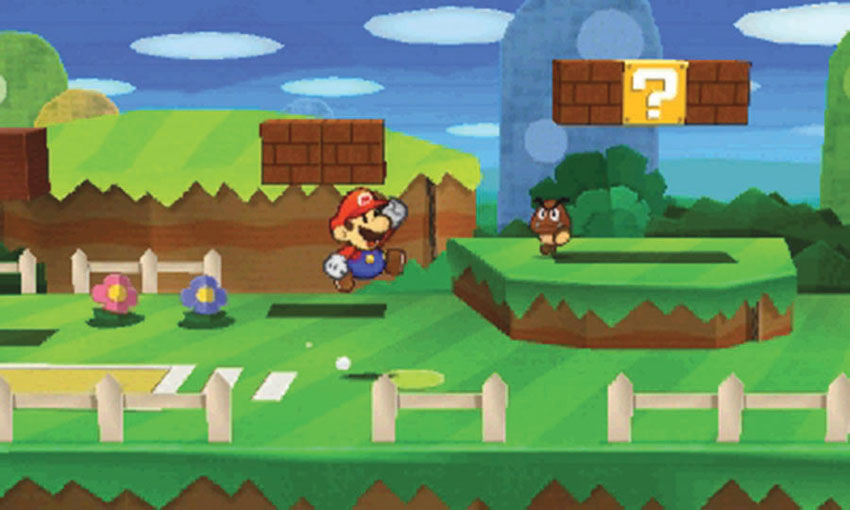
While you play through a Course, you’ll spend the bulk of your time navigating obstacles, solving puzzles, and searching for collectible items.
Field Controls
| Move | Circle Pad |
| Jump |

|
| Interact |
(when standing near an interactive object)
|
| Peel |
Hold
(when standing near a sticker)
|
| Paperize |
|
| Swing Hammer |

|
| Talk to Kersti |
|
| Open/close Album |
|
| View sticker details |
(while the Album is open)
|
| Select Album page |
or
(while the Album is open)
|
| Auto-sort stickers |
(while the Album is open)
|
| Exit a previously completed Course |
|
Battling Enemies
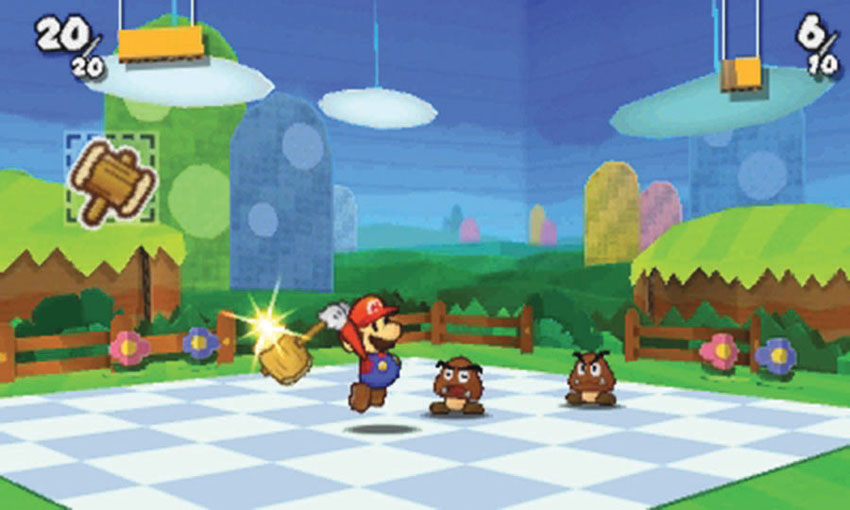
Battles typically begin whenever you make contact with an enemy. During a battle, the 3D Screen displays Mario’s HP and the combined HP of your opponents. To win a battle, you must use stickers to drain your enemies’ HP before Mario’s HP runs out.
Battle Controls
| Action Command |
(when attacking or defending)
|
| Battle Spinner |
(at the start of your turn)
|
| Select Album page |
or
|
| View sticker details |
|
Using the Touch Screen
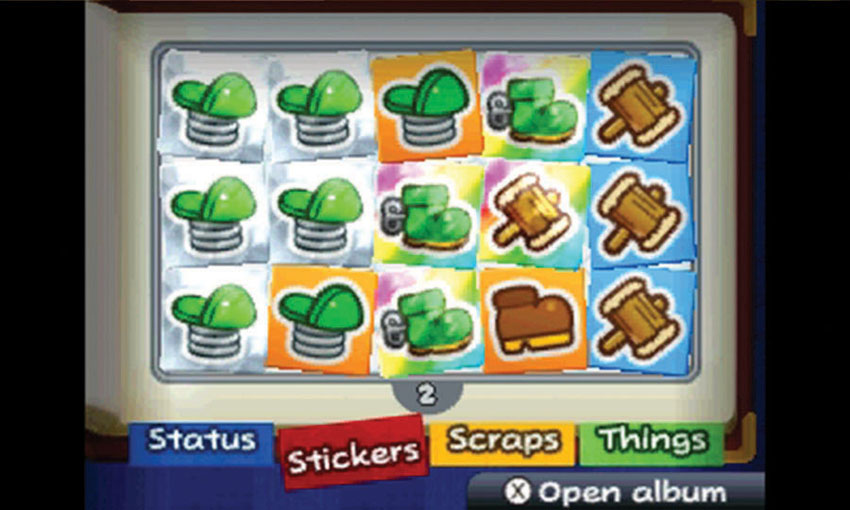
The Touch Screen is used to manage your Album. Use the stylus to rearrange your stickers, switch tabs, and make selections.
Abilities
Jump
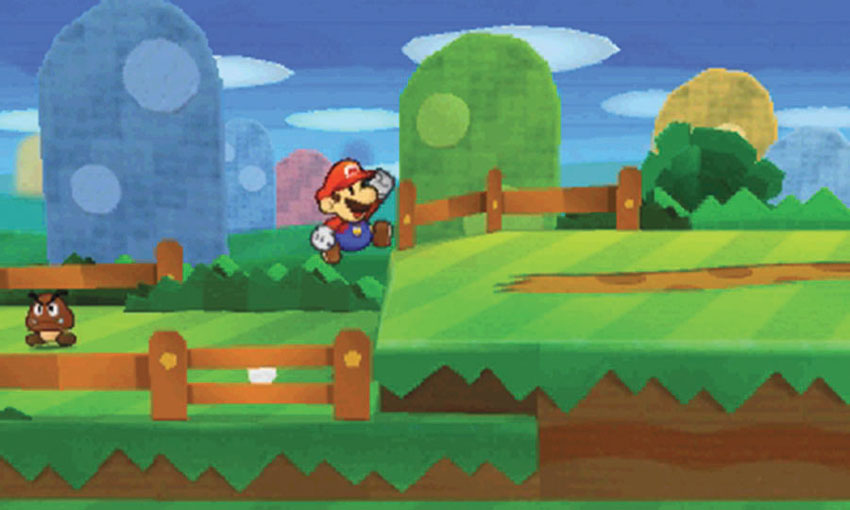
Jumping is Mario’s simplest ability, but it’s also the most important! Jump to reach higher ground, avoid obstacles, and stomp vulnerable enemies before you enter battle.
Hammer
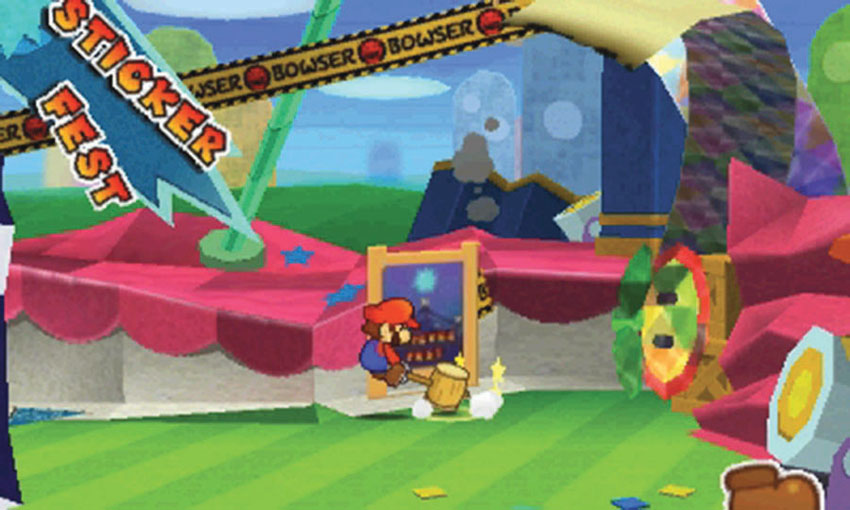
The Hammer is a surprisingly versatile tool! Use the Hammer to topple unstable objects, drive stakes into the ground, and smash vulnerable enemies before you enter battle. Once a battle begins, the Hammer allows you to use Hammer-based stickers.
Paperize
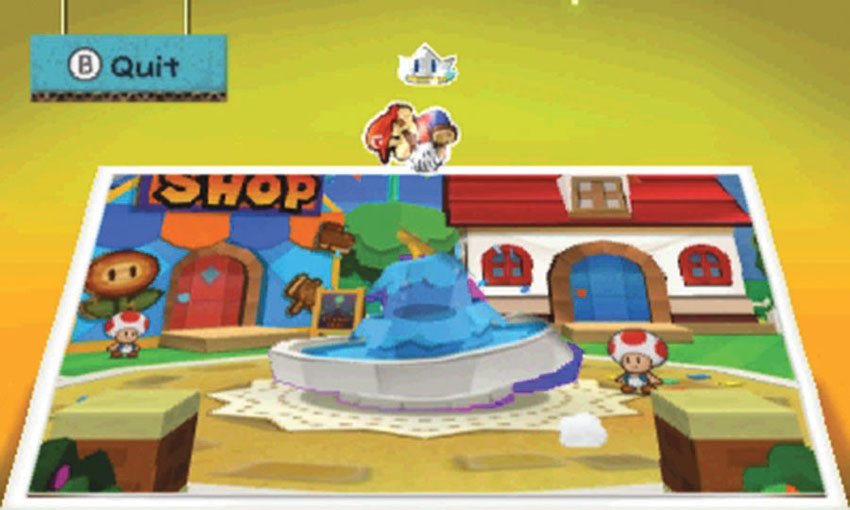
Early in the game, Kersti introduces the Paperize ability. When you activate the Paperize ability, the environment turns into a two-dimensional image. Paperize special locations to reveal secrets, apply stickers, and manipulate important objects.
Run
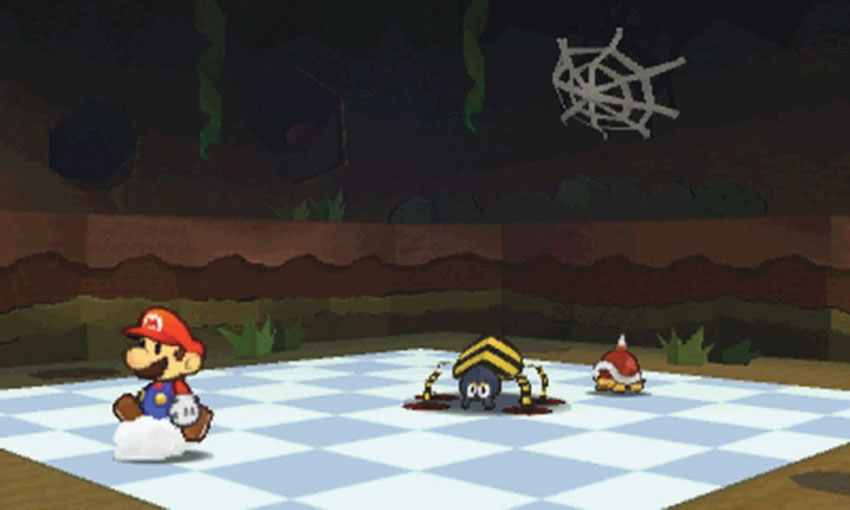
When you find yourself unprepared for an encounter, you can run from the battle. Instead of selecting stickers at the start of your turn, select the “run” option that appears at the top of your Album.
Battle Spinner
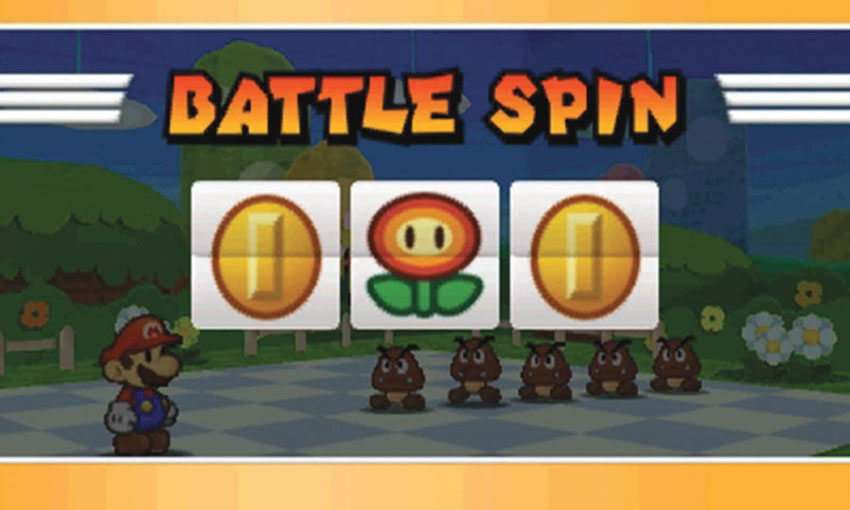
Early in the game, Kersti introduces the Battle Spinner. During combat, the Battle Spinner gives you a chance to use multiple stickers in a single turn. This ability can only be used at the beginning of your turn, and each use costs three coins. Match two images to earn an extra attack. Match all three images to win the jackpot. In addition to granting two extra attacks, the jackpot triggers a bonus effect.
Jackpot Bonuses
| Images | Effect |
|---|---|
| Coin × 3 | You receive coins. |
| Fire Flower × 3 | Grounded and low-flying enemies take damage. |
| Lightning × 3 | Enemies take damage; enemy attacks might miss. |
| POW Block × 3 | Grounded enemies are crumpled. |
| Mushroom × 3 | Restores some of your HP. |
| Poison Mushroom × 3 | You are poisoned; contact poisons enemies. |
Action Commands
During a battle, Action Commands can be used to increase the potency of your stickers and to reduce damage caused by enemy attacks. Most Action Commands require precision timing, so it’s important to recognize each opportunity as it presents itself.
When Mario Jumps
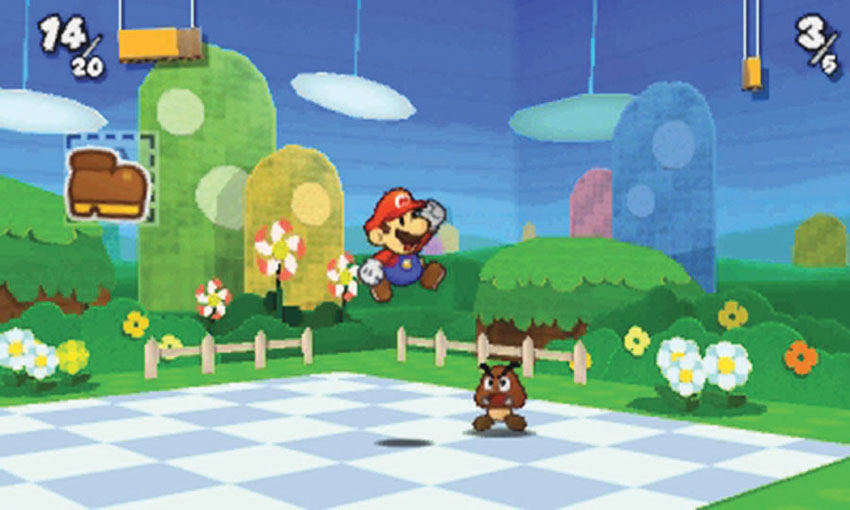
Whenever a sticker causes Mario to jump, press
to perform an Action Command at the moment he leaves the ground and each time he lands. This applies not only to Jump-based stickers, but also to Shells, POW Blocks, and many other stickers. This generally extends the attack and/or boosts its power, causing much more damage to your enemies.
When Mario Shines
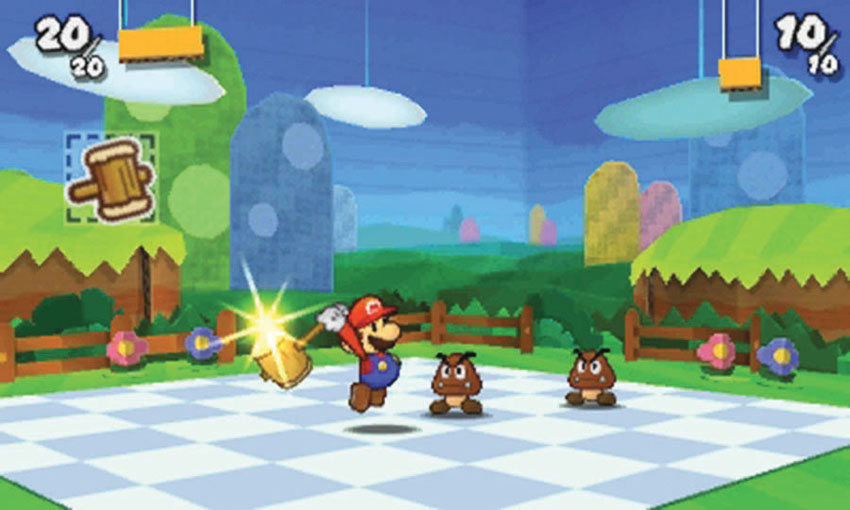
When Mario winds up for an attack, a shine often appears on his hands or his weapon. Look for this shine when Mario swings a Hammer, or when he reels back to throw a projectile, The shine only lasts for a second, but it grows more intense until it disappears. Press
to use an Action Command just before the shine vanishes.
When Mario Raises His Arms
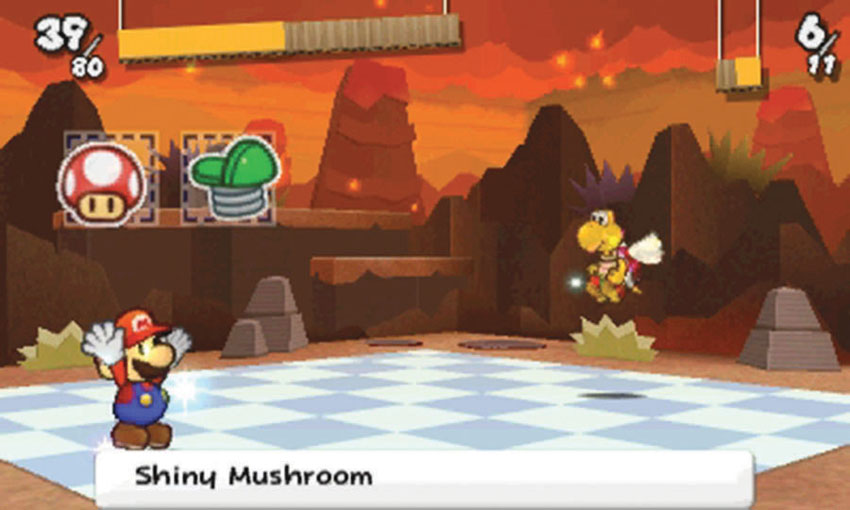
When Mario uses Mushrooms, 1Ups, and certain Thing Stickers, he raises his hands in the air and spins around three times. Press
just before Mario stops spinning to increase the effectiveness of the sticker.
To Block an Attack
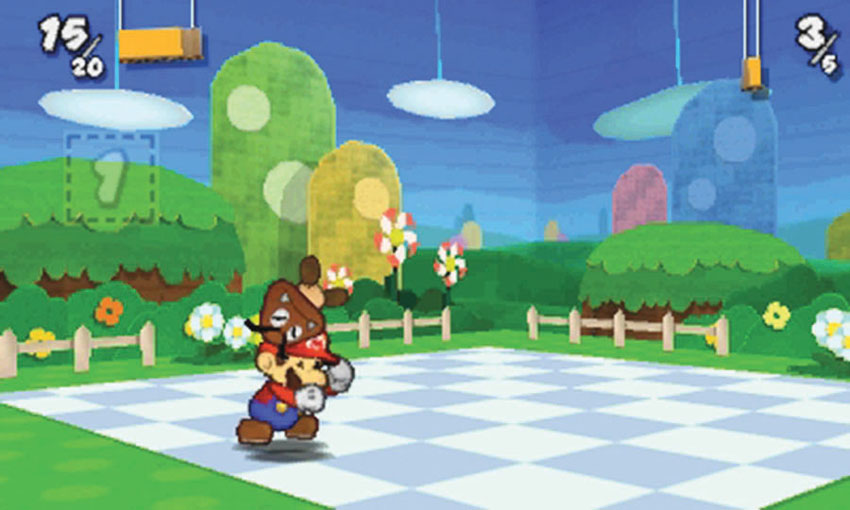
During an enemy’s turn, use the Action Command to block incoming attacks. Mario only blocks for a moment, so press
just before the enemy or projectile makes contact.
Button Mashing
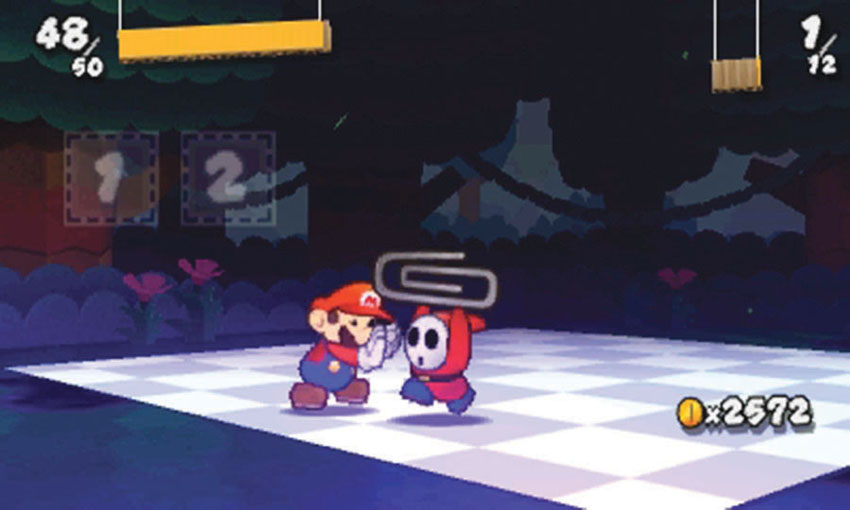
Not all maneuvers call for precision timing—sometimes you just have to tap
repeatedly. The more times you tap the button, the better your chances of a successful outcome. Use button mashing when you run from battle, defend against a sustained attack, or use certain Thing Stickers.
Game Progression
To complete the game, you must recover the six Royal Stickers and rescue Peach from Bowser. This, of course, is not as simple as it sounds!
Unlocking New Areas
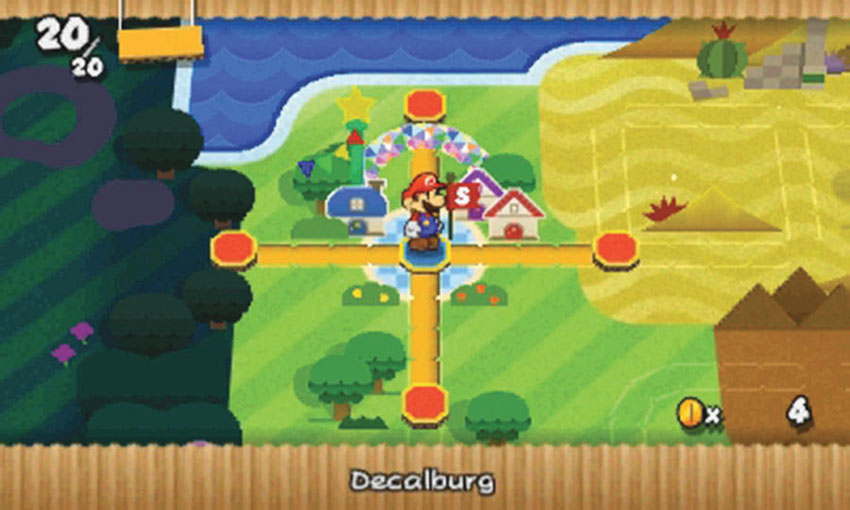
The game begins in Decalburg, in the aftermath of the Sticker Festival. When you first reach the World-Map, you can visit any of the four adjacent areas. To unlock additional areas, you must recover the Comet Pieces scattered throughout the game and complete a variety of other tasks.
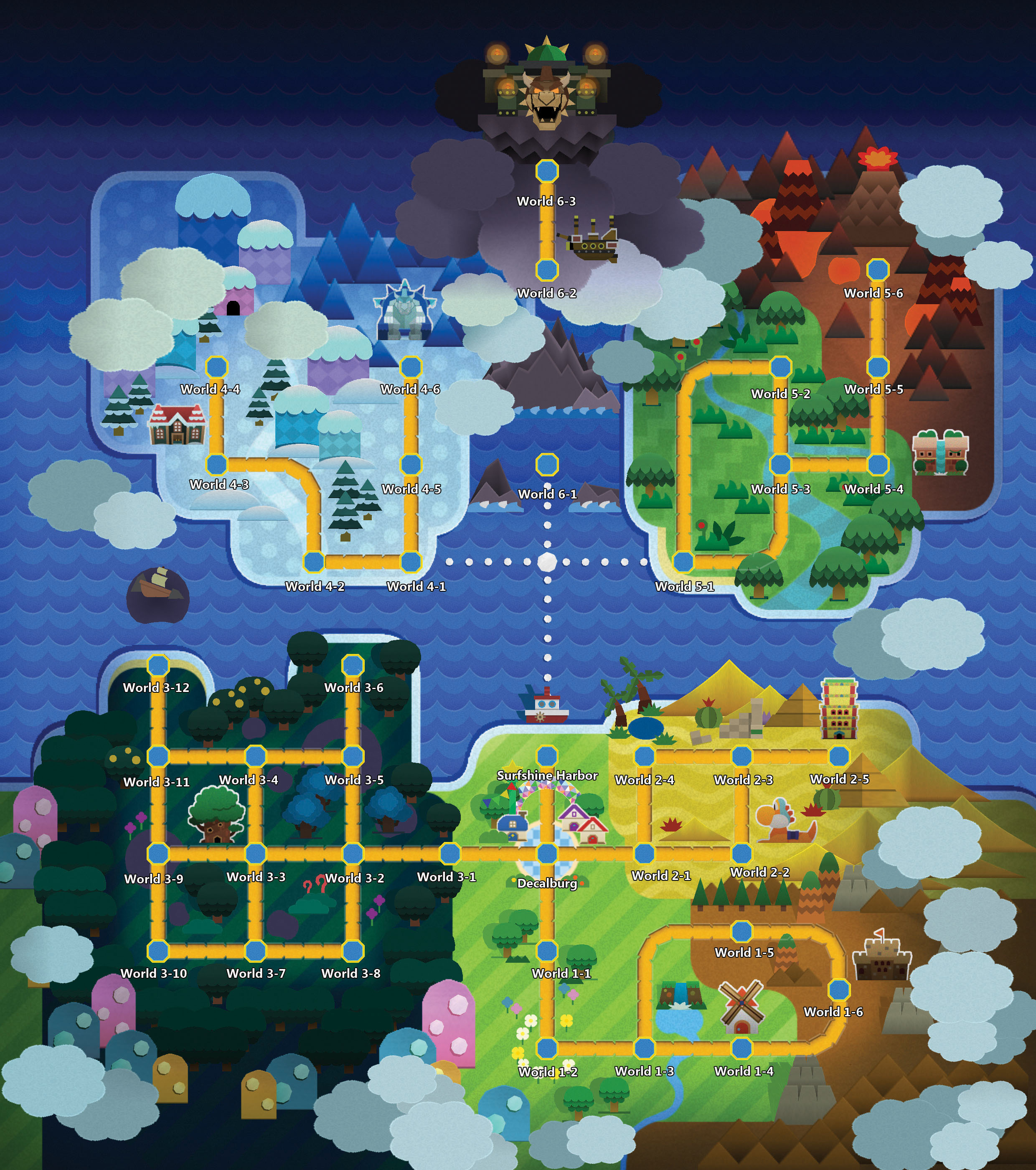
As you progress through the game, you’ll encounter puzzles and obstacles that require items located in different Courses. This effectively limits the order in which you can complete certain Courses, but you’re free to explore any available Course at any time. After you collect the required item, simply revisit the Course and take care of any unfinished business.
Super Flags
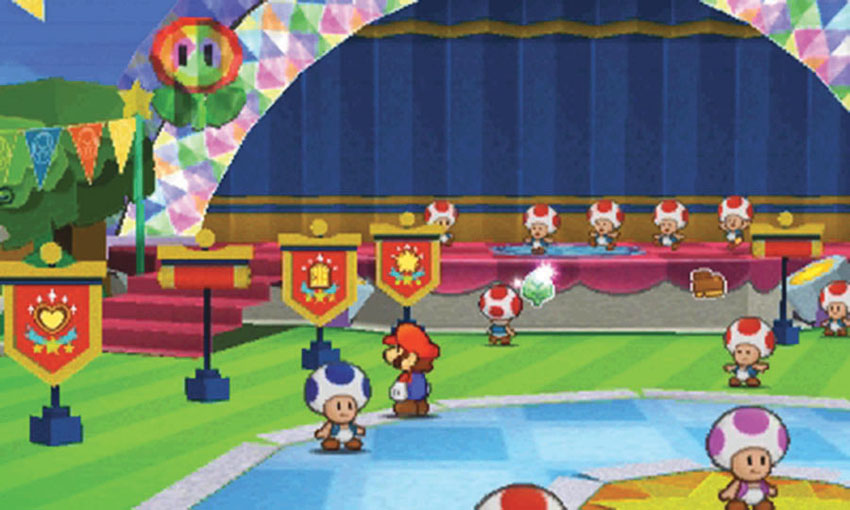
As Decalburg rebuilds the Sticker Festival, eight Super Flags appear on the festival grounds. When you meet the conditions written on each Super Flag, it unfurls in celebration of your achievement.
To unfurl all eight Super Flags, you must complete these tasks:
- Collect all Comet Pieces.
- Make all Secret Doors appear.
- Fill the Sticker Museum with every possible sticker type.
- Find all HP-Up Hearts.
- Spend a total of 10,000 coins in the Sticker Shops.
- Get a Perfect Bonus in 500 battles.
- Perform 1,000 Excellent attacks.
- Hit the Battle Spinner jackpot 50 times.
Return to the Super Flags at any time to check your progress in each task.
Items and Objects
Pickups and Collectible Items
Battle Stickers
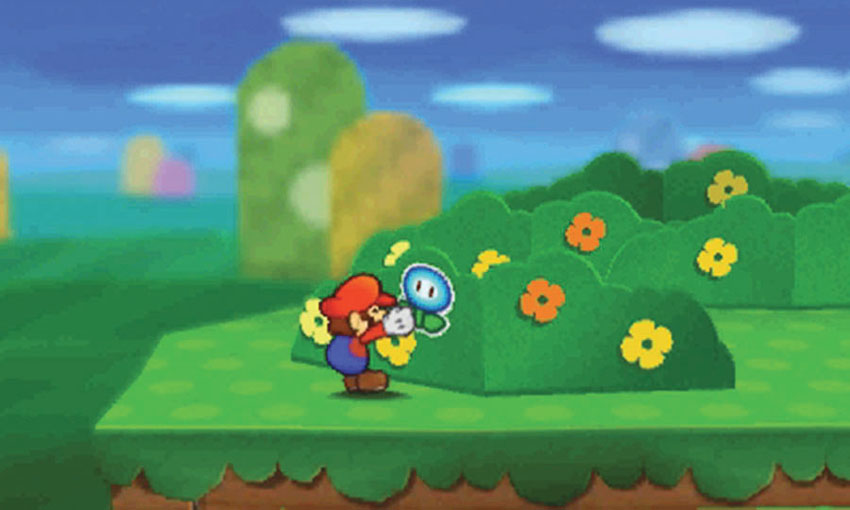
Battle Stickers are used to battle enemies and solve puzzles, making them the most important collectible items in the game. Luckily, they’re also the most common. You’ll find these stickers posted on walls, hidden in Blocks, and left behind by defeated enemies.
Collected stickers are stored in your Album. The Album can only accommodate a limited number of stickers, but you can earn additional Album pages by defeating the bosses lurking in the last Course of each world. Stickers come in a variety of sizes, so your choice of stickers determines how many your Album can hold at a given time.
Scraps
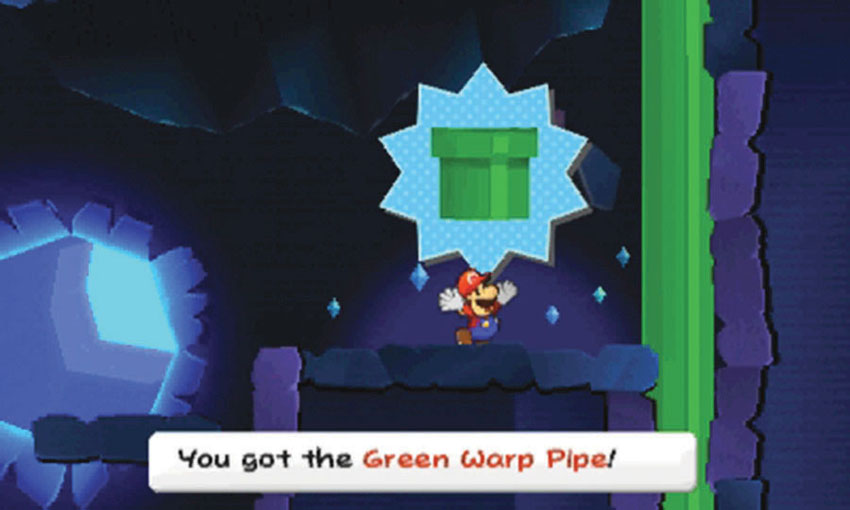
Scraps are pieces of the environment that can be moved or adjusted to solve puzzles and open new paths. Collected scraps are stored in your Album. Once a scrap is applied to the appropriate spot, it can no longer be manipulated.
Things
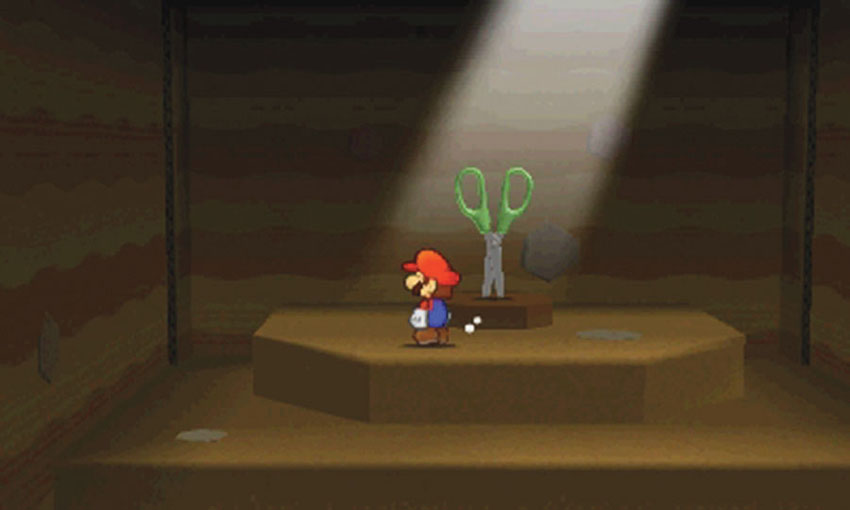
There are 64 Things scattered in various locations throughout the game. After you collect a Thing, visit a Sling-a-Thing platform to convert it into a Thing Sticker. When you do, the Thing is returned to its original location.
Hearts
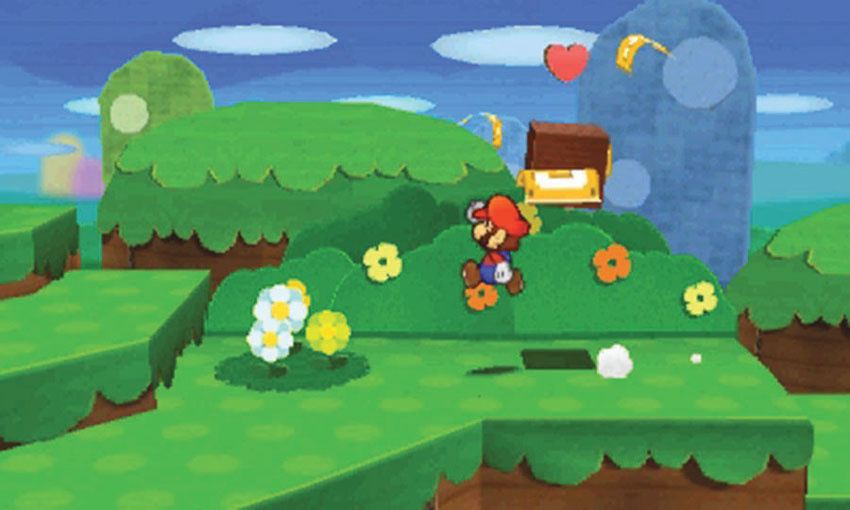
Collect Hearts to replenish Mario’s HP. The amount of HP gained depends on the size of the Heart.
HP-Up Hearts
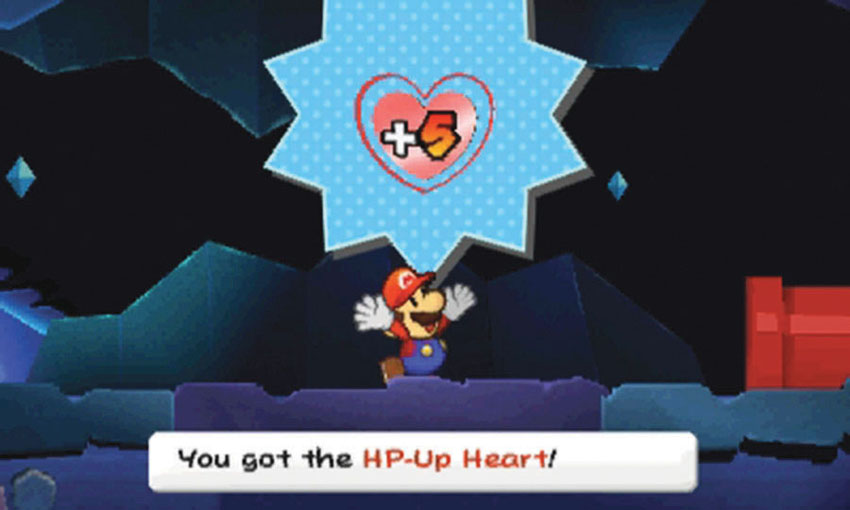
Each time you collect an HP-Up Heart, Mario’s maximum HP is permanently increased by 5 points. There are 16 HP-Up Hearts hidden throughout the game—collect them all to increase Mario’s HP by 80 points.
As an added bonus, HP-Up Hearts also combine to increase the damage done by any Hammer strikes and stomps you perform outside of battle. This allows you to finish weaker enemies without using any stickers.
Coins
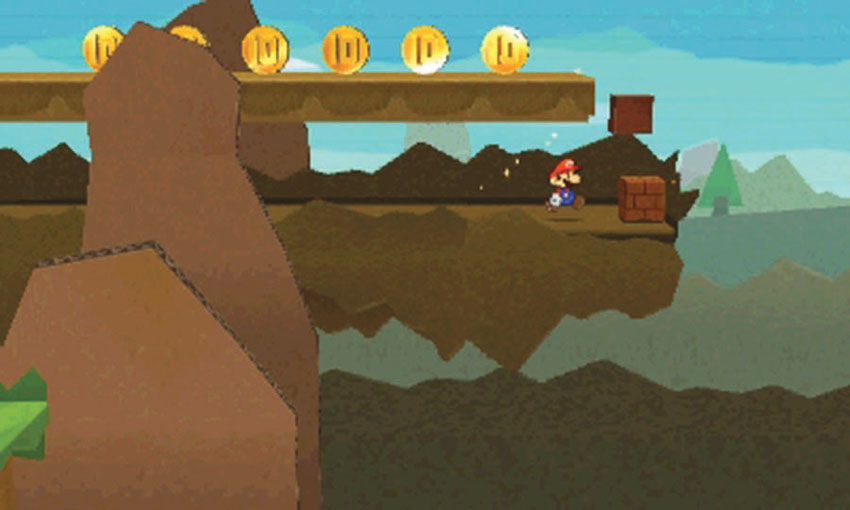
If you want to purchase items or take advantage of the Battle Spinner, you’ll need a steady supply of coins. Collect the coins floating in the environment, hidden in secret areas, and dropped by defeated enemies.
Comet Pieces
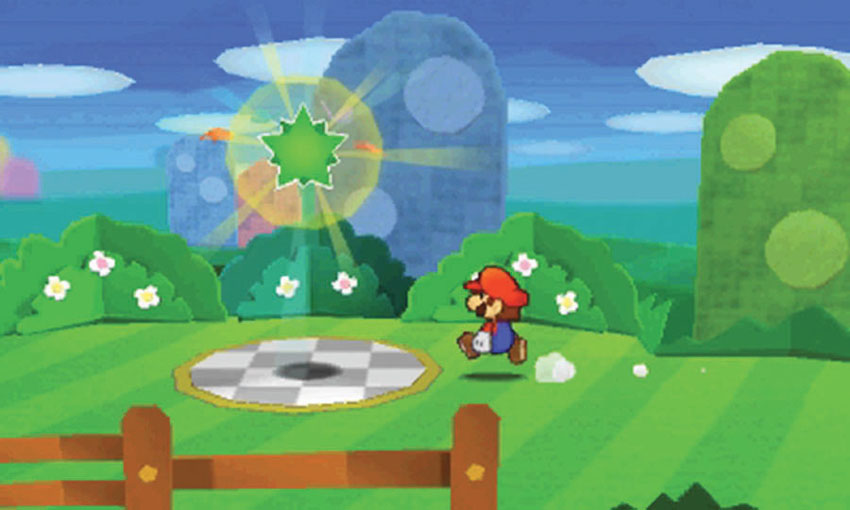
Most hostile Courses contain at least one Comet Piece. Collect Comet Pieces to unlock new paths on the World-Map.
Royal Stickers
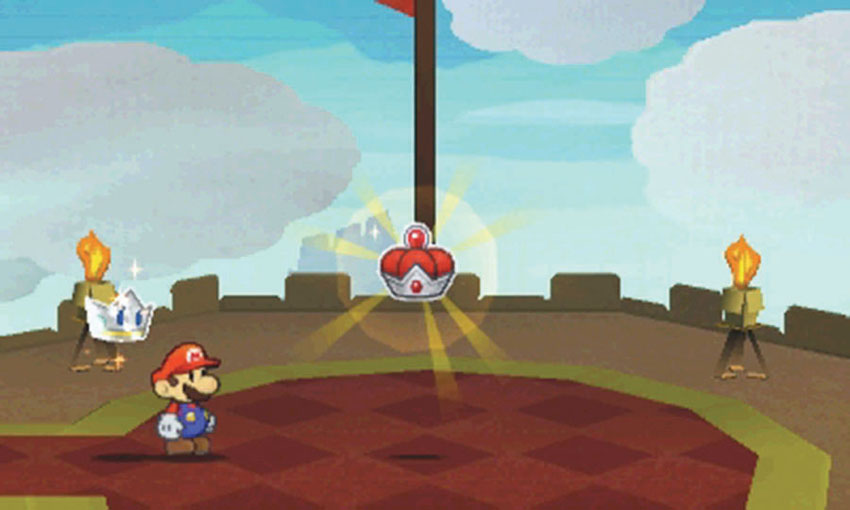
Each of the game’s six worlds contains a Royal Sticker. To rescue Peach and complete the game, you must collect them all. When you defeat a world’s boss, collect the Royal Sticker it leaves behind.
Super Stars
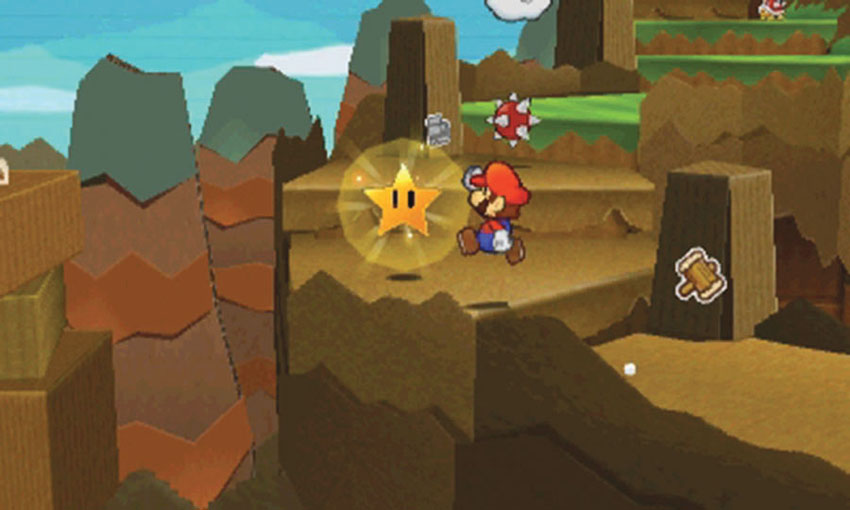
Collect Super Stars to gain temporary invincibility. While the effect lasts, enemies are defeated on contact. Super Stars are very rare—when you spot one, be sure you make the most of it.
Special Objects
Blocks
? Blocks
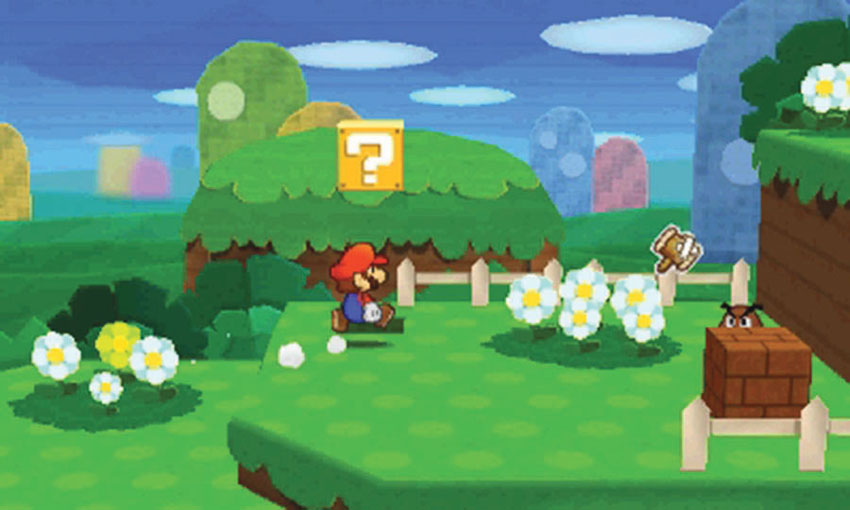
You’ll find ? Blocks throughout the game. To collect its contents, jump up to hit a ? Block from below, or strike it with your Hammer.
Hidden Blocks
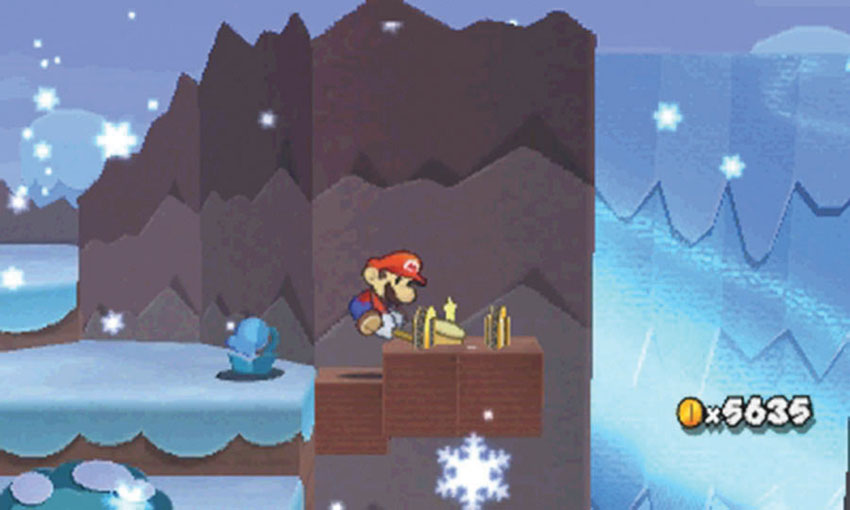
Hidden Blocks appear only when you hit them from below or strike them with your Hammer. When you spot a blue flower, chances are that there’s at least one Hidden Block in the area. They always contain useful items, and they often serve as secret platforms. When a sticker or ledge seems to be out of reach, search the area for conveniently located Hidden Blocks.
Paperization Blocks
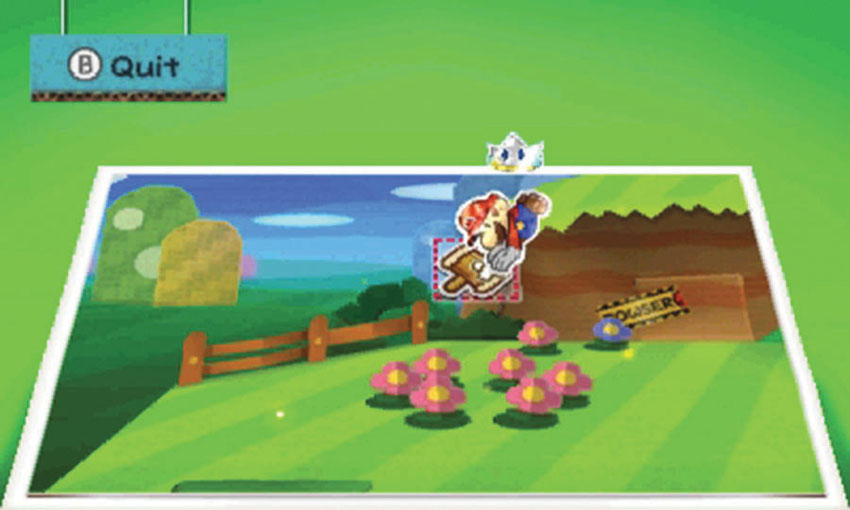
To reveal a Paperization Block, you must activate the Paperize ability and apply a sticker to the indicated spot. The contents of a Paperization Block are determined by the sticker you use to reveal it. Each sticker has four possible results. (See the “Stickers” chapter for details.)
HP Blocks
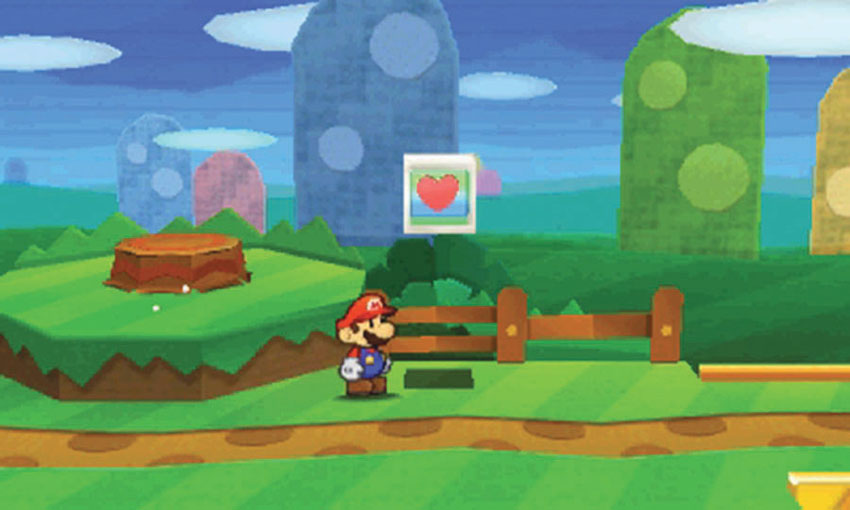
When you find an HP Block, hit it to refill Mario’s HP. There’s no limit to how many times you can use an HP Block, so never pass one up.
Save Blocks
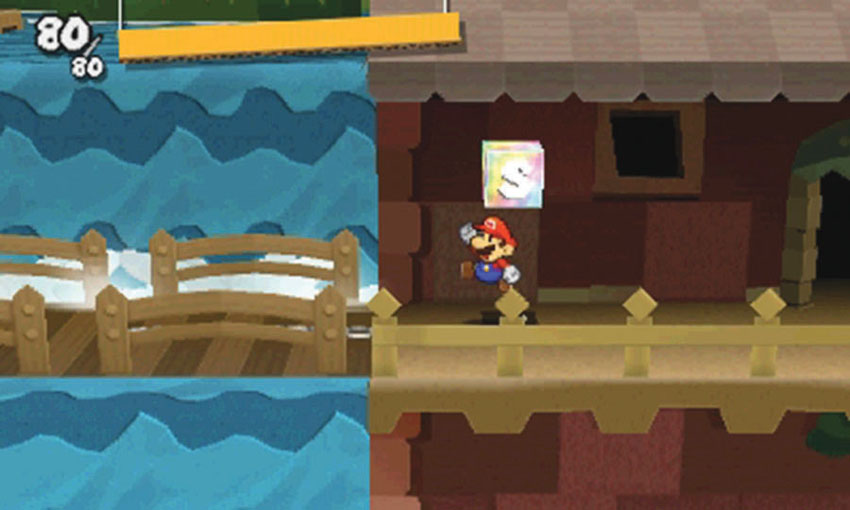
Save Blocks allow you to save your progress within a Course. If an unfortunate accident forces you to restart the Course, you can then jump directly to the Save Block’s location.
Bowser Tape
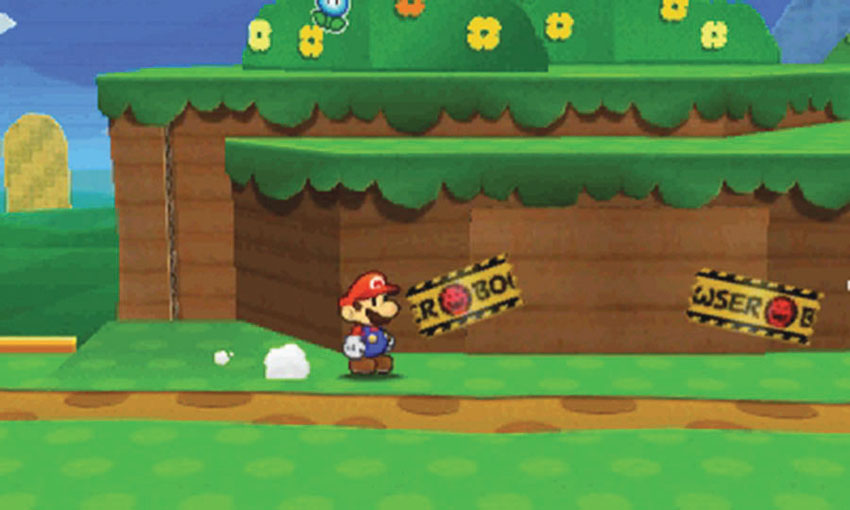
You’ll find Bowser tape scattered throughout the game.Peel Bowser tape to free objects and reveal new paths.
Stakes
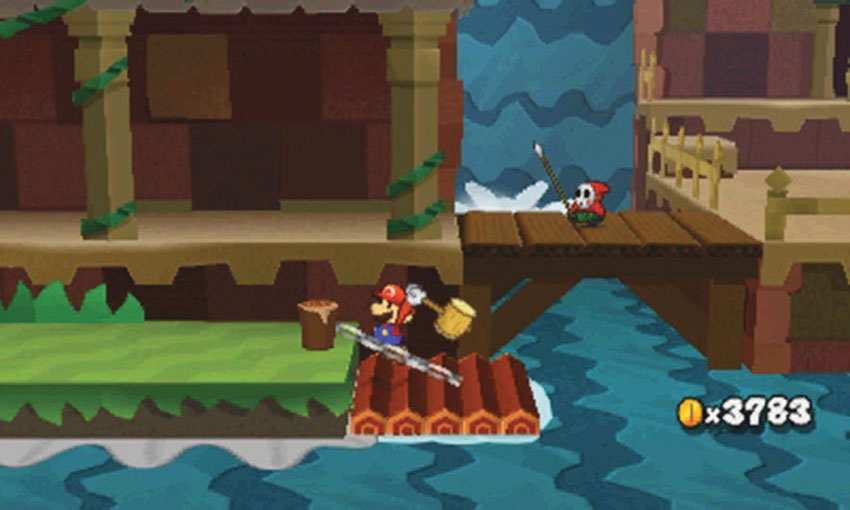
Stakes anchor chained objects and enemies to specific locations. When you find a stake, hit it with your Hammer to break the chain free.
Signs
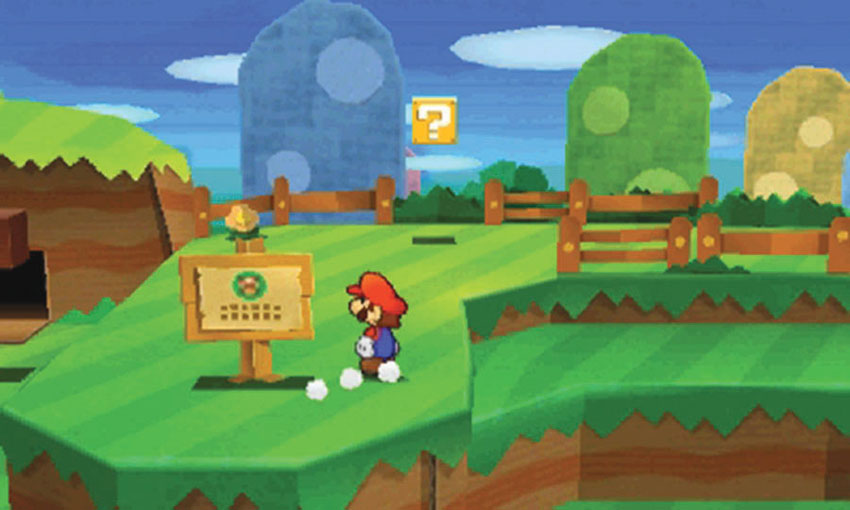
Signs usually contain important or amusing information. Take the time to read every sign you find.
Warp Pipes
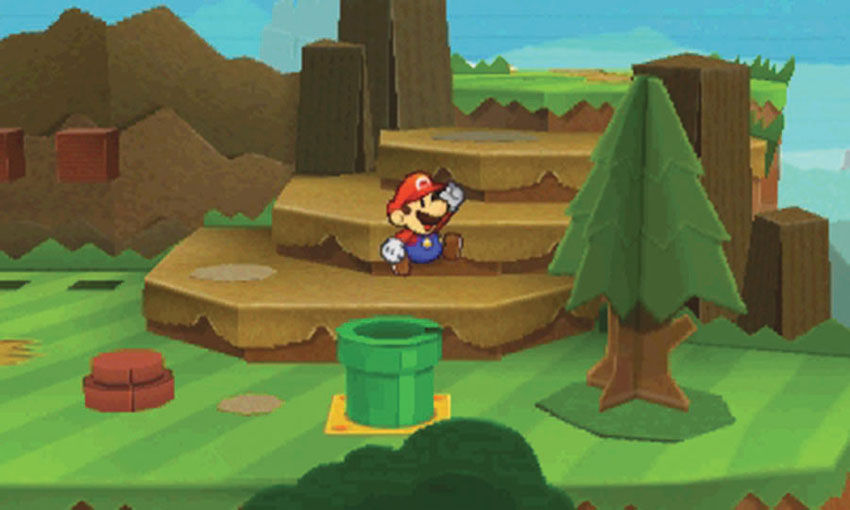
Warp pipes allow you to move between two areas within a Course. These pipes often serve as shortcuts, but sometimes they’re the only way to reach certain areas.
Special Locations and Events
Sticker Museum
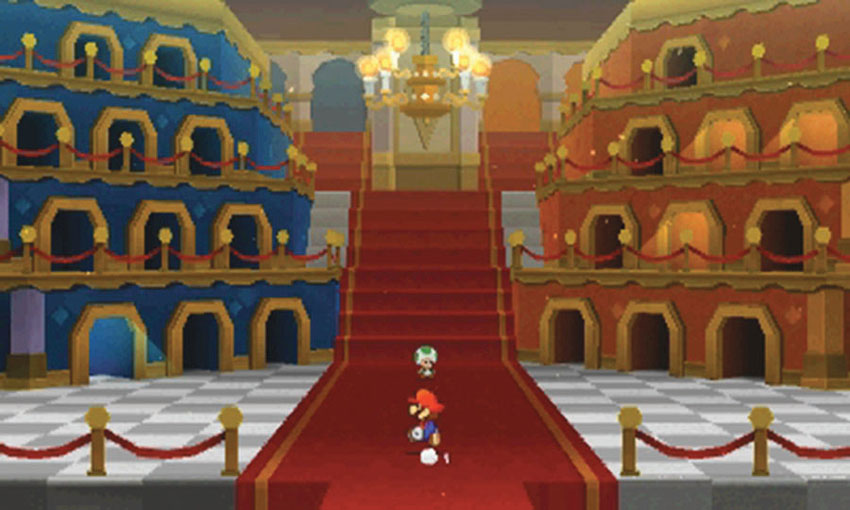
Decalburg’s Sticker Museum provides a place for you to display all of the Things and stickers you collect during your adventures. To unlock the Sticker Museum, you must free the Toad trapped under the Fountain scrap in Decalburg’s town center.
As you collect new stickers, return to the Sticker Museum. Enter the illuminated rooms and place each sticker in the indicated spot.
It can be hard to part with your rarer and more powerful stickers, but there are some good reasons to do so. Filling the Sticker Museum helps you keep track of the stickers collected and created, and ensures that you unfurl the related Super Flag. Filling the Sticker Museum also reveals two special rooms at the top of the stairs.
When you place all 64 Thing Stickers in the Sticker Museum, a music room appears. Use the music room to listen to the game’s various songs. When you place all 96 Battle Stickers in the Sticker Museum, a theater appears. Use the theater to watch enemy battle animations.
Sticker Shops
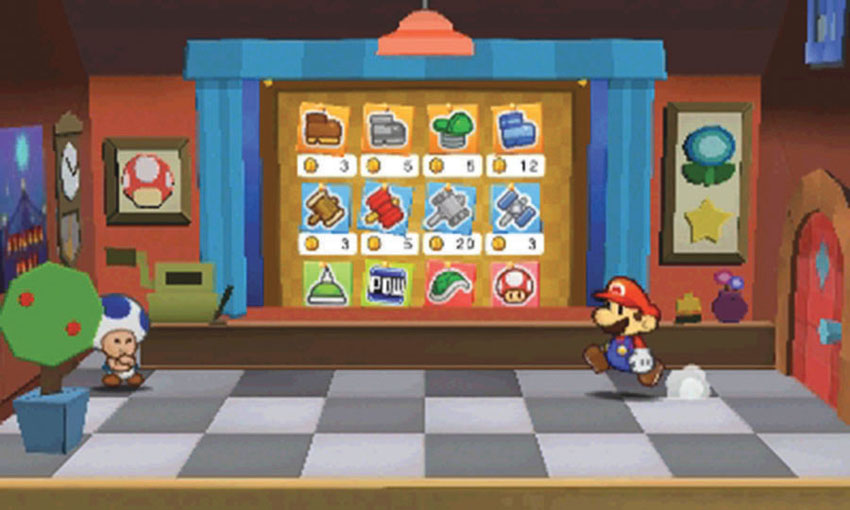
Visit Sticker Shops to buy and sell stickers. There are five Sticker Shops scattered throughout the game The first available Sticker Shop is in Decalburg, but you’ll also find shops in World 1-5, World 3-6, World 4-4, and World 5-6. Each Sticker Shop offers a different selection, and their inventories expand as you progress through the game.
Thing Shop
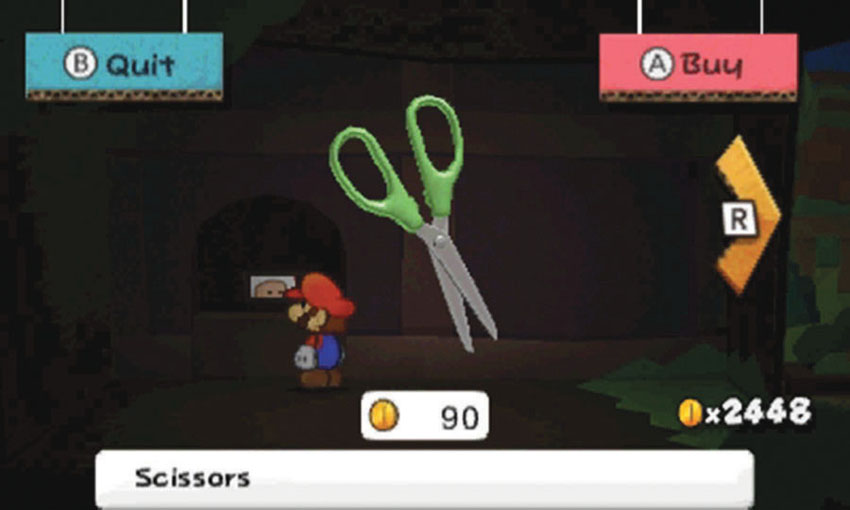
The Decalburg Thing Shop allows you to purchase any previously collected Things that aren’t currently in your Album. This can save you a lot of time and effort, but the service can be fairly expensive.
Sling-a-Thing Platforms
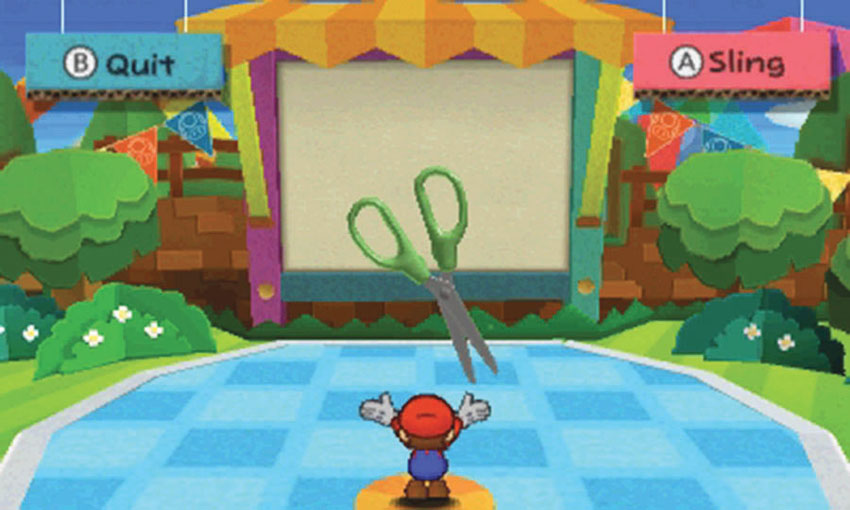
Visit Sling-a-Thing platforms to transform a Thing from your Album into a Thing Sticker. This service is free of charge! You can make as many Thing Stickers as you like—as long as your Album can accommodate them. You’ll find Sling-a-Thing platforms in Decalburg and World 3-6.
Secret Doors
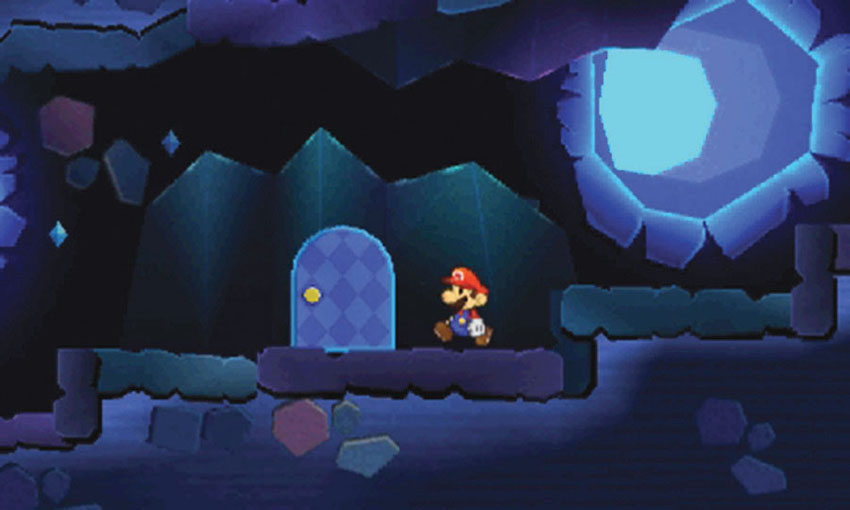
Secret Doors grant access to hidden rooms and passages, most of which contain Things, HP-Up Hearts, or rare stickers. To activate a Secret Door, you must apply a Secret Door sticker to the indicated spot.
Toad Rescues
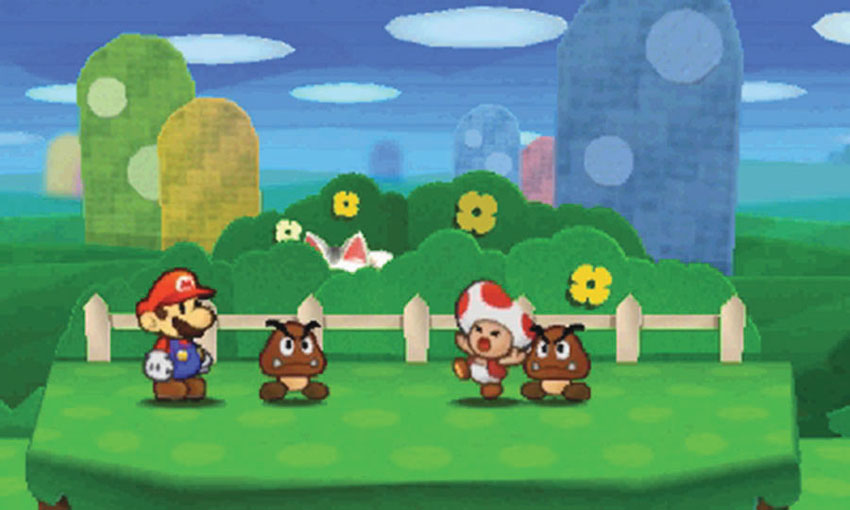
Not everyone is cut out for the adventurer’s life! When you find a Toad being bullied by enemies, it’s up to you to step in and help the poor guy out. Defeat the enemies or bribe them to leave the area.
Rescue the wandering Toad in World 1-2, World 2-1, World 3-11, World 4-6, and World 5-2.
Luigi Locations
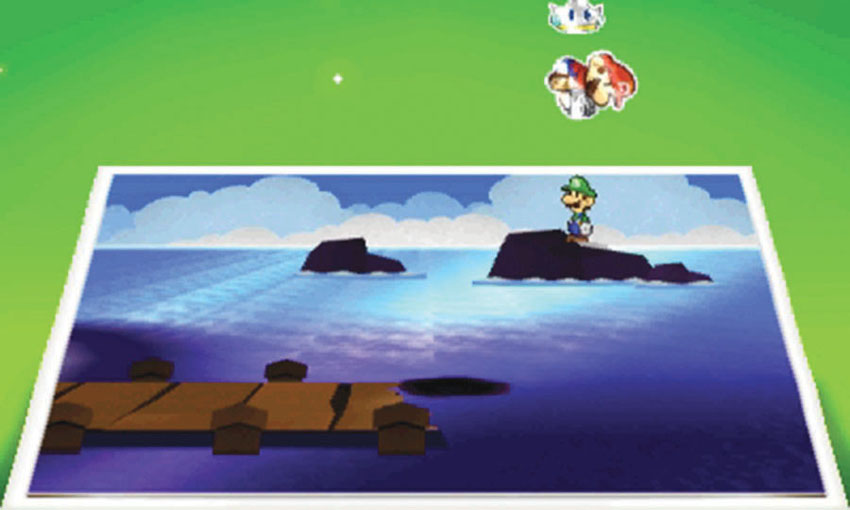
Kersti may be accompanying Mario on this adventure, but Luigi makes a few appearances of his own. Find Luigi’s hiding spots in World 1-6, World 2-5, World 3-12, World 4-5, and World 5-5. Each time you find Luigi, use the Paperize ability to pull him out of hiding.
Wiggler Diary Entries
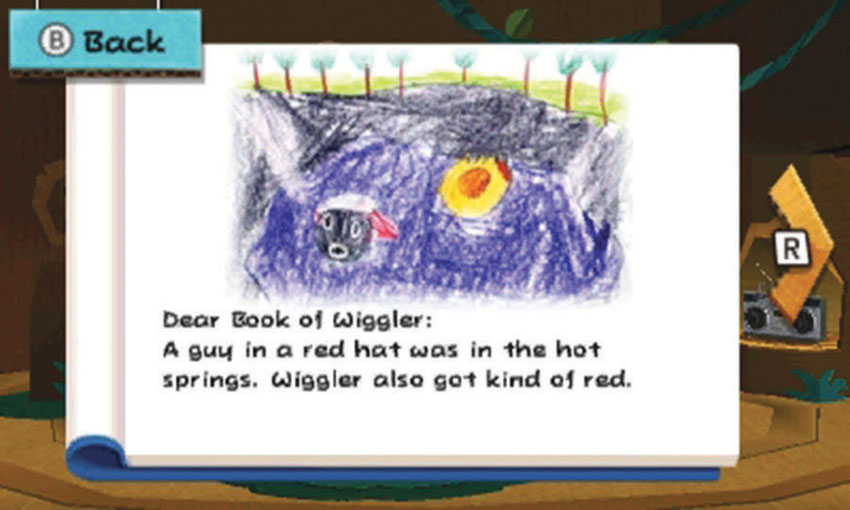
As you find the Wiggler Segments that appear throughout World Three, lead them to special locations that inspire new entries in Wiggler’s Diary. These inspirational spots are in World 3-2, World 3-6, World 3-8, World 3-10, and Surfshine Harbor. Make sure you find all of them while the Wiggler Segments are on the loose.