
How To Fix the Final Fantasy 7 Rebirth Ultrawide Issue on PC
Ultrawide Cloud.

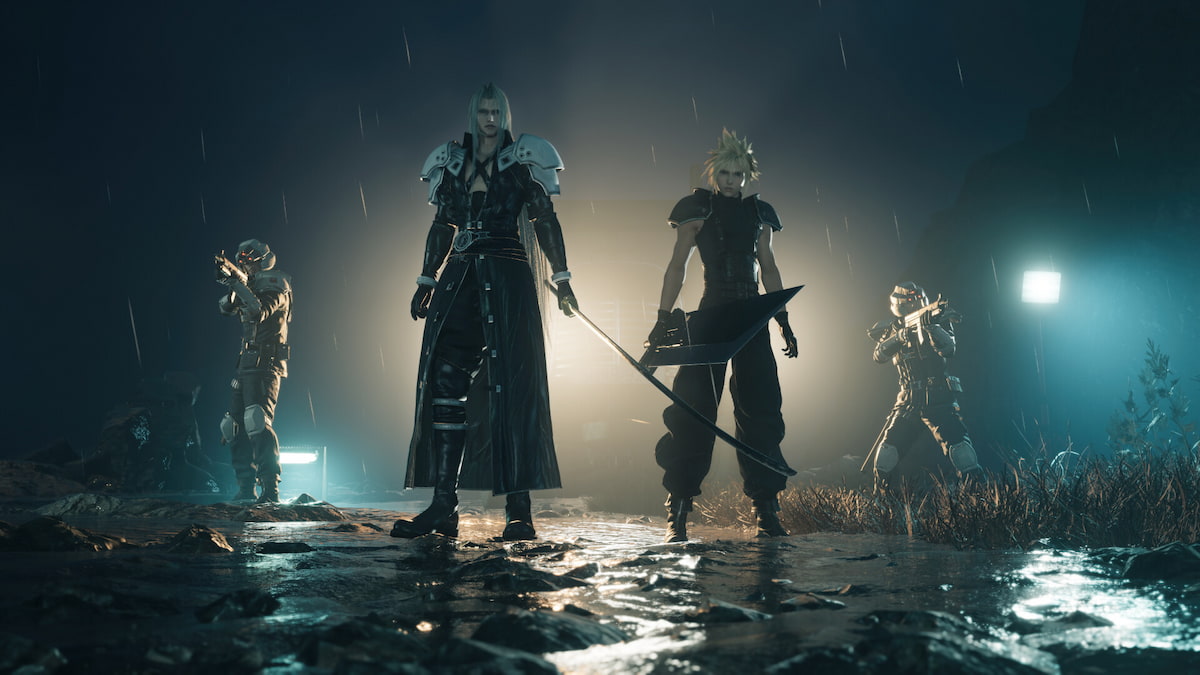
Final Fantasy 7 Rebirth is a way better port than Final Fantasy 7 Remake and uses Unreal Engine well to deliver the best version of the game on PC. While Final Fantasy 7 Rebirth has plenty of settings to tweak and supports upscaling technologies to boost performance, it sadly doesn’t have support for ultrawide monitors. This is a shame, but not unexpected as it has been the trend for many Square Enix releases. Thankfully, Lyall has come to the rescue, yet again, with a patch that adds ultrawide support to Final Fantasy 7 Rebirth.
Fixing the Final Fantasy 7 Rebirth Ultrawide Issue
Lyall has released a patch for Final Fantasy 7 Rebirth that adds ultrawide support, removing black bars from the sides, correcting the FOV for these resolutions, and centering the 16:9 HUD.
Here is how you can install the patch:
- Make sure Final Fantasy 7 Rebirth isn’t running
- Head over to the following GitHub link and select the most recent release (0.0.1 as of writing)
- Download the patch file by clicking the FF7RebirthFix_v0.0.1.zip under assets
- Extract the zip file in the game’s installation folder. The default Steam address is the following:
steamapps\common\FINAL FANTASY VII REBIRTH
That’s all you need to do, and the next time you launch Final Fantasy VII Rebirth, it will be rendered correctly in the ultrawide resolution you’re playing it in. Here is a screenshot provided by Lyall showing the patch in action.

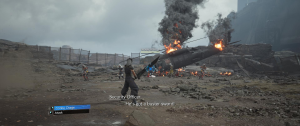
If you’re playing on Linux (or Steam Deck), and want to use this patch, enter the following command in the launch options of Final Fantasy 7 Rebirth.
WINEDLLOVERRIDES="dsound=n,b" %command%
All credits go to Lyall for creating and testing the patch. Their work is incredibly useful, especially with recent releases like Thank Goodness You’re Here, Shin Megami Tensei V: Vengeance, and Ghost of Tsushima: Director’s Cut.
Keep in mind, that this is the first version of this patch, and we expect Lyall to keep updating it by adding even more features. Their work has been invaluable for modern PC releases, especially ones that lack ultrawide support. As of writing (January 24, 2025) it simply adds ultrawide support, adjusts the HUD, and corrects the FOV, which is more than enough.
For more on Final Fantasy 7 Rebirth, make sure to check out where the local save files are located, and how you can change the resolution in-game, which is a bit confusing.


