
Final Fantasy 7 Rebirth Save File Location and Steam Features Detailed
CLOUD saves, get it?

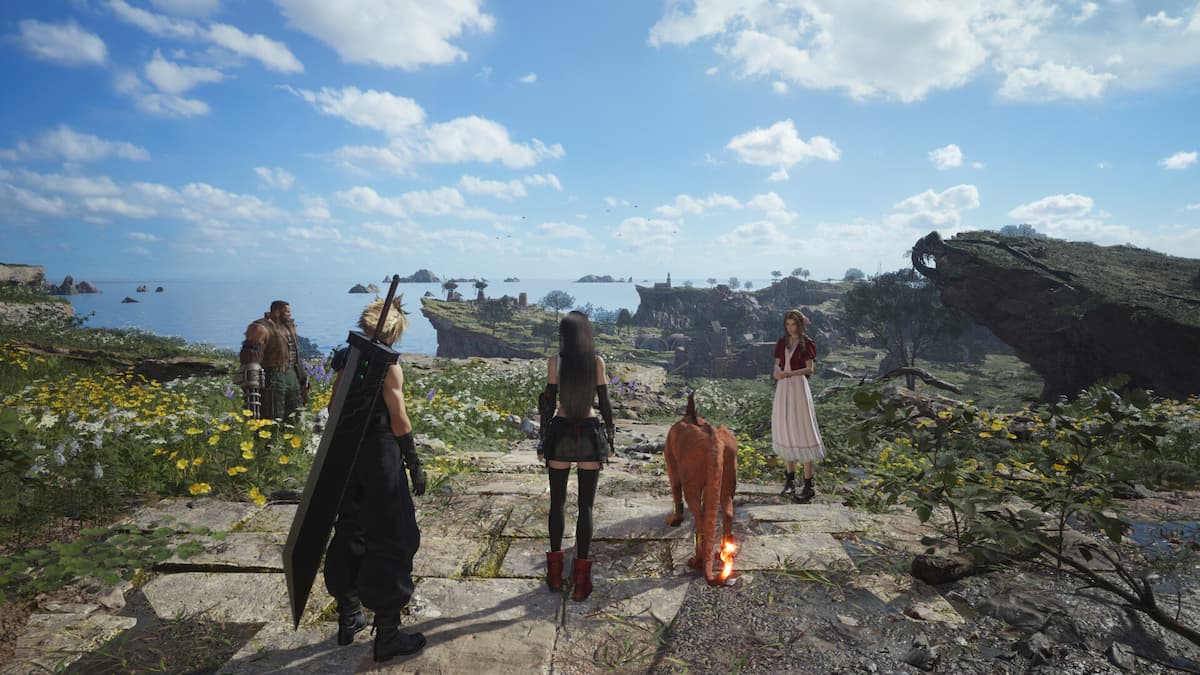
Final Fantasy 7 Rebirth is available now on PC through Steam and the Epic Games Store. The second part in the Remake trilogy is also developed on Unreal Engine but the release has been far more stable than Final Fantasy 7 Remake was at launch. The Steam version also has support for Steam Cloud, but if you want to access your local progress, here is the save file location.
Final Fantasy 7 Rebirth Save File Location
| Client | Save File Location |
|---|---|
| Steam | C:\Users\[Username]\Documents\My Games\FINAL FANTASY VII REBIRTH\Steam\[Steam User ID] |
| Epic Games Launcher | C:\Users\[Username]\Documents\My Games\FINAL FANTASY VII REBIRTH\EOS |
Save files for previous Final Fantasy titles including Final Fantasy 7 Remake, Final Fantasy XVI, and Final Fantasy XIV are stored in the same location inside the “My Games” directory. This makes it easier to access these files and move them around for later use.
You can access the same location with this shorter location that can be inputted into Windows Run, or directly in the file explorer URL:
%USERPROFILE%\Documents\My Games\FINAL FANTASY VII REBIRTH\Steam\
If you want to back up the files, we recommend copying the entire FINAL FANTASY VII REBIRTH folder just to be safe.
Final Fantasy 7 Remake Intergrade Save Data Bonus
If you previously purchased Final Fantasy 7 Remake Intergrade, you can receive the following additional content inside Final Fantasy 7 Rebirth:
- Save data from the FINAL FANTASY VII REMAKE INTERGRADE main story:
“Leviathan” Summoning Materia - Save data from FINAL FANTASY VII REMAKE INTERGRADE INTERmission:
“Ramuh” Summoning Materia
The save files must be present on the PC, so make sure that is the case.
Final Fantasy 7 Rebirth Cloud Saves and Steam Features
While local saves can be backed up, Final Fantasy 7 Rebirth also has Steam Cloud support on PC. We highly recommend keeping this on as the save files aren’t that large in size and if you’re playing the game on multiple devices, Steam Cloud makes it very easy to pick up progress.
In addition to Steam Cloud, Final Fantasy 7 Rebirth has the following Steam features enabled by the developer:
- Steam Achievements
- Steam Trading Cards
- Steam Family Share
- Full Controller Support
Overall, it seems Square Enix has taken the criticism for the first release to heart, and PC is the best platform to play Final Fantasy 7 Rebirth on. Some minor issues like the confusing resolution setting aside, there’s a lot to like here and we hope that PC players don’t have to wait a year for the third entry in the trilogy.


