
How To Get the Final Fantasy 7 Rebirth Twitch Drops
That's a useful charm!

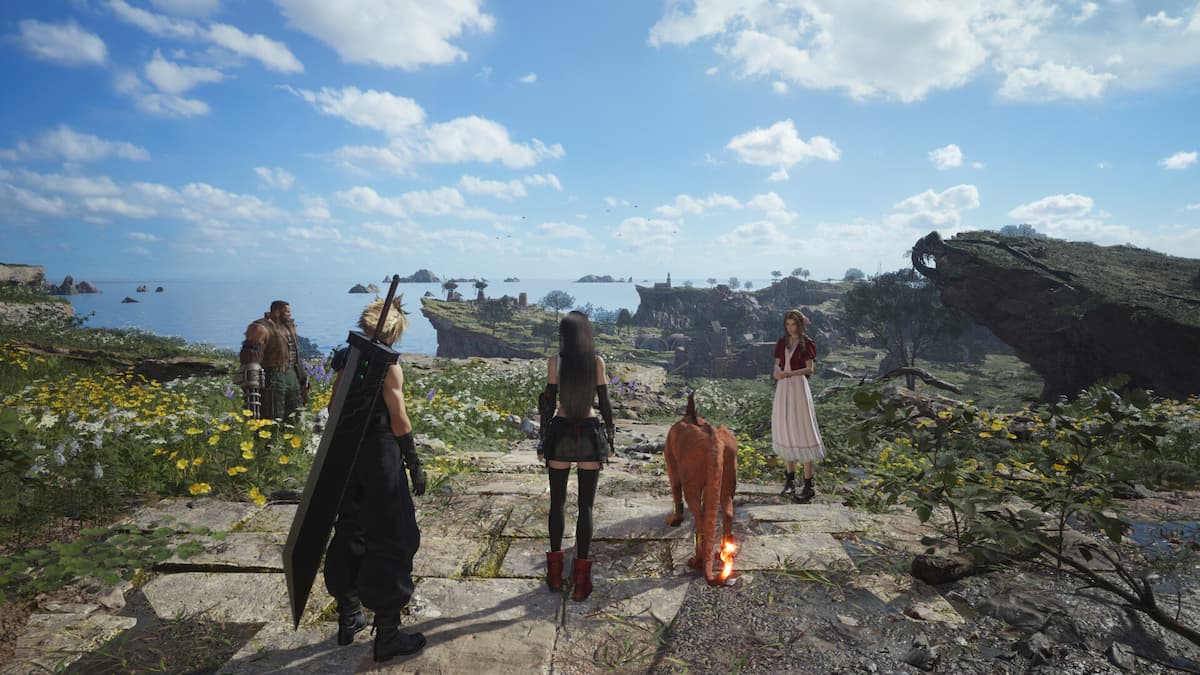
It’s not often you get Twitch Drops for single-player titles, but Square Enix has partnered up with Twitch to celebrate the launch of Final Fantasy 7 Rebirth with a fun little campaign to reward players with in-game items. Here is how you can get the Final Fantasy 7 Rebirth Twitch Drops for the PC release.
Final Fantasy 7 Rebirth Twitch Drops
The following Final Fantasy 7 Rebirth Twitch drops are available to obtain as part of the “FFVII REBIRTH Drops” campaign:
| Item | Watchtime Requirements |
|---|---|
| Kupo Charm & Survival Set | 30 Minutes |
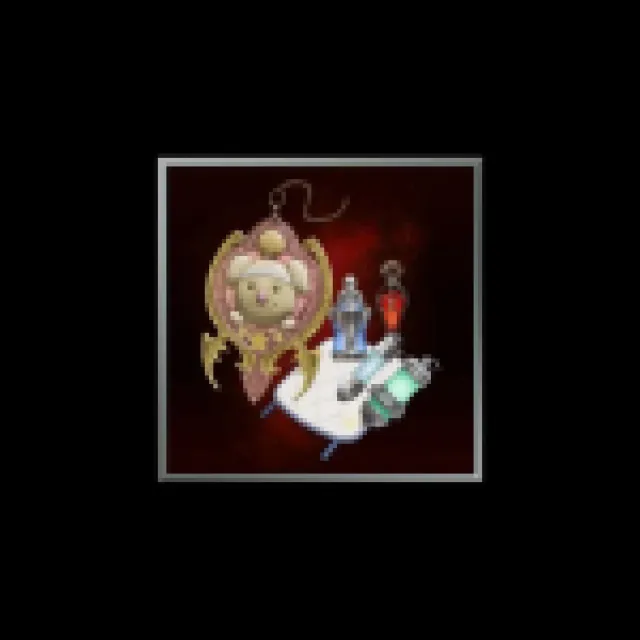
This set includes the following items:
- Kupo Charm: An accessory that adds a fixed chance of increasing your haul when gathering materials.
- Survival Set A collection of items featuring potions, bottles of ether, and other consumables.

Final Fantasy 7 Rebirth Twitch Drops Schedule
The Final Fantasy 7 Rebirth Twitch Drop campaign runs from January 23, 2024, to February 5, 2025.
How to Claim Twitch Drops for Final Fantasy 7 Rebirth
Unlike a lot of drops, players don’t need to link their Steam account with some Square Enix account. They need to log into their Twitch accounts at the event page.
- Head over to the following link and click on the “Twitch log in” button under the first step. Authorize the connection on the next page.
- After authorization is complete, head over to any Final Fantasy 7 Rebirth stream with drops enabled and watch the Stream (or put it on in the background) for the specified time.
- You can keep track of the drop progress in your Twitch inventory
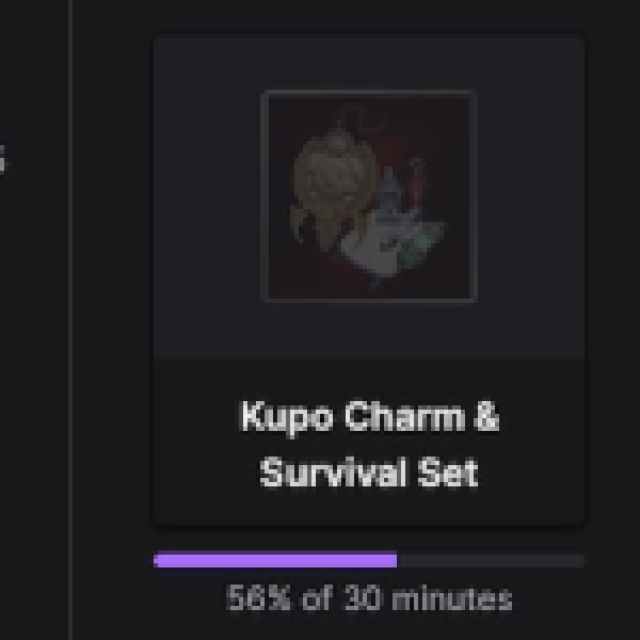

- Once you have watched the specified time, you’ll see the Claim Now button
- Click the “Claim Now” button, followed by the “Acquire product code” button here under Step 3.
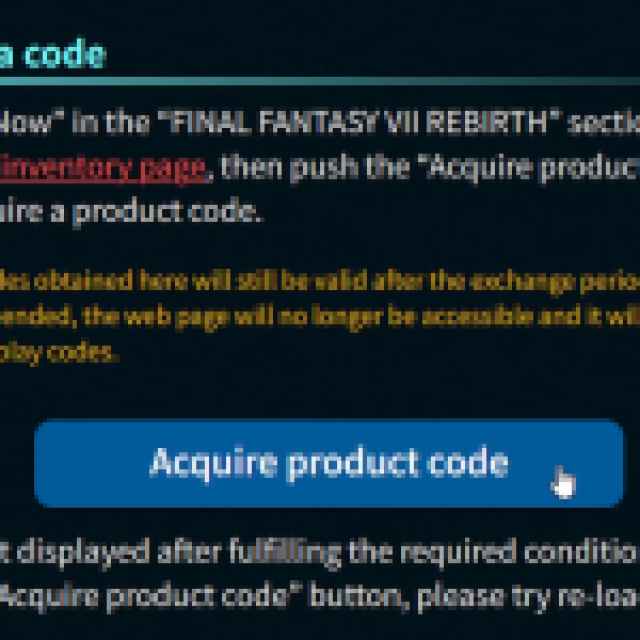

- This will give you a Steam code (15 characters).
- Activate the code in the Steam client. Games > Activate a product on Steam
- Once you’ve entered the code, you can access the items by going into the MAIN MENU > SYSTEM > DLC/BONUS and claiming those there.
Players only need to watch 30 minutes of a participating stream, which makes these drops really easy to obtain. After you’ve obtained the Twitch Drops, make sure to check out how you can unlock the framerate of the PC version as well.
For more on Final Fantasy 7 Rebirth, make sure to check out where the local save files are located, and how you can change the resolution in-game, which is a bit confusing.


